![Down the Stack - Blockchain for Developers [Lecture 7]](https://i.ytimg.com/vi/RoVCGOhZdos/maxresdefault.jpg)














![Building a Profit checker [Solana Tutorial] - Nov 19th '25](https://i.ytimg.com/vi/x2cPAxceJDI/maxresdefault.jpg)

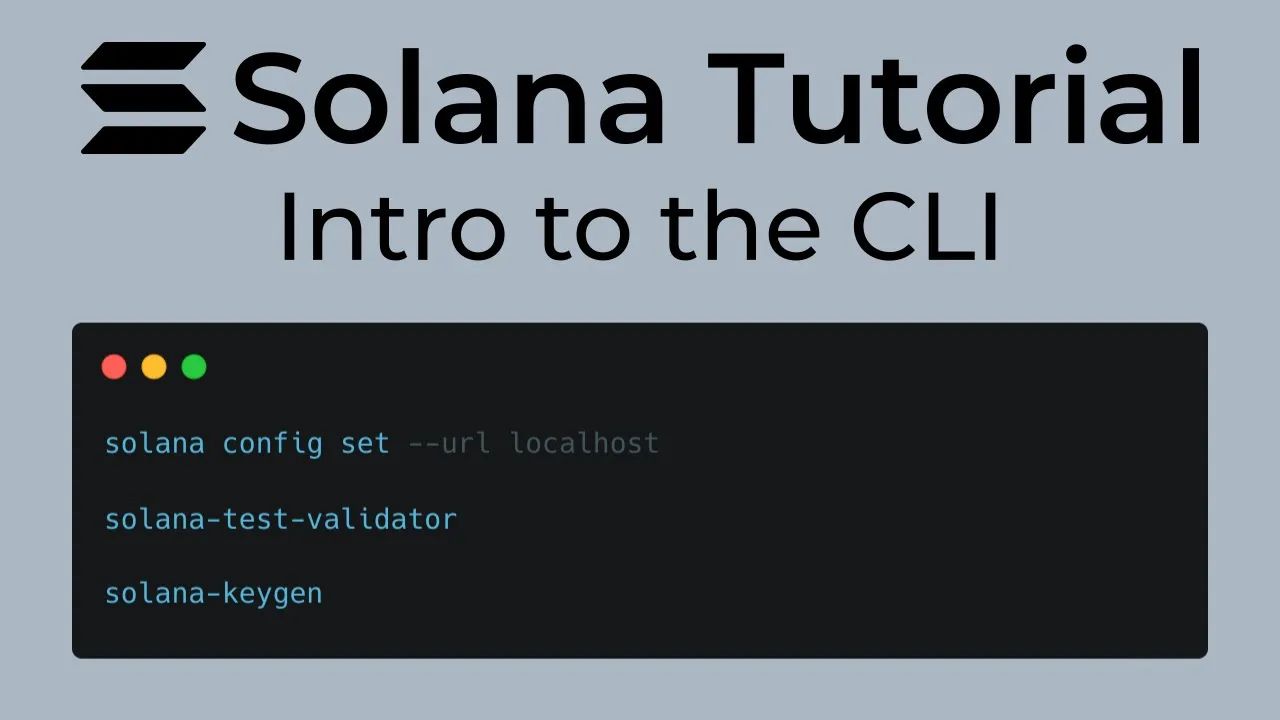
To develop on Solana using Rust, you must first install the Solana CLI and configure it by generating a key pair (which represents your account on the network), setting this key pair as your default configuration, and connecting to a Solana network (devnet, testnet, or mainnet). The CLI allows you to interact with the Solana network, check balances, receive test tokens via airdrop, and monitor network logs. Understanding that Solana is based on an account system where wallets and programs are all accounts is fundamental to development.
Solana CLI Setup for Rust Development: An Introductory Guide
Added:Basic proficiency with the Command Line Interface (CLI) and terminal navigation.
Fundamental concepts of blockchain technology, specifically how accounts, transactions, and gas fees work.
Introductory knowledge of asymmetric cryptography, particularly public/private keypairs.
Basic familiarity with the Rust programming language and its package manager, Cargo.
Setting up and running a local Solana cluster using the 'solana-test-validator' for local development.
Writing and building Solana smart contracts (programs) using the Anchor framework or native Rust.
Deploying Rust-based programs to the Solana devnet and testnet environments.
Interacting with deployed Solana programs using client-side libraries like @solana/web3.js or Rust SDKs.
49.7K views771likes9:31Original Release: 2022-04-09
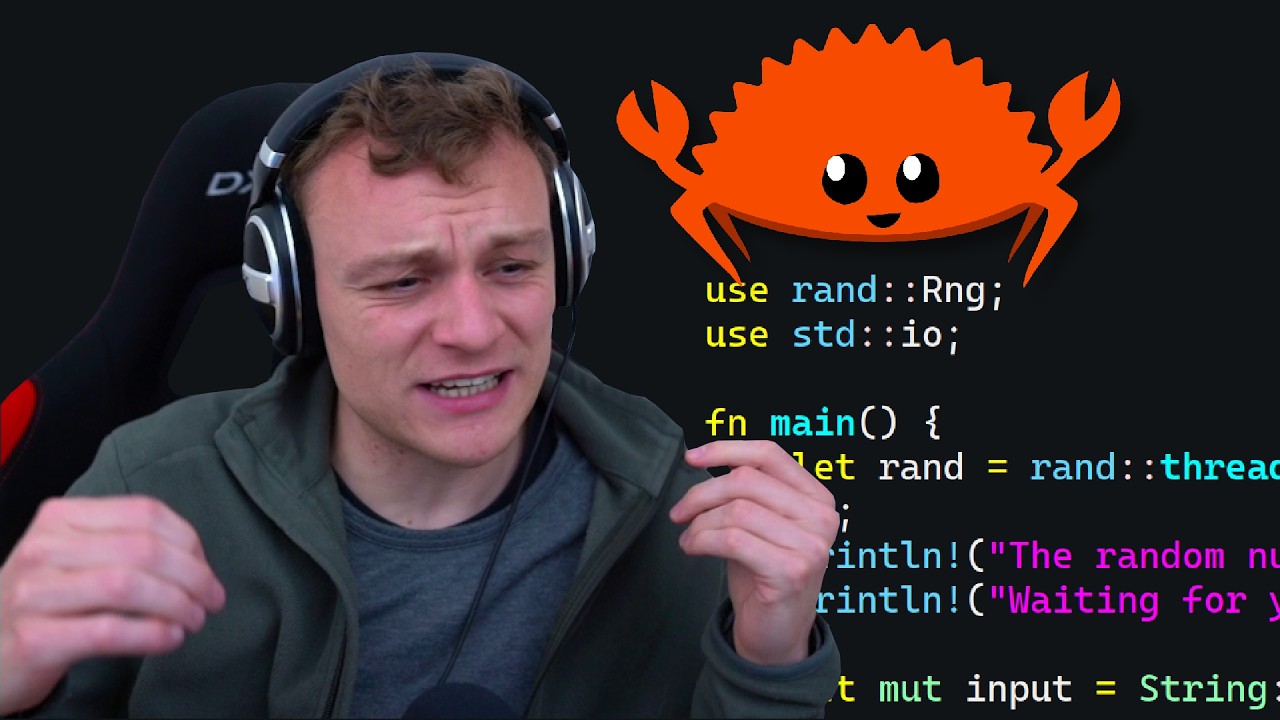
hello everybody and welcome to the rust solana tutorial so yep as the title suggests we are going to dive into building on chain with solana using rust so maybe you're a big fan of rust and you wanted to learn it anyway but the odds are pretty good that you are even here in this channel to learn rust so you can develop on solana and that day is finally here ladies and gentlemen so without further ado i want to just quickly mention the solana cookbook this is a great site to go to to get started tons of helpful documentation i really can't stress these core concepts enough you're gonna need to know these at least at like a basic level to understand what's happening with the code so give this a look and of course you got to have rust installed so i recommend just going with this install rust and cargo do the rest up script and take care of business so as long as you've got rust and cargo and rust c and all that stuff and you kind of breeze through this stuff then you're good to go and we're going to install the solana cli and that's going to allow us to conduct all kinds of business with the solana network pretty actually more than once a lot of network there's going to be the dev and test net and the main net so here you can see and i got this link in the readme if you guys need to get at it it's also going to be in the description of this video and basically you just copy this here and use it to install solana now i've already got it so obviously this is going to be a little bit different but it does take a minute to download so i'm going to fast forward this part here okay and as you can see there was really no output here and there should be a little bit more output when you first install this but i think i just realized i had it already and it didn't really say much but anyway you should be able to run the command solana and you'll get this massive like help menu here and these are all the different commands that you can run on the cli so we're actually going to take a few minutes in this first video and talk about what the cli does and how it relates to building rust on solana and in the next video we'll get into actually doing the rust stuff so really quickly i wanted to mention if you haven't read through any of this documentation yet the biggest thing to understand at this point in this tutorial is that solana is based on what's called accounts so a wallet is an account a program that you write is an account there's accounts that store data there's accounts that don't store data and that's all described pretty well in here and there's some details about them in this description here so when you first get the cli what you need to do is you actually need to configure it so that you as a client are a recognized solana account so i've done this on my computer already so you know i don't get any warnings about it but when you're trying to conduct different solana commands it will actually ask you you know to generate a key and that looks just like this we just type solana kegen new and now i've already got one right so it's refusing to overwrite it so i'm gonna go ahead and add the force flag just to show you guys this process so originally it's gonna ask you for a bip 39 pass phrase and this is completely optional if you want to protect your you know recovery phrase or you want to protect your private key this is advisable for now i'm going to skip just enter it for none and you can see that it spits you out a recovery phrase right here now don't try to steal anything from me i've only run this on the devnet and this is going to be changed by the time i publish this but obviously it goes without saying that you're going to want to keep this somewhere secure especially this is going to be production development you're going to be pushing this up to prod you're definitely going to want to keep this somewhere low key but pay attention it says it wrote a new key pair to this home directory here config solana id.json so this is where our key is living right now our private key and our public key pair so i'm going to copy that and i'm going to type solana config set dash dash key pair and i'm going to set it equal to that key right there and you see we got that confirmation there and you can see config file right there now the next thing we're going to do is we're going to establish a connection to the network you can see right here i've already connected to the devnet and it recognizes it in the websocket now to do that though what you're going to want to do is do solana config again set and this time it's url and then we're gonna you know you can use whatever network url you want um this is the devnet right here uh if you want the test net and i'll include these in the readme as well if you want the testnet it looks like this and then the main net looks like this but we're going to be going with devnet so we'll walk that back we'll copy over the devnet and like i said we just hit enter and there you go it looks the same as it did before because i already had the devnet but now you're good to go so now you've generated a key pair your device is running as an account right like this key pair represents your device being recognized as a solana account and since we set it as the config we set our key pair here now we have our client configured and we're a recognized account and we can do business on the network so the first thing you can do is just do stellata logs and as soon as you hit that you get all the logs live from the solana cluster this is everything coming from the devnet right now so everybody running anything on solana it's coming through right here and so when you're building stuff and running it you're going to want to actually use some linux commands like grep and awk to grab out some of your program ids and recognize which one's going to be yours but we'll get to that so you can control c out of this because it's going to just keep running and there's a couple other cool things you can do with the cli so since we're sitting on the network here with as a client we can actually query it for some information like let's get our balance obviously we just created this account so our balance is zero sold but since we're on the devnet you could actually do an airdrop if i could spell it right and i don't know let's airdrop five sold so i cut ahead real quick because i guess it doesn't really like you trying to air drop five sole but one sole works fine so if you do a lot of air drop one you can see the signature there and then you can see that we got one sole so if we go ahead and do solana balance we're gonna have one salt and why don't we just air drop another one why not i mean it's the devnet let's get a little bit more money going in here two sole and again that's our balance of course right so that's pretty interesting you're to want to do that obviously before you start developing because you need solana or what's called lan ports which is the smaller incremental value you know one lan port is equal to a tiny fraction of one sole and you're going to need some of that money to pay what's called rent and to pay different fees to deploy your applications and to run transactions and things like that so you need a little bit of soul to do a little bit of development especially on the main net so moving on now there's a little bit more we can do with the cli and it all comes down to just hitting these different commands and just trying different stuff out and i really encourage you guys to just go nuts right like just try different stuff this is the total supply on solana you can see total circulation this is obviously all devnet so you know we're looking at everything devnet related but you know just feel free to just grab any of these commands they're pretty friendly and if you screw something up they give you a pretty good like response about what you did wrong and often just the help menu spits out so you can see a lot of super useful stuff on here um but all right so now that we've got this set up and we're good to go on the cli i just want to quickly talk about this docker file i have here so this is just an alpine image with glib c provided by this frau vlad person so you can find this on docker hub and i really just walked through the same steps that we kind of showed in this video so i added some dependencies um just some like linux packages for alpine that we're gonna need you need this one for solana obviously mpm and node and then we install rust and cargo and solana so the point of this image is really to have a docker image that we can use to conduct business on the salon cli and deploy our applications and this is a really big piece of actually dockerizing solana apps so we'll we'll probably come back to this real soon but in any event this is actually available on my github i mention this every video the description has the link go take a look but in the next video we are actually going to start developing some rust and deploying it on solana so let's party
Up Next

19:09
Complete Solana and Rust Roadmap 2025: Developer Guide
@harkirat1
78K views•2025-06-07

52:00
Hybrid Key Establishment in Production: Post-Quantum Cryptography
@durumcrustulum
14.7K views•2025-08-27
64:25
Operational Security Essentials: A Guide for Hacktivists (OPSEC)
@hitbsecconf
157.4K views•2012-11-26

11:49
Understanding Ethereum: A Comprehensive Beginner's Overview
@99Bitcoins
3.1M views•2018-06-26
Related Study Plans & Knowledge Roadmaps
Structured learning paths in Blockchain & Crypto
blockchain-and-crypto
MPC Wallets: TSS, DKG & Secure Custody
01Foundations of Cryptography & Digital Signatures
02Secret Sharing & Introduction to MPC
03Distributed Key Generation (DKG)
+ 2 more learning modules
24h5 modules
Explore Roadmap
blockchain-and-crypto
ERC-4626: Yield Aggregators & Leverage
01Blockchain, Ethereum, and Solidity Foundations
02DeFi Primitives: Lending, Pools, and Yield Farming
03Mastering the ERC-4626 Tokenized Vault Standard
+ 3 more learning modules
35h6 modules
Explore Roadmap
blockchain-and-crypto
DePIN: IoT Registries, Proofs & Rewards
01Foundations of Blockchain & IoT
02Introduction to DePIN and the Flywheel Effect
03Designing IoT Device Registries & Secure Identity
+ 3 more learning modules
30h6 modules
Explore Roadmap
blockchain-and-crypto
Building EigenLayer AVS: Operators & Contracts
01Blockchain, Ethereum, and Smart Contract Basics
02Proof of Stake and Ethereum Staking
03Introduction to EigenLayer and Restaking
+ 3 more learning modules
24h6 modules
Explore Roadmap