











![Network/System Aspects or Operating AI Services[대전대학교 홍용근]](https://i.ytimg.com/vi_webp/4Lqrl_VPYiU/maxresdefault.webp)



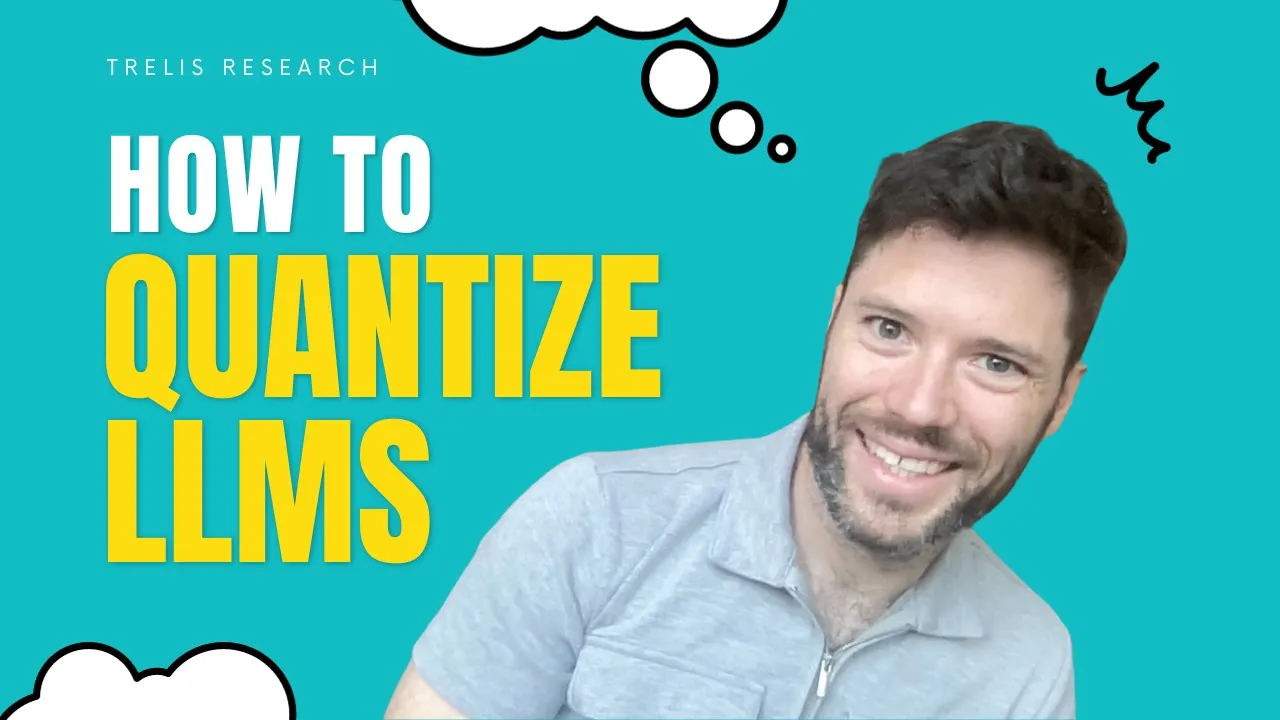

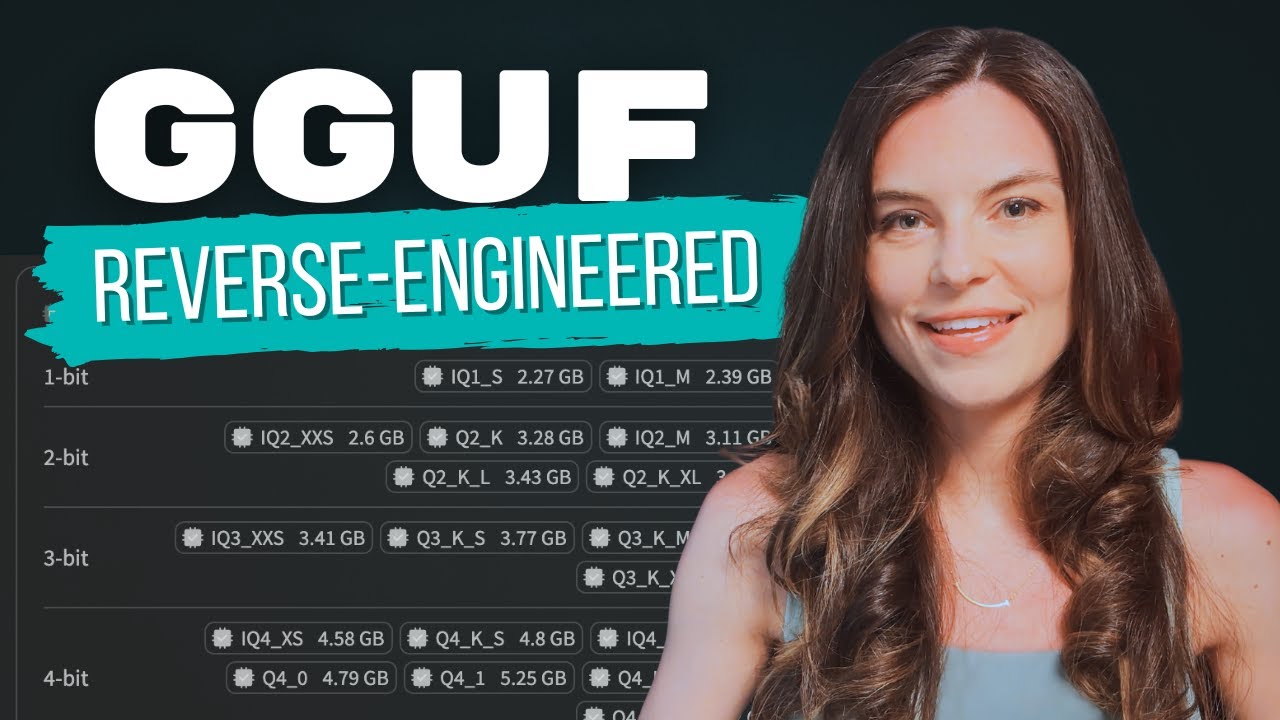









Quantization is a technique that reduces the precision of AI model weights (from 32-bit floating point to lower bit representations like Q2, Q4, or Q8) to significantly decrease memory requirements, enabling large AI models (such as 70B parameter models) to run on standard consumer hardware; Q2 offers the most memory savings but may sacrifice some accuracy, while Q4 provides a balanced trade-off between performance and efficiency, and context quantization further optimizes memory by compressing the conversation history cache.
AI Quantization Explained: Optimize Local LLM Performance
Added:Understanding of Large Language Model (LLM) architecture and how model weights (parameters) represent learned information.
Basic computer data representation concepts, particularly the difference between floating-point precision formats (FP32, FP16) and integer formats (INT8).
The fundamentals of model inference and the hardware constraints (VRAM, system RAM, bandwidth) associated with running AI models locally.
A basic grasp of the trade-off between model size, computational speed, and overall output accuracy.
Exploring advanced quantization frameworks and file formats, such as GGUF, GPTQ, AWQ, and EXL2, to understand their specific use-cases.
Measuring and evaluating model degradation post-quantization using evaluation metrics like perplexity and standardized LLM benchmarks.
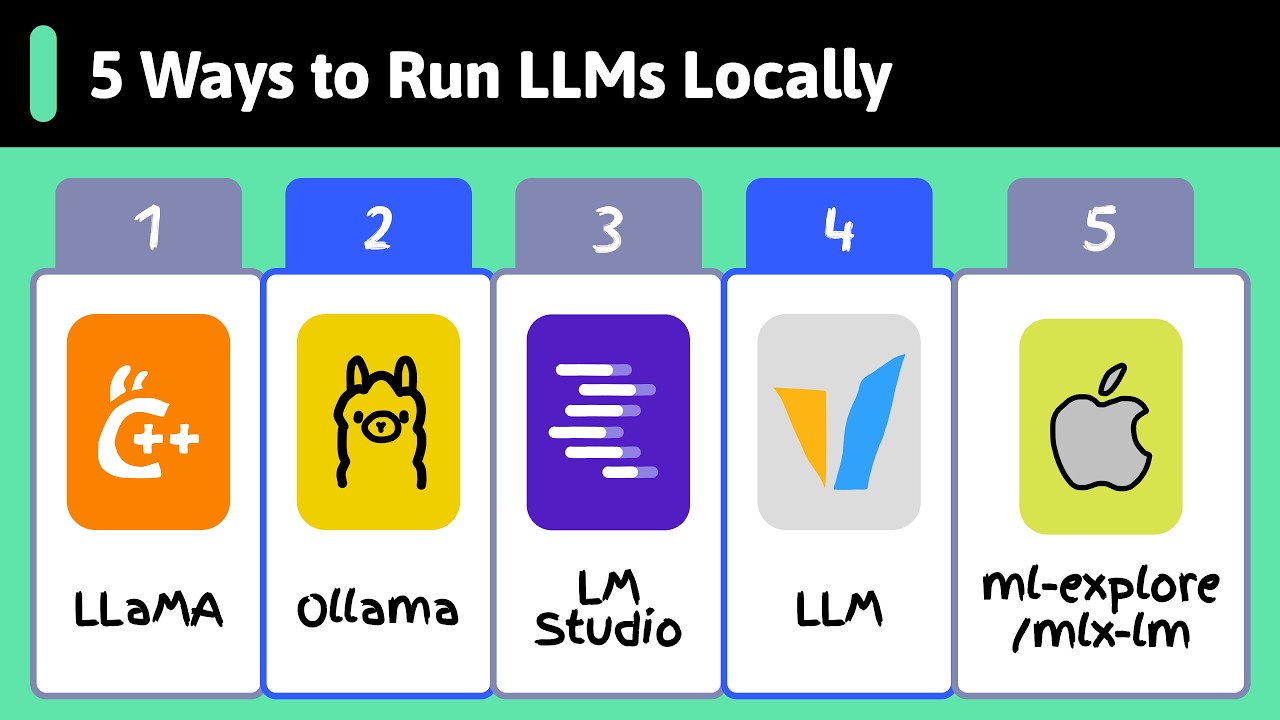
Deploying optimized local models using lightweight inference engines like llama.cpp, Ollama, or vLLM.
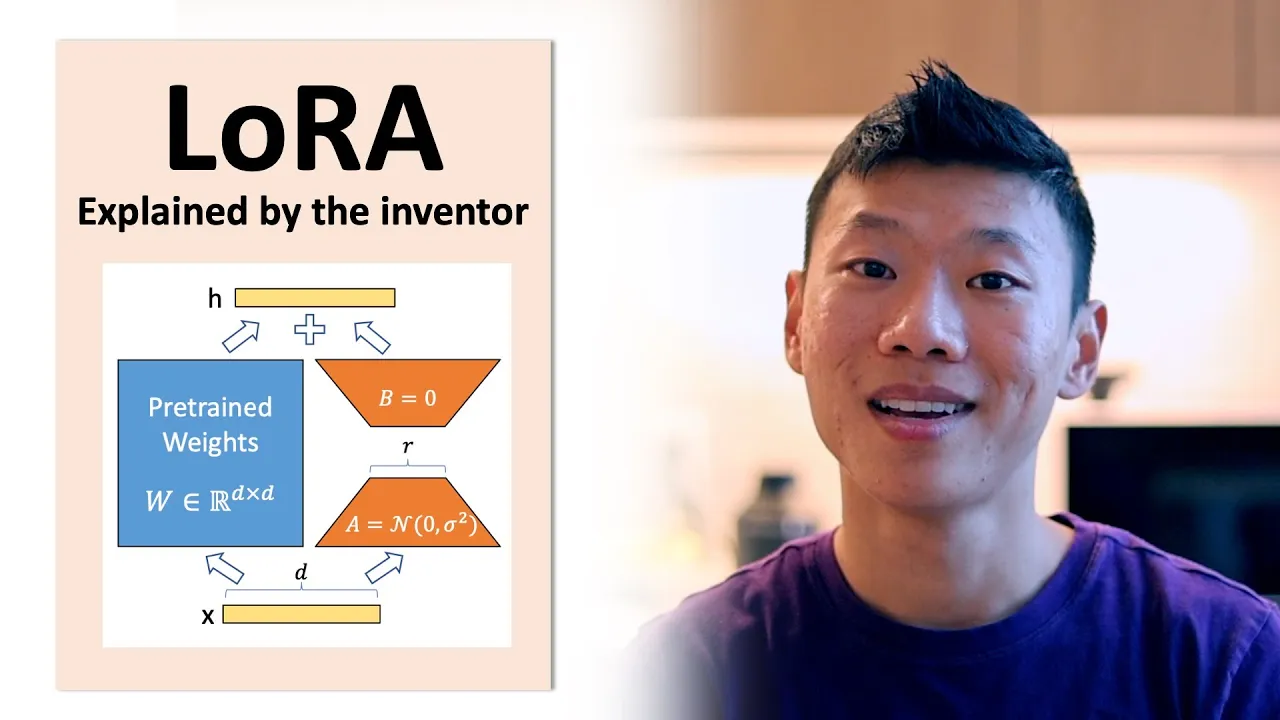
Investigating complementary model compression and optimization techniques such as structural pruning, knowledge distillation, and Low-Rank Adaptation (LoRA).
403.3K views14.6Klikes12:09Original Release: 2024-12-28
this tiny laptop is running a 70 billion parameter AI model right now but wait shouldn't this model be too big to fit the math just doesn't add up unless you know about quantization today I'm going to show you the clever trick that makes this possible and why those mysterious Q2 Q4 and Q8 tags in ama are about to become your best friends in the next 10 minutes or so you'll learn how to on massive AI models on sort of Basic Hardware what Q2 Q4 and Q8 actually mean and it's simpler than you think and which quantization is right for your projects plus I'll show you a brand new trick with context quantization that could save you gigabyt of ram now quick pause if you're serious about running AI models locally hit subscribe and the bell every week I share new tricks like this that can save you hundreds in hard costs and next week well let's just say you'll want to be here for that here's what nobody tells you about AI models they're just giant collections of huge numbers billions of them each one needs to be stored with Incredible Precision think of it like this normally these numbers are stored with 32-bit Precision it's like having a ruler that can measure down to microscopic levels sounds great right but here's the problem all that precision comes at a cost a pretty massive one let me show you exactly what happens to your RAM let's do some quick math take a 7 billion parameter model multiply each of those parameters by four bytes and you need 28 GB just to store it that's more RAM than a lot of gaming PCs have you're looking at$ 2,000 $3,000 for a GPU just to run one model and this model won't even fit in one of those but here's where quantization changes everything think of quantization like choosing different rulers maybe the full model is using millimeters Q8 is measuring in centim less precise but still pretty accurate Q4 now we've got a marker every 5 cm or so but look how much extra space we have and Q2 well this is the extreme option like measuring with a random stick from your yard but sometimes that's all you need here's my favorite way to explain this imagine you're running a mail room but instead of postcards and packages you're soaring numbers in the original unquantized model every number gets its own custom siiz mailbox it's perfect organization but imagine how much space that takes up that's exactly what happens with full 32-bit Precision it's like having an infinite mail room where every tiny value gets its own special spot here's what regular Q4 Quan ation looks like in action imagine having just 16 mailboxes for all your numbers every number has to pick the closest available slot it works but it's not very smart what happens when you have two big bunches of numbers one bunch of really tiny numbers and the other bunch of really huge ones but wait it gets better see those models tagged with K and olama they use something called kqu and they are brilliant instead of one rigid system kqu create multiple specialized mail rooms small numbers get their own precise area and big numbers get their space it's like having a smart assistant organizing everything perfectly the different sizes you see KS km and KL for small medium and large are different levels of detail in the notes that are in the mail room the small version keeps brief notes medium keeps more detailed records and large maintains very precise information about how everything was arranged this smart system means areas with mostly small numbers get more precise small slots while areas with bigger numbers get appropriately sized spaces it's like having a mail room that adapts to what you're storing rather than forcing everything into the same size box but here's what really matters how this affects your actual usage look at memory watch what happens when we load a Q4 model now check out speed noce the startup time and performance let's run the same prompt on different versions now here's where it gets really interesting AMA just dropped a gamechanging feature context quantization see we've been talking about making the models smaller but there's another memory hog we haven't discussed yet your conversation history a year ago this wasn't really a big deal models could only remember 2,000 to 8,000 tokens of conversation but now well we're talking about models that can remember entire books worth of conversation that's 128k or 128,000 or so tokens or more here's the problem all that conversation history eats up Ram but context quantization fixes this let me show you how to enable this it's super simple first we'll turn on flash attention by setting olama flash attention is true and then set the cache type with olama KV cach type F16 what what happens to the memory usage when we enable these so let's get practical I'm going to show you exactly how much memory you can save with these tricks for this demo I'm using quen 2.5 a 7 billion parameter model out of the box it uses Q4 km quantization and takes up 4.7 GB on dis first let's max out the contact size by default olama gives us 2K tokens or 240 8 tokens but quen can handle 32k or 32,768 here's an easy way to set that up first go to ama.com and find the model then run the command shown on the right now type /set parameter numor CX 32768 and hit enter and then type save Quin 2.5 Max or whatever you want to call it and hit enter finally quit olama now if if you run AMA LS you should see that the model has been added to your list of models perfect we have our maxed out model ready to go now I'll run the model and watch the output from ASI top which is a similar tool to NV toop on Linux but for Mac OS before I hit enter on the command which is this I see the memory usage hanging out around 25 gigs the Mac uses unified memory so that's the total amount of memory used right now now by the system and the GPU now I hit enter and I see that memory usage climbs to around 40.9 gbes so this model with a 32k context uses about 15 GB now I'll quit ol serve and run this command which runs olama serve again but this time with the flash attention option enabled I'm doing this at the command line to easily switch back and forth between settings rather than setting up the environment variables the correct way I'll run the model with the same question and this time I see the memory top out at 33.7 gbt that's a massive drop in memory usage from 40.9 GB that's a savings of about 7 gigs let's do this one more time setting the KV cache quantization to Q8 Now it only climbs to 30.6 GB that means it's taking up closer to 5 gigs of memory with the maxed out contact size let's try this okay one more time going back to the original model with the default contact size of 2K without using flash attention at all now it goes from 28.5 to 30.3 so with a normal contact size it needs less than 2 GB the maxed out context needs 15 gigs and using context quantization for this model set to Q8 saves US 10 gigs bringing it down to only 5 gigs but it's important to note that not every model is going to benefit in the same way I saw one model take less memory of flash attention on but take more memory with KB cach quantization set to Q8 more than without using flash attention at all that was a brand new model by IBM so it's not always guaranteed to use Flash attention and context quantization hopefully now you have a better understanding of how quantization works and how it affects the performance and efficiency of the model and its context well the next question is probably going to be how to pick the right model for your specific needs in general it's usually best to start out with one of the Q4 models this could be the Q4 or even Q4 km which is what AMA seems to be defaulting to these days if you notice issues with the generation quality you can move up to Q8 or even fp16 if it seems to work well you can try dropping further down to Q2 it's amazing how often Q2 model will work just as well for most tasks for most people and the memory usage is so much lower combine that with a quantized context and you're getting a lot of power on a machine with even the most limited memory now let's wrap this up with what really matters whether you're running AI on a Raspberry Pi or a beast of a workstation here's your game plan start simple begin with a Q4 km model and then enable flash attention and test your specific use case then optimize it a bit if that's running smooth try Q2 but if it's having issues move to Q8 need more context try playing with Q8 KV cache quantization the best part these tricks can turn a large model into something that runs on a mostly normal laptop that's not just Theory you saw it happen right here quick action steps download a AMA Q4 model enable flash attention and test with your use case experiment with lower quantization you can join our Discord or theama Discord for more optimization tips and don't forget to like And subscribe for next week's Deep dive into something else remember the perfect setup isn't about using the highest settings it's about finding what works for your specific needs thanks so much for watching and I look forward to seeing you in the next video goodbye are uh something for a video are you wasting p a little bit Jase Jase one two three four five Dad Dad this is emergency T I know it's it's being used for emergency no it is not dad you are not Hur and you are wasting tape that we might need for something medical my video are emergencies no they're not okay this is my last one
Up Next

99:50
Howie AI: Austin Petersmith on Building an AI Secretary
@ThePeelPod
586 views•2025-10-09

57:48
Secure Multiparty Computation (MPC): Foundations & Challenges
@SimonsInstitute
7.3K views•2015-05-28

13:03
Bypassing Tor Censorship: Bridges and Pluggable Transport Guide
@Coding_ForEveryone
397 views•2024-06-11
18:41
Neural Networks Explained: Math, Layers, and Learning Fundamentals
@3blue1brown
21.9M views•2017-10-05
Related Study Plans & Knowledge Roadmaps
Structured learning paths in Artificial Intelligence
artificial-intelligence
Aligning LLMs: DPO, TRL & Custom Datasets
01Foundations of Python & Machine Learning
02Transformers and Large Language Models (LLMs)
03Aligning LLMs: SFT and RLHF
+ 3 more learning modules
24h6 modules
Explore Roadmap
artificial-intelligence
Federated Learning: PyTorch, Flower & Privacy
01Python & Machine Learning Foundations
02Deep Learning Basics with PyTorch
03Introduction to Federated Learning
+ 2 more learning modules
35h5 modules
Explore Roadmap
artificial-intelligence
Securing LLMs: Guardrails AI & NeMo Gateway
01Introduction to LLMs, Python, and APIs
02Understanding LLM Vulnerabilities & Threats
03Defending LLMs with Guardrails AI
+ 2 more learning modules
15h5 modules
Explore Roadmap
artificial-intelligence
Building Recommenders: Two-Tower & Vector DBs
01Foundations of Python & Machine Learning Basics
02Introduction to Recommender Systems
03Deep Learning & Representation Learning
+ 3 more learning modules
75h6 modules
Explore Roadmap