

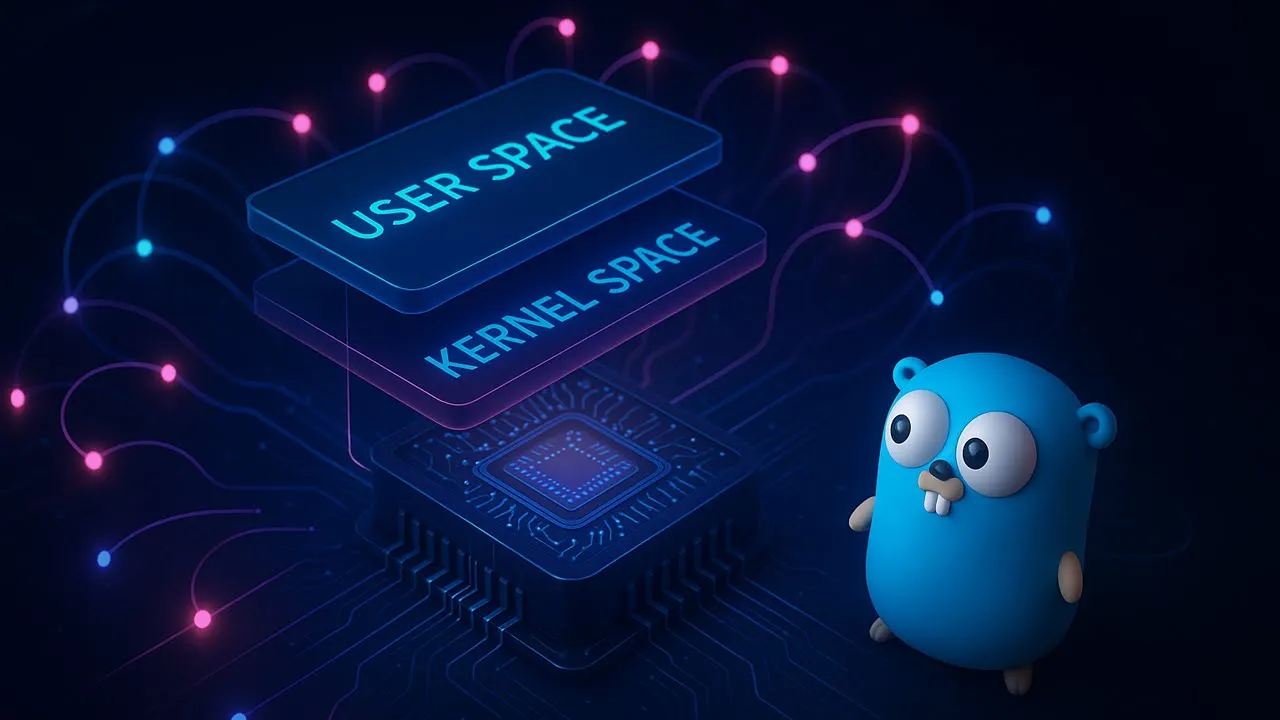






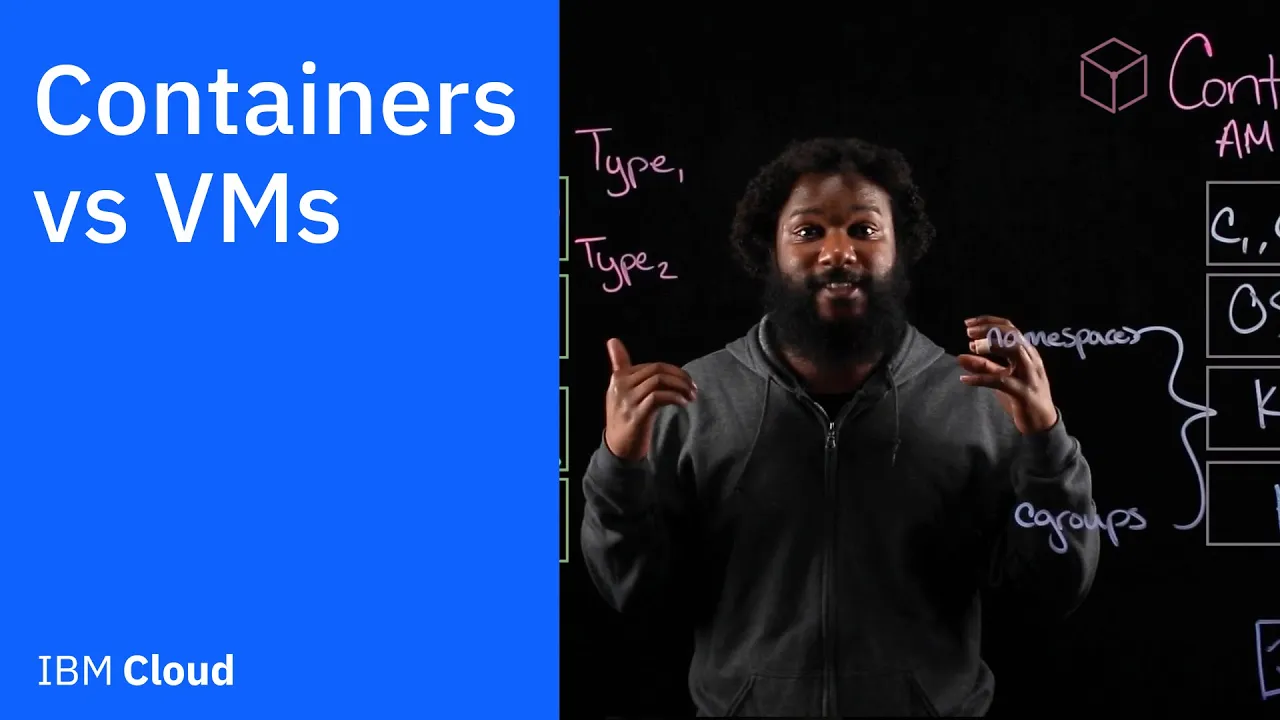











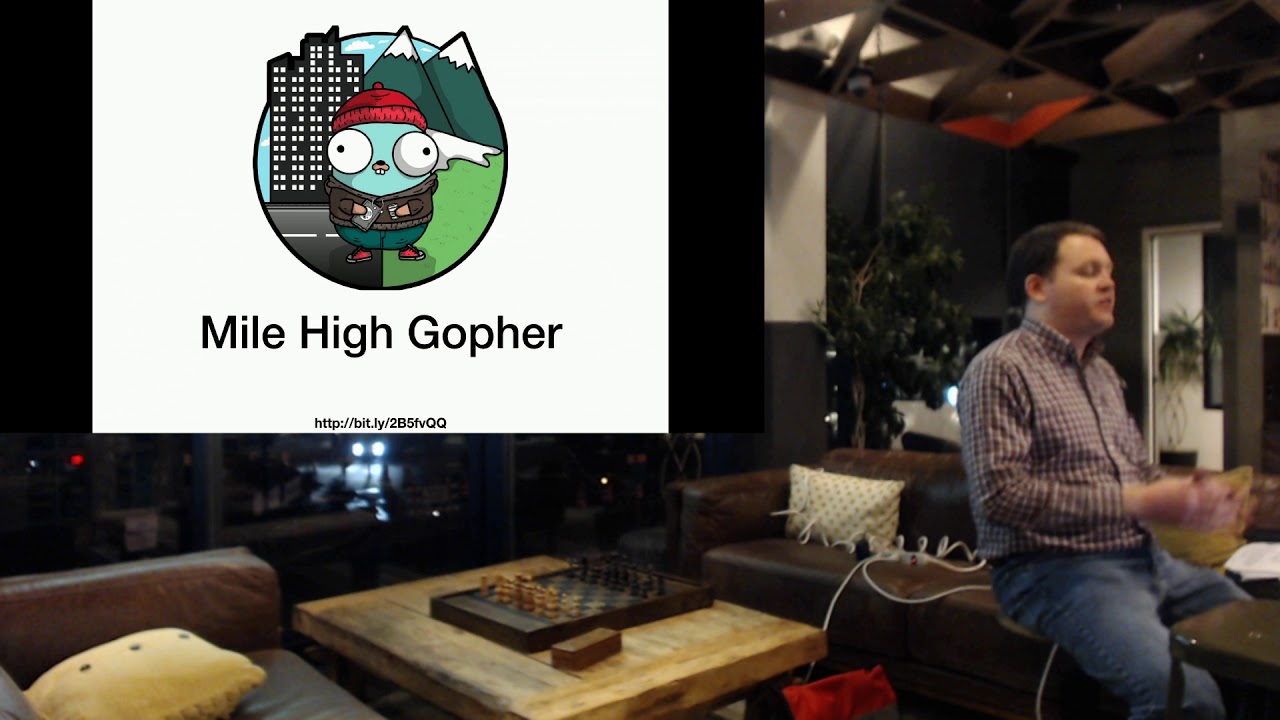
Containers achieve their lightweight, isolated execution environment by leveraging Linux namespaces (such as UTS for hostname, PID for process IDs, and mount namespaces for filesystem isolation) combined with control groups (cgroups) for resource limiting, which together create the illusion that a container operates in its own independent environment while actually sharing the host's kernel.
Building Containers from Scratch in Go: A Technical Guide
Added:Basic proficiency in Go programming, including handling system calls (the 'syscall' package) and command-line execution.
Fundamental Linux operating system concepts, particularly processes, the fork/exec model, and the proc filesystem (/proc).
Conceptual understanding of containerization (e.g., using Docker) and how containers differ from traditional Virtual Machines (VMs).
Introductory familiarity with Linux kernel features, specifically the general purpose of namespaces (isolation) and control groups (resource limiting).
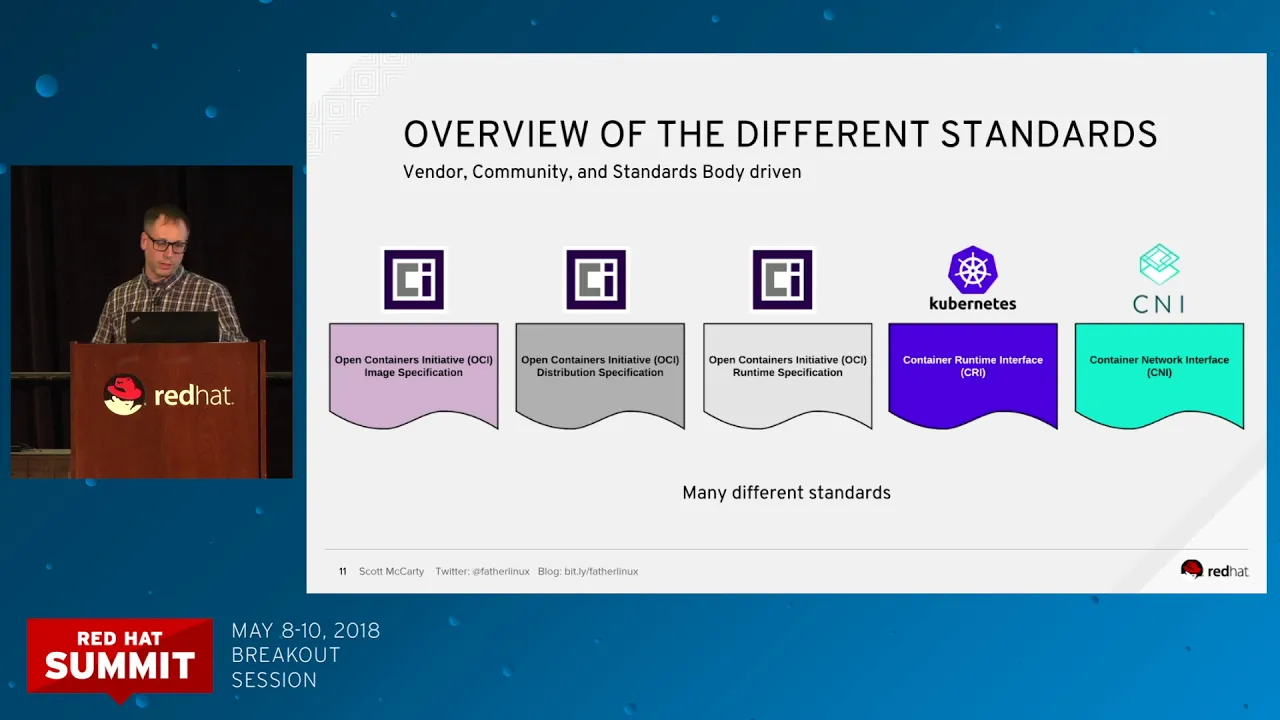
Exploring the Open Container Initiative (OCI) runtime specifications and analyzing production-grade runtimes like runc.
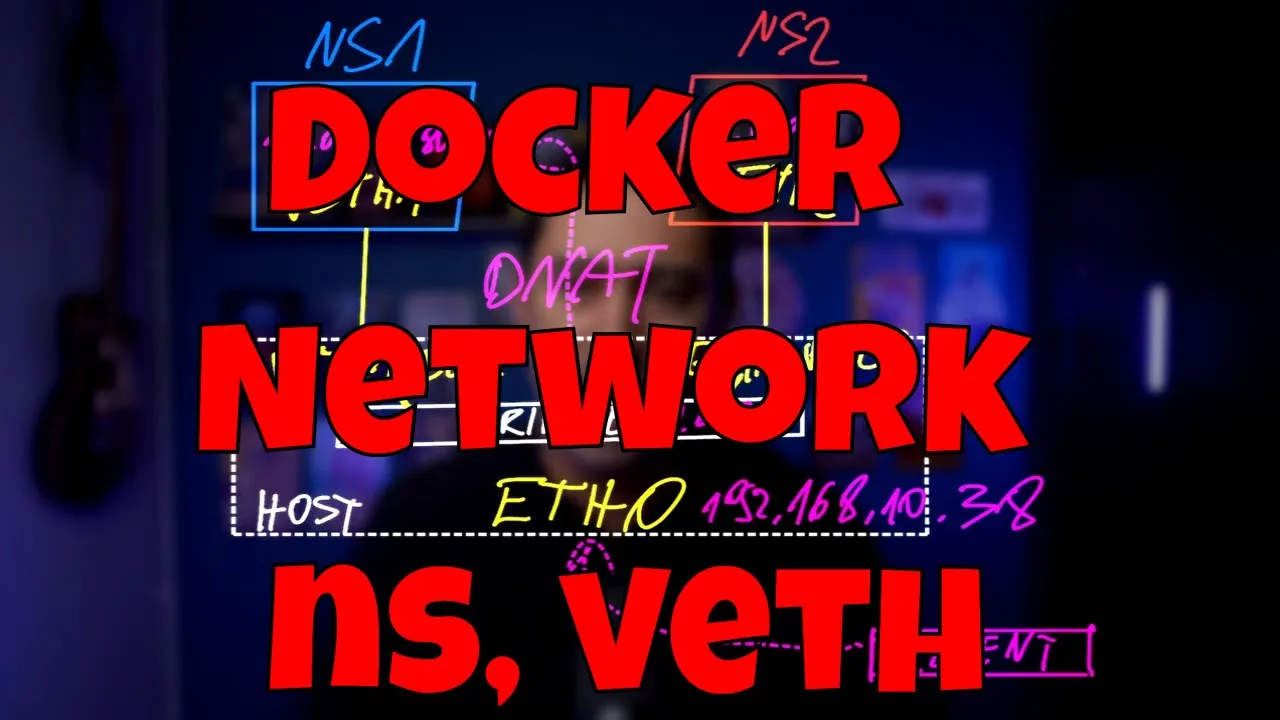
Implementing advanced container networking, such as setting up virtual ethernet (veth) pairs, bridge networks, and routing between namespaces.
Applying container security mechanisms, including Linux capabilities, Seccomp filters, and configuring rootless containers using User Namespaces.
Understanding and implementing union filesystems (such as OverlayFS) to manage layered container images and copy-on-write storage.
191.8K views5.2Klikes19:03Original Release: 2016-10-13
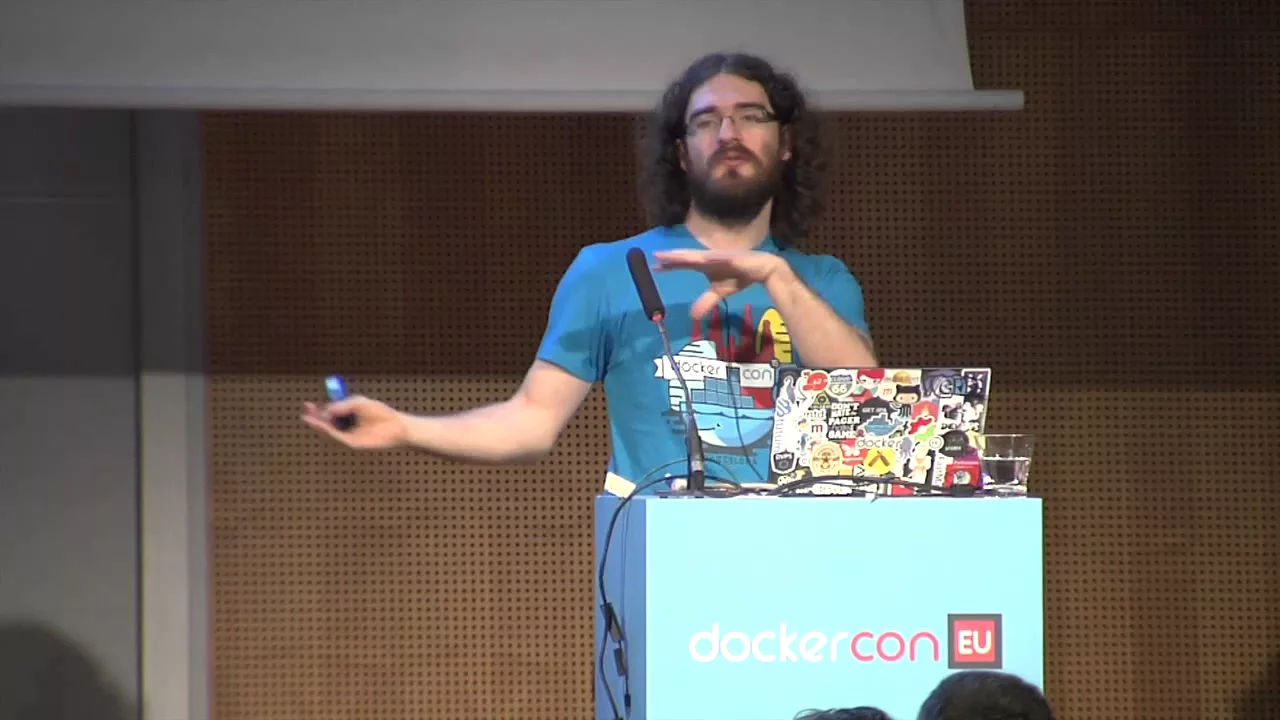
I appreciate there's quite a specialist audience here and I also appreciate that the chairs are really really comfy and um it's kind of the middle of the afternoon so everybody stand up go on stand up there is a point there is a point well slightly a point okay we're all amongst friends here um now a lot of you probably responsible for writing container runtime and uh in that case you can stay standing up but if you have any sort of shadow of a notion that you're not 100% sure what we mean by a container sit down if you're like lightweight VM what does that really mean if you're kind of uh isolated execution environment well I understand the words but I don't know what that means in practice if any of that is ringing any bells and bear in mind we are amongst friends please just take a seat great okay um if you don't programing go you're also allowed to sit down okay anybody who's still standing up basically it's your fault if it goes wrong because you need to shout out if anything goes wrong you are my peer reviewers okay so um I uh am really massively plagiarizing this talk from a talk that I saw by Julian Friedman I don't think he's here today um but if he is well whether he's here or not uh massive credit to him for um basically everything I'm about to show you but when I saw this I thought oh my God it all falls into place and I felt the need to go home and run through the same code myself and put it all together and understand how containers work and uh I think Mark was talking about how containers um sort of put together an illusion for uh the code that's executing in them that they're sort of operating in their own uh environment and what we're going to do this afternoon is sort of see how that illusion is illusion is put together okay I don't know what all the other speakers were thinking of this morning because I haven't seen a single one of those yet and I thought it was the law that you had to have one of those pictures in every talk about containers uh and uh we are about to take one of those apart and see what it's really made of okay so here's some code that I prepared earlier there's not a lot to it at the moment um I thought given that we are a specialist audience I don't really need to demonstrate this but um you all know that if you want to run uh command you in Docker you sort of type in Docker run the container name and maybe there's a command and some arguments and when I run my code I'm going to do go run main.go for those of you who aren't go programers that basically says kind of compile and run my my file here so that's the equivalent of the docker bit then we're going to have an argument that says run and then we're going to have some commands and some arguments so we want to be able to set up a a container our container is going to run whatever we specify in that in that command and the arguments okay so uh we're going to look at the oo um command line arguments that have been passed in and first of we're going to look at the first one and if it's run hopefully the fact that not all of you are go programmers won't you know make this impenetrable it's pretty straightforward so if it if the first thing has run great and in any other case we are going to fall in oops fall over in a big Heap okay so great what do we mean by run well I'm a big believer in debugging so let's uh print out what we're trying to run o uh running this is a bit awkward to type on this uh thing here uh so we're going to debug printing out everything from argument two and onwards so that's our Command and all the arguments so that should tell us what we're trying to run and uh let's bring that up the screen a little bit more we're going to set up uh something that can actually run something so the command we're going to run is specified by augs 2 that's the one that's called command and optionally oh three and onwards right this demo would again be very dull if I didn't uh set up stood in stood out stood need to actually put an equal sign in there this is in oops one more okay and uh I have this little utility function called must which will just Panic uh if anything goes wrong and we must run that command so for the non-go programmers we're setting up this command and then by calling run we actually run it okay uh code reviewers have I missed anything are we happy right nobody's saying anything so I think we're probably happy right um right this is a a Linux virtual machine running on my Mac um it's got a shared directory so that I can get at that main.go file I was just editing um a few things running at the moment not very much let's see what happens if we run my container let's go really wild and Echo something okay I think that you know that's a container right we've executed something we said we wanted to Echo container camp and we have Echo container Camp must be a container right let's get really ambitious and see what happens if we run a shell well it says it's running it can't really tell what's going on or if anything's happened and uh we can still see the same files we can still see the same processes and if I look at the host name the host name is lzy buntu I could change that uh okay um we could tell from that process list that go is running so I must still be inside my container because that's the the execut I just ran so if I quit out of this I no longer in my container but lo and behold my container was able to write over the host name because there's no isolation at all at this point that is not Liz a terribly secure container let's reset my oops host name otherwise things will get very confusing right so that's just not good enough we can't ship it yet but fortunately this is where we get into the exciting concept of name spaces I'm going to need CIS po attributes we need another Library okay oops I think this is like that attributes and we're going to pass in some Flags or at least one flag and this one is called clone new utx for Unix time sharing system because we all know that Unix time sharing system means host name okay so I'm going to run this again can't really tell that I'm inside a container at the moment but okay host name is liab buun that's what we expected uh let's call it host name Camp we're inside the container is it is host name c Camp let's exit the container well hey we have protected the host name inside the container so the running container can play with the host name to its H content and we haven't affected the host machine okay this is making progress what about process IDs we we saw before that process ID list was exactly the same as the host machine and uh fortunately there's another one of these flags called clone new P ID new process ID that sounds pretty promising right so uh let's run that we're inside the container we run PS and that doesn't look very different okay we're going to have to uh debug this I think so it would be really nice if we could just come in here and uh say we're running as process um get the process ID well that's all well and good except where I've got that debug line is before I've run the command I haven't got my new uh process ID I haven't got my new uh namespace yet for my process IDs so we're going to do a little trick we're going to have two copies and the first copy is going to be run and it's going to create our new name spaces but it's not just going to run the command straight away we've had a few people talking this morning and this afternoon about fork and exec and running Pro self XI is basically a fork exec uh and now I have to invoke a bit of go sort of incantation so that I can pass in instead of you know how we passed in run as the first parameter before uh going to pass in child when we for an exec no that's not in the right place goes there okay and this is going to be child and we don't need to create new name spaces because we've done that already so the first time when we come in here we are we call run and we call run and the second time we come in we call Child yeah so the when we're in run we're doing this for and exec with the new namespace I don't think I saved that okay okay right we can see process idea one that sounds pretty promisingly as though we have created a process namespace hooray but from inside our container we still have the same list of processes and they start with you know 1500 and what have you so what's going on here well as I'm sure lots of people here know that PS doesn't look directly at the list of running processes it looks in slpr and there's a whole load of processes that are running on my machine and that's where PS gets its information from so if we want PS to work correctly inside the container let qu out of there we're going to have to uh give it its own file system give it its own slpr at least um and now fortunately I have well so in my home directory here I've got uh a host root file system and I also happen to have with me better if I spell it right uh I am a root far system so this is a a a copy of I think it was an auntu far system that I just happen to have conveniently lying around so inside our child process we want to use that root file system so is it this way around CIS we're going to change the rout to FS oh and we want to make sure that that works and we also want to change directory to that uh so that the root directory is home rootfs okay let's try that again something has definitely changed here and the reason why it's changed is because I am a root file system we have got that root file system looking like it is slash inside our container now this is excellent uh we can look at uh well let's let's look at uh the process list one last thing slpr is special we have to mount it um okay this bit requires a lot of concentration because uh it's critical that I get these parameters the right way around there we go one more I got those the right way around we happy with that good okay uh quit out the container again run it again and lo and behold we have a process list just relating into this container that's coming out of our own uh slpro inside the container just got those uh small number of processes in there we've built a container we've got thank you that's what we need so I mean you can you can imagine that you can go further than uh you know so for example the username space you you might want to isolate but let's just sort of recap that's what 5 my code is huge isn't that great um 52 lines of code can somebody remind me what docker's valuation is I don't know um I guess maybe that isn't quite ready to ship not quite production quality but I think it kind of gets across the the idea of Nam spaces so setting up inside your container what you can see um so we covered the the Unix time sharing system which is host name we covered process IDs we looked at file system you just have to do a similar sort of thing for users interpress Communications and networking and you're done the other thing that people say oh when I first got involved with containers people are always saying oh it's just Nam spaces and cgroups and everybody nods and kind of goes oh yeah I understand what that is okay right this is namespaces and cgroups are control groups and it's about limiting resources and I think this doesn't really need um to be demonstrated you know it's an easier concept um you can say well I only want this container to have 10% of the CPU or a certain limitation on how much memory it can use that's a pretty straightforward concept but that's what people are talking about when they kind of go oh it's just Nam spaces and c groups okay um the last thing I wanted to touch on briefly is um to sort of get towards why I'm wearing a badger on my shirt um so Imes container images when we copied that file system over if that had been done in a bunch of layers that would basically be a container image that's all we're doing with an image we're creating the file system that the container sees and we're also uh throwing in maybe some configuration uh commands setting up things like environment variables but that's all all we're doing with the container image and uh the badger comes in because a little project that uh uh I've been working on uh called micro Badger which which lets you look at those container images and inspect the different layers so we saw some kind of diagrammatic uh explanations of how layers are built up into an image in the previous talk and you can use micr Badger to sort of inspect exactly what's inside all the different layers in any public Docker host image so I urge you to uh to check that out at your leisure um bit of further reading uh I kind of feel I really have to point you at Julian Friedman's uh container gist his is very slightly different from mine um I also have one on my GitHub which is slightly different from his um and I would very much welcome any kind of comments and questions uh and people using microb Badger um as our Twitter handle um and that's pretty much the end of what I'm going to talk about so but I think I've got uh maybe I can take a question or two while I point at Gareth and Michael I hope they're paying attention because they need to come up uh because we got a little thing that we've been working on that we want to announce today so that's how you build a container that's how you build a container in 52 lines of code thank you very much [Music]
Up Next
99:18
Linux Container Internals: An Engineering Walkthrough | Red Hat Lab
@LinuxfoundationOrg
13K views•2017-10-27

87:26
Introduction to Secure Multiparty Computation with Yehuda Lindell
@fhe_org
7.7K views•2021-02-04

4:55
HTTP Requests Explained: GET, POST, PUT, DELETE
@codecademy
103.1K views•2021-10-07

19:25
Enigma Machine Mechanics: WWII Encryption Explained
@JaredOwen
13.2M views•2021-12-11
Related Study Plans & Knowledge Roadmaps
Structured learning paths in Computer Science
computer-science
Container Runtimes: Namespaces, Cgroups & Go
01Linux Systems & Go Programming Foundations
02The Core of Isolation: Chroot and Filesystems
03Linux Namespaces: Process Isolation
+ 3 more learning modules
32h6 modules
Explore Roadmap
computer-science
Building a CHIP-8 Emulator: Rust & CPU Basics
01Computer Architecture Foundations (Bits & Bytes)
02Rust Programming for Systems Development
03CHIP-8 Virtual Hardware Specifications
+ 2 more learning modules
32h5 modules
Explore Roadmap
computer-science
Building BitTorrent: Go, P2P & Concurrency
01Go Fundamentals & Concurrency
02Networking Foundations & P2P Architecture
03Bencode Parsing & Torrent Metadata
+ 3 more learning modules
26h6 modules
Explore Roadmap
computer-science
Actor Models (C++ Concurrency & Lock-Free)
01C++ Multi-Threading Foundations
02Thread Pools and Task Scheduling
03Atomics and Lock-Free Queue Design
+ 3 more learning modules
45h6 modules
Explore Roadmap