Container Runtimes: Namespaces, Cgroups & Go
Learning Goal: Designing and implementing a minimal container runtime from scratch in Go using Linux namespaces, control groups (cgroups), and overlay filesystems to master operating-system-level virtualization.
- Prerequisites: Basic Linux command-line familiarity and general programming logic (variables, loops, basic functions). No prior systems programming experience is required.
- Estimated Total Study Time: 32 Hours
Module 1: Linux Systems & Go Programming Foundations
This module establishes a deep mental model of how operating systems work under the hood. You will learn about processes, execution memory spaces, and the system call interface that allows user-space programs to talk directly to the Linux kernel. Simultaneously, you will build core competency in the Go programming language to write system-level utilities.
Recommended Videos
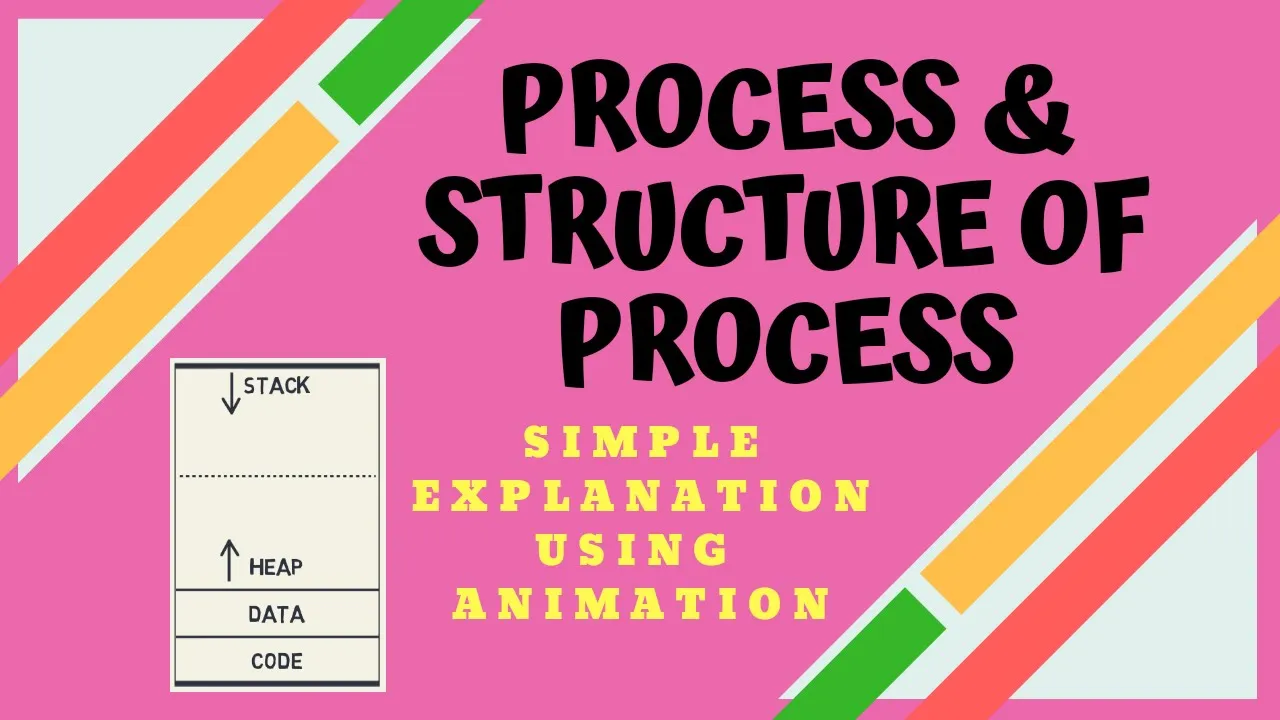
Why this video: This video provides a clear, animated conceptual baseline of what a "process" actually is inside memory. Before attempting to isolate processes using namespaces, you must understand their structural anatomy in RAM (text, data, heap, and stack space) and how the OS manages their lifecycle.

Why this video: All container runtimes rely on system calls to request isolation mechanics from the host kernel. This video details how system calls bridge the boundary between unprivileged user space and privileged kernel space, mapping out how programs interface with resource management layers.

Why this video: A comprehensive entry point for Go (Golang) programming. Writing a custom systems container runtime requires a strong handle on Go syntax, statically typed structures, slices, maps, error handling, and project compilation patterns, all covered in this crash course.
Knowledge Checkpoint
- Explain the difference between User Space and Kernel Space and how system calls bridge them.
- Identify the four primary memory areas of an active process (text, data, heap, stack).
- Compile and run a basic Go program using variables, control structures, and system package imports.
Module 2: The Core of Isolation: Chroot and Filesystems
Here, you will transition from generic system concepts to the historical ancestor of container filesystem isolation: the chroot system call. You will understand how operating systems map virtual directory paths to physical hardware and how directory jails prevent processes from traversing unauthorized file hierarchies.
Recommended Videos

Why this video: This classic explainer reframes containers away from the "mini-virtual-machine" misconception. It maps out exactly how containers act as sandboxed processes on a shared host kernel, utilizing directory isolation and kernel controls as their foundational building blocks.

Why this video:
This presentation explains the mechanisms of a chroot jail. You will understand how altering the root directory / pointer restricts standard filesystem access, while discovering why chroot alone is not secure enough to create a complete container runtime boundary.

Why this video: A practical, step-by-step tutorial demonstrating how to construct a directory, copy binary components (like Bash), link core shared libraries, and execute commands inside a custom chroot environment.
Knowledge Checkpoint
- Create a custom local rootfs folder structure and trigger a shell inside it using
chroot. - Explain how to find shared library dependencies of any compiled binary using the
lddcommand. - Describe the limitations of
chrootsecurity and why it cannot protect network ports or process lists.
Module 3: Linux Namespaces: Process Isolation
This module covers the modern system-level mechanism for process isolation: Linux Namespaces. You will explore how namespaces partition global host resources (processes, networks, users, and mount points) so that individual execution threads believe they have exclusive access to a clean machine.
Recommended Videos

Why this video: An in-depth tech talk that outlines the system-level mechanics of different namespaces (UTS, PID, NET, IPC, MNT, USER). This conceptual framework is necessary before diving into Go-based namespace code.

Why this video: Network isolation is a core component of container environments. This tutorial demonstrates how to isolate interfaces, manipulate route tables, and establish connections between separate namespaces using virtual ethernet (veth) pairs.

Why this video:
This deep-dive video addresses a crucial gap when building container runtimes in Go. Because the Go runtime runs multiple system threads under the hood, standard container execution requires locking your thread to a specific namespace scope using runtime.LockOSThread(). This video explains these challenges and how runtimes manage them.
Knowledge Checkpoint
- Name and define the responsibilities of the six primary namespaces: UTS, PID, MNT, NET, USER, and IPC.
- Explain why standard multi-threaded Go execution requires thread pinning (
runtime.LockOSThread()) when altering process namespaces. - Identify which namespace hides host processes, allowing a container-bound process to see itself as PID 1.
Module 4: Control Groups (cgroups): Resource Limiting
While namespaces hide system resources, Control Groups (cgroups) limit and control resource usage (such as CPU, memory, and disk I/O). This module focuses on configuring limits directly via the virtual filesystem, detailing the differences between cgroups v1 and v2.
Recommended Videos
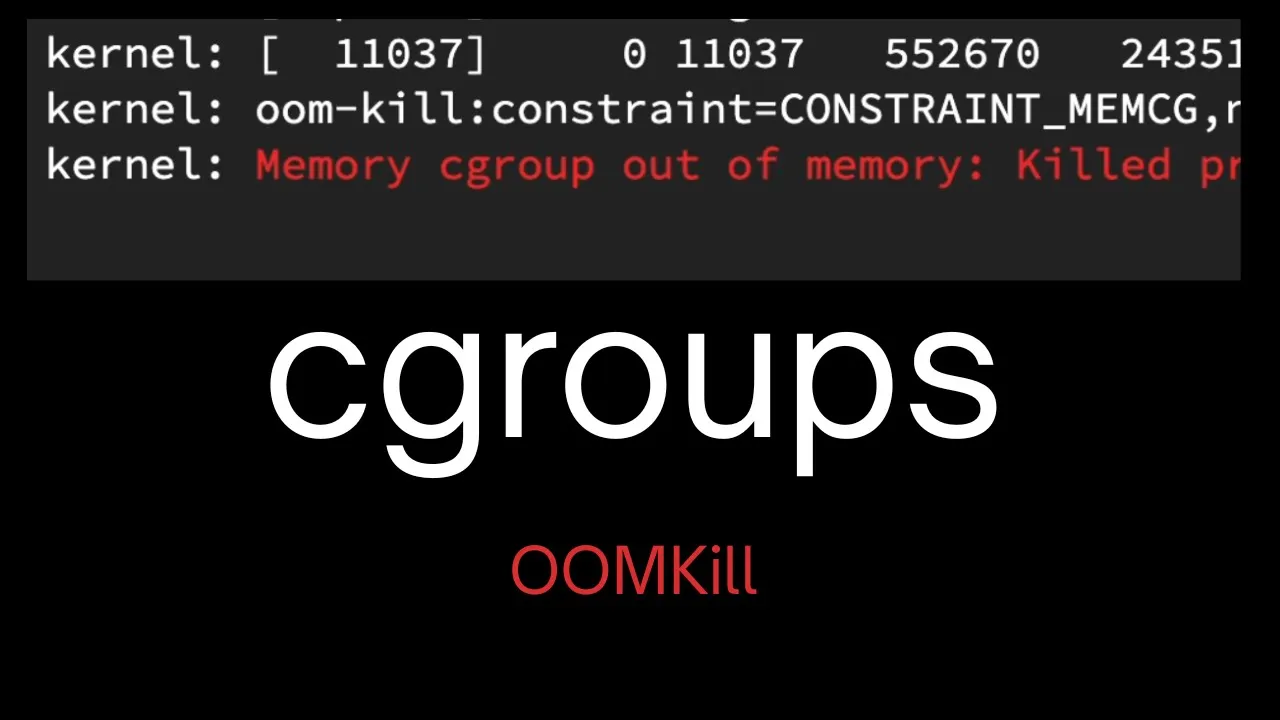
Why this video:
This video provides a detailed, practical walkthrough of how to set up resource limits. It demonstrates how to manually navigate /sys/fs/cgroup/, write limits into control files, register processes by PID, and verify active resource limits.
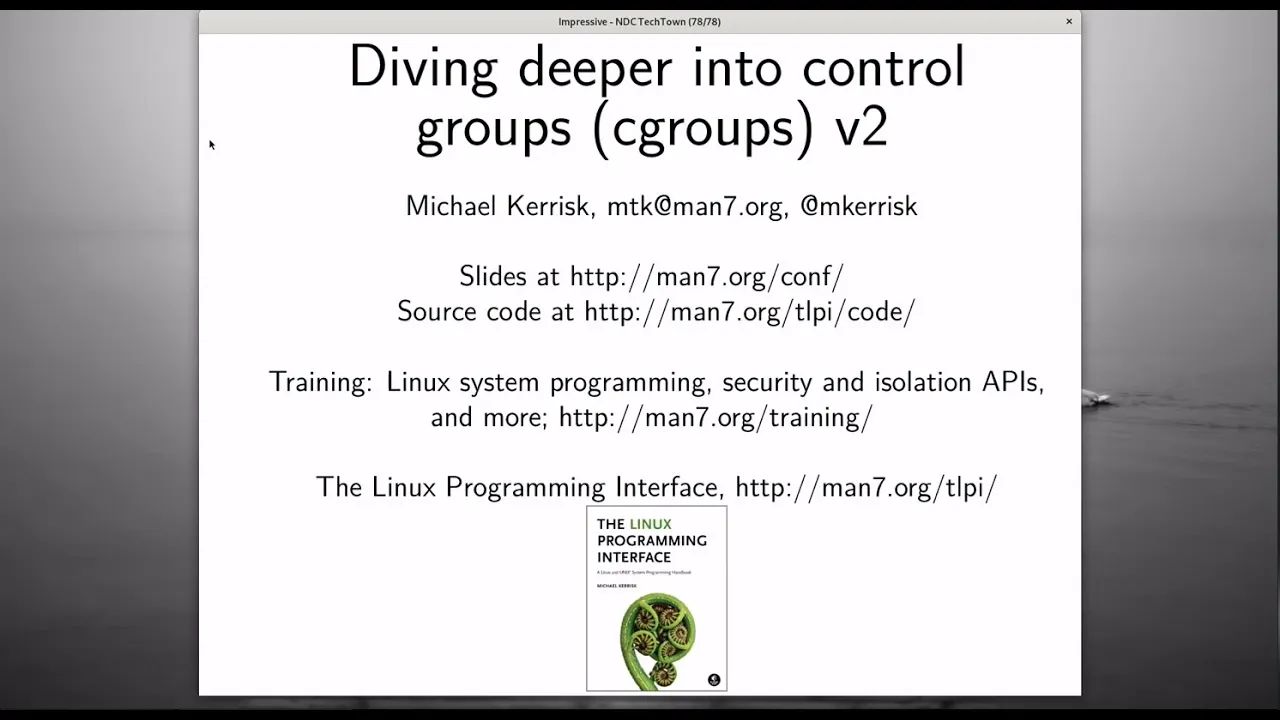
Why this video: Led by renowned Linux API expert Michael Kerrisk, this session details the differences between v1 and v2 structures. Understanding the unified hierarchy design of cgroups v2 is necessary for modern container system engineering.
Practical Walkthrough: Managing Cgroups in Go
Unlike traditional configuration files, cgroup limits are managed by writing to a virtual filesystem located under /sys/fs/cgroup. To limit memory usage for a sandboxed process in Go:
- Create a dedicated control folder:
/sys/fs/cgroup/memory/my-runtime/. - Write your process limit (e.g., in bytes) directly into the
memory.limit_in_bytes(cgroup v1) ormemory.max(cgroup v2) control file. - Write the target sandboxed process ID (PID) into the
tasksorcgroup.procsfile inside that folder.
package main
import ( "os" "path/filepath" "strconv" )
func LimitMemory(pid int, limitBytes int64) error { cgroupPath := "/sys/fs/cgroup/memory/my-runtime" os.MkdirAll(cgroupPath, 0755)
// Set memory ceiling limit
err := os.WriteFile(filepath.Join(cgroupPath, "memory.limit_in_bytes"), []byte(strconv.FormatInt(limitBytes, 10)), 0644)
if err != nil {
	return err
}
// Assign target process to the group
return os.WriteFile(filepath.Join(cgroupPath, "tasks"), []byte(strconv.Itoa(pid)), 0644)
}
Knowledge Checkpoint
- Locate the active cgroup mount path on your Linux host system.
- Create a memory limitation control group and assign a running shell to it manually.
- Explain the architectural differences in control hierarchies between cgroups v1 and cgroups v2.
Module 5: Overlay Filesystems and Image Layers
This module covers union filesystems, which allow you to mount multiple separate directories as a single unified system. You will explore how OverlayFS implements container layering, using copy-on-write functionality to preserve base read-only templates.
Recommended Videos
Why this video:
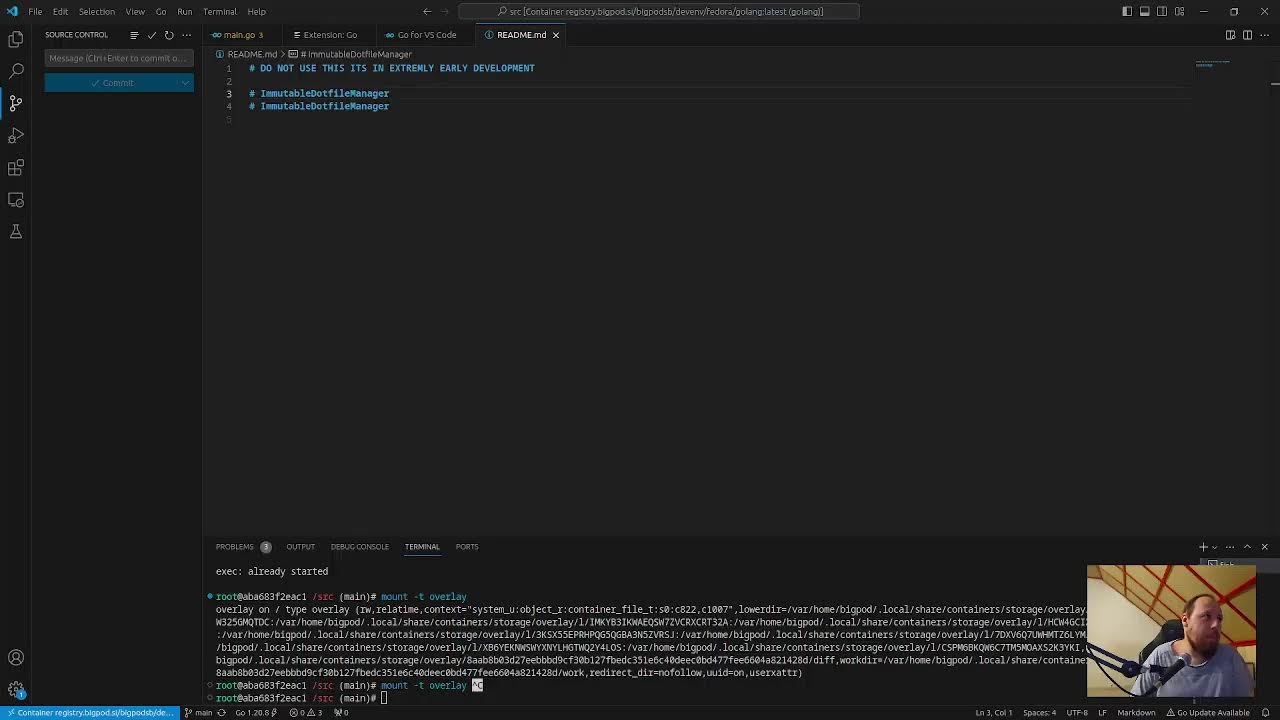
A clear visual breakdown of how read-only layers merge with write layers. It explains the mechanics of lowerdir, upperdir, workdir, and merged layers, which is crucial for building space-efficient container runtimes.
Why this video:
This deep-dive video explores the technical details of the Linux kernel's OverlayFS driver, demonstrating copy-on-write and file deletion mechanics within active mounts.
Supplemental Study: Simulating OverlayFS Mounts
To understand the layering behavior before implementing it in Go, run these commands in a Linux terminal:
mkdir lower upper work merged echo "I am from base" > lower/base.txt echo "I am a config" > lower/config.txt
Mount the layers
sudo mount -t overlay overlay -o lowerdir=./lower,upperdir=./upper,workdir=./work ./merged
Verify file visibility
cat merged/base.txt
Modify a file inside merged layer
echo "Modified!" >> merged/config.txt
Verify Copy-On-Write (COW) behavior:
The base layer remains unchanged, while changes are captured in the upper directory.
cat lower/config.txt cat upper/config.txt
Knowledge Checkpoint
- Define the roles of the
lowerdir,upperdir,workdir, andmergedlayers. - Explain the copy-on-write (COW) mechanism and why it prevents write modifications from altering base system templates.
- Mount a dynamic OverlayFS via the command-line interface, demonstrating file creations and modifications.
Module 6: Capstone: Assembling the Go Container Runtime
In this capstone module, you will synthesize everything you have learned. You will combine namespaces, chroot execution jails, cgroup limits, and overlay mounts inside a single compilable Go application.
Recommended Videos
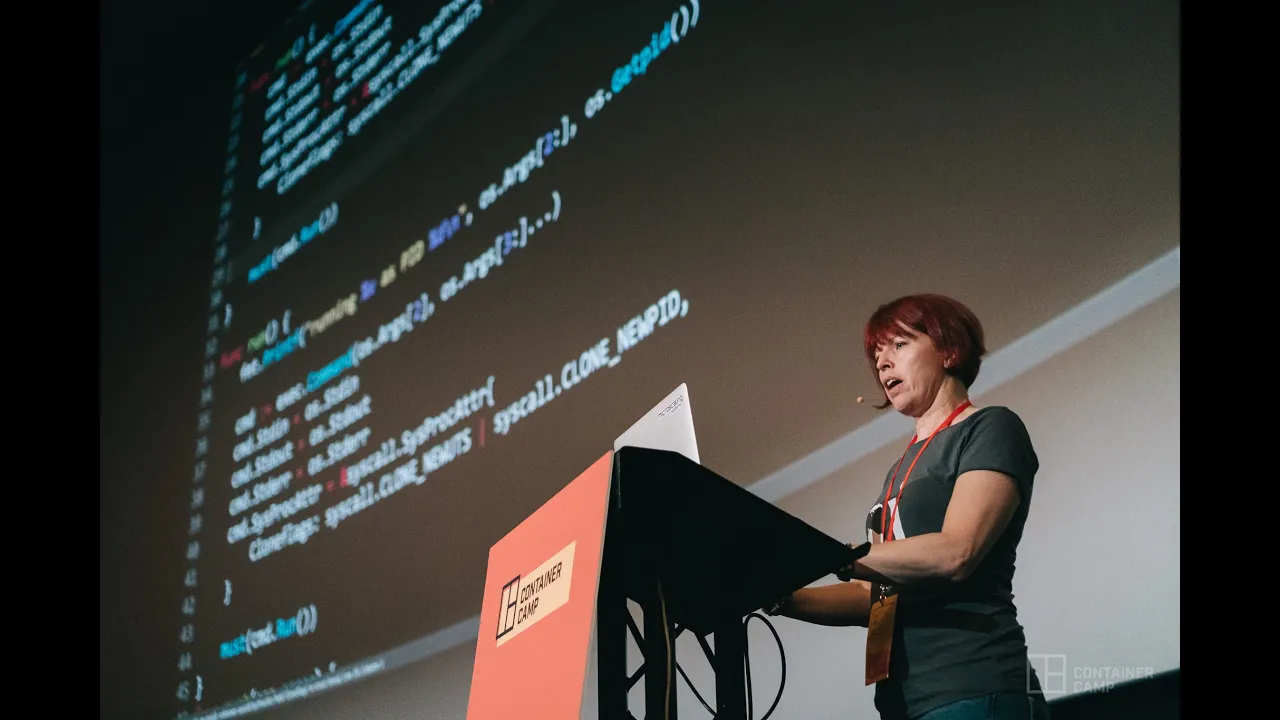
Why this video: Liz Rice's classic live-coding demonstration. She builds a functional container sandbox in Go from scratch in under 100 lines of code, showing exactly how namespace clone parameters and filesystem changes work in practice.
Why this video:
This deep dive connects the custom runtime model with industry standards, such as the OCI Runtime Specification, runc, and modern orchestrators.
Step-by-Step Runtime Design Pattern
To build your custom container runtime in Go, structure your program around a re-execution model:
[Parent CLI Execution (run)] │ ▼ (Spawns a duplicate child process with namespace flags enabled) [Child Process Setup (child)] │ ├─► Pin executing thread using LockOSThread() ├─► Apply control limits inside /sys/fs/cgroup ├─► Mount merged OverlayFS layer ├─► Run syscall.Chroot() and PivotRoot to isolation rootfs ├─► Mount virtual filesystems (/proc) │ ▼ (Executes targeted executable command inside jail) [Target Application Execution]
- Re-execution Orchestration: You cannot safely apply namespaces directly to a running multi-threaded Go process. Instead, have your initial execution (
run) spawn a copy of itself (/proc/self/exe) passing a hidden argument (child). - Clone Configuration: Configure the spawned process with isolation options inside the
SysProcAttrattributes struct, using namespace flags likeCLONE_NEWUTS,CLONE_NEWPID, andCLONE_NEWNS. - Sandbox Configuration: Within the isolated child execution block:
- Mount your pre-assembled OverlayFS directories.
- Lock execution paths to a local virtual root path using
syscall.Chroot(). - Register the child PID (
os.Getpid()) inside your customized/sys/fs/cgrouplimits. - Replace the child shell execution thread using
syscall.Exec().
Knowledge Checkpoint
- Code a complete multi-phase re-execution workflow (
/proc/self/exe) in Go. - Safely mount
/procinside the containerized process jail, ensuring running processes are displayed correctly. - Test and run your custom container binary, confirming hostname, PID, and memory isolation.
Course Map
Key People Index
- Liz Rice
Chief Open Source Officer at Isovalent and former CNCF Governing Board Chair. Her "Containers from Scratch" talks helped demystify low-level systems programming concepts for application developers worldwide. - Michael Kerrisk
Author of The Linux Programming Interface and long-time maintainer of the Linuxman-pagesproject. He is a leading authority on namespace and cgroup implementations. - Solomon Hykes
Co-founder of Docker. His early integration of namespaces, chroot, and Union Filesystems into a unified package developer workflow helped popularize modern container standards.
Final Self-Assessment
- I can explain the fundamental differences between virtual machines and containers.
- I can write and compile system-level utilities in Go using standard library packages.
- I can describe how the system call interface acts as a bridge between user-space code and the Linux kernel.
- I can build a functional, isolated application root filesystem manually using
chroot. - I can explain the individual isolation boundaries provided by the UTS, PID, NET, and Mount namespaces.
- I understand why Go runtimes require
runtime.LockOSThread()when setting up container namespaces. - I can configure control limits (like CPU and memory ceilings) inside the
/sys/fs/cgroupfilesystem. - I can explain the differences in control hierarchies between cgroups v1 and cgroups v2.
- I can configure a dynamic Union Filesystem mount using the Linux
OverlayFSdriver. - I can explain how copy-on-write (COW) preserves base image filesystems when a containerized process writes to a file.
- I can write a multi-stage Go program that re-executes itself via
/proc/self/exeto safely isolate child namespaces. - I have successfully designed, built, and executed a custom container runtime from scratch in Go.