Building BitTorrent: Go, P2P & Concurrency
Learning Goal: Designing and implementing a fully functional BitTorrent client from scratch in Go to master Bencode parsing, peer-to-peer wire protocols, and concurrent multi-threaded file assembly.
Prerequisites
To successfully complete this curriculum, you should have:
- A basic understanding of programming fundamentals (variables, loops, structs, and pointers).
- Go installed on your local development machine.
- Familiarity with command-line tools.
Estimated Study Time: 26 Hours
Module 1: Go Fundamentals & Concurrency
In this module, you will master the foundational mechanics of Go's concurrency model. To coordinate many fast-changing network connections with peers, your client will rely heavily on lightweight threads (goroutines), synchronization pipelines (channels), and memory guards (mutexes).
Recommended Videos

Why this video: This video provides an excellent, code-focused introduction to Go's core concurrency structures. You will learn the visual difference between buffered and unbuffered channels, which is crucial for structuring the work queues in your client.

Why this video:
To construct a performant peer wire client, you must understand exactly how Go's runtime queues data. Kavya Joshi takes you deep under the hood of the hchan struct, demonstrating how channels manage blocking and thread safety without causing lock starvation.
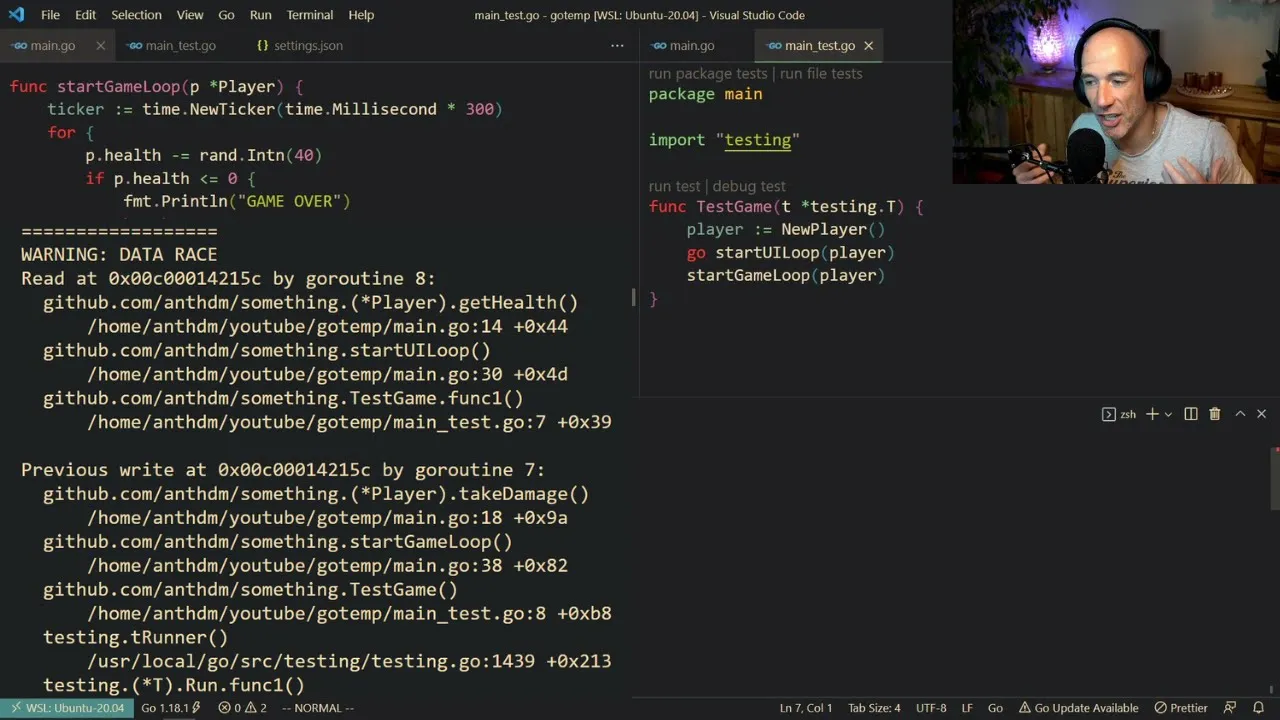
Why this video:
While channels handle message passing beautifully, tracking a global downloading state across 50 simultaneous peer connections requires protecting shared memory. This video explains when and how to implement sync.Mutex and atomic variables to avoid race conditions.
Knowledge Checkpoint
- What is the blocking behavior difference between a send operation on an unbuffered channel versus a buffered channel?
- How does Go's scheduler multiplex thousands of goroutines onto a limited number of OS threads?
- When should you use
sync.Mutexinstead of channels in a concurrent application? - How can you check your Go code for active race conditions during development?
Module 2: Bencode Parsing & Torrent Metadata
Before interacting with other peers on the network, your client must read and parse a .torrent file. In this module, you will examine the custom serialization format used by BitTorrent called Bencode and write your own parser to deserialize structural torrent metadata.
Recommended Videos

Why this video:
This is the central guide for understanding the anatomy of a .torrent file. It breaks down the four core data types in Bencode (strings, integers, lists, and dictionaries) and details how to isolate the crucial info dictionary, which you will hash to discover peers.
Why this video: A quick, high-level walkthrough detailing how to structurally tackle a Bencode parser. While brief, it establishes the logical steps to translate bencoded structures into code constructs.
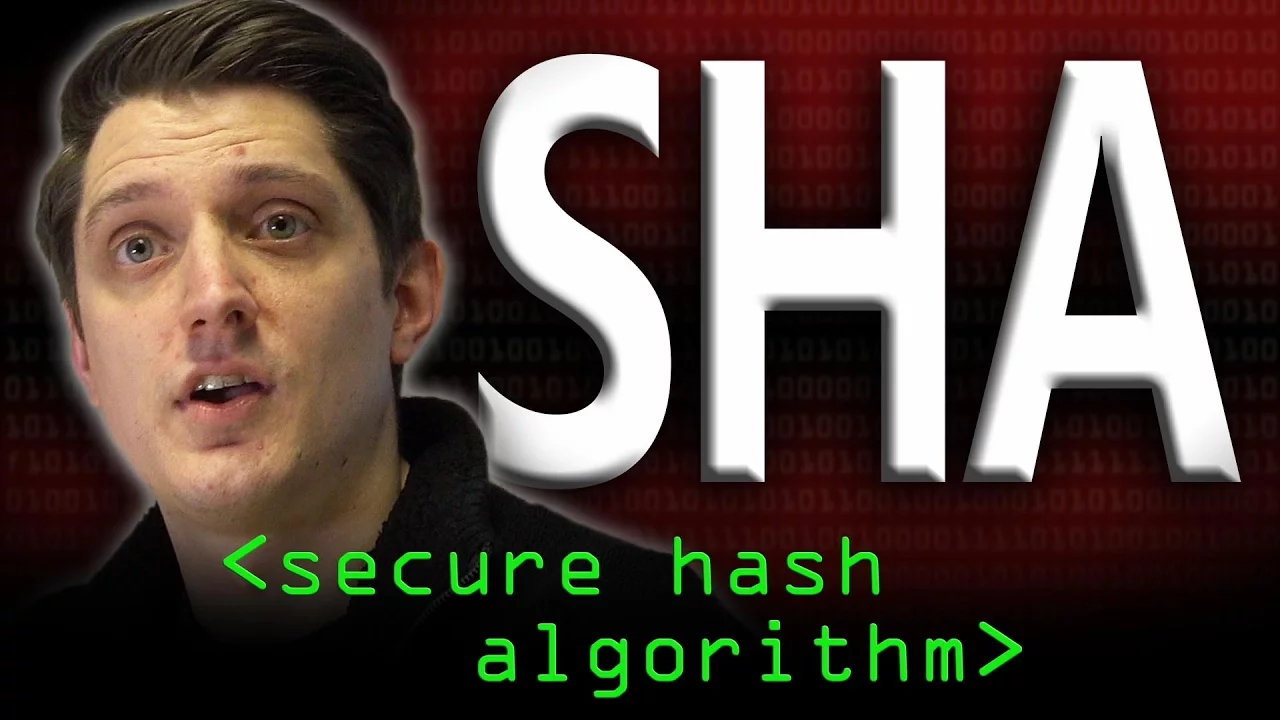
Why this video:
The BitTorrent protocol relies on SHA-1 hashes to verify piece integrity and identify the shared file via an info_hash. Computerphile explains the cryptographic properties of the SHA-1 algorithm, helping you understand how it generates deterministic 20-byte hashes.
Implementation & Search Guidance
Gap Alert: The video pool lacks a detailed step-by-step Go-specific implementation of a recursive Bencode parser.
How to implement this in Go:
- Define a Go struct to map your parsed Bencode data (e.g.,
TorrentFile,InfoDict).- Use Go's
io.Readerinterface to consume the bencoded byte stream.- Write a recursive function to parse:
- Strings: Parse byte length until
:, then read the exact number of bytes.- Integers: Look for prefix
i, read characters until suffixe, and parse to an integer.- Lists: Look for prefix
l, recursively parse until suffixe.- Dictionaries: Look for prefix
d, parse alternating key/value pairs until suffixe.- Use Go's
crypto/sha1package to hash the raw bencodedinfodictionary segment to generate your client'sinfo_hash.Recommended Search Query:
"golang parsing bencode into custom structs"or"writing a bencode recursive parser in go".
Knowledge Checkpoint
- How is the string "hello" represented in raw bencoded format? How about the integer 42?
- Why is it critical to extract and hash the raw unparsed
infosegment bytes of a torrent file, rather than re-encoding a decoded structure? - How long is the output hash generated by a SHA-1 algorithm in bytes and hexadecimal characters?
- How are lists and dictionaries delimited in Bencode?
Module 3: Networking Foundations & P2P Architecture
Before writing clients and servers, you must understand how data traverses the Internet. This module details the difference between standard TCP and UDP channels, sets up socket-level thinking, and details peer-to-peer (P2P) systems.
Recommended Videos
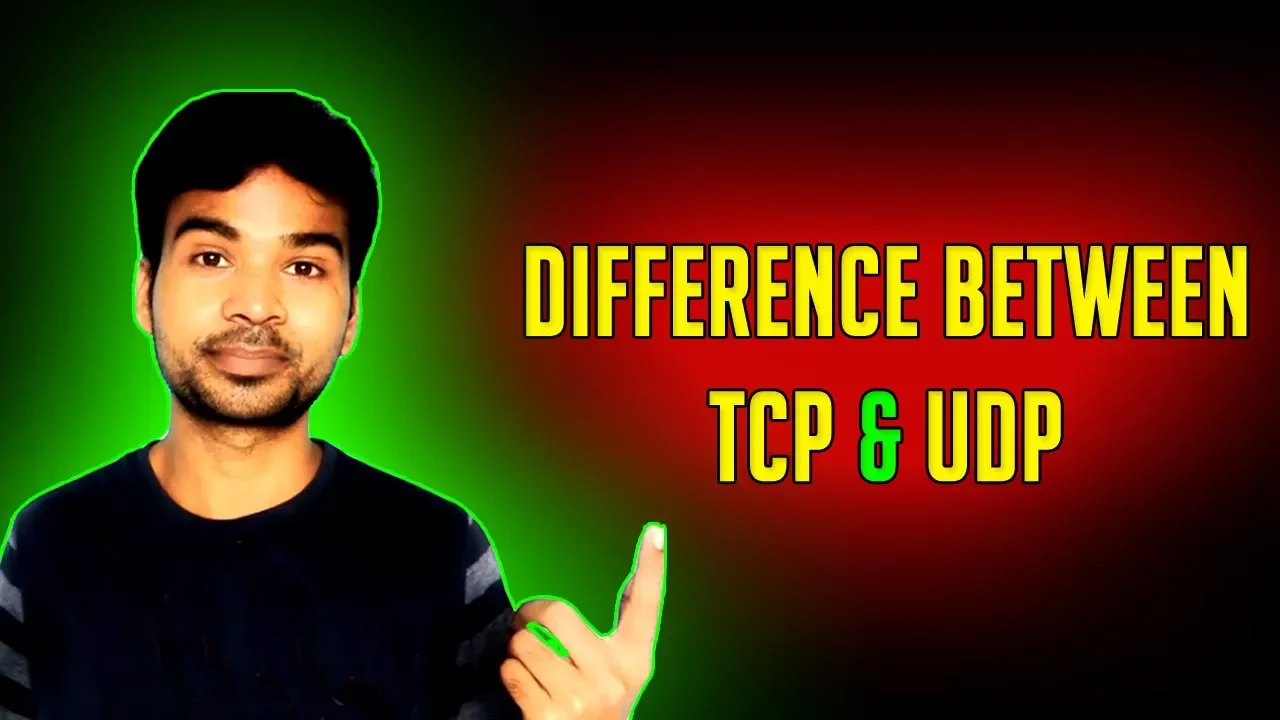
Why this video: Because BitTorrent depends on complete, error-free packets to reconstruct binary files, you must understand why it uses the connection-oriented, reliable flow-control mechanics of TCP rather than UDP.

Why this video:
This hands-on coding tutorial shows how to construct TCP sockets inside Go. You'll learn to handle system calls, dial connections using the native net package, safely close connections via defer, and read/write stream-level data.
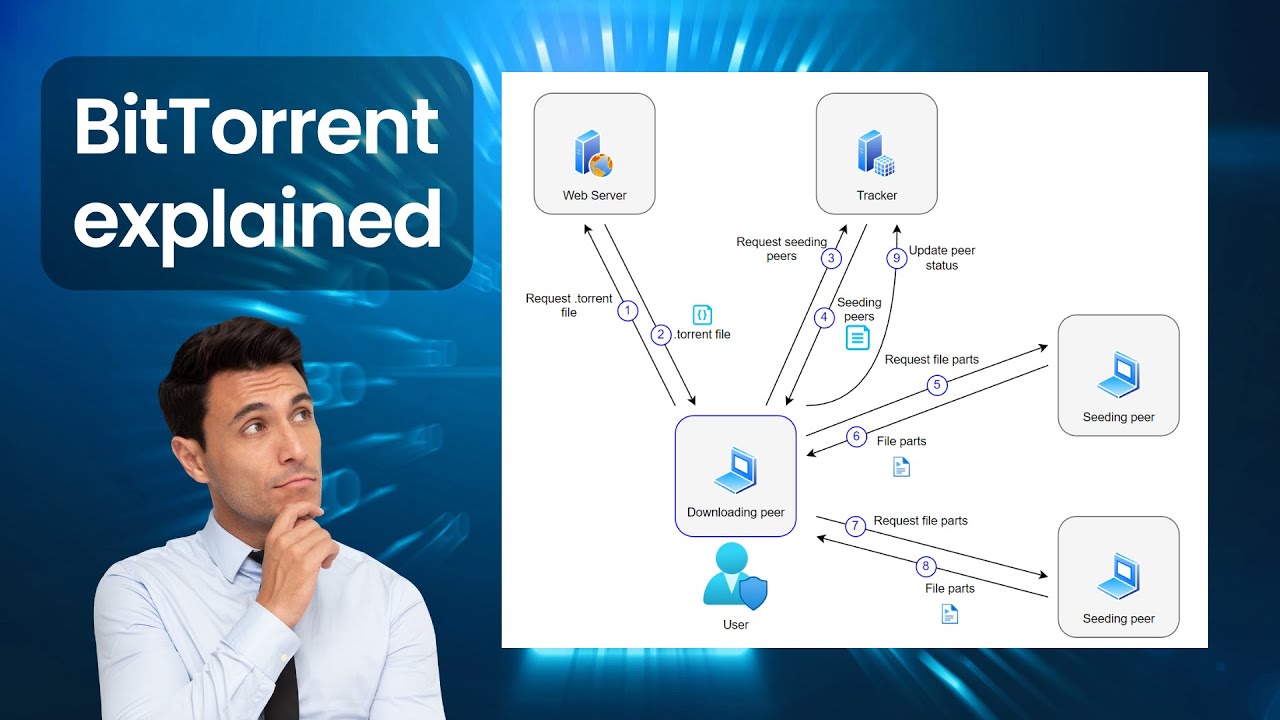
Why this video: This visual explainer establishes the overall architecture of a BitTorrent swarm. It shows how trackers coordinate connections, how files are split into pieces, and how clients upload and download in parallel.
Knowledge Checkpoint
- What features of TCP ensure that downloaded binary pieces do not arrive corrupted or out of order?
- How does a standard network socket combine an IP address and a port number in Go's
net.Dialfunction? - What is the structural architectural difference between a client-server network model and a P2P swarm?
- What role does a "seeder" play versus a "leecher" in a BitTorrent swarm?
Module 4: Tracker Protocol & Peer Discovery
To connect with other peers, your client needs to ask the coordinator (the tracker) where they are. In this module, you will write Go code to build HTTP tracker requests and unpack raw binary peer responses using serialization packages.
Recommended Videos
Why this video: This academic breakdown covers tracker mechanics, focusing on the request-response lifecycle of a peer asking for a coordinating swarm list.

Why this video:
This lecture contextualizes the application-layer fields found in tracker requests. It covers tracker parameters like uploaded, downloaded, left, and the binary format of the returned peer address lists.
Implementation & Search Guidance
Gap Alert: Discovering how to parse the tracker's raw binary
peerslist into IP addresses and ports in Go is not covered in the video pool.How to implement this in Go:
- Parse your tracker HTTP response (it will be bencoded).
- Locate the
peersfield in the response. It can be a bencoded list of dictionaries, or more commonly, a raw binary string containing blocks of 6 bytes.- Each peer is exactly 6 bytes:
- The first 4 bytes contain the IPv4 address (e.g.,
[192, 168, 1, 10]).- The final 2 bytes contain the Port number in big-endian network byte order.
- Slice the raw string byte-by-byte:
type Peer struct { IP net.IP Port uint16 } // Inside your parsing loop: peerIP := net.IP(peerBytes[i : i+4]) peerPort := binary.BigEndian.Uint16(peerBytes[i+4 : i+6])- Use Go's
encoding/binarypackage to unpack byte orders seamlessly.Recommended Search Query:
"golang parse tracker binary peers net.IP binary.BigEndian".
Knowledge Checkpoint
- What exact query parameters must be included when sending an HTTP GET request to a BitTorrent tracker?
- Why do modern trackers return a flat binary string for the peer list instead of a bencoded list of dictionaries?
- What is big-endian (network byte order), and why must you use
binary.BigEndian.Uint16to read peer port bytes? - How does your client represent its state (e.g.
downloaded,left) to the tracker on start?
Module 5: Peer Wire Protocol & TCP Handshake
Once you have a list of IP addresses and ports, you can bypass the tracker and connect directly to your peers. In this module, you will construct raw TCP handshake payloads and implement the protocol state machine.
Recommended Videos
Why this video: This video is essential for understanding the Peer Wire Protocol (PWP). It breaks down the exact handshake sequence and lists the structural message types (Choke, Unchoke, Interested, Not Interested, Have, Bitfield, Request, Piece).
Implementation & Search Guidance
Gap Alert: The video pool does not show how to construct and parse raw byte packets for the PWP in Go.
How to implement this in Go:
- Establish a raw TCP connection to a peer using
net.DialTimeout.- Construct the Handshake Packet (68 bytes):
- Length of protocol identifier (1 byte):
0x13(19)- Protocol identifier (19 bytes):
"BitTorrent protocol"- Reserved bytes (8 bytes): All zeros
[8]byte- Info hash (20 bytes): Your parsed SHA-1 info_hash
- Peer ID (20 bytes): Your custom-generated 20-byte client ID
- Write this packet to the socket, and read the 68-byte response back to verify the peer is sharing the same file.
- Keep track of the peer connection state with local and remote status variables:
amChoking/amInterestedpeerChoking/peerInterested- Read incoming PWP frame messages. Each has a 4-byte big-endian length prefix, followed by a 1-byte message ID, followed by payload bytes.
Recommended Search Query:
"golang bittorrent peer handshake implementation","go read binary packet length prefix TCP".
Knowledge Checkpoint
- What are the exact structural fields of a 68-byte BitTorrent handshake packet?
- What is the structural purpose of a
Bitfieldmessage sent right after the handshake? - Describe the state change that must occur before you can request a data block from a peer (e.g., choke/interest statuses).
- How do you handle message length parsing when reading a continuous, non-delimited TCP stream of packets?
Module 6: Concurrent Piece Assembly & File I/O
The final module. Here you will stitch everything together: managing multiple concurrent peer download loops, pipelining block requests, checking piece integrity with SHA-1, and safely writing blocks out to disk in parallel.
Recommended Videos

Why this video: This video details how pieces are split into smaller blocks (usually 16KB) and explains piece-selection algorithms (like rarest-first) that optimize downloading speeds across a P2P network.

Why this video: This academic session clarifies why BitTorrent requests sub-blocks rather than full pieces at a time. It also covers pipelined requests, which keep TCP connections active and fast.
Implementation & Search Guidance
Gap Alert: The video pool does not provide hands-on guides for running concurrent worker pools to write bytes safely to disk offsets in Go.
How to implement this in Go:
- Set up a central work queue channel filled with
Piecejobs.- Launch multiple peer worker goroutines. Each worker picks up a
Piecejob, establishes a connection, issues pipelined block requests (usually 16KB per block) for that piece, and reads the returned data into an in-memory buffer.- Once a worker downloads all blocks for a piece, it hashes the buffered data using SHA-1 and compares it to the hash index from the
.torrentfile.- If the hash matches, write the piece to disk. Because multiple peer workers download different pieces concurrently, you must write to precise file offsets using
os.File.WriteAt:// Open target download file file, err := os.OpenFile(fileName, os.O_WRONLY|os.O_CREATE, 0666) // Calculate exact byte offset on disk offset := int64(pieceIndex) * int64(pieceLength) // Write concurrently and safely without race conditions _, err = file.WriteAt(pieceBuffer, offset)Recommended Search Query:
"golang concurrent file writeat offset","implementing a concurrent worker queue pool in go".
Knowledge Checkpoint
- Why do BitTorrent clients request data in smaller blocks (typically 16KB) instead of complete pieces?
- What is pipelined block requesting, and how does it prevent connection downtime?
- How do you calculate the byte offset to write a completed piece to disk using
WriteAt? - Why must you verify a piece's SHA-1 hash before writing it to disk?
Course Map
Key People Index
-
Bram Cohen
The programmer who invented the BitTorrent protocol in 2001. He revolutionized decentralized distribution algorithms and designed the original rules of choking and piece verification. -
Rob Pike
Co-designer of the Go programming language. His design philosophies, including "Do not communicate by sharing memory; share memory by communicating," guide how we manage P2P connections today. -
Kavya Joshi
A computer scientist and system engineer renowned for her visual breakdowns of Go scheduling mechanics and deep channel internals.
Final Self-Assessment
Complete this comprehensive self-assessment to verify that your BitTorrent client is fully operational and structured correctly:
- Bencode Decoder: Your parser successfully deserializes nested Bencode dictionaries, lists, integers, and strings into Go structures without crashing.
- Info-Hash Generation: Your client can successfully isolate the raw
infodictionary block and compute a valid 20-byte SHA-1 hash matching standard torrent tools. - Tracker Connection: Your client formats tracker requests correctly and receives back a standard response containing a list of peer addresses.
- Network-Byte Unpacker: Your code correctly splits the 6-byte binary tracker peer string into valid IPv4 strings and big-endian
uint16port values. - TCP Handshake: Your client establishes a TCP connection with a peer, sends a 68-byte handshake payload, and correctly parses the verified handshake response.
- State Control Machine: Your system maintains active states (
Choked/Interested) and pauses sending requests when a peer chokes your connection. - Parallel Worker Engine: Your client schedules download workers using goroutines and communicates work tasks through channels.
- Integrity Guard: Your client verifies each assembled piece with a SHA-1 hash before saving it to disk, throwing out corrupt blocks.
- Safe Disk Writer: Your client safely writes verified pieces to their exact offsets using
WriteAt, generating a complete, uncorrupted final file on disk.