





















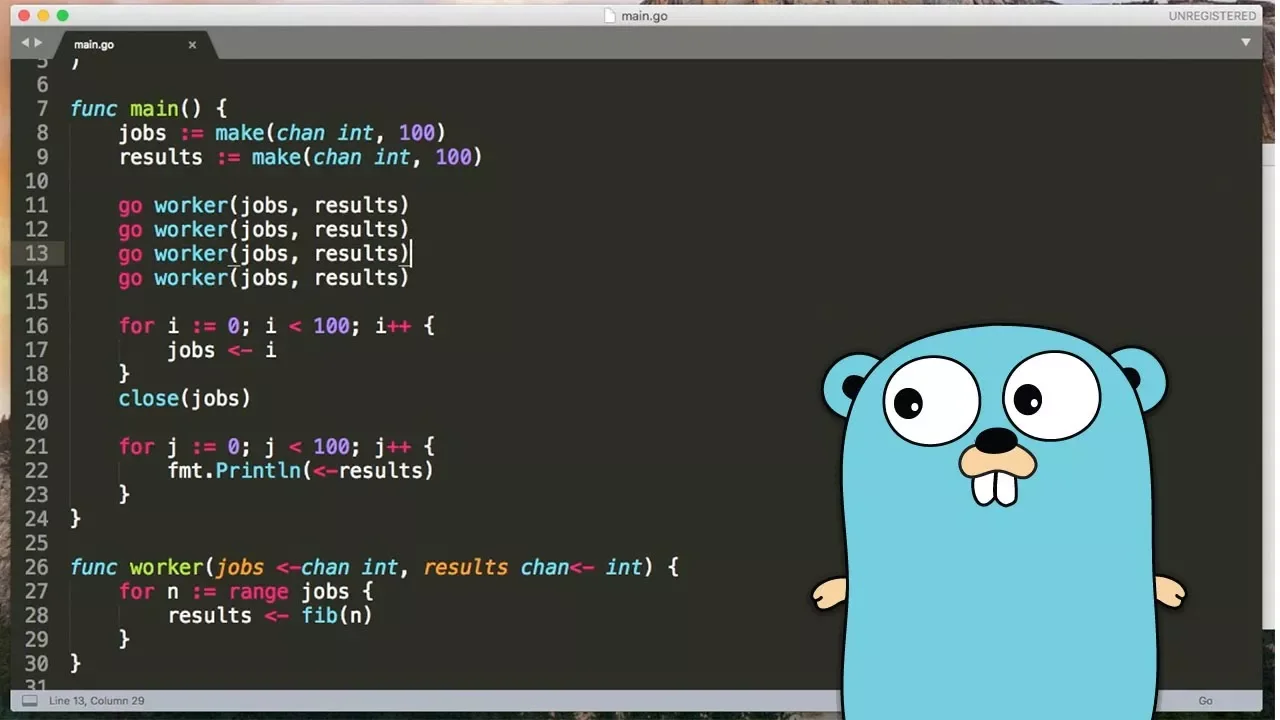
Channels in Go are communication pipes between goroutines that enable synchronization and data passing; they can be unbuffered (default size 1, blocking on send/receive) or buffered (defined size, blocking only when full/empty), allowing multiple goroutines to coordinate their execution by sending and receiving values through the channel.
Go Concurrency with Goroutines and Channels: A Tutorial
Added:Basic Go programming syntax, including variables, functions, structs, and control flow.
The conceptual distinction between concurrency (how a program is structured) and parallelism (how it is executed).
Understanding how to pass variables by value and by reference (pointers) in Go.
Fundamental operating system concepts, such as processes, threads, and memory allocation.
Advanced channel mechanics, including buffered channels, directional channels, and safely closing channels.
Using the 'select' statement to multiplex communication across multiple channels.
Synchronization primitives from the Go 'sync' package, such as WaitGroups and Mutexes, to prevent race conditions.
Managing goroutine lifecycles, deadlines, and cancellations using the 'context' package.
Common Go concurrency design patterns, such as Worker Pools, Pipelines, and Fan-in/Fan-out.
5.2K views113likes13:29Original Release: 2020-07-19
welcome to another episode of colon cafe and today we are going to continue with the go concurrency tutorial in one of the previous episode we have seen the usage of go routines and how we synchronize go routines using weight groups let's just go through the example that we seen last time i'll just link the previous video in the description as well but let's just go through the example and let's see let's see what the example is about so we have the slow version as you can see we have a list of foods and we have a very slow operation in this case which is cook and it takes two seconds for each uh for each of those so we have four of them and in theory it should takes uh should take uh eight seconds a little over eight seconds to process all of them so you have to imagine as this being a very slow a series of very slow operations that you want to you want to make concurrent and you want to make faster using going routines and as you can see starting now and taking a little bit over two seconds for each one of those and in total it takes a little over eight seconds so last time we see now how we use goal things so that our our program becomes concurrent and we're able to process much more quickly our our operations uh in a much quicker way and we've seen also how to synchronize different routines using wake groups which is a way to synchronize indeed different routines let's just see how this plays out and as expected is much quicker because we are using uh concurrency and we are distributing load to different goal routines and as i mentioned last time wake groups is just one of the ways that you can synchronize go routines so in this example we're still going to use go routines which is the main constructing goal for using concurrency by using another concept to synchronize different go routines so the concept you're going to use today is it's called channels and the channels uh it's a way and go um to communicate uh between different go routines so wake groups uh is uh is uh specifically a way to coordinate go routines and synchronize go routines channels is uh is a bit more and it's used for also and specifically also uh passing information across different routines we're gonna see in an example in the next video how we actually pass information and data across different routines but it can also be used uh as a synchronization method and we're gonna i'm gonna see today how that how that works so let's remove the weight group code and let's create our channel so in this case we're going to use a channel um and the channel you have to think is actually as uh as uh it's kind of an array of uh of data like it's a slice of data um and this and this can be used by many go routines and it's kind of a pipe where you can send information to an end and you can receive information to another end and you have to think of those two ends as being two different go routines so this allows different go routines to communicate between each other obviously channels have a type as you know any other variable uh in and go as well so we're going to define a channel with a video specific type for for this instance we're just gonna pass uh a basic boolean value because it's just a way to synchronize and we're not actually reading the value but we're just signaling uh the end of the operation so let's just define the channel you call it results and we define using the word make and the keyword for the channel the type for the channel is chan and then we define the type so in this case it's boolean we could use uh integer uh you can you can use any type you you wish uh and this is obviously something that uh depends on the use case so in this case we're gonna just use boolean so we define the channel and you have to bear in mind that uh with the channel you have a few operations you can do the most important operations are as as you as you as you remember i've told you before you can send data into this pipe you have things as a pipe you send data into the pipe and you can receive the data from the pipe so the first thing is sending data and you can send data by using the channel channel name and then you use the arrow like this and then you send the value in this case and true you can send any value as long as it's the same value you define on your channel and then you can receive data so this is the sending the data and then you can receive data you can use the other as well just before the name and in this case you will receive the value you can either use the value that you receive or you can just discard the value and this is a correct syntax as well so there are two different operations so this is called unbuffered channel because the size is fixed and the default size is one so you can send at most one value at a time so you cannot send more than one value and this means that if the channel is full while you send new data it will block so until on the other side of the pipe you retrieve the information you have if the channel is empty when you try to when you try to uh receive the information if the channel is empty this will block as well because it's a way to synchronize uh these two core routines basically so let's see an example so we can uh we can understand a little bit better so the first thing that we do is we define the channel then we spawn the go routines and at the end of each co routine uh we send the data to the channel so we know that at this stage the channel will have we receive four values and since it is a fixed size uh for each coordinate this will block so it's uh after the first routine as a as executed is we block until we don't uh get the value out of the channel and how do we get the value out of the channel well in this case we just go through how many operations we expect to see from the channel and then we just read the value out so we just pull the value out of the channel so we just go through the channel four times and we pull the value out of the channel and then this should be sufficient for us to synchronize uh the main routine which is running this for loop and picking up the values from the channel and the different four routines that we are creating to process the very slow cook function here so let's just uh run the example and see as you can see it's working as expected so let's see and try to understand a little bit better why this is the case and the edge cases so for example what happens if i remove this piece of logic here so if i remove this visual logic here and here it is should finish very quickly because we don't uh wait on all those cool routines uh to finish so we should have the same issue we had a while back in the previous episodes where we were just instantiating the guru teams but we didn't have any way or knowledge about the status of those core routines so this should just quit and finish very quickly as you can see then there is another example i wanted to show you so the channel in this case let's say that you're in line 12 and you just created the channel and in this case you try to read from the channel so this is one of the quick the quick the quirks you have to learn about the channel is that when the channel is empty and you try to read from the channel then uh this this operation will block and definitely this is because you don't have any value in the channel yet so you're trying to read from the same routine uh and you need to be careful about that because this is used uh when there are different routines the channel is used to synchronize different routines so if in the same routines you create the empty channel and then you try to read from the empty channel tends to be blocking definitely because uh this is a blocking operation the read the receive option is a blocking operation it's trying to get a value from the channel and it will one it won't go ahead until you have uh until it gets a value from the channel so let's see how this behaves as you can see uh it's in that lock state and that's because you're trying to read from from an empty channel and the same goes for when you're trying to write to the channel so let's say that you you just started uh you have an empty channel and then you send a value in and as we said this is a buffered channel so it doesn't have a size that you define so you can define a you can define a buffer channel by specifying a size when you create it for example you can say 10 but in this example this is like if it is one so this is a size one once you send the value if you try to send the value again it doesn't true and false and then you try to then false again this should should that lock as well because because what happens is that you're trying to send the value and then and the second time you're trying to send the value again but the channel is full so this will deadlock until another routine tries to read from the channel and tries to remove the value from the chunk and that's exactly the same the same the same thing but what happens uh so this changes because uh this happens because the channel size is one and what happens if the channel size is three for example well in this example what happens is that um what happens is that the the the first item gets in the channel is not full yet so you can send another item in and then you can send another item in in this case the channel is full then you go through all of your routines all of the foods and then the program just should just exit as you see so this is more or less how the synchronization is the channel work um let's just put back the the proper the proper value so we just go through for instance and we're trying to read four times so this basically make sure that we have sent four value in the channel this is what this code is doing is just saying i expect at least four values in the channel and until i don't get four values in the channel this will block so the line 19 will block and that's and that's how it gets synchronized as you can see cool thanks for watching on the next episode we're gonna see how we use um we're gonna see how we use uh better we use buffer channels and we actually pass data across different go routines because now we're not actually using the data we are just discarding the value in our next services we're gonna see how we actually use the data and more quick about the more interesting things about channels thanks for watching
Up Next
3:36
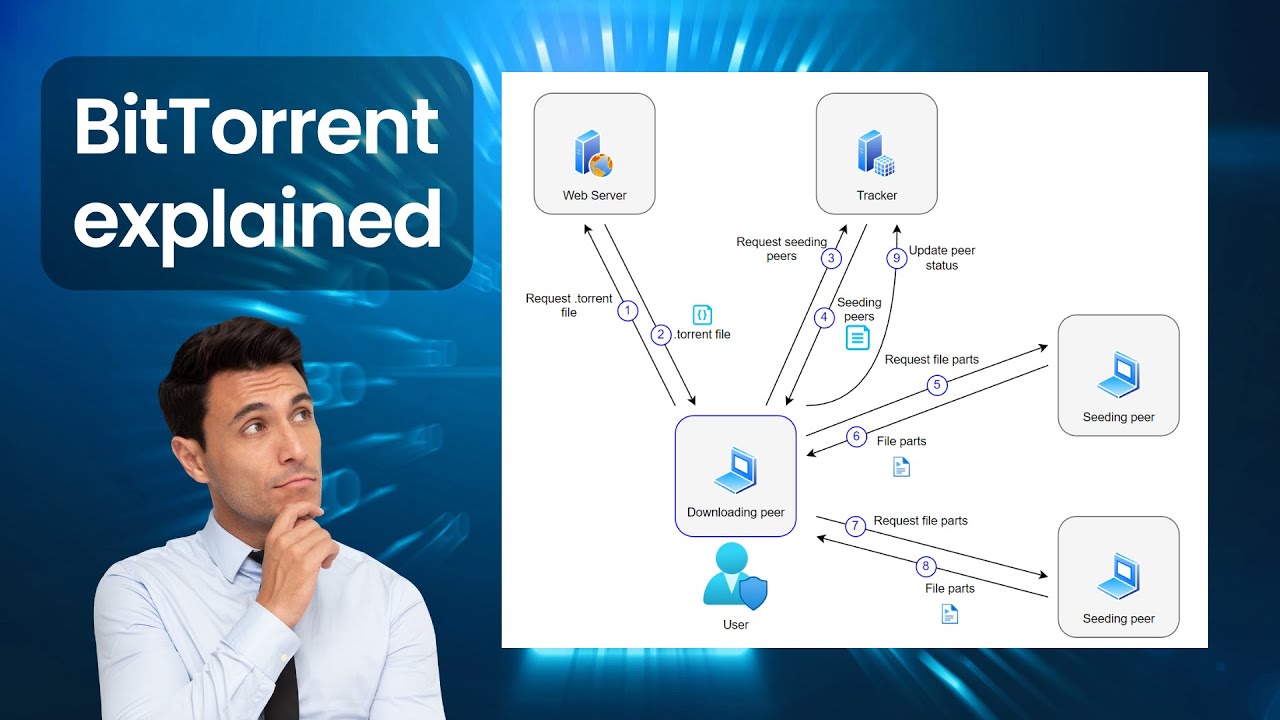
BitTorrent Protocol Explained: How It Works and Its Uses
@relbis-labs
9.2K views•2023-02-24

12:54
Triumph of Orthodoxy Icon: Byzantine Art & History Explained
@BenCallan
2.1K views•2024-08-06

9:49
FastAPI vs Flask vs Django: Choosing the Right Python Web Framework
@TechWithTim
302.5K views•2024-05-26

1:42
Game of Thrones Opening Credits: A Cinematic Analysis
@gameofthrones
46.3M views•2011-04-18
Related Study Plans & Knowledge Roadmaps
Structured learning paths in General & Interdisciplinary Studies
general-studies
Elevator Engineering: History, Physics & Cities
01From Hoists to Safety Brakes: The Dawn of Vertical Lift
02Hydraulic vs. Traction: The Engineering Physics of Elevators
03Modern Speed, Safety, and Algorithms
+ 2 more learning modules
12h5 modules
Explore Roadmap
general-studies
Rubber: Material Science, History & Geopolitics
01Origins of Natural Rubber & Mesoamerican History
02The Chemistry of Natural Rubber & Vulcanization
03The Geopolitics of the Rubber Boom & Colonization
+ 2 more learning modules
12h5 modules
Explore Roadmap
general-studies
Containerization: Evolution, Logistics & Trade
01Ancient Trade & Bulk Cargo: Amphorae to Barrels
02The Industrial Revolution & Cardboard Packaging
03The Containerization Revolution: Malcom McLean
+ 2 more learning modules
12h5 modules
Explore Roadmap
general-studies
Textile Tech: Evolution, Labor & Global Impact
01Pre-Industrial Textiles: Handloom & Cottage Industry
02Mechanization: The Spinning Jenny to the Power Loom
03The Factory System & Global Labor Transformation
+ 2 more learning modules
10h5 modules
Explore Roadmap