


![Computer Networking 101 | Understanding Computer Networks [தமிழில்]](https://i.ytimg.com/vi/7WI7w-ZjSbc/maxresdefault.jpg)



![Chat Application in Two Different Computer [HINDI] | Part #3](https://i.ytimg.com/vi/PWT2_74YJ0A/maxresdefault.jpg)






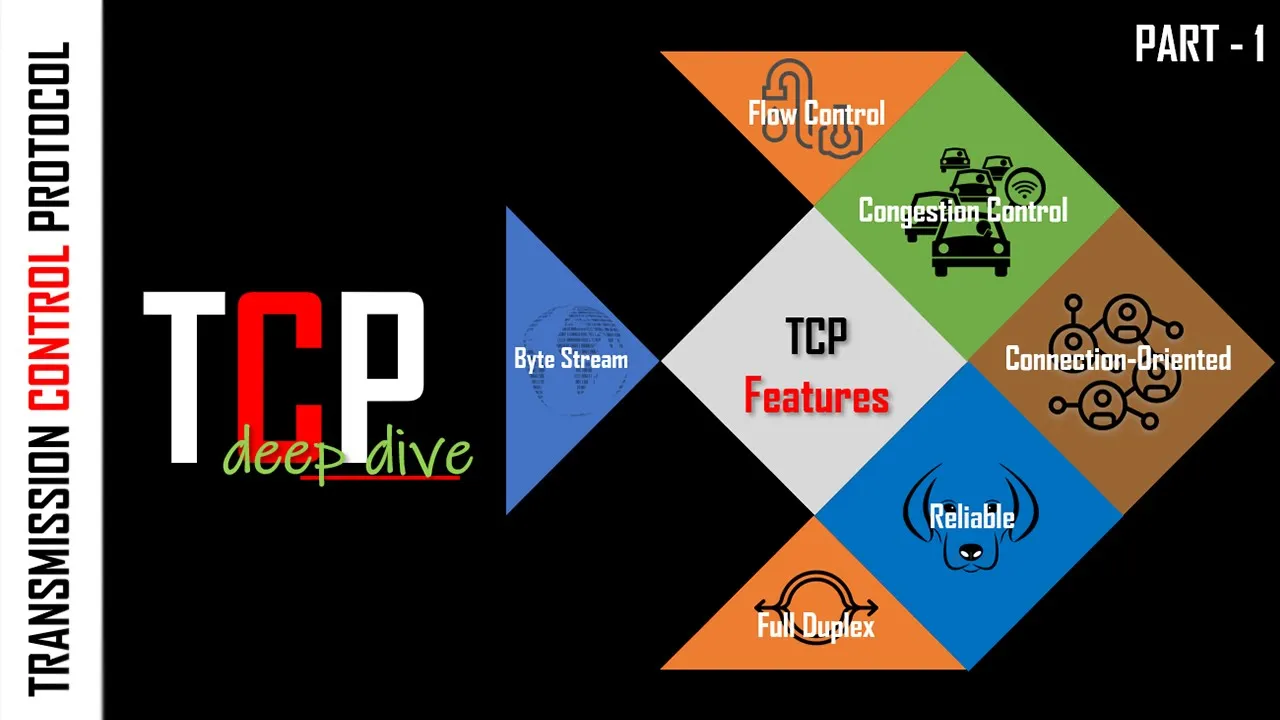

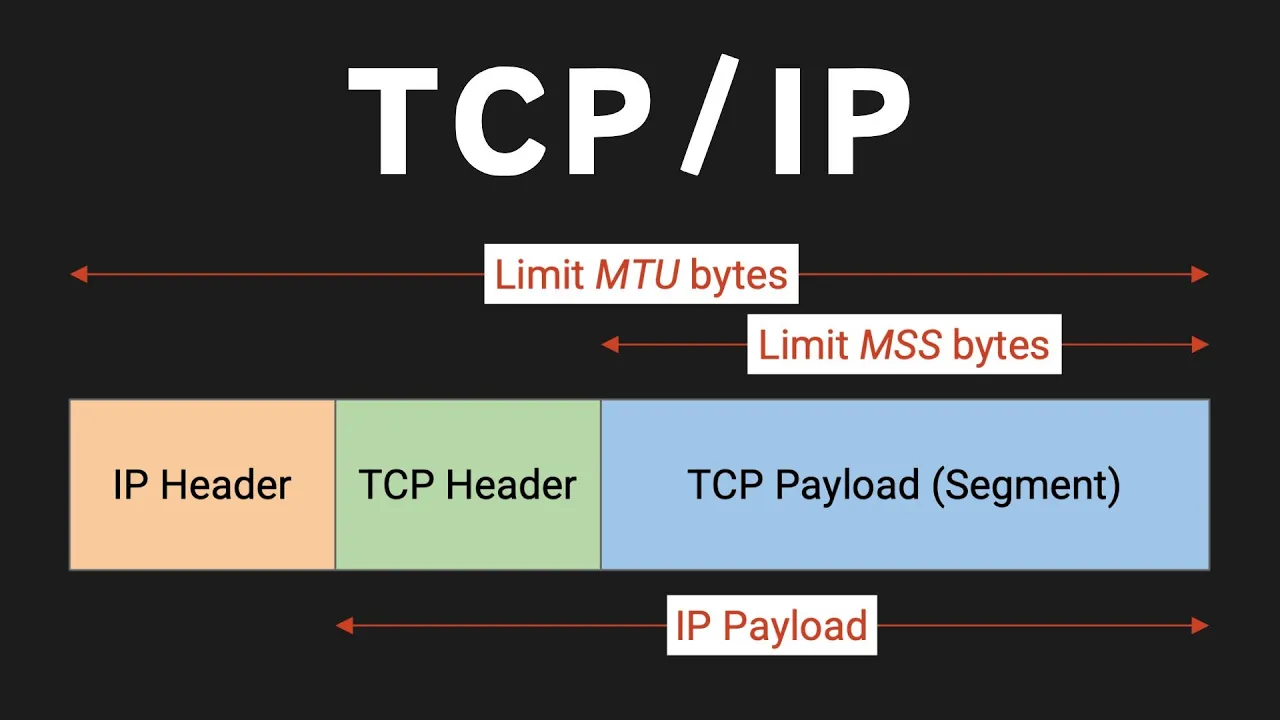








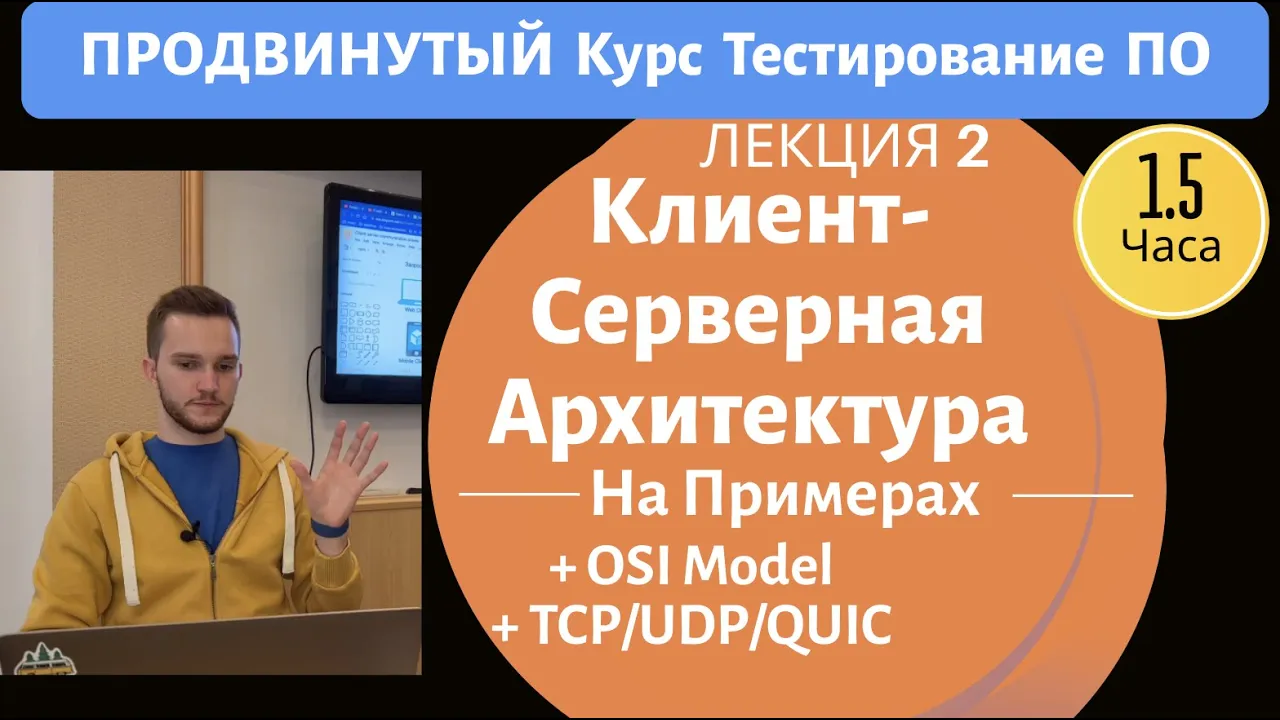
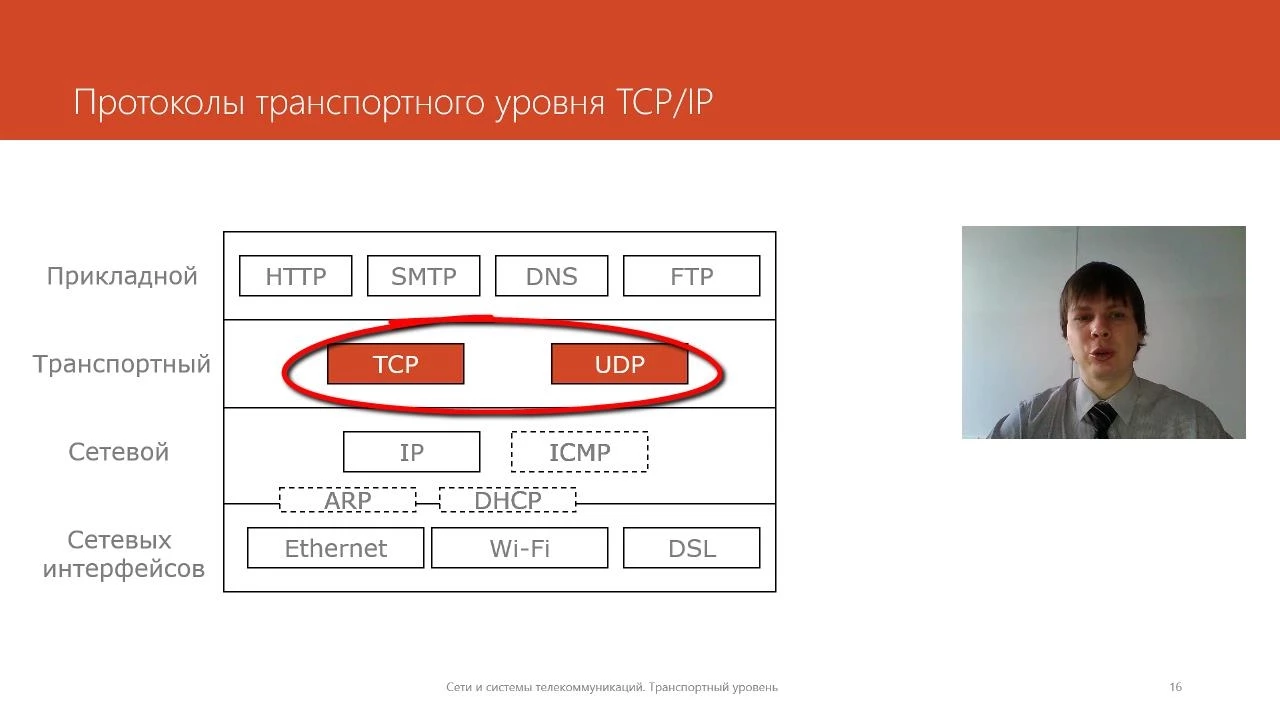
TCP (Transmission Control Protocol) and UDP (User Datagram Protocol) are both transport layer protocols in the OSI model that enable multiple applications to communicate simultaneously over a network by using port numbers; TCP is a connection-oriented protocol that ensures reliable data delivery through error checking, error recovery, and acknowledgment mechanisms (with a 20-byte header), making it suitable for file transfers, email, and web browsing, while UDP is a connectionless protocol that prioritizes speed over reliability with simpler error checking but no error recovery (8-byte header), making it ideal for real-time applications like online gaming and video calling where occasional packet loss is acceptable.
TCP vs UDP: Key Differences Explained with Examples
Added:Basic understanding of computer networks and how data is fragmented into packets for transmission.
Familiarity with the OSI Model or TCP/IP Model, specifically focusing on the purpose of the Transport Layer (Layer 4).
The concept of IP addresses and port numbers, and how they identify devices and specific applications on a network.
A general understanding of the client-server architecture and how devices initiate communication.
A deep dive into the TCP Three-Way Handshake, connection termination, and sequence/acknowledgment numbers.
Understanding TCP flow control and congestion control mechanisms, such as the sliding window algorithm.
How higher-level Application Layer protocols (like HTTP, DNS, FTP, and SMTP) leverage TCP or UDP.
Hands-on Socket Programming in languages like Python or C to implement custom TCP and UDP clients and servers.
Exploring modern transport-layer innovations like QUIC and HTTP/3, which aim to combine the speed of UDP with the reliability of TCP.
15.9K views320likes7:48Original Release: 2017-12-13
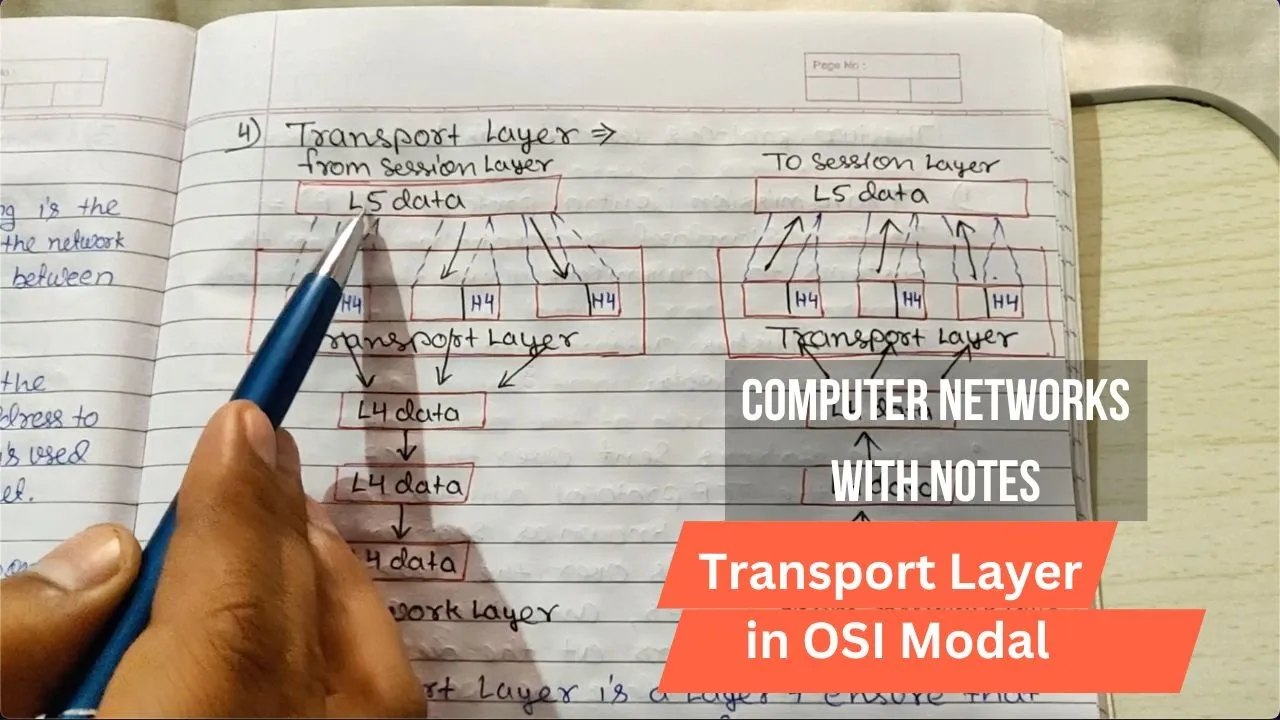
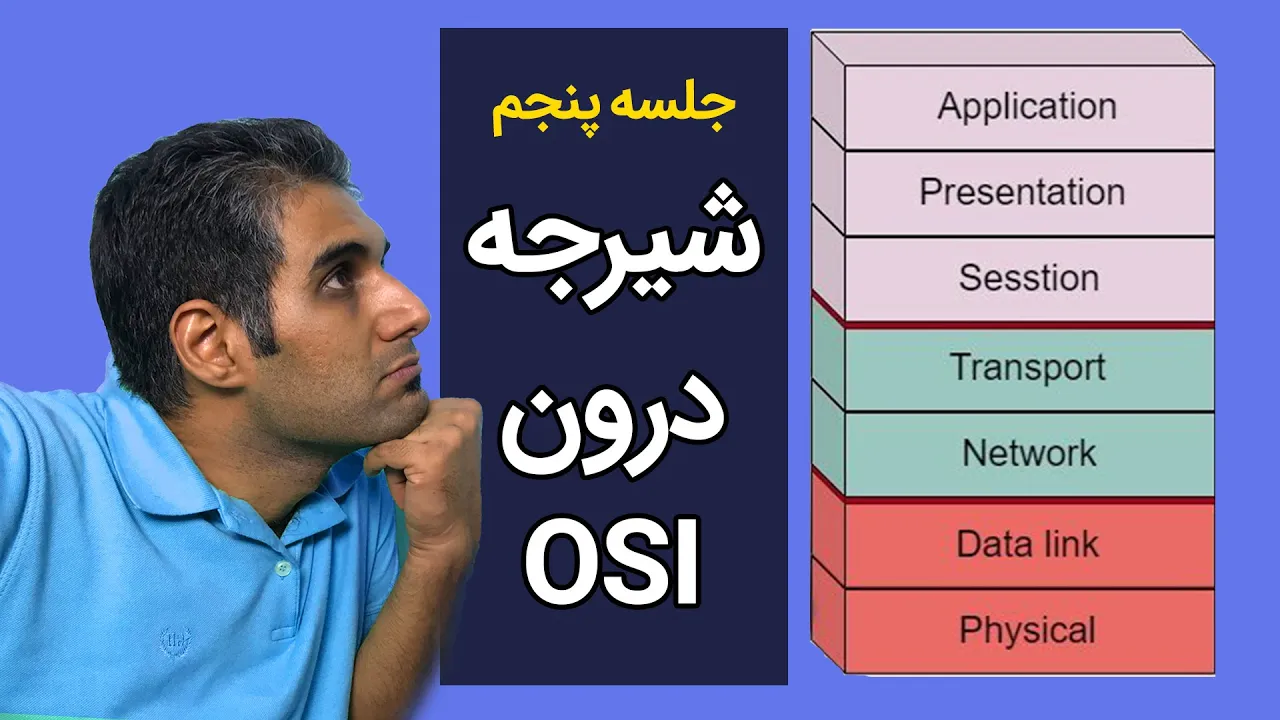
you know what today's video we are going to discuss about TCP and UDP which stands for transmission control protocol and user Datagram protocol hence TCP and UDP belongs to transport layer of or si model we are also going to discuss about this layer two so guys please watch this video clearly and then only your already doubt and the confusion will be clear hello friends this is a picture and welcome back to my channel technical tag let's the tag begin before starting the differences between TCP and UDP protocol let's look at how data exactly travel in a network OSI model stands for open system interconnection model which includes seven layers application layer presentation layer session layer transport layer Network layer data link layer and the physical layer on the Internet every data flows from this layer to reach to the destination hence TCP and UDP belongs to transport layer we are going to discuss about this particular layer I have made a separate video on all this different layer of OSI model link is given in the description section below you can watch it from there now what is transport layer transport layer is the fourth layer of OSI model it convert packets into a segment and delivered it to a different layer of OSI model have you ever wondered why two applications are able to use same interconnection at the same time that is because what the transport layer provides it allows multiple application to use one interconnection simultaneously transport layer creates 65,000 ports on per network connection different application uses different ports according to their requirement even a single application can use multiple let's take an example here an application is using ode number one to four zero one and try to send a message to port number 80 whenever an application creates a message he passed on to the presentation layers session layer and to the transport layer transport layer will convert this message into a segment in segments the transport layer add this source port number and the destination port number and then pass it to the network layer now network layer convert this segment into packets and deliver it to the port number 80 so this is how data travels in a network TCP and UDP are two different transport layer protocol here are the features and the differences between TCP and UDP TCP stands for transmission control protocol on the other hand UDP stands for user Datagram protocol TCP is connection-oriented protocol as for example you might have noticed in a most popular application whatsapp whenever you send a message to the user once it's successfully get delivered you will get a double tick sign am i right which indicates that the message has been successfully reached to the destination this is what TCP protocol does on the other hand UDP is a connectionless protocol whenever you send a data it does not confirm whether it has been successfully delivered to the destination or not TCP protocol sells data in a systematic manner that is serialized in a queue on the other hand UDP protocol does not send data in a systematic manner as for example while browsing internet you might have noticed the web page loads in a systematic manner how it is designed this is because of TCP protocol on the other hand just imagine if the website is using a UDP protocol on that case the content of the web page may load here and there and it will be very difficult to read the size of the TCP header is 20 bytes on the other hand the size of the UDP header is 8 bytes TCP do error checking and error recovery whenever data is sand using our TCP protocol this protocol is going to do a error checking if it finds any error it will send the data back to this source PC and the data will retransmit to the TCP once everything is all right TCP protocol pass this data to the destination on the other hand UDP protocol does error checking but there is no option for error recovery it means whenever data is same using a UDP protocol this protocol is going to do error checking but if it finds any error on the data it will simply drop it so this is one of a disadvantage of UDP the speed of TCP is slower than UDP on the other hand this beta of UDP is definitely faster than TCP TCP uses protocols such as HTTP HTTP FTP SMTP telnet etc on the other hand UDP uses protocols such as DNS DHCP TFTP SNMP read etc TCP is used while sending files mails viewing web page giving online videos etc on the other hand UDP are basically used by playing online games and video calling because on this scenario if you lose some packets it is not going to affect your work so guys this is all about the differences between TCP and UDP protocol hope you have enjoyed watching this video then give this video a big thumbs up if you are having any question or tau feel free to ask me in the comment section below and here is a small test for you guys just answer this question in the comment section below and let's see whether you are able to pass the test or tart so guys the question is TCP and UDP works under which layer of OSI model question number two is which protocols standee data it a systematic manner tcp or UDP answer this question in the comment section below and for more interesting tech videos like this please hit the red subscribe button and press the bell icon thanks for watching [Music]
Up Next

20:43
Implementing TCP Clients in Go with the net Package
@OfficialPackt
5.5K views•2017-02-16

87:26
Introduction to Secure Multiparty Computation with Yehuda Lindell
@fhe_org
7.7K views•2021-02-04

4:55
HTTP Requests Explained: GET, POST, PUT, DELETE
@codecademy
103.1K views•2021-10-07

19:25
Enigma Machine Mechanics: WWII Encryption Explained
@JaredOwen
13.2M views•2021-12-11
Related Study Plans & Knowledge Roadmaps
Structured learning paths in Computer Science
computer-science
Container Runtimes: Namespaces, Cgroups & Go
01Linux Systems & Go Programming Foundations
02The Core of Isolation: Chroot and Filesystems
03Linux Namespaces: Process Isolation
+ 3 more learning modules
32h6 modules
Explore Roadmap
computer-science
Building a CHIP-8 Emulator: Rust & CPU Basics
01Computer Architecture Foundations (Bits & Bytes)
02Rust Programming for Systems Development
03CHIP-8 Virtual Hardware Specifications
+ 2 more learning modules
32h5 modules
Explore Roadmap
computer-science
Building BitTorrent: Go, P2P & Concurrency
01Go Fundamentals & Concurrency
02Networking Foundations & P2P Architecture
03Bencode Parsing & Torrent Metadata
+ 3 more learning modules
26h6 modules
Explore Roadmap
computer-science
Actor Models (C++ Concurrency & Lock-Free)
01C++ Multi-Threading Foundations
02Thread Pools and Task Scheduling
03Atomics and Lock-Free Queue Design
+ 3 more learning modules
45h6 modules
Explore Roadmap