





![Domine os Métodos HTTP: GET, POST, PUT, PATCH e DELETE [Guia Completo]](https://i.ytimg.com/vi/287AhcajfyU/maxresdefault.jpg)















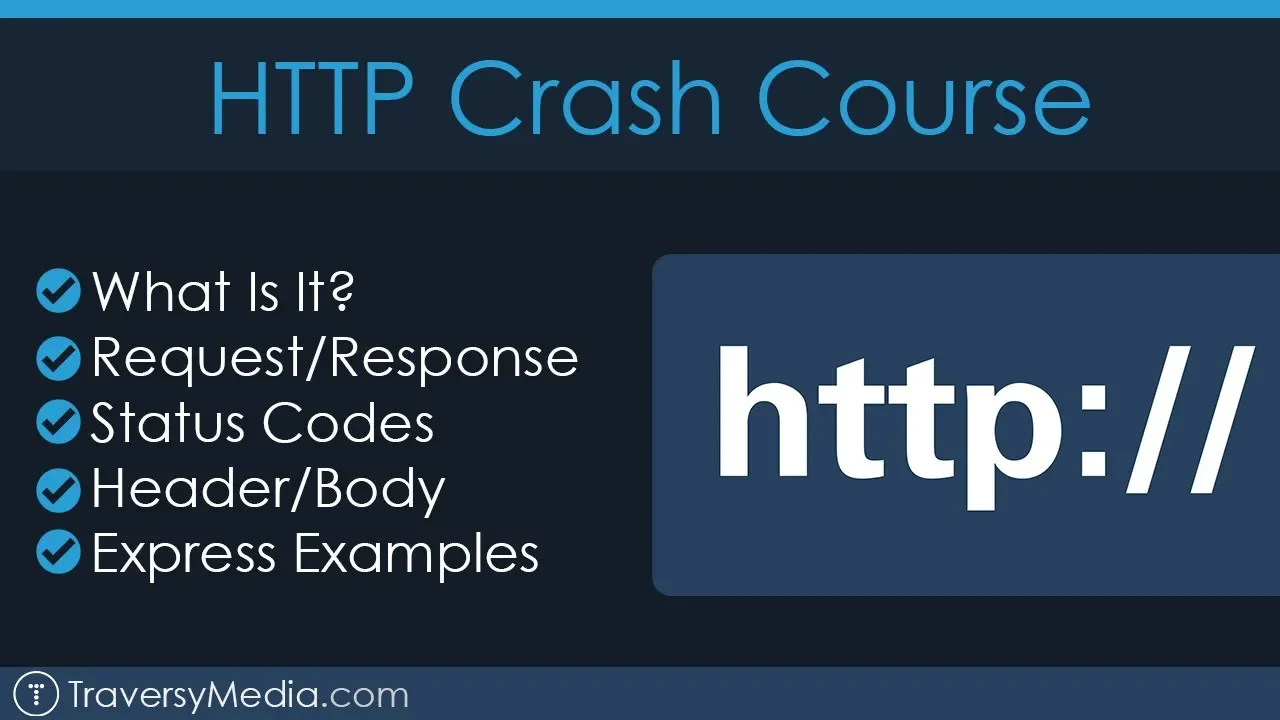
HTTP (HyperText Transfer Protocol) is the command language that structures requests and responses over the internet, enabling clients (like browsers) to communicate with servers; it operates over TCP to establish connections, with common methods including GET (retrieve existing resources), POST (create new resources), PUT (edit existing resources), and DELETE (remove resources), and responses include status codes like 200 OK (successful request) or 404 Not Found (resource not located), while HTTPS provides encryption for secure data transmission.
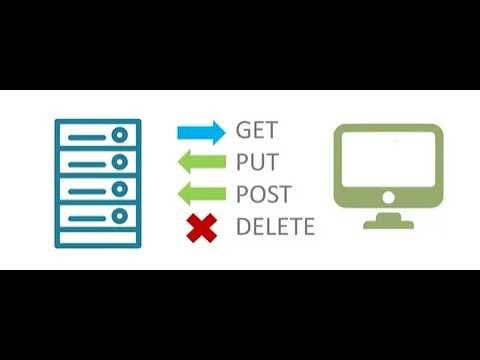
HTTP Requests Explained: GET, POST, PUT, DELETE
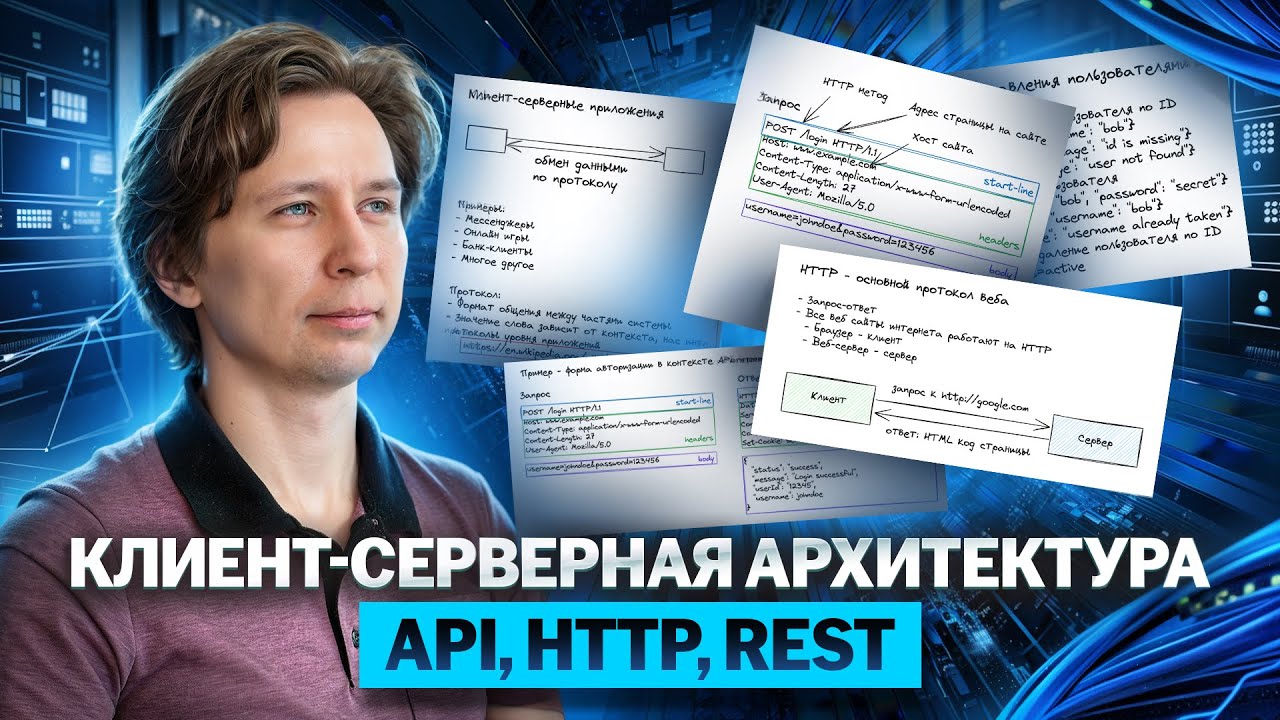
Added:Fundamental understanding of the Client-Server architecture and how the internet operates.
Familiarity with URLs (Uniform Resource Locators) and how web browsers locate resources.
Basic knowledge of markup languages, particularly HTML and how form submission works.
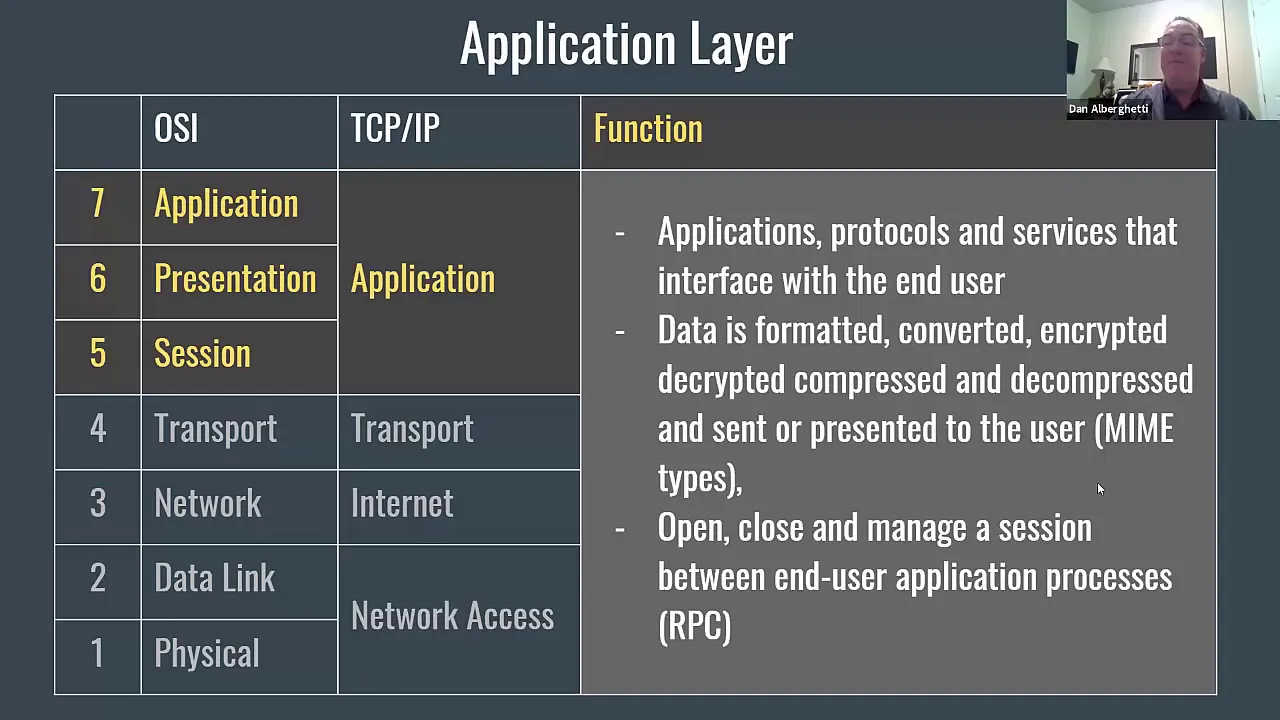
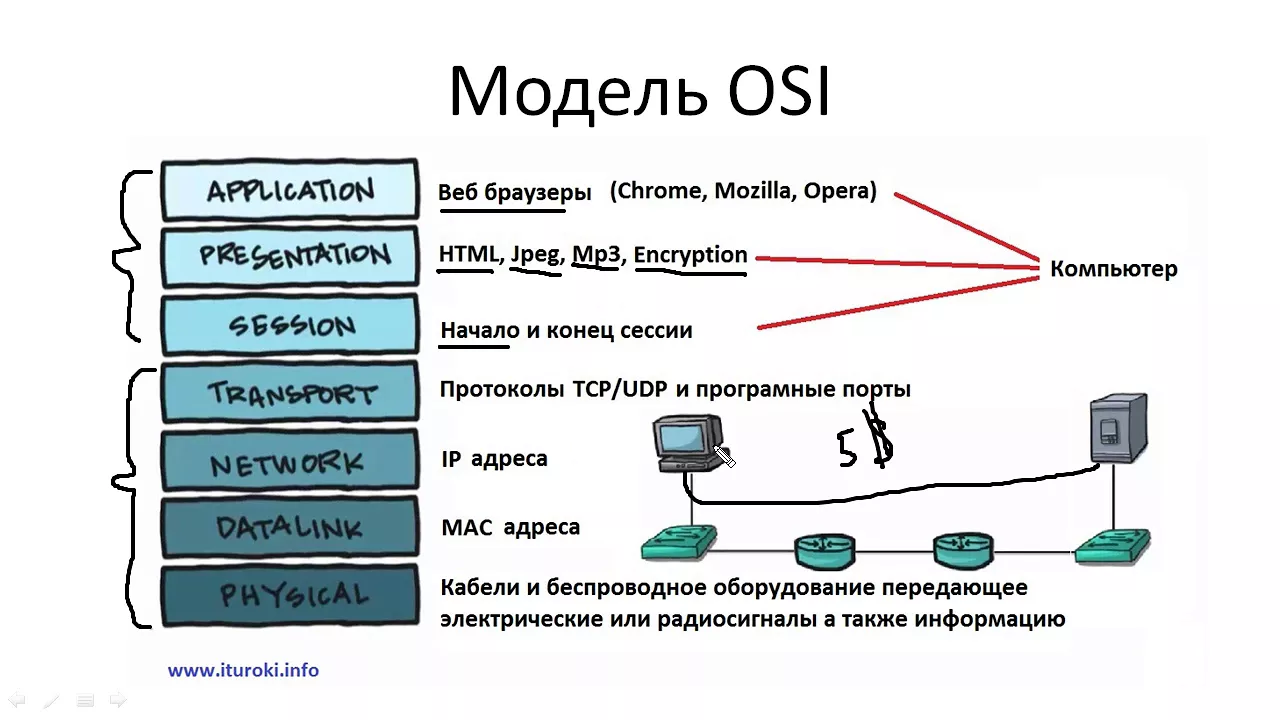
A conceptual understanding of the OSI model or TCP/IP protocol suite.
Principles of RESTful API design, including resource-oriented URIs and statelessness.
Practical experience using API development and testing tools such as Postman, cURL, or browser developer tools.
Implementing backend routing and request handling in web frameworks (e.g., Express.js, Django, or Spring Boot).
Securing web applications using HTTP authentication methods, JSON Web Tokens (JWT), and CORS policies.
Exploring advanced communication protocols such as WebSockets, HTTP/2, and gRPC for real-time applications.
103.1K views1.7Klikes4:55Original Release: 2021-10-07
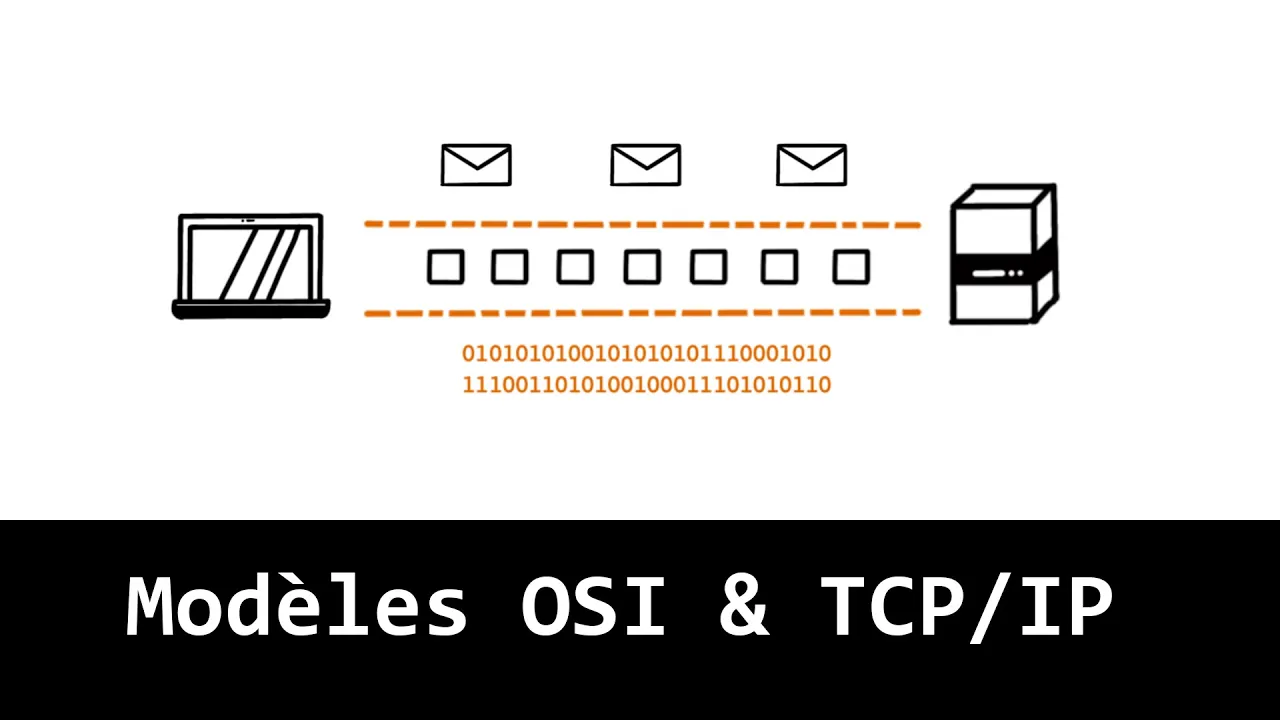
hi i'm rob i'm a developer and i'm here to teach you about http request you've worked with http all the time when accessing a site loading its content and interacting with its content in this video you'll learn about the different processes that take place to make these actions on the internet work smoothly http stands for hypertext transfer protocol and is used to structure requests and responses over the internet the transfer of resources happens using tcp transmission control protocol in viewing web pages tcp manages the channels between your browser and the server in this case codecademy.com tcp is used to manage many types of internet connections in which one computer or device wants to send something to another http is the command language that the devices on both sides of the connection must follow in order to communicate when you type an address such as codecademy.com into your browser you are commanding it to open a tcp channel to the server that responds to that url in this situation your browser which is making the request is called the client the url you are requesting is the address that belongs to the server once the tcp connection is established the client sends an http get request to the server to retrieve the web page it should display after the server has sent the response it closes the tcp connection get requests are one kind of http method a client can call they retrieve an existing resource from a server post request create new resources put requests edit an existing resource finally delete requests delete an existing resource let's explore an example of how get requests the most common type of requests are used to help your browser the client access resources on the web suppose you want to check out the latest course offerings from codecademy.com after you type the url into your browser your browser will extract the http part and recognize that it is the name of the network protocol to use then it will take the domain name from the url in this case codecademy.com and ask the internet domain name server to return an internet protocol ip address now the client knows the destination's ip address and then opens a connection to the server at that address using the http protocol as specified it will initiate a get request to the server which contains the ip address of the host and optionally a data payload the get request contains the following text this identifies the type of request the path and the protocol http version 1.1 the second line of the request contains the address of the server which is www.codecademy.com there may be additional lines depending on what data your browser chooses to send if the server is able to locate the path requested the server might send a response back in the response it could have a header http 1.1 that states it is the http 1.1 protocol and it has the status number of 200 and ok meaning there are no issues with the request this header is followed by the content requested which in this case is the information needed to render codecademy.com in this case content type text html meaning it's sending back information in the form of text and html if the server is not able to locate the path requested by the client it will respond with this header which means that the server identifies that it understands the http protocol but the 404 not found status code signifies that the specific piece of content requested was not found this might happen if the content was moved or if you typed in the url path incorrectly or if the page was removed since your http requests can be read by anyone at certain network junctures it might not be a good idea to deliver information such as your credit card or password using this protocol fortunately many servers support https short for http secure which allows you to encrypt data that you send and receive thanks for taking a look at http request with me we were able to cover how tcp allows a client to connect with a server and how http allows us to structure requests and responses we learned about the different types of requests get post put and delete we took a look at http message properties and response headers we saw that a status number of 200 and ok means that there are no issues with the request while a 404 status signifies that a specific piece of content requested was not found finally we saw http secure which allows you to encrypt data that you send and receive for even more information check out our article
Up Next

106:19
HTTP Fundamentals: Web Development CS75 Lecture 0 | David Malan
@GeorgeSchott
307.5K views•2013-02-26

87:26
Introduction to Secure Multiparty Computation with Yehuda Lindell
@fhe_org
7.7K views•2021-02-04

7:39
What is REST API? Explain API, REST, and Web API
@Bitfumes
104.5K views•2017-10-30

19:25
Enigma Machine Mechanics: WWII Encryption Explained
@JaredOwen
13.2M views•2021-12-11
Related Study Plans & Knowledge Roadmaps
Structured learning paths in Computer Science
computer-science
Container Runtimes: Namespaces, Cgroups & Go
01Linux Systems & Go Programming Foundations
02The Core of Isolation: Chroot and Filesystems
03Linux Namespaces: Process Isolation
+ 3 more learning modules
32h6 modules
Explore Roadmap
computer-science
Building a CHIP-8 Emulator: Rust & CPU Basics
01Computer Architecture Foundations (Bits & Bytes)
02Rust Programming for Systems Development
03CHIP-8 Virtual Hardware Specifications
+ 2 more learning modules
32h5 modules
Explore Roadmap
computer-science
Building BitTorrent: Go, P2P & Concurrency
01Go Fundamentals & Concurrency
02Networking Foundations & P2P Architecture
03Bencode Parsing & Torrent Metadata
+ 3 more learning modules
26h6 modules
Explore Roadmap
computer-science
Actor Models (C++ Concurrency & Lock-Free)
01C++ Multi-Threading Foundations
02Thread Pools and Task Scheduling
03Atomics and Lock-Free Queue Design
+ 3 more learning modules
45h6 modules
Explore Roadmap