













![Building A UDP Protocol For Cloud Gaming // Chris Dickson, Parsec [FirstMark's Code Driven]](https://i.ytimg.com/vi_webp/VDR8ws0eIbI/maxresdefault.webp)




UDP (User Datagram Protocol) is a connectionless network protocol that enables fast communication without establishing a connection before data transfer. In Python, UDP sockets are created using socket.socket(socket.AF_INET, socket.SOCK_DGRAM), bound to an IP address and port using bind(), and used with sendto() for sending data and receivefrom() for receiving data along with the sender's address. Unlike TCP, UDP does not use listen() or accept() methods since no connection is established beforehand.
Python UDP Socket Programming: Client-Server Implementation Tutorial
Added:Basic Python programming proficiency, specifically handling exceptions (try-except blocks) and converting between strings and byte streams (encoding/decoding).
Fundamental computer networking concepts, including IP addressing, port numbers, and the general Client-Server architecture.
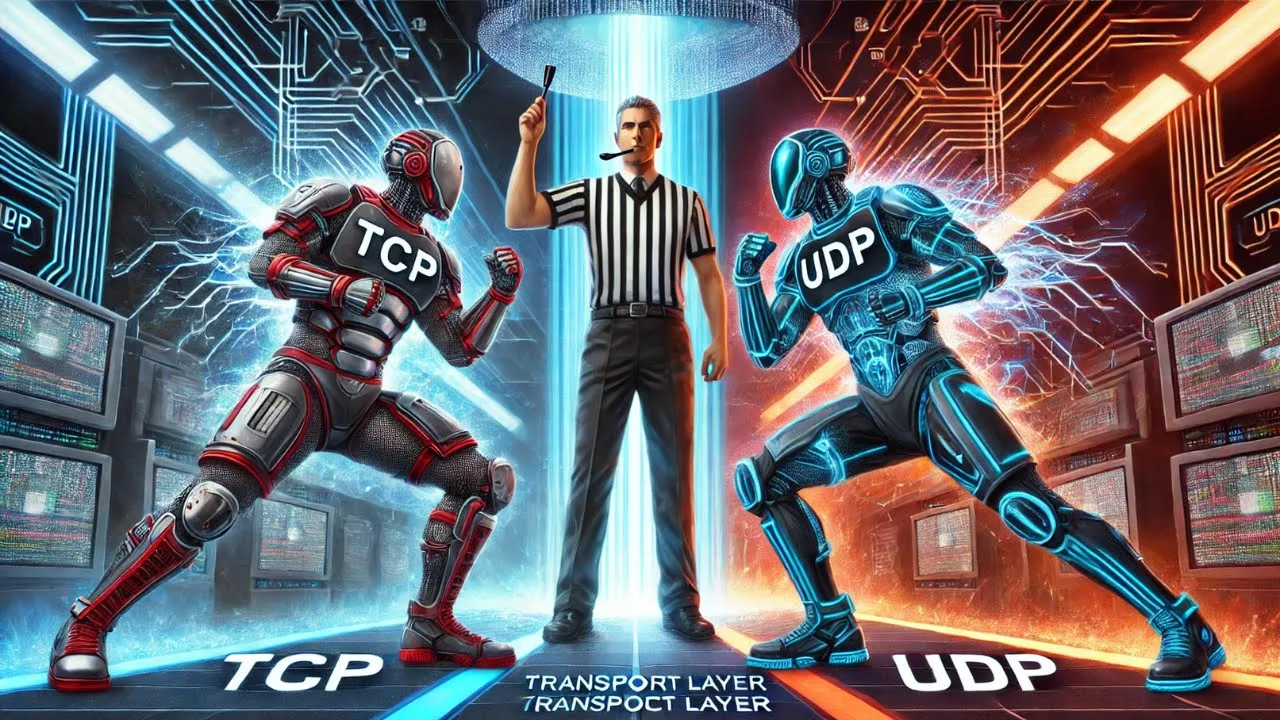
The theoretical difference between TCP (connection-oriented, reliable) and UDP (connectionless, unreliable) protocols at the Transport Layer.
A conceptual understanding of what a network socket is and how operating systems use them to facilitate communication.
TCP Socket Programming in Python to learn stream-oriented, reliable data transmission and connection management (handshakes).
Concurrent network programming, using Python's 'threading' or 'asyncio' libraries to allow servers to handle multiple client requests simultaneously.
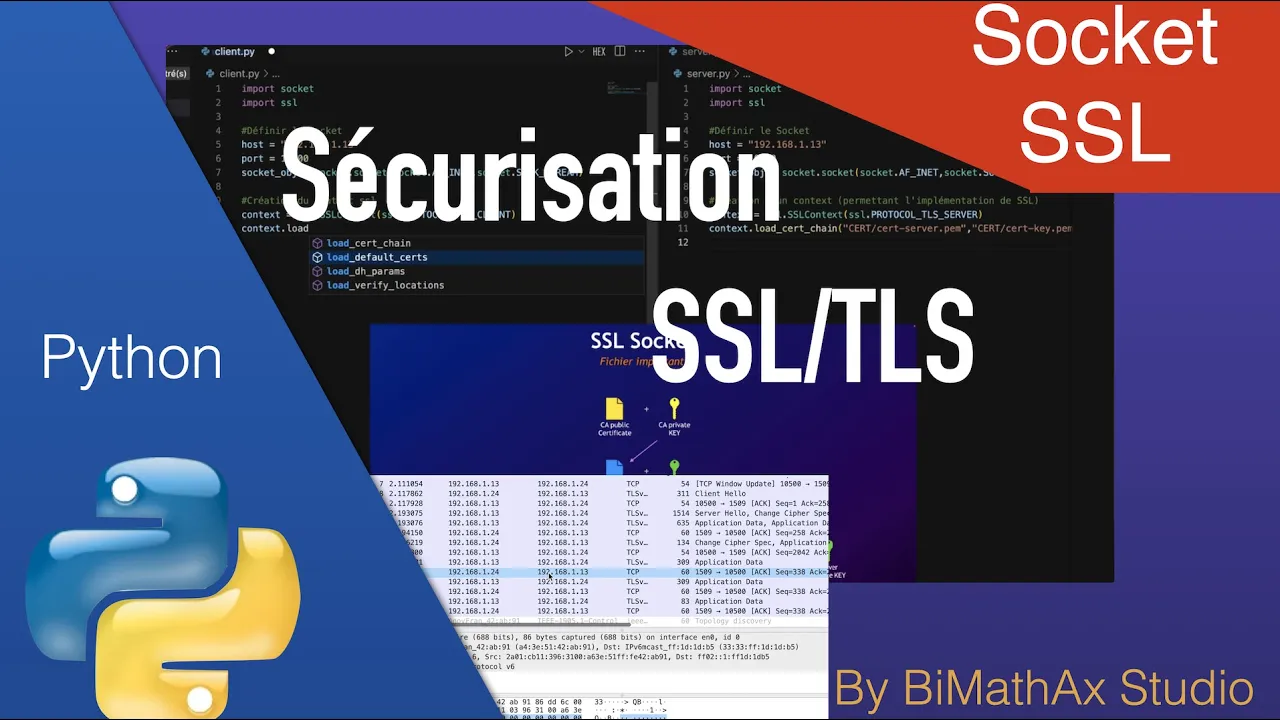
Securing network sockets by implementing SSL/TLS wrappers (using Python's 'ssl' module) to encrypt transmitted data.
Designing and implementing a custom application-layer protocol on top of UDP, incorporating manual reliability mechanisms like ACKs and timeouts.
Transitioning to high-level networking libraries and frameworks, such as Python's built-in 'socketserver' module or third-party frameworks like Twisted.
49.3K views419likes11:39Original Release: 2020-03-30
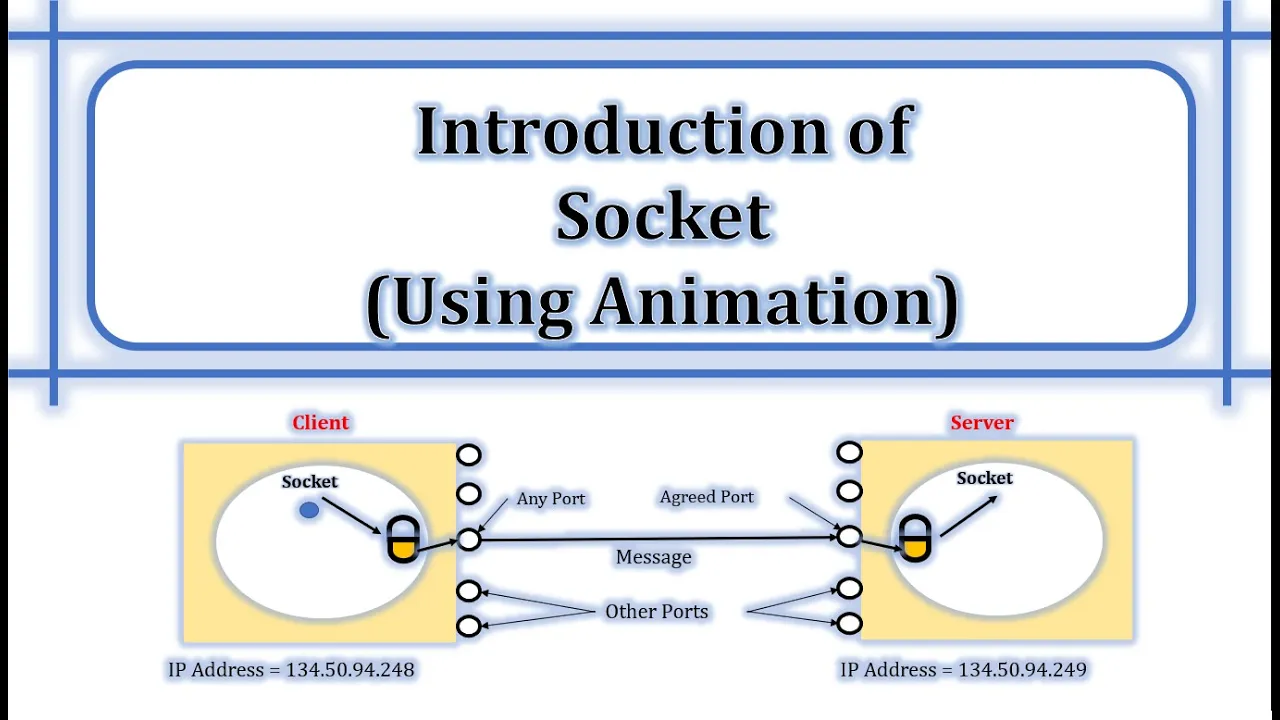
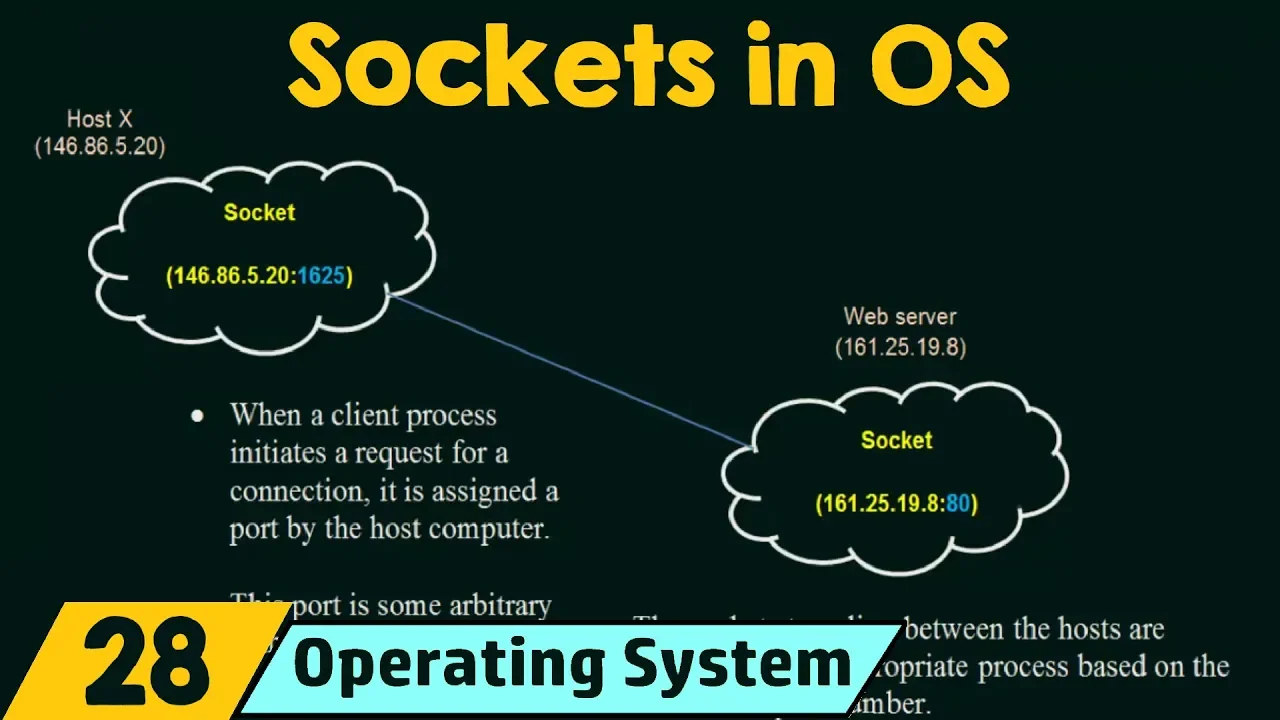
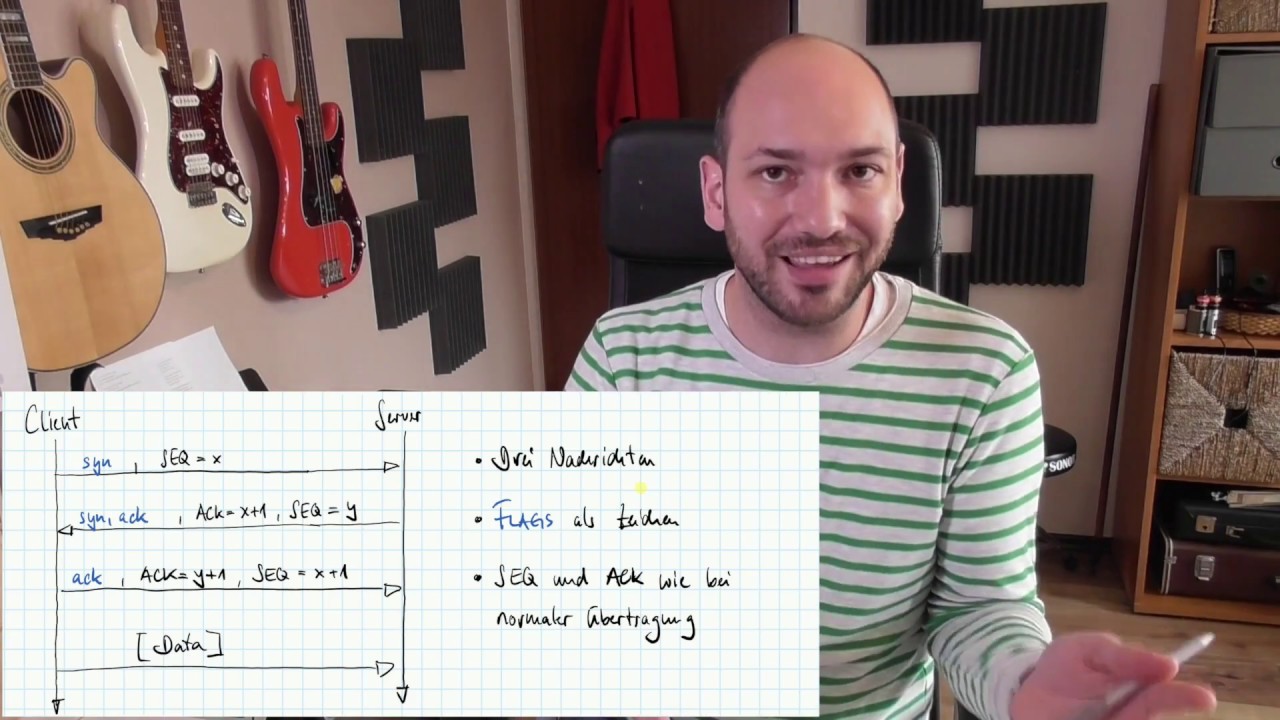
hello everyone welcome to the programming knowledge I hope you are all doing well today we are going to work on UDP socket before going to the coding part let's understood the client-server interaction diagram of UDP socket as we have seen in the basic of networking tag UDP is connectionless protocol right that is the client does not form a connection with the server like in TCP and instead just it sends a Datagram and the server need not accept it connection and it just waits for Datagram to arrive and Datagram contains the address of sender which the server used to send a data to the correct client we also know that UTP does not check for error in the exchange to diagram right so that's why it gives that is why it gives very fast communication now as you see in the interaction diagram it is very similar to TCP but there are various major changes in UDP after creating a socket object in UDP after creating a socket object the server process bind that socket to a particular IP address and port number after successful winding the server process will start waiting until Datagram packet arrived from client in TCP we have seen the concept of listen and accept which makes a TCP connection oriented protocol but in UDP there is no such thing that's why it is a connectionless protocol now after binding the client/server enters into the request/response and finite loop when the client process finishes it exists from the exit by closing down the connection and add that moment the server process probably goes back to the waiting state I am again repeating here that the this interaction diagram is a very simplified representation of the actual reality in practice any production server processes has multiple threads or sub processes to handle concurrent connection from thousands of client / respective virtual channels now let's jump to the coding part I am using pycharm ID for coding let's create UDP server first as we all now know that first we have to import the socket module now let's create socket object so socket soft is equal to socket dot socket here we have to pass an argument to argument in this the first argument we all know is socket dot AF underscore init which belongs to ipv4 family and the second argument we have to pass here is socket dot sock under school degrom the sock underscore degrom here means that the connectionless UDP protocol as we have seen in the interaction diagram we now have to bind the socket with IP address and port number so there is a method called bind as we have seen already here in bind we have to pass to argue one tupple and the couple consisting of IP address and port number here again as an in previous lecture I am providing local host and port number so local lowest is in thing but 127th or 0 dot 0 dot 1 and port number let's suppose 1 2 3 4 5 ok now let's write infinite loop for sending and receiving data so while true for sending the data usually to send the data using UDP protocol we use our ECB from method of socket module so I receive ephraim returns to thing that is data as well as address that is very important point here so let's write first the data comma address is equal to a so cycle tort or receive from no in TCP here why we are not using our ECB method which we have used in TCP because in TCP once the connection gets established the address information does not change right but in another another other hand in UDP UDP is a connectionless protocol so here we have to also receive the address so that we want to send the data back so that's why in our CV from there are two thing data as well as address but in our ECB method we only have data part because the call the connection is established here the connection is not established if we want to send back the data to the correct client we want address as well right and in our TV from we have to pass an interior and this integer represent the number of bite you want to accept so here we are trying to provide enough pie to cover the entire message because we have seen in the background of networking that the packet of UDP message should be equal to the message the message size of the UDP should be equal to the packet side right so here we are trying to provide enough bytes so let's I am providing here let's say 4 0 9 6 bytes no let's say we have to also send that data to the client so let's define messages hello I am UDP server here there also one important point is here we use CIN 2 method here for the UDP the logic is same why we are using another method because we have to send the data to a particular address and in UDP there is no connection established that's why we have to specifically provide the address so that's why there is another method st. 2 so let's write sock dot st. 2 it's take 2 argument one is message and another one is address and also let's prints the data that we have received from the client flow that is received from let's print the data print data okay No and also the masses should be invite here it is in his strength but we have to send the message should we invite so let's convert into bytes so bytes of hello okay and also we have to encode this message right so dot encode in utf-8 a string okay no now let's write a simple client program which is able to interact with this server program all things are similar somewhat similar so I am copying from the server program up to this part right no I want to send a message to the server so let's define a message hello UDP server again we know to send message here we have to provide we have to use sent to method so client underscore socket dot send - and we have to encode the message as we all know into utf-8 and we have to forward this we have to send the message into the localhost the address so I am providing 127 dot 0 dot 0 dot 1 and the port number is 1 2 3 4 5 right and also if the server st. so we have to receive that so data comma address is equal to client underscore socket dot receive from and also here I'm providing for 0 9 6 and it's a print server says and again print the data so print STR data and after that we have to close the connection now let's run the code so first we will run the code of the server and now let's run the code of the client as you see here it says hello I am a UDP server and now if we go to the server output we will see it prints hello UDP server so in this lecture we have seen masses successfully receive and send between the server and the client and we also able to get a knowledge about how UDP socket works so thank you guys thank you everyone
Up Next

15:07
Bits, Bytes, and Words: Computer Memory Units Explained
@hhp3
157K views•2015-01-12

87:26
Introduction to Secure Multiparty Computation with Yehuda Lindell
@fhe_org
7.7K views•2021-02-04

4:55
HTTP Requests Explained: GET, POST, PUT, DELETE
@codecademy
103.1K views•2021-10-07

19:25
Enigma Machine Mechanics: WWII Encryption Explained
@JaredOwen
13.2M views•2021-12-11
Related Study Plans & Knowledge Roadmaps
Structured learning paths in Computer Science
computer-science
Container Runtimes: Namespaces, Cgroups & Go
01Linux Systems & Go Programming Foundations
02The Core of Isolation: Chroot and Filesystems
03Linux Namespaces: Process Isolation
+ 3 more learning modules
32h6 modules
Explore Roadmap
computer-science
Building a CHIP-8 Emulator: Rust & CPU Basics
01Computer Architecture Foundations (Bits & Bytes)
02Rust Programming for Systems Development
03CHIP-8 Virtual Hardware Specifications
+ 2 more learning modules
32h5 modules
Explore Roadmap
computer-science
Building BitTorrent: Go, P2P & Concurrency
01Go Fundamentals & Concurrency
02Networking Foundations & P2P Architecture
03Bencode Parsing & Torrent Metadata
+ 3 more learning modules
26h6 modules
Explore Roadmap
computer-science
Actor Models (C++ Concurrency & Lock-Free)
01C++ Multi-Threading Foundations
02Thread Pools and Task Scheduling
03Atomics and Lock-Free Queue Design
+ 3 more learning modules
45h6 modules
Explore Roadmap