









![Visualizing memory layout of Rust's data types [See description/first comment]](https://i.ytimg.com/vi_webp/rDoqT-a6UFg/maxresdefault.webp)










![[AOC][FH] Memória Principal (RAM)](https://i.ytimg.com/vi/dLks6ohReRo/sddefault.jpg)
Computer memory is organized into hierarchical units where 1 byte equals 8 bits, 1 word equals 4 bytes (32 bits), and 1 half-word equals 2 bytes (16 bits); hexadecimal notation provides a compact way to represent binary data since each hex digit corresponds to 4 bits, meaning each byte requires exactly 2 hex digits, while octal notation is less commonly used due to its poor alignment with byte boundaries and potential for confusion with decimal numbers.
Bits, Bytes, and Words: Computer Memory Units Explained
Added:Basic understanding of the binary number system (base-2) and how 0s and 1s represent electrical states.
General familiarity with the concept of computer hardware, specifically what RAM (Random Access Memory) is at a high level.
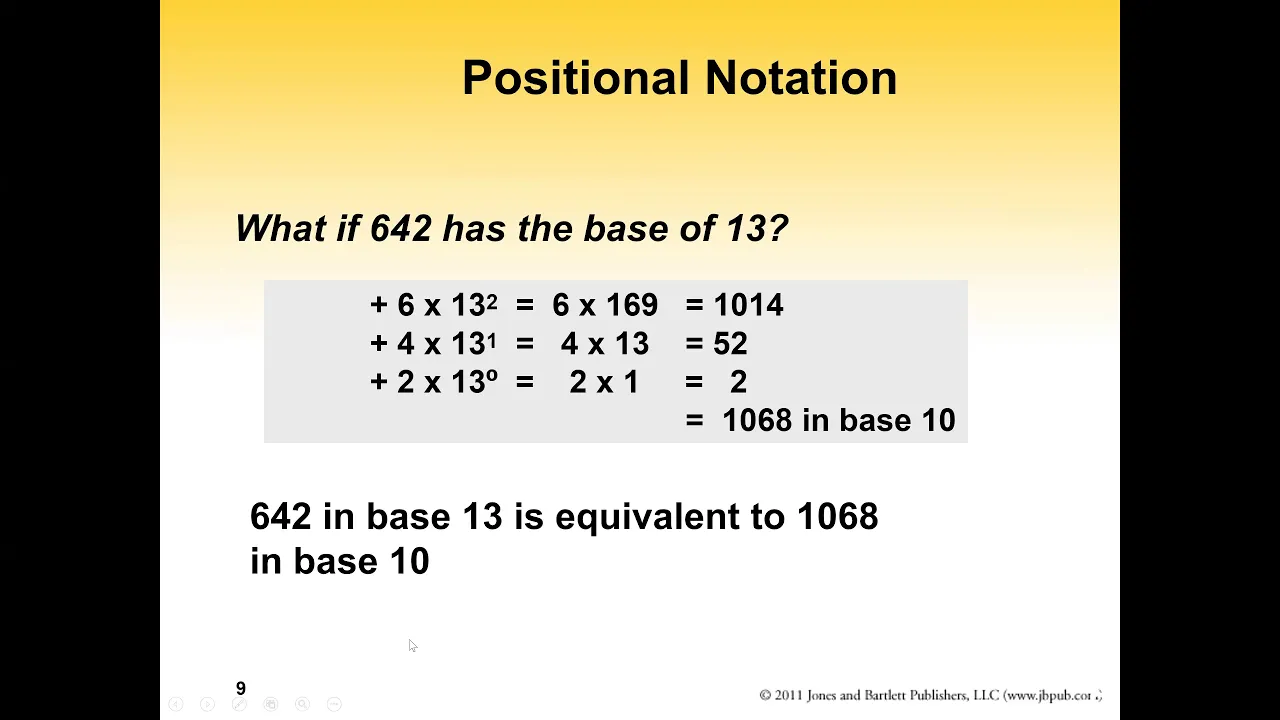
A foundational grasp of positional notation in mathematics, which is essential for understanding different base systems like decimal and hexadecimal.
The concept of digital abstraction—how continuous physical signals are mapped to discrete binary values.
How complex data types (such as signed/unsigned integers, floating-point numbers, ASCII, and Unicode characters) are encoded in memory.
Memory addressing, pointer mechanics, and how CPU word size (e.g., 32-bit vs 64-bit) limits or enables memory access.
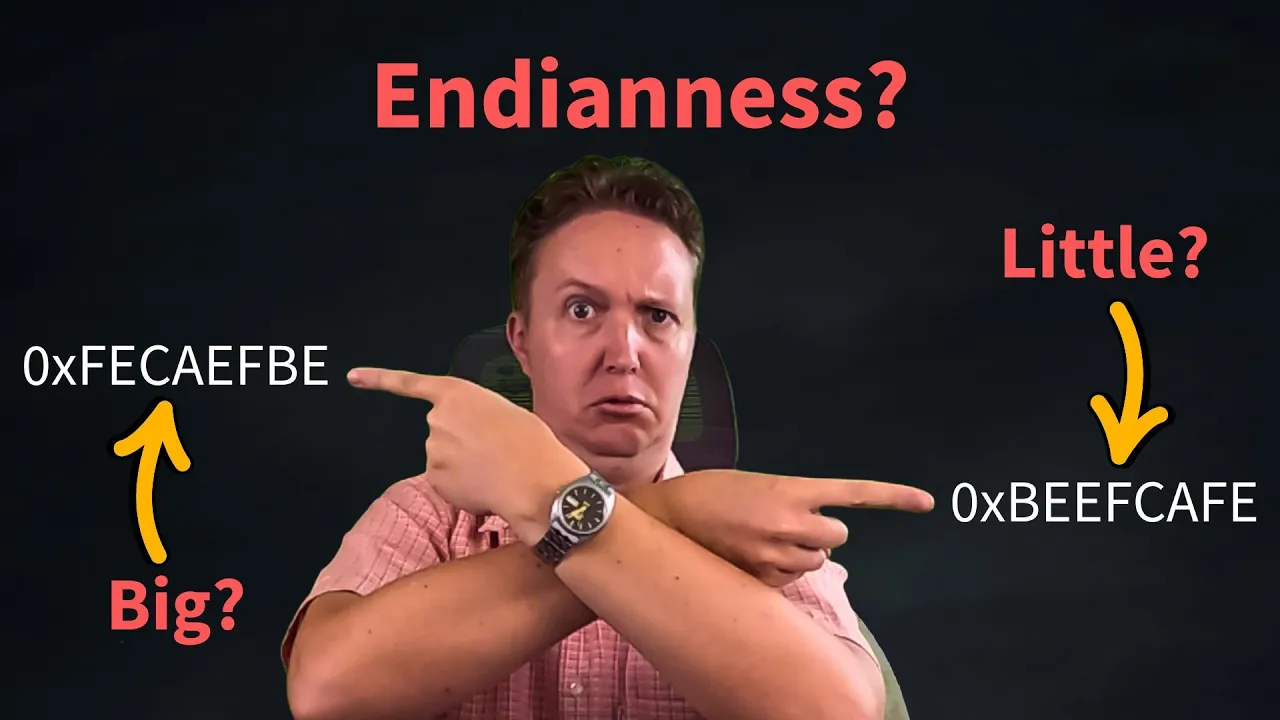
The concept of Endianness, which dictates the byte order of multi-byte data words in memory storage and network transmission.
Bitwise operations (AND, OR, XOR, NOT, and bit-shifting) in low-level programming to manipulate data at the bit level.
The computer memory hierarchy, exploring how registers, caches (L1/L2/L3), main memory, and secondary storage interact.
157K views1.6Klikes15:07Original Release: 2015-01-12
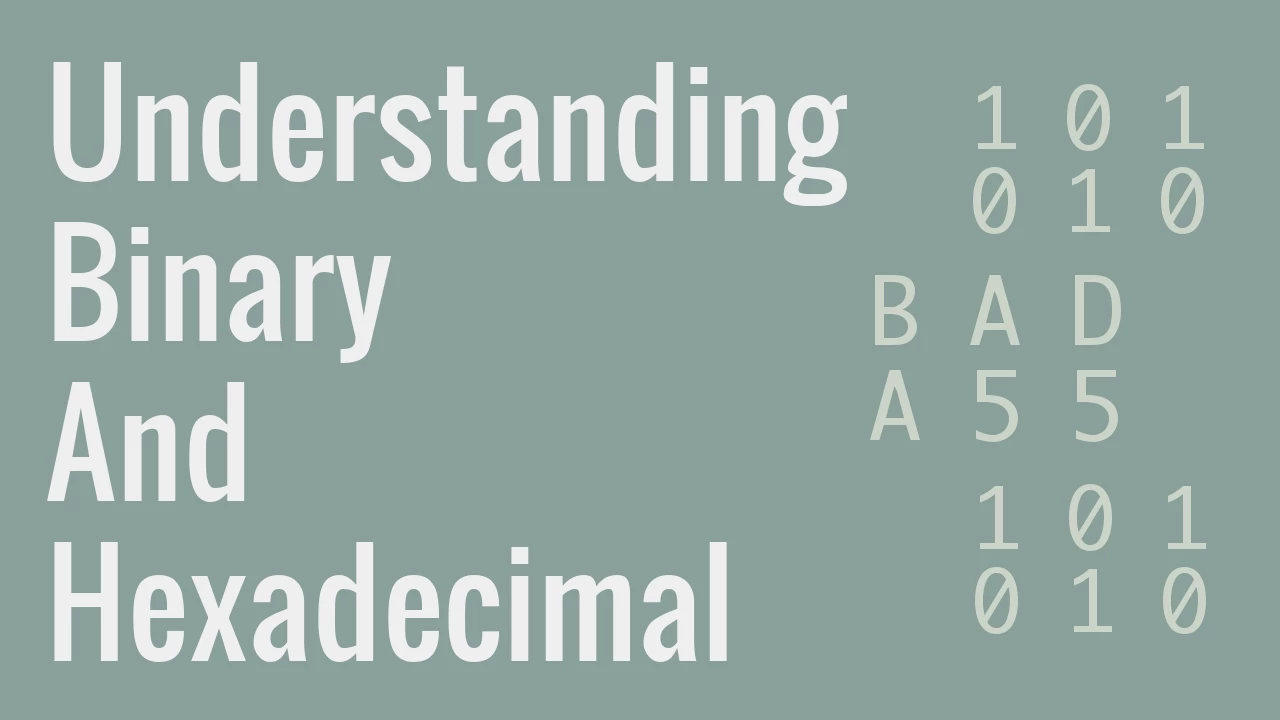
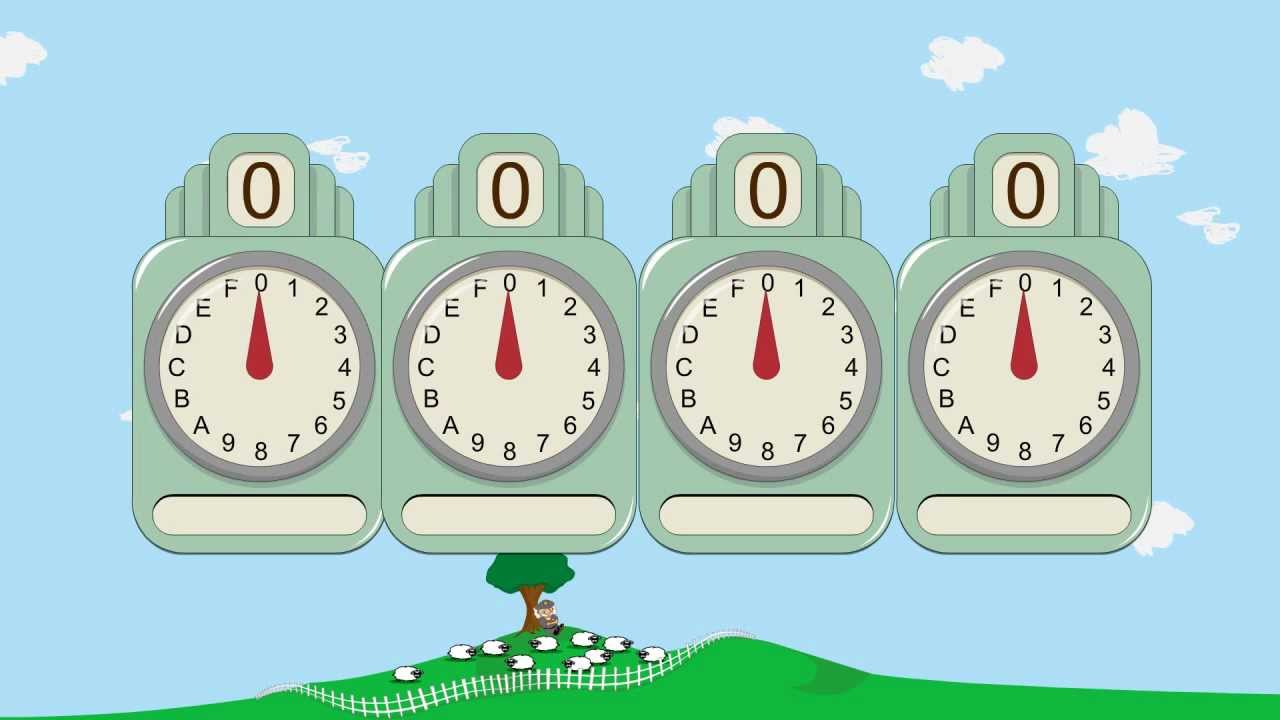
in this video we'll talk about how bits can be grouped into bytes words and other quantities and we'll also mention octal notation here is a quantity that is one bit in size a memory this big can hold either a zero or a one and nothing more the major grouping of bits is the bite there are eight bits in a bite so a memory with only one bite would have eight bits in it most memories have many many bytes but each one of those bytes has exactly eight bits in it the bite is a very common measure of how large a memory is and every bite contains eight bits there are some other units that are important uh the next most important is the word a word is four bytes and since there are eight bits in every bite a word has 32 bits so a word is four bytes and here I've drawn out 32 bit positions we can also talk about a 16bit quantity that's also a very common measure of size and a 16-bit quantity is called a half word sometimes also called a short value and uh we also have a double word which is is twice as big as a word8 bytes or 64 bits and then we have quadw which are 16 bytes in length now these termin this terminology is getting to be pretty standard certainly bite a bite Having Eight bits is very standard and agreed upon but the the term word is not 100% agreed upon generally it means four bytes and that is the proper meaning for this term but in some contexts particularly uh older uh material word May mean a different amount of bits or bites uh in older uh microprocessors they use the term word for 16 bits that's very confusing so we should always talk about a word being four bytes or 32 bits in length anything else is just asking for confusion there is a onetoone correspondence between heximal notation and binary notation so here's a binary number 011 1 0 1 0 00001111 and here is the equivalent number expressed in HEX 3 a0f computer memories contain bits uh and bytes which are made of bits so you could specify what's stored in a computer memory using binary notation however it's very error prone for the human brain because of all these zeros and ones so generally we use the hex notation instead to express what's stored in memory so the computer actually can be thought of as a binary storage system that stores bits but it's much more practical to think about the computer memory is storing numbers that are represented in HEX since there's a one toone correspondence so let's look at a bite a bite has eight bits in it okay so here's an example 0 0 1 1 1 0 1 0 so perhaps one bite in your me in your computer's memory contains this value it's much simpler to express the value that's stored in that bite with two hex digits two hex numerals 3 a since there are eight bits it requires two hex digits to describe the contents of that bite of memory so remember each bite is expressed with two hex digits so if you see a hex number and you wonder how many bytes it is you can just look at how many hex digits there are in it in this case there are four hex digits two per BTE so so there are two bytes here two bytes or 16 bits another way to look at it is if you see four hex digits each one represents four bits so this corresponds to 0011 1 0 1 0 0000 11111 half Words which are 16 bits in length take four hex digits hex digits generally come in pairs always write them in pairs because we very rarely see anything smaller than a bite there's a term uh for a 4-bit unit called a nibble which is half a bite a nibble uh but that's more of a cute term and not particularly used by anybody uh for anything uh serious so uh here we have 3 a0f for a half word and finally we have a word which is 32 bits most computers work on 32 bits B and many modern computers work on 64-bit groups double words but the word size of 32bits is very common and it requires eight hex digits 8 * 4 is 32 bits and with decimal numbers we oftentimes write a comma every after every third digit with uh binary numbers we often times write a space so a typical um decimal number might be something like this with a comma every three maybe we can add a little bit more okay with hex numbers um the standard is to put the um break every um fourth digit so let's take our number 3 a0 F12 d8 uh we could sometimes we put commas there okay but uh more frequently we we put a space there um sometimes when you've got a lot of hex digits you might just uh break it apart by drawing lines between them to sort it out um you can draw a line every two for every bite if you prefer so this is one word for bytes okay so here's our example 3 a0f and I've drawn a space there to break it apart so that you can identify it as a word not get lost uh in there here is our correspondence between XX numerals and groups of four bits so this you should commit to memory 0 1 2 3 and then four is 1 0 0 5 is 101 6 is 110 and 7 is 111 and then we have the numbers that are greater than seven begin with a one 89 a is one z one0 b c is 1 1 0 0 d e and the last one f is all ones I want to mention octal notation although octal notation is not used very much anymore it's more for historical interest here I have a half word to byes 16 bits 1 1 0 1 0 1 0 0 1 01 1 00 one 001 and there's a nice correspondence in each of these groups of four with a hex numeral octal is base eight okay so they only use eight numerals from0 through seven and there's a one to1 correspondence between the numerals and three bits so for example this B this 16bit binary number which is D 4 B1 can be expressed in octal by um looking at it as 5 2 2 61 octal groups the bits into groups of three hex groups the bits into groups of four since bytes have eight bits grouping them into groups of four makes a lot of sense because there are exactly two hex digits per bite so this half word could be expressed with 1 2 3 4 he digits the octal notation doesn't work so well because as you can see when you group it into groups of three one spans the bite one of these groups spans the bite the bite boundary also octal numbers tend to have a lot of digits okay because they have fewer numerals the numbers get longer more quickly and so octal is basically just a bad idea it's it's not used very often um another thing that is uh somewhat problematic is every octal number looks like a decimal number so if you make a number using only these numerals it looks like a perfectly valid number but it's not if you say for example 263 and you're interpreting it as an octal number uh it's not 263 in fact it's only 179 in decimal um 263 also looks like a hex number um and if you interpret it as a hex number it's actually a much larger uh decimal value so you can see you can get larger numbers uh with fewer fewer digits uh with the hex notation um in the C programming language a leading zero indicates that the rest of the number is in octal so if you see a number and it starts with a zero that means it's an it's expressed an octal and not decimal normally in math leading zeros are insignificant and so this leading zero is often times uh a bit confusing because leading zeros are supposed to be not significant but if you add a zero in front of the digits 2 six and three you change the number from being a decimal number of 263 into the octal number which has a value of only 179 so that's octal notation used uh rarely anymore but I just want you to be aware of it as long as we're talking about C this is probably a good time to talk about how many bytes are used to represent numbers in the C programming language there are essentially two versions of C in use on the Intel microprocessor intels power most of the computers uh these days at this time and the older Intel processors are 32-bit processors and the newer ones are 64-bit processors this ter This this term i32 refers to the 32-bit architecture and x86 64 is how we refer to the 64-bit architecture in the C language you have a number of different kinds of numbers and uh the primary Workhorse is the int which is a 32-bit number it's four bytes in addition we have a short number which is a half word okay and then we have cares or chars some people say chars some say cares those are just one bite numbers eight bits of information there is also a longer version of uh in uh and in the C language you can write that data type as either long or long long those are two different data types uh I recommend you never use long because on the intel on some compilers uh it means four bytes and on others it means eight whereas long long pretty generally means an8 by number a double word number we also have floating Point numbers I'm going to talk about how uh numbers are represented a little bit more in the subsequent videos and I'll also talk about how floating Point numbers are represented which is a subject all unto itself so right now we're talking only about integers and the standard representation of an integer is 32 bits which is four bytes there are also versions that are eight bytes two bytes and one bite in addition we have ways to represent numbers in scientific notation that's called floating point and there are two different there are primarily two different precisions one with four one using four bytes and one using eight bytes there's also uh an extended Precision or a long Precision that involves 16 bytes uh we'll talk about pointers in this video series later on as well and this notation care star here is indicating a pointer and it can be a pointer to characters or anything else and the two different architectures use either four bytes or eight bytes for pointers I should also point out that these are the names we typically use for these types but um short can be expanded and you can also write short int which means this type a half word and not a full word and in place of long you can write long in which means uh well it it's meaning depends on which compiler you're using for which machine machine and then long long can also be written out as long long end although this is less common
Up Next

9:17
Analyzing DNS Packets with Wireshark: Header, Flags, and Query Tracking
@anmolchadha1028
364 views•2024-07-20

87:26
Introduction to Secure Multiparty Computation with Yehuda Lindell
@fhe_org
7.7K views•2021-02-04

18:58
Context Free Grammars and Languages Formal Definition
@hhp3
121.3K views•2015-01-23

19:25
Enigma Machine Mechanics: WWII Encryption Explained
@JaredOwen
13.2M views•2021-12-11
Related Study Plans & Knowledge Roadmaps
Structured learning paths in Computer Science
computer-science
Container Runtimes: Namespaces, Cgroups & Go
01Linux Systems & Go Programming Foundations
02The Core of Isolation: Chroot and Filesystems
03Linux Namespaces: Process Isolation
+ 3 more learning modules
32h6 modules
Explore Roadmap
computer-science
Building a CHIP-8 Emulator: Rust & CPU Basics
01Computer Architecture Foundations (Bits & Bytes)
02Rust Programming for Systems Development
03CHIP-8 Virtual Hardware Specifications
+ 2 more learning modules
32h5 modules
Explore Roadmap
computer-science
Building BitTorrent: Go, P2P & Concurrency
01Go Fundamentals & Concurrency
02Networking Foundations & P2P Architecture
03Bencode Parsing & Torrent Metadata
+ 3 more learning modules
26h6 modules
Explore Roadmap
computer-science
Actor Models (C++ Concurrency & Lock-Free)
01C++ Multi-Threading Foundations
02Thread Pools and Task Scheduling
03Atomics and Lock-Free Queue Design
+ 3 more learning modules
45h6 modules
Explore Roadmap