















![[Tuto Fr]wireshark analyse DNS](https://i.ytimg.com/vi_webp/fgvcv56okvE/maxresdefault.webp)


DNS packets can be analyzed in Wireshark by filtering on port 53 and using the Transaction ID to track queries and responses; the DNS header contains flags like Recursion Desired (RD) and Recursion Available (RA), with the Question Section specifying the domain name and record type (such as A for IPv4 addresses or CNAME for aliases), and the Answer Section providing the resolved IP addresses or redirect information.
Analyzing DNS Packets with Wireshark: Header, Flags, and Query Tracking
Added:Basic understanding of the Domain Name System (DNS) workflow, including recursive and iterative resolution.
Familiarity with the OSI and TCP/IP models, specifically how UDP and TCP transport layer protocols operate.
Essential Wireshark navigation skills, such as capturing live traffic, applying simple display filters, and understanding the three-pane packet layout.
Detecting and analyzing security anomalies like DNS tunneling, data exfiltration, and DNS cache poisoning.
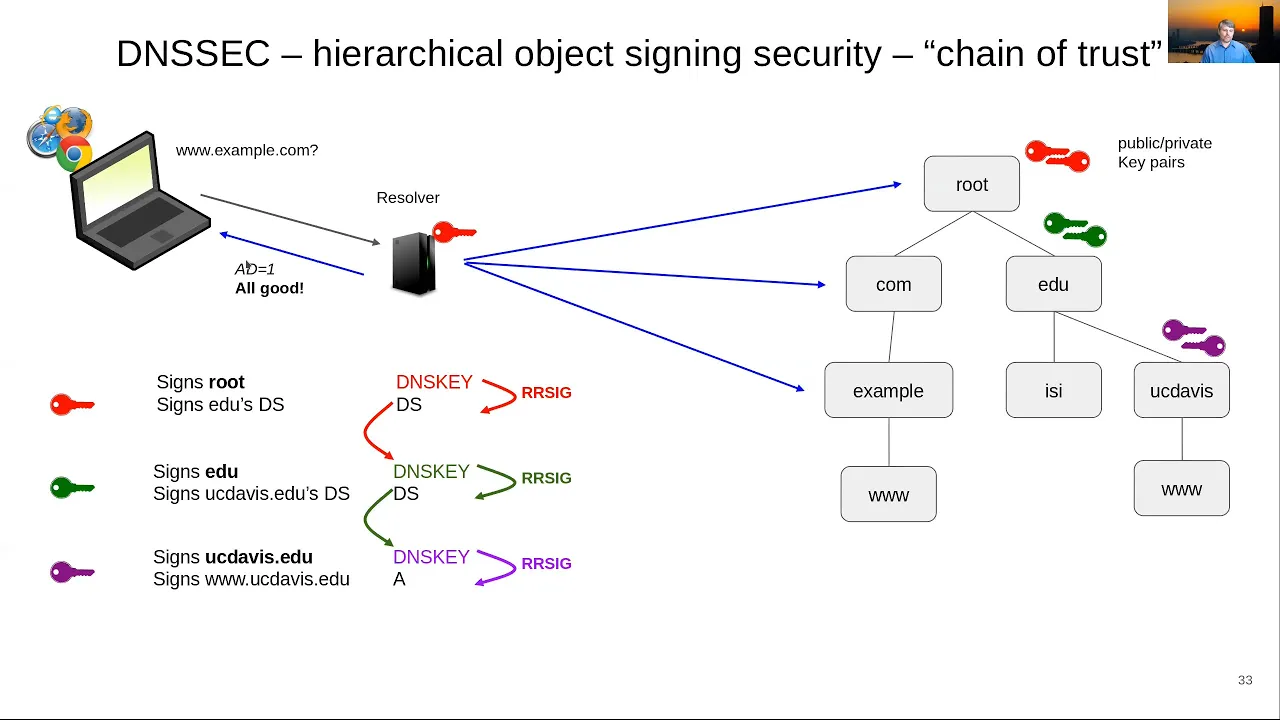
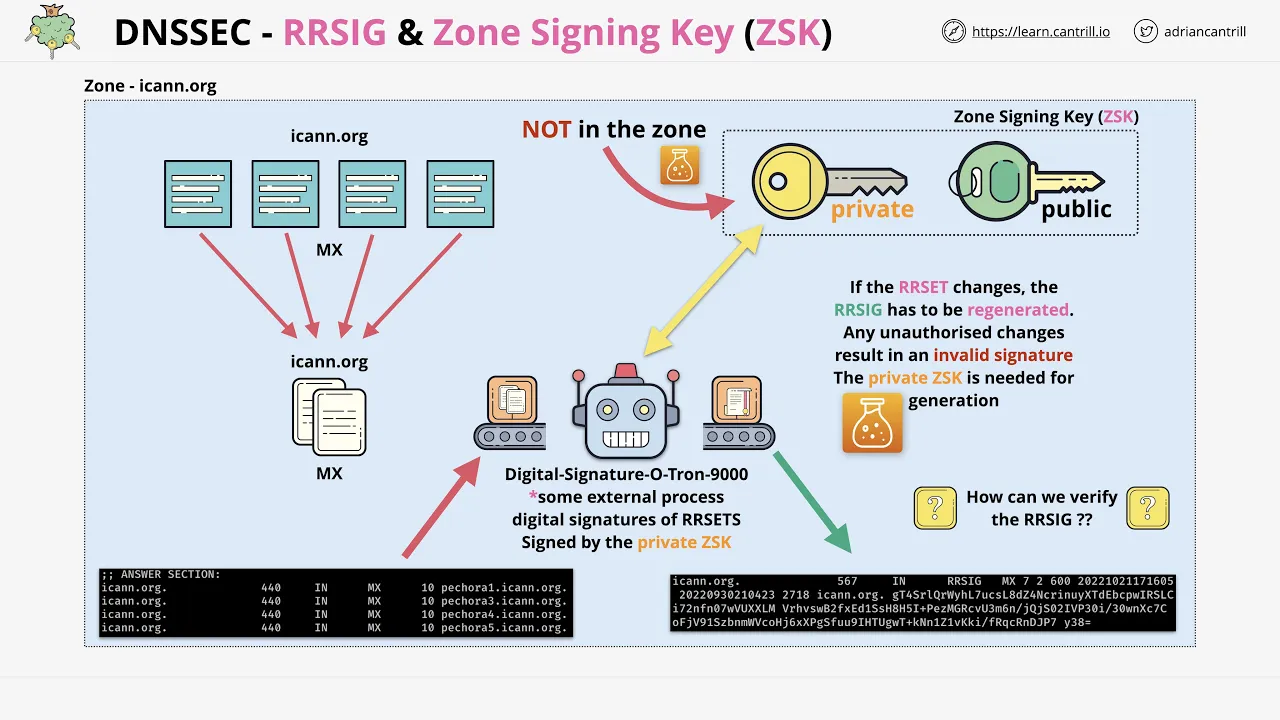
Investigating DNSSEC (DNS Security Extensions) packets to understand cryptographic authentication of DNS data.
Developing advanced Wireshark display filters and utilizing Tshark for automated, command-line DNS packet analysis.
Diagnosing network latency and resolution failures by correlating DNS response codes (RCODEs) with network behaviors.
364 views20likes9:17Original Release: 2024-07-20
[Music] hi everyone welcome to today's session today we are going to analyze the DNS packet on The Wire shock and let's see what all are the fields in the DNS header and what are all the flags as well as the additional settings which we can see in the wire shock in order to analyze a DNS packet in a better way so now I am on the wire shock screen in the Fire shockk screen we can see we have multiple capture adapters running here I am on the ethernet so I'm going to select this ethernet I can add a filter otherwise it's on it's going to capture all the traffic on this ethernet adapter so I'm going to go with the port 53 which is of the DNS I'm not mentioning any protocol so that all the uh DNS traffic is captured IR perspective whether the DNS is using TCP or UDP protocol if we want to specifically capture UDP we can also mention UDP Port 53 so by clicking on ethernet double clicking it's going to start the packet it's going to only capture the DNS traffic for us so let us wait in order so here we can see eight packets have been captured so far and it's displaying eight so yeah so packet increased so let us stop the packet capture we can stop it by clicking on the red button so now we have captured total of 86 packets along with the TCP protocol also being used at some places so let's analyze so starting the analysis from the very first packet let's go from here okay so let's start from here so first of all what I'm going to do in order to start the DNS packet analysis selecting the first DNS uh packet from here below I can see there are different fe uh different layers of the uh reference model so first is the frame the physical layer which is telling on VI 840 bits and the rest of the information the second is the data link ethernet 2 which is telling along with the MAC address information then is the internet layer which is the which provide us the information about the IP address Source IP and destination IP address so we can see source is IPv6 and destination is also IPv6 in our case UDP so this is the protocol transport layer and then is the DNS application layer header is added so UDP protocol is being used the source Port from the machine is this and the destination Port is 53 so for this UDP protocol um DNS packet we are going to see this is the domain name system and the query is this and in order to start the analysis what I'm going to do I'm going to select the transaction ID because as we have already discussed in our earlier videos transaction ID is something which is unique and which helps us to track all the similar query as well as response for a particular DNA request so I'm going to select this and I'm going to go here apply as filter selected so that this transaction IDs all the packets are filtered out so once I click click on this so I see there is a query plus there is a response to it so this is the first packet which is of query and then there is a response packet to it as well so I successfully using the transaction ID I was able to capture a particular DNS request and response going forward what I'm going to look at is what is the DNS query about so analyzing the first packet which is of query I'm looking at the transaction ID using which I have filtered out the next part is Flags what all flags are enabled so almost all flags are set to zero which means they are not set only one flag is here one set to one which means recursion desired so do do query recursively so when the query was initiated the source have mentioned that I want the recursive response of this query that is why the recursion is desire desired next we can see this is the header field transaction ID all the flags question answer authoritative resource record and additional resource record the question count is only set to one all other fields are zero so we can analyze further the query what is the query about so here we are querying about login. microsoftonline.com so this is the domain name and here we can also see the three tle resource record which is the part of question header which is the part of question section basically and I have discussed the same in my previous video you can find the link of that video at the right top so here we can see the name login.
microsoftonline.com we are trying to resolve this and get an IP address the type is a record so we are looking for an ipv4 address the class is internet here now we have received a response in the third packet after if you follow the sequence one to three the response was captured in the third packet that is why it says response in third here now if I click on the response header now I will see let me just quickly close close out these field I will see the transaction ID again matches and one more important thing which will be happening here is the Internet Protocol layer so in this the source and destination are going to get reversed the query was initiated from The Source IP towards the destination IP and the response will be in the opposite manner next we can see the transaction ID is same we can also look at the flags let's check out all the flags so here we see this is a response message that is why this is set to one recursion desire do query recursively this was set to one by the query and in the response the recursion available is set to one server can do recursive query so we are telling that yes recursive response is available next we can see the question count and the answer resource record so question count is still one because there was only one query initiated and that is going to get similarly copied up here and answers Source record is going to give us all the name server information which are providing the a record for our query so let's uh check back quickly the query part it's going to be the pretty same login. microsoftonline.com and if I move forward with the an so these are all the answer resource records which I have received back so I can see login.
microsoftonline.com this is a cname information which I am receiving back most mostly C names are used in a situation where the DNS is directing us towards the CDN the content delivery Network at server rather than directing us directly towards the Microsoft login uh servers it is directing us to the content delivery Network Ed server so this is mostly done in situations where we want to reduce the load on the actual server so this is the C name information which we are seeing and the other type A records which provide us the actual information which IP address we can uh connect to in order to create a connection with login.
microsoftonline.com so this was all about the query and response looking into the DNS packet how we can track it the another thing is looking at the time window as well so this is also very important how much time the DNS have taken so here we can see around less than uh 2 milliseconds is the time period taken by the uh DNS uh DNS resolver to respond back with an answer so this is a good response time and our query was successfully resolved and we can look at the response answers as well using the resource record so that was all for today's session thank you so much everyone for your time I hope you are you like this session and keep supporting us thank you [Music]
Up Next

13:08
Analyzing DNS Traffic with Tcpdump: A Packet-Level Protocol Review
@OpenNSM
1.2K views•2015-07-08

87:26
Introduction to Secure Multiparty Computation with Yehuda Lindell
@fhe_org
7.7K views•2021-02-04

4:55
HTTP Requests Explained: GET, POST, PUT, DELETE
@codecademy
103.1K views•2021-10-07

19:25
Enigma Machine Mechanics: WWII Encryption Explained
@JaredOwen
13.2M views•2021-12-11
Related Study Plans & Knowledge Roadmaps
Structured learning paths in Computer Science
computer-science
Container Runtimes: Namespaces, Cgroups & Go
01Linux Systems & Go Programming Foundations
02The Core of Isolation: Chroot and Filesystems
03Linux Namespaces: Process Isolation
+ 3 more learning modules
32h6 modules
Explore Roadmap
computer-science
Building a CHIP-8 Emulator: Rust & CPU Basics
01Computer Architecture Foundations (Bits & Bytes)
02Rust Programming for Systems Development
03CHIP-8 Virtual Hardware Specifications
+ 2 more learning modules
32h5 modules
Explore Roadmap
computer-science
Building BitTorrent: Go, P2P & Concurrency
01Go Fundamentals & Concurrency
02Networking Foundations & P2P Architecture
03Bencode Parsing & Torrent Metadata
+ 3 more learning modules
26h6 modules
Explore Roadmap
computer-science
Actor Models (C++ Concurrency & Lock-Free)
01C++ Multi-Threading Foundations
02Thread Pools and Task Scheduling
03Atomics and Lock-Free Queue Design
+ 3 more learning modules
45h6 modules
Explore Roadmap