
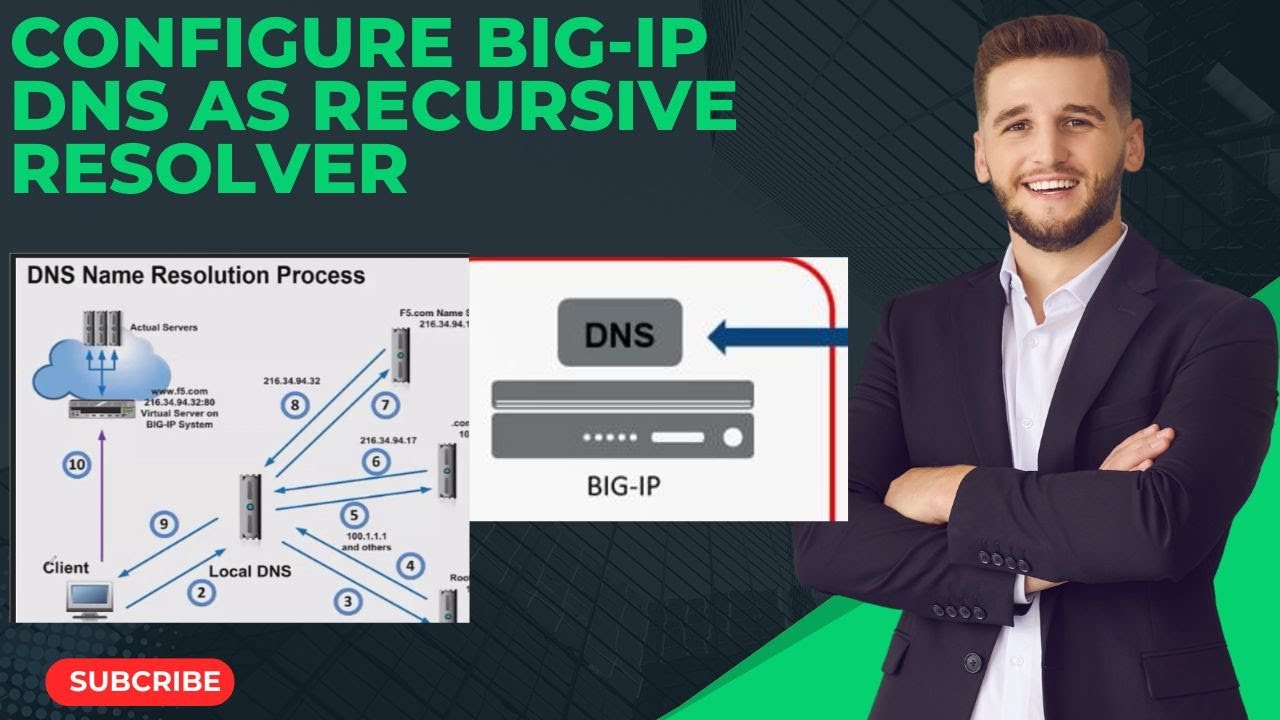










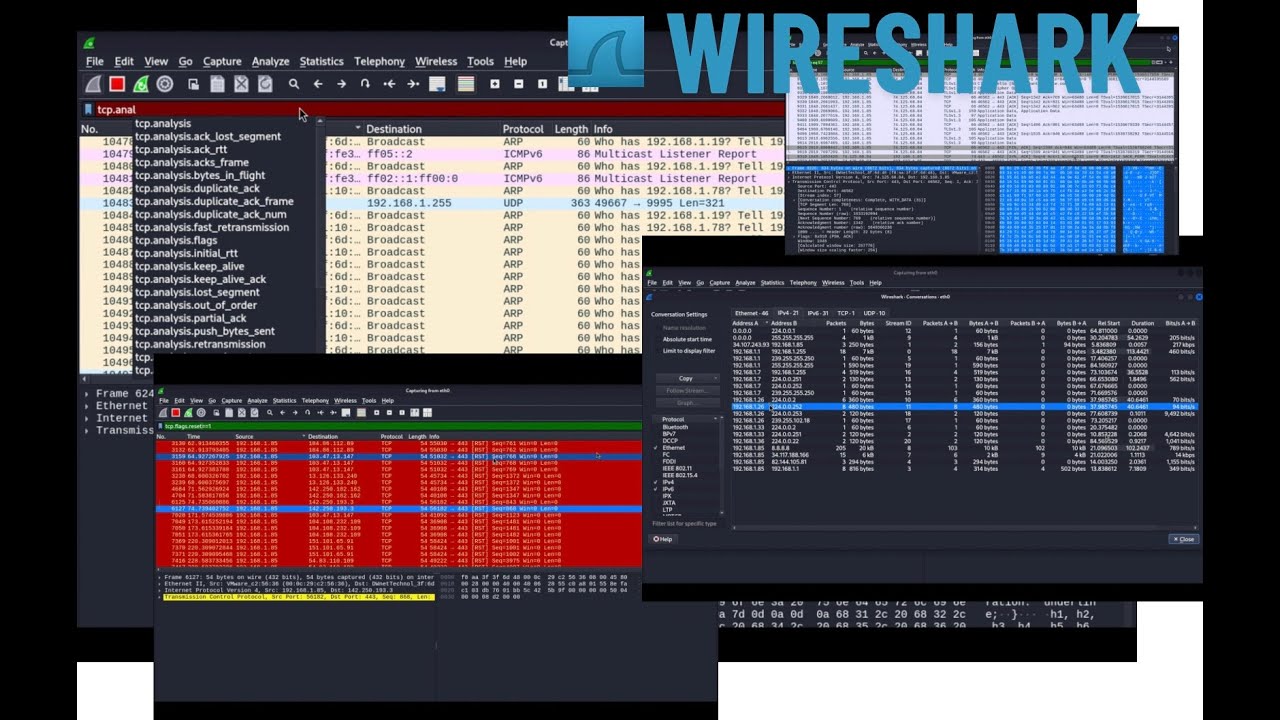

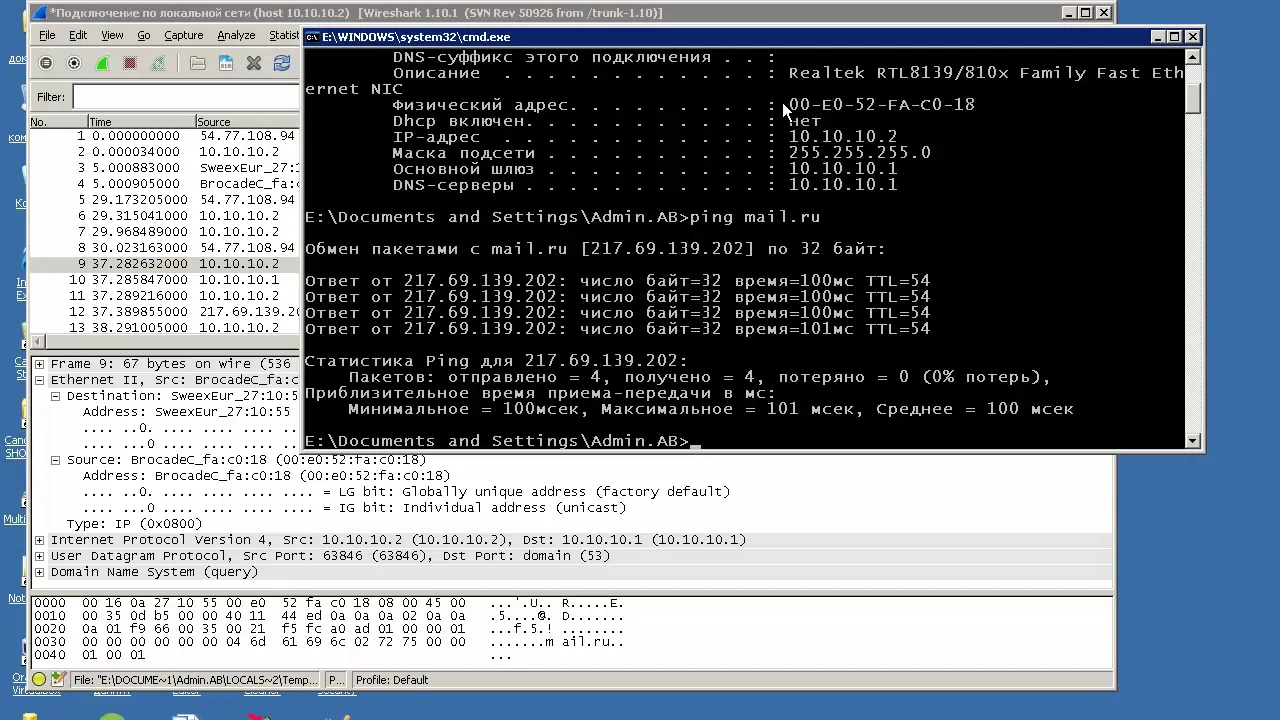



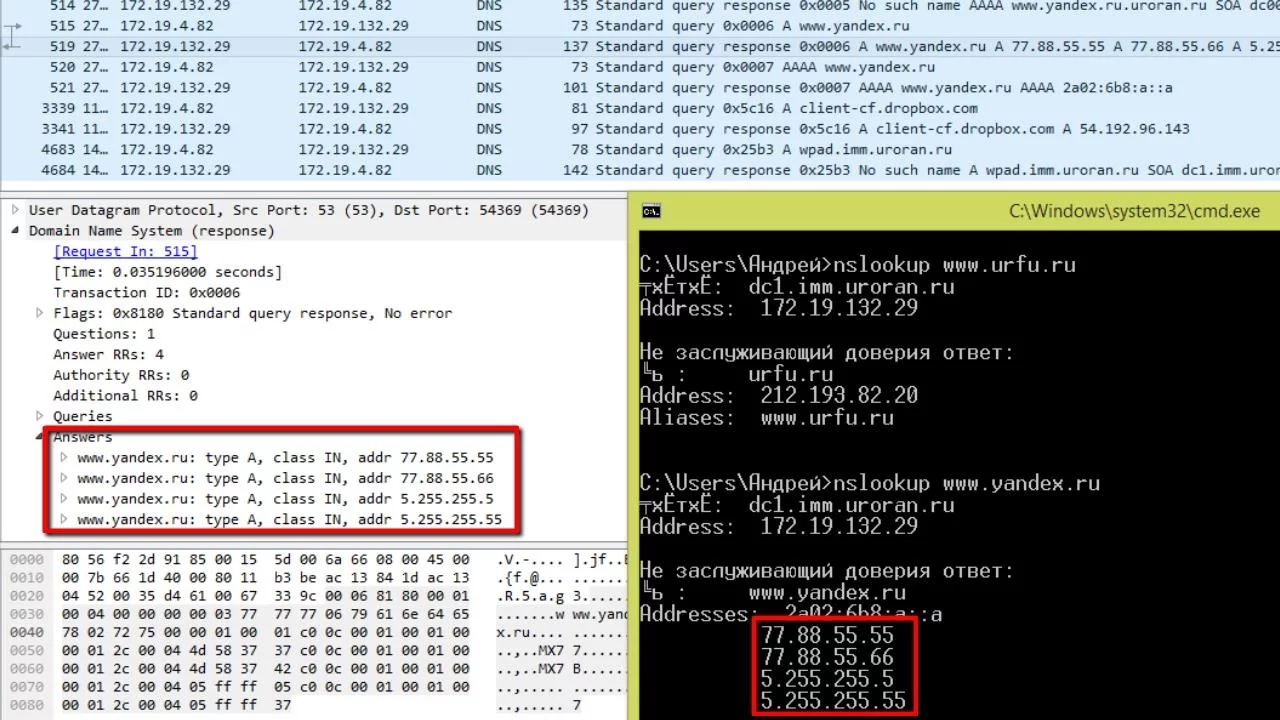














DNS (Domain Name System) translates human-readable domain names to IP addresses using UDP port 53, with packets containing an ID field for request-response matching, flags indicating query type (A record for IPv4, MX for mail exchange, NS for name servers), and count fields specifying answer, authority, and additional records; analyzing DNS traffic with tcpdump reveals how queries like 'dig google.com' generate request packets with question marks and response packets with actual IP addresses, while NXDOMAIN responses (with all counts zero) indicate non-existent domains and can signal network security issues like malware activity.
Analyzing DNS Traffic with Tcpdump: A Packet-Level Protocol Review
Added:Basic understanding of the Domain Name System (DNS) hierarchy and common record types (A, AAAA, MX, CNAME).
Fundamentals of the TCP/IP protocol suite, particularly how UDP and IP headers facilitate network communication.
Familiarity with the command-line interface (CLI) and basic Linux network administration commands.
An introductory understanding of network packet sniffing concepts, including network interfaces and packet encapsulation.
Advanced deep-packet analysis of DNS transactions using graphical tools like Wireshark.
Detecting and analyzing DNS-based security threats, such as DNS tunneling, cache poisoning, and amplification attacks.
Automating packet analysis by writing custom scripts in Python using libraries like Scapy or Pyshark.
Studying secure DNS alternatives and encryption implementations, specifically DNS over TLS (DoT) and DNS over HTTPS (DoH).
1.2K views17likes13:08Original Release: 2015-07-08
let's begin talking about one of the most important protocols on the internet and that is dns the domain name system we'll go ahead and begin by opening up tcp dump and we're going to search for udp name server and this it brings up two sections for requests and for responses in this uh section these two sections in this t-square manual page um just basically discuss how tcpdub interprets the various fields of the don't are the dns packets so i highly recommend familiarizing yourself with these texts and we'll cover some of them in this video so next what we're going to do is we're going to generate or record and generate some packets for that match 4d and start off with my e3 interface i'm going to write to a dns.p-cap file and i'm going to say hey match only traffic that's udp and port 53 which is normal dns traffic we're going to background it now i'm going to use a domain internet program called dig to make a request to google.com okay and i'll do one more for yahoo.com got my results there bring it uh teaspoon to the foreground and we'll kill it now we have four packets here and these are our dns packets all right let's begin by looking over the basic package structure i'm going to read in the dns.p-cap that we generated and i'm just going to go ahead and print out one packet actually let's do this with x and sv for verbose okay so here we go so the verbosity line is gives more information about the ip header then the the rest the data is printed in hex and ascii because we specify the desk capital x let's begin looking at it so in this case dns relies it's all is transported by the udp protocol the user datagram protocol in almost in almost all normal cases it can be transferred by tcp for example in the case of very large udp sizes in the response or whenever there is a zone transfer that's typically between 2ds dns servers that's typically done over tcp so to begin we want to verify that we have ip and this 4 indicates this is the ip headers version 4.
then the 5 is the internet header length nibble and this is the number of 32-bit words that are present inside the ip header so 32 bits is equivalent to 4 bytes so we multiply that 4 by 5 and we have 20 and that tells us that hey there's 20 bytes available in this ip header which is the minimum header size then after that we have the udp header and we begin with the source port and the destination port and this will be 53 in hex let's go ahead and verify that see that it's 53 and that matches up to this port here that we're sending to and then we have um the link field and then the checksum for the udp header after that is where we actually have the interesting dns information and that's what we're going to get into next okay for dns requests let's go ahead and take a look at the packet structure again to look at a request here let's go print out two of them whoops um tcp dump okay so here's the two packets for that are from the query for google.com and first off we have um after the ip head or udp stuff we have the rest of the or we have the the payload which happens to be dns in this case and this first packet here is a gns request forward a record and that's indicated by the capital a for a record and the question mark which indicates that it is a request the first number here is the id field in the dns packet and this field is used to associate a dns request with a dns reply so this means that the actual reply to say that we actually got the prop appropri uh the appropriate response back has to actually match that number you can see that 40508 for the request and 40508 from the response so next we have um the this particular field right here which refers this number refers to the number of certain record types that are that are tested for anomalies in the particular request and this means there's going to be one answer record and in one additional record count in the packet so finally we have the actual request or the actual domain that we requested the ip address of that's listed here google.com you can see the ascii data out here it's easy to see and this number right here refers to the length of the dns packet and is the lengths without the ip and udp headers if you want that information you should take a look at this one next we have the dns response and let's go down here again to this information we talked about how the ip excuse me the dns id had to match for this to be the appropriate response to this particular request the first field here this is three fields delineated by a forward slash and these are different these signify different types of data that are set inside the packet and the first one is that there's one answer the second one which is a zero says that there is no name server records in the response the third one says there are no additional records in the response and here it actually keeps track of what this with the request had so it stores that information in there and then we actually get the a record again what we saw up here they had the question mark to indicate that was a response here we just see it by itself which means it is or indicated this is the request here we see it by itself which now indicates that it is a response and its answer is this ip address this is how we refer to google.com let's view it again without the extreme information and let's just get rid of that too so we get all four packets you can see for let's look at the yahoo one this particular dns id associated with this response this pack is a little different everything else is the same except the response has three three a records in it and each one of those records is an ip address and that is because yahoo is returning multiple ip addresses and that's because it's probably distributed across different systems to keep up with the load okay now let's look at a few more types of dns packets we're going to do is we're going to generate some more data so sudo oh let's just do let's type it over um eth0 and then we're going to generate or create right into a file called dns.pcapp again udport53 right to the background or run it in the background and now we're going to use dig again except we're going to query for other things let's query for an mx record which is for the mail exchange servers let's query for an ns record to get the domain name servers for google.com and then now let's go ahead and query for something made up dot com i suspect that won't return anything okay now we're gonna bring it to the foreground quit out let's begin reading this pcap file okay got a bunch of information here i'm gonna go make a screen a little smaller for formatting purposes okay now what we've got going on is my request to google.com for an mx record before you saw the a now we see the mx which asks for google's mail exchange server so that when they when you send mail google.com it knows where to find the mail server that handles that for the mail for the domain you can see there's quite a few of them right here you have aspmxgoogle.com all three through four are one through four and then different weights for each one next we have the name server request for google.com down here you can see that's set with the ns record acronym and here we have again the division in the response that shows uh how many particular field entries are in the dns packet in the response we have four here for the answer record four here for the name server field and eight for the additional field and then let's just go dive into that a little bit more so let's go ahead and add the view here and then pipe it to less and i'll go ahead and make the screen bigger again because i can scroll sideways now okay so here that here it is for um this particular packet matching four four and eight and here you can see here's the the um to save space it doesn't do ns2 to google.com and that's for google.com it just does it once in the domain section and then the the prefix to or the subdomains of that domain to save a byte space inside the packet and these are actually these four are the same the four uh answer records and the four nsx ns the name server records because they are our answer to from this pack from the request is to have since it requested for the name servers associated with google.com the answer is that they are name server because we ask for name servers but also and then in the name service field that is incremented too because there are four name servers in the additional field this is completed with eight different items which are not of importance right now okay let's go back to the other view and we have the final one that i'm concerned about is this one to this strange domain i just made up and again it's a query for a record the response is though this time an x domain which stands for non-existent domain and given that the response is non-existent everything is set to zero there is no record returned and this is a very important one to know about because when you're working with dns traffic a lot of the times like malware uh generation algorithms for our domain name generation algorithms that pieces of malware use commonly will make requests to domains that are no longer available and the response will be next domain you could also identify a misconfigured servers that are sending requests to places that they shouldn't be like specific servers that actually don't have the answers for those requests i've encountered this a couple times different businesses and network security monitoring allowed me to find that these things were happening and in this particular these particular cases you can actually identify this stuff with tcp dump by beginning to count up how many index domains records you can see that's one way to start anyway in a particular trace file if you see quite a bit of them like maybe more than actually legitimate dns traffic there might be an indication that something is actually wrong with the network you
Up Next

46:57
Python Operators and Expressions: A Complete Tutorial Guide
@pramodpoladicse7050
189 views•2026-05-25

87:26
Introduction to Secure Multiparty Computation with Yehuda Lindell
@fhe_org
7.7K views•2021-02-04

4:55
HTTP Requests Explained: GET, POST, PUT, DELETE
@codecademy
103.1K views•2021-10-07

19:25
Enigma Machine Mechanics: WWII Encryption Explained
@JaredOwen
13.2M views•2021-12-11
Related Study Plans & Knowledge Roadmaps
Structured learning paths in Computer Science
computer-science
Container Runtimes: Namespaces, Cgroups & Go
01Linux Systems & Go Programming Foundations
02The Core of Isolation: Chroot and Filesystems
03Linux Namespaces: Process Isolation
+ 3 more learning modules
32h6 modules
Explore Roadmap
computer-science
Building a CHIP-8 Emulator: Rust & CPU Basics
01Computer Architecture Foundations (Bits & Bytes)
02Rust Programming for Systems Development
03CHIP-8 Virtual Hardware Specifications
+ 2 more learning modules
32h5 modules
Explore Roadmap
computer-science
Building BitTorrent: Go, P2P & Concurrency
01Go Fundamentals & Concurrency
02Networking Foundations & P2P Architecture
03Bencode Parsing & Torrent Metadata
+ 3 more learning modules
26h6 modules
Explore Roadmap
computer-science
Actor Models (C++ Concurrency & Lock-Free)
01C++ Multi-Threading Foundations
02Thread Pools and Task Scheduling
03Atomics and Lock-Free Queue Design
+ 3 more learning modules
45h6 modules
Explore Roadmap