







![Docker Tutorial for Beginners [ FULL COURSE in 3 Hours ] #dockertutorial #DockerForBeginners](https://i.ytimg.com/vi/iARL7iFyasE/hqdefault.jpg)


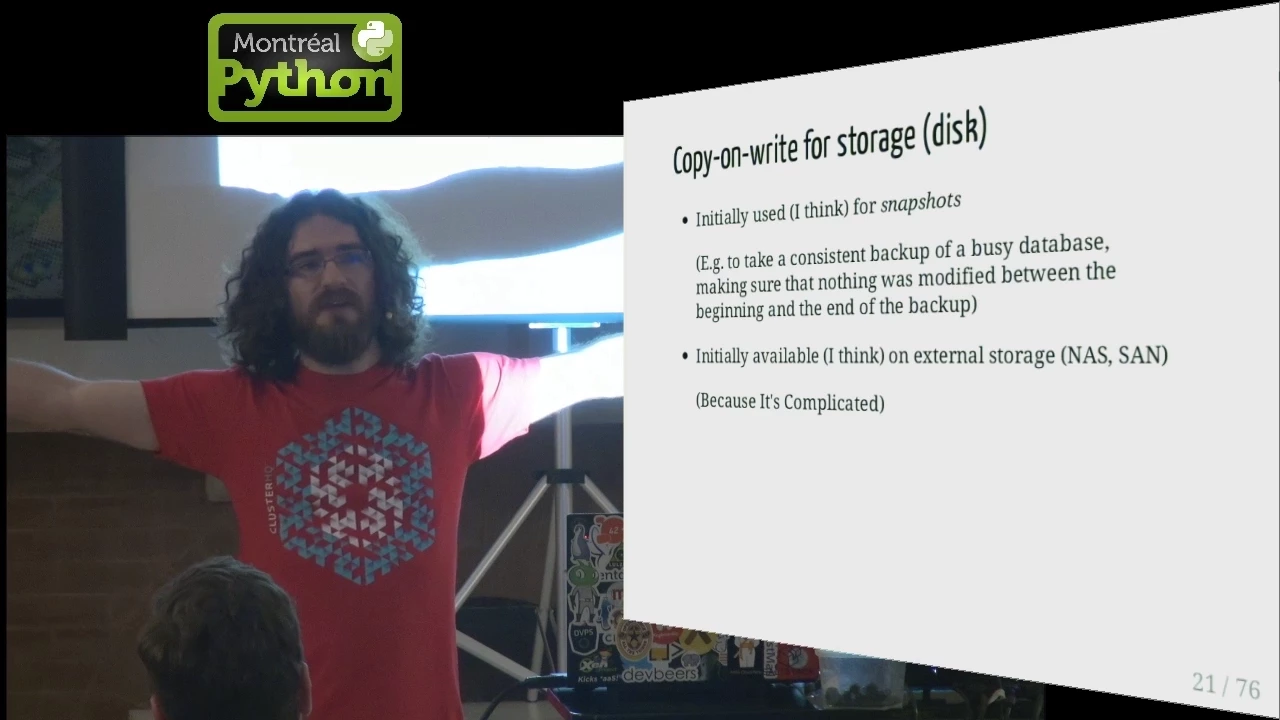







Overlay file systems in container systems like Docker use a three-layer architecture (lower read-only layer, upper writable layer, and merged layer) with copy-on-write mechanism, where modifications to lower layer files are copied to the upper layer, enabling efficient disk space sharing across multiple containers while maintaining isolation.
How Overlay Filesystems Work in Docker Containers
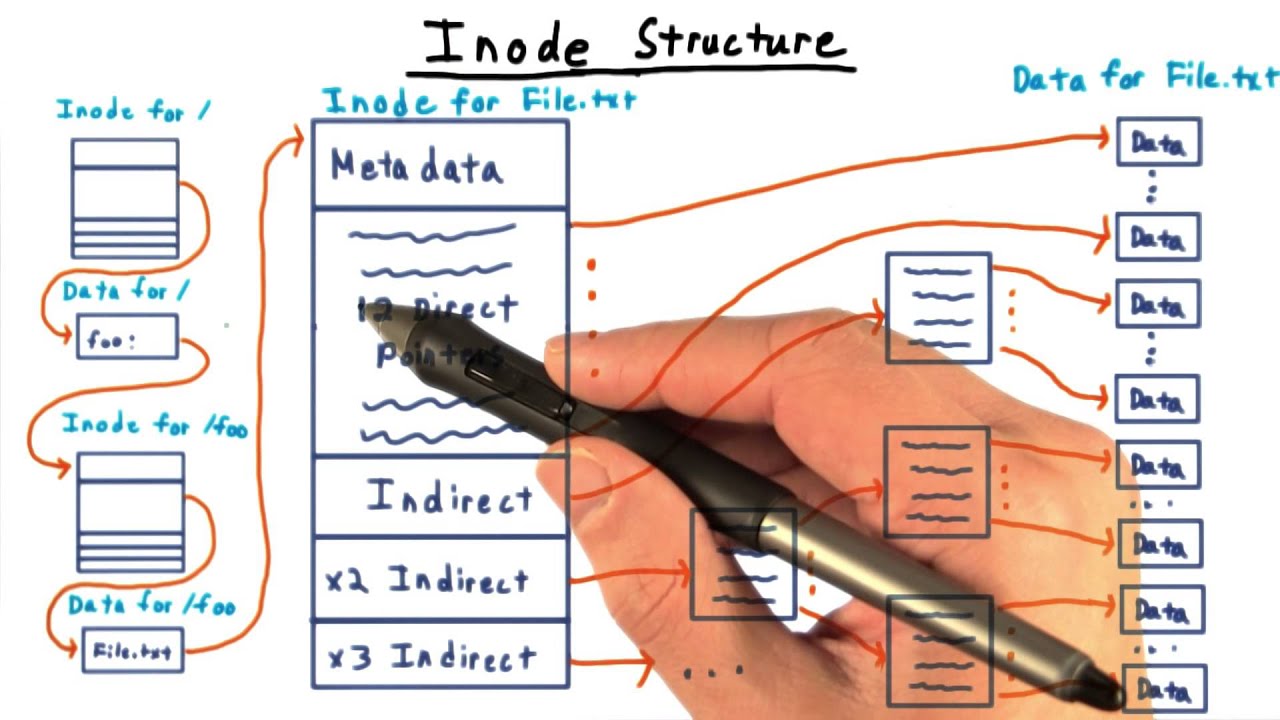
Added:Basic Linux filesystem concepts, including directory structures, mounting, and inodes.
The fundamental architecture of Docker containers, specifically how they differ from virtual machines.
The concept of container images and the multi-layered structure of Dockerfiles.
An introductory understanding of storage drivers and how Docker manages container state.
Comparing OverlayFS (overlay2) with other Docker storage drivers like Btrfs, ZFS, and devicemapper.
Designing and managing persistent data in Docker using Bind Mounts, Named Volumes, and tmpfs mounts.
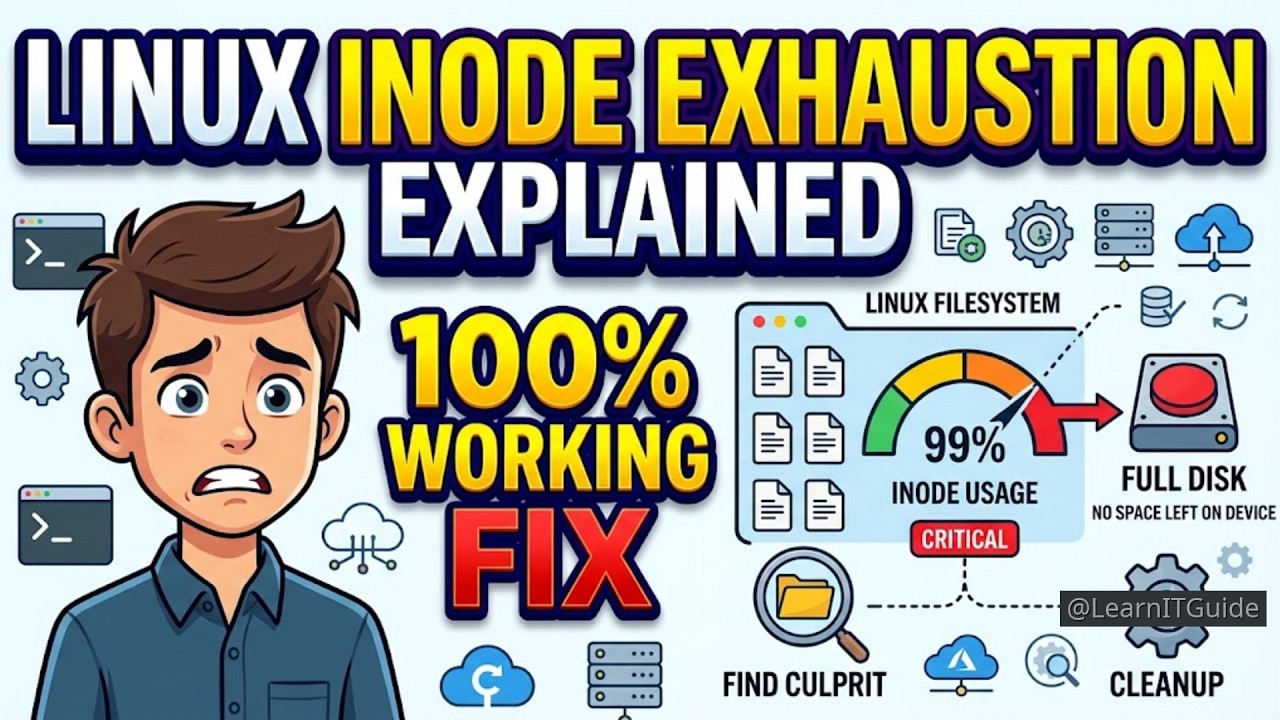
Analyzing storage performance and debugging common OverlayFS issues, such as inode exhaustion and high disk I/O.
Implementing container security best practices, such as running containers with read-only root filesystems to prevent unauthorized writes.
253 views8likes35:44Original Release: 2024-01-16
welcome back in this lecture we are going to understand about overlay file system in any container systems overlay file systems are very important so in Docker we'll see the importance of overlay file system later but now let us understand some fundamentals of overlay file system in overlay file system there will be three layers a lower layer upper layer and merging layer we call or it is an overl layer so let's assume that in lower layer there are files lower 1.txt lower 2.txt in upper layer uh assume that there are files like uh uper 1 do txt upper 2.
txt in the merged layer there will be all these four files okay so now um what if there is a duplicate file in the upper layer in upper layer also assume that there is a file with name lower 1.txt so same file name here right now in the merged ler which will be present the file in the upper layer will be present inside the merged layer in case if there are duplicate files in both the layers now um suppose in this merged layer suppose if I create one more file a do txt so actually what happens is this a.
txt will be created in the upper layer okay now uh the lower layer will be a read only layer it will not be modified and this upper layer is read right layer now what will happen if I modify uh let's say lower 2.txt in the merged layer lower 2.txt will be present right what will happen if I update it so actually once I update lower 2. EXT it will not be modified in this lower layer one file with same name lower 2.txt will be created inside the per layer so whenever you try to write or modify some file in lower layer copy of it is made in the upper layer and that will be modified so whenever you try to write or modify something in lower layer it is copied on toer layer this feature is also called as copy on right so remember whenever we try to modify lower layer it will never be modified because this is a read only layer so whenever you try to uh write something to lower layer whether you create a new file or you update a existing file that changes will be done in the upper layer so uh this is the concept let us see practically uh how to create this uh overlay file system very simple and very interesting one let us see step by step see I logged into my VM and I created a folder called as overl and already I created some directories lower directory I'll say I'll L this lower directory see in lower directory I have two files lower 1.txt lower 2.txt if I LS upper D it is having upper 1.txt and upper 2.txt if I LS merge directory there is nothing if I LS work directory there is nothing and in app two app one app One Directory there is a file called as app. text I'll just uh write it Print It app one cat app. text sorry cat app one SL app. text see it is printing this is from app. txt from app folder similarly in app2 directory also if I LS app2 there is the same file app.
txt and um if I write it app2 SL app.
text it is saying this is app. text from app2 okay these are all the folders in this directory so I want to create a overlay file system with this lower d as lower layer upper d as upper layer and merged as a actual overlay layer or um merged layer work is something which will be used internally by the file system so how to actually create a overlay file system very simple you have to create a mount on merg D finally you want merged d right right so you have to create a mount how sudo Mount hyph T what is the file system overlay file system overlay and hyphen o what are the options hyphen o uh I will have to write what is lower directory lower D is equals to lower d comma upper directory is equals to uper also uh work directory this is something which we don't use actually it is used by the file system but we have to give this option comma work is equals to work directory and I will use this option none and what is the merged directory this is the merged directory so I mounted I'm creating a mount with name merged D and I'm telling this lower D is a lower directory upper D is a upper directory and this is a work directory what is the use of none we will see later so now if I say df- a see is there uh Mount point in merge directory yes now um LS merg directory oh I seeing lower 1. text lower two. text upper two upper and upper two now uh what I want to do is I want to create one more file so touch uh aa.
txt oh sorry actually I have to create it under merg directory so what I will do is I will remove this e a.txt right now I'm in overlay folder I'm removing it I will CD to merg directory okay LS these are the ones now I will touch I'll create uh aa.
txt find if I LS in Mar directory this is the one now um let is uh that is LS upper directory hey this a a.txt is actually created in upper done right so uh whatever files I create in the overlay layer or merged layer that will be created on upper now what will happen if in the merged layer if I try to uh edit lower 1.txt present in lower directory I'll write VI uh lawyer lyer 1.txt so there's nothing I'll just write this is modified okay now let us see in the upper directory LS upper now hey this lower one.txt is created in the upper directory so whenever I try to modify a file in the lower directory it is copied onto upper directory and and that file is modified okay so uh it is created in the upper directory now from the from the merge directory if I delete lower one what will happen will it be deleted from the lower layer and upper layer let us see okay it got deleted now in the merged layer it is no more present because we deleted it then let us see in the upper directory is it still there I will use ls- Al upper directory hey this lower D lower 1.txt is still in the upper directory it is not deleted but you can see here it is not a directory or it is not a file it is mentioned with C some character so it indicates to the overlay file system that this is a deleted file in the overlay okay so we understood about copy on right what will happen if I modify so now I will unmount this merg directory I'll go back and I'll do sudu U Mount merg directory now if I say df- a I don't see the merged directory as a mount Point okay now uh if I LS merged directory is there something here nothing once I unmounted nothing is there in the mar directory now um if I LS lower D it is a read only as I said nothing is there if I LS upper D see it is same the deleted file is still present and whatever file I created in the overlay a.txt it is still present okay so now we understood how this uh overlay file system works now can we have more than one directory in the lower layer yes we can have more than one directory in the lower layer more than one directory in the upper layer also we can have how in that case how it works let us see again I'm going to create I will use sudu uh Mount command uh again yeah sudo Mount command now what I will do is see I have app one I want app one also to become part of lower directory so when I'm giving lower directory is equals to so I'm giving lower directory colon app one now LS merg directory see the file present in app one this is app. TX status present I'll just write catry cat app 1 slash sorry in the merg directory I have to see to merg directory then cat app. txt this is app. txt from app one so we understood that when we are creating overlay file system lower directory lower layer basically can be having multiple folders similarly upper directory also can be having multiple directories you have to separate it separate the directory names by using column okay now you may ask me how does it help in case of containers okay now what I want to do is um let us say uh this is going to be my container this is going to be my another container every container will have its own isolated file system is it so we understood how we can actually create isolated file system how as I tell as I told you we can uh make one directory as a pivot route pivot route so what we can do is we can give we can create a folder slw slash lip slash container one we can create a mount Point container one and make this as a root to container one on this is a folder on the host again on the host machine I can create slw SL li/ C2 another folder another Mount point I can create and I can make this as a Ru so any process which is running here C this slash means C1 here slash means C2 now um there will be some common utilities uh which will be required for each container right like the utilities for writing LS command mkdir touch these are all the commands right some basic uh utilities are required for these containers now what we can do is um we know we understood about something called as Alpine file system so I just uh Google for Aline Alpine download I'll write yes this is taking me to Aline next okay so here there is minimal root file system so what we can do is we can download this minimal root file system and extract this star file let's assume that um under SL Alpine we have extracted and this folder contains all the minimal root file system utilities okay now what we can do is um we can have [Music] um this folder as a lower layer okay and suppose um on the root machine I have sla1 folder which contains my application one using which I want to create a container I'll make this also as a lower layer then upper layer I can make it empty upper layer upper layer which can be empty then using uh these two folders in lower layer and an upper layer I can create a mount Point called as C1 C1 is a Mount Point okay so in the um lower layer we have/ alile and also app one what we can also do is when we're creating this container we can use same Alpine folder as the lower layer colon maybe app two assume that on the host I have one more folder SL app two so when I'm creating this container I can actually create a lower layer using Alpine and have to and on top of it upper layer can be empty and merged layer whatever we see in merged layer is nothing but a combination of both upper layer and lower layer so anyways we know that lower layer is a readon layer so in the merg directory if I modify anything in the lower layer what will happen a copy of that will be created on the upper layer I told you this is called as copy on right and modifications will be done so the lower L will lower layer will never be modified so what we are doing is essentially we're actually reusing this Alpin folder which contains the file system if we are not using overlay file system what we might have to do is we have to make a copy of Alpine in both the containers which will be again taking more disk space and all but by using overlay file system what we can do is we can actually reduce the disk size required for each container by uh actually sharing some folders like Alpine layer is shared right for example uh let me tell you let's assume that I want to create a container letter using Alpine file system and also on top of it I want let's say Java assume that Java is installed inside SL Java for example and also I want tomcat SLT cat assume that Tomcat is installed uh uh on slash in this on the host and uh I have my uh Slash app1 SL A.W and I have slash app2 slash A.W now I want my using this A.W B.W I say okay using this A.W I want to actually create a container so what I could do if I'm not using using overlay file system I'll make a copy I I need duplicate of this folder Alpine Java tomcat and then copy my A.W and create a image so my image will contain a copy of Alpine Java and tat suppose if I want to create one more image for application to again what I would do whenever I'm creating my image again I'll have copy of Alpine Java tomcat and then on top of it I'll copy my B.W so don't you think that these are duplicated in both this container images yes but if we are creating container images using uh overlay file system what we can do is we can create overlay file system where the lower directory will contain all these three and uh maybe app one also will be present inside the lower layer itself everything in the lower layer upper directory is empty similarly for um this uh container also I will use the same things as lower directory so anywhere lower directory is a readon directory so we are reusing all this directory so basically in any container system like uh Docker or so they are using overlay file systems okay so let me show you a demo on how I can actually leverage these things okay so I'll go back to this overlay folder now I'll make a directory alline okay so what I'll do is um LCD into Alpine then I'll go to this one I will download this Alpine copy this link I'll use W get and download this yes so now I'll extract it tar hyphen XF okay it is extracted now I will remove this star file RM okay now this Alpine folder is containing all the files now I in Alpine folder SL bin slash LS is it there yes SLB this LS is uh not from uh the underlying operating system it is from this SL bin sorry I'll not use SL bin I will use bin / LS yes I'm still getting it right so which LS if I use by default if I use LS it is going to/ bin SL LS but I could use this bin / LS also the relative directory okay fine now this is containing the allo file system now assume that app one is my application one folder and I want to uh create a uh uh container using uh this app one as well as Alpine so see what I'm going to do um I'll create sudo Mount iph t overlay hyphone o the options lower directory is equals to Alpine app and upper D is a equals to Upper there maybe I could actually give lower directory also colon lower D um then work directory work is equals to worker and then I'll give n merge directory so I'm creating a overlay a mount mount Point call as merged right now oh what is it saying bad usage pseudo Mount iph T and this is hyphen o option correct lower D is equals to Alpine colon F1 colon L is slash sorry it is giving um oh here it is comma okay okay fine now this is created df- a this is the merged D okay I'll unmount it sud sudo ount merer one thing I'll do small change I want to create a folder call as container one C mkd C1 okay now I will change the command I will create C1 as a mount Point okay df- a C1 is a Mount Point okay similarly I'll create one more Mount point but now Alpine is the lower directory but app2 is also so in the lower directory I changed it now I'll change the mount Point as C2 okay I to I to create C2 anyways I have one more terminal here mkd C2 okay fine coming back C2 so if I say df- a there are two Mount points there are two Mount points right so now if I say LS C1 see is it containing all the files of Alpine as well as the one in lower directory and app directory yes LS C2 yes now it is containing these things container two now if I say LS C2 or cat C2 SL app. text it is saying this is app.
text from App two similarly if I sayat c1/ app. text this is from Apple so basically we created two Mount points now what I could do is I will do one small thing I will do unmount sudu umount C1 so do you mount C2 now once we understand this overl what I'll do is I will create a separate process name space and mount name spaces two Mount name spaces you know how to create a separate uh Mount name space and process name space sudo unshare iph FP Das Das Mount Croc bash this will create a process name space and mount name space again I'll use same for one more uh separate process name space and mount name space sudu unshare hyphen fp- Das Mount Dash proc VH so two name spaces I have created now in this if I say df- a in this so what I'll do is I'll create one Mount Point [Music] um okay I'll create one Mount point for C1 sudu Mount hyph T overlay Das o lower D is equals to lower D colon Alpine colon F1 comma upper D is equals to Upper D comma work is equals to work none and C1 is a Mount Point okay here I'll create similar one sudu Mount dasht overlay Dash o lower D is equals to lower d colon Alpine is common colon Now app to comma upper is equals to Upper Comm oh actually I could create a separate upper D anyways that's okay uh work better I could have created a separate upper container to Upper container to lower but okay anyways right now let it be worker none C2 now uh we created two Mount points now what we can do is can we use pivot root yes so I will CD into C1 LS sorry LS I am seeing all the contents L CD into C2 LS now I want to make this current directory as a pivot route so what I could do is uh mkd IR old root I want to create a folder called as W root and um what I'll do is Pivot sudu pivote underscore um root dot space so now I'm in a particular container I'm in a particular name space and we cannot see anything outside of it now CD slash LS slash see it is showing you the same files now the current folder uh this process running here cannot see anything above C1 similarly I could create the C2 as a pivot route in this so like that actually we feel that every container has its own files but actually what are we sharing the Alpine root file system here in both the containers yes so that is how overlay file systems help when we are actually creating containers I will show you clearly when I start with Docker in Docker also it uses this overlay file system I'll show you clearly when I talk about docker so it's a confusing topic maybe I would I would uh I would want you to actually see this video again if there is any confusion slowly understand the concept okay that's all I will see you in next lecture
Up Next
136:47
OverlayFS and Union Filesystems: A Comprehensive Guide
@bigpod
459 views•2023-12-21

87:26
Introduction to Secure Multiparty Computation with Yehuda Lindell
@fhe_org
7.7K views•2021-02-04

4:55
HTTP Requests Explained: GET, POST, PUT, DELETE
@codecademy
103.1K views•2021-10-07

19:25
Enigma Machine Mechanics: WWII Encryption Explained
@JaredOwen
13.2M views•2021-12-11
Related Study Plans & Knowledge Roadmaps
Structured learning paths in Computer Science
computer-science
Container Runtimes: Namespaces, Cgroups & Go
01Linux Systems & Go Programming Foundations
02The Core of Isolation: Chroot and Filesystems
03Linux Namespaces: Process Isolation
+ 3 more learning modules
32h6 modules
Explore Roadmap
computer-science
Building a CHIP-8 Emulator: Rust & CPU Basics
01Computer Architecture Foundations (Bits & Bytes)
02Rust Programming for Systems Development
03CHIP-8 Virtual Hardware Specifications
+ 2 more learning modules
32h5 modules
Explore Roadmap
computer-science
Building BitTorrent: Go, P2P & Concurrency
01Go Fundamentals & Concurrency
02Networking Foundations & P2P Architecture
03Bencode Parsing & Torrent Metadata
+ 3 more learning modules
26h6 modules
Explore Roadmap
computer-science
Actor Models (C++ Concurrency & Lock-Free)
01C++ Multi-Threading Foundations
02Thread Pools and Task Scheduling
03Atomics and Lock-Free Queue Design
+ 3 more learning modules
45h6 modules
Explore Roadmap