


![[Ambient AI] Lecture 11: On-device distributed learning (Federated learning)](https://i.ytimg.com/vi/oTXdkAAb1W8/maxresdefault.jpg)







![[DEIM2024 tutorial] 連合学習のすゝめ。](https://i.ytimg.com/vi/EIQR1RI5Gks/hqdefault.jpg)



![[deep learning] Federated Learning - training on decentralized data](https://i.ytimg.com/vi_webp/KxZXhzfDgik/maxresdefault.webp)
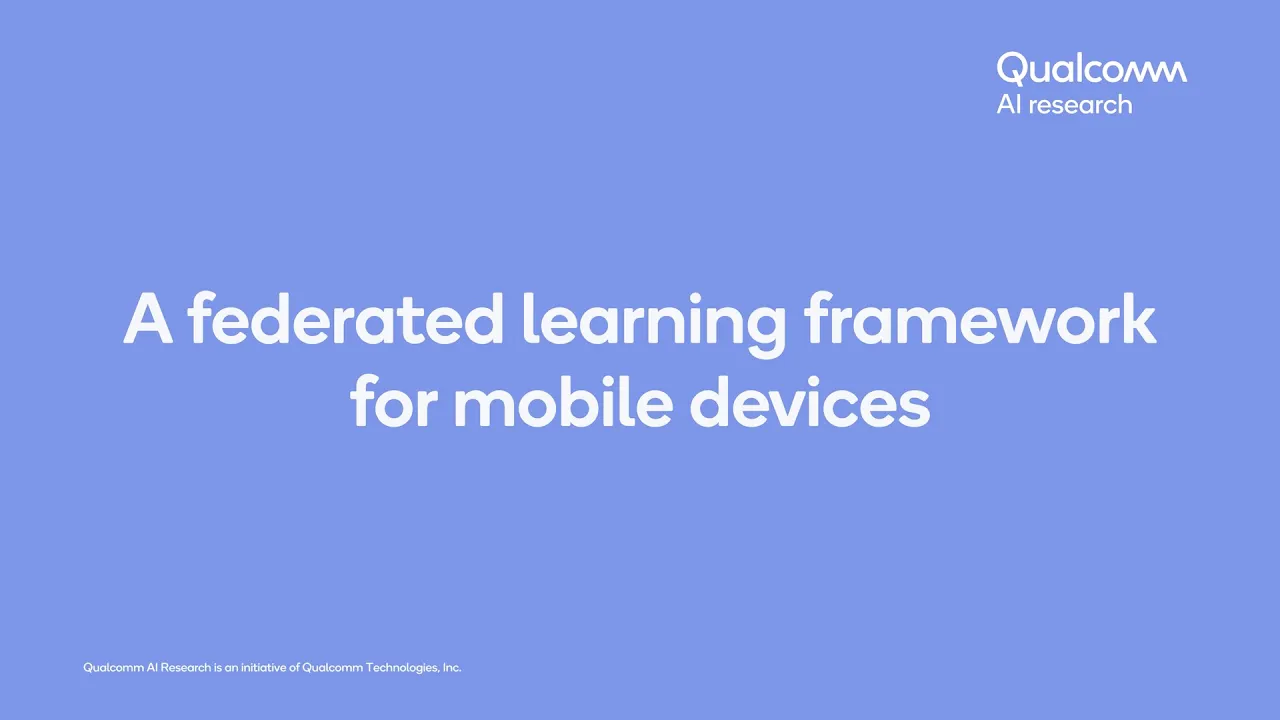

This tutorial demonstrates how to create and run a federated learning simulation using the Flower framework by first setting up a Python environment with Python 3.9+, installing Flower via pip, then using the 'flower new' command to generate a template application (such as the Python template for CNN image classification), installing required dependencies like flower-simulation, flower-datasets, torch, and torchvision, and finally executing the simulation with 'flower run' to observe federated training across multiple clients where each client trains on non-shared data partitions and contributes to a global model through iterative rounds of local training and evaluation.
Federated AI Simulations with Flower: A 2025 Tutorial for Beginners
Added:Basic Python programming and package management (e.g., pip, virtual environments) to successfully install and manage dependencies.
Foundational concepts of Machine Learning, specifically how neural networks are trained using frameworks like PyTorch or TensorFlow.
The core concept of Federated Learning (FL), including the differences between centralized training and decentralized, privacy-preserving training.
A basic understanding of client-server architecture and how network communication protocols function at a high level.
Exploring advanced federated aggregation strategies such as FedProx, FedOpt, or designing custom strategies to improve model convergence.
Handling Non-IID (not identically and independently distributed) data across clients, which is a major challenge in real-world federated systems.
Implementing privacy-enhancing technologies like Differential Privacy (DP) and Secure Aggregation to robustly protect client data.
Transitioning from local simulations to deploying federated learning on real-world edge devices, such as mobile phones (Android/iOS) or IoT hardware.
8.2K views71likes9:50Original Release: 2024-12-11
welcome to this first video in the video tutorial series for flower simulations you are going to learn how to create super easily a flower app and how to run it again super easily using the flower run command create the flower app and execute it without having to write a single line of code so let's see how to do that but first we'll see how you can create your python environment so for this let me take this out of the way and I'm going to bring BS code so here I'm on my desktop you see there is nothing and in this integrated terminal I have a simple python environment that has nothing on it because I just created it it's a python environment based on python 3.11 the minimum version for flow is 3.9 but I recommend you using python 3.11 if you can or at the very least 3.10 so the first thing we're going to do is to install flower you can do that easily by doing pip install you to upgrade flwr this will install the latest version which to the at the time of recording this video is flower 1.13.1 if you are seeing this video tutorial series a bit later well try to install the latest version of flower if you see there is something not working as you would expect as I show in the recordings here uh feel free to reach out to me on slack you can find the slack Channel Linked In the QR code shown at the beginning of this video so now that flower is installed uh let me clear the termin we're going to create a new flower app by using the command flower new and this is an interactive command that will walk you through a series of questions but don't worry these questions are very easy and the final output will be your flower app so the first question is what's the name of the app I'm going to be here very original and I'm going to call it my awesome app now there are some restrictions of what type of Sy you can use in your name but for the most part you can use any string pretty much if there is some sybol that is not supported you will be you will see a warning about it the next question is please provide a flower username you don't have to overthink this here you can write your name or anything you want there will be an upcoming feature in flower that will make use of this and the last question asks you what template do you want to use you can see there are a bunch of templates here each of them using a different ml framework or data science framework they all will generate an app that is fully functional that you can run it right away in this video tutorial series we're going to use the python template first in this video we are going to run it right away without making any modifications and in subsequent videos we're going to see how you can easily customize different parts of that template the last two templates very briefly this is related to the par flower llm initiative so if you're interested in running llms using flower this will generate you the llm Federated fine tuning Pipeline and if you are interested in contributing to the flower framework this final template shows you how you can create a template that is compliant with what expected from a flower baselines but for this video let's use the the python template and here you will be presented with a series of instructions you can run the app right away if you don't need to install the dependencies because maybe you are not starting from a new environment but in this tutorial we were starting from a new environment so it makes sense to follow this these steps instead and install our dependencies before I do so you would have noticed that this new directory has been created which has the name I gave to my app and in here very briefly there is a minimal RM that tells you pretty much the same information as here tells you how to run the app how to install it there is a p project that con contains some information but what is particularly relevant now is it contains the dependencies for this template and it also contains some other details that we be covering in the next video that's where the server app is and where the client app is you can see that all the source code is embedded in into a second directory and what this application does it will Federate the training of a simple CNN model or image classification and it will be using by default the cyer 10 data set in the next video we'll see how we can change it change this very easily but I'm getting ahead of myself so let's follow these instructions to install the dependencies and run the app so let's first go into my the directory of my app if you chose a different name for your app probably this is going to be different now I'm going to install it this will install all the dependencies as I mentioned in this case we want to install well the simulation plugin for flower we're going to use flower our data sets which is a super nice library that helps with the download and partitioning of a data set and then we're going to install torch and torch Vision you're very welcome to upgrade this to a more resarch version of torch if you want but it is really not needed for this tutorial and now that the independencies are installed if you recall the last part was to run the applic the the app we can do that with flower run and I do flower run dot just to indicate that this is the app I want to run because currently I'm in the directory where the PIP project of tomal is so the moment I do flower run the flower simulation engine is K a starting the process it will do all the actions needed to get this going it would download the data set in case it is not available yet it will partition it into as many clients or as many notes are in this Federation which by the way that information is is shown here we will cover into more detail this but this default Federation uses 10 supernes you can think of supernotes as being yes clients that they are independent from each other each of them train a different part of a data set that they don't share with anyone else they don't share it between them themselves eles and they don't share it with a server app as you saw this app has finished running let me walk you through briefly on what this loging means so up upon doing flower run the simulation starts it shows some initial messages saying the simulation is starting that it will run for three rounds and typically a flower round is comprised of two steps although this can be configured one step for fit which we'll see later in more detail what it does it tells the clients hey this is the global model that we need to ferate clients will receive it and do on device training and a round of evaluation which for the most part looks very similar to the fifth round clients receive a global model but instead of trading it they just evaluate it on their local validation set and provide the accuracy or the loss back to the server app and by default with this template code that is generated with flower new the application does three rounds ofl and as we can see the loss is going down after every round which is generally a positive sign something is been learned so this is the end of the first video in the tutorial Series in the next video we will see how the client app and the server app we have created with flower new how do they look like and we'll be providing more details on how you can change the model slightly we will be replacing the data set and then we will running we will be running the simulation again customizing it how it behaves at front time so see you in the next video oh
Up Next
38:35
Understanding Flower Apps: ClientApp and ServerApp in Federated AI Simulations
@flowerlabs
6.5K views•2024-12-11

57:48
Secure Multiparty Computation (MPC): Foundations & Challenges
@SimonsInstitute
7.3K views•2015-05-28
3:56
Secure Aggregation in Flower: Salvia+ Protocols for Federated Learning
@flowerlabs
814 views•2022-06-20
18:41
Neural Networks Explained: Math, Layers, and Learning Fundamentals
@3blue1brown
21.9M views•2017-10-05
Related Study Plans & Knowledge Roadmaps
Structured learning paths in Artificial Intelligence
artificial-intelligence
Aligning LLMs: DPO, TRL & Custom Datasets
01Foundations of Python & Machine Learning
02Transformers and Large Language Models (LLMs)
03Aligning LLMs: SFT and RLHF
+ 3 more learning modules
24h6 modules
Explore Roadmap
artificial-intelligence
Federated Learning: PyTorch, Flower & Privacy
01Python & Machine Learning Foundations
02Deep Learning Basics with PyTorch
03Introduction to Federated Learning
+ 2 more learning modules
35h5 modules
Explore Roadmap
artificial-intelligence
Securing LLMs: Guardrails AI & NeMo Gateway
01Introduction to LLMs, Python, and APIs
02Understanding LLM Vulnerabilities & Threats
03Defending LLMs with Guardrails AI
+ 2 more learning modules
15h5 modules
Explore Roadmap
artificial-intelligence
Building Recommenders: Two-Tower & Vector DBs
01Foundations of Python & Machine Learning Basics
02Introduction to Recommender Systems
03Deep Learning & Representation Learning
+ 3 more learning modules
75h6 modules
Explore Roadmap