A local speech-to-speech AI assistant can be built by connecting three open-source tools: Whisper for speech recognition, LM Studio for local LLM reasoning, and Coqui TTS for text-to-speech, enabling offline voice conversations without cloud APIs or subscriptions.
Offline AI Voice Assistant Pipeline: Whisper, LM Studio, and Coqui TTS
Added:Deep Dive
Understanding of the core components in a Speech-to-Speech pipeline: Automatic Speech Recognition (ASR), Natural Language Processing (NLP/LLM), and Text-to-Speech (TTS).
Run Speech-to-Speech Models on Mac or GPU
4.1K
This section explains the four main components of the Hugging Face speech-to-speech system: (1) Voice activation detection to identify when users start and stop speaking, (2) Speech-to-text models (Whisper variants in tiny, base, small, medium, large sizes, with distilled and lightning versions for speed), (3) Text-to-text models (small LM with 360M parameters, Gemma with 2-4B parameters), and (4) Text-to-speech models (Parler as a Transformer-based regressively calculated model, Melo as a GAN-based model that generates all audio at once for faster performance). The choice of each component depends on the trade-off between quality and speed requirements.
Click to watch →

Local Low Latency Speech to Speech - Mistral 7B + OpenVoice / Whisper | Open Source AI
157.8K
This comprehensive section covers the complete architecture of an offline speech-to-speech system. The pipeline integrates four core components: LM Studio running dolphin M 7B as the conversation engine, OpenVoice for text-to-speech synthesis, Whisper for voice-to-text transcription, and audio libraries for recording/playback. The system operates entirely locally without API dependencies, achieving low latency through GPU offloading and optimized processing. Key implementation details include conversation history management (storing approximately 20 messages), persona-based configuration (defining chatbot behavior and voice style), and real-time interaction loops. The demonstration shows how these components work together to enable natural, responsive voice conversations without internet connectivity.
Click to watch →
9. Deep Learning for Speech Recognition Adam Coates, Baidu
120
Traditional speech recognition systems decompose the transcription task into three core components: (1) Acoustic Model - learns mapping from audio features to phonetic/character representations; (2) Language Model - encodes linguistic knowledge about word probabilities and grammar; (3) Decoder - combines models to find optimal word sequences. The pipeline uses phonemes as intermediate representations to simplify modeling, requiring lexicons to map phoneme sequences to words. This modular architecture has been the standard for decades but requires extensive engineering to tune components like pronunciation rules and feature representations.
Click to watch →

구글이 또 미친 물건을... ‘진짜‘ 실시간 통역 출시 | 스마트 글래스 큰 그림 | Speech-to-Speech 원리
499.6K
Google's Gemini 2.5 Flash Native Audio model enables real-time speech-to-speech translation by processing audio directly into semantic meaning vectors, bypassing the traditional text-based pipeline (ASR → Translation → TTS) that caused delays; this audio-native multimodal approach allows instant cross-language communication by understanding and translating meaning units directly from sound waves, representing a fundamental architectural shift in AI translation systems.
Click to watch →

ทำเว็บฟังได้ พูดเป็นด้วย ASR กับ TTS | dev 101
125
A voice-enabled chatbot system integrates three core components: ASR (Automatic Speech Recognition) converts spoken voice into text using browser APIs like Web Speech API; LLM (Large Language Model) processes the text and generates appropriate responses; and TTS (Text-to-Speech) converts the text responses back into natural-sounding speech using APIs like Gemini. This three-stage pipeline enables websites to listen to user voice input, process it intelligently, and respond with spoken audio, creating a more natural and accessible user experience.
Click to watch →
Deep Dive
Fundamentals of running open-weight LLMs locally, including model quantization formats (e.g., GGUF) and system hardware requirements (VRAM/RAM).

All You Need To Know About Running LLMs Locally
307K
Running AI models locally requires selecting appropriate interfaces: Text Generation Web UI offers basic, chat, and notebook modes; Silly Tavern provides visual novel-style front-end experience; LM Studio includes Hugging Face integration and quality-of-life features; Axolotl suits advanced users needing fine-tuning capabilities. Model selection from Hugging Face depends on parameter counts (indicated by 'b' suffix) and architecture types like Mixture of Experts. Various quantization formats enable larger models on limited hardware: GGUF supports CPU execution in single files; EXL 2 achieves 2-8 bits per weight for maximum speed on Nvidia GPUs; AWQ zeros small weights and rounds others; GPTQ applies layerwise quantization minimizing output error. Safe tensors provide security through encrypted file formats.
Click to watch →
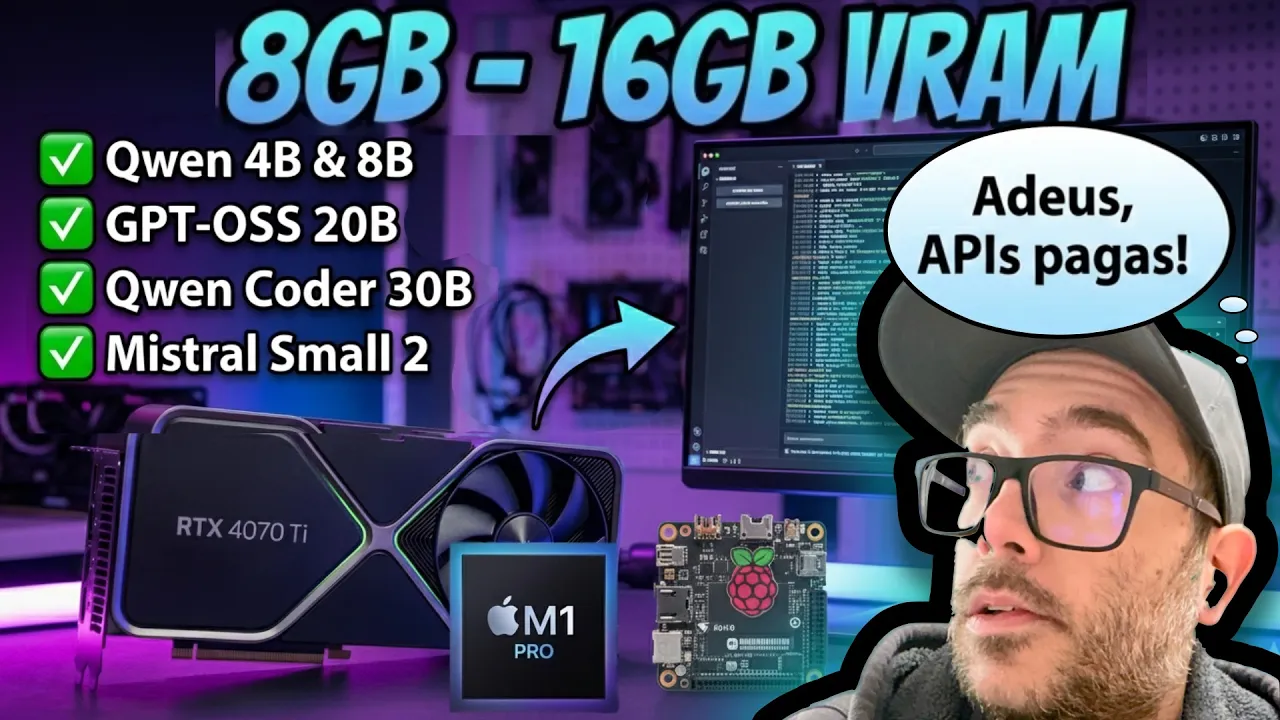
5 modelos LOCAIS pra quem não tem computador da NASA (e que são EXCELENTES)
10.9K
This comprehensive segment covers the fundamentals of running large language models locally. It introduces LM Studio as a cross-platform solution for Mac, Windows, and Linux. The video explains model quantization (16-bit to 4-bit precision) and how it affects model size and accuracy. Hardware requirements are demonstrated: 4GB VRAM runs 5-bit models, 8GB VRAM runs 8-bit models. Context window configuration is shown based on available VRAM. The segment explores thinking models (Qwen 3 4B) that perform internal reasoning before responding, vision-language models (Qwen 3VL 8B) that analyze images and extract structured data, and Mixture of Experts architecture (GPT OSS 20B) where only a subset of parameters activates during inference. Tool calling capabilities are demonstrated where models access external websites to retrieve information beyond their training data.
Click to watch →

I Self-Hosted GLM-5.2 (Complete Guide)
1.5K
Open weight models like GLM 5.2 enable self-hosting for privacy and cost control. LLMs consist of inference code (HTTP server) and weights (tunable floating point parameters). A 1 trillion parameter model requires approximately 2TB storage at 16-bit precision. Quantization reduces storage by approximating weights with fewer bits (8-bit halves storage to 1TB). Higher quantization levels sacrifice accuracy for hardware efficiency. RAM and memory bandwidth are more critical than CPU count for LLM deployment. Self-hosting becomes cost-effective at high token volumes (around 1 billion tokens monthly), where API costs would reach thousands of dollars. VPS hosting provides location-based latency reduction.
Click to watch →

Lokale KI ist jetzt WIRKLICH brauchbar (und auf dieser Hardware läuft sie)
356K
Local large language models (LLMs) can achieve performance comparable to cloud-based models like ChatGPT when run on appropriate hardware, with the key factor being memory bandwidth rather than raw compute power; for example, an RTX 4090 with 24GB GDDR6X memory can run Mistral Small 3.2 at over 40 tokens per second, while the same model on a CPU with DDR5-5600 memory only achieves 3 tokens per second, and smaller quantized models like Qwen 3 4B (2.5GB) can run on consumer hardware while producing results comparable to much larger cloud models.
Click to watch →
Quantizing LLMs - How & Why (8-Bit, 4-Bit, GGUF & More)
22.8K
Quantization is a technique that reduces the computational memory costs of running large language models by converting high-precision floating-point weights (like FP16 or BF16) into lower-precision integer representations (such as 8-bit or 4-bit), which dramatically decreases model size and VRAM requirements while maintaining comparable performance; this enables running massive models (e.g., 70 billion parameters) on consumer-grade hardware like MacBooks or GPUs with only 12-24GB VRAM, as demonstrated through practical implementations using libraries like BitsAndBytes and GGUF format.
Click to watch →
Deep Dive
Basic proficiency in Python programming, specifically managing virtual environments, installing packages, and coordinating script executions.

Installing Packages With pip: Python Basics
23.2K
Virtual environments provide isolated Python interpreters for projects, keeping dependencies separate from the system and other projects. Advantages include using the correct Python version, correct pip instance, and specific package versions without conflicts. Create one with `python3 -m venv venv` in your project directory. Activate on Windows with `venv\Scripts\activate` or on Mac/Linux with `source venv/bin/activate`. Deactivate with `deactivate`. Always create and activate a virtual environment before installing packages for a project.
Click to watch →
Entornos Virtuales con Python (Módulo virtualenv) ✅ | Curso Python 3 🐍 # 63
162.4K
This comprehensive guide covers the entire lifecycle of managing Python projects using virtual environments. First, understand that virtual environments provide isolated Python spaces for separate projects, preventing dependency conflicts. Create one using 'python -m venv nombre_del_entorno', which generates directories for packages and activation scripts. Activate the environment via 'Scripts\activate' to install packages locally using pip. Export dependencies to 'requirements.txt' with 'pip freeze > requirements.txt' for sharing or migration. Recreate environments elsewhere by creating a new virtual environment and running 'pip install -r requirements.txt'. This workflow ensures consistent, reproducible project setups across different machines and collaborators.
Click to watch →
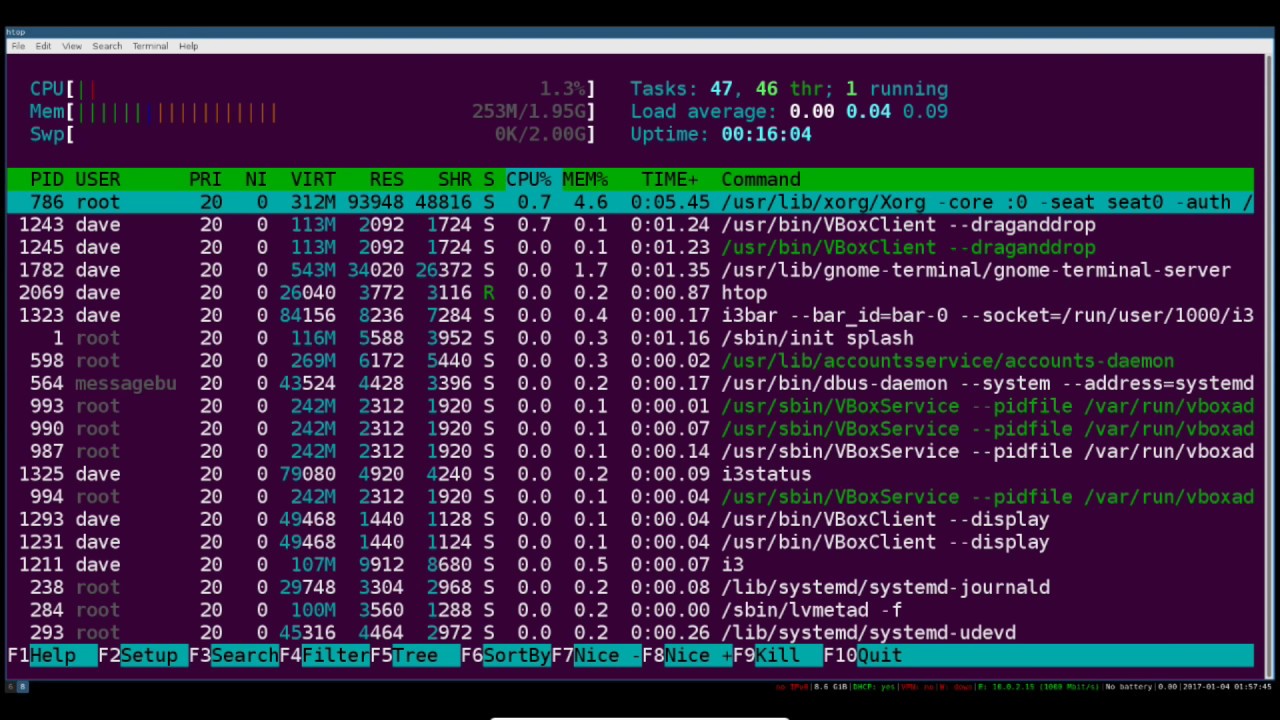
Python Programming Environment Setup
51.4K
This comprehensive section covers the core concepts of Python virtual environments and pip package management. Virtual environments are isolated directories containing everything a Python application needs to run, solving conflicts when multiple apps require different library versions. Install virtualenv via 'sudo apt-get install python-virtualenv'. Create environments with 'virtualenv venv' or 'virtualenv -p python3 venv' for Python 3. Activate using 'source venv/bin/activate' to modify shell variables pointing to the virtual environment's binaries. pip manages packages through 'pip search', 'pip install', 'pip uninstall', and 'pip freeze'. Packages appear in the virtual environment's site-packages directory, ensuring imports come from the active environment rather than system-wide installations.
Click to watch →
Aprende ENTORNOS VIRTUALES en PYTHON desde CERO
400
Virtual environments in Python are isolated workspaces that allow developers to install libraries and dependencies without affecting the global Python installation, ensuring each project uses its own specific Python version and packages. The most common tools for creating virtual environments are venv (built into Python, suitable for small to medium projects), pip (more complex but widely used), and uv (a newer, faster option written in Rust). To create a virtual environment, use the command 'python -m venv <environment_name>', and to activate it, run the activate script in the scripts folder. Libraries like pandas, NumPy, and scikit-learn can be installed within these environments using pip or uv add commands.
Click to watch →

Clase 01 - Primeros pasos con Python
2K
After creating a virtual environment, activate it before using it. On Windows, run 'environment_name\Scripts\activate.bat'. On Mac/Linux, run 'source environment_name/bin/activate'. Once activated, the environment name appears in the terminal prompt. Install packages using 'pip install package_name' within the activated environment. The packages are installed only in the virtual environment, not globally. To verify installation, use 'pip list' to display all installed packages. This isolation ensures that package installations don't affect other projects or the system Python installation.
Click to watch →
Deep Dive
Familiarity with REST APIs and local client-server communication, specifically OpenAI-compatible endpoints.
ABP Community Talks 2026.02: RAG, MCP & OpenAI Endpoints in ABP — All you want to know about AI+ABP
255
ABP exposes OpenAI-compatible REST APIs under the /v1 path, enabling external clients to interact with AI workspaces using standard OpenAI format endpoints. This standardization allows any LLM provider (Gemini, Claude, local models) to integrate with ABP's infrastructure. External clients obtain bearer tokens via the token endpoint using username/password credentials with grant type 'password'. These tokens grant access to specific workspaces and can be revoked for access control. The AnythingLLM platform demonstrates this integration by connecting to ABP workspaces using the generic OpenAI endpoint, base URL, workspace name, and bearer token. This approach enables organizations to serve their AI capabilities as providers while maintaining centralized management through ABP's AI Management Module.
Click to watch →

Crea un endpoint API 100% local para tu LLM usando LM Studio
13.8K
LM Studio is a software that enables running local AI models and creating an API endpoint compatible with OpenAI's API format. The interface includes Home, Search, Chat, and Local Server options. To enable the Local Server, users must start the inference server and enable Cross Origin Resource Sharing (CORS) if connection issues occur. The server applies prompt formatting and model-specific parameters automatically. Firewall permissions must be granted for network access. The server runs on localhost:1234/v1, allowing developers to replace cloud-based AI services with locally hosted models without requiring an API key.
Click to watch →

Distributed Inference with Multi-Machine & Multi-GPU Setup | Deploying Large Models via vLLM & Ray !
4.1K
The command to launch an OpenAI-compatible REST server requires specifying: model name (matching what applications expect), tokenizer path, model weights path, listening IP and port (e.g., port 3000), GPU memory utilization percentage (default 90%), tensor parallel size (number of GPUs per machine), and pipeline parallel size (number of machines). This command distributes the model across all GPUs in the Ray cluster and makes it available as a REST endpoint for inference requests.
Click to watch →
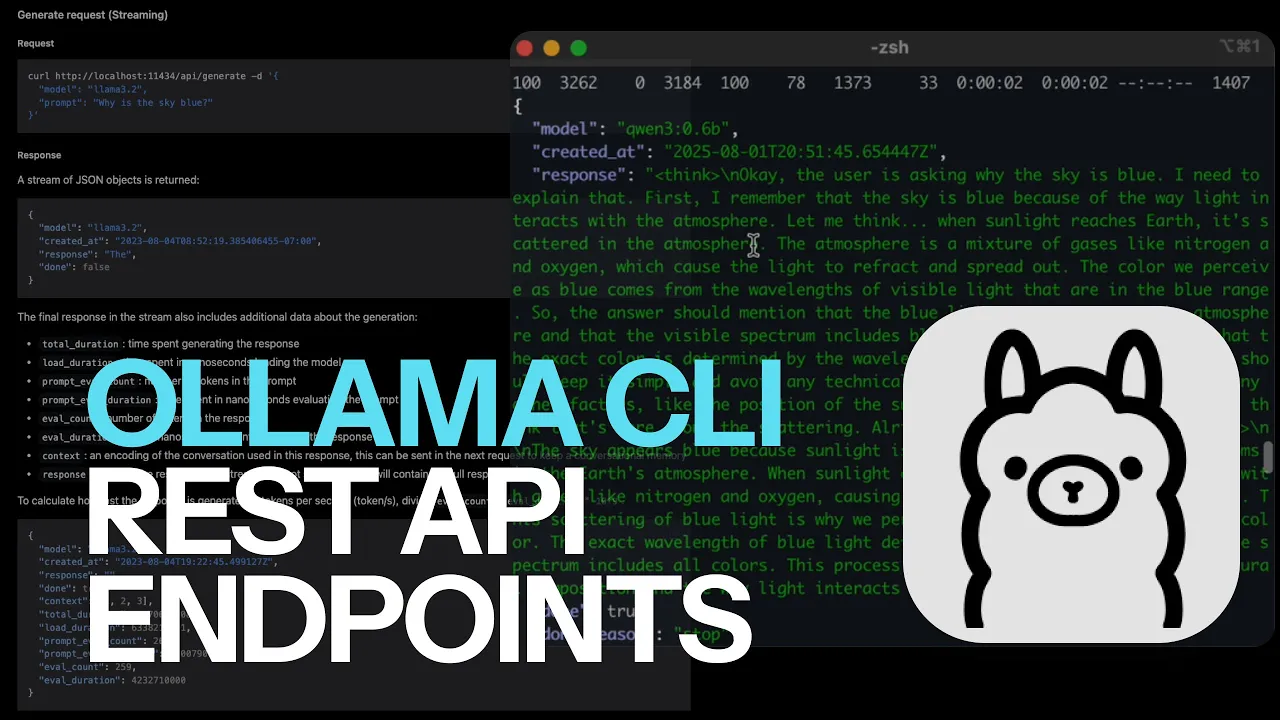
Ollama CLI - REST API Endpoints
127
Ollama is a local LLM server that can be configured using environment variables for IP address, idle timeout, and model count. The server exposes REST API endpoints similar to OpenAI, Anthropic, and Gemini, allowing developers to pass model names and prompts programmatically. The API supports both streaming and non-streaming responses, with streaming returning tokens incrementally and non-streaming providing complete responses. Responses are returned in JSON format, which can be parsed using tools like JQ to extract specific fields such as the generated text. This provides a cost-effective alternative to proprietary LLM APIs for local development and deployment.
Click to watch →

💥¡Crea un ChatGPT en tu equipo sin la nube! Con Ollama, Microsoft PHI-3 y Semantic Kernel💥
1.2K
Ollama honors the OpenAI REST API contract, meaning users can interact with local SLMs through the same interface used for cloud-based OpenAI models. This compatibility allows existing code that works with OpenAI to work seamlessly with local SLMs without modification. Users can specify the model (e.g., 'phi3') and endpoint (Ollama's local service) when configuring their applications.
Click to watch →
Prerequisite Knowledge
- Concept 01Understanding of the core components in a Speech-to-Speech pipeline: Automatic Speech Recognition (ASR), Natural Language Processing (NLP/LLM), and Text-to-Speech (TTS).
- Concept 02Fundamentals of running open-weight LLMs locally, including model quantization formats (e.g., GGUF) and system hardware requirements (VRAM/RAM).
- Concept 03Basic proficiency in Python programming, specifically managing virtual environments, installing packages, and coordinating script executions.
- Concept 04Familiarity with REST APIs and local client-server communication, specifically OpenAI-compatible endpoints.
Subsequent Learning
- Step 01Implementing Voice Activity Detection (VAD) and Wake-Word engines (such as Silero VAD or Porcupine) for continuous, hands-free interaction.
- Step 02Optimizing end-to-end system latency through response streaming (e.g., TTS generation while the LLM is still outputting tokens).
- Step 03Integrating Local Retrieval-Augmented Generation (RAG) to ground the offline assistant in personal documents or private knowledge bases.
- Step 04Deploying and compiling lightweight speech pipelines to run on resource-constrained edge devices like the Raspberry Pi or NVIDIA Jetson.
Setup Demo
Capabilities
Setup Demo
0:00Playing Section
- 1
Install six tools and launch pipeline.
- 2
Configure voice, emotion, or clone.
- 3
Start local uncensored speech-to-speech.
Practical and Architectural Limitations of Local Cascaded Voice Pipelines
While fully local, offline voice pipelines offer privacy and freedom from censorship, they present significant practical and architectural drawbacks. First, running three separate models (Whisper, an LLM, and Coqui TTS) concurrently demands substantial computational resources, leading to high latency and hardware costs that hinder natural, real-time conversation. Second, this 'cascaded' approach suffers from compounding errors and information loss; converting speech to text strips away emotional tone, prosody, and nuance before the LLM even processes it. In contrast, emerging native end-to-end audio models process speech directly, preserving rich vocal context. Finally, relying on local open-source tools introduces long-term maintenance risks, as exemplified by the closure of Coqui, leaving developers dependent on fragmented community forks. For many applications, managed cloud APIs or unified multimodal architectures offer superior efficiency, lower latency, and better overall user experiences.
Deep Dive
Implementing Voice Activity Detection (VAD) and Wake-Word engines (such as Silero VAD or Porcupine) for continuous, hands-free interaction.
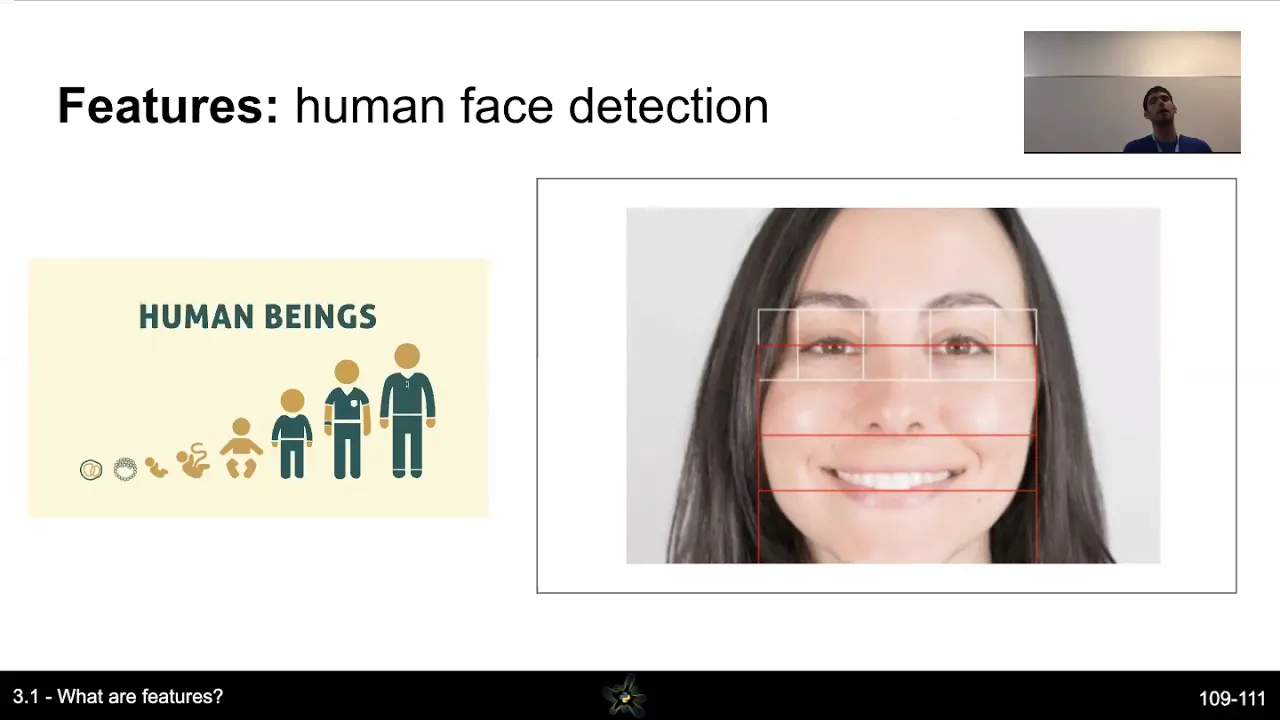
How to build a voice-based machine learning model: VOICE 2019 workshop
1.4K
Voice activity detection (VAD) determines when speech is occurring. Simple approaches use spectral power thresholds (e.g., 0.001), but fail in noisy environments. Better approaches use MFCC coefficients and engineered features representative of the speech frequency range (20 Hz to 20 kHz). Deep learning models can detect speech in noisy environments, with ensemble methods combining multiple approaches for improved robustness. Wake word detection identifies trigger phrases using libraries like Porcupine (on-device detection) or Picovoice. These libraries use deep learning and are optimized for low-power, real-time edge device detection.
Click to watch →

Voice Activity Detection | The key to realtime voice chat - Silero VAD
3.9K
Voice Activity Detection (VAD) is a lightweight machine learning model that identifies when speech is occurring in audio streams, enabling real-time voice-activated applications such as automatic transcription, interactive chatbots, and hands-free user interfaces; the Silero VAD model achieves near-instantaneous processing (under 1ms per 30ms audio chunk) with high accuracy across diverse languages and noisy environments, making it ideal for browser-based implementations where low latency and minimal resource consumption are essential.
Click to watch →

Voice Agents That Handle Interrupts - Chintan Agrawal and Daniel Wirjo, AWS
456
Silero VAD is a small 300,000 parameter model that takes raw audio input and converts it into spectral features using Short-Time Fourier Transform. It contains four convolutional layers to detect patterns and an LSTM layer that provides memory across frames, allowing it to analyze speech patterns over time rather than in isolation. The model outputs a sigmoid probability indicating whether speech is present. The key parameter is the minimum silence duration, which directly impacts user experience: lower values cause the agent to cut people off prematurely, while higher values create dead air where users wonder if the agent is still connected.
Click to watch →
React Norway 2026
709
Voice Activity Detection (VAD) determines when someone is speaking versus background noise. Small models (2.2MB) can process audio in real-time (1ms per chunk). This enables hands-free interaction without manual activation.
Click to watch →

Q SYS Features - Voice Activity Detector (VAD)
504
A Voice Activity Detector (VAD) is a component that listens to audio and determines whether speech is present. It provides two output types: a binary true/false detection (green/red indicator) and a continuous confidence level that can be thresholded. The VAD effectively distinguishes speech from non-speech sounds like keyboard typing, eating, and environmental noise. This capability enables precise control over audio-triggered systems, ensuring they respond only to human speech rather than other audio sources.
Click to watch →
Deep Dive
Optimizing end-to-end system latency through response streaming (e.g., TTS generation while the LLM is still outputting tokens).

Track Every Millisecond of Your LLM Calls
114
To effectively measure and optimize LLM streaming performance, developers should capture key metrics at the point of streaming responses rather than through logs, including Time to First Token (TTFT), End-to-End latency, stream timing, and throughput. This can be achieved using a zero-dependency utility that hooks into the streaming loop with four key points: request start, streamed events, text chunks, and stream completion. The utility works with any OpenAI-compatible client and provides accurate timing data without modifying the underlying LLM request, enabling teams to identify whether delays occur before the first token or during text streaming, thus guiding optimization efforts.
Click to watch →

5 AI Engineer Projects to Build in 2026 | Ex-Google, Microsoft
56.9K
Real-time multimodal applications demonstrate handling streaming data, tight latency budgets, and inherent system complexity. Three tracks exist: voice assistants (ASR → LLM → TTS), computer vision pipelines, and streaming log analyzers. Voice AI offers mature tooling with Deepgram/Whisper for recognition, capable LLMs for reasoning, and Lean Labs/Cartesia for synthesis, orchestrated via WebSockets. Phase 1 focuses on establishing end-to-end streaming pipelines with structured event handling. Phase 2 decomposes total latency into component breakdowns (ASR latency, LLM time to first token, TTS time to first bite) and builds visualization dashboards. Phase 3 implements resilience through timeout handling preventing indefinite blocking, graceful degradation strategies when services fail, and replay modes for debugging. This demonstrates engineering maturity in handling failure modes and recovery, distinguishing candidates who design for real-world conditions rather than ideal scenarios.
Click to watch →
AI Agents in Production
958
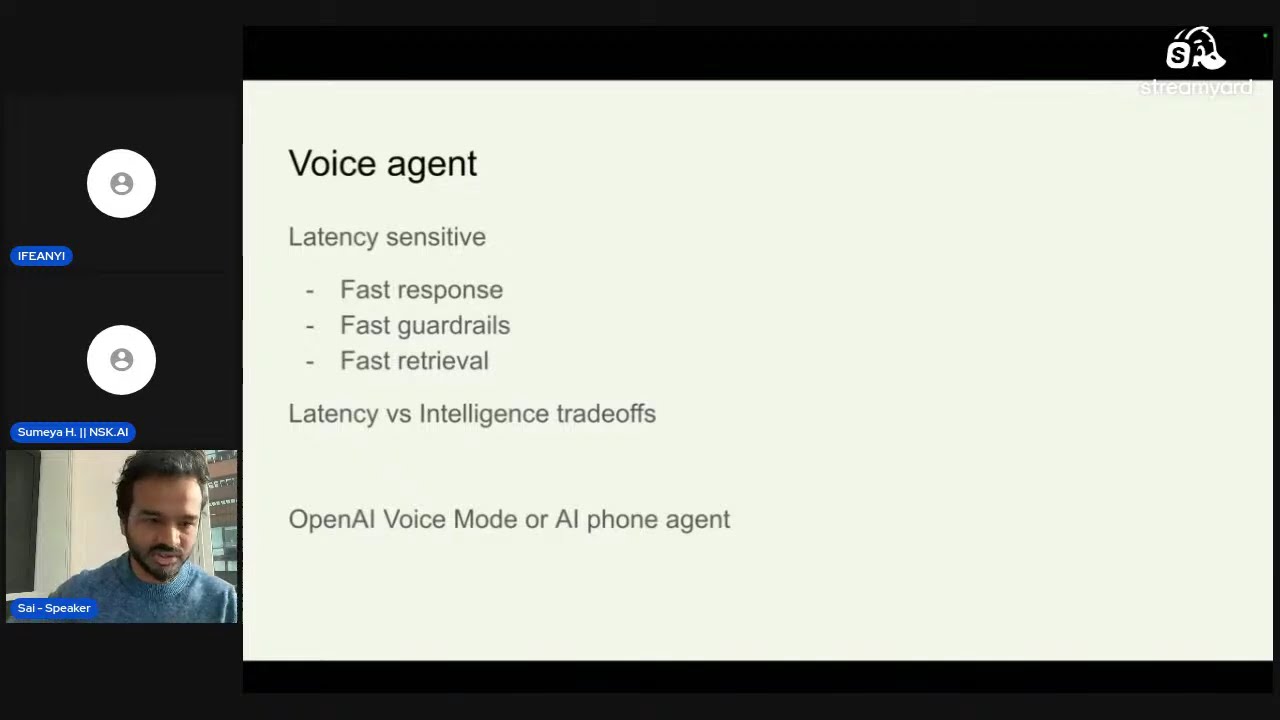
Voice agents are latency-sensitive products requiring fast response times to prevent user frustration. The fundamental trade-off exists between latency and intelligence: smaller models respond faster but have less intelligence, while larger models are more intelligent but slower. A typical voice agent pipeline consists of: (1) collecting and streaming user speech via WebRTC or telephony solutions, (2) voice activity detection to identify speaking periods, (3) speech-to-text transcription using models like Whisper, (4) LLM reasoning and response generation, (5) text-to-speech conversion with streaming capability, and (6) audio playback. All stages must operate in real-time with response times under 0.5 seconds. Critical metrics include latency (time-to-first-audio-response), word error rate, interruptability, hallucination rate, groundedness, and user drop-off rate. Pipecat is an open-source Python library that simplifies voice bot development through pipeline orchestration, providing entry points through runner.main() and handling audio input/output via WebRTC transport. Key components include Whisper model configuration, LLM context management with voice activity detection and automatic summarization, Text-to-Speech configuration with voice options, and pipeline architecture with sequential frame processors for transport, speech-to-text, user aggregation, LLM processing, TTS conversion, and assistant aggregation. A key optimization is streaming LLM output directly to TTS without waiting for complete generation, preventing user-perceived lag.
Click to watch →
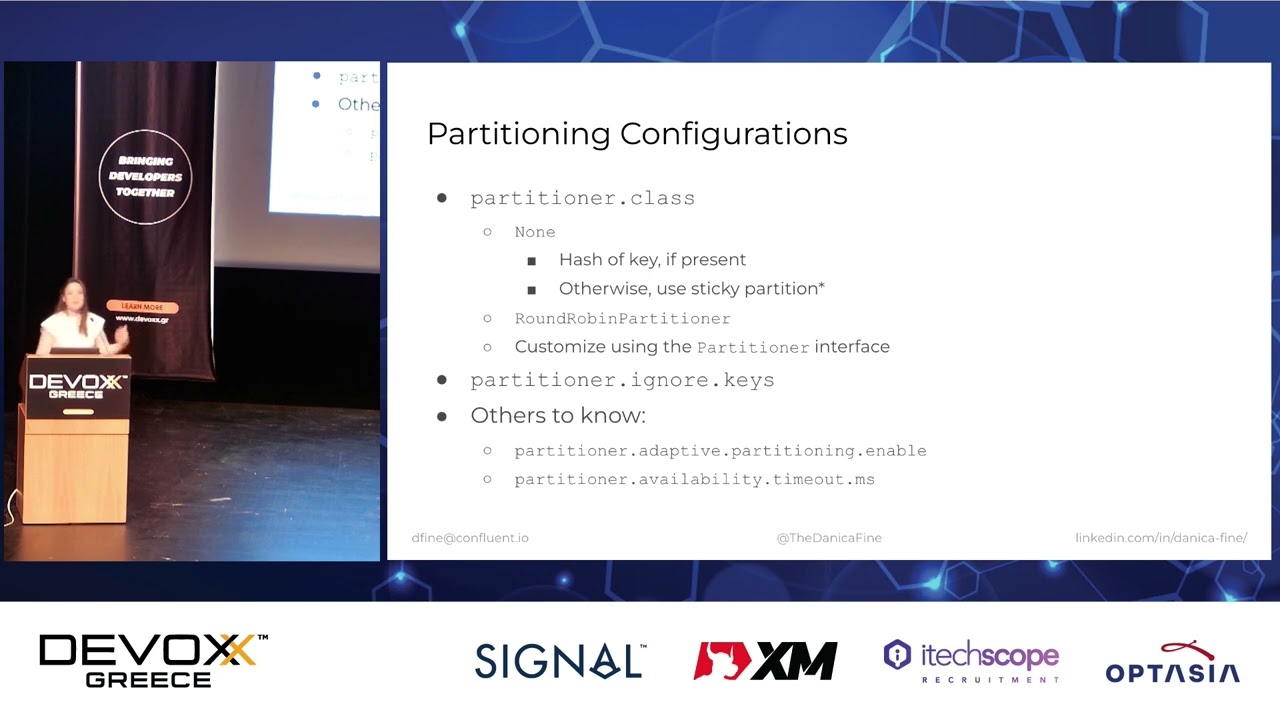
A Kafka Client’s Request: There and Back Again by Danica Fine
2.1K
After data is replicated, brokers generate responses to send back to producers. Response generation involves building response objects and placing them in a response queue. Network threads then send responses over TCP. Key latency metrics include total_time_ms (end-to-end), request_queue_time (waiting in queue), local_time_ms (I/O thread processing), remote_time_ms (purgatory waiting), and response_send_time_ms (waiting in send buffer). Note that response_queue_time does not contribute to total_time_ms. Understanding these metrics helps diagnose bottlenecks in the producer-to-broker pipeline.
Click to watch →

#25 - Duarte Carmo: LLM'er i Produktion
144
Streaming responses display LLM output token-by-token as it's generated, rather than waiting for the full response. This dramatically improves user experience by eliminating long wait times (30+ seconds). FastAPI and OpenAI's Python package support streaming responses, making it easy to implement this feature. The key insight is that user experience matters as much as the underlying model quality.
Click to watch →
Deep Dive
Integrating Local Retrieval-Augmented Generation (RAG) to ground the offline assistant in personal documents or private knowledge bases.

Make Your Offline AI Model Talk to Local SQL — Fully Private RAG with LLaMA + FAISS
191.1K
Retrieval-Augmented Generation (RAG) is a framework that enables offline AI models to access and reason over external databases in real-time by converting database content into vector embeddings using models like SentenceTransformers, then using FAISS for fast semantic search to retrieve relevant documents and feed them to the AI model for context-aware answers.
Click to watch →

My AI Powered Second Brain
311
Retrieval Augmented Generation (RAG) is a technique that enables AI agents to access and utilize external knowledge bases without training the model itself, allowing private, local AI systems to perform complex tasks like security audits by retrieving relevant information from a searchable document library when needed.
Click to watch →

Want a PERSONAL AI for your notes and files? Msty is the answer.
13.6K
Msty is a personal AI assistant that allows users to interact with their files and notes through a chat interface, similar to ChatGPT but powered by the user's own data. It runs privately on the user's machine, making it a personal AI assistant trained on the user's knowledge base. The core technology is RAG (Retrieval Augmented Generation), which works like an AI-powered librarian that reads documents and provides summaries based on user needs. Setting up local AI requires two main components: a platform to host large language models (Ollama) and a user interface (Msty). Msty follows an offline-first approach, keeping all personal data on the user's machine without sharing with online services. The tool is free forever for private use, with optional paid licenses available to support developers.
Click to watch →
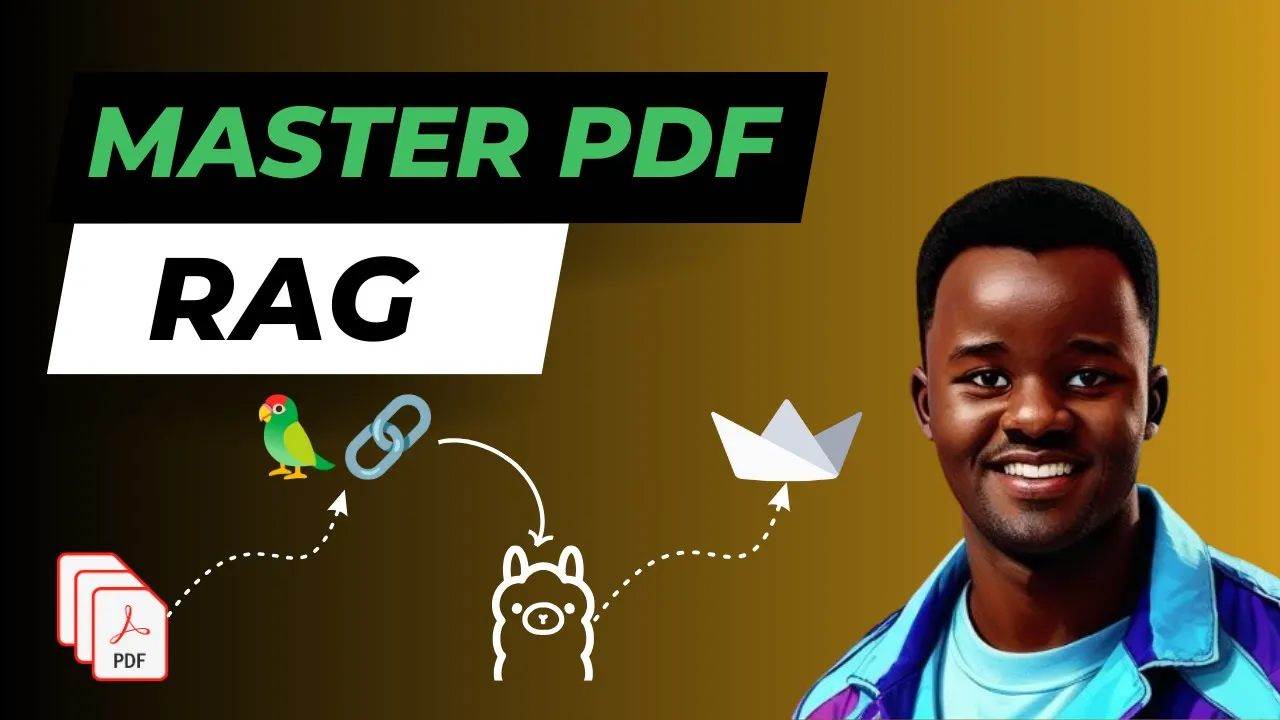
Build Your Own Local PDF RAG Chatbot (Tutorial)
21.5K
This tutorial demonstrates how to build a local Retrieval-Augmented Generation (RAG) chatbot that allows users to chat with PDF documents using Ollama and LangChain. The process involves loading PDF content using UnstructuredPDFLoader, splitting text into manageable chunks with RecursiveCharacterTextSplitter (including chunk overlap to preserve context), creating vector embeddings using OllamaEmbeddings, storing these embeddings in a Chroma vector database, and using a multi-query retriever with a chain.invoke method to answer questions based on the retrieved context. The tutorial also shows how to deploy this functionality into a Streamlit web application for an interactive user interface.
Click to watch →
Lokale KI ist jetzt WIRKLICH brauchbar (und auf dieser Hardware läuft sie)
356K
RAG allows local LLMs to retrieve information from external sources like PDFs and answer questions based on that information. For example, users can upload a conference program and ask specific questions about it, with the model providing accurate answers quickly. This capability works well with current local models and is particularly useful for analyzing documents that users don't want to share with cloud services.
Click to watch →
Deep Dive
Deploying and compiling lightweight speech pipelines to run on resource-constrained edge devices like the Raspberry Pi or NVIDIA Jetson.
Building noise-immune speech interfaces for IoT
959
Edge speech recognition implements a comprehensive signal processing pipeline: microphone input with optional beamforming and acoustic echo cancellation, activity detection, gain normalization, spectral domain transformation, and deep neural networks operating in time-frequency domain. The neural network architecture employs residual connections (similar to ResNet) with over 25 layers, supporting multiple precision modes including FP32, FP16, and integer formats for optimization. Remarkably, these systems achieve remarkable efficiency on constrained hardware: Cortex-M7 processors achieve ~2-3% error rates at ~70 MHz for trigger recognition and ~180 MHz for command recognition. Cortex-M0 processors achieve ~95% accuracy with just a few multiply operations per second, fitting within 90 KB total memory budget. Command set design follows key principles: longer commands are more robust due to additional acoustic cues; commands should differ in as many syllables as possible; distinctive phonemes (consonants with G, OH, ER) reduce confusion compared to soft phonemes (V, TH, M, N).
Click to watch →

Build a Python IoT Image Classification solution - Dave Glover - PyCon.KR 2019
166
Azure Speech Services provides text-to-speech, speech-to-text, and translation across 75+ languages using deep neural networks. The free tier offers 5 million characters monthly. For deployment, IoT Edge manages application lifecycle on local devices using Docker containers. This enables bringing cloud-based machine learning models to edge hardware like Raspberry Pi or Nvidia Jetson Nano, which can process images at 10 frames per second for real-time applications.
Click to watch →

tinyML Talks: Speech-to-intent model deployment to low-power low-footprint devices
2.1K
This comprehensive section presents the complete methodology for deploying end-to-end speech-to-intent systems on microcontrollers. It begins with a comparative analysis of three speech processing paradigms: open-domain speech transcription, keyword spotting, and cloud-based ASR plus NLP parsing, establishing why end-to-end speech-to-intent represents a superior approach for edge devices. The section details the Wio Terminal (ARM Cortex M4) as an effective development platform, covering data preparation using datasets like Fluent Speech Commons with data augmentation for real-world noise. Audio feature extraction employs MFCCs with consistent parameters across training and inference. The baseline model architecture achieves ~87.5% accuracy with ~29K parameters using convolutional layers with batch normalization. Critical deployment considerations include systematic model quantization from float32 to int8, rigorous validation ensuring quantized models maintain accuracy, and generation of C-compatible header files for embedded integration. Real-time demonstration confirms practical viability on microcontroller hardware.
Click to watch →

Speech-to-Speech Demo of TinyChatEngine on Nvidia Jetson Orin Nano
6.5K
Large language models can be efficiently deployed on memory-constrained edge devices through model compression techniques such as 4-bit integer quantization and activation-aware weight quantization (AWQ), which reduce model size while maintaining accuracy, enabling practical applications like speech-to-speech chat on devices with limited resources.
Click to watch →

Introducing the Home Assistant Voice Preview Edition - Voice: Chapter 8
70.6K
Alternative speech processing approaches (like Raspy Speech) can provide local voice processing on lower-power hardware. These approaches trade accuracy and flexibility for speed and resource efficiency. Raspy Speech runs in 1-1.5 seconds on Raspberry Pi 4-class hardware by using a fixed set of commands that the system recognizes, rather than open-ended speech recognition.
Click to watch →
Setup Demo
Capabilities
Setup Demo
0:00- 1
Install six tools and launch pipeline.
- 2
Configure voice, emotion, or clone.
- 3
Start local uncensored speech-to-speech.
Practical and Architectural Limitations of Local Cascaded Voice Pipelines
While fully local, offline voice pipelines offer privacy and freedom from censorship, they present significant practical and architectural drawbacks. First, running three separate models (Whisper, an LLM, and Coqui TTS) concurrently demands substantial computational resources, leading to high latency and hardware costs that hinder natural, real-time conversation. Second, this 'cascaded' approach suffers from compounding errors and information loss; converting speech to text strips away emotional tone, prosody, and nuance before the LLM even processes it. In contrast, emerging native end-to-end audio models process speech directly, preserving rich vocal context. Finally, relying on local open-source tools introduces long-term maintenance risks, as exemplified by the closure of Coqui, leaving developers dependent on fragmented community forks. For many applications, managed cloud APIs or unified multimodal architectures offer superior efficiency, lower latency, and better overall user experiences.
Understanding of the core components in a Speech-to-Speech pipeline: Automatic Speech Recognition (ASR), Natural Language Processing (NLP/LLM), and Text-to-Speech (TTS).
Fundamentals of running open-weight LLMs locally, including model quantization formats (e.g., GGUF) and system hardware requirements (VRAM/RAM).
Basic proficiency in Python programming, specifically managing virtual environments, installing packages, and coordinating script executions.
Familiarity with REST APIs and local client-server communication, specifically OpenAI-compatible endpoints.
Implementing Voice Activity Detection (VAD) and Wake-Word engines (such as Silero VAD or Porcupine) for continuous, hands-free interaction.
Optimizing end-to-end system latency through response streaming (e.g., TTS generation while the LLM is still outputting tokens).
Integrating Local Retrieval-Augmented Generation (RAG) to ground the offline assistant in personal documents or private knowledge bases.
Deploying and compiling lightweight speech pipelines to run on resource-constrained edge devices like the Raspberry Pi or NVIDIA Jetson.
1.5K views18likes4:08@CybdicplusOriginal Release: 2025-10-06
[Music] the Cydic Plus channel.
>> Hi and welcome. This video is just a brief short demo on how this completely free with a local install and totally uncensored speech-to-pech setup works.
To get started, you have to install all six tools. Python, Git, Minion, LM Studio, Whisper, and Kqui. Once you have installed all six tools, go inside your KOI pipeline folder and doubleclick the star STS BAT file to start the program.
Now answer the three optional features questions. Why for yes and N for no.
It's going to have a number listed next to the options. Type in the number to select your option. One, do you want a different voice? Two, do you want to add an emotion to your voice if that voice allows it? And three, do you want to use a cloned voice?
>> Can you hear me?
>> Yes, I can hear you. How can I assist you today?
>> What is your name?
I am Quinn, your AA assistant. How can I assist you today?
>> What can you do, Quinn?
It seems like you might be referring to me as Quinn, but I should clarify that me name is Quen. How can I assist you today? Whether you need help with information, writing, creative ideas, or anything else, feel free to ask.
What can you do?
I can assist with a wide range of tasks and provide information across various topics. Here are some things I can help with. One, answering questions, provide explanations, facts, or opinions on different subjects. Two, writing assistance.
Help draft essays, articles, stories, emails, and more. Three, language translation.
>> That's all. I'm done.
It sounds like you may be feeling finished or perhaps exhausted. Would you like to talk about how you redoing? I am here if you >> stop listening.
Now, all the instructions, code scripts, and read me notes is on the GitHub page.
The link is down below. Well, hopefully you enjoyed this demo, and thanks for watching.
Up Next
13:31
Build a Low Latency Local Speech-to-Speech System with Open-Source AI
@AllAboutAI
157.8K views•2024-01-11

57:48
Secure Multiparty Computation (MPC): Foundations & Challenges
@SimonsInstitute
7.3K views•2015-05-28

13:03
Bypassing Tor Censorship: Bridges and Pluggable Transport Guide
@Coding_ForEveryone
397 views•2024-06-11
18:41
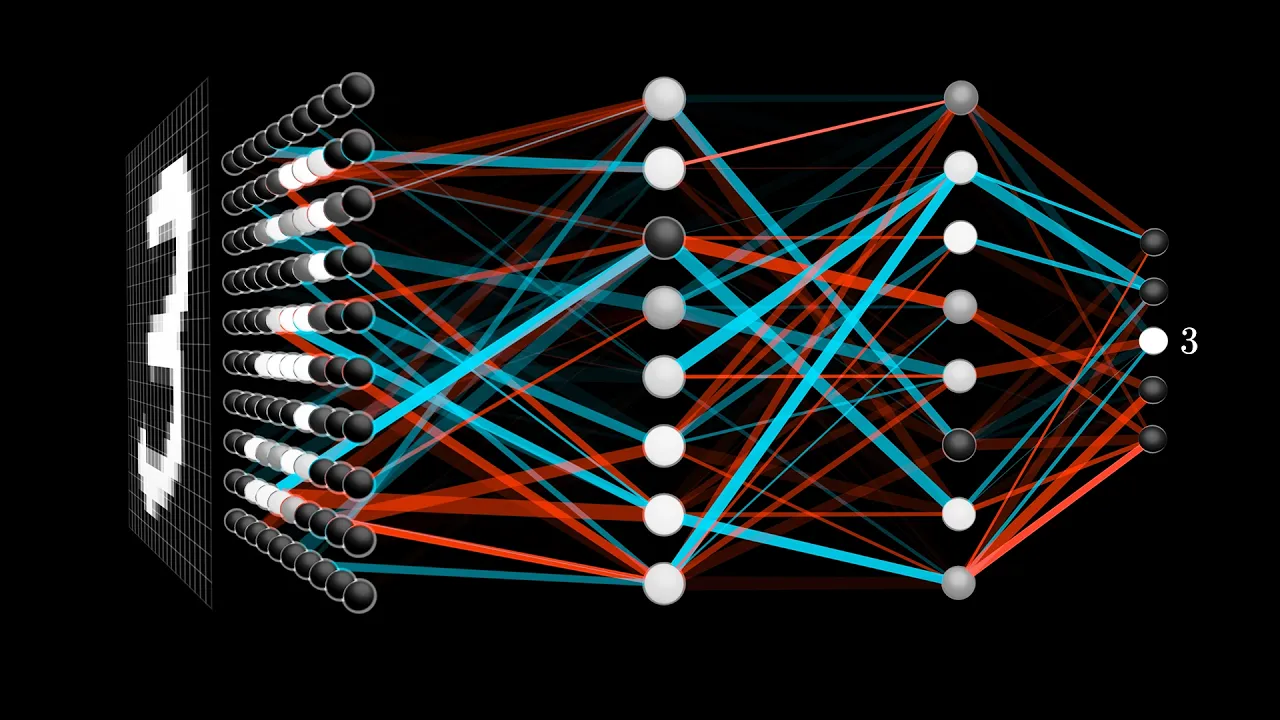
Neural Networks Explained: Math, Layers, and Learning Fundamentals
@3blue1brown
21.9M views•2017-10-05
Related Study Plans & Knowledge Roadmaps
Structured learning paths in Artificial Intelligence
artificial-intelligence
Aligning LLMs: DPO, TRL & Custom Datasets
01Foundations of Python & Machine Learning
02Transformers and Large Language Models (LLMs)
03Aligning LLMs: SFT and RLHF
+ 3 more learning modules
24h6 modules
Explore Roadmap
artificial-intelligence
Federated Learning: PyTorch, Flower & Privacy
01Python & Machine Learning Foundations
02Deep Learning Basics with PyTorch
03Introduction to Federated Learning
+ 2 more learning modules
35h5 modules
Explore Roadmap
artificial-intelligence
Securing LLMs: Guardrails AI & NeMo Gateway
01Introduction to LLMs, Python, and APIs
02Understanding LLM Vulnerabilities & Threats
03Defending LLMs with Guardrails AI
+ 2 more learning modules
15h5 modules
Explore Roadmap
artificial-intelligence
Building Recommenders: Two-Tower & Vector DBs
01Foundations of Python & Machine Learning Basics
02Introduction to Recommender Systems
03Deep Learning & Representation Learning
+ 3 more learning modules
75h6 modules
Explore Roadmap