


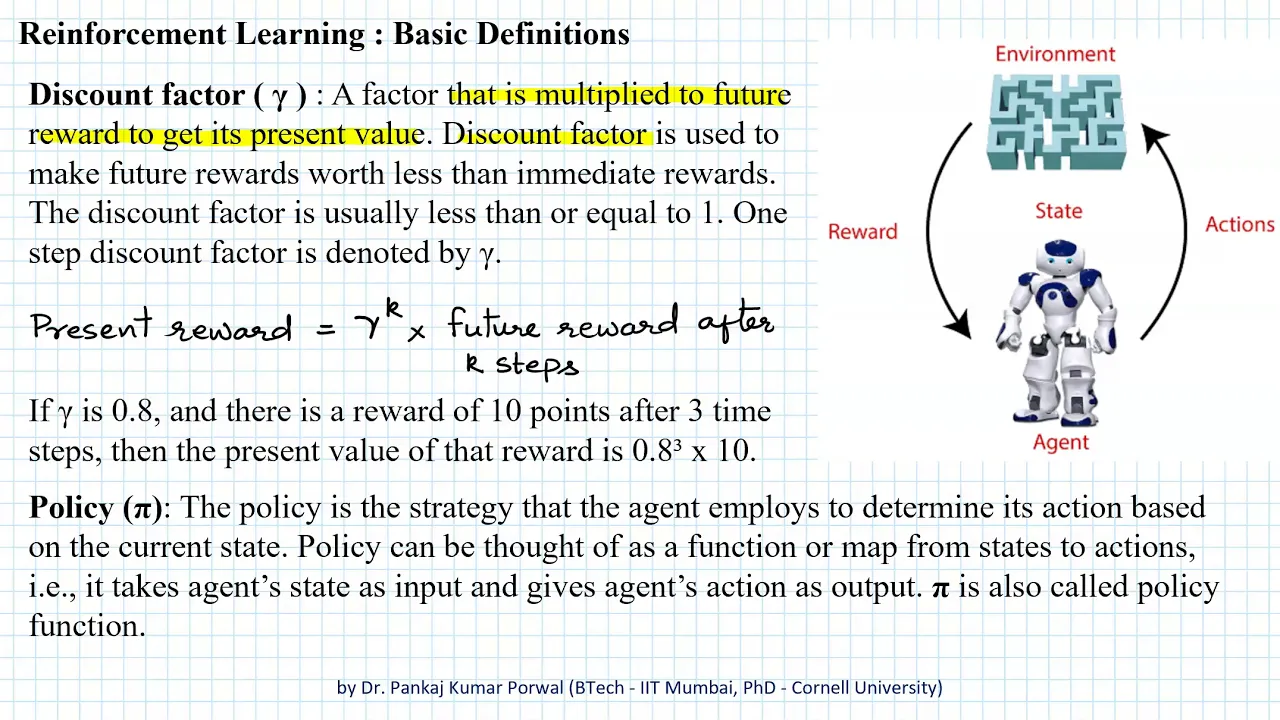

![[Week Extra] Introduction to Machine Learning (noc25-cs46)](https://i.ytimg.com/vi/PZaUQvXcZqU/maxresdefault.jpg)
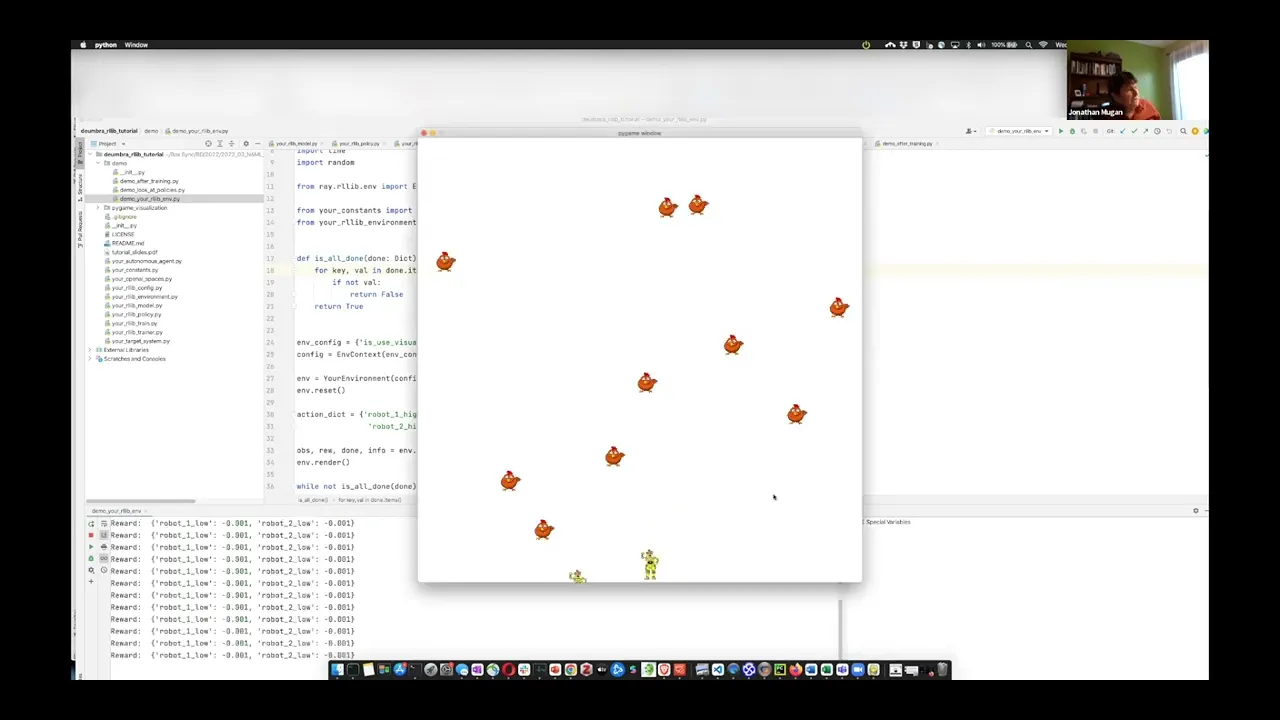




![[INFO188-2021] Reunión 24 - Programación en GPUs (parte 3)](https://i.ytimg.com/vi/MtJOrya5rmE/maxresdefault.jpg)



![Q-Learning Cân Bằng Con Lắc Ngược – Giải Thuật Học Tăng Cường AI [Matlab]](https://i.ytimg.com/vi_webp/qywja5GDTto/maxresdefault.webp)





To create a custom reinforcement learning environment compliant with OpenAI Gym standards, you need to implement several core components: (1) a class-based structure with an initializer that defines grid dimensions and magic squares, (2) state space and state space plus concepts to distinguish between non-terminal and terminal states, (3) an action space mapping actions to position changes (up/down/left/right), (4) a step function that handles movement, reward calculation (-1 per step, 0 at terminal), magic square teleportation, and illegal move detection, (5) a reset function to return the agent to the starting position, and (6) a render method for visualizing the environment. This framework enables agents to learn optimal policies through trial and error, such as discovering shortcuts via magic squares in a Gridworld environment.
Create Your Own Reinforcement Learning Environments: Gridworld Tutorial
Added:welcome back everybody to neural net Dante I I am your host Phil Taber previously a subscriber asked me hey Phil how do I create my own reinforcement learning environment I said well that's a great question I don't have time to answer it in the comments but I can make a video so here we are what we're going to do in the next two videos is create our own open a gym compliant reinforcement learning environment the good world it's going to be text-based and if you're not familiar with it the grid world is aptly named a grid of size M by n where the agent starts out in say the top left and that's to navigate its way all the way to the bottom right the twist on this is going to be that there will be two magic squares that cause the agent to teleport across the board the purpose of doing this is to create a shortcut to see if the agent can actually learn the shortcut kind of interesting the agent receives a reward of minus one with each step except for the terminal step or receives a reward of 0 therefore the agent will attempt to maximize its reward by minimizing the number of steps it takes to get off the grid world what other things to other concepts we need are the concept of the state space which is the set of all states - the terminal state and the state space Plus which is he set of all states including the terminal state this gives us a bit of a handy way to find out the terminal state as well as to find out if we're attempting to make illegal moves it also follows the nomenclature and terminology from the Sutton and Bardot book reinforcement learning which is an awesome resource you should definitely check out if you have not already so in part 1 we're gonna handle the environment and in part 2 we're gonna get to the main loop and the agent for which we will use cue learning not deep cue learning because this is a very straightforward environment we don't need a functional approximation we just need the tabular representation of the agents estimates of the action value function so if you're not familiar with cue learning I do have a couple videos on the topic one where the Q learning agents solved the card poll game as well as a an explainer type video that talks about what exactly cue learning is so let's go ahead and get started we only have a couple dependencies we're not doing anything on the GPU so just numpy and Matt plot line we want to close everything up into a class called grid world and our initializer will take the M&N which is the shape of the grid as well as the magic squares so we represent our grid as an array of zeros in shape and by n we want we want to learn to type we want to learn to sorry we can want to keep trying we want to keep track of the M in the end for handy use later so let's go ahead and define our state space and that's just going to be a list comprehension for all the states in the range self dot M times self dot n now the as I said the state space does not include the terminal state and the terminal state is the bottom right so we have to go ahead and remove or pop off that particular state from the list next up so now let's go ahead and again learn to type go ahead and define our state space plus also we need to know the the way that the actions map up to their change on the environment so we'll call that the action space a little bit of a misnomer but we can live with it for now so moving up will translate the agent up one row which is distance M and moving down will advance the agents position downward by also M moving the left will translate the agent one step will decrement the agents position by one and moving right will increase it by one we also want to keep track of the set of possible actions you could use the keys in the action space dictionary but let's go ahead and use a separate structure and we use a list up down left and right the reason is that the q-learning agent EQ learning algorithm sorry can it can choose actions at random so it's handy to have a list from which you can choose randomly next we need to add the magic squares because it's a little bit more complicated than it may seem and finally when we initialize the grid we want to set the agent to the top-left posy Shaun let's go ahead and add those magic squares so of course you want to store that in our object now there's a little bit of HO keenest that I must explain so the agent is represented by a zero when we print out the grid to the terminal and MD squares are represented by a one and so excuse me and so that means we need something other than zero and one to represent these magic squares I want to when I render the environment I want to know where the entrance and where the exit is so we use different values for the entrance and exit so that way we can render it correctly so just by royal decree we set I which will be the representation of the of the magic square in the grid world 2 2 to start and I'm gonna go ahead and iterate over the magic squares so now what we need to know is what position we are in so you sorry its if the color is off indicating something is wrong I have screwed something up royally which I do not see because I am blind anyway so the the exposition is just going to be the floor of the current square and the number of rows and Y will be the modulus of the number of columns so then the grid we want to set that x and y position to I and since we want to have a different representation for the entrance and exit go ahead and set the increment I by 1 recall that the magic squares are is represented as a dictionary so we're iterating over the keys and the values are the destinations so the keys are the source values our destinations so next we want to find out precisely that what the destinations are so butt in and then set the grid that Square to I and then increment hi again and I'm only gonna do I'm only going to do two magic squares you can do any number but in this case we're just gonna do too so okay so the next thing we need to know is if we are in the terminal state and as I said earlier the state space and state space plus concepts give us a very easy way of doing that so let's go ahead and take care of that so since the state space plus is all the states and the states space is all the states - the terminal state we know that the difference between these two sets is the terminal state so state in state space + and not in the state space how does that look you scroll down a bit okay so next up let us go ahead and get the agent row and column and we're going to use the same logic as above so next we want to set the state so that we'll take the new state as input and we're going to go ahead and assume that the new state is allowed so the agent if it is along the left edge and attempts to move left it just receives a reward of minus 1 and doesn't actually do anything likewise if it's on the top row and attempts to move up it doesn't actually do anything that just gets a reward of minus 1 for wasting its time so we want to get sorry the row and column and set that space to 0 because 0 denotes an MV square and the agent position then is the new state and again we want to get the new ex a new Y there is a typo there let's fix that and then set that position to one because that is how we represent the agent by royal decree so the next thing we have to know is if we're attempting to move off the grid that's not allowed the agent can only stay on the grid so let's take care of that so we want to take the new and old States as input and the first thing we wanna know is if we're attempting to move off the grid world entirely that's so I hate these editors so if we are the new state is not in the new state space plus we are attempting to move off the grid so you return true otherwise if the old state modulus M equals zero and new state modulus this self dot M equals self dot M minus 1 then we return true and for brevity and I could explain this but the video is running long already so for brevity the reason this is true is left as an exercise to the reader bet you didn't know this was gonna be like a college course so now basically we're trying to do here I'll just give you a hint what we're trying to do here is determine if we're trying to move off the grid either to the left or to the right we don't want to wrap around so so if you're for instance if we have a 9 by 9 grid it goes from 0 to 8 so then if you add one right you would get 9 which would teleport you to the other row and the 0th column you don't want that what you want to do is waste waste to move and receive a reward of minus 1 so that's what we're doing here old state modulus good grief so if neither of those are true then you can go ahead and return false meaning you're not trying to move off the grid so let's see can you see that you can so next function we need is a way to actually step so let's go ahead and do that let's say the only thing we need is to take in the action so the first thing you want to do is get the X&Y again and here's what we're going to check to make sure it's a legal move so the resulting state is then agent position plus the mapping so the agent position is whatever it is and recall that the action space is this dictionary here that map's the actions to the translations in the grid so we're doing down here then is saying the new state is equal to the current state plus whatever the resulting translation is for whatever action we're attempting to make so next thing we need to know is are we on a magic square and if we are and if we are then the agent teleports to its new position okay so next up we need to handle the reward so it's minus one if not is terminal state so it's minus one if we haven't transitioned into the terminal state otherwise it is 0 if we're not trying to move off the grid then we can go ahead and set that state so if not set state salting state and then we're ready to go ahead and return so in the opening I Jim whenever you take a step it returns the new state the reward whether or not the game is over and some debug information so we're gonna do the same thing resulting state reward and the whether or not it is the terminal state and our debug info is just going to be none so if we are attempting to move off the grid what do we want to do nothing so we want to return agent position and the reward and rather not its terminal and the null debug info we're almost there so next thing we need to know is how do we reset the grid because at the end of every episode we have to reset right first thing to do is set the agent position to zero we set the grid to zeros and go ahead and add the magic squares back in and return the agent position which is of course zero oh wow that's real close all right so next up one last function I swear just one more I promise all right I wouldn't lie to you all right next up we want to provide a way of rendering because hey that's helpful for debug I like to print a big string of you know dashes because it's party we want to iterate over the grid for column in row column equals zero in other words if it's an empty square we're just going to print a dash and we're going to end it with a tab if the column is one meaning we have an agent there we're going to print an X to denote the agent now if the column is two then that is one of the entrances to our magic squares so print the a in with a tab-delimited a tab end if the column equals three you print a out and he goes tab and if the column equals four then we know we're at the other magic square entrance and finally if it's five then we know we're at the other magic squares exit after each row we want to print a new line and at the end we'll go ahead and print another chunk of pretty dashes oh yeah that's it that is it okay so that is it for our agent class that only took how long 20-some minutes Wow okay I hope you're still with me basic idea here is to make your own environment you need and initialize a reset a state space state space plus a way to denote possible actions a way to make sure the move is legal and a way to actually effect that environment the step function needs to return the new position the reward whether not the state is the new state is terminal as well as some debug information you also need a way of resetting and printing out your environment to the terminal so in part two we're actually gonna fire this baby up with aq learning algorithm and see how she do that's actually quite exciting it moderately exciting anyway it actually learns it does quite well and it does find the magic square spoiler alert if you made it this far it finds a magic square and gets out of the minimum number of moves required it's pretty cool to see so that will come in the next video on redness day I hope to see you all then if you liked the video make sure to leave a thumbs up subscribe if you have not already for more reinforcement learning Khan and I will see you all in the next video
Up Next

MIT 6.S191: Convolutional Neural Networks for Computer Vision
@AAmini
176.7K views•2025-03-17

Secure Multiparty Computation (MPC): Foundations & Challenges
@SimonsInstitute
7.3K views•2015-05-28

PPO Implementation With PyTorch | Reinforcement Learning Tutorial
@MachineLearningwithPhil
85.7K views•2020-12-24
Neural Networks Explained: Math, Layers, and Learning Fundamentals
@3blue1brown
21.9M views•2017-10-05
Related Study Plans & Knowledge Roadmaps
Structured learning paths in Artificial Intelligence