![Curso de REDES Informáticas Desde Cero Gratis [Teoría + Práctica] 👨💻](https://i.ytimg.com/vi_webp/OLSKCWjI778/maxresdefault.webp)


![[part 03] Oversimplified definition of cloud vs local infrastructure](https://i.ytimg.com/vi/0DWmJdMlnHI/maxresdefault.jpg)







![[OpenStack을 이용한 클라우드 시스템 구축] (1) 클라우드 시스템](https://i.ytimg.com/vi/X_5eMWyeH3Q/maxresdefault.jpg)











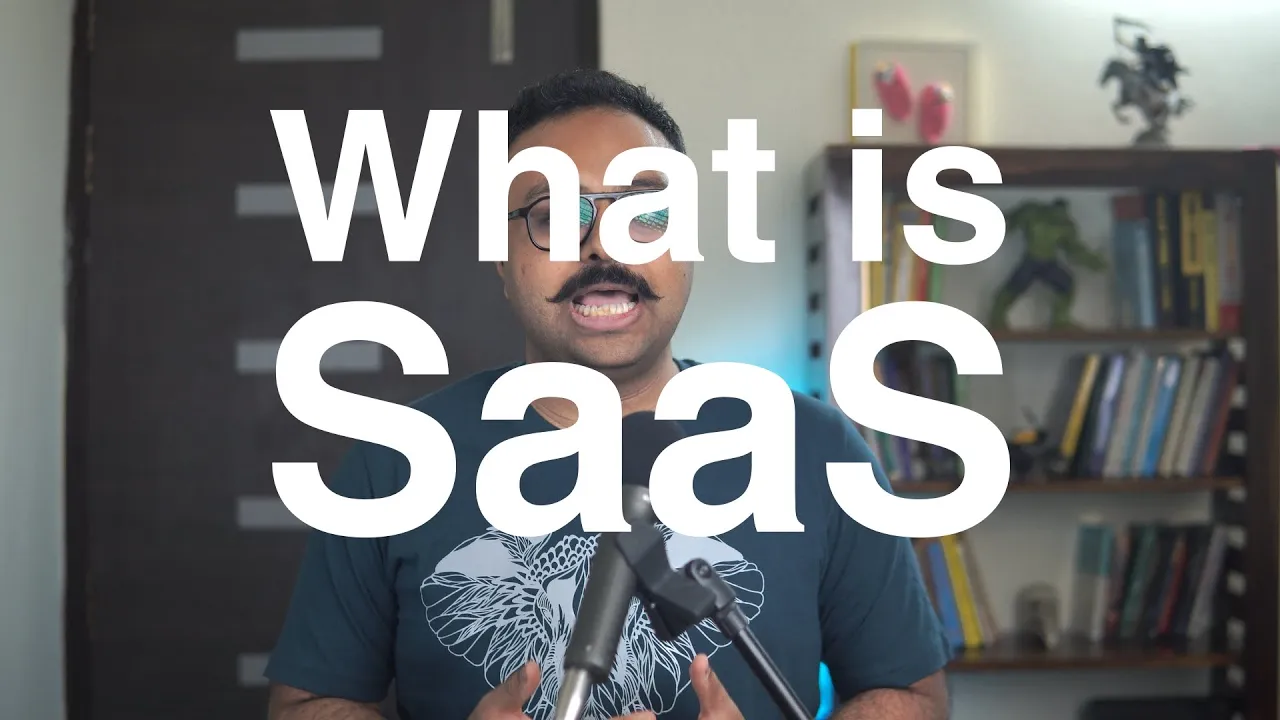
Software as a Service (SaaS) is a cloud computing model where software applications are delivered over the internet via subscription, eliminating the need for users to manage, install, or upgrade software locally; unlike traditional software models, SaaS operates on a multi-tenant architecture where multiple users access shared resources, offering benefits such as reduced IT overhead, automatic updates, scalability, and global accessibility through web browsers.
Software as a Service (SaaS) Explained: Cloud Computing Models
Added:Basic understanding of internet infrastructure and the client-server architecture.
The conceptual difference between local (on-premises) computing and remote, internet-based services.
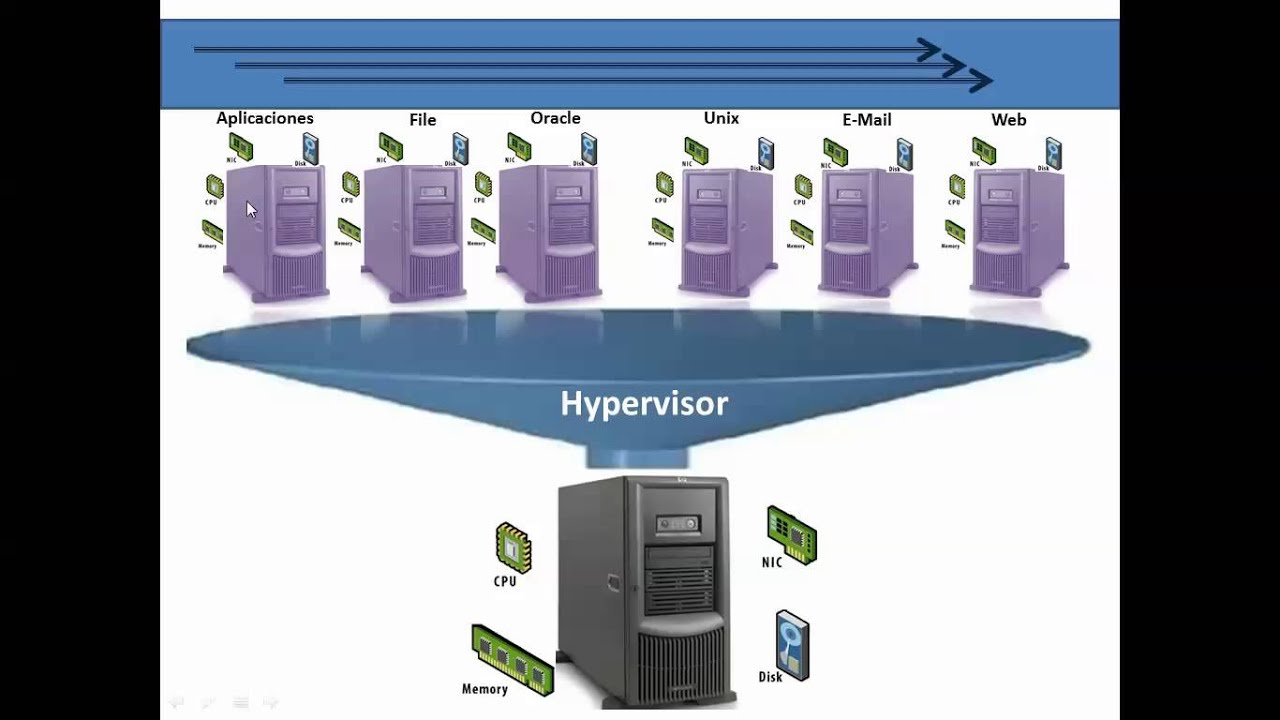
An introduction to virtualization and how physical servers are partitioned into virtual environments.
Familiarity with traditional software licensing and deployment models.
Understanding cloud deployment models, including Public, Private, Hybrid, and Multi-Cloud architectures.
The 'Shared Responsibility Model' detailing security ownership between cloud providers and clients.
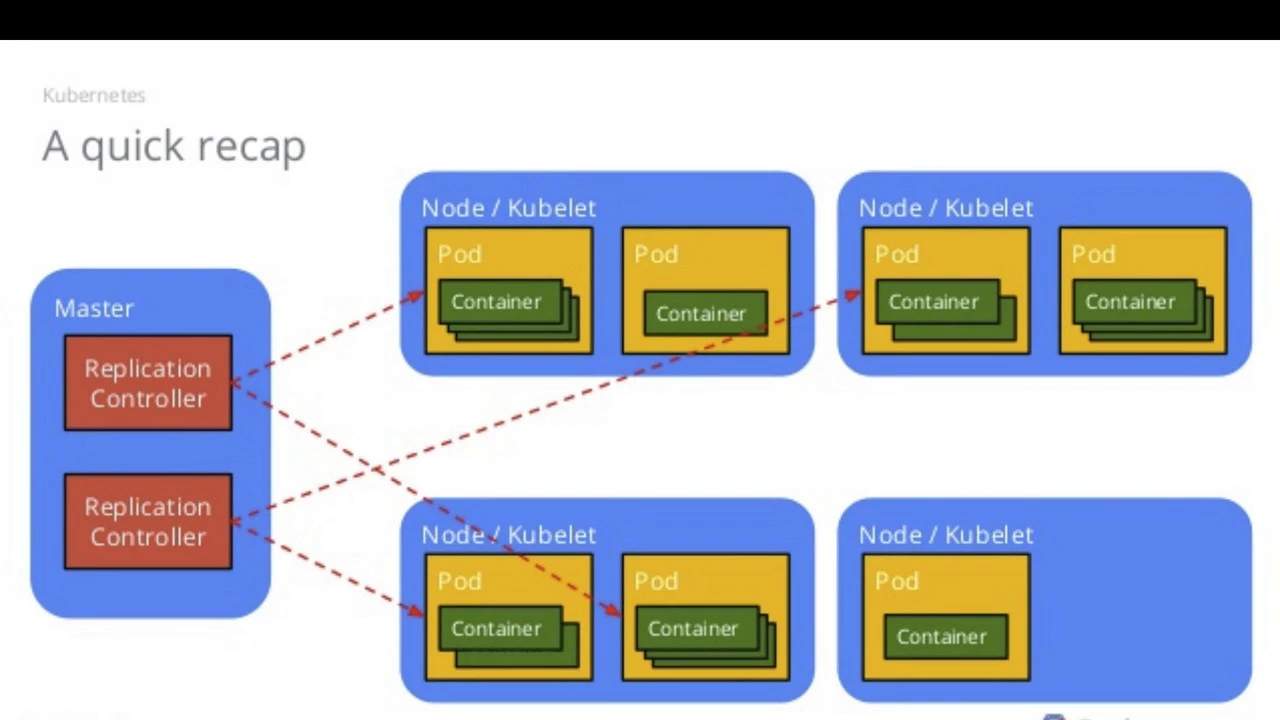
Advanced cloud paradigms, such as Serverless Computing (FaaS) and Containerization (e.g., Docker, Kubernetes).
SaaS integration strategies, including RESTful APIs, webhooks, and middleware.
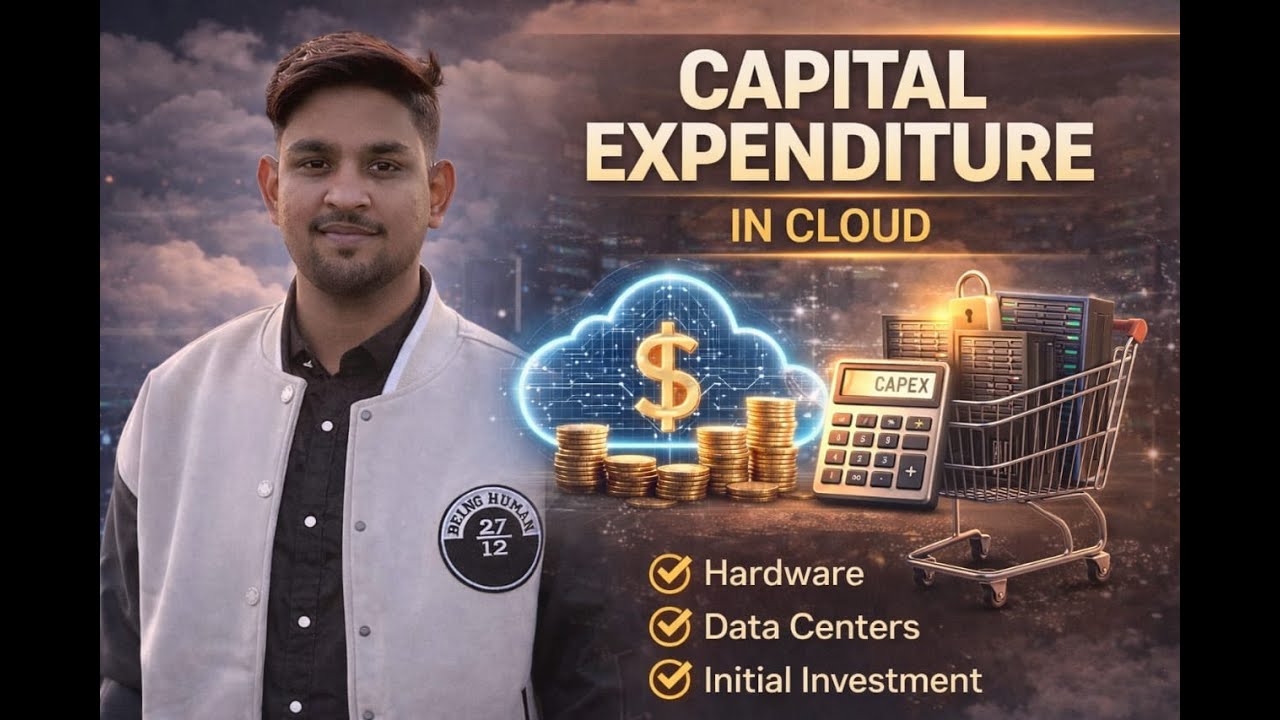
Financial aspects of cloud computing, specifically comparing Capital Expenditures (CapEx) with Operating Expenditures (OpEx).
628.5K views8.3Klikes5:23Original Release: 2021-04-02
Unless you’ve been living under the rock the past few years it is very likely you use Software as a Service, or SaaS, on a daily basis for business and as a consumer. SaaS is one of the three main categories of cloud computing, Infrastructure as a Service, or IaaS, and Platform as a Service, or PaaS. Out of the big 3 cloud computing models, SaaS is the most popular and commonly used one, AND the great thing about it is you don’t have to be a developer or an IT expert to use it!
So, SaaS in a nutshell is a method of delivering software and applications over the internet via a subscription model. This a game changer compared to our traditional software model used prior to the emergence of cloud computing, where users would have to manage, install, and upgrade software themselves on local servers or computers. With SaaS you can simply provision a server for an instance in cloud, and in a couple of hours, you’ll have your software or application ready for use. Some key examples would be the email client you use such as GMail, the applications and tools you have on your computer, such as Microsoft Office 365 or Adobe Creative Cloud, or even when you are jamming out to your favorite music streaming service, these are all SaaS, providing productivity apps over the internet. SaaS is also used in a wide variety of business operations today, such as communication and collaboration, customer relationship management, billing, sales management, human resources management, financial management, enterprise resourcing planning, you get the gist, the list goes on and on. So, unlike our other cloud computing service models, SaaS is the very top of the IT stack and has the highest level of abstraction. So, this means the cloud service provider will be providing and maintaining all these layers for you in this stack. So, let's take a look what that might look like and see how a user would typically consume a SaaS application. So I'm just going to go ahead and just shift these other stacks over here and let's slide the SaaS deck right here. Okay. So, our users would access a SaaS application within what we call a multi-tenant architecture, and by tenant I mean user. So, you'd have multiple users all accessing the same pool of resources within the stack. So it'd be the same hosted environment, same hosted servers where multiple users would have their own dedicated space to securely store their data. There's a lot of benefits with this in a SaaS application. So let's take a look at a few.
So one you know right off the bat is it's much more cost efficient compared to our other models because again, which is the overall theme of this whole video, is cloud service providers would be maintaining and managing the application for you. So, there's no IT overhead cost and a SaaS application is typically consumed on a subscription-based model which is either on an annual basis or a monthly basis. And that includes support typically whereas with our older traditional models, on-prem, you would have a perpetual license where you'd have a pretty large up front cost and then you'd have to pay for support on going separately.
Two, scalability, right. So, you can horizontally or vertically scale on demand because again that cloud service provider is going to be maintaining everything for you. So if you need to add more databases, or you need more compute power they'll take care of that for you on a has needed basis.
Another benefit is you can access your SaaS application anywhere which is a huge benefit right now especially if you want to mobilize your workforce, right. So all you need is a web browser and internet connectivity to be up and running with your SaaS application. There's no installation, there's typically no plugins involved and you can no matter where you reside geographically, you can always be up and running.
Now I should say if you are looking for a SaaS solution there are some instances where you do need to keep your data in the same location where you reside. For instance, with Europe we have GDPR and by law you have to maintain your data where you reside. So, there are going to be some instances like that, but for the most part SaaS is a highly secure solution. And then last but not least, you always have a new version, right. So, once again there's no need to update your licensing or update manually the new version of your software because that's all taken care for you and it's automatically upgraded. And this helps with a lot of wide range of issues typically if there's version control, right. In the past you'd download software and then you might be operating with something that's not compatible with a different version of that software. So, everyone's on the same version of that software and you don't have to manually update and worry about patching and all that junk, everything's taken care of for you. So, this is just a very quick overview of Software as a Service. Thank you for joining.
If you have questions, please drop us a line below. If you want to see more videos like this in the future, please like and subscribe. And don't forget you can grow your skills and earn a badge with IBM CloudLabs, which are free, browser-based Kubernetes labs.
Up Next

30:13
Calculating SaaS Churn Rate: A Complete Guide
@smarthelping
674 views•2022-08-31
46:36
Retention Habits of Top DTC Ecommerce Brands Revealed
@SendItPodcast
44K views•2026-03-03

15:23
Decoy Effect: How Pricing Psychology Influences Consumer Spending
@bobinvestsUS
90K views•2026-01-05

17:30
The Planned Obsolescence of Light Bulbs and Tech
@veritasium
25.3M views•2021-03-26
Related Study Plans & Knowledge Roadmaps
Structured learning paths in Business
business
Pop-Up Retail: Strategy, Design & Execution
01Introduction to Pop-Up Retail & Strategic Goal Setting
02Budgeting, Site Selection, and Legal Essentials
03Experiential Retail Design & Visual Merchandising
+ 2 more learning modules
15h5 modules
Explore Roadmap
business
Reg CF: Startup Funding, Marketing & Launch
01Introduction to Equity Crowdfunding & Reg CF
02Platform Selection & Legal Preparation
03Crafting High-Converting Campaign Assets
+ 2 more learning modules
14h5 modules
Explore Roadmap
business
Productized Services: Scaling Solo Freelance
01Foundations of Productized Services
02Packaging and Scope Definition
03Pricing and Subscription Models
+ 2 more learning modules
15h5 modules
Explore Roadmap
business
Gov Procurement: Find, Bid & Win Contracts
01Introduction to Government Procurement & Business Setup
02Small Business Certifications & Set-Asides
03Finding and Analyzing Contract Opportunities
+ 2 more learning modules
14h5 modules
Explore Roadmap