















![[Part 4-2] 실시간 삽질로 완성하는 실전 자동 매매 | n8n](https://i.ytimg.com/vi/sxNZegfL90o/maxresdefault.jpg)


![CrewAI Update Made it EASIER to use MCP - [Docker + Context7 + Database]](https://i.ytimg.com/vi_webp/aYH7r_PrgtY/maxresdefault.webp)


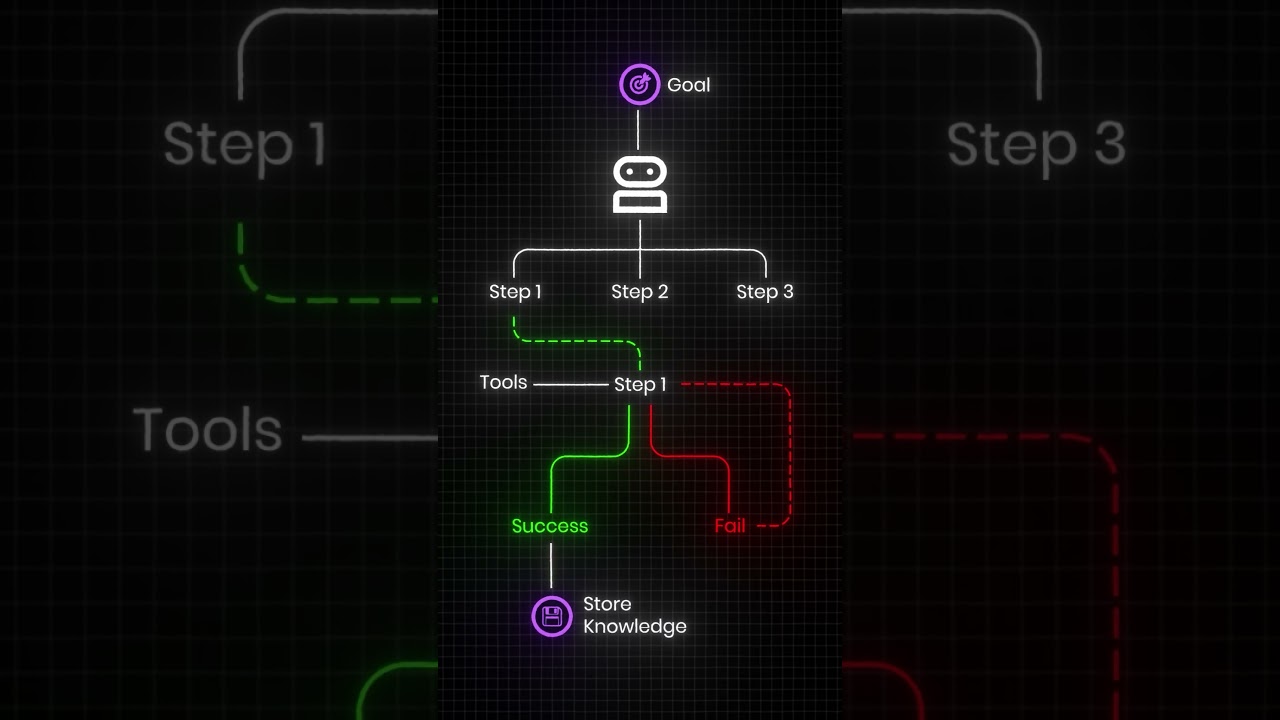
This tutorial demonstrates how to build custom agent crews using CrewAI, comparing sequential and hierarchical process methods for research and article generation tasks. The sequential approach executes tasks in a linear order, while the hierarchical method allows agents to make dynamic decisions about task flow, requiring more sophisticated agent prompts to prevent confusion and ensure proper human-agent communication.
Building Custom Crews with CrewAI: Sequential vs Hierarchical Processes
Added:Fundamental proficiency in Python programming, including object-oriented concepts, package management, and basic asynchronous execution.
The conceptual framework of AI Agents, specifically how autonomous agents utilize 'roles', 'goals', 'backstories', and 'tools' to accomplish tasks.
Core concepts of Large Language Models (LLMs) and how to interface with them via API integrations (e.g., OpenAI, Anthropic, or local models).
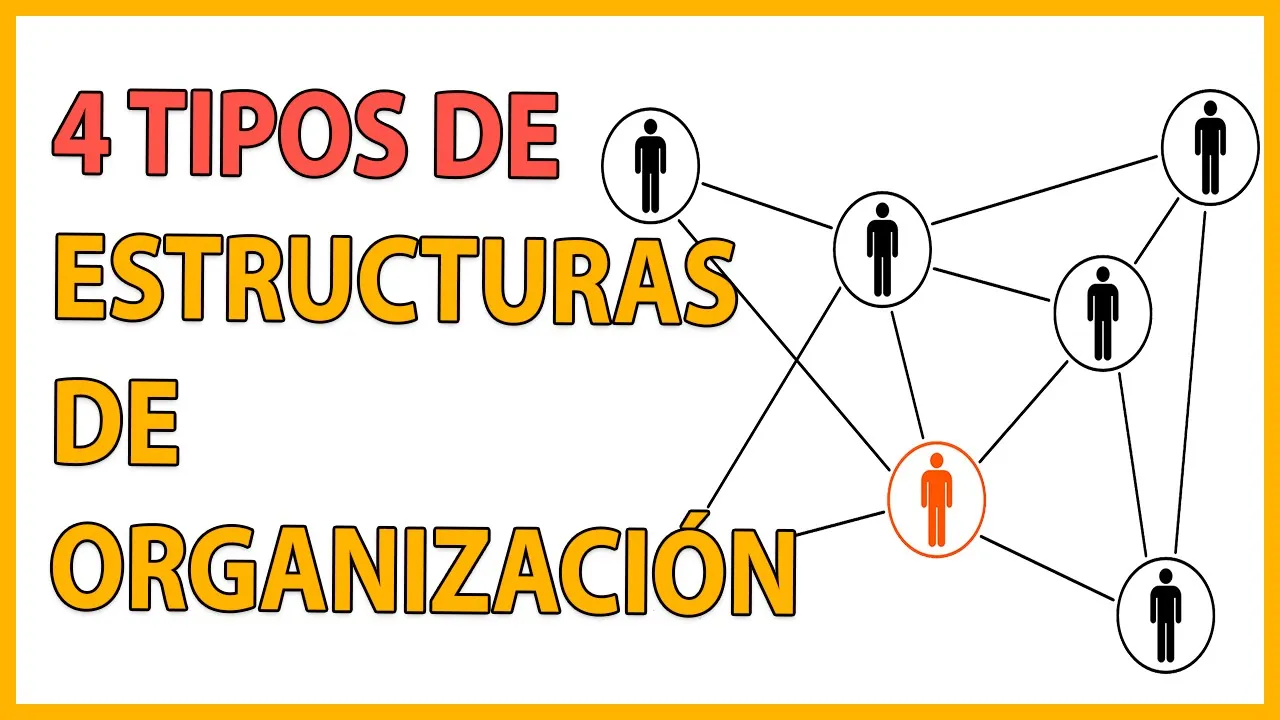
An understanding of basic workflow orchestration, such as linear/sequential execution versus delegated or manager-led organizational structures.
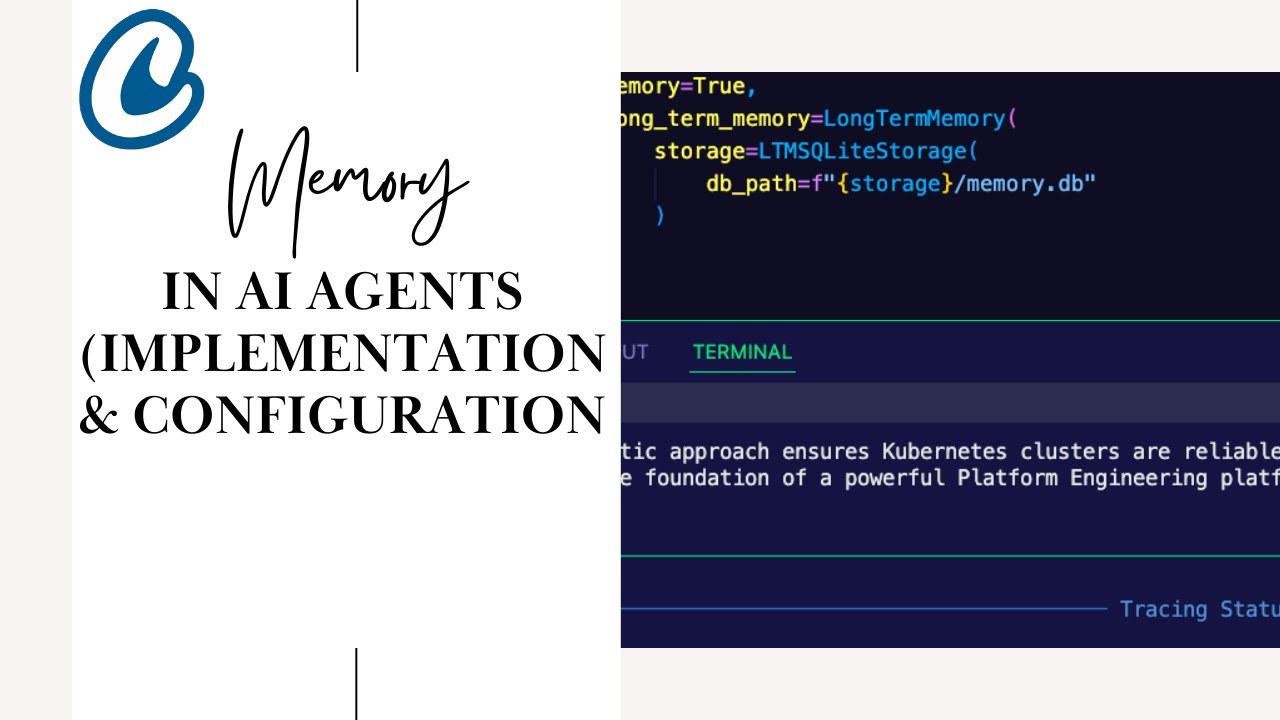
Implementing advanced memory systems in CrewAI, including short-term, long-term, and shared entity memory to maintain context across tasks.
Developing and binding custom tools (e.g., database connectors, web scrapers, or proprietary APIs) to empower agents with specialized capabilities.
Designing Human-in-the-Loop (HITL) workflows to allow manual intervention, validation, and feedback during agent execution processes.
Deploying CrewAI multi-agent systems into production using web frameworks like FastAPI, containerization with Docker, or CrewAI Enterprise.
Evaluating and optimizing agent performance, focusing on minimizing API latency, managing token usage costs, and refining prompt engineering for agent sub-tasks.
18.2K views444likes21:34Original Release: 2024-04-01
Okay.
So in the last video we went through and looked at the basics of actually making an agent and what it takes to make an agent.
in this video, I'm going to go through making a custom agent.
I'm going to show you one version using the sequential, API and sequential process.
I'm gonna show you one using the hierarchical and we'll talk about the sort of advantages and disadvantages of those two.
So basically I've just got a simple project here.
We're going to make something that's going to do some research and then write an article on that.
All right.
So this is similar to the standard one, but I've customized it a lot.
So you'll see, as we go through it.
So in this video, I'm going to use OpenAI for this.
But in the next video, I'll show you how to convert it to Claude.
If you want it to use, Claude and use the Haiku model or the Opus model in there you can do that.
All right.
So first up, one of the key things that I want when I'm doing something like this is, I want to track actually what's going on.
so this is built on LangChain.
So I can probably do some way of sending this to LangSmith.
Although I don't think that's easily implemented yet in CrewAI.
so what I've gone for here is just a simple callback function.
So each agent can actually do what's called a callback step.
So at the end of each step, they can basically call back to a function.
and then from that function, we can get a bunch of information out here.
So this function that I've got here is basically just going to be like the print agent output.
and actually what it's going to do is just log everything to a text file called crew called backlogs And I'm going to basically have the step number so that I know, okay, what's going on for each thing.
And then I'm going to be able to know which agent is actually calling this.
so we can look at what happened in order.
And then from this, we can use it to sort of debug.
Now you'll find that with the sequential process, this is not needed as much.
but with the hierarchical process, it's often very useful to see where your agent gets into loops, where it gets into problems in here.
this code is basically just taking in some of what the callbacks will send back.
So sometimes they will send back, basically something like an agent finish from a LangGraph or they will send back a dict and then we'll want to know just exactly what's inside that in there.
Alright next up, tools.
So the tools that I've gone for here are just very simple.
I've basically just gonna use a Duck Duck Go search.
this is free search.
You don't need an API key.
You could certainly use one of the other search engines for this or the other sort of search things like Serper like Exa some of the things like that.
And you quite possibly can get better results out of this.
so the search I think, is going to be quite simple for this in here.
The model that we're going to be using, is going to be the GPT 4 turbo model.
So by default, I think CrewAI defaults to just the straight up GPT 4 model.
That still gets very expensive, for doing a lot of your results So by instantiating the turbo model, we're going to specify this model for each of the agents individually.
And for sort of the master LLM agent the master agent as we go through this, you'll see that.
another tool that I'm just making on the fly here is just saving something to mark down.
So this is just useful for saving content to a markdown file.
we're going to put a date in there.
We're going to put a random number so that when we look at these, we can see what the last run actually saved in there.
Another thing in there too, is that I'm going to print out to the logs that this blog post is saved.
But I'm also going to return that and tell it, please tell the user we have finished.
So this is the way of telling the agent, okay, you've done your saving now sort of just end.
And you'll see that I'm going to actually run into some problems with this in in the hierarchy version that we'll go through in a bit.
All right.
We basically just put out tools together.
The other tool that I'm going to use as well is this load human tools.
So this is basically just giving it the ability to ask us for some information.
So the idea, the sort of flow that I'm going for is that I wanted to start off by asking me what I want it to do some research about.
It's then going to go off and do some research about that.
It's going to write a blog slash article about that.
and then it's going to save it to a markdown file and tell us that it's finished in here.
That's what we want to see happening.
All right.
So the agents that we're going to use.
So we've got a research, an AI research specialist.
Now, this is going to be, what's doing our searching in here.
Now in this, you'll see that though, that I've got, you've got the ability to take us topics suggested by a human.
and rewrite multiple searches.
So this idea of suggested by a human is really key here.
in this first one, it picks up that idea quite easily.
it didn't for the hierarchical one.
So I'll talk about, some things changes that I made for that one.
but in this case, I've combined two agents into one.
So we've got the searching and the human part in here.
So the idea is that it's going to ask us for the topic.
We're going to give it the topic.
It's going to run the searches.
It's going to get the information.
And then it's going to pass that along to the writer.
and our writer here is going to take this.
it's got a whole bunch of, different instructions of how to, basically process it.
how to use this, to actually, get what we want out.
And you'll see that when we talk about the tasks, we're going to give it some sort of, more clear definitions of what it's going to get out.
Now you'll notice that both these, here, both of these are using Open, AI GPT 4 turbo for the large language model.
for the tools, I've got the search tool and the human tools that I mentioned there.
And the other thing here is I've got the step callback.
So the callback function I'm calling a Lambda function.
So that's just going to be calling an anonymous function, which is going to call this print agent output.
And we're going to pass in the name of the agent, in there.
for this one and the same for here.
So as this gets updated, it's going to know that, okay, what agent is actually needed here.
Now you notice the here I'm not going to use any tools.
Originally, I had searched, but I've taken that out.
I've got the OpenAI GPT 4 turbo in there.
In both of these, I've got memory equals true so that it, we'll be getting the full memory as it's going through.
Now, I feel that's useful for any time that you're doing something where you're basically, having information gathering and then passing that information along to something that's going to process it.
Another thing that we could have done in here is, we could confine these to basically be using JSON and passing JSON around.
That's something that, perhaps we look at in one of the future ones in here.
Anyway, I've also limited this to max iterations.
we don't want to getting into a loop and just going on and on and on and on.
so there's going to be max iterations equals five in here.
The final agent is a very simple file archiver.
So this is just going to take the information, write it to a markdown file.
so this is using that tool, save content.
And remember, that's just going to basically take a string in, it's going to save it as a markdown file.
It's going to return back to the file name.
and tell us that it's you know, that the whole thing is done now.
All right.
So next up we've got our tasks.
So first task is get the source material.
you'll notice in the task I've got things like ask the human for the area of interest or the topic of interest I could have put in here as well.
then I'm going to put in the current date so that it can use that in searches as well for doing this.
And then the output I can tell it that it's going to basically deliver those search results as a comprehensive full report on latest advancements in the specified human topic.
Again, stressing this.
You don't want it going off by itself and then sort of inventing topics to do research about.
And these things will, if you don't confine them especially with the hierarchical sort of examples All right.
The agent that we're using for this is the info getter agent.
We've got our expected output there.
We've got a description of what the task is.
Next up is basically taking the source material from the research specialist's report.
So really your start here should address what you're getting as the expected output here, if you're going sequentially here.
and then we basically talking about, turning this into an article.
we've got some things about that we want it to have at least three paragraphs similar to one of their examples.
but we also got that I want to set a bullet points with the key facts at the end for a summary in there.
And then the expected output is going to be those.
So it's just doubly stressing that we want this sort of article to have a number of paragraphs and have these bullet points at the end there.
Finally the task is to save it.
now one of the things that I could have put in here is that this expects a string going in.
So I could have actually put that in here.
and again, I'll talk about the hierarchical version where it kinda messes this up.
it would have perhaps helped with it there.
All right.
We've now got the whole thing together.
we now want to build the crew.
So you can see the crew is going to be out info, getter, a writer, archiver.
And the tasks are going to be, get source material, write the content, saving the output in here and of course they have to match, you know what we put up here as we go through this.
you can see here, we've set the process to be sequential.
I'm going to put full output is true with verbose so we can see things coming out here.
and then what I've tried to do is actually use the step call back here, but it seems it doesn't like it now.
It used to be ok with one of the previous versions.
anyway, that's going to be fine for this.
we can then basically kick off, this.
And we'll see that very quickly, it's going to basically decide that it needs human, right as the first action.
And it's going to ask us what specific area of AI advancements are you interested in exploring for your article?
Now I've put, some stuff about the new, Jamba model, which is a sort of a combination of a state space model and a transformer model from AI21 in here.
And I basically just told it that, I've said, okay, what I want is Jamba.
Now I could have actually written this out long form and actually specifically said, please do research on this that kind of thing.
I've just chucked in the topic and it's able to work it out pretty well in here.
We can see that, from this it's been able to work out that, okay, now I know that the topic is AI21's SSM transformer model.
I can create a search query and sure enough, it then basically, does a search for this adding latest news 2024 in there.
if I wanted to, I could actually get it to put in, this month's date and last month's date as we went through this, for this kind of thing.
We can see sure enough then it's basically getting out, the information back and it starting to put together the article.
finally, it goes through, it gets that information.
it's then basically, taking that.
And going to craft that into a final article response with our, bullet points at the end, that we can see there.
And it's going to then, save that and sure enough, we can see here that it's basically working out that okay, I need to save it to a markdown file.
giving my tools.
And then the return back from there is that the blog post is saved.
We've got this, day date and a random number at the end there.
So we know that this has done and we can see that the final output is the blog post about Jamba's revolution in AI has been successfully saved, to the markdown file and we've got the mark down named there.
All right.
If I come in here, I can just look at that final output.
and I can see, sure enough, there's the name of there.
If I cat that out, I can see sure enough, that looks like it's saved.
we will look at that in markdown in a second, judge, the article.
but here, what I want you to see too, is that, it's also save this out.
Now, it turns out that I forgot, I ran this a few times and I forgot that it was a pending.
so you can see that actually it's also saved at one before this, but this is the latest run here where you can see that I put this in.
I basically got out this and I can see the steps here.
Step one, step two, step three.
I can see that, okay, this comprehensive report at step three has got a lot of what probably makes it into the final thing.
Now, if you wanted to, in this sort of, you could have a step in between where you ask very specific questions for this.
So if I was going to make one, just for evaluating blog posts about new models that people launch.
I might ask things like, how long is the context window?
How long is, these kinds of things and get those back.
Now, it does seem to have done pretty well here with unprecedented context window.
but we can see that if we go through, we've got, step four, step five.
we can see what we're getting out, step six.
We're finally coming to this sort of agent finish out.
And then finally we're getting to the saving part where it's been saved out and we get the final agent finish telling us that, okay, this is done.
If we come down here, load up, the markdown and we can see sure enough, we've basically got a reasonably good article within markdown, with the, three main.
parts to it.
I guess we've got an intro part as well there, and we've got the sort of, bullet points, summary that we asked for at the end, where it's basically talking about this, Mamba combines SSM technology with traditional transformer architecture.
Somewhere up here, I'm guessing the SSM we'll talk about state.
So it does seem like it got that there was a structured a state space model, this SSM model, but that didn't make it into our final output out out here, by the looks Anyway, we can see that with this version, it's done a decent result.
We could definitely fine tune the prompts a lot for the specific kinds of tasks that we wanted to do.
and we could certainly constrain it more in regards to, the length and things like that, by using JSON, Asking it to make Each response X number of sentences long and stuff like that.
I do find that the Claude models tend to pay attention to length when requested better than the OpenAI models.
but we'll have a look at that going forward.
the other version that I wanted to show you was the hierarchical version.
I basically just wanted to take the same thing and, use, it with just changing the process to hierarchical.
The problem was just using the same prompt with the hierarchical it didn't want to ask the human for the topic.
It just seemed to be constantly thinking that it could just make up the topic itself.
So in that case you'll often see was things like this.
So you need to break it down and what you can do is break it down to multiple agents.
So here, what I've done is basically now make a topic getter agent.
I'm saying that this is a senior customer communicator.
And so I'm saying consult with the human customer to get the topic of an areas of interest for doing research.
Give it a small backstory, but basically this is getting it to, ask the, the customer.
You can see the only tool I've given it here is human tools.
and then I go into the info getter, like we had before.
And this time I'm not giving it the human tools I'm giving just the search tool.
And again, I'm rewriting it when we look at the tasks so that the first task is get human topic.
and it's just about getting that topic.
And passing that topic along in this.
So clearly state, the topic that the human wants you to research.
and then with the next one, I've fine-tuned it a bit as well to say, take the topic for research and search for it on the internet.
So the idea is that when we've got the handoff from here to here, we can see what the expected output should be communicating this human art topic in here.
The rest of it is reasonably similar.
the problem here is I probably didn't have clear enough instructions here about, passing this in as a string.
and I'll show you why in a second.
So just setting up the crew, we've basically got, one more agent now and one more topic, because we want to get that human asking bit at the start.
Of course we could just hard-code that and pass that into, the first agent, if we wanted to.
Here, I want it to show you just getting it to actually do some sort of asking out.
So you can see here that it worked out that, okay, ask, question to coworker.
what is the current topic?
And then it decides that, oh, okay, well we really need to ask the human the topic.
So I've given the topic exactly the same as the previous sequential model.
it passes it in.
and then in this case it will often ask again because it's got the hierarchical thing, so it can repeat things.
It's not just one step to another step.
So It feels like it wants some clarification.
So it comes back and says apologize for any confusion.
Could you clarify this specific topic and area of interest you are looking for us to conduct research on?
and so at this point I put in research about the new model Jamba and then gave it the, the exact same thing.
Okay.
At this point, it now understands that, oh, okay, I know the final answer.
I've got this, I've got to research this new model.
It goes off.
does a pretty good job.
I think at finding, the different, things.
it also, is perhaps good in the doing some comparisons.
So it's now doing reception, comparison with GPT 3.
not sure how useful that is, with this, but you can see that it's got the, Because we're in doing the hierarchical thing.
It's now going to be often doing multiple steps on the same thing.
So for hierarchical models often what I will do is have another agent, which is a checker agent that checks, the outputs and tries to steer it back on track if it goes off, in here.
All right.
It does finally go through and gets, an article done.
and it seems to be, on point in many ways.
it then runs into problems saving that though.
And you can see that it's trying multiple times in the tool.
So I've got a print statement in there just to check it out.
You can see the, it errors out, two times before it finally realizes, ah, okay.
That we need to basically, take this.
And it understands that it misunderstood the input for the tool.
it then passes that in.
and finally saves it out and we get to our ending.
and if we look at this, we can see that sure enough, we can look at the call logs.
Ah, I forgot to reset, the call number in there.
So it starting at 28 in this case.
but we can see that it's gone through and gotten the information done the search here.
we can see that it's done, multiple searches in this case, which is nice, perhaps compared to the previous one.
and this is where you could actually write it so that it uses JSON and send out a list of, responses for each search to the final sort of writing element in here.
we go through, we can see that it's written the content stuff like that.
this is where we ran into the error.
that we've got, basically running into this error of, saving the output in there.
And we can see that each time sort of, we can see, you know what actually went wrong there.
so that we could then rewrite the prompt to make better use of that going forward in here.
Finally, we come and have a look at the output.
We can see that.
Okay.
it's done, okay.
But it haven't gotten the bullet points at the end like I wanted.
And I'd probably want to refine it so that anytime it sees an acronym like SSM, it's got to try and spell out exactly what that is.
so you know, it really in a good article, I guess it should, in the first paragraph or The first chunk of text, it should be, talking that this is a state space.
model, in there.
anyway, I'll let you go through those and have a look at this as well.
You can certainly play.
if I was trying to make this for real, I would certainly play with this a lot to basically also return the URLs for this.
So I'd probably use a different search where I was getting the specific URL and passing that back along with, content for it.
and maybe even having, a nother tool that actually goes to that URL and downloads the full content of that.
for being used in here as well.
But this should give you an idea now of how to put together some of these, yourself.
Like I said in the next video, we'll look at doing this with the Claude 3 models from Anthropic and you can judge the difference of how they go in that.
Anyway, as always, if you've got any questions, put them in the comments below.
If you found the video useful, please click like and subscribe.
And I will talk to you in the next video.
Bye for now.
Up Next

20:49
Build a Streamlit UI for CrewAI Agents: Python Tutorial
@tonykipkemboi
6.5K views•2025-02-12

12:54
Triumph of Orthodoxy Icon: Byzantine Art & History Explained
@BenCallan
2.1K views•2024-08-06

9:49
FastAPI vs Flask vs Django: Choosing the Right Python Web Framework
@TechWithTim
302.5K views•2024-05-26

1:42
Game of Thrones Opening Credits: A Cinematic Analysis
@gameofthrones
46.3M views•2011-04-18
Related Study Plans & Knowledge Roadmaps
Structured learning paths in General & Interdisciplinary Studies
general-studies
Elevator Engineering: History, Physics & Cities
01From Hoists to Safety Brakes: The Dawn of Vertical Lift
02Hydraulic vs. Traction: The Engineering Physics of Elevators
03Modern Speed, Safety, and Algorithms
+ 2 more learning modules
12h5 modules
Explore Roadmap
general-studies
Rubber: Material Science, History & Geopolitics
01Origins of Natural Rubber & Mesoamerican History
02The Chemistry of Natural Rubber & Vulcanization
03The Geopolitics of the Rubber Boom & Colonization
+ 2 more learning modules
12h5 modules
Explore Roadmap
general-studies
Containerization: Evolution, Logistics & Trade
01Ancient Trade & Bulk Cargo: Amphorae to Barrels
02The Industrial Revolution & Cardboard Packaging
03The Containerization Revolution: Malcom McLean
+ 2 more learning modules
12h5 modules
Explore Roadmap
general-studies
Textile Tech: Evolution, Labor & Global Impact
01Pre-Industrial Textiles: Handloom & Cottage Industry
02Mechanization: The Spinning Jenny to the Power Loom
03The Factory System & Global Labor Transformation
+ 2 more learning modules
10h5 modules
Explore Roadmap