This video demonstrates seamless teleoperation of a UR5 CM3 robotic arm using the Meta Quest 2 VR headset, where users control the robot's end effector position through a virtual marker in a digital twin environment created in Unity and connected to a ROS system via tcp-connector, enabling wireless Cartesian control of the physical robot.
Teleoperating a UR5 Robot with Oculus Quest 2 VR
Added:Deep Dive
Basics of ROS (Robot Operating System), including nodes, topics, and the publisher-subscriber communication model.
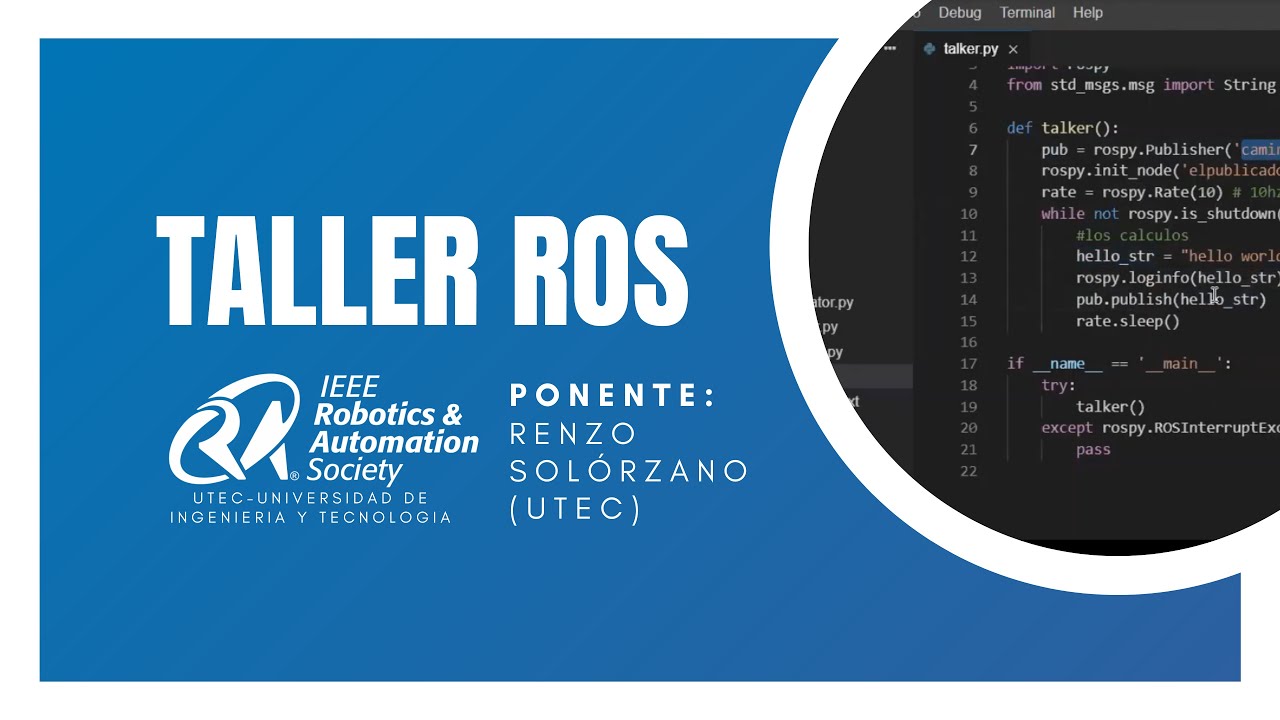
Taller ROS | IEE RAS UTEC - Dia 1
225
ROS (Robot Operating System) is a middleware framework for robot development that uses a graph-based architecture with nodes (processes performing calculations) and topics (communication channels), where publishers send messages and subscribers receive them; the system provides hardware abstraction, device controllers, visualization tools, and message-based communication, with ROS Kinetic requiring Ubuntu Linux and typically using Python for programming.
Click to watch →
Gentle Intro to ROS - Part 2
14K
ROS (Robot Operating System) implements a publish-subscribe communication model where nodes broadcast messages on named topics to any subscribers without requiring direct connections; the ROS Master acts as a name server that registers publishers and subscribers, enabling flexible robot software composition where independent components can be combined through standardized topics and message types, with nodes communicating over TCP/IP networks and using C++ classes with namespaces and templates to implement publishers and subscribers that handle various message types like geometry_msgs/Twist for velocity commands and sensor_msgs/Range for sensor data.
Click to watch →

Intro to ROS
465
ROS uses a publish-subscribe model where programs are structured as graphs of connected components called nodes. Nodes are ROS programs that interact through messages sent to and received from topics. A topic is a queue of messages, like a notice board. Publishers send messages to topics, and subscribers read messages from topics. Nodes typically serve dual roles as both publishers and subscribers. To create a publisher, use: ros topic pub -r [rate] [topic] [message_type] [message]. To create a subscriber, use: rostopic echo [topic].
Click to watch →

Dasar - Dasar ROS (Bagian 1)
454
The Publisher-Subscriber model is the fundamental communication paradigm in ROS. A Publisher node sends data to a specific Topic, while a Subscriber node listens to that same Topic to receive the data. For communication to work, both nodes must agree on the Topic name and the Message Type. The Publisher advertises its Topic using 'advertise()' and sends messages at a specified rate (e.g., 10 messages per second). The Subscriber uses 'subscribe()' to listen to the Topic and processes incoming messages through a callback function. This model allows different nodes to communicate without knowing each other's implementation details, promoting modularity and separation of concerns.
Click to watch →

ROS Basics in Ubuntu 18.04: Node, Messages, Topic, Publisher and Subscriber
7.3K
In ROS (Robot Operating System), a node is an executable file (Python or C++ script) that performs specific functions; messages are data structures (integers, floats, strings, characters) used for communication between nodes; topics are communication channels that enable multiple nodes to share data efficiently; publishers send data to topics, while subscribers receive data from topics, enabling one-to-many communication patterns that optimize data distribution across multiple nodes.
Click to watch →
Deep Dive
Fundamental concepts of robotic kinematics, specifically the difference between Joint-space control and Cartesian (task-space) control.
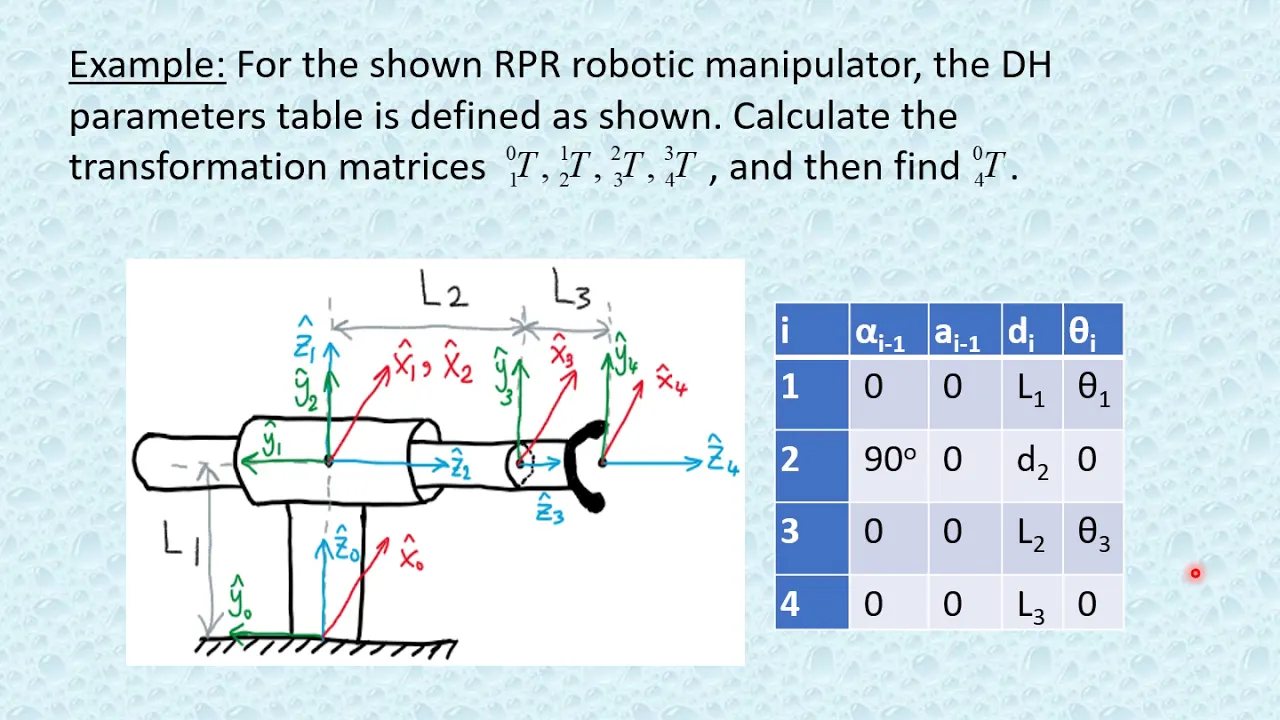
Ch3 Part 3
18.4K
Joint space represents the configuration of all robot joints, with one dimension per joint (e.g., 6 dimensions for a 6-DOF robot). Cartesian space represents the end effector's position and orientation in 3D space, with maximum 6 degrees of freedom (3 translations + 3 rotations). Planar robots have only 3 Cartesian DOF (x, y, and rotation about z). Controlling a robot involves either joint control (specifying joint angles) or Cartesian control (specifying end effector position/orientation). The PUMA 560 exemplifies a 6-DOF industrial robot capable of reaching any position and orientation in 3D space.
Click to watch →

Robotics Lec13c: Feedback Linearization, Joint and Task Space (Fall 2023)
172
This comprehensive section distinguishes between joint space and task space control paradigms. Joint space control directly commands joint angles, while task space control specifies desired end-effector positions (x,y) in Cartesian coordinates. The video explains how forward kinematics X = f(q) maps joint angles to end-effector positions, and how the Jacobian J = ∂f/∂q relates velocities. The critical insight is that task space control requires computing joint references through inverse kinematics and Jacobian inversion: q̇_ref = J⁻¹Ẋ_ref and q̈_ref = J⁻¹(Ẍ_ref - J̇q̇_ref). The section demonstrates this with a lemniscate (figure-eight) curve, showing how symbolic computation automates derivative calculations. The implementation shows how the same feedback linearization framework applies, with the control law using the computed joint references to achieve precise Cartesian trajectory tracking despite gravitational and inertial effects.
Click to watch →
lec07 Introduction, Direct Kinematics of Serial Robots
3.5K
Robot kinematics studies functional relationships between joint space variables (thetas and ds) and task space variables (position and orientation). Joint space contains joint variables, task space contains position (x, y, z) and orientation (rotation matrix elements). Actuator space differs from joint space due to mechanical linkages and gearboxes between motors and joints. If actuator space dimension exceeds Lambda, the manipulator is redundant; if less, it is underactuated.
Click to watch →
Robotics 2 - Trajectory Control - Part 1
1.5K
Joint space control generates trajectory errors directly in joint coordinates, while Cartesian space control starts with Cartesian trajectories and inverts kinematics to obtain joint space references. Even with Cartesian data, if error is generated in joint space, it is classified as joint space control. For square non-singular Jacobians, velocity-level inversion is needed initially, followed by continuous acceleration-level computation. The feedback linearization control law can be implemented efficiently with complexity linear in the number of joints, using actual measurements instead of desired acceleration for real-time computation.
Click to watch →

Control- Introducción- Generacion_Trayectorias
103
Joint space control converts desired Cartesian positions to joint coordinates using inverse kinematics, then generates trajectory commands. Cartesian space control generates Cartesian trajectory commands directly, requiring forward kinematics to convert joint measurements. The controller generates forces in Cartesian coordinates, which must be transformed to joint coordinates using the Jacobian transpose for robot actuation.
Click to watch →
Deep Dive
Introduction to the Unity game engine, including 3D environment setup, game objects, and basic C# scripting.
Unity 3D - Aula 1 / Módulo 1 C# - Introdução ao Unity
92.5K
Unity 3D is a powerful game development tool that supports both 2D and 3D games, using C# as its primary programming language (more powerful and stable than JavaScript). The Unity interface consists of several key views: Hierarchy (shows objects in the current scene), Game (displays the final game view), Inspector (shows properties and components of selected objects), Project (contains all game assets like images, sounds, and scripts), and Console (displays error messages and debug output). The Transform component is fundamental for controlling object position, rotation, and scale. This first module introduces the basic Unity interface and C# programming concepts necessary for game development.
Click to watch →
¿Qué es UNITY? - En 3 MINUTOS | Tutorial Unity
31.8K
Unity is a free, multi-platform game engine developed by Unity Technologies that supports 2D, 3D, and VR/AR development, featuring a C# API, component-based architecture with GameObjects and Scenes, and a vast community providing free and paid assets like models, textures, and scripts to accelerate game development.
Click to watch →
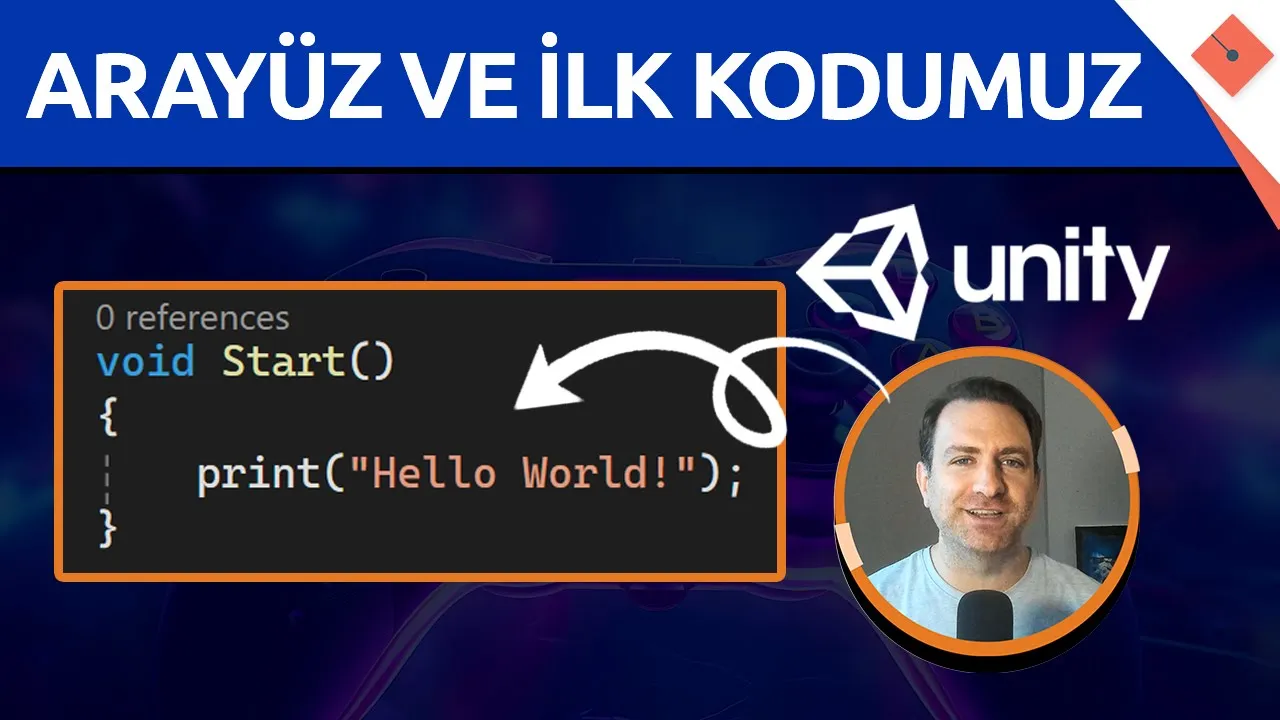
Unity Arayüzü ve İlk Kodumuz | Sıfırdan #Unity #C# Dersleri - 2
58.9K
This comprehensive lesson covers Unity's interface and core development concepts. The interface includes the menu bar for file operations, Hierarchy panel for object management, Inspector panel for property editing, and the central view area for scene visualization. Objects are created by right-clicking in the Hierarchy panel. The Inspector displays components like Transform (position, rotation, scale), Mesh Filter (shape), Mesh Renderer (visual appearance), and Box Collider (physics). The 3D coordinate system uses red for X-axis, blue for Z-axis, and green for Y-axis. The Gizmo provides visual handles for manipulation. C# scripts are created by right-clicking in the Project panel and selecting 'Create > C# Script'. All scripts inherit from MonoBehaviour, which provides lifecycle methods: Start() runs once when the object is enabled, Update() runs once per frame. The Print() function outputs text to the Console for debugging. Scripts must be attached to objects in the scene by dragging them in the Inspector. To move objects with code, access the Transform component and modify its Position property. The Update() method runs every frame, creating continuous behavior. Vector3 is a 3D vector used for position and direction. C# requires semicolons to end statements, and float numbers must end with 'f'.
Click to watch →
Вивчення Unity для початківців / Урок #1 – Що таке Unity? Вступ до Unity з нуля
10.1K
Unity is a game engine released in 2005 that revolutionized game development by making it accessible to individuals. Before Unity, game engines were either closed or overly complex. Unity enables single developers to create games for mobile phones, PCs, and consoles. The engine supports cross-platform deployment across Windows, Linux, macOS, Android, iOS, tablets, and gaming consoles. Unity's visual design system uses object dragging and dropping, requiring no programming skills to start. C# scripting controls object behavior including movement and physics. The engine supports user interfaces, modern graphics, animations, cutscenes, and audio. Notable games created with Unity include Firewatch, Portal, Morty, The Forest, and Insurgency. To download Unity, visit unity.com and select the free Personal Edition. Install Unity Hub first, which manages installations and projects. Create a Unity account that syncs across all services. During installation, select Visual Studio Code for C# scripting and target platforms like Android (requiring SDK and GDK) or iOS. Create new projects by selecting templates (3D recommended), naming the project, choosing storage folder, and optionally enabling Unity Cloud for team collaboration.
Click to watch →
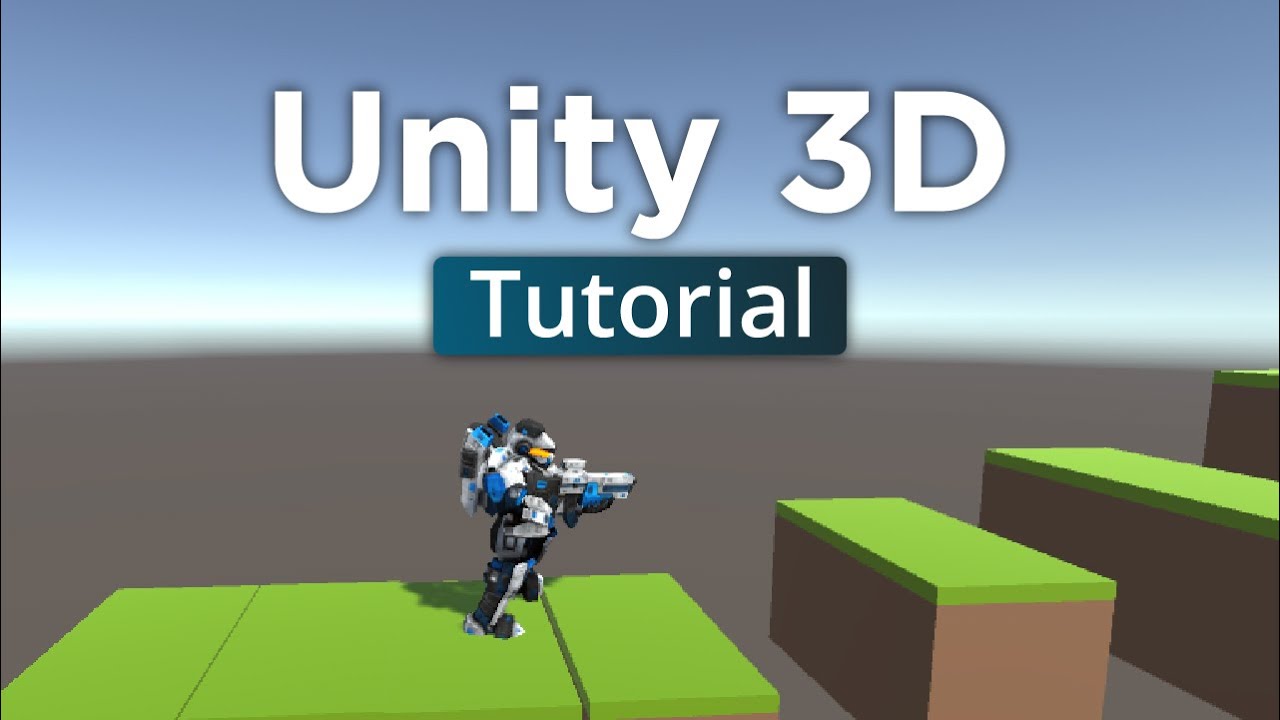
3D-Spiele programmieren mit UNITY (Anfänger Tutorial Deutsch)
297.3K
Unity is a game engine providing all standard development functionality, with over 13% of Steam games created using it. Installation involves downloading from unity.com, running the setup, and accepting terms. Unity Hub manages installations and projects. The editor consists of Scene view (game map), Game view (camera perspective), Inspector (object properties), Hierarchy (object list), and Project window (assets). Navigation uses scroll wheel for camera movement, right mouse button for perspective changes, and Alt key for scene movement. Objects are added via right-click, selecting 3D Objects, and choosing shapes. The Inspector displays position, rotation, and scale values. Materials define visual appearance. Components like Box Collider enable collision detection, Rigidbody enables physics, and Animator controls animations. Objects can be organized into folders. Building a complete game level involves creating the ground, adding visual elements like grass, and combining objects into organized game objects.
Click to watch →
Deep Dive
Basic principles of Virtual Reality (VR) development, such as tracking, controllers, and integrating SDKs like OpenXR.

The New Baseline In VR
173
OpenXR provides standardized XR development through three main platforms: OpenXR playground, Apple playground, and PlayStation VR. Sony participates in OpenXR consortium, and PSVR2 can operate in OpenXR mode. OpenXR 1.1 introduced the generic controller with trigger, grab, primary/secondary buttons, joystick, and menu buttons. This replaces the original simple controller. Developers should support the generic controller profile and only add additional interaction profiles after physical testing. Extension availability varies by headset, runtime, and engine, requiring technical producers familiar with platform-specific capabilities.
Click to watch →

Как начать разработку под VR на Unity? Первые шаги.
17.1K
VR development requires understanding hardware and software decisions. Headsets are evaluated by degrees of freedom (3 DOF tracks head rotation, 6 DOF adds body tracking) and connectivity (wired vs wireless). Three major engines exist: Godot, Unity, and Unreal Engine, all free and open source. Unity is recommended for VR due to flexibility, community support, and Android optimization. SDKs like SteamVR and Oculus SDK enable headset integration, but Unity's XR Plug-in Management provides unified platform support. Unity installation requires downloading the editor and configuring components including Visual Studio integration and Android build support. The Unity interface consists of Hierarchy, Inspector, Game window, and Project panels. Transform controls (WASD for position, E for rotation, R for scale) enable object manipulation. VR camera setup requires creating an XR Rig component with camera offset and tracking source configuration. Camera tracking origin determines the reference point for camera movement. VR controllers are configured using the XR Interaction Toolkit, with controllers created as empty GameObjects as children of the camera.
Click to watch →
How To Make Your Own Virtual Reality Games With Unity & XR
120.5K
This tutorial demonstrates how to create a functional VR game project in Unity by installing OpenXR and XR Interaction Toolkit plugins, configuring project settings for VR optimization, setting up an XR Rig with controllers and locomotion system, and implementing grabbable objects with XR Grab Interactable components. The process involves enabling preview packages, installing OpenXR and XR Interaction Toolkit, configuring quality settings (pixel light count to 1, anti-aliasing to 4), adding input actions for controllers, creating a basic environment with directional light and ground plane, and implementing locomotion systems like continuous movement with snap turns to prevent motion sickness.
Click to watch →

Creating AR and VR Projects with Unreal Engine | Webinar
206.7K
This comprehensive section covers the core foundations of VR development using Unreal Engine's OpenXR template. It begins with an overview of the template's capabilities including teleportation movement, snap turning, component-based grab systems, hand menus with one-handed and laser pointer input, and spatialized audio. The session then progresses through essential scene setup requirements: configuring Player Start capsules or VRPawns with proper Auto Possess Player settings, setting up Nav Mesh Bounds Volumes, ensuring floor meshes have correct collision properties, and properly configuring OpenXR runtime environments for supported devices. The latter portion demonstrates advanced interactive systems including the Grab Component for object manipulation (Free Grab vs Snap Grab modes), the Variant Actor system for cycling between different Actor variants using event dispatchers and custom Blueprints, and the extensible Hand menu system for adding custom functionality through button duplication and On Clicked event implementation.
Click to watch →

I Wish I Learned This Sooner! | Unreal Fest 2024
80.4K
OpenXR is a cross-platform VR standard that allows the same blueprint code to work across multiple VR devices (Meta, Vive, Valve, Pico, Apple Vision Pro). Building with OpenXR rather than device-specific plugins ensures your VR features work across all supported devices. This is particularly important for hand tracking and other input features that should work consistently across different VR hardware.
Click to watch →
Prerequisite Knowledge
- Concept 01Basics of ROS (Robot Operating System), including nodes, topics, and the publisher-subscriber communication model.
- Concept 02Fundamental concepts of robotic kinematics, specifically the difference between Joint-space control and Cartesian (task-space) control.
- Concept 03Introduction to the Unity game engine, including 3D environment setup, game objects, and basic C# scripting.
- Concept 04Basic principles of Virtual Reality (VR) development, such as tracking, controllers, and integrating SDKs like OpenXR.
Subsequent Learning
- Step 01Implementing haptic feedback (force feedback) to allow the VR operator to feel physical contact forces experienced by the UR5.
- Step 02Mitigating network latency in teleoperation using predictive displays and safety-focused virtual fixtures (geofencing).
- Step 03Utilizing the collected VR teleoperation data for Learning from Demonstration (LfD) to train autonomous robot behaviors.
- Step 04Integrating computer vision or 3D point cloud streaming (using LiDAR or RGB-D cameras) back into the Unity digital twin for enhanced situational awareness.
Opening
Core
Opening
0:21Playing Section
- 1
Video begins with brief music and minimal speech.
- 2
Sets initial tone before content starts.
The Limitations of VR-Based Teleoperation: Haptic Deficit and Cognitive Fatigue
While teleoperating a UR5 robot using consumer VR headsets like the Meta Quest 2 offers an immersive 3D interface, roboticists highlight several critical limitations compared to alternative paradigms. First, consumer VR controllers lack bilateral force feedback (haptics). Without tactile resistance, operators cannot sense contact forces, increasing the risk of damaging the robot or its environment during delicate tasks. Specialized haptic devices provide active force feedback, offering superior precision. Second, latency between the physical robot, the ROS network, and the Unity digital twin, combined with prolonged headset wear, can cause cognitive fatigue, eye strain, and motion sickness. Finally, many experts advocate for 'Shared Autonomy' over direct Cartesian control. By delegating path planning and obstacle avoidance to the robot's local controller while the human provides high-level supervision, shared autonomy reduces operator workload and mitigates the latency issues inherent in real-time VR tracking.
Deep Dive
Implementing haptic feedback (force feedback) to allow the VR operator to feel physical contact forces experienced by the UR5.
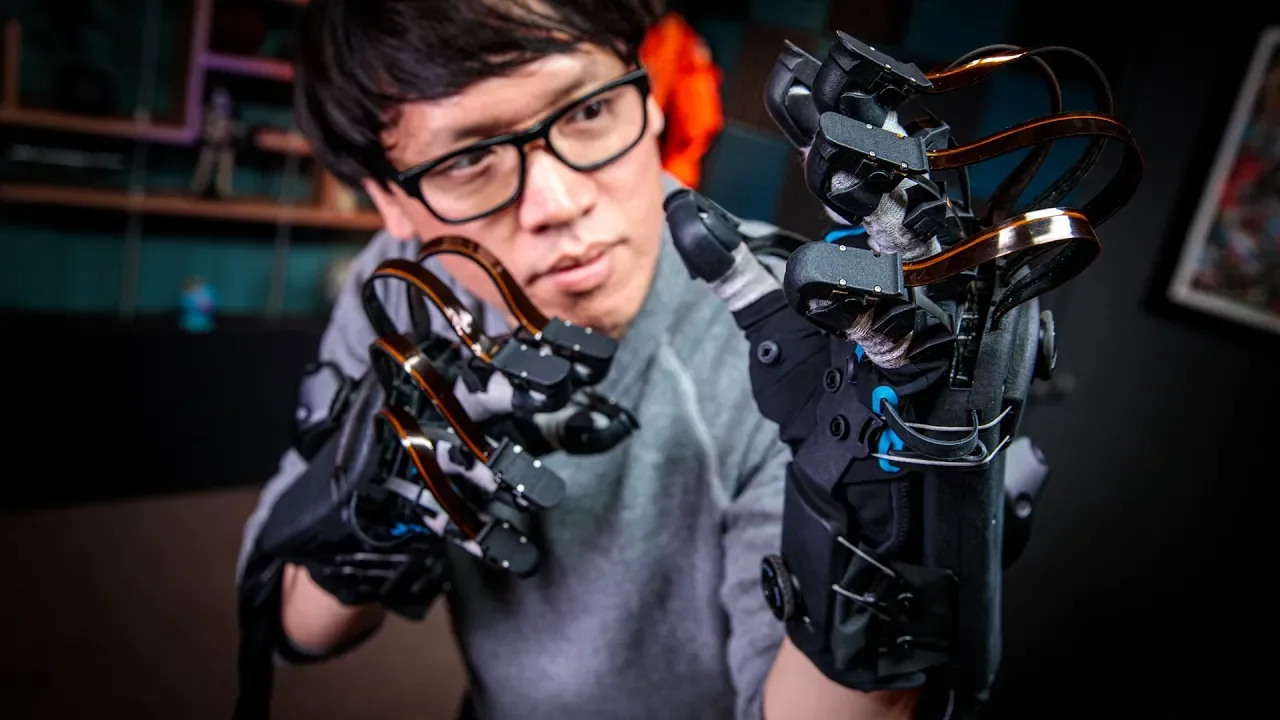
Hands-On with HaptX VR Haptic Gloves!
537.5K
Force feedback systems are categorized as passive (brakes that resist user-applied force) or active (motors that actively move fingers). HaptX chose passive architecture for safety—nothing can hurt the user unless dropped. The complete system integrates electromagnetic motion tracking (sub-millimeter precision), pneumatic valve arrays (144 valves controlling tactors), and force feedback ribbons behind fingers. Software models virtual object surfaces and commands appropriate pressure patterns based on user hand calibration. This integrated approach recreates the physical deformation of real objects on the user's skin rather than simulating sensations through vibration, achieving unprecedented realism in VR haptic experiences.
Click to watch →
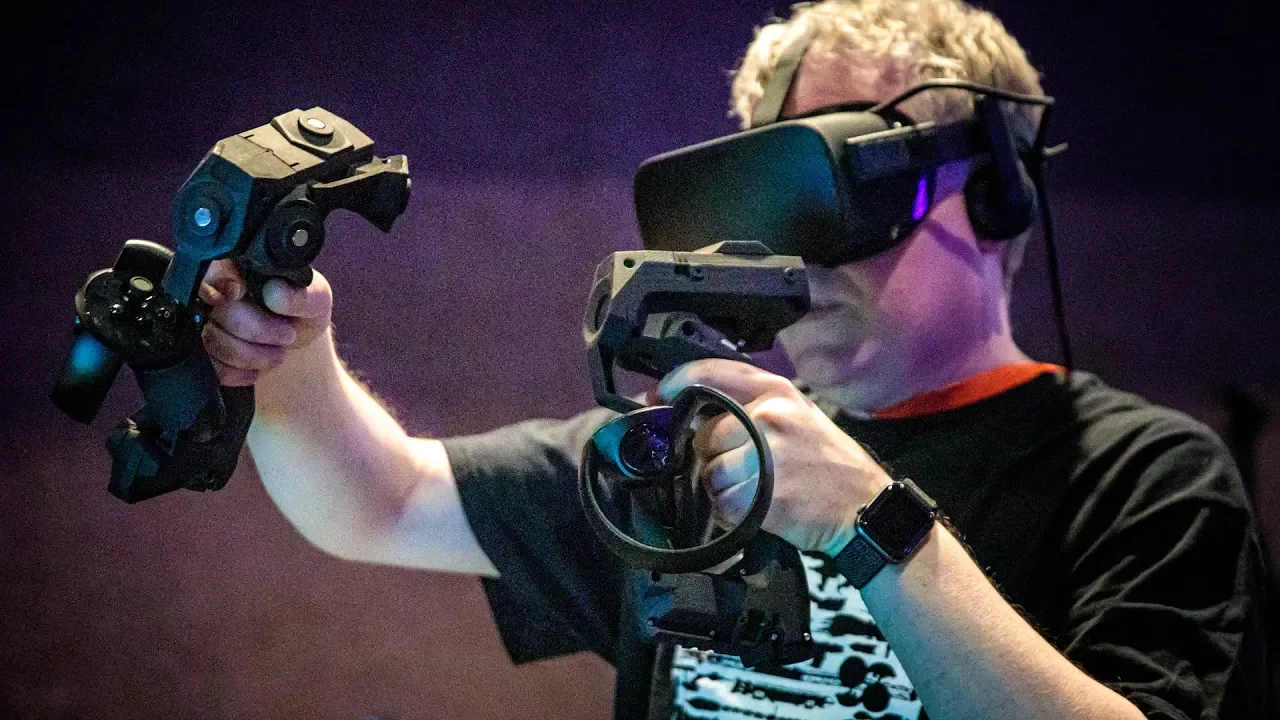
Hands-On with Tactical Haptics VR Controller!
139.9K
Tactical Haptics' VR controllers use shear forces (lateral frictional forces applied to the skin) instead of traditional pushing/pulling forces to create realistic haptic feedback; by moving small plates on the controller's grip area by just a few millimeters, the system can simulate sensations of weight, resistance, elasticity, and inertia in virtual objects, creating compelling immersive experiences without requiring external force application or complex robotics.
Click to watch →
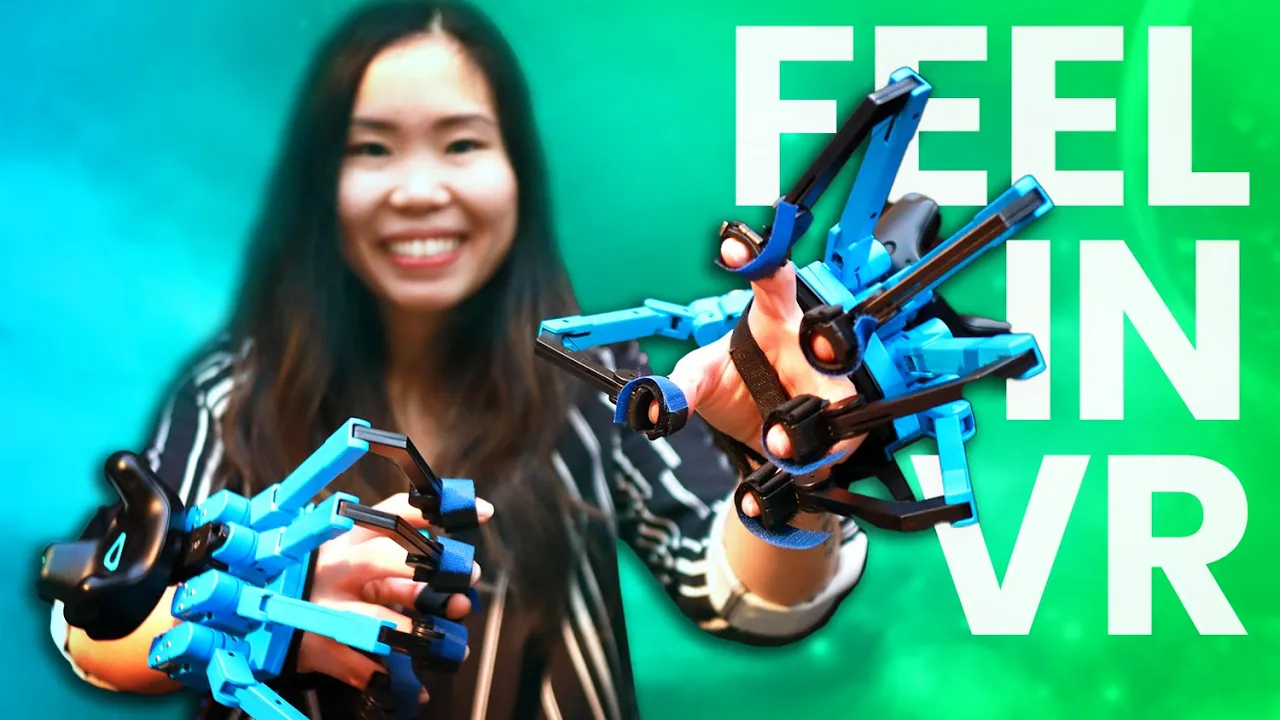
I Tried VR Haptic Gloves That Let You FEEL Different Materials!
68.9K
Force feedback haptic gloves like the Senseglove use rotational sensors on each finger and individual vibrational motors to create realistic tactile sensations, allowing users to feel the difference between hard and soft materials in virtual environments by measuring finger movements and applying appropriate resistance and vibrations.
Click to watch →

TOUCH AND FEEL THINGS IN VR - Testing The Dexmo Haptic Gloves With Force Feedback In Virtual Reality
15.7K
Haptic gloves with force feedback technology enable users to physically feel and manipulate virtual objects by applying resistance to finger movements, significantly enhancing VR immersion through tactile sensations such as grasping objects, feeling textures, and detecting shapes, though currently available only for enterprise customers at high costs.
Click to watch →
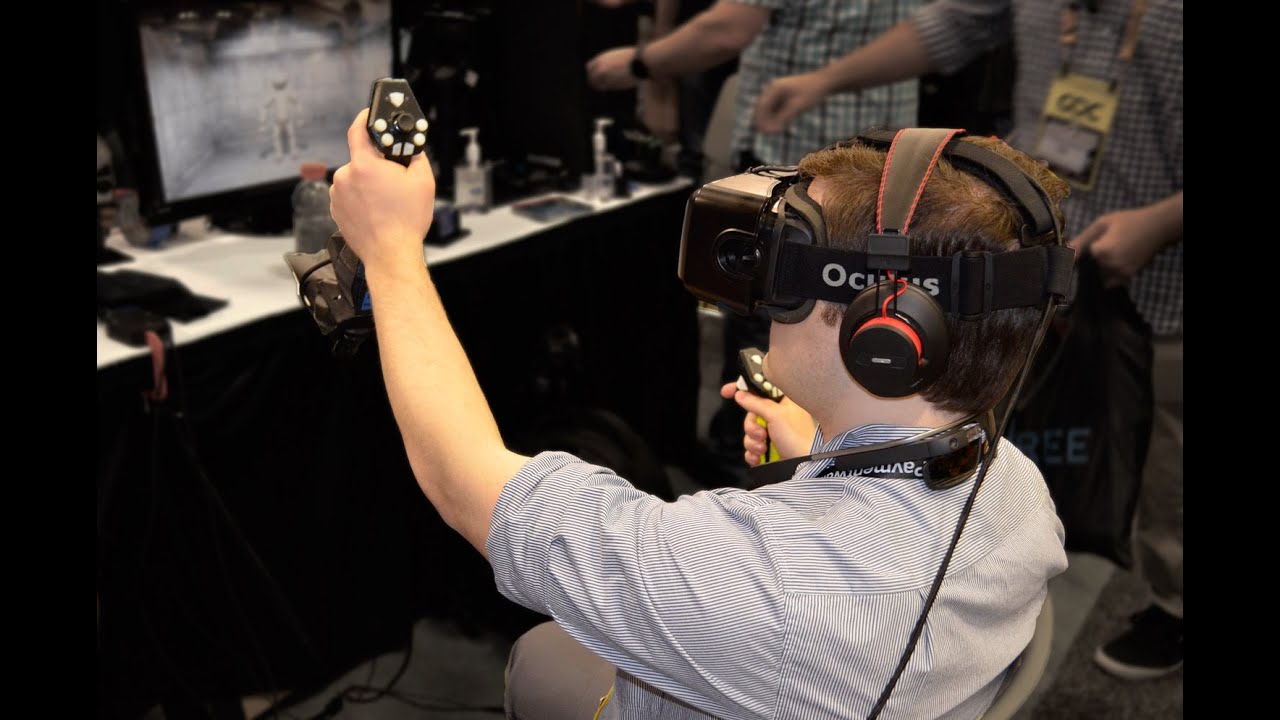
Tactical Haptic's Will Provancher talks Updated 'Reactive Grip' at GDC 2015
3.8K
Haptic feedback technology in VR creates the illusion of force feedback by mimicking friction forces that users would feel when interacting with virtual objects, using sliding members coupled with linear actuators to stretch the skin in response to user motions, without applying external physical forces.
Click to watch →
Deep Dive
Mitigating network latency in teleoperation using predictive displays and safety-focused virtual fixtures (geofencing).
Tesla Robotaxi a Dangerous Smoke & Mirrors Game: Electrek
26.4K
Tesla's Austin robo taxi launch relies heavily on geofencing and teleoperation, which Musk himself has criticized as not being 'real self-driving.' The vehicles will only operate in specific, carefully selected areas of Austin that Tesla considers safest. They will avoid certain intersections unless highly confident the system can handle them, taking routes around intersections they are not confident about. Tesla is utilizing teleoperation to control vehicles with human operators remotely, similar to their Optimus robots. This approach results in the same limitations as Waymo, which Musk claimed means it's not real self-driving and not scalable to the customer fleet as promised by Tesla for years.
Click to watch →
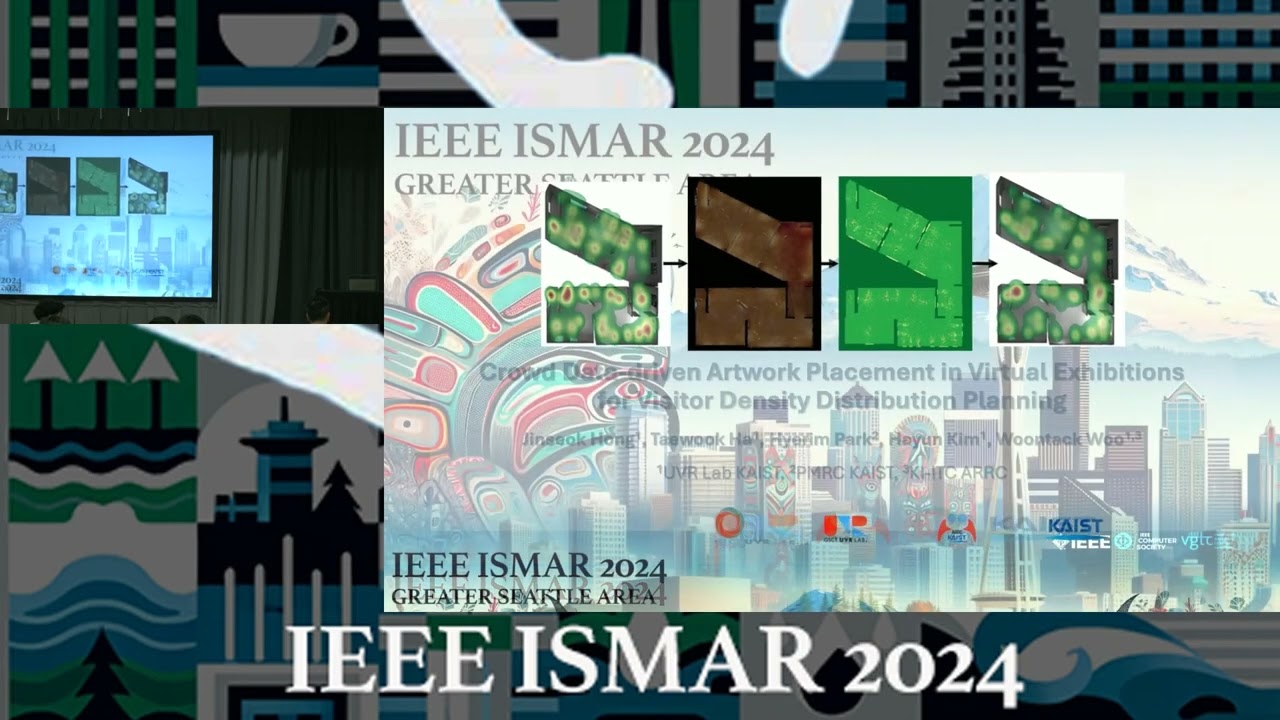
IEEE ISMAR 2024: Paper Session PS43 – Applications and Systems
259
This presentation presents a novel approach to mitigating latency effects in robot teleoperation by focusing on subjective experience rather than complete compensation. The research identifies that latency reduces performance, presence, comfort, and increases cognitive load. Traditional methods (prediction-based and alteration-based) each have fundamental limitations. The proposed solution uses VR to represent the robot and environment, attaching a virtual spring to the position gap between target and actual positions. Control vibration intensity corresponds to spring length, exploiting human perceptual tolerances to make laggy movement feel natural. A 2x2 factorial study with 200ms latency confirmed the spring's main effect on reducing perceived strangeness and improving comfort/presence, though vibration alone was ineffective. Task performance showed no significant effects, suggesting more cognitively demanding tasks may better demonstrate benefits.
Click to watch →

BlackTrax Real-time Tracking - Live Events and Interactive Virtual Studio demo at ISE2020
6.4K
Prediction is used for fixtures that are close to trackables or for older/bulkier fixtures that move slowly. By applying 300 milliseconds of prediction, the system can keep up with fast-moving subjects like go-karts, golf carts, and ice skaters. This feature compensates for latency and ensures smooth tracking performance.
Click to watch →
Are we there yet? Assessing hazards for self-driving - Missy Cummings
256
Teleoperation of autonomous vehicles requires strict latency constraints for safety—acceptable thresholds are below 30 milliseconds. Most companies accept latencies of 200 milliseconds to one second, creating dangerous conditions. At speeds exceeding 10 mph, this latency causes pilot-induced oscillation and unsafe inputs. Highway driving at higher speeds is fundamentally incompatible with current teleoperation technologies. The modified Swiss cheese model for AI safety replaces human unsafe acts with inadequate AI testing as the proximal layer, emphasizing that testing must ensure systems are safe enough before deployment.
Click to watch →
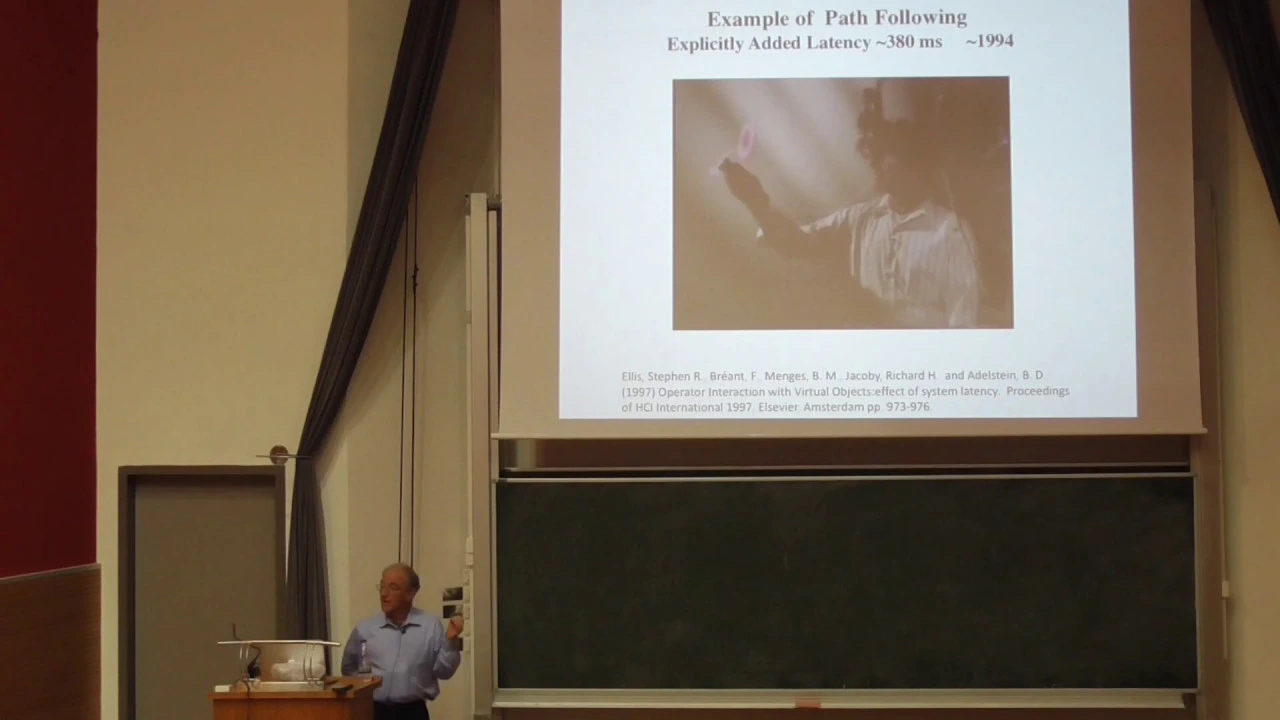
Talk by Stephen R. Ellis at ECE TUC (Oct 29, 2018)
149
This section covers the foundational challenges and solutions in virtual environment technology. Latency manifests differently for translation versus rotation movements, creating complex adaptation problems. NASA researchers developed systematic psychophysical methods to measure user sensitivity to latency changes, reducing system latency from over 400 milliseconds to approximately 8 milliseconds. The remaining latency primarily stems from transmission delays. For teleoperation, control-display misalignment occurs when control axes are rotated relative to display axes, requiring operators to mentally transform their motions. The misalignment function theoretically predicts performance degradation based on angular rotation. Research using spatial efficiency metrics revealed that performance significantly degrades beyond approximately 60 degrees of rotation, with roll movements showing particular difficulty. This framework enables creation of equivalence classes of difficulty for systematic task design and performance prediction across different teleoperation scenarios.
Click to watch →
Deep Dive
Utilizing the collected VR teleoperation data for Learning from Demonstration (LfD) to train autonomous robot behaviors.

Data Efficient Robot Learning for Manipulation - Abraham George's PhD Thesis Defense
224
Teleyoperation creates intuitive, inexpensive, open-source methods for collecting robot demonstrations. Previous methods had limitations: kinesthetic teaching was slow and physically demanding; specialized controllers were expensive and required dedicated hardware; existing VR systems weren't open-sourced, required tethered computers, and lacked Franka arm support. The proposed system runs on Oculus Quest 2 locally without offboard compute, is robot-agnostic, and tracks user actions via VR headset motion or handheld controller. The system creates a digital twin by dividing scenes into Unity primitives and sending low-dimensional data (object names, types, colors, positions, velocities) instead of full images, enabling 60 Hz operation to prevent VR sickness.
Click to watch →

The Humanoid Mission in Manufacturing | Boston Dynamics Tech Talk
103.6K
Teleoperation provides the most valuable data for early robot deployments because it generates fully embodied experience with zero gap between demonstration and actual robot behavior. Demonstrators control robots through VR interfaces with body trackers, seeing through robot eyes and commanding real-time motions. This produces ground-truth data where successful demonstrations guarantee the robot can reproduce the behavior using identical actuator signals. However, teleoperation scales poorly—it requires highly proficient demonstrators who must become experienced understanding robot capabilities over weeks, and even skilled operators produce suboptimal behaviors due to interface limitations.
Click to watch →
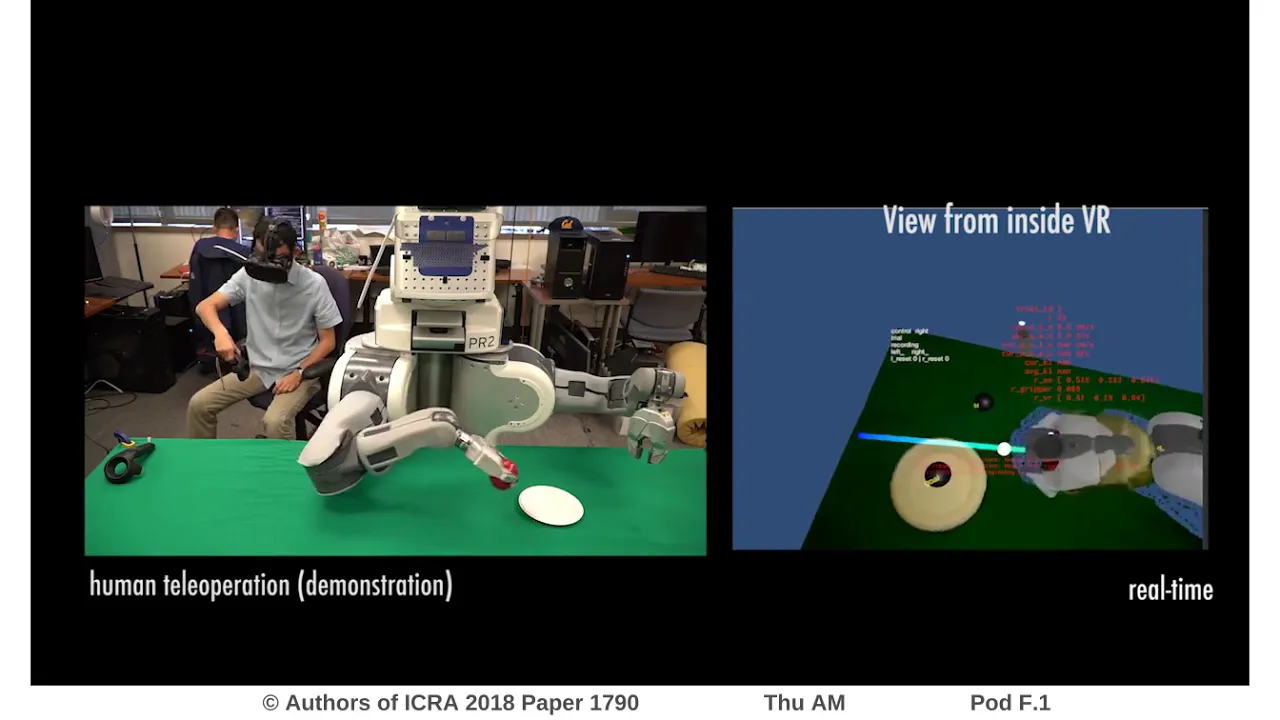
Deep Imitation Learning for Complex Manipulation Tasks from Virtual Reality Teleoperation
2.4K
This video introduces a VR-based teleoperation system that enables efficient collection of high-quality demonstrations for learning visual policies in robotic manipulation tasks, where a neural network policy trained using behavioral cloning achieves successful performance on ten different manipulation tasks with less than 30 million demonstration samples.
Click to watch →

制造业中的人形机器人任务 | 波士顿动力|華爾街智庫
335
Teleoperation is the most valuable data source for early robot deployments because it provides fully embodied data with zero gap between demonstration and actual robot behavior. Operators control robots through VR systems with body trackers, commanding any task within interface observability. This data represents ground truth - if it worked, the robot can execute it again with the same commands. However, scaling teleoperation is challenging as it requires building proficient systems and training experienced operators. The data is particularly valuable for demonstrating whole-body coordinated motion like crouching and reaching.
Click to watch →
Why Humanoids Are the Future of Manufacturing | Boston Dynamics Webinar
104.7K
Teleoperation involves experienced demonstrators wearing VR headsets to see through the robot's eyes in stereo vision, plus trackers on hands, torso, and feet that translate human movements to robot movements in real-time. Demonstrators learn over several weeks to understand Atlas's physical capabilities including balance constraints and force limits. To build a single behavior policy, approximately 5-10 hours of demonstrations are collected, including variations and failure cases, with operators correcting mistakes. This data corpus is used for post-training optimization to achieve high-performance execution.
Click to watch →
Deep Dive
Integrating computer vision or 3D point cloud streaming (using LiDAR or RGB-D cameras) back into the Unity digital twin for enhanced situational awareness.
![[코리아 그래픽스 2021] 디지털 트윈을 위한 언리얼 엔진 / 에픽게임즈 코리아 진득호 과장 (AEC 테크니컬 어카운트 매니저)](https://i.ytimg.com/vi/xHyifX5foqo/maxresdefault.jpg)
[코리아 그래픽스 2021] 디지털 트윈을 위한 언리얼 엔진 / 에픽게임즈 코리아 진득호 과장 (AEC 테크니컬 어카운트 매니저)
1.8K
Point clouds are another method for quickly integrating various existing models into digital twins. Unreal Engine supports importing lidar point clouds and provides functions for editing this point cloud data. At the stage of implementing interactions for Level Three digital twins, integrating many existing machines, various equipment, and various sensor data onto a digital twin platform becomes very important, requiring the capabilities provided by Unreal Engine.
Click to watch →
Digital Twin Technology: Interactions Between Transportation, Civil Infrastructure Systems: Phase 2
684
LiDAR scanning captures point clouds at rates of approximately 1 million points per second, completing scans in about 20 seconds. Advanced LiDAR systems maintain positional information between scans, automatically aligning overlapping scans with good starting points. Manual adjustment in software like CloudCompare can refine alignments. Point cloud data is exported as E57 files, processed in open-source software like CloudCompare, and converted toPLY files for use in game development engines like Unity. These processed files enable visualization in Hololens AR/VR headsets for interactive model manipulation.
Click to watch →

AI, Computer vision and Digital Twins
709
Recent advances in computer vision allow extraction of 3D surfaces (meshes) from point clouds. Instead of just points, the system can create triangular mesh representations of the scene. This surface-based representation is more useful for manipulation and can be integrated with CAD models or BIM (Building Information Modeling) systems used in digital twins.
Click to watch →

LIVE: Giraffe PRO Camera Launch
50.8K
The digital twin consists of three fundamental components: (1) Point cloud serves as the geometric foundation, generated by LiDAR 2.0 which can capture up to 20 million points per scan with accuracy comparable to industrial-grade LiDAR systems costing tens to hundreds of thousands of dollars; (2) Gaussian splat 3D model provides photorealistic depth, light, and texture based on training from over half a million properties, with up to 13 million point density per model; (3) Panoramic model creates polished HDR panoramas at 10,000 pixel resolution for marketing content across different platforms. The platform combines spatial capture camera, AI rendering system, and 120 interactive features. The auto height tripod with motorized lift system enables dual height scanning, capturing two perspectives in a single scan to enhance Gaussian splat models with denser spatial data and more angles for better video quality and digital twin accuracy.
Click to watch →

MOVIN Hands-On Workshop | MOVIN Inside
601
Multiple Movement Tracing Multi units can work together to stream entire space point cloud data. When four LiDAR sensors are mounted on the ceiling, they capture the entire space and integrate the point clouds accurately, providing a complete 360-degree view rather than a single-sided view. This volumetric point cloud data can be utilized in platforms like Notch and Touch Designer for real-time visualization and interactive applications.
Click to watch →
Opening
Core
Opening
0:21- 1
Video begins with brief music and minimal speech.
- 2
Sets initial tone before content starts.
The Limitations of VR-Based Teleoperation: Haptic Deficit and Cognitive Fatigue
While teleoperating a UR5 robot using consumer VR headsets like the Meta Quest 2 offers an immersive 3D interface, roboticists highlight several critical limitations compared to alternative paradigms. First, consumer VR controllers lack bilateral force feedback (haptics). Without tactile resistance, operators cannot sense contact forces, increasing the risk of damaging the robot or its environment during delicate tasks. Specialized haptic devices provide active force feedback, offering superior precision. Second, latency between the physical robot, the ROS network, and the Unity digital twin, combined with prolonged headset wear, can cause cognitive fatigue, eye strain, and motion sickness. Finally, many experts advocate for 'Shared Autonomy' over direct Cartesian control. By delegating path planning and obstacle avoidance to the robot's local controller while the human provides high-level supervision, shared autonomy reduces operator workload and mitigates the latency issues inherent in real-time VR tracking.
Basics of ROS (Robot Operating System), including nodes, topics, and the publisher-subscriber communication model.
Fundamental concepts of robotic kinematics, specifically the difference between Joint-space control and Cartesian (task-space) control.
Introduction to the Unity game engine, including 3D environment setup, game objects, and basic C# scripting.
Basic principles of Virtual Reality (VR) development, such as tracking, controllers, and integrating SDKs like OpenXR.
Implementing haptic feedback (force feedback) to allow the VR operator to feel physical contact forces experienced by the UR5.
Mitigating network latency in teleoperation using predictive displays and safety-focused virtual fixtures (geofencing).
Utilizing the collected VR teleoperation data for Learning from Demonstration (LfD) to train autonomous robot behaviors.
Integrating computer vision or 3D point cloud streaming (using LiDAR or RGB-D cameras) back into the Unity digital twin for enhanced situational awareness.
516 views10likes2:01@erwinkendoOriginal Release: 2022-08-31
[Music] so [Music] you
Up Next

74:11
Lecture 1: Underactuated Robotics Introduction & Dynamics
@mitocw
166.3K views•2010-07-15

58:25
MathWorks Virtual RoboSub Simulation Environment | Webinar 2026
@RoboNationInc
209 views•2026-03-10

11:04
How to Build a Self-Balancing Robot: Arduino Nano & MPU6050
@easytechzones
16.8K views•2022-03-09
25:22
Micromouse: The Fastest Maze-Solving Robots on Earth
@veritasium
23.5M views•2023-05-24
Related Study Plans & Knowledge Roadmaps
Structured learning paths in Robotics
robotics
Building Delta Robots: Kinematics & Pico
01Foundations of Delta Robots & Mechanical Design
02Electronics and Microcontroller Setup with Pi Pico
03Delta Robot Kinematics and Coordinate Math
+ 3 more learning modules
65h6 modules
Explore Roadmap
robotics
Building Ballbots: Dynamics, Kalman & LQR
01Embedded Electronics & Omniwheel Actuation
02Ballbot Kinematics & Rigid Body Dynamics
03IMU Sensors & Kalman Filter State Estimation
+ 2 more learning modules
42h5 modules
Explore Roadmap
robotics
Micromouse: Hardware, PID Control & Flood-Fill
01Electronics & Teensy Microcontroller Basics
02Sensors and Actuators: Motors, Encoders & IR
03Precision Movement: Implementing PID Control
+ 2 more learning modules
35h5 modules
Explore Roadmap
robotics
CDPR: Kinematics, Arduino & Winch Control
01Foundations of Arduino & Basic Electronics
02Stepper Motors and Winch Mechanics
03Kinematics of 2D Cable-Driven Robots
+ 2 more learning modules
28h5 modules
Explore Roadmap