


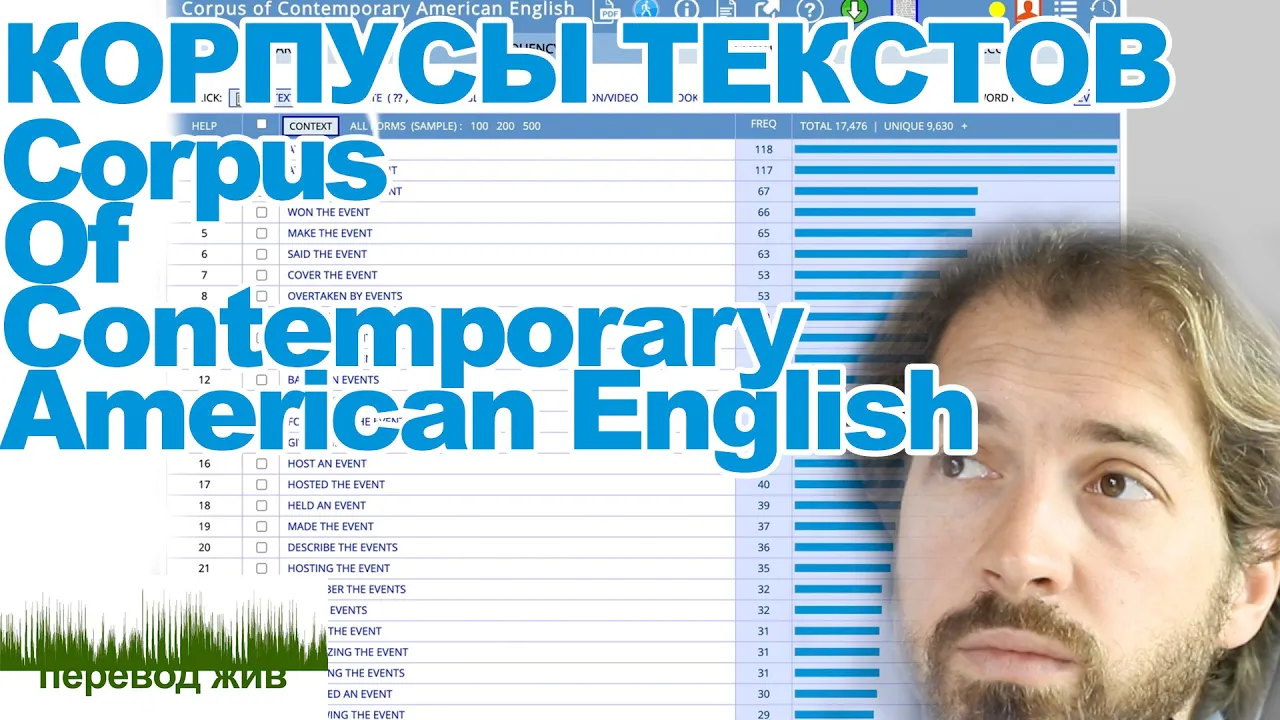


















This tutorial demonstrates how to perform advanced searches in the Corpus of Contemporary American English (COCA) to explore language patterns, including searching for prepositions before or after specific words, using wildcards to find words with specific endings, and using the equals sign to find synonyms that collocate with target words, all filtered by academic sources.
Advanced Searches in COCA: Academic Writing Tutorial
Added:Basic understanding of corpus linguistics concepts, including what a corpus is and how it represents natural language use.
Familiarity with the basic user interface and simple word search functions of the Corpus of Contemporary American English (COCA).
Fundamental knowledge of English grammar and parts of speech, particularly prepositions, nouns, verbs, and synonyms.
Awareness of the general stylistic standards and vocabulary expectations of formal academic writing.
Mastery of syntax-based queries using Part-of-Speech (POS) tags to locate complex grammatical patterns (e.g., verb + preposition combinations).
Analysis of collocations and concordance lines to determine the most natural-sounding word partnerships in specific academic disciplines.
Using COCA's genre-filtering tools to compare lexical density and vocabulary usage between academic prose and informal registers.
Developing a systematic workflow for corpus-informed editing to self-correct draft research papers and academic essays.
710 views8likes5:13Original Release: 2022-02-21
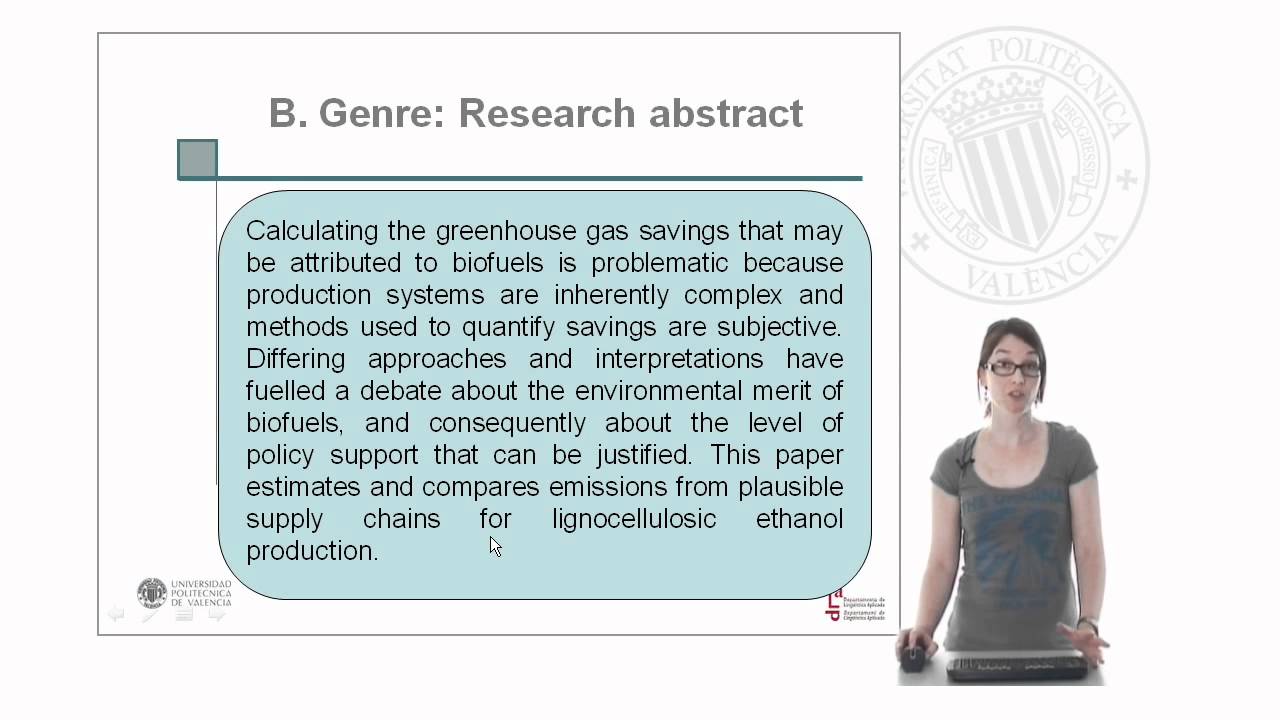
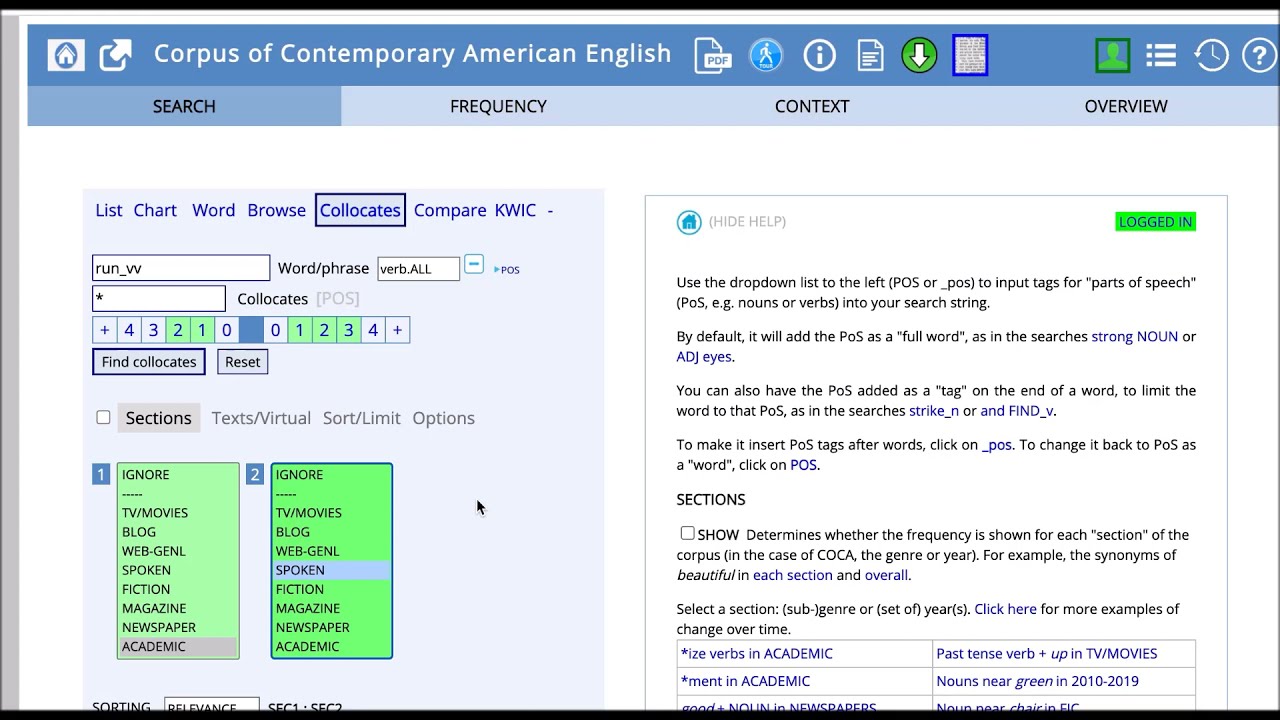
hi i'm renee caputo esl specialist for duke university's thompson writing program in this tutorial you'll learn how to use the coca resource to do advanced searches we'll start with a simple search and then build on that imagine you or someone you're working with use the direction which i'll type here in our search field in a paper and you got feedback saying that the preposition could be improved in the parts of speech here we're going to look for prepositions there we go prep all we want to add a blank space between the direction and prep for prepositions in sections i'll choose academics so that all our results are from academic sources and then click on find matching strings so here we have prepositions that are used after the direction in coca at the top are the most frequent combinations of plus the direction in coca over 2200 and the frequency goes down so the direction of in for from two etc i'm going to click on the direction of and we can see some examples there of how other writers have used that we have the direction of the hillside the direction of travel the direction of ebp ii movement the direction of addressing the broader problem of the neck transit of evolution and of the trajectory so you can look at the language before after or both of those highlighted words and see if you notice any language patterns what i'm noticing is that after the direction of we have an article plus a noun the plus a noun we have of a noun or we have of plus an adjective and a noun if you read more examples you might find more patterns and let's go back to search let's now imagine that you're wondering what prepositions could use be used before the direction so we just move prep to the left of the search field add a blank space prep blank space the direction and again click on find matching strings we have here in our results in the direction under the direction to of on the direction as our top examples of prepositions used to the left of the direction by academic writers in the coca resource i'm going to click on in the direction and again here you can decide would you like to explore the language before or after the highlighted words i'm not going to do that here but you could do that if that were your search and i'm going to go back to the search page again so let's imagine after having looked at examples for prepositions after and prepositions before that you decided that in the direction of fit your paper we don't need any more prepositions now in the before in you wanted some word that ends in ed and the way you can do that in the search is asterisk ed so let's try this search now asterisk ed in the direction of find matching strings and so now we have the results in coca for academic sources moved in the direction of changed biased pointed etc in the direction of so that's quite an advanced search coca can help you with preposition before and after and with a word ending that might you might want to use in your writing we're going to try one last search that's quite different and i'm going to type here the equal sign and big a blank space and the word majority okay equals big blank space majority what does that mean we're looking for a word that has the same meaning as big and that goes with the word majority so let's find matching strings so here are results vast majority is the most frequent great large substantial significant majority are the next most frequent results in the coca resource and let's go back to the search page so you can see once again how i set up that search equals big space majority and in sections academic chosen so that all the results would be from academic sources so in this tutorial you've learned how to do several advanced searches using the coca corpus to explore language use i hope you have fun doing some searches and exploring coca
Up Next
14:40
Creating a Learner Corpus with POS and Vocabulary Profiling
@johnbozi
307 views•2019-09-05

73:00
American English OKAY Over Time: A Diachronic Interactional Linguistic Study
@Abralin
1.2K views•2020-07-30

8:59
Forensic Linguistics: How Language Solves Crimes | PBS
@pbsstoried
1M views•2024-01-25

21:32
Accent Expert Explains U.S. Regional Dialects | Part 1
@WIRED
9.3M views•2021-01-21
Related Study Plans & Knowledge Roadmaps
Structured learning paths in Linguistics
linguistics
Corpus Linguistics: AntConc, COCA & Collocation
01Introduction to Corpus Linguistics & Digital Corpora
02Navigating the Corpus of Contemporary American English (COCA)
03Concordancing and Lexical Collocations using AntConc
+ 2 more learning modules
12h5 modules
Explore Roadmap
linguistics
Optimality Theory: Tableaux & Constraints
01Phonological Basics: Sounds, Syllables & Rules
02Foundations of Optimality Theory: GEN, CON, and EVAL
03The Constraint Inventory: Markedness vs. Faithfulness
+ 2 more learning modules
15h5 modules
Explore Roadmap
linguistics
Morphosyntactic Alignment: S, A & P Systems
01Foundations of Syntax: Transitivity and Arguments
02The Linguistic Variables: Mapping S, A, and P
03Nominative-Accusative Alignment
+ 3 more learning modules
12h6 modules
Explore Roadmap
linguistics
Analyzing Sign Language: Phonology & Syntax
01Foundations of Sign Language Linguistics
02Phonology: The Five Parameters of a Sign
03Morphology: Word Formation and Classifiers
+ 2 more learning modules
14h5 modules
Explore Roadmap