

























This video presents four new features in ManyRequests client portal software: (1) Asset versioning allows users to upload and switch between different versions of images, PDFs, and videos without renaming files; (2) Video timestamps enable users to pause videos and add feedback at specific points, with comments automatically linked to the request; (3) AI comment generator rewrites text comments (minimum 15 characters) and fixes typos based on request context; (4) Extensions now work for team members, allowing embedding of tools like Google Docs, YouTube, and custom iframes in the client portal sidebar.
ManyRequests July 2025 Update: New Features & Workflow Improvements
Added:Understanding of basic client portal and agency management software functions (such as request queues, billing, and client onboarding).
Fundamentals of digital asset management (DAM) and the importance of version control in creative workflows.
Familiarity with collaborative project management methodologies, particularly feedback loops between clients and creative teams.
Basic knowledge of how Generative AI assists in communication and administrative drafting (e.g., automated commenting and summaries).
Advanced workflow automation techniques combining ManyRequests updates with external integration platforms (like Zapier or Make).
Strategies for scaling agency operations and capacity planning using external team extensions and contractor management.
Best practices for asynchronous video proofing and client communication using timestamped feedback mechanisms.
Methods for measuring and analyzing key performance indicators (KPIs) in creative project delivery times post-optimization.
218 views6likes3:57Original Release: 2025-08-08
Hi there and welcome to the product update of July 2025. So it's been a pretty busy months and actually a pretty busy summer uh in terms of new features.
We have released here four new features in July and we have a huge feature which is capacity planning that we are going to release in August. So let's go and get started in the feature. But actually before uh let me just uh show you that again you can upload all of the feedback send us all of the feedback that you need uh by going to feedback.mminerequest.com.
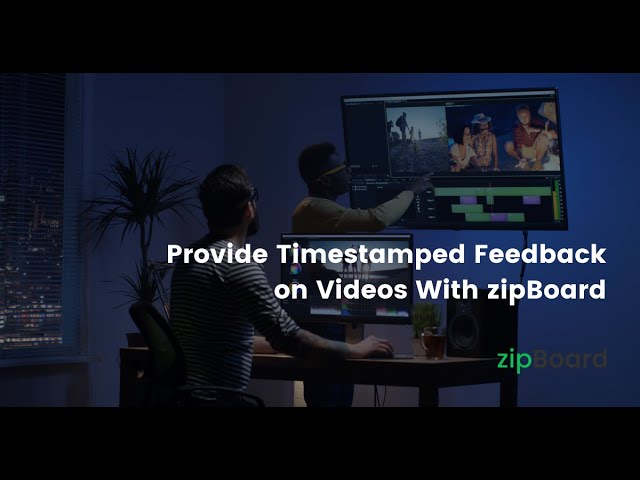
I'll add a link in the description below. Uh we really like to listen to our customers. Uh we have a public road map as well that you can see here as well as a change log where you can see uh basically almost every week the new updates that uh we have released. So let's get started with the update. So the first feature um that we have released last month is versioning. So as you can see here um you can see that um a specific person uploaded a new version and uh this works both uh for image PDFs and also video which is another update this month. So you can just click on add new version and then um this is going to upload the latest version and then your team can then um just switch between versions and that's super helpful. You don't need to have like 10 uh different examples of uh images or you don't need to rename them. you can just switch um between versions here. So that's very helpful. Uh the second uh big update that we have as well is that we have now um video timestamps. Uh so you can just uh play a video here and then you can just pause or you can even when the video is playing you can just add a timestamp here and then just add your feedback and whenever you add a feedback as well this will also add here a comment and uh in the request. So that's super helpful as well. Um, so the second fe the third feature that we have is AI.
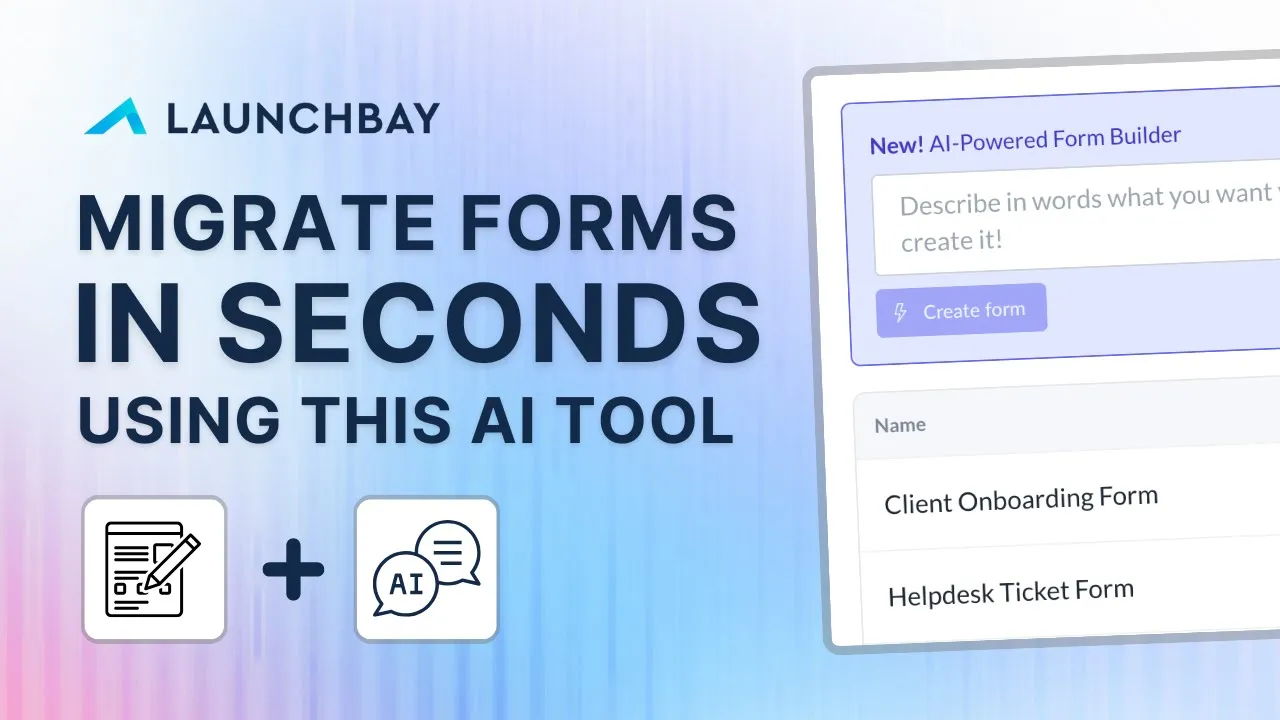
So you can see here that we have now a an AI button here. So if you add some small text here, you need I think 15 characters minimum. Then you can just rewrite it with AI. So this is still an experimental feature. So as you can see here, I just said I will give you an update on Friday. And this just um took the context of the request and basically added a whole comment. So this saves you a lot of time when writing the comments.
uh and also just fixing typos for example. Okay. So the fourth feature that we have is extension. So extension let me go here to modules and extension to show it to you. So the way it works is that you can add uh different links to the client sidebar but now it also works for team members. So here I've added an extension called SOP. Uh just as a reminder we have all of these extensions. So these are tools that you can embed into your client portal. So for example, kindly if you want your clients to see book a demo call with us in the sidebar, you can do that. But we also have for example YouTube or Google sheets as well as custom iframe and external links. So in case you cannot see the extension you want, just simply use custom iframe or external link which is what I've done here. I've used custom iframe and then you can then add or embed basically anything in a portal. So in this case this now works for team members. This previously only worked for clients. So if I log in here as a team member. So I think I put it on this one.
I'm going to impersonate this team member. And then here I can see here that I've added the extension. So you can add for example internal documents or SOPs here. So here I've added a Google Docs and there's basically a lot of different uh things that you can do here. So yeah, that's it for this month.
Um I'm very excited also for what's coming up uh next month. As I said, we are working on a workload and capacity management module as well as estimates.
So, it's going to be very interesting to just manage your team better and see how busy they are and just to uh basically assign a task better as well. So, stay tuned for the next update. Uh if you enjoy this update, uh just leave a comment below. Let us know as well as usual uh what you need and then um yeah, we'll add that to the road map hopefully. So, thanks for watching and see you in the next
Up Next

20:46
Building a Python Chatbot with OpenAI GPT: API Tutorial
@Indently
59.6K views•2023-02-20

12:54
Triumph of Orthodoxy Icon: Byzantine Art & History Explained
@BenCallan
2.1K views•2024-08-06

9:49
FastAPI vs Flask vs Django: Choosing the Right Python Web Framework
@TechWithTim
302.5K views•2024-05-26

1:42
Game of Thrones Opening Credits: A Cinematic Analysis
@gameofthrones
46.3M views•2011-04-18
Related Study Plans & Knowledge Roadmaps
Structured learning paths in General & Interdisciplinary Studies
general-studies
Elevator Engineering: History, Physics & Cities
01From Hoists to Safety Brakes: The Dawn of Vertical Lift
02Hydraulic vs. Traction: The Engineering Physics of Elevators
03Modern Speed, Safety, and Algorithms
+ 2 more learning modules
12h5 modules
Explore Roadmap
general-studies
Rubber: Material Science, History & Geopolitics
01Origins of Natural Rubber & Mesoamerican History
02The Chemistry of Natural Rubber & Vulcanization
03The Geopolitics of the Rubber Boom & Colonization
+ 2 more learning modules
12h5 modules
Explore Roadmap
general-studies
Containerization: Evolution, Logistics & Trade
01Ancient Trade & Bulk Cargo: Amphorae to Barrels
02The Industrial Revolution & Cardboard Packaging
03The Containerization Revolution: Malcom McLean
+ 2 more learning modules
12h5 modules
Explore Roadmap
general-studies
Textile Tech: Evolution, Labor & Global Impact
01Pre-Industrial Textiles: Handloom & Cottage Industry
02Mechanization: The Spinning Jenny to the Power Loom
03The Factory System & Global Labor Transformation
+ 2 more learning modules
10h5 modules
Explore Roadmap