


















TypeScript is a JavaScript superset that provides static type checking to catch errors at compile time, preventing common bugs like calling methods on null/undefined values, passing incorrect parameters, and using wrong field names. The type system includes basic types (string, boolean, number, regex), arrays (using square brackets or generic syntax), objects (using curly braces), and interfaces for reusable type definitions. TypeScript automatically infers types from values and provides intelligent code completion through IDE integration, while also supporting utility types like Record for creating typed maps. The compiler catches type mismatches in variables, arrays, objects, conditionals, loops, and array methods like map, helping developers write safer and more maintainable code.
TypeScript Fundamentals: Setup and Everyday Types for JavaScript Developers
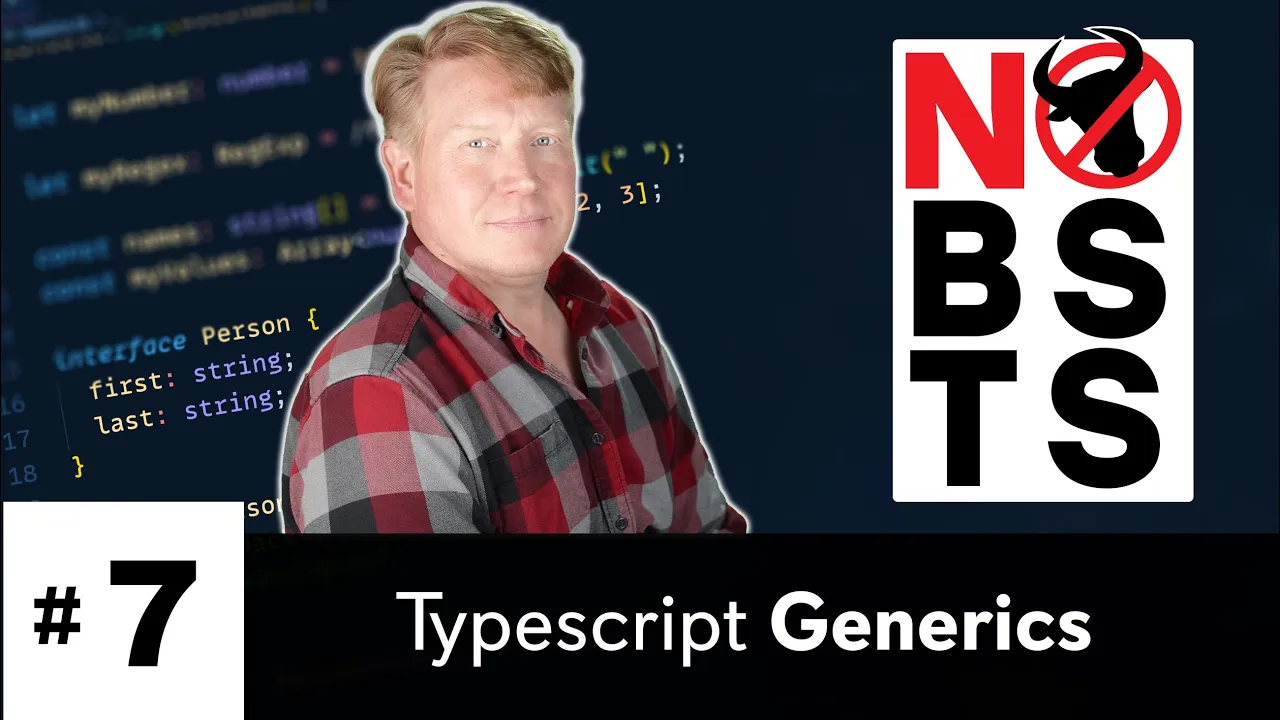
Added:welcome to no bs ts episode one where take a look at everyday types and get you started on your journey to understanding typescript now this whole series is about giving you five to 15 minute intros that you can take at your own speed to learn typescript particularly from a javascript background and the first thing you might want to know about typescript is why you'd want to use it well there's two big primary reasons that you'd want to use typescript and the first is it's going to save your bacon if you've had issues where you try to call something off of a null or an undefined value it's going to help you there if you've called the functions without the right parameters it's going to help you there if you don't know the fields or you put the wrong fields or type in the wrong field names into objects it's going to help you there we're going to see a lot of that stuff today secondarily it's going to help you code faster you're going to be able to know right away what the right fields are and know if you're missing fields right away so it's going to help with both of those things i can't wait to get you into it let's check it out right now all right so the first thing i'm going to do is create a directory called ts basics and then bring that up in vs code okay now let's start out with javascript since it's something that we're all familiar with and i'll create a file called basics.js and in that i'm going to go and create two variables the first one is a string and the second one is a boolean now i'm going to make a bug and i'm going to go and add to has logged in my last name and of course i want to debug that bug so let's do a console log and see what i get all right let's go and bring up our terminal and run node on this and we can see that now we've got a true which is what happened and we can see that now we have true space harrington so node has gone and coerced our boolean to a string so that we can add a string to it which is not really what we wanted because true harrington really doesn't make a whole lot of sense so can typescript help us find this bug and of course how do we get started with typescript well i'm going to go and create a project here i'm going to use yarn init for that and that's going to create a package.json and then into that package i'm going to add typescript in development mode that's going to add the typescript compiler and then i'm going to add ts node also in development mode and that's a wrapper around node that works for typescript files and then finally i'm going to go and initialize a typescript configuration file or ts config and the way to do that is to do mpx and then tsc which is the name of the typescript compiler and then dash dash init now despite being in the red this file is actually good it's got the strict typing that we want the reason it's going red right now is that it's telling us that there are no ts files around so there's no inputs so we'll fix that in a bit in the meantime let us try and use ts node on our javascript and see if that helps us at all so it's giving us exactly the same output as before which is great it does mean that we can actually run our javascript in ps node that's fine but it's not really helping us at all so let's go and change basics.js to basics.ts to convert it to a typescript file and already it's telling us what the issue is has logged in is an issue in fact we can see over here the type string is not assignable to a type boolean and if we want to run this we will get exactly that type of output telling us that one i'm not going to run it and two you've got a problem so scroll back up here and we can see that it's telling us exactly the same thing the type of string is not assignable to a type of boolean and now that problem with the ts config has gone away because we have a ts file we've got our inputs so how does typescript know that this is gonna be a problem well it's inferred from true that has logged in as of type boolean now how do i know that it's because i can do command k command i when i have this selected and it'll show me that it has defined has logged in as a boolean i know that because it's got that colon and then it's followed by boolean which is the type and that's exactly how you specify a type for a value in typescript is you do colon and then the type name so i'm going to copy and paste that into here and this is really neat because this actually kind of allows you to let vs code do a lot of the typing for you you just do command k command i and whatever you see and it'll pretty much tell you what the types are and give you the syntax which is super cool if i go over here i can do command k command i and see that this is a string so i can just set that to string i can fix my bug and away i go all right what are some other types well there is a number and that's any number there's also more complex types for example like a regex how we do a regex and typescript well let's go make one of those then when we do command k command i on that we can see that it's a regex and that's a built-in type so now that we've looked at some of the basic types let's talk about arrays so let's go and split this guy my username and this is an example of it doing that great hinting for you on space and now what's that going to output well that's a great thing i can do i can do construct names equals and then i can do command k command i and i can see that it's telling me that it's an array of names and how do i know that well it's got the open and closed brackets which is the same thing you'd use to de-reference array to basically tell you that this is an array so that's great now there's also another way to do arrays and that's to use the generic type so let me show you that specify array and then you use less than and greater than and then in between the less than and greater than you give the type that you want so let's just make an array of numbers and then in here as i'm typing if i put in something that's not a number i'm going to get a warning it's going to tell me that this string is not assignable to a type of number totally true so it's going to put in some numbers and now it's fine but now let's go and add a string on it and again i'm going to get that error and if you're like wait a second hold up hold up i actually have an api where i want to return an array that's got three numbers and a string can i still do that in typescript you definitely can there's a mechanism called a tuple and we'll cover that in this video series i've never seen a case where typescript has forbid me from making the api that i want to make right it always helps me enforce that and hint that to other developers but it never holds me back so it can do what you want to do but in this case we just want to be an array of numbers so there you go all right let's talk about objects since they're really important let's create a person object and we'll have a first and last name so how do i define that well again i'm going to use my command k command i trick and look at that it's going to tell me that what i need to do is do colon and then open curly braces and then first and last and close curly braces that great that's so cool so now that i define this object is only having a first and last string i've already go in and ask it to go and add in a new field say cool and i'll set that to true and say that i'm cool typescript will tell me no you're not cool because cool actually doesn't exist on this person which is defined as having just first and last on it but again if you're like whoa wait a second i want to add cool totally you can do that you just set it as a boolean or you can set it as an optional field you can do anything you want in timescript it's just going to help you as you define these these interfaces as strictly or as loosely as you want so let's talk a little bit about this type definition this seems like something you don't want to go and copy and paste all over the place so you want to be able to say define it once and then when you make changes to it it'll change everywhere so how do you define it once and then reuse it well you use the interface keyword and then you give the interface name so let's make it person and you just paste in what you want your type definition to be so in this case just reuse it like that just like person and again you get this great hinting so check this out my person dot and it'll tell you here are the fields that are available to you based on that interface it's just so great now another thing we do a lot of is we use objects as maps in javascript so let's see a little bit about how to do that so i'm going to create a map of ids and then say that 10 is a let's say 20 is b and so how do we type that because what i really want to be able to do is do ids 30 is c but what is already telling me that i can't do that because it actually inferred that the type here is 10 as a string 20 is a string so when i ask for 30 it's like no no i can't have that so how do i allow myself to have that well what i'm going to use is a utility type and this one is called record and with record i can define the key type and the value type so in this case the key type is a number and the value type is a string but they can be whatever you want them to be and so now we're fine we're good we have our key lookup and that's great so you might be asking yourself well how does typescript work with things like conditionals is that the same it absolutely is so in this case it's going to go and do a string comparison and it knows that's going to work because it knows that ids30 is a string you can actually even get checked here so we do 20. it's going to tell me that's wrong because you're comparing a string to a number so that's really nice and helpful but it's not going to change the way that you do things like conditionals it's only going to change when you're doing variable declarations and the only other places are things like loops so for example a for loop in this case the value i is inferred to be a number now you don't really need to go and specify that you can if you want to but you really should let typescript infer as much as possible so you really yeah i would leave it just like that because it's inferred it's fine and the other one would be things like 4-h and map so let's try those out in this case again it knows that the input type is an array of numbers and so the parameter two for each is going to be of a type of number now if you were to go over a bunch of person records they would show up as persons so that's great and how does it work for map similar sort of thing so in this case i'm just multiplying v by 10 and let's go and get the output of that and typescript is smart enough to infer that given the fact that v is a number and v times 10 is going to result in a number then out is going to be an array of numbers easy peasy lemon squeezy now i've already go in here and change this into a string template you see that it would change as inference to be an output of strings but if i were already go and specify this as a numeric array now it's giving me an error now it's telling me that the output of this function isn't mapping directly to what i have on the type of that array so then i can again you know fix it by taking out that string template super easy all right well in the next video we're going to take a look at how to define your type surround functions but of course in the meantime if you like the video hit that like button if you really like the video hit the subscribe button and click the bell button and you'll be notified the next time another one of these videos comes out
Up Next

Build a Language Server in Go: Zero-Dependency LSP Tutorial
@teej_dv
121.7K views•2024-03-19

Introduction to Secure Multiparty Computation with Yehuda Lindell
@fhe_org
7.7K views•2021-02-04

HTTP Requests Explained: GET, POST, PUT, DELETE
@codecademy
103.1K views•2021-10-07

Enigma Machine Mechanics: WWII Encryption Explained
@JaredOwen
13.2M views•2021-12-11
Related Study Plans & Knowledge Roadmaps
Structured learning paths in Computer Science