




![[Technion ECE046211 Deep Learning W24] Maximizing CPU and GPU Utilization in PyTorch](https://i.ytimg.com/vi/tIoa8axf9MI/maxresdefault.jpg)




![[Week Extra] Introduction to Machine Learning (noc25-cs46)](https://i.ytimg.com/vi/PZaUQvXcZqU/maxresdefault.jpg)

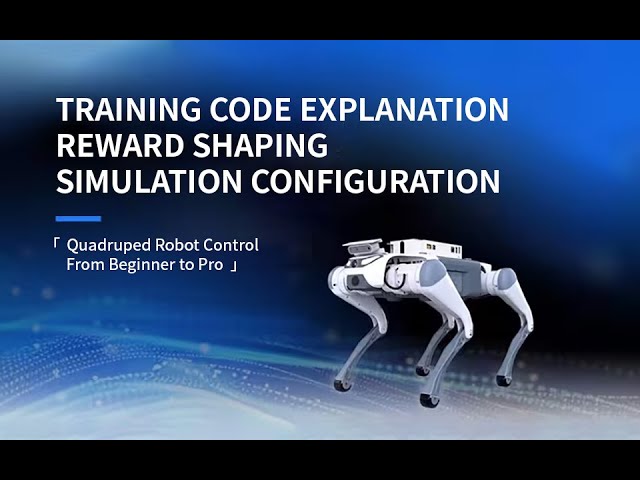

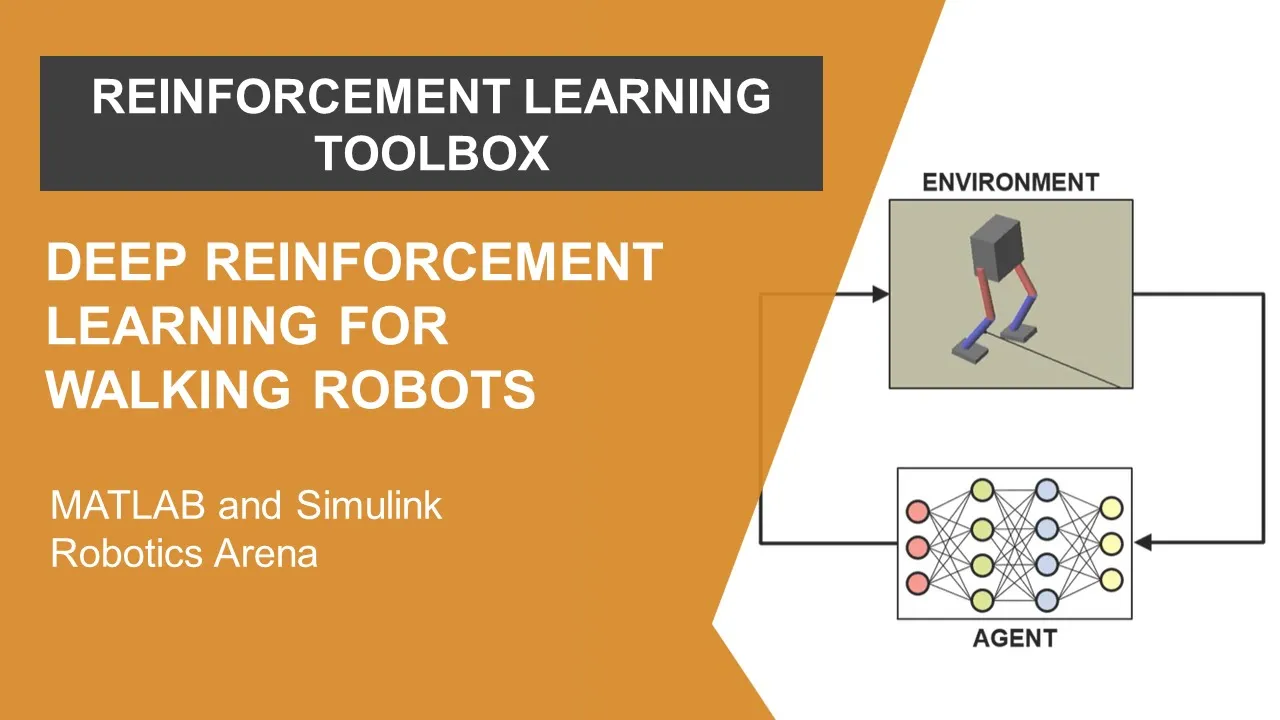








This tutorial demonstrates how to use the Stable Baselines3 library in Python to train reinforcement learning agents, specifically showing the implementation of three algorithms (Soft Actor-Critic, Twin Delayed Deep Deterministic Policy Gradient, and Advantage Actor-Critic) on the Humanoid-v4 environment from Gymnasium, with training progress monitored using TensorBoard to compare algorithm performance and select the most effective approach for complex continuous control tasks.
Train a Humanoid to Walk: Stable Baselines3 & Soft Actor-Critic
Added:Fundamental concepts of Reinforcement Learning (RL) including Markov Decision Processes (MDPs), agents, environments, states, actions, and rewards.
Basic proficiency in Python programming and familiarity with PyTorch, which serves as the backend for Stable Baselines3.
The operational distinction between discrete action spaces and continuous action spaces (crucial for robotic joint control).
Familiarity with the Gymnasium (formerly OpenAI Gym) framework API, specifically how to initialize environments, execute steps, and reset states.
Advanced reward shaping and engineering techniques to optimize the humanoid's gait for stability, speed, and energy efficiency.
Sim-to-Real (Sim2Real) transfer methodologies, such as domain randomization and system identification, to deploy trained policies on physical hardware.
Hyperparameter optimization techniques using libraries like Optuna to systematically improve training convergence and sample efficiency.
Exploration of high-throughput, GPU-accelerated physics engines like NVIDIA Isaac Gym or MuJoCo for scaling up simulation complexity.
Hierarchical Reinforcement Learning (HRL) to divide locomotion into high-level path planning and low-level joint motor execution.
16.5K views308likes12:36Original Release: 2023-07-20
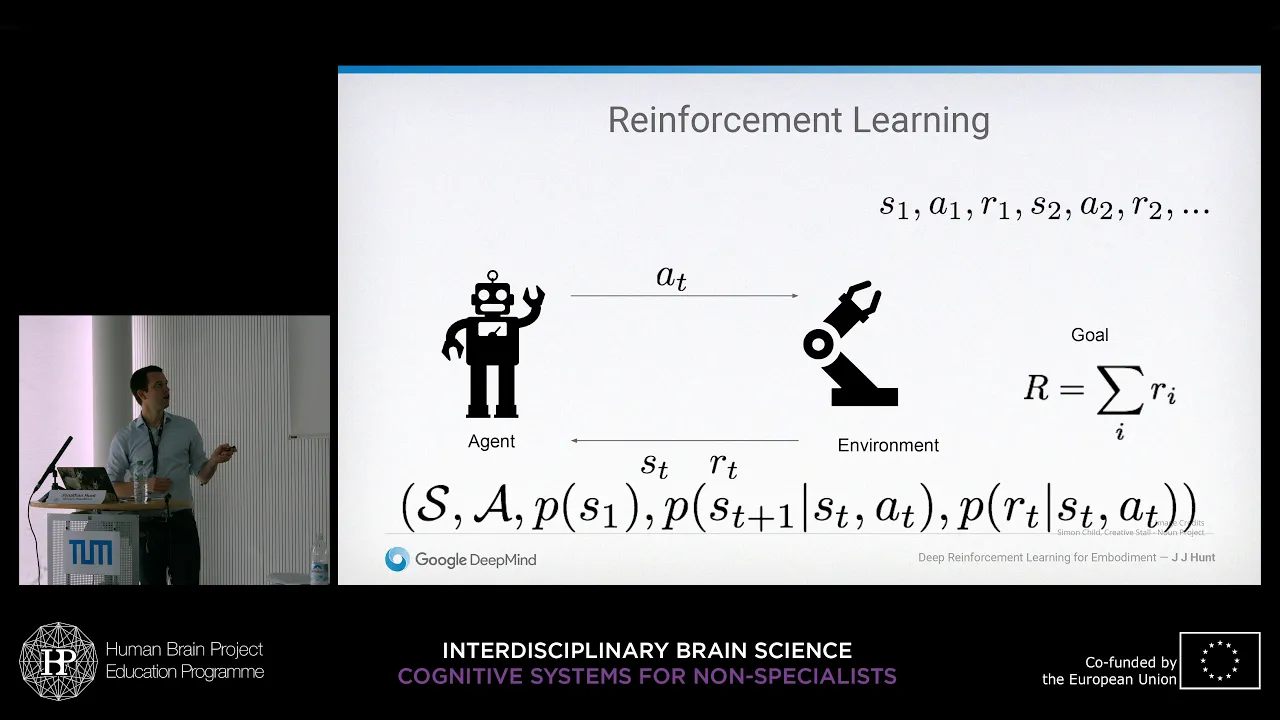
in the last few videos we implemented the Q learning algorithm on a few basic gym environments as the environments get more complex we need to apply more sophisticated reinforcement learning algorithms in order to solve them today we'll use the stable Baseline 3 library to train this humanoid to walk for this tutorial we need two libraries if you haven't installed the gymnasium Library you can go to the gymnasium website and copy this install command the other library that we need is stable Baseline 3 what you'll need is the PIP install stable Baseline 3 but make sure you add the extra here the extra here will install tensorboard and we'll take a look at what that is in a bit let's take a look at our code in the first line I'm importing the gymnasium library then I'm importing three reinforcement learning algorithms from the stable Baseline 3 library that includes the soft actor critic okay the second one is going to be a long one it's called twin delayed deep deterministic policy gradient wow then we have the advantage actor critic algorithm I'm also importing some out of the box python libraries here we need a models directory and a log directory the whole hour training models and training logs if those two directories do not exist then we'll create it I have two functions one for training the model and one for testing the model in the training function I'm passing in the gym environment as well as the algorithm that I want to run depending on the algorithm that I pass in I'm creating my stable Baseline model using the selected algorithm now there are more than three to choose from if we go to the stable Baseline documentation on the left side click on RL algorithms we can see a list of all the implemented ones here for the tutorial I just selected three to train with there's a better way to create the model in a more Dynamic way rather than just using this match case statement but I think listing them all out is a little bit easier to read for the tutorial when we declare the model the first parameter is the type of neural network that we're going to use the default one MLP multi-layer perceptron is the one that we're going to use the other one CNN convolutional neural network is more for image recognition type of stuff so we'll stick with MLP for the second parameter we're passing in the gym environment we're turning on for both so that we can see some printouts once in a while if you have a Nvidia graphics card you can pass in Cuda to do the training on your GPU if you don't have any video card just pass in CPU finally we're passing in the log directory and we'll see what tensorboard is in a moment now that we have our model we can start training we can start training by calling model dot learn we're basically going to train indefinitely until we're happy with the results the first parameter of the learn function is the number of steps to train one step is one action performed by the AI we're basically telling the model to train 25 000 steps and then save a version of the model that way we can actually test the model while training is still going on the reset number of steps parameter has to do with the way the trending information is graphed by turning it off we want to graph a continuous line if we turn it on it's going to repeat from 0 to 25 000 over and over again when we try to graph it now why did I choose 25 000 this is more of a trial and error number you can choose ten thousand fifty thousand whatever you want in this tutorial we're now going to talk about how these algorithms work but if you are interested in digging in if I point to the model it's going to bring up the help and by scrolling down you'll find that there's a paper talking about what soft active critic is and also an introduction if you're interested you might also be wondering what happened to the learning rate or discount factors that we have to set in the Q learning algorithm it is possible to set those parameters when declaring the model but the model came with defaults and those usually work so you don't necessarily need to change them okay let's start the training let me scroll down to the main function and then bring up a new command prompt I created a argument posture here so that I can start the training from command line so the way it works is I'm gonna do python the name of my file my first parameter is the gym environment I want to do the humanoid version 4.
my second parameter is the algorithm I'm going to start with a sac and then I have a choice between training or testing I'm going to do Dash t for training so when I select training I come down to here declare the gym environment and then call my train function let's kick it off okay training should be going on now I want to copy the same command go to the plus sign here to create another command prompt paste in my command this time I'm changing from Sac to T D3 start training this one I'm gonna create another command prompt and I'm going to start training ac2 so now I have all three models training at the same time let's check the logs we can see logs being created take a look at the models no models has been created yet we can see some information being printed in the command prompts I'm going to create another command prompt this time I'm going to bring up tensorboard tensorboard requires us to pass in the log directory we'll give it our logs directory enter that command just started a local web server I'm going to control click this link and here's our tensorboard let me change this color okay tensorboard finds the logs for the three models that are training at the moment let's go over to the gears here at the top right make sure we load data is checked so every 30 seconds our graph will get updated as you can see it just happened in the background 10 support offers a lot of insights into what's happening during the training for us we can just look at the top two here the one on the left is the episode length the x-axis is the number of time steps the y-axis is the episode length over time we expect the episode length to be longer and longer because the AI should be able to walk for a longer period of time on the right side we have the rewards similarly we expect that over time the AI gets more and more rewards here we can see that the td3 the light blue algorithm is not really improving at all so after a little while I think we can terminate this one it might not be the white algorithm for this environment if we look at the pink one for ac2 this is the fastest one it's already done a hundred thousand time steps however it's not really improving it's going back and forth down here so the one that's most promising is the blue one Sac which is consistently improving over time I think at this point it's safe to assume that the light blue and the pink one is not going to get any better so we can go back to visual studio code I think the third one is the ac2 C to stop the training and then we'll also stop the second one tt3 okay let's let the soft actor critic algorithm run for a while we take a look at what the test function looked like so in the test function similarly we're passing in the gym environment the algorithm and also the path to the model as you can see on the left ac2 has already created a bunch of models but we know those are pretty much useless because the training wasn't really getting anywhere with this algorithm depending on which algorithm we chose we are loading the respective models here we're resetting the instance of the environment the first element returned is actually our observation or state we pass the state into the model's predict function the predict function selects the best action to take and then we take that action when we take that action we receive a new state and also a done flag if the AI has already fallen now in the animation the AI falls about halfway and then the scenario ends so what I did was I added another 500 steps so that we can see the AI falling all the way to the ground so that's the test function we still don't have the soft actor critic model yet but let's just try the ac2 one my parameter let's go down to the parameters python name of my script environment name ac2 algorithm this time it's dash s for tests and then the path to the model ac2 125 000. sip this command is going to trigger this path which declares the environment and calls the test function let's see what happens okay this is what we expected the ac2 training didn't get very far so the AI dropped to the ground almost immediately okay it's been two hours of training our soft actor critic algorithm has gained about 4 000 rewards which is looking pretty good after 400 000 time steps I've already stopped the training let's try to run the model okay change this to dash s path to the model let's see it walk okay cool he's walking it might not look pretty but he's he's walking okay guys thanks for following along in this tutorial if you want to see more stuff like this be sure to give me a like And subscribe I'll see you in the next one
Up Next
33:06
Stable Baselines 3: Saving, Loading & Tracking Models in RL
@sentdex
50.1K views•2022-02-06

57:48
Secure Multiparty Computation (MPC): Foundations & Challenges
@SimonsInstitute
7.3K views•2015-05-28

13:03
Bypassing Tor Censorship: Bridges and Pluggable Transport Guide
@Coding_ForEveryone
397 views•2024-06-11
18:41
Neural Networks Explained: Math, Layers, and Learning Fundamentals
@3blue1brown
21.9M views•2017-10-05
Related Study Plans & Knowledge Roadmaps
Structured learning paths in Artificial Intelligence
artificial-intelligence
Aligning LLMs: DPO, TRL & Custom Datasets
01Foundations of Python & Machine Learning
02Transformers and Large Language Models (LLMs)
03Aligning LLMs: SFT and RLHF
+ 3 more learning modules
24h6 modules
Explore Roadmap
artificial-intelligence
Federated Learning: PyTorch, Flower & Privacy
01Python & Machine Learning Foundations
02Deep Learning Basics with PyTorch
03Introduction to Federated Learning
+ 2 more learning modules
35h5 modules
Explore Roadmap
artificial-intelligence
Securing LLMs: Guardrails AI & NeMo Gateway
01Introduction to LLMs, Python, and APIs
02Understanding LLM Vulnerabilities & Threats
03Defending LLMs with Guardrails AI
+ 2 more learning modules
15h5 modules
Explore Roadmap
artificial-intelligence
Building Recommenders: Two-Tower & Vector DBs
01Foundations of Python & Machine Learning Basics
02Introduction to Recommender Systems
03Deep Learning & Representation Learning
+ 3 more learning modules
75h6 modules
Explore Roadmap