



![[02] Premier script, variables, types de valeurs, conversion, opérateurs, Lists | Python de A à Z](https://i.ytimg.com/vi/lfgocz3n1bw/sddefault.jpg)





![[컴활1급필기] 데이터베이스 일반-필드 속성 1-속성과 형식](https://i.ytimg.com/vi_webp/GY5MgNlWXaQ/maxresdefault.webp)








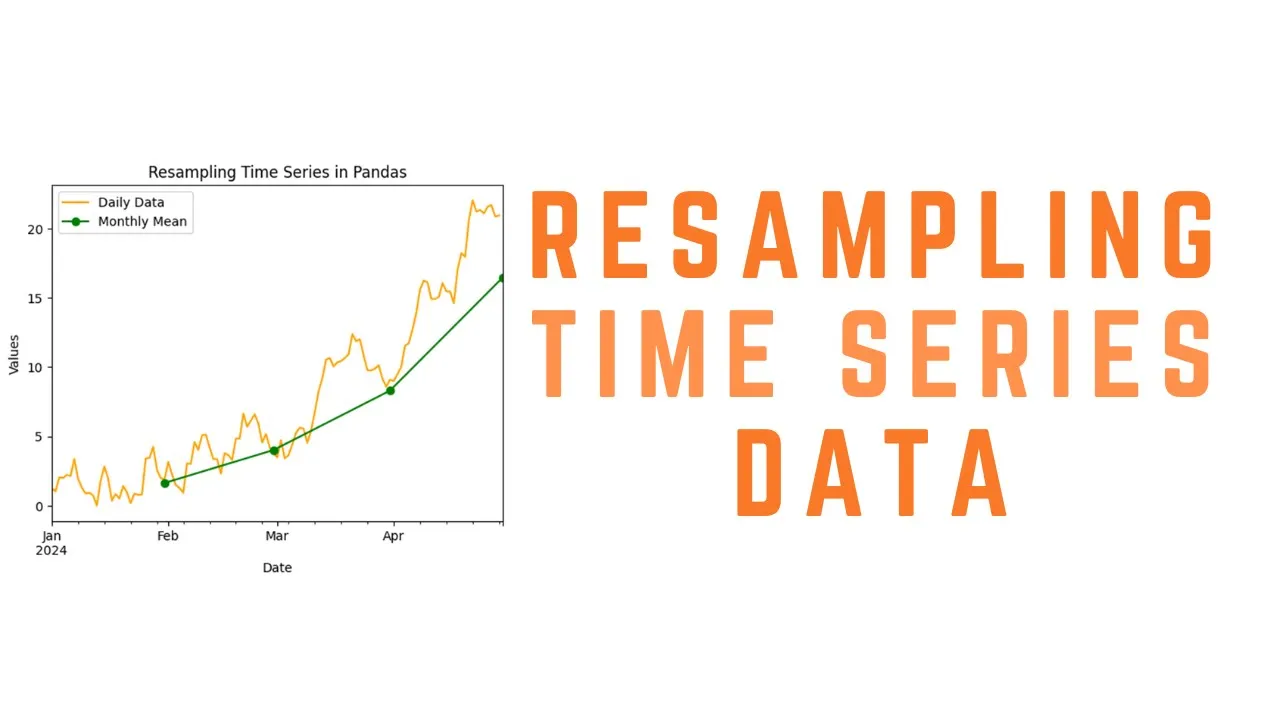








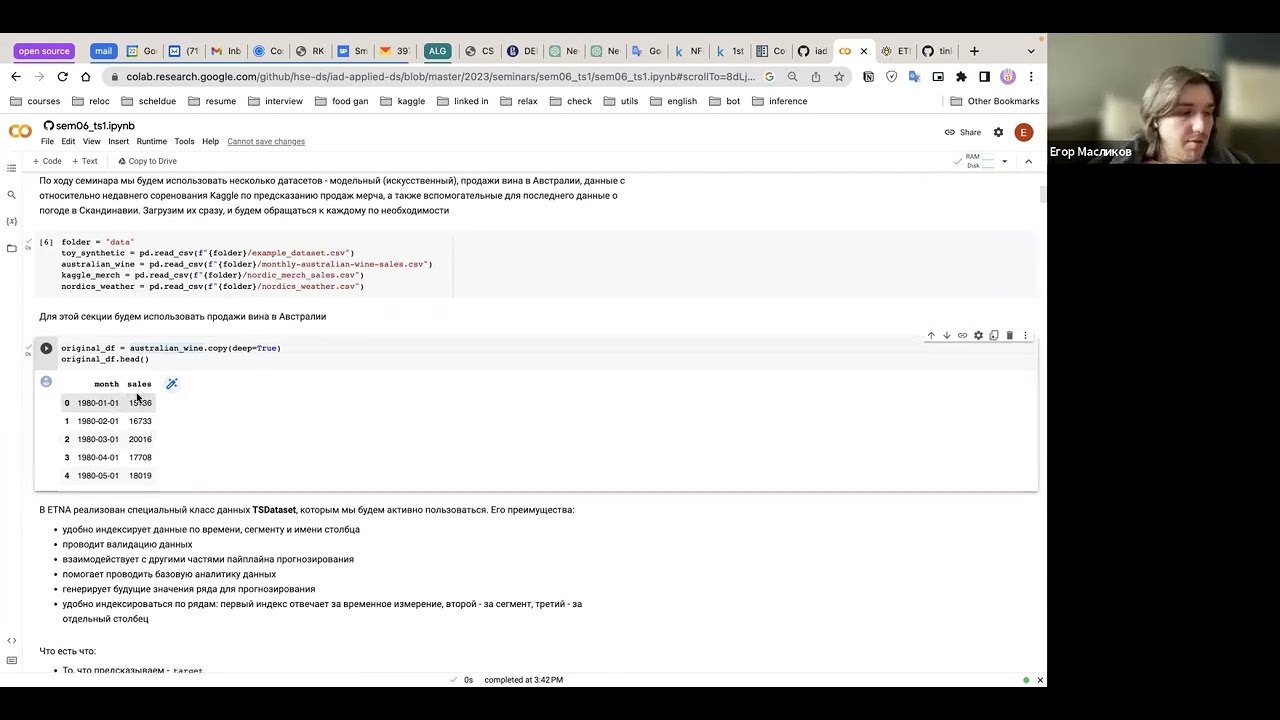


This tutorial demonstrates how to handle time series data in Python Pandas, covering key operations including converting various date formats (strings, Python datetime objects, numpy datetime objects) to pandas datetime objects using pd.to_datetime(), creating date ranges with fixed intervals using pd.date_range() with parameters like start date, periods, and frequency (e.g., 'D' for daily, 'W' for weekly), writing time series data to CSV files using to_csv() and reading them back with read_csv() while specifying index_col to preserve dates as the index, converting separate year/month/day columns into a single datetime index using pd.to_datetime() on a DataFrame, and transposing DataFrames using .T to move dates from column headers to row indices for proper time series structure.
Python Pandas Time Series: DateTime & Timestamp Data Tutorial
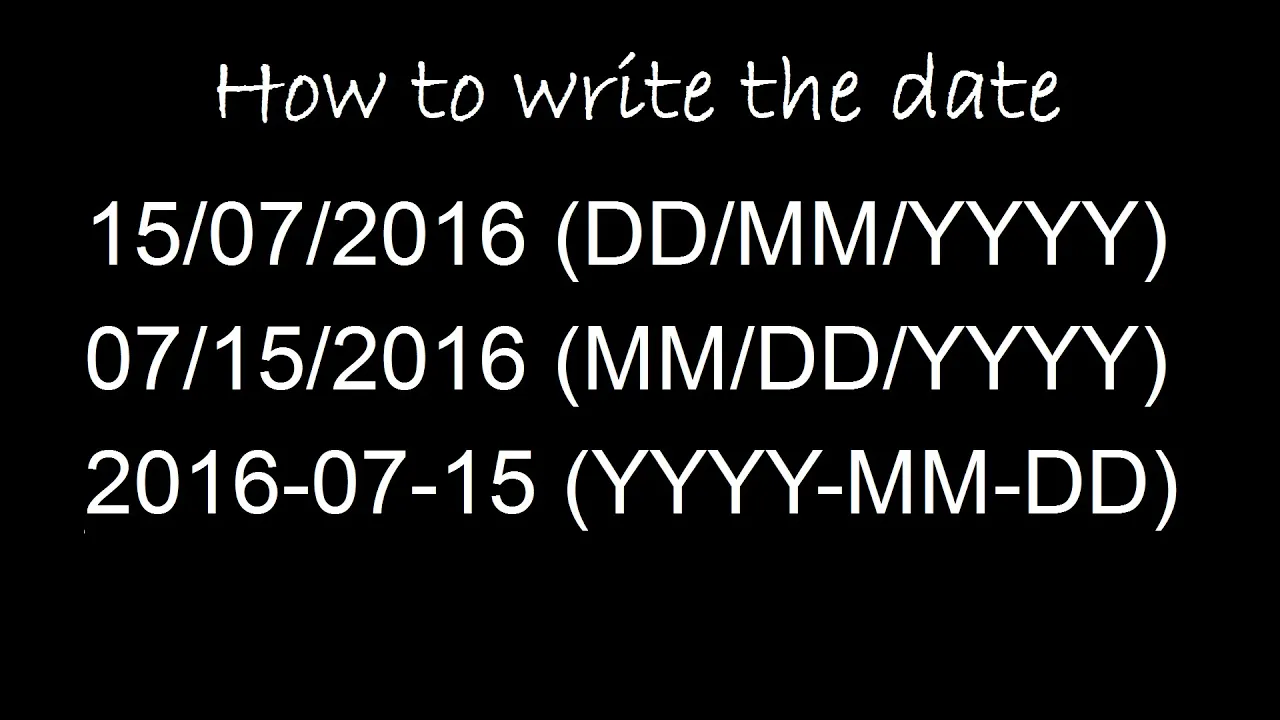
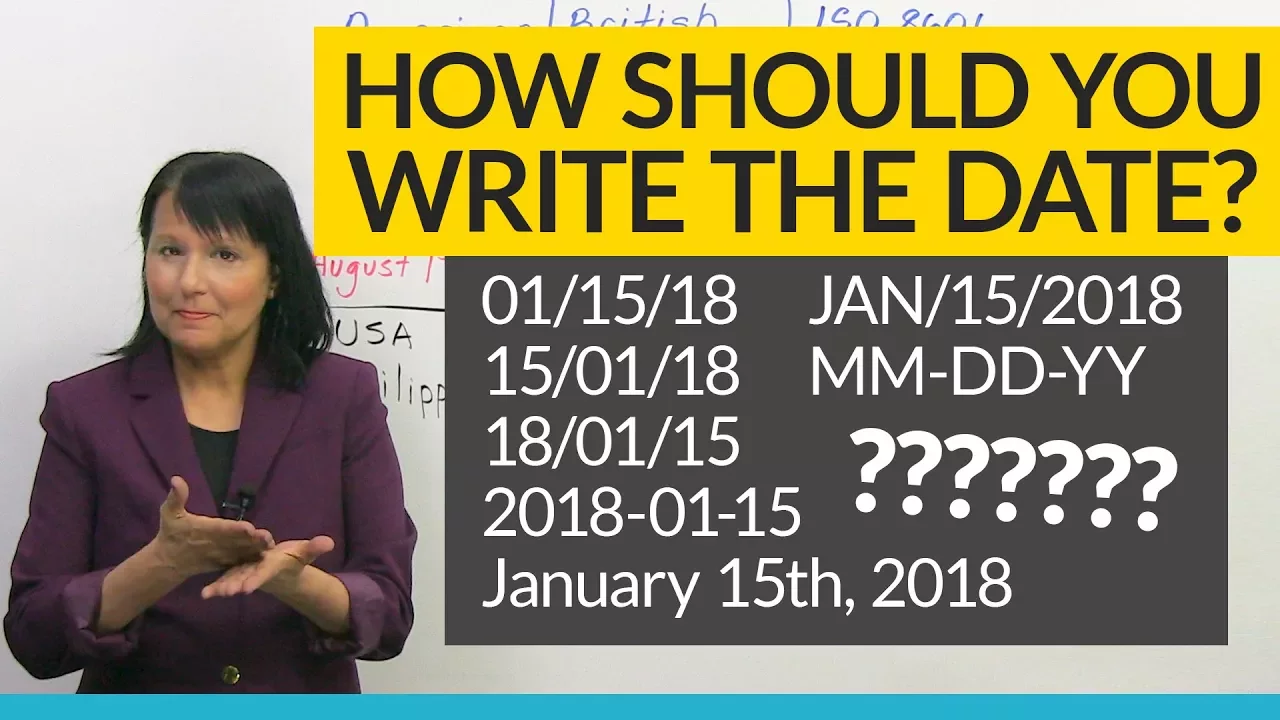
Added:hi I'm Joe James in this video we're going to learn to handle time series data in pandas there's a lot of time series data so this I hope will be a very useful video and we're going to specifically look at pandas date time objects to do that with our imports we're gonna use the numpy library pandas of course the standard Python date/time library which is separate from the pandas one and we're also going to import random library so we can generate random lists of numbers so first thing we want to figure out here is that we have in pandas there's a to date/time function that we can use to convert a variety of different inputs to panda's date/time objects so we can take a string in a variety different format so you can see these are separated by slash or a hyphen or look this is a regular Python date/time object then these are numpy date/time objects so it can convert all of these two pandas date/time objects so let's see if we do this and then a1 we get a date/time index now when we pass in this list this is basically a Python list of what pandas can recognize as date times it's going to convert them to date/time objects and then it converts those daytime objects in a list into a date/time index which you can use in a data frame so these are date/time 64 objects is what they are and it becomes a date/time index and pandas so pandas will do its best to interpret what you're passing in and convert that automatically and you can see in this case it can pick up whether / or - and in some cases the we put the year last and in some cases we put the year first right pandas is pretty good at figuring that out but you know sometimes it helps to pass in an argument to explain exactly what format your date is in just to avoid any confusion to prevent pandas from screwing it out there but you can't pass in an argument a string basically to explain the formatting of your date let's say for instance you have year and then day and then month and pandas may not be able to figure that out so what we could do is PD to date time and then list of objects let's put in a year / a date and then a month I'll say oh six no pass in another one okay so now we have basically a list of dates that are in an unusual format and we want to tell pandas data so that they can interpret it right so what we do is just pass in a string format equals and this is a string so we have quotes around it we're in half percent capital y this is case sensetive and then see we have a slash look at how we have a slash between our dates and then percent D and then percent M these are case sensitive so lowercase D means de and lowercase M means month now pandas will be able to interpret that correctly and let's do a two so it gets us the date time index and you can see it converted these two pandas format which is year month and then date and of course the two date time converter can also handle hours and minutes so here we actually put hours on a 24-hour clock and then they put a decimal instead of a colon or a hyphen or whatever between the hours and the minutes so when we pass in our string format we have year day month right because the day is still in the middle and then I have hours dot minutes and you see we just put a dot here string so now we go a three and run that and you see it picked up eight as the month and nine is the month so if I swap those it would pick up six as the month would be June 8 June 9 but instead what I put in is August 6 and September 6 because of this so we can also create a date/time sequence with fixed intervals so let's see how we can do that first we'll create a Python list of some random numbers so this will just give us a list of 30 random floating point values so b2 is going to generate a date range for us this is the pandas date range generator so we pass in a starting date the number of periods we want 30 periods and then the frequency this can be months days years hours whatever we want it could be minutes every two minutes or whatever I passed you in one day is the argument and you're passing as soon as a form of a string Python knows how to parse that string out as long as you used the case-sensitive uppercase Y H and M for year hours and minutes and in lowercase D and M for day and month so pandas can figure that out and it's going to generate a date range for us so let's see what that looks like so we've created a date time index of dates starting on June 1 and 30 items now let's create a data frame from we have a date range and we have a list of random numbers so we can do that by saying let's see we'll say DF equals PD data frame and then we'll pass in those two arguments we're gonna pass in the data or the list of random numbers in the form of a dictionary so just arbitrarily call the the title for our data M [Music] and in our date time index we'll label it as the index so we're going to call it index equals b2 so we have our date times listed in this date time index is b2 so we're going to pass that in as the index and we'll print out the first five of those so now since we have our date time object as the index we actually this is handy because we can we can grab certain date ranges we want so let's say we want 2020 - oh six - OH - and then we can use a colon to separate our range 2020 - oh six - oh four and that will give us a date range of rows so that grabs a date range that's an easier way to slice then using lokor I'll oak a little more convenient to have dates as your index you can also grab ones that have let's say 6s a month or whatever you can also do stuff like this every date before 2020 - buh six - oh three they could do that and that gives us everything up to June 3rd now we'll create a random range of numpy floating-point values using the NPI random function that'll give us 52 random floating points in a numpy array and then we can use B 4 we'll make a date range out of it so we want to set this for 52 periods we're going to set periods equals 52 and frequency equals capital W which is going to be a weekly interval now to create our day frame where as they take DF equals P data frame [Music] we have our numpy array for the data we're going to pass in b3 and we're going to set our index equal to B for if we're gonna print out let's say the first five of these D F dot head there's our first five rows of data so our date range is starting at 6:30 and they're a week apart so we're seeing the first five results here if we wanted two weeks we could just put two d2w here just as easy so you may not always have a fixed number of periods that you want to create a date range for maybe you want to create a date range from a start date to an end date you can also do that the date range constructor works just as well that way so let me just copy this example and I'll put it down here before equals PD date range so we can say 632 let's say now we know what the end date is 20 20 - oh six - 30 24 there we go so there's our date time index we have 52 weeks evenly spaced a week apart in our next example here we're gonna learn how to write time series data to and from CSV files so let's just create a quick d1 will be a list of floating-point values and d2 will be a list of integers so random integers between 12 and 37 values and in d3 will be our date series so we have a date range from May 29 and then we have seven periods in or one day apart now when we create our data frame we're in say PV dot data frame and what we want to pass into the constructor again is a dictionary so we have a dictionary here of values right we have let's call this say alpha and then alpha is d1 right and have will call the next one beta and the values under beta are d2 so that's our data right we have the data and then we want to use for road names our time series data our dates so we'll say index equals d3 and then we can print on a date frame and you can see we've got two columns of data alpha and beta and we need our time series here now if we wanted to write that to a CSV file as I promised we would we can do to CSV to underscore CSV and then we need to provide as an argument is the name of the CSV file we want to write - we'll call this file 0 1 dot CSV so now we've written that to file 0 1 dot CSV which let me see if I can find that so here's what file 0 1 CSB looks like for column headers we don't have anything for the first column but with the second column is alpha and beta and then we have our dates and then we have the two columns of numbers and they're all comma separated so to read that back in we say DF equals PD note this is PD no DF every PD dot read CSV and then we pass in the name of the file I'll just copy and paste this and then we can print out our data frame we'll put in DF boom so it read it right back in but look what it did and insert it an extra column here because when pandas reads in data it doesn't know that I want I want this first column to be the dates so I have to tell it that I have to tell it hey don't don't create another column of for our index we want to use that first column of dates for our index so the way we tell it that is we just say oops the column index under sport all equals zero in other words the first column we want to use for our index and when we do that boom it pops that first column of dates into the index column at least they look like dates but they're actually not date objects so let's say we print the type of index number two which would be what five thirty one so it's still calling it a string so in order to fix that we need to convert these strings to pandas date/time objects that's not very complicated so we just need to tell it D F index is equal to right now our index for the data frame is strings but we want to convert that to date/time objects so we're going to do is PD dot to date time and then we'll pass in D F index that's our argument yeah I'll pass in a format string just to make sure it doesn't mess up our format and then we can print out the class again and it should print out date/time objects yeah no it printed out as a timestamp so another challenge you might have working with date/time objects is you may have already an existing spreadsheet that has separate columns for month day and year and you want to merge those into a single date/time index I'll also walk you through how to do that so let's say you have I've already typed up here a list of years months and days and we've got a hundred item list we're we also have a set of data that we're trying to add into our data frame so what we really want is the the date as the index and the data as our first column of data okay and inside a data frame but we're not going to mess with the data first we first we need to figure out how to construct these into a single column of date/time objects so let's look at what we actually have here if we print this out we have we'll just print out one item from each one of these I'll print out number five so we print that out and we see we get a year a month a day and a floating-point value so that's what one row of data looks like in our data here so to convert that we're gonna first create a data frame with three columns year month and day how do we do that we'll call this DF 1 and PD dot data frame we're gonna pass in a dictionary of course with our Year month and day so we'll call year then we're going to convert this PD to date/time this is pretty cool we can use the two date/time converter to pass an entire data frame that we just created with three columns in it so DF one is the argument into our date/time converter and we're going to assign the output reassign it to the same variable name data frame 1 so now what data frame one looks like is this well let's just do head because we have 100 rows of data here then our first five rows of data looks like this and you can see this is a date/time object it's not actually a data frame now next we'll create a series from our data we'll see D F 2 equals PV series and we'll pass in our data to create a series out of that and then we can concatenate the date/time index with the series of data that we just created so I'll call this our data frame and when we tell it to concatenate we have to pass in which access we want it to concatenate on so since we want to concatenate vertically we have to say access equals 1 if we didn't pass him this access argument it would just basically put the data on top of each other rather than beside each other so now if we look at the first 5 rows of data now we have a date/time object with a random floating-point value and in two columns and then if you wanted you can move this date/time object to the index column that would probably also make sense but that's how we can convert separate columns of data for a year month and day into a single date/time object first we created a data frame with the year month a day and it passing min as a dictionary and then we passed in that data frame into the to date time object converted into a date/time object now one last pretty useful feature is if sometimes you may read in data from let's say a CSV file or whatever it has the dates as the column indices rather than the row indices so in pandas you're normally going to want your dates as the row indices not the column headers so I'll show you how to transpose those you can flip those like in a pivot table so first let's read in this CSV that I created pivot CSV we're just going to read it into a data frame and then I'll print out the first five rows you can see what that looks like so you see we have our dates as the column indices and this stretches over quite a ways if we if we go over so you've got a bunch of data and you're gonna want these dates like I said as your row indices right you want a single column of data you want you want to flip the rows and columns here so this is not hard to do let's see the way we do that is just DF equals d f dot capital T and that tells pandas to transpose the row and columns so when I run that it flips the column in rows so you can easily get these date/time objects into the the row in disease that's a smarter way to structure your data frames in pandas I [Music] hope this video was helpful for you if so please click the like button and subscribe to my channel I'm Joe James thanks for watching
Up Next
Multivariate Time Series Preprocessing with Pandas in Python
@venelin_valkov
37.4K views•2021-03-27

Introduction to Secure Multiparty Computation with Yehuda Lindell
@fhe_org
7.7K views•2021-02-04

HTTP Requests Explained: GET, POST, PUT, DELETE
@codecademy
103.1K views•2021-10-07

Enigma Machine Mechanics: WWII Encryption Explained
@JaredOwen
13.2M views•2021-12-11
Related Study Plans & Knowledge Roadmaps
Structured learning paths in Computer Science