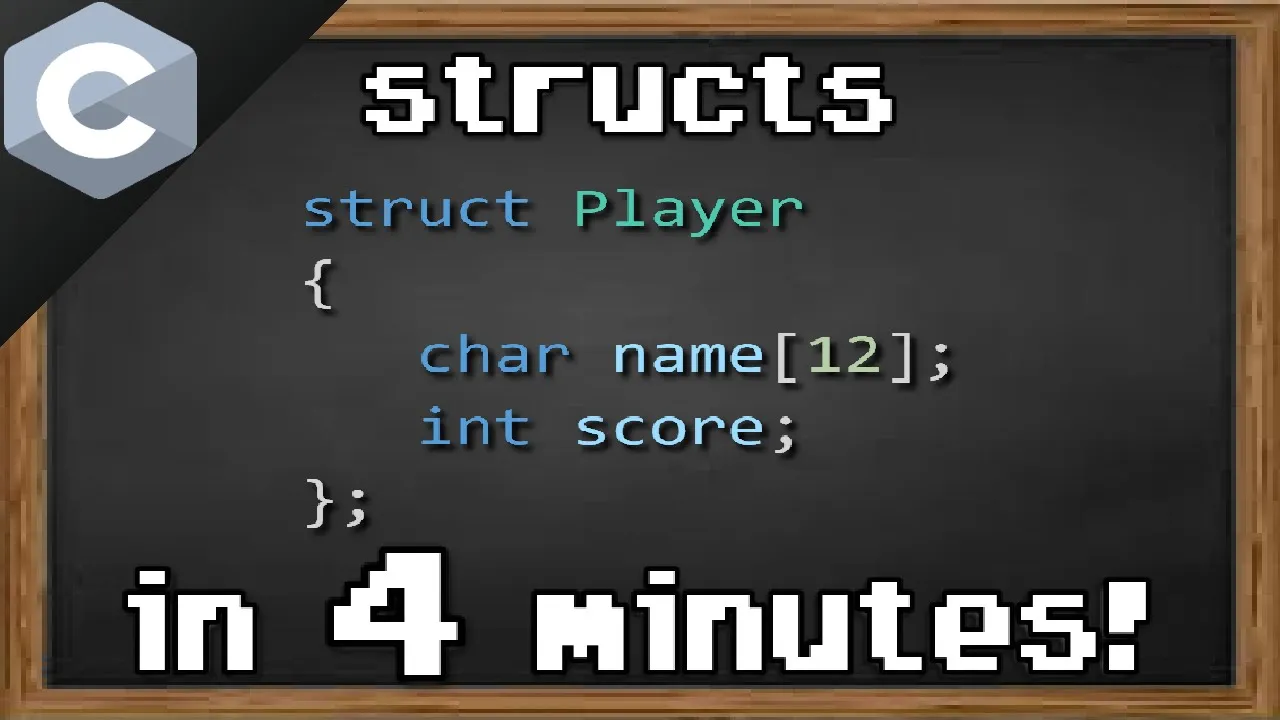

















Serialization is the process of converting structured data (like structs in C) into a file format that can be stored and later reconstructed. In C, this is achieved using fprintf() with format strings to write struct members to a file, and fscanf() with corresponding format strings to read them back, while managing file operations with fopen() and fseek() to properly handle file positioning.
C Struct Serialization to Files in C Programming
Added:Understanding of C structures (structs), including how to define them, access members, and allocate memory for them.
Basic file handling (I/O) in C, specifically opening, writing to, reading from, and closing files using functions like fopen, fclose, and fprintf.
Familiarity with pointer concepts and memory representation in C, as serialization involves manipulating raw memory blocks and data addresses.
The difference between text-based (ASCII) data representation and binary data representation in computer memory.
Deep dive into binary serialization using fwrite and fread, including handling compiler padding, struct alignment, and '#pragma pack'.
Exploring endianness and network byte order to ensure serialized binary files are portable across different CPU architectures.
Integrating external C libraries for advanced data interchange formats, such as cJSON, Jansson, or Protocol Buffers.
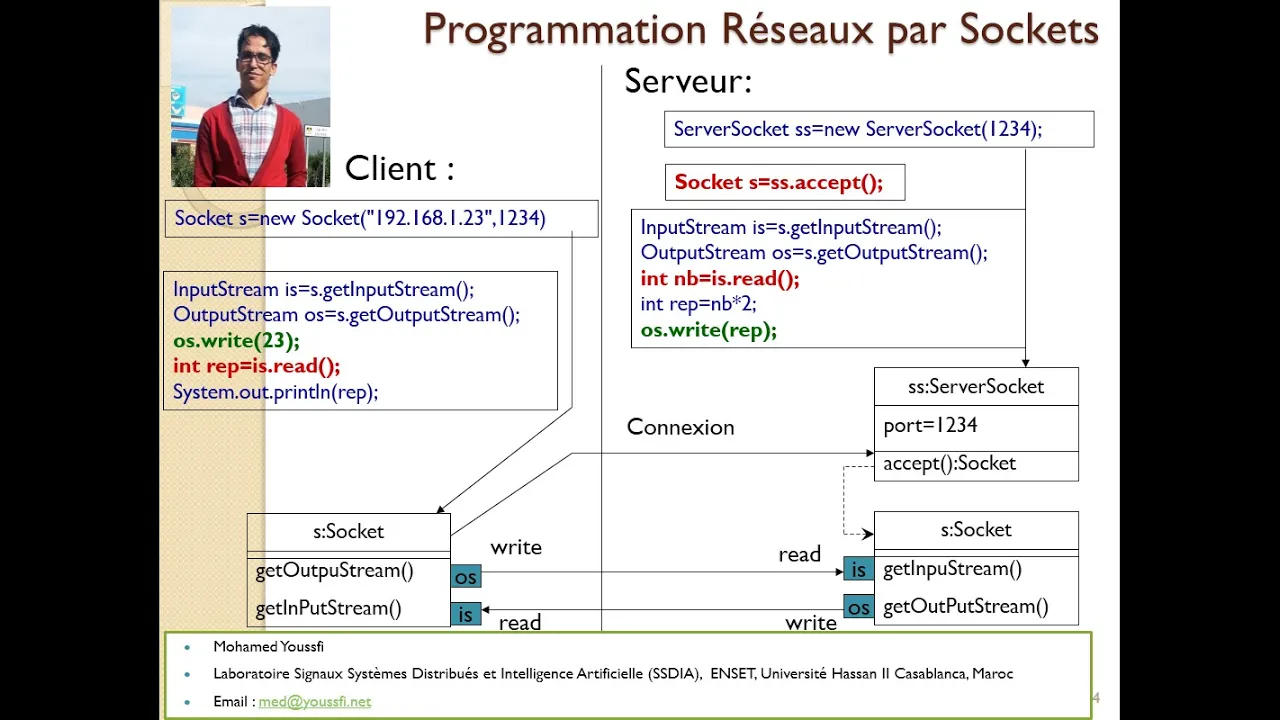
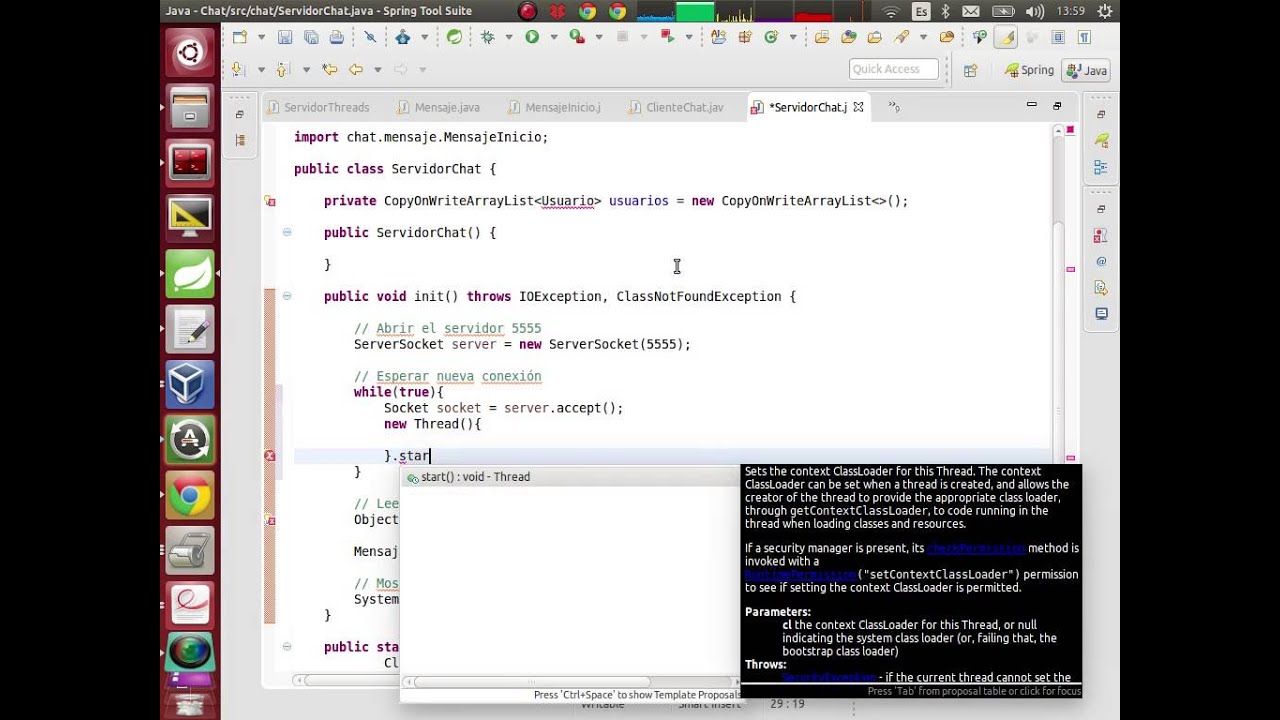
Applying serialization in networking concepts, such as marshalling data payloads for socket communication between client and server applications.
81.8K views1.9Klikes14:40Original Release: 2020-04-21
in today's video we'll take a look at the serialization says they shouldn't read the process of taking something that is in memory so basically the value for valuable office of a variable that is a struct that is a class for whatever saving it to a file in a certain format and using the same format to be able to read that data and put it back into a variable okay so this is what we're gonna do here first let's have some data let's create a structure that we want to write to the file here we're gonna create a struct or type def struct to say person just wants a person a person should have let's say want a name twenty characters should be enough for most people in age and then char general here so that's going to be either M or M and of course your person to finish up the definition of our type now let's declare here a person variable person P 1 equals I'm gonna actually initialize them like so and I say P 1 right it's going to have the values that are typed in here and in here I'm gonna type in the value for the name right so this is going to set the name value from within the struct which is I think pretty nice and you can set it using the equals sign something that you usually cannot do with these types of strings ok and dot name equals let's say Andrew why not age is I don't know 22 and gender is male okay so what we want to do is to save this to a file first let's open that file so that we are able to save it I'm gonna use F open underscore s for my program you can use F open it's more as the same thing except instead of passing in the first parameter that is the the path to the file you actually pass in here a reference to where you want to save the file handler but only known it's actually the same thing so here I can say file this is our file handler and here I'm going to pass a reference to it so double pointer to file the file name and call it people dot P 12.8 e and we're going to open it with W plus this W plus I will talk about this in a previous video which you can check up top this double pass is basically a way of saying open this file but let me read and write to it right just going to allow me to do both above these operations okay so now as it's open let's check if it actually is something so if file is no I'm just going to return one and that's going to be the end of it so that's going to return out the main function and it's gonna be something basically if you return something different than zero that means that it's an error code so there's that next let's try to write this structure to the file how do we do that well there's a function called F print F let me use again underscore s here but you can use just a normal one first we take in the streams or the file then we take in a format now the format it's like in printf the same exact thing that format well we should actually save it somewhere sort of in a variable because if you want to serialize this destruct in many places in your program it's going to be very easy to change just how you're going to serialize it in the file itself so here I can say or actually I'm gonna say it above this type def const char pointer let's call it something like person for mapped out by the way out because we're using it to print out to the file and this guy's going to have the value well it's going to be the format for that for this struct and we can decide on whatever format we want I'm just going to use a simple topper with parentheses here and say well first is going to be the names of % s then a comma then the age % D then a comma and then the gender so % C and that's it and a backslash n at the end it just so that we have a simple a clean line here and we don't add many structures on the same line ok next we need to use this so I'm going to say Paulsen format out then we have to pass in the parameters in the order that we have passed in in here of course so we're gonna say first P 1 dot name P 1 dot H and P 1 dot gender okay at the first step so now that we written it to the file we can also read it but due to the fact that we're using w+ we have to first move the cursor so the cursor cursor is sort of a position at which it should read or write all right into a file right and right now our position or course is not at position 0 it wrote some characters and it's at position something like 26 I believe or something a lot so do that we have to change it back to 0 so that we can read the same line that we wrote here to do that we just have to say F seek file someone to F seek the file want to set up set to 0 and the origin to be sick set that says to the beginning and the difference between the beginning and where we wanted to set is 0 so we want to set it at the beginning so next let's DC realize this data right so we want to get this data and store it inside in other variables so let me define first here a third son p2 and this is where we want to save the data and if I want to read I have to use a can of function at least if one to read using a format string some people don't actually recommend using scanf but for this in this situation I think it's a very fit solution for it because it takes in if a string format it can then modify it and it's much easier to discharge data rather than parsing it with for example STR tokenizer okay so whose F scanf and I used underscore s because the compiler does sort of force me well it just wants me that I should use the underscore s version of it and if you're using a modern compiler you should be able to do so otherwise just use F scanf they're almost the same I'm gonna tell you the difference so here again we're passing for the file the file handler then we're gonna have to define another format alright so similar to this I'm just gonna copy and paste it and it's gonna be person format in and % s is not quite right because % s in a scanf situation what percent s does is basically tells can have to read as many characters as it can until it hits a whitespace right but we don't actually want to read until the whitespace we want to read until the comma right we want to read everything before the first qualities in the files so what we're gonna do is just say instead of percentage read all the characters except the comma like this so this is a sort of percent s the specified what types of characters to read and here i just specified that it should not read a comma and the rest are fine so % DM % c should work fine and in this case we don't really need a back session but we could actually add a back session there so file then the person format in next up is the parameter so we need again all these parameters right so we can technically copy and paste these but be careful because scanf expect addresses right so p1 dot name well that is already an address it's on a way but it evaluates to the first character of that array to the address of the first cat or to that array more specifically and that is correct already we don't need to get the address of that that's evaluated he wanted age is just an int so we need to get the address of that p1 dot gender same finger just a char we get the address of that and one more thing beside from the semicolon one more thing here with the underscore s we just save four versions of these kind of functions you actually have to pass in the number of characters you have allocated for every sting every string you pass in here so I can take a look at this call and the only string that I passed in here are only string as a parameter to the format string except the format string itself of course is p1 dot name right so we have to pass in after it the number of characters that I have allocated and that is actually 20 right I have a repeated 20 characters food and of course I didn't notice some mistake here instead of p1 we want to save into p2 that we have defined here notice that I don't initialize this guy but it's actually allocated so the memory for it is actually allocate or no stack automatically so is the char array the into the gender it hazardous space allocated for it I just have to use it so I'm gonna use it here of course saying p2 lot mean of people unlocked name and same thing for the rest now if I add a breakpoint here and if I launch this we're gonna notice down here that p1 does have the name Andrew this is actually age 22 I believe because it's 16 but in hexadecimal and this is just a clock for M and same for p2 as you can see here the name is Andrew again 22 and M for the jungle so that worked nicely and the nice part about this is you can actually change the serialization so you only have to change this part to basically set the sterilization setup for it but now if I continue this program and finish let it execute completely I can take a look at the file here people dot that and you can see that I have the the structure saved there in a readable manner so not only did I realize it in a way that the computer can read it but also in a way that humans can read it which is pretty nice you can also see realize it in a way that humans cannot read it that's fine but this is much nicer I think now one more thing we can change here is for example if we want to show us this as JSON instead of just our own strange sterilization method we can actually do that so let's go so as you can see I changed here the format so basically I just added everything that there should be for a JSON except there's one single mistake that is this specifier is now incorrect because well Jason usually specifies strings in between double quotes so our string or actual value is going to have at the end a double quote here not a comma as we had before so I have to change this to a not double coding I mean I have to actually say Baxter's double code because I want to escape it so it doesn't end my actual string here so now if I try to launch this we should see that yes in fact p2 actually got the values of p1 so we have Andrew we have 22 and we have M as we have before and if we let it continue and reopen the file here we can see that the file has saved in a JSON format so this can technically be read by you can actually feed this to JavaScript and it's going to actually out we interpret this as an javascript object which is I think very nice and you can really expand on this as much as you want here I have changed it so that it explores it to a more nicely format than JSON file so if I run this it's gonna finish executing and if I open the file itself it's gonna actually have a nicely formatted JSON file with like every property on a line of its own right so I just basically just added some back sessions and back search teas so that's a new line and back fifty is a tab if you do know and yeah this is very simple I think to serialize a file all you have to do is just use these formats or format strings in a manner that makes the string look nice and you just have to sort of match the input with the output format but not one to one is can see here I had to use this format for this for the name but I had to only use percent s for the name of the person when printing out to the file right so there small differences but if you keep them neatly together it should be fine all right thanks so much for watching I hope you got something out of this video I hope this was useful if you do have any questions do leave them down the comments below or on our discord server take care bye you
Up Next
10:53
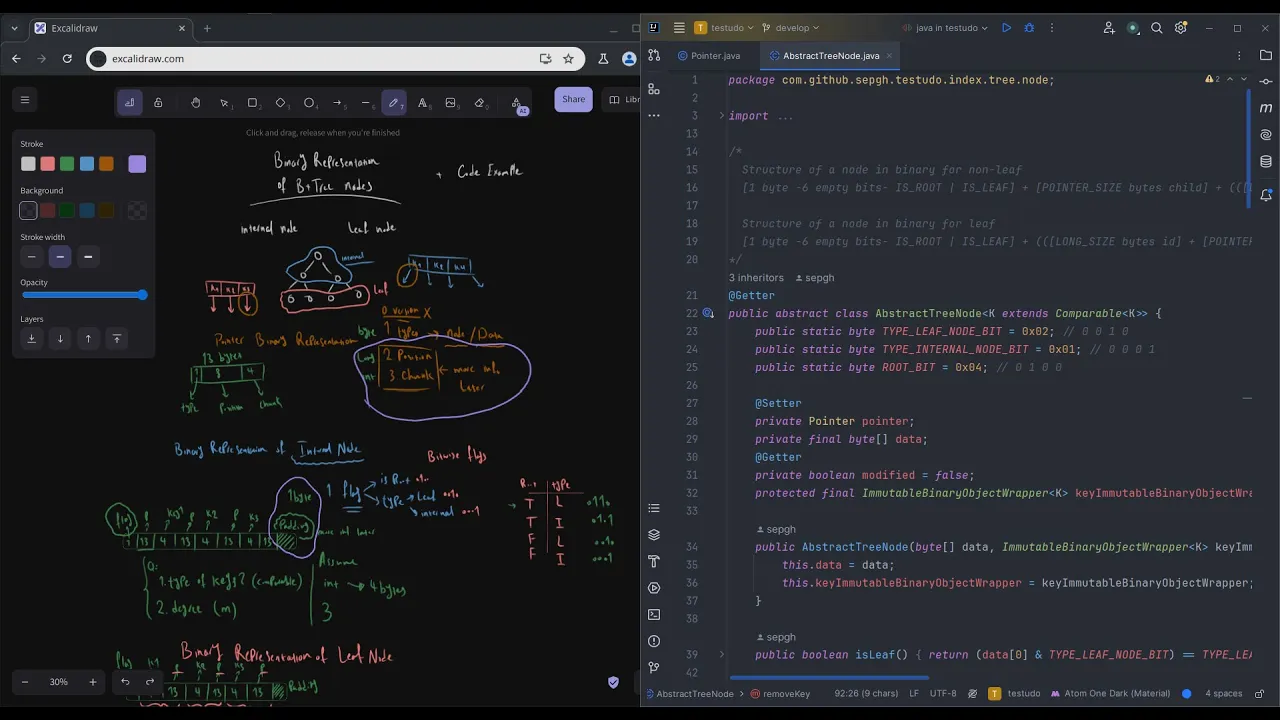
Building a B+Tree Database: Node Binary Representation Explained
@CodeWithSep
1.9K views•2024-06-25

87:26
Introduction to Secure Multiparty Computation with Yehuda Lindell
@fhe_org
7.7K views•2021-02-04

10:49
Memory Leaks in C/C++: Causes, Detection, and Prevention Strategies
@CodeVault
26.8K views•2019-04-05

19:25
Enigma Machine Mechanics: WWII Encryption Explained
@JaredOwen
13.2M views•2021-12-11
Related Study Plans & Knowledge Roadmaps
Structured learning paths in Computer Science
computer-science
Container Runtimes: Namespaces, Cgroups & Go
01Linux Systems & Go Programming Foundations
02The Core of Isolation: Chroot and Filesystems
03Linux Namespaces: Process Isolation
+ 3 more learning modules
32h6 modules
Explore Roadmap
computer-science
Building a CHIP-8 Emulator: Rust & CPU Basics
01Computer Architecture Foundations (Bits & Bytes)
02Rust Programming for Systems Development
03CHIP-8 Virtual Hardware Specifications
+ 2 more learning modules
32h5 modules
Explore Roadmap
computer-science
Building BitTorrent: Go, P2P & Concurrency
01Go Fundamentals & Concurrency
02Networking Foundations & P2P Architecture
03Bencode Parsing & Torrent Metadata
+ 3 more learning modules
26h6 modules
Explore Roadmap
computer-science
Actor Models (C++ Concurrency & Lock-Free)
01C++ Multi-Threading Foundations
02Thread Pools and Task Scheduling
03Atomics and Lock-Free Queue Design
+ 3 more learning modules
45h6 modules
Explore Roadmap