















![Spring Security - Аутентификация, Авторизация, oAuth, и все остальное - [СЛИВ]](https://i.ytimg.com/vi/wcbqwYFfG70/hqdefault.jpg)
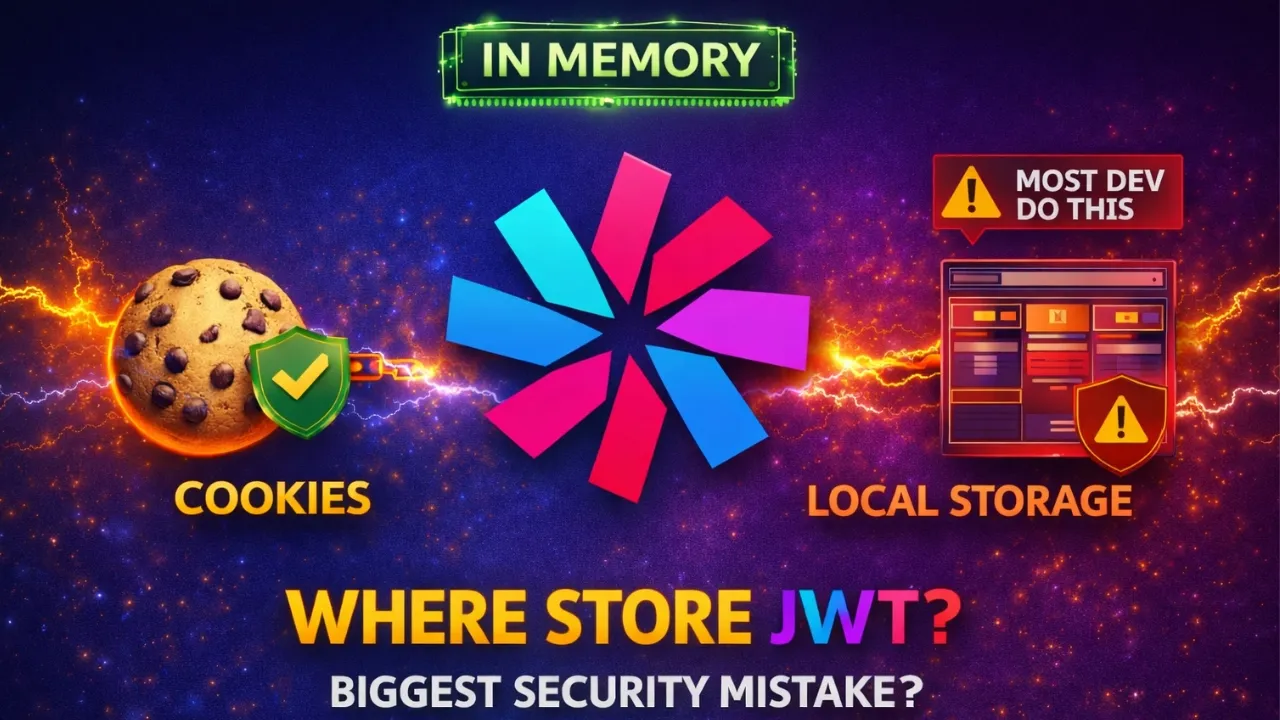


OAuth 2.0 is an authorization framework that enables secure delegation of access between services without sharing credentials. The main grant types include: Authorization Code Flow (the gold standard for web apps with backends), Client Credentials Flow (for server-to-server communication), and JWT Bearer Flow (using cryptographic signatures for enhanced security). Modern applications should use Authorization Code Flow with PKCE (Proof Key for Code Exchange) for mobile and single-page web apps, while avoiding the insecure Password Flow (which exposes user passwords) and Implicit Flow (which exposes tokens in URLs).
OAuth 2.0 Grant Types: Authorization Code, Client Credentials, JWT
Added:The fundamental distinction between Authentication (identifying a user) and Authorization (granting access rights).
Basic HTTP communication concepts, including request/response cycles, headers, redirect URIs, and status codes.
The architecture of RESTful APIs and how client applications consume resources from a server.
An introductory understanding of digital signatures and cryptography basics used in web security.
OpenID Connect (OIDC) to learn how identity verification is standardly layered on top of the OAuth 2.0 authorization framework.
Implementing Proof Key for Code Exchange (PKCE) to secure public clients (like Single Page Apps and mobile apps) using the Authorization Code flow.
Best practices for secure token storage on the client side (e.g., HttpOnly cookies vs. LocalStorage) and token revocation strategies.
Integration of third-party Identity Providers (IdPs) such as Google, GitHub, or Okta into a custom software application.
245 views5likes7:04Original Release: 2025-11-19
You know that little bit of internet magic you use almost every day, maybe without even realizing it? Well, today we're going to pull back the curtain on OOTH 2.0. And I promise it's way simpler than it sounds. Let's dive in. So, picture this. You're trying out a new app. You see that login with Google button. You click it, give your okay, and boom, you're in. The thing is, you never actually typed your Google password into that new app. So, what in the world is going on? How does that even work? Well, that little bit of magic is called OOTH 2.0. And the whole idea, the absolute core of it is all about one word, delegation. It's like giving a valet a key that only opens your car door. You're not handing over your house keys, your office keys, the whole shebang. You're just delegating very specific access, not sharing your secrets. Okay. So, to really get this, we need to look at the different ways this delegation can happen. These are called flows or grant types. And we're going to start with the big one, the gold standard, the authorization code flow. Here's the oneliner for it. This flow is what you use when you have a user, a browser, and you want things to be as secure as humanly possible. Let's use an analogy. Imagine you're visiting a super highsecurity office building.
When you get to the front desk, they don't just hand you a permanent access badge. No way. First, they give you a temporary paper slip. That slip is your authorization code. Then you have to take that slip to a secure room in the back away from the public lobby and exchange it for the real durable plastic access badge. That badge is your access token. And that's exactly how it works in the tech world. Your app sends you over to Google to log in. Google then sends you back to the app with that temporary one-time use code. Now, here's the crucial part. the app's backend, that secure backroom, takes that code and privately talks to Google to swap it for the real powerful access token. The token itself is never exposed out in the open. Okay, that's great for when a person is logging in, but what happens when there's no user at all? What if it's just two computer systems, two servers that need to talk to each other securely? For that, we've got the client credentials flow. This is purely for machine to-achine stuff. Think about an e-commerce backend needing to ask a shipping service for a tracking number.
There's no person clicking a button for that to happen. It's all automated. The analogy here is pretty simple. It's like one business wanting to work with another to prove it's a legitimate company. It sends over its official registration documents. In the OAS world, these papers are the client ID and the client secret. They're basically a username and password for the application itself. But, you know, there's actually an even more secure way for servers to talk to each other. It's called the JWT bearer flow. And instead of using a static password that could be stolen, this one uses some clever cryptography. So, think of this one like sending an official legal document that's been stamped with your company's unique, unforgeable wax seal. The person who receives it doesn't need to know a secret password. They just look at the seal, verify it's legit, and because they know only you have that seal, they trust the letter is really from you.
That's exactly what signing something with a private key does. So, if we put them side by side, it becomes super clear. Client credentials is like having an ID card and a password. It works, but if someone steals them, they can pretend to be you. The JWT Bearflow is like showing a document with that unforgeable signature. It's way more secure because the secret, the private key, is never actually sent over the wire. All right, we've covered the good ones. Now, we've got to talk about the flows you should absolutely positively avoid in any new app you're building. These are kind of like fossils from an earlier internet, and they have some serious security problems. First up is what's called the password flow. And honestly, this analogy says it all. This flow literally asks a user to type their main Google password directly into the third party app. It's nuts. You would never ever give a store clerk your debit card and your PIN number. So why on earth would you do the digital version of that? Just don't. Next up on our do not use list is the implicit flow. Now this was an early attempt to solve login for browser only apps, but it has a fatal flaw. It sends the powerful access token right back to the browser in the URL bar. That's like the office security guard walking outside and handing you your permanent building access badge right on the busy sidewalk. Anyone walking by could see it or snatch it. It's just too exposed. So, this brings up a really important question. We know the gold standard flow is great because it has a secure backend to hide secrets. But what about modern apps? You know, mobile apps on your phone or fancy web apps that run entirely in your browser. They can't keep a secret safe. So, what are they supposed to do? Well, the answer is a brilliant little add-on called PKCE.
That stands for proof key for code exchange, but everyone just says Pixie.
And you should think of it less as a totally new flow and more like a security upgrade for the good old authorization code flow. So, what does it do? Simply put, PCE makes the authorization code flow safe for apps that can't keep a secret. This has become the absolute standard for any modern mobile or single page web app.
It's the way to go. The analogy for how it works is pretty cool. When your app first asks you to log in, it secretly creates a random PIN, but it doesn't send the PIN. Instead, it sends a locked box that can only be opened with that PIN. This locked box is called the code challenge. So, after you log in with Google, the server gives your app that temporary authorization code just like before. But here's the trick. To trade that code for the final access token, the app has to do two things. It has to show the code and it has to provide the secret PIN that it created at the very beginning. This proves it's the same app that started the process. That PIN is called the code verifier. And that's exactly how the technical workflow plays out. The app creates a verifier and a challenge pair. It sends a challenge up front. It gets the code back. Then to get the token, it sends both the code and the original verifier. The server checks if the verifier unlocks the challenge. If it does, boom. It knows the request is legitimate and it hands over the access token. It's a really clever way to prevent interception.
Okay, so let's just boil this all down into a simple cheat sheet. Which flow should you use? Well, if you're building a classic web app with a backend, use the standard authorization code flow. If you're building a mobile app or a modern single page web app, use authorization code with the PKCE upgrade. For any serverto-s server communication, pick client credentials or the more secure JWT bearer. And for the love of all things secure, just avoid the password and implicit flows. You know, OAF 2.0 is such a fundamental piece of today's internet. It's the foundation of how we establish trust between services. But as everything in our lives gets more and more connected, it really makes you wonder what's next. What's the next big challenge for secure identity and delegated trust that we're going to have to solve? Something to think about.
Thanks for tuning in.
Up Next
44:16
How to Derive, Sign, and Verify JWTs with Node.js
@zachgoll
13.1K views•2020-02-24

87:26
Introduction to Secure Multiparty Computation with Yehuda Lindell
@fhe_org
7.7K views•2021-02-04

4:55
HTTP Requests Explained: GET, POST, PUT, DELETE
@codecademy
103.1K views•2021-10-07

19:25
Enigma Machine Mechanics: WWII Encryption Explained
@JaredOwen
13.2M views•2021-12-11
Related Study Plans & Knowledge Roadmaps
Structured learning paths in Computer Science
computer-science
Container Runtimes: Namespaces, Cgroups & Go
01Linux Systems & Go Programming Foundations
02The Core of Isolation: Chroot and Filesystems
03Linux Namespaces: Process Isolation
+ 3 more learning modules
32h6 modules
Explore Roadmap
computer-science
Building a CHIP-8 Emulator: Rust & CPU Basics
01Computer Architecture Foundations (Bits & Bytes)
02Rust Programming for Systems Development
03CHIP-8 Virtual Hardware Specifications
+ 2 more learning modules
32h5 modules
Explore Roadmap
computer-science
Building BitTorrent: Go, P2P & Concurrency
01Go Fundamentals & Concurrency
02Networking Foundations & P2P Architecture
03Bencode Parsing & Torrent Metadata
+ 3 more learning modules
26h6 modules
Explore Roadmap
computer-science
Actor Models (C++ Concurrency & Lock-Free)
01C++ Multi-Threading Foundations
02Thread Pools and Task Scheduling
03Atomics and Lock-Free Queue Design
+ 3 more learning modules
45h6 modules
Explore Roadmap