










![FISICA - Dinámica Lineal [CICLO FREE]](https://i.ytimg.com/vi/XwxnTQ6x6Do/maxresdefault.jpg)


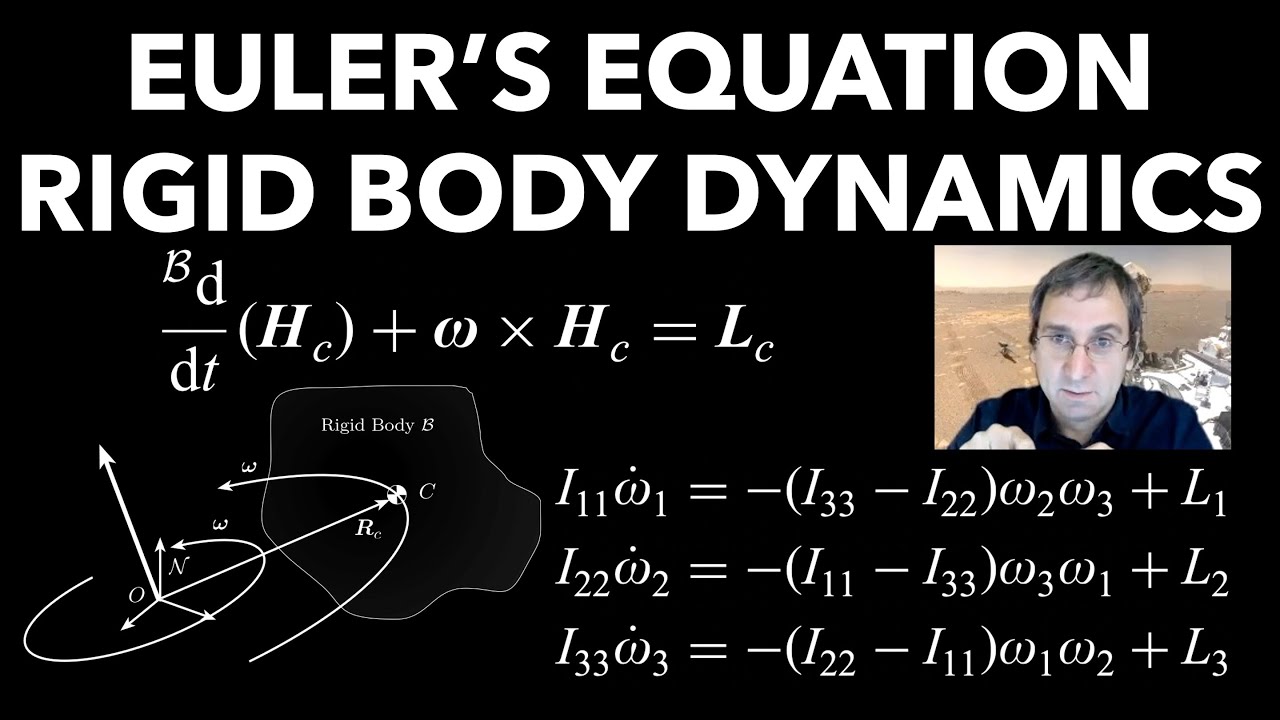






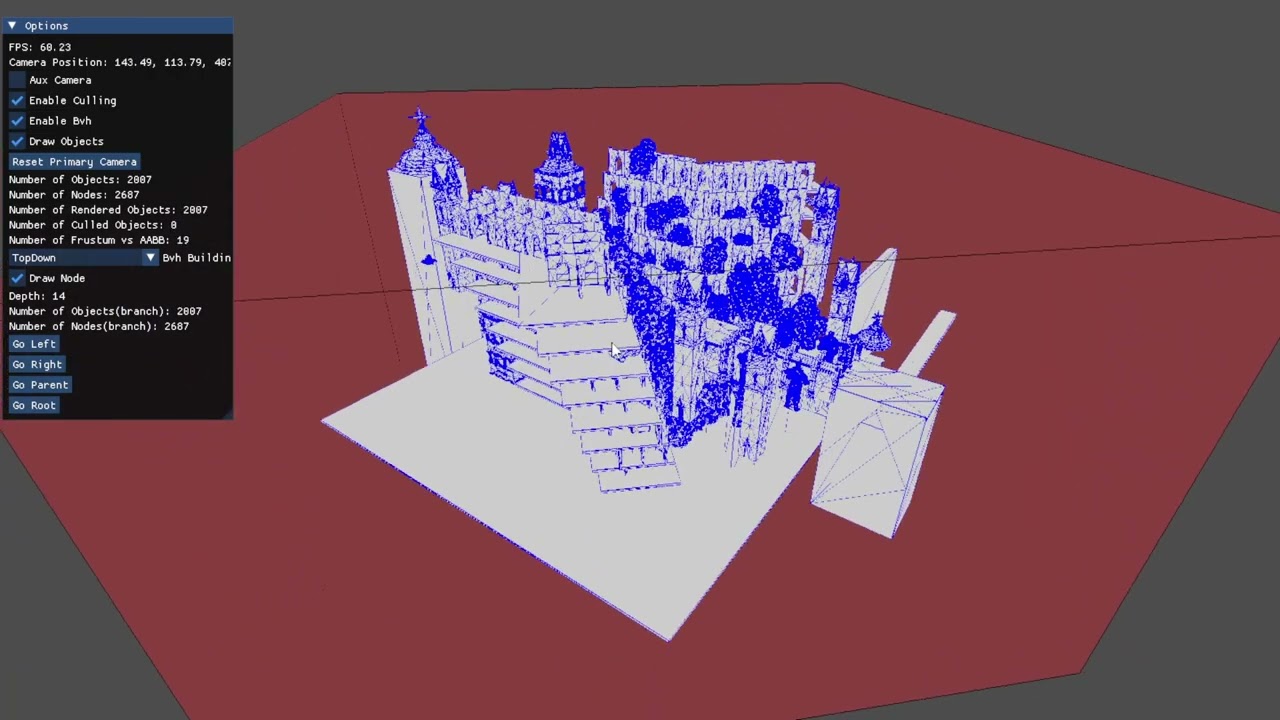


A collision manifold is a data structure that stores collision information between two bodies, including body references, normal vector, depth value, and contact points (one or two points depending on body shapes), enabling physically accurate rotation of colliding objects by separating collision detection from resolution and allowing efficient spatial partitioning for collision detection.
Physics Engine Collision Manifold: Resolving Body Contacts in C#
Added:Vector Mathematics: Proficiency with 2D/3D vectors, dot products, normalization, and distance formulas.
Basic Collision Detection: Familiarity with determining intersections using methods like AABB (Axis-Aligned Bounding Boxes) or circle-to-circle testing.
C# Programming Fundamentals: Understanding of structs, reference vs. value types, and clean data encapsulation structures.
Linear Dynamics: Familiarity with basic Newtonian physics, including mass, forces, velocity, and linear momentum.
Rotational Rigid Body Dynamics: Incorporating torque, angular velocity, and moment of inertia into the physics solver.
Impulse-Based Resolution: Implementing mathematical formulas (such as the sequential impulse method) to compute velocity changes post-collision.
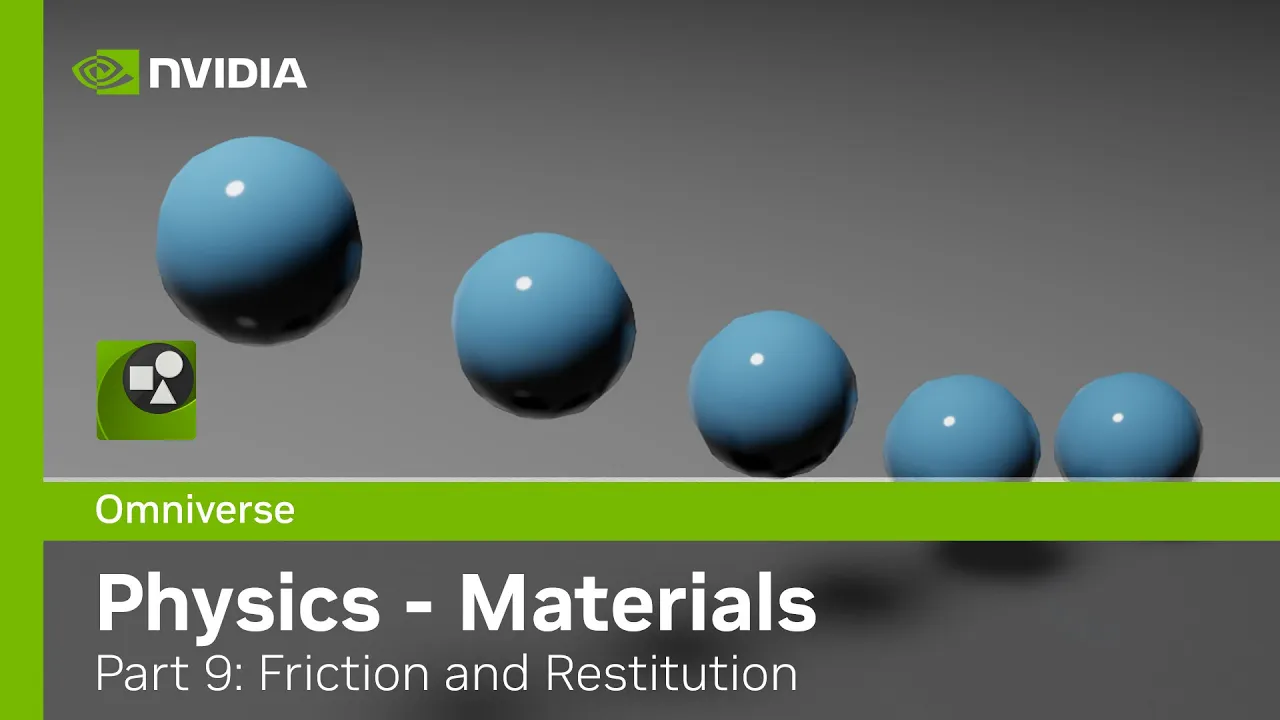
Friction and Restitution: Expanding the collision manifold resolution to account for surface friction and elasticity (bounciness).
Broad-Phase Optimization: Implementing spatial partitioning structures (such as Quadtrees, Octrees, or Spatial Hashing) to optimize collision checks.
5.7K views131likes9:47Original Release: 2022-07-05
all right today let's go ahead and continue programming our physics engine what i'd like to do now is actually start taking steps to resolving collisions in a way that will orient or rotate the bodies in a physically accurate manner let's go and take a look at what we had when we left off so right now we can drop uh rectangle bodies into the world and circle bodies into the world and they will interact with each other but they always stay oriented with the x and y axis so they're always axis aligned but the steps i want to take now will allow us to rotate the bodies in a physically accurate manner and in order to make that happen i'm going to create a collision manifold and the collision manifold is going to be a structure that's going to contain all of the information we need to resolve a collision between two bodies so we're going to have the actual references to the bodies that are intersecting we're going to have the normal the depth value and then we're also going to have to store information about the about the actual points of collision where did these bodies collide or what is our best guess as to where they collided so now before we get started the all the source code is going to be available in a link in the description of this video so if you want to take a look at that and kind of follow along but let's go ahead and get started creating our collision manifold for our objects here's where our world does its physics step let's go ahead and go back to the world class and here is the actual physics step the first thing we do is the movement sep and then we do the collision step and our collision step right now is completely linked to our collision resolution step so every time we collide two bodies or we detect a collision between two bodies we immediately resolve the collision but instead of doing that i'm actually going to move the resolution step out of the collision step and then resolve all the collisions that are detected in a separate loop after the collision step and that's where the collision manifold is going to come into play so we're going to loop through detect all the collisions and then save the collisions to a list of contacts or a list of collisions so the first thing i'm going to do is actually create a structure called the collision manifold or i'm going to call it the flat manifold in our library okay so this is going to be a read-only struct the first thing we're going to store is actually a reference to the two bodies that are colliding all right and if i go back to the world class so once we detect a collision we're actually storing the depth and normal value so let's go ahead and get that information in there as well in order to actually rotate the bodies in a physically accurate manner we need to store information about the actual point or points of contact now in two dimensions there's two possibilities for the points of contact we can either have one point of contact or we can have two points of contact let's go back to the draw program and actually take a look at what that is if we have two bodies we'll just say one of them looks like this and then the other one is oriented to look something like this in this case we would actually have one point of collision that will exist right here but if we have another case if we have two flat bodies and let's say they are exactly parallel to each other and they intersect something like that in this case if the edges are completely parallel and they they hit at the same time we're going to have two points of contact and those points are going to be right here and right here so we're going to have two options either there's one point of contact or we have two points of contact and we're going to design a function that's going to actually detect where these this point or these points of context exist it's actually going to be kind of our best guess or our best estimate as to whether they exist now if we have a circle body there's only going to be one point of contact so anytime we have a circle body that's involved in the collision there's only going to be one point of contact and so if we had a circle body intersecting with one of our rectangles that point of contact would be right there so back in our code so let's go ahead and store the location of these points of contact so there can only be two of them so i'm going to have two flat vectors that are going to be the points of contact i'm going to call this contact 1 and then contact 2.
and then the last thing i want to do is actually store how many points of contact actually exist and so i'm going to put this the contact count and that's everything we need for our flat manifold we will store the two bodies involved in the collision the normal and depth value and then any points of contact we will need to resolve the collisions and apply rotation so real quick i'm just going to create the constructor here and then we'll pass in everything we need all right let me just start dropping some of these things down to the next line so they're easier to read and then finally let's store the values so now we have a way to store the collision information let's go back to our flat world now inside our flat world i want to create a list and this is going to be a list where we can actually store the contacts and so this will be our manifold list and i'm just going to call this the contact list uh inside our constructor let's create the contact list and then inside of our step function so here's where we're actually doing the movement step here is our collision step and uh so after we detect a collision instead of resolving the collision i'm just going to store information about the collision let's create a new flat manifold okay and at this point we don't have any information about the contacts or where the points of contact exist and so i'm just going to put some default values in there because we're not going to use it quite yet so let's just put 0 in for the actual positions and the contact count it will just be 0 for now and instead of resolving the collision i'm going to now add that to the contact list now this resolve collision i'm going to go ahead and cut this out of here and after we detect all of our collisions here's our collision step we're going to make a separate loop and we're going to loop through all of the contacts or all the contact manifolds and right here let's go ahead and paste the resolve collision step in here so now the resolve collision takes a these different bits of information but we're storing all of these bits of information now as a as a manifold and so i want to pass the manifold in instead of passing all the individual pieces so right down here in our resolve collision function let's go ahead and get rid of all of that and we're just going to pass in the flat manifold okay and i'm actually going to pass this as an in parameter and the in parameter basically indicates that i'm passing this by reference but it is a read-only reference it's not a reference that i can modify okay so now the argument is actually a flat manifold and so what i want to do here is start getting all of the pieces of information that we need to resolve the collision and then making a just a local reference to these things so let's get the the two bodies all right let's get the normal and then finally we'll get the depth value of the collision all right and so as far as our function is concerned everything should work exactly the same i'm just passing in a manifold and then i'm getting all the information from that manifold and now we're resolving the collision in exactly the same way up here when we resolve the collision i need to actually get the manifold that we're resolving all right and then we're just going to pass that into our resolve collision we're going to pass the contact manifold into our resolve collision function and we should be all done with that okay so let's go ahead and take a look at this i think let's just run this and make sure everything works like we were planning and so that didn't work exactly like planned and the reason is i'm creating this contact list and i'm adding things to the contact list but i'm not clearing the contact list so every time we go back through this collide function or this collision function we need to clear the list or before we start the collision step we need to clear our contact list so back up here right before we do the collision step let's go ahead and clear the contact list okay and let's go ahead and run that again and make sure everything works correctly and everything looks exactly like it did before let's throw some circles in there as well just to make sure it's it's working correctly okay so that looks good so that is our flat manifold structure and that has allowed us now to separate the collision step from the actual collision resolution step now that the collision is separate from the resolution we should be able to create a more efficient structure for detecting collisions so for example dividing the world up into grids and only testing objects that exist in one portion of the grid or one node of the grid against those objects that are also in that same grid instead of objects that exist in the whole world all right so kind of short and sweet on this one but that's our collision manifold so the next few videos we're going to start to change this resolve collision function and we're going to get the information about the contact points where these objects actually collide in space and then using that those points of collision to then rotate the objects in a physically accurate manner
Up Next
32:07
Separating Axis Theorem: Polygon Collision Detection for Physics Engines
@pikuma
34.3K views•2021-07-14

87:26
Introduction to Secure Multiparty Computation with Yehuda Lindell
@fhe_org
7.7K views•2021-02-04

4:55
HTTP Requests Explained: GET, POST, PUT, DELETE
@codecademy
103.1K views•2021-10-07

19:25
Enigma Machine Mechanics: WWII Encryption Explained
@JaredOwen
13.2M views•2021-12-11
Related Study Plans & Knowledge Roadmaps
Structured learning paths in Computer Science
computer-science
Container Runtimes: Namespaces, Cgroups & Go
01Linux Systems & Go Programming Foundations
02The Core of Isolation: Chroot and Filesystems
03Linux Namespaces: Process Isolation
+ 3 more learning modules
32h6 modules
Explore Roadmap
computer-science
Building a CHIP-8 Emulator: Rust & CPU Basics
01Computer Architecture Foundations (Bits & Bytes)
02Rust Programming for Systems Development
03CHIP-8 Virtual Hardware Specifications
+ 2 more learning modules
32h5 modules
Explore Roadmap
computer-science
Building BitTorrent: Go, P2P & Concurrency
01Go Fundamentals & Concurrency
02Networking Foundations & P2P Architecture
03Bencode Parsing & Torrent Metadata
+ 3 more learning modules
26h6 modules
Explore Roadmap
computer-science
Actor Models (C++ Concurrency & Lock-Free)
01C++ Multi-Threading Foundations
02Thread Pools and Task Scheduling
03Atomics and Lock-Free Queue Design
+ 3 more learning modules
45h6 modules
Explore Roadmap