

















![✨ XDC on Songbird - How To Earn Passive Income ✨ [ Ēnosys ] Part 1: Bridging](https://i.ytimg.com/vi/xcUOKu1nDc4/maxresdefault.jpg)







This video tutorial demonstrates how to deploy an XDC subnet by generating configuration files through a UI tool, deploying subnet nodes, obtaining testnet tokens via faucet, deploying a checkpoint smart contract on the parent network, and launching the subnet frontend and backend components to create a fully operational blockchain subnet.
XDC Subnet Deployment: A Step-by-Step Technical Tutorial
Added:Fundamental understanding of blockchain architecture, including nodes, consensus mechanisms (specifically Proof of Authority/Stake), and distributed ledgers.
Familiarity with the XDC Network, its EVM (Ethereum Virtual Machine) compatibility, and the role of its native XDPoS consensus.
Basic proficiency with Linux terminal operations, command-line interfaces (CLI), and system administration for remote server configuration.
Conceptual knowledge of subnets, sidechains, and parent-child chain dynamics (such as security inheritance and state transitions).
Basic understanding of decentralized application (dApp) architecture, including how frontends and backends interact with RPC nodes.
Advanced node security and validator infrastructure management, including setting up firewalls, private keys, and hardware security modules (HSMs).
Customizing subnet economics, such as configuring custom gas schedules, native token minting, and validator reward mechanisms.
Designing and deploying cross-chain bridging protocols to enable secure asset and data transfers between the subnet and the XDC Mainnet.
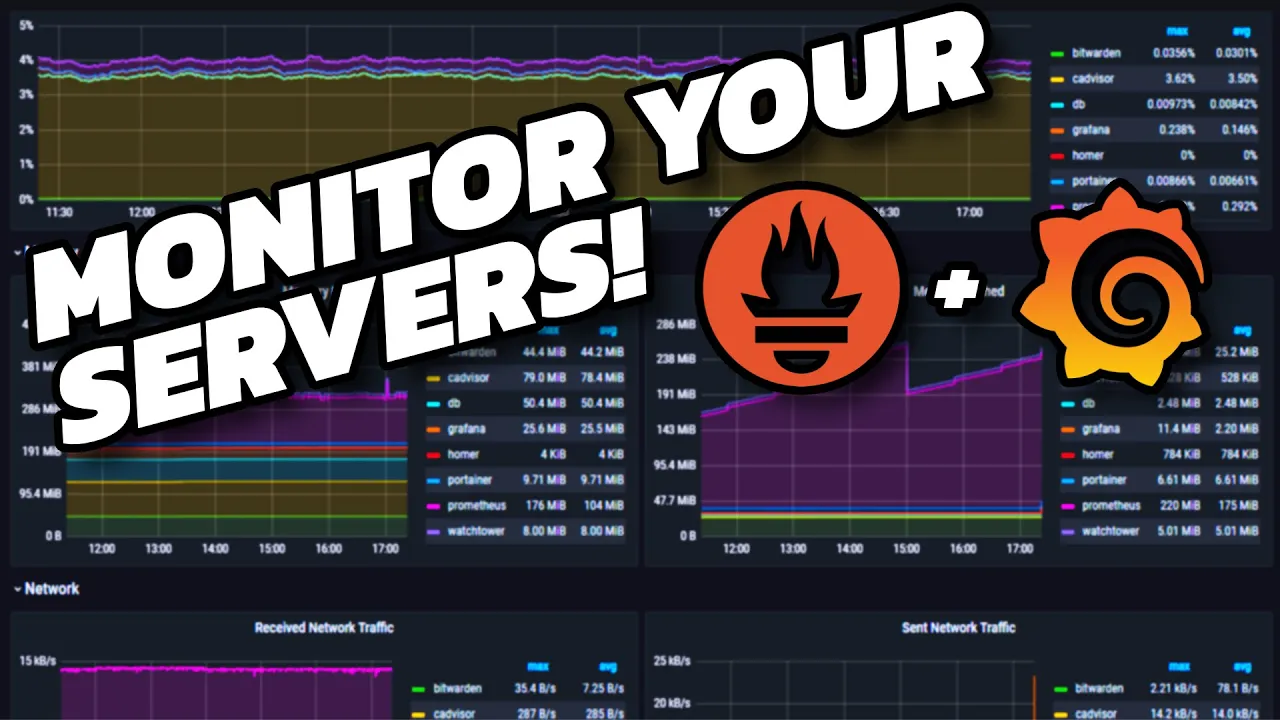
Setting up comprehensive monitoring, logging, and alerting pipelines using tools like Prometheus and Grafana to maintain subnet health.
Developing and scaling complex, high-throughput decentralized applications (dApps) tailored to leverage the custom subnet's performance characteristics.
46.4K views844likes11:06Original Release: 2024-10-08
XTC fans and welcome to the video work through of setting up the XTC subna so here I'm on the um subet deployment uh documentation so let's go to um contents first uh requirements uh I am running this on my MacBook so as you can see it is suitable um for our testing uh demo today Docker and Docker compost uh I have this already installed in my machine Hardware uh this is capable and web tree wallet with funds okay so um I'm going to show this in in a few minutes how we can get some testing uh uh tokens on the test network uh next the video work to um that is where this video is going to go so let's skip this part and on to the generating subnet configuration using UI but first uh pull the generator script using this command copy it here I have my vs code ready you have the script um step two run the run the script that we just downloaded which will start uh web server just copy the commands Okay and next uh we should open this URL that we just started using the script so so s here in the command line so we are here in this um config UI page uh let's go to the configs one by one um and also if you would like to learn more about the config you can over over this question mark um question mark symbol you see extra information so so let's start with the name of how my network uh demo number of notes I think three is good opting system I'm running on the MacBook um for the subet keys um I I don't want I don't want to decide on it so I'll just um let the system randomize it for me uh for the versions you can also select the component versions um but I would just leave it as the default which you see select the stable versions for me okay uh on the parent net parent Network that we are going to checkpoint the subnet to um I would just uh as a testing Network I would use testet or appm so this is fine okay so the parent net wallet PK this is um the wallet in the test net that has test net tokens that you that the sub relayer we use to checkpoint um the subnet blocks into uh your parent Network which is the test net in this case um so if you already have a wallet then you can just put your private key here but if you don't have the wallet um we have included a helper uh with the address generator we can uh randomize a new address so let's say we will use uh this W that private key um but then this do not have any uh test net tokens uh that we will use for checkpointing so we also need to go to a foret um to create to uh give some tokens uh to this address so uh we copy our uh public key and then we can check first the blck scan uh faet put our public key made the request okay okay um yeah now we have 1,00 testet tokens and just to check out the other foret as well um we can put our address here uh but this foret is a special you have to use the XC prefix instead of the ZX prefix so just replace ZX with xdc um and we're going to make the request yeah I'm still a human okay now we have 2,000 test net tokens in our wallet um yeah so relayer mode full and light you can see the difference um in our documentation um and on the xdc Z you can also enable uh this is our um cross chain communication platform for the subnet and the main net uh and the parent net to have um to be able to transfer between each other so this is our framework um we're not going to show this uh install it in this demo but if you like to install this in your subnet you can check out the options um yeah uh okay so I think we have you input all the uh parameters um so we just first submit here to generate the subit configurations so as you can see generation success this follow instructions in um generated commands file so back to our vs code um under our here we have a new generated um folder that's created after uh we submitted our inputs um okay so these are the configuration files that has been generated uh and the one that interested in is commands. text here we can see the instructions to start up the subnet so um let's go through the command sub text number one deploy the submit notes soy this command just run it okay so after the notes has been started you you have to let it uh warm up for a while um and let it start uh mining blocks so here on step two after 60 seconds confirm subit this run in correctly and this is just a check script to see um if the blocks have been mind in your sub so let's see okay here we can see um box number six is mine number seven is mine and number nine so uh if your subnet is already mining BLX then we can proceed to step three which is to deploy the checkpoint smart contract um and this smart contract will be deployed on the parent Network which is the uh test net or APM in this demo so go ahead and run the following comments okay um okay then let's continue with step four add the CSC configuration to the common. file so if you can see the last uh when we deploy the checkpoint contract we have the address contract address um as the output here we just copy it into the configuration file command.
EnV okay so here is our checkpoint contract that is just waiting for uh us to put the address so put the address here remove the uh default line and let's continue in our commments uh SE ction so after we copy on step four then step five will be to start the uh artical subnet components which is the relayer back end and front end okay so let's do that so to continue you can see that in Step six um uh we just open up the uh UI the suet UI that uh we have uh launched in the previous step uh here just to note the front end uh can take a while to load up so just wait two or 3 minutes uh before checking uh uh this local website okay so um yeah uh this is the subate that we have just uh launched it is up running and Mining and on the second line here you can see the checkpoints in the parent chain that it is continually catching up to the latest actually mind work in the subnet um yeah and that will end the Sunnet um setup uh video walk through right here um to explore further how to use the suet and so on uh please continue to check our documentation and other resources uh thank you so much
Up Next

7:32
BlackRock-Coinbase Crypto Trading Partnership Explained
@CNBCtelevision
89.4K views•2022-08-04

12:54
Triumph of Orthodoxy Icon: Byzantine Art & History Explained
@BenCallan
2.1K views•2024-08-06

9:49
FastAPI vs Flask vs Django: Choosing the Right Python Web Framework
@TechWithTim
302.5K views•2024-05-26

1:42
Game of Thrones Opening Credits: A Cinematic Analysis
@gameofthrones
46.3M views•2011-04-18
Related Study Plans & Knowledge Roadmaps
Structured learning paths in General & Interdisciplinary Studies
general-studies
Elevator Engineering: History, Physics & Cities
01From Hoists to Safety Brakes: The Dawn of Vertical Lift
02Hydraulic vs. Traction: The Engineering Physics of Elevators
03Modern Speed, Safety, and Algorithms
+ 2 more learning modules
12h5 modules
Explore Roadmap
general-studies
Rubber: Material Science, History & Geopolitics
01Origins of Natural Rubber & Mesoamerican History
02The Chemistry of Natural Rubber & Vulcanization
03The Geopolitics of the Rubber Boom & Colonization
+ 2 more learning modules
12h5 modules
Explore Roadmap
general-studies
Containerization: Evolution, Logistics & Trade
01Ancient Trade & Bulk Cargo: Amphorae to Barrels
02The Industrial Revolution & Cardboard Packaging
03The Containerization Revolution: Malcom McLean
+ 2 more learning modules
12h5 modules
Explore Roadmap
general-studies
Textile Tech: Evolution, Labor & Global Impact
01Pre-Industrial Textiles: Handloom & Cottage Industry
02Mechanization: The Spinning Jenny to the Power Loom
03The Factory System & Global Labor Transformation
+ 2 more learning modules
10h5 modules
Explore Roadmap