


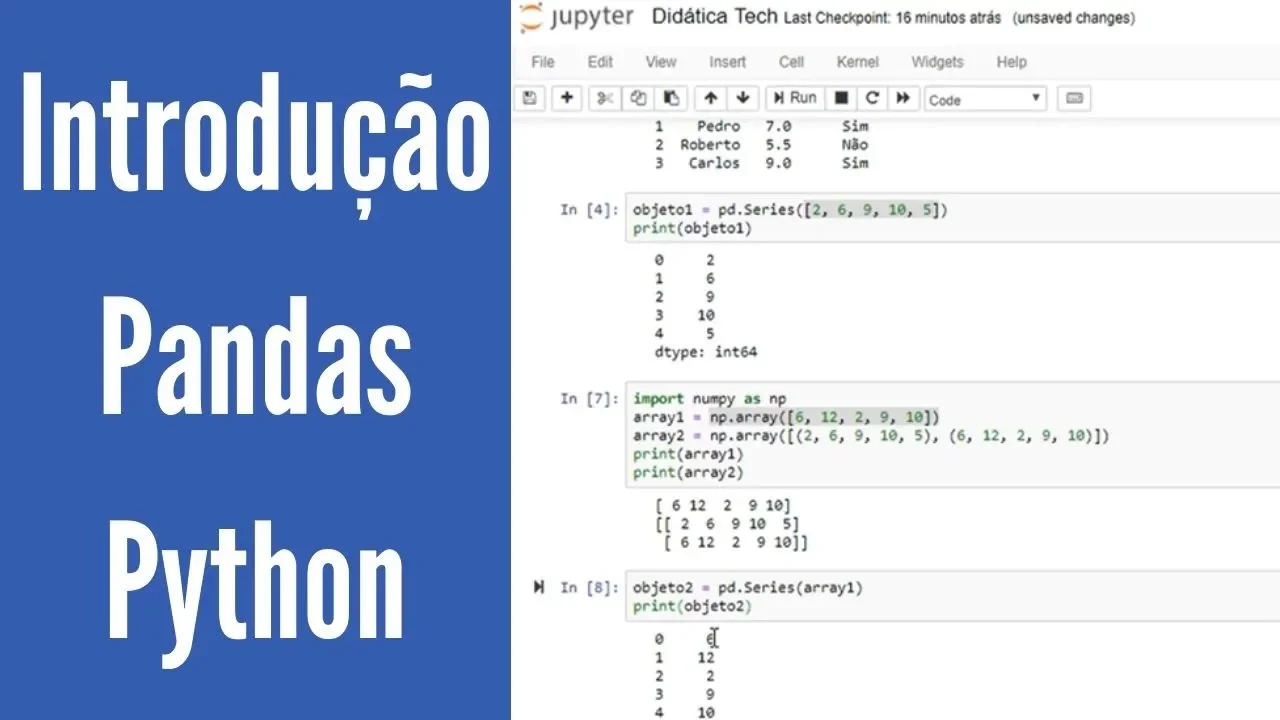




![สอน Python & Pandas | สำหรับจัดการและวิเคราะห์ข้อมูล [FULL COURSE]](https://i.ytimg.com/vi/SPdwqEPZ_EE/hqdefault.jpg)


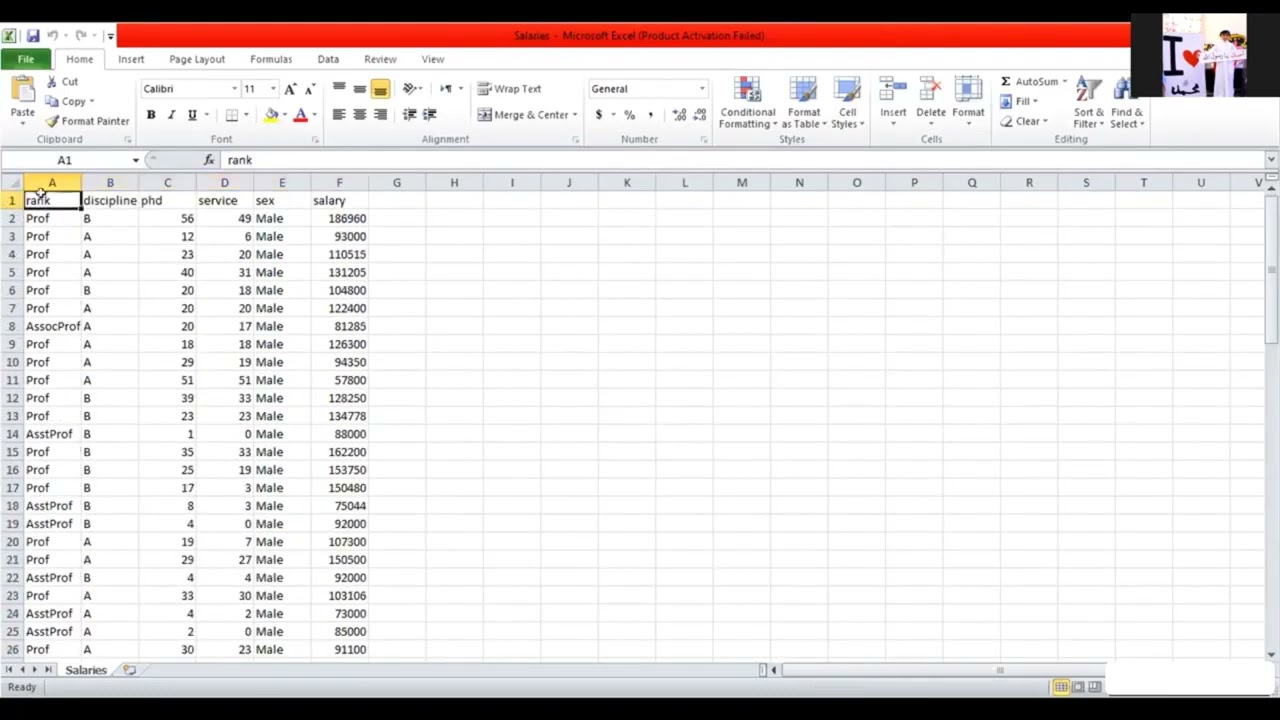














To effectively work with dates and times in pandas, convert string date columns to datetime format using pd.to_datetime(), which enables access to convenient attributes like .dt.hour, .dt.weekday, and .dt.year, allows mathematical operations such as finding time differences with timedelta objects, and supports time-based filtering and plotting for data analysis.
Working with Dates and Times in Pandas: A Guide to Datetime Operations
Added:Basic proficiency in Python programming, including variables, functions, and basic data structures.
Fundamental understanding of the Pandas library, specifically how to load datasets and manipulate DataFrames and Series.
Familiarity with standard data types (like strings, integers, and floats) and how Pandas represents them (dtypes).
An intuitive grasp of calendar systems, time structures (year, month, day, hour), and standard string-based date formats (e.g., YYYY-MM-DD).
Mastering time-series resampling (downsampling and upsampling) and frequency conversion using Pandas 'resample' method.
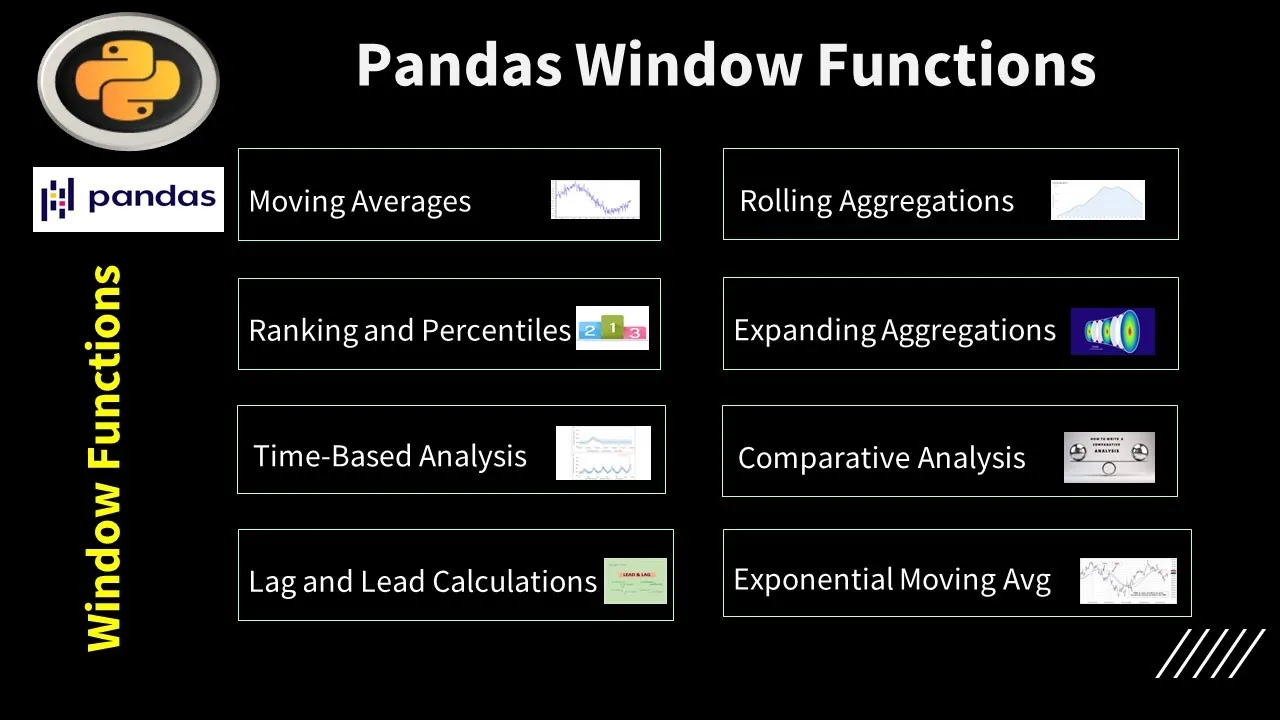
Implementing rolling and expanding window calculations for moving averages and trend analysis.
Understanding timezone localization, conversion, and handling Daylight Saving Time (DST) changes in Pandas.
Working with Timedelta and Period data types for calculating durations, lags, and intervals between events.
190.5K views4.2Klikes10:21Original Release: 2016-07-19
hello and welcome back to my QA video series about the pandas library in Python and the question for today is how do I work with dates and times in pandas okay great question there's a lot of powerful time series functionality in pandas and in fact a pandas series is named after the time series so I'm just going to show you the basics today okay so we're going to start by importing pandas as PD and then our example data set will be UFO reports so PD read CSV I need that as a string and bitly slash UFO reports okay and let's take a look at the head all right so each row represents a UFO reported sighting and what if I wanted to analyze the sightings by year or by time of day how would I do that so let's take a look at the D types and check those out and we'll see that the time column is an object which in this case means it's stored as a string so if I wanted to analyze the hour for example I might think well I could do some string slicing okay so let's try like UFO time dot stir dot slice and we'll slice from position negative five so five characters from the end to negative three which is three characters from the end okay and that does work it outputs a string and we probably want it like this is a two character string we probably want as an integer so we'll do dot as type int animal thrown head and now we've got the hour and this works in this case but this feels like an approach that would easily break it's very brittle okay so let's use a better methodology Kai and the solution here is to convert the time column two pandas special date-time format okay so I'm going to overwrite the time column and I'm going to say UFO bracket time equals PD to date/time this is a top level function and I'm going to pass it UFO dot time okay and if we look at the head we'll see that the data seems to be the same as before the formatting looks like it's different but the real thing that's changed is the D type is now date time kinds of special date-time format now before we move on I want to point out I did not have to specify two pandas with this date time function the format of this I did not have to tell it this is a month then there's a slash character and then there's a day then there's a four-digit year then there's a space etc it just figured it out and it and it did that automatically now if you try this on your own data and it does not work automatically there are a lot of options you can use with PD to daytime in order to get it to work okay so what are some benefits that using the date-time format gives us well the big one is it exposes some really convenient attributes like UFO time dot DT so this is a little DT namespace dot our okay that pulls out the hour for us or dot weekday name it understand it actually knows that June 1st 1930 was a Sunday you don't have to write custom code if you're for instance analyzing something by day of the week and there's also just a number version of the weekday ok you can do you can do other things like day of year and it will tell us that June 1st 1930 was the 150 second day of that year ok so there's a ton of attributes like this if you want to see them all go google pandas api reference get to this page and then search for dot DT dot and you'll click on date time like properties and you'll see all of these series properties under series DT dot whatever okay so um let me show you a couple more things and let's do dot heads so this is not taking over the screen and um let's pass PD dot to date time uh date time let's pass it a string instead of a series and I'm just going to say one one 19.99 okay it outputs what's known as a timestamp um and one thing I want to point out is note that I change the format of how I passed I passed it month/day/year in my case and it figured it out um I did not have to specify uh you know that this was the month this was the day this was the year ok so this is called a timestamp and we're going to save this as TS and the reason I save that is I'm going to use that in a comparison so one trick you can do with timestamps is you can use them as part of comparison so if I say you fo dot Lok I can say UFO dot time greater than or equal to time stamp : so I'm saying which Rose do I want to see in the UFO data frame I want to see the ones where the time is greater than or equal to this time stamp and because UFO time is date time and because T s is a time stamp it can do this comparison with greater than or equal to and then the : just means show me all columns so we'll run that and we'll see that it's only showing us rows in which the time is greater than meaning into the future from January 1st 1999 okay pretty cool all right let me throw that head on here and another trick I want to show you is that you can do kind of like mathematical operations with the date-time format so if I say UFO time max it will tell me the latest timestamp in the time series okay I can even say UFO time dot max - UFO time min so you can do math with these and it tells you it outputs in a special object called a time delta object and it tells you that the difference between the earliest row and the latest row is twenty-five thousand seven hundred eighty one days etc okay so this is called a time delta object and time delta objects also have attributes like dot days and you can pull things out like that so you can get really fancy with the stuff this is really just the basics as always I'm going to end with a bonus and the bonus for today is I'm going to do a little plotting of the number of UFO reports by year okay so to plot in the Jupiter notebook we need to do plot live in line okay that allows plots to appear and then I'm going to store I'm going to create a new column called UFO year and I'm actually just going to store UFO time dot DT dot year in it okay and we can see that that worked you go for that head okay so we've got this year column alright now if I wanted if I want to analyze how many reported sightings by year one way to do it it's not the only way would be UFO year dot value counts how many rows how many times does each year appear well this is great except it's sorted by value arm so let's sort it by the index instead so dot sort index okay and now it's in the order of the index and all we have to do to get a plot is to just say dot plot and it does a line plot by default and here we go here is our plot of UFO reported sightings by ear okay so that's it for today thank you so much for joining me as always please click Subscribe if you'd like to see more videos like this please leave me a comment below if you have a comment for me or a question I'd love to hear from you but that's it so I hope to see you again soon
Up Next

46:03
Multivariate Time Series Forecasting with LSTM in PyTorch | Tutorial
@venelin_valkov
45.7K views•2021-03-30

87:26
Introduction to Secure Multiparty Computation with Yehuda Lindell
@fhe_org
7.7K views•2021-02-04

4:55
HTTP Requests Explained: GET, POST, PUT, DELETE
@codecademy
103.1K views•2021-10-07

19:25
Enigma Machine Mechanics: WWII Encryption Explained
@JaredOwen
13.2M views•2021-12-11
Related Study Plans & Knowledge Roadmaps
Structured learning paths in Computer Science
computer-science
Container Runtimes: Namespaces, Cgroups & Go
01Linux Systems & Go Programming Foundations
02The Core of Isolation: Chroot and Filesystems
03Linux Namespaces: Process Isolation
+ 3 more learning modules
32h6 modules
Explore Roadmap
computer-science
Building a CHIP-8 Emulator: Rust & CPU Basics
01Computer Architecture Foundations (Bits & Bytes)
02Rust Programming for Systems Development
03CHIP-8 Virtual Hardware Specifications
+ 2 more learning modules
32h5 modules
Explore Roadmap
computer-science
Building BitTorrent: Go, P2P & Concurrency
01Go Fundamentals & Concurrency
02Networking Foundations & P2P Architecture
03Bencode Parsing & Torrent Metadata
+ 3 more learning modules
26h6 modules
Explore Roadmap
computer-science
Actor Models (C++ Concurrency & Lock-Free)
01C++ Multi-Threading Foundations
02Thread Pools and Task Scheduling
03Atomics and Lock-Free Queue Design
+ 3 more learning modules
45h6 modules
Explore Roadmap