










![Metamask + Uniswap Jak założyć, jak podłączyć, jak używać [poradnik]](https://i.ytimg.com/vi/-11e9rpNBtY/maxresdefault.jpg)





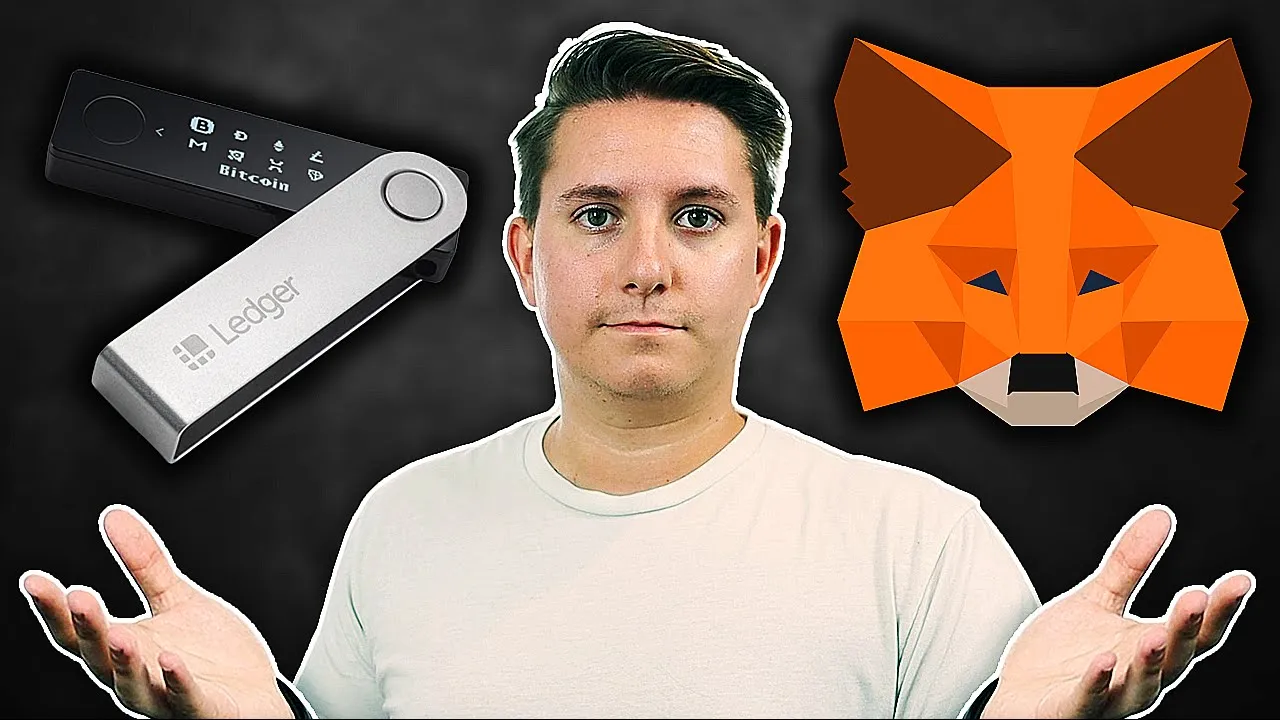

MetaMask is a free, open-source browser extension and mobile app that serves as a digital wallet for the Ethereum blockchain, enabling users to store, send, receive, and swap cryptocurrencies like Ethereum and ERC20 tokens, as well as interact with decentralized applications (dApps) and NFTs. The wallet uses a 12-word seed phrase for recovery and security, which users must store offline and never share, as anyone with access to this phrase can access their funds. To set up MetaMask, users should download it from the official website to avoid scams, install it as a browser extension, create a strong password, and carefully record their seed phrase. Security best practices include using strong passwords, avoiding phishing attacks, never typing the seed phrase elsewhere, and avoiding suspicious websites.
MetaMask Tutorial: Setting Up a Crypto Wallet for Ethereum
Added:If you ever considered beginning the NFT or cryptocurrency journey, whether you want to buy or trade NFTts, Ethereum, or any other ERC20 tokens, you must have heard about MetaMask. In this video, we'll tell you everything about MetaMask, what it is, what digital [music] assets you can store in it, and how to set it up. And remember, if you like to stay updated to all things crypto, click on that subscribe button and turn on the notifications.
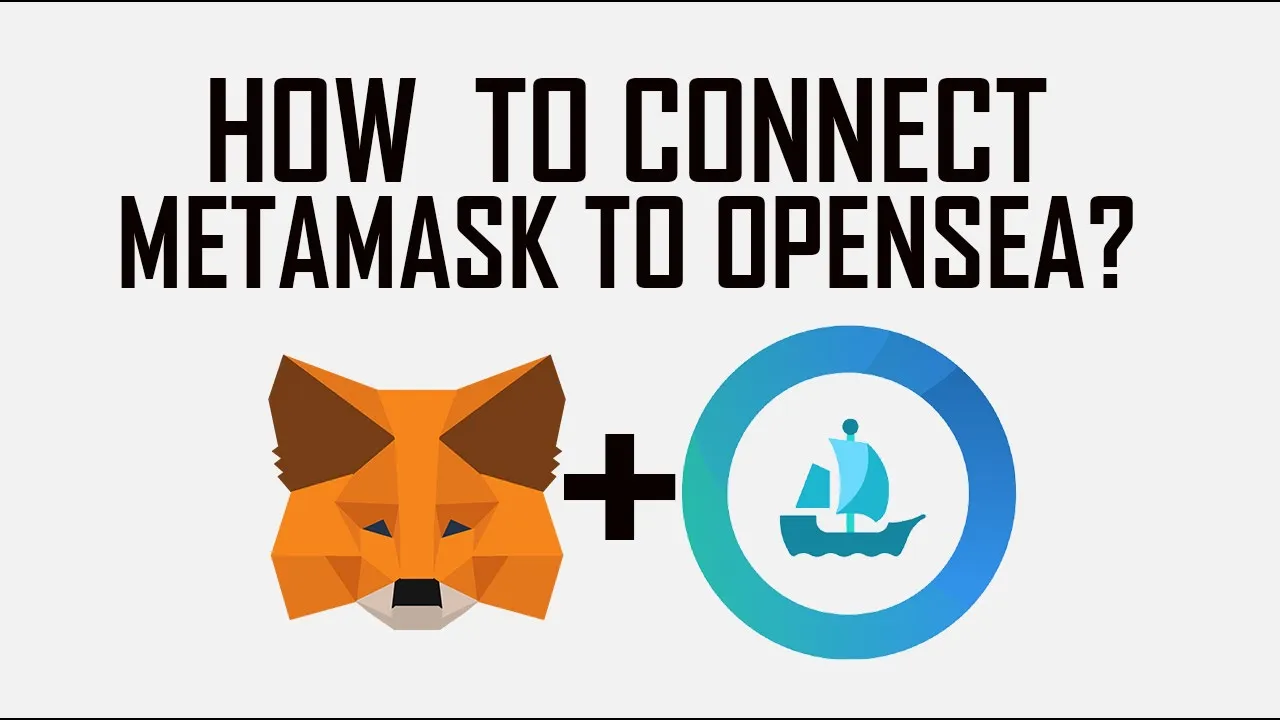
MetaMask has been a household name in the cryptosphere since its inception in 2017. You'll quickly identify it with the distinctive Fox logo that follows your cursor on the screen. But before we can go ahead and learn how to set up MetaMask and the other finer details, I guess it's crucial that we meet the wallet itself. But then, what's a digital wallet? Your crypto wallet is a personal key that enables you to interact with a cryptographic world.
Without one, you'll not be able to buy, sell, or transfer digital assets like NFTts or cryptocurrencies on the blockchain, just like how you need a wallet filled [music] with cash to buy stuff in the physical world. So, in a nutshell, MetaMask is a crypto wallet designed for the most diverse blockchain [music] that's ever existed, the Ethereum blockchain, among others.
MetaMask is a gateway to everything Ethereum, whether NFTts, the DeFi ecosystem, and ERC20 tokens. Just one more thing, MetaMask is a free open-source hot wallet that will get you rolling with Ethereum. It's available as an app for Android and iOS, but in addition to that, it can be used as an extension with some web browsers, specifically Google Chrome, Firefox, Brave, and Edge. What are some specific uses for the MetaMask wallet? While one of the main uses of a MetaMask wallet is buying, you can also use it to receive, accept, send, and swap Ethereum and NFTts. Once you've set up your MetaMask wallet, you can easily use the dashboard to buy if via different payment options like credit cards, bank transfers, etc. MetaMask allows you to connect to thousands of decentralized applications and web 3 services. Now that we've taken the first glance, it's time to get [music] started. Your first task is to create a MetaMask wallet. And to do that, you must first install the extension to your browser. A word of caution before we proceed. The internet is full of scam apps pretending to be the legitimate MetaMask. In this video, we highly recommend that you visit the MetaMask website. It's the only way you can avoid potential fake versions. The installation process. For this demonstration, we'll set up our wallet via Chrome. However, take note that you can replicate these steps across all browsers. Our first step is to go to the Chrome web store, add MetaMask to Chrome. Click on that blue button, add to Chrome. Next, click on add extension.
Creating your account. To start things, you'll need to come up with a password or let the random generator create one for you. Most importantly, you'll be shown a 12word [music] seed phase. These are the words that enable you to restore your wallet anytime you forget your password or use a different gadget. Be very careful where you keep your 12word seed phase because anyone who gets access to it can quickly [music] access your wallet and all its contents.
Remember, not your seed phase, not your wallet. A good practice would be to make multiple copies offline. Some people even have them carved on a fireproof metallic plate. It's time to go to MetaMask and create an account. at the top right hand corner. Locate and click on the extension icon. The icon should be in a similar location on all other browsers. [music] As soon as MetaMask opens, it will prompt you to either create a wallet or import a wallet. If you're not a newbie and already created your wallet earlier, you can select import wallet. Remember the 12word seed phase I just mentioned? The system will [music] now ask that you input it to confirm that you are authorized to enter the wallet. However, if you're new to MetaMask, you'll need to choose create a wallet. First, you'll be asked to accept the wallet's terms of use. And after that, you'll be prompted to create a password. Click create. Take note of this. We already know about the importance of the 12word seed phase.
Once MetaMask reveals the words, don't forget to write them down. Now, [music] proceed and click the reveal secret words button. The system will reveal your unique 12word seed phase. Once again, for clarity's sake, we recommend that you write these words somewhere safe that you won't forget or misplace.
[music] Storing them online is not a good idea because of the potential cyber security risks. Click on next. You'll be prompted to verify your secret seed phase in the correct order. Just remember that if you lose this phase, there's no way you or anyone else can recover it. If you'd like to download MetaMask on mobile instead, simply visit Google Play Store or the App Store [music] and download MetaMask. The setup process would be similar to the desktop version. Now that you are in, what's next? You can use your new MetaMask wallet to receive and [music] send if tokens or even house your NFTts. If you're entirely new, you could also use your wallet to do some practice with several test networks that run on copies of the Ethereum blockchain using fake testn net.
So, how do you identify your wallet address? There's a button just next to the code that you can use to copy on your clipboard [music] and share with anyone who wants to send you tokens.
Similarly, you can also transfer tokens from centralized exchanges like Coinbase or Binance to your wallet. Just make sure that you have the right network selected [music] for this. Sadly, you can't accept Bitcoin through your MetaMask wallet. This Ethereum wallet only accepts Ethereum and ERC20 tokens.
However, if you have Bitcoin and you want to use it, you'll first have to convert it to IF on exchanges such as Shapeshift.io.
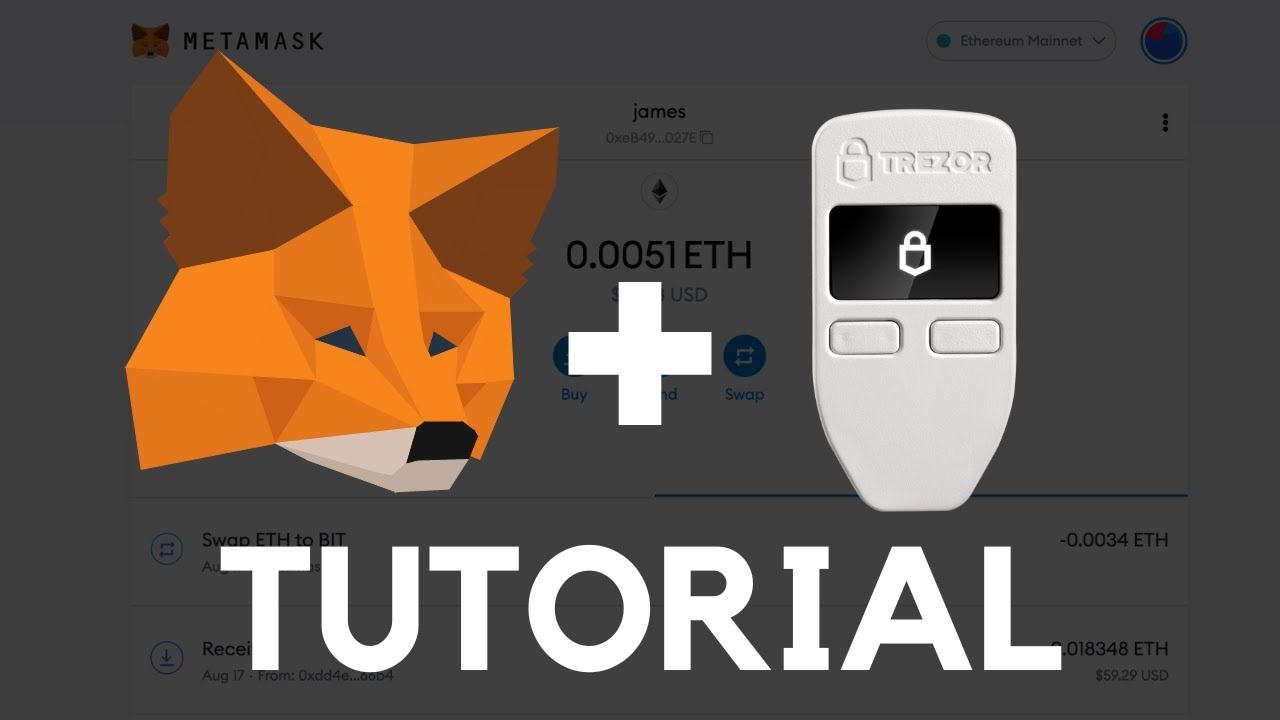
Is there anything you can do to protect your digital assets? Thankfully, you can follow a few simple steps to ensure your MetaMask wallet remains as secure as possible. MetaMask, like all other crypto wallets, has public and private keys. Endeavor to keep your private keys top secret since any stranger who gets a hold of this can access your funds. The easiest way that MetaMask wallets get compromised is through fishing attacks instead of direct cyber attacks. If that's the case, you can keep your digital assets secure by following these simple steps. One, use a password that's secure and difficult to guess. Two, avoid the temptation to type your seed phase anywhere else but your real MetaMask. Three, avoid exporting your private keys while sharing your screen with anyone. Four, never connect with suspicious websites. And that's it for our quick tutorial on MetaMask. If you're still worried about the potential security risks of hot wallets, you can consider using a cold wallet like Treasure or Ledger. Would you like to get more insights on MetaMask and other crypto wallets? Let us know in the comments below. Remember to like, subscribe, and follow us on socials for future alpha. See you.
Up Next
Unity C# Scripting for Beginners: First Script Tutorial
@LlamAcademy
54.2K views•2022-01-25

Triumph of Orthodoxy Icon: Byzantine Art & History Explained
@BenCallan
2.1K views•2024-08-06

FastAPI vs Flask vs Django: Choosing the Right Python Web Framework
@TechWithTim
302.5K views•2024-05-26

Game of Thrones Opening Credits: A Cinematic Analysis
@gameofthrones
46.3M views•2011-04-18
Related Study Plans & Knowledge Roadmaps
Structured learning paths in General & Interdisciplinary Studies