






















![This Walker is 10x More Complex Than It Looks! [Instruments of Destruction]](https://i.ytimg.com/vi/Tw0hg2okptA/maxresdefault.jpg)
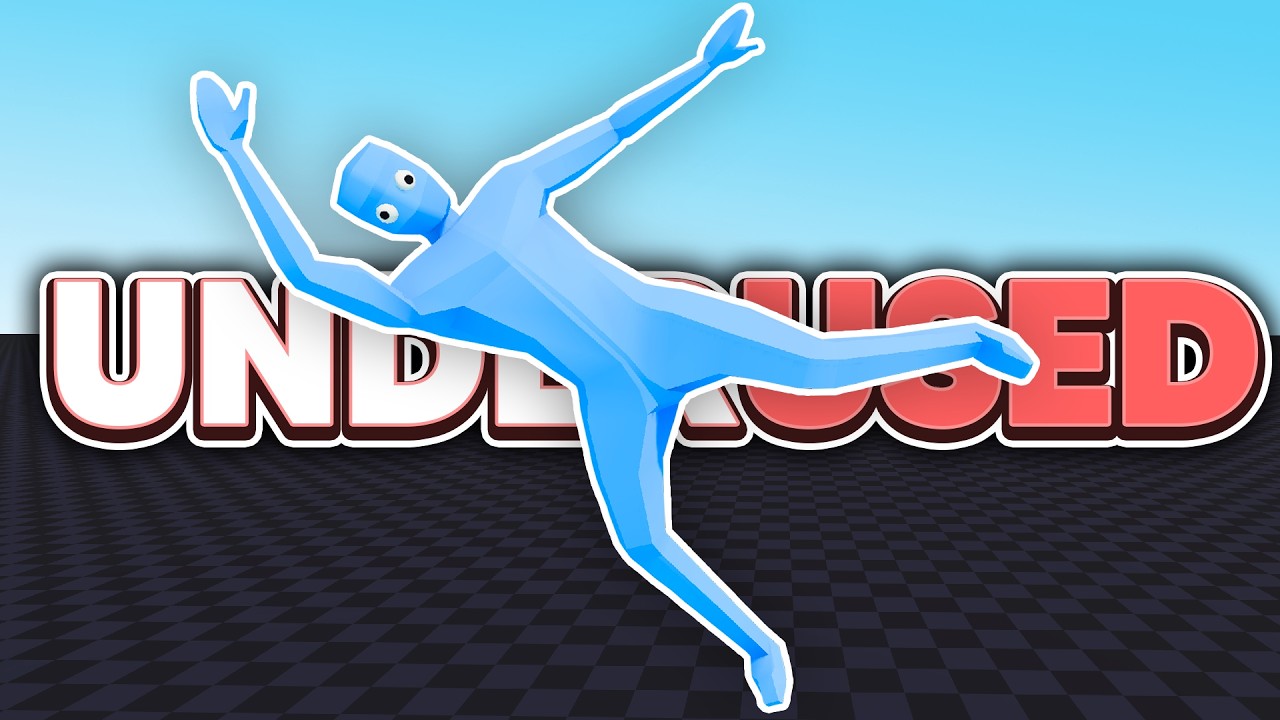
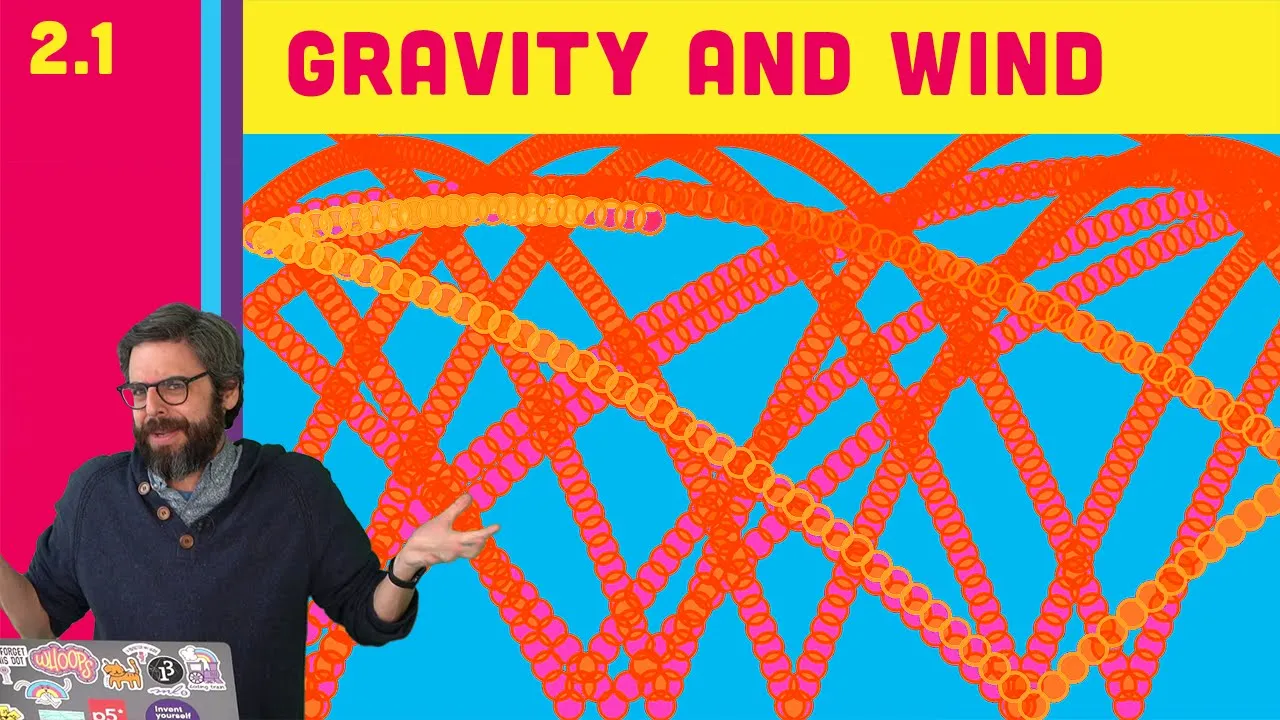
Verlet integration is a numerical integration method used in physics simulations that stores only the previous position of an object rather than velocity, making it more stable than Euler integration when dealing with multiple interacting objects; this approach calculates velocity as the difference between current and previous positions, allowing for realistic physics behaviors like bouncing, gravity, and friction to be implemented through position updates rather than direct velocity manipulation.
Verlet Integration Explained: Physics Simulation Coding Tutorial
Added:Basic Newtonian Physics: Understanding the concepts of position, velocity, acceleration, and Newton's Laws of Motion (particularly F=ma).
Vector Mathematics: Mastery of 2D or 3D vector operations, including addition, subtraction, scalar multiplication, and calculating distance.
Euler Integration: Familiarity with basic numerical integration (explicit Euler) for updating position and velocity, and understanding its limitations regarding stability.
Fundamental Programming: Proficiency in a coding language to implement loops, update state variables over time, and render simple shapes on a screen.
Constraint Satisfaction: Implementing distance, angle, and pin constraints using relaxation techniques (such as Jakobsen's method) to simulate ropes and cloth.
Collision Detection and Response: Developing algorithms to detect overlaps between simulated particles and static/dynamic boundaries, resolving them via position projection.
Rigid Body Dynamics: Transitioning from particle-based Verlet integration to simulating solid objects with orientation, angular velocity, and torque.
Advanced Integrators: Comparing Verlet integration with other numerical methods like Runge-Kutta 4th Order (RK4) or implicit integration for stiff systems.
Ragdoll Physics and Character Animation: Applying Verlet-based skeletal structures to coordinate with game engine animators for realistic procedural character collapses.
67.5K views1.6Klikes13:03Original Release: 2015-02-28
this is coding math episode 36 verlet integration part one with this video we enter into another one of my favorite subjects actually it seems like I have a lot of favorite math programming subjects which is not a bad problem to have now as a quick preview so you know what you're getting into let me say that veray integration is a way of calculating the path of an object over time when various forces are acting on it actually is probably a much more general definition that applies to formulas and curves but the one I just gave you applies just fine the way we'll be using it really integration is often used as the basis for what is called ragd doll physics what you're looking at here as an example of ragd doll physics we'll shoot for making something just like this by the end of the next video or two in this episode we'll just be covering some of the groundwork now if you're on the ball you might be thinking that we've been calculating the paths of objects with forces all along and it's worked pretty well so why do we need something new well you're absolutely correct correct we have been doing just that all along and we've been using a form of numerical integration to do so so what is numerical integration well say you're calculating the position of an object that's thrown into the air and is being pulled back down with gravity we can calculate its exact height at any given time during this motion very accurately with an algebraic formula doing so gives you a curve like this now that's great when the only force is gravity and you have exact control over the starting position and velocity but in games or other simulations usually have a much more Dynamic situation where the object is being influenced by multiple forces and can bounce off or interact with other objects in path in that case it's necessary to continuously update the object position and velocity as different things affect its motion problem is you can't actually update it continuously you have to updated at discrete intervals once per frame in our usual scenario that's what integration does it takes an object's current position on that curve and tries to predict where on that curve it will be at a future point in time so there are different types of numerical integration and each one has its pluses and minuses the one we've been using is called Oiler integration named after Leonard Oiler say Oiler rather than uler and you'll impress people the main advantageous to Oiler integration is that it's very simple and very fast one big disadvantage is that it's not particularly accurate with Oiler integration you simply take the object's current velocity and add it to the object's current position and add any other forces such as gravity to the velocity and you do this on each frame and this gets you pretty close you start here the current velocity would put you up here at this time and adding gravity would put you down here pretty darn close to the real curve not exact but close but when you do that over and over many times per second that slight inaccuracy builds up you wind up with a curve like this similar but not exact good enough for a game sure it is good enough for some kind of scientific visualization not even close I should also note that the larger steps you take the less accurate this is a higher frame rate means more updates which means smaller intervals and higher accuracy if you could achieve an infinitely High frame rate this would be right on but to get a more accurate path in a case like this you need a different kind of integration one that's often used for more exact situations such as mechanical or scientific applications is called rja CA integration named after its creators I actually plan to cover this in a future episode but not today it's not 100% perfect but it's far closer to than an Oiler and naturally there's a trade-off rakuta is a much more intensive formula that will take a lot more CPU power to execute but again that's a topic for a different day now there's another issue with Oiler integration and that is that in certain situations where you have many interacting objects you can easily get into a problem of instability the interaction between all these objects winds up creating a feedback loop that can wind up going completely crazy and things wind up literally exploding and blowing themselves apart I run into that with encoding games and other physics simulations to combat that there's another form of integration called verlet integration once again named after its creator it's not any more accurate than Oiler integration but it winds up being a lot more stable than Oiler when you have a lot of interacting objects this is why it's used in the ragd doll physics I mentioned earlier the form you saw was made up of many individual points the points have the physics such as gravity gravity bouncing and friction applied to them and they interact with each other through what are sometimes called sticks the sticks constrain the movement of the points by creating points and sticks you can create structures that behave remarkably realistically without a crazy amount of code this will become clear as we move through this first however we need to create the points and get them moving around correctly so let's stop talking and start coding I've set up an anim template the update function is called and this calls request animation frame passing in itself as an argument so it will continue to be called the first thing I'll do is create a points array and add a point to it you may remember back from our particle days that a particle often has a position and a velocity we're using XY VX and VY to represent these but here we're going to do things a little bit differently instead of storing velocity we're going to store the previous X and Y my position we'll call these old X and old y we'll set them to be just a little bit different than the X and Y you might have figured out that the velocity will be the current X and Y minus the old X and Y so if x minus old X is 5 as it is here then you have an x velocity of five eventually see why we're doing it this way rather than just storing the velocity directly now in update I'm going to do two things update the points and render the points I'll make two functions for these operations named creatively enough update points and render points update points will Loop through the points array and get a reference to each point for now there's only one but that'll change first we'll calculate the velocity as VX and VY as mentioned that's simply subtracting the old X and Y from the current X and Y and now that we're done with the old X and Y we can set those to to the current X and Y so they're ready for the next frame then we can add vx to the X property and VY to Y and that's that then on to render points again we'll Loop through the array get a reference to each point begin a path draw an arc and fill it here you might be thinking that looping twice is a waste just render each point after after you'd update it right well if we were sticking with only rendering points you'd be right but later we'll be dealing with sticks between the update and render steps and doing some other stuff as well those intermediate actions may change the position of the points so we need to have these two steps separate well with all that we can run this file as you can see the point is created it moves across the screen and WR straight off so far so good again this old X old y may seem just a roundabout way of storing velocity and so far that's exactly true again just realize that things will change shortly and this method will make sense in the meantime though let's add some basic physics to the setup first let's add some bouncing in update points I'll first check to see if this point has gone off the right side of the screen by checking if its x value is greater than width if so we need to do something similar to what we did in the earlier video on bouncing first I'll set the points x equal to width then we need to reverse the velocity on the x-axis but we don't have a stored velocity to reverse instead the way to affect velocity is to change the old X or old y let's look at this visually for a second particle was here and its old X and Y was here we figured out its velocity based on this which put it over here this is past the right side of the canvas so we set it to be back on that edge the previous XY becomes old XY now we want it to move off in this Direction on The X frame in other words change its x velocity remember that to change velocity we need to change old X and Y if we set old X and Y to be here this will result in velocity up and to the left the old y will remain the same but the old X will be the new X plus the x velocity we just calculated this will result in the opposite direction x velocity on the next frame giving us this path here this is somewhat tough to explain even with a diagram but hopefully you get the point if not step through this a few times with actual numbers and see what's going on so back in the code we can simply say p old X = PX plus VX after that we can do an L statement and check if PX is less than zero and do the same basic thing there and finally we do the same thing on the y- AIS using Y old Y and height we run this and now the point is bouncing off the walls right now it's bouncing off with the same speed that it hit with we can cause it to lose a bit of velocity on each Collision I'll create a variable called Bounce and set it to 0.9 then down where I reset old X and old y I'll multiply the old velocities by bounce simple enough not much of a visual change here but the point will eventually lose enough velocity to slow down significantly try changing balance to a lower value and it will become more clear how about some gravity I'll just create a gravity variable up top here and set it to a small number say 0.5 then in update points I'll add gravity to the points y after I add velocity I could add gravity to Velocity like we did with Oiler integration but with verlet integration it doesn't matter the change in y will result in a future change in VY in the next frame so don't have to worry about updating VY now this concept is key to what's going on here in verly integration we become clearer when we get to the next phase of it now we have a point bounce around and being pulled down by gravity because it's losing a bit of velocity on each bounce it'll eventually settle down for a final tweak here we can add some friction a little goes a long way here I'll set a friction value to 0.999 and I'll use that when I calculate the VX and VY values I'll just multiply the calculated values by friction so if VX W up being 10 this multiplication will make it 9.99 now you should be able to see that the point slows down and comes to a stop a bit sooner than it did before and that brings us to the end of this first part of the series all this should make sense to you but it may not make sense exactly why we're doing it this way just yet but next time we'll create those sticks and everything will start to become more clear
Up Next

24:06
Physics Engine Tutorial: Resolving Collisions with Linear Impulses
@pixel_physics
373 views•2024-01-08

12:53
21cm Hyperfine Transition in Neutral Hydrogen: Radio Astronomy Basics
@AaronRobertParsons
12.4K views•2011-10-13

32:32
NMR Spin Physics I: Zeeman Effect, Resonance Condition & Larmor Frequency
@nptel-indianinstituteofsci8064
2.3K views•2024-01-17

27:14
Entropy and the Second Law of Thermodynamics Explained
@veritasium
27.5M views•2023-07-01
Related Study Plans & Knowledge Roadmaps
Structured learning paths in Physics
physics
Nuclear Physics (Decay, Fission & Reactors)
01Atomic Structure and the Binding Force
02Radioactive Decay and Half-Life
03Nuclear Fission Mechanics and Chain Reactions
+ 2 more learning modules
12h5 modules
Explore Roadmap
physics
Soft Matter (Polymers, Colloids & Rheology)
01Foundations of Soft Matter & Thermal Forces
02Polymer Physics and Macromolecules
03Colloids, Surfactants, and Self-Assembly
+ 2 more learning modules
38h5 modules
Explore Roadmap
physics
Analytical Mechanics: Lagrangian & Hamiltonian
01Mathematical Foundations: Calculus of Variations
02From Newtonian Mechanics to Constraint Dynamics
03The Principle of Least Action & Lagrangian Mechanics
+ 3 more learning modules
28h6 modules
Explore Roadmap
physics
General Relativity (Spacetime & Cosmology)
01Foundations of Relativity: Special Relativity
02The Geometry of Spacetime: Equivalence Principle & Curvature
03Einstein's Field Equations: The Mathematics of Gravity
+ 2 more learning modules
55h5 modules
Explore Roadmap