













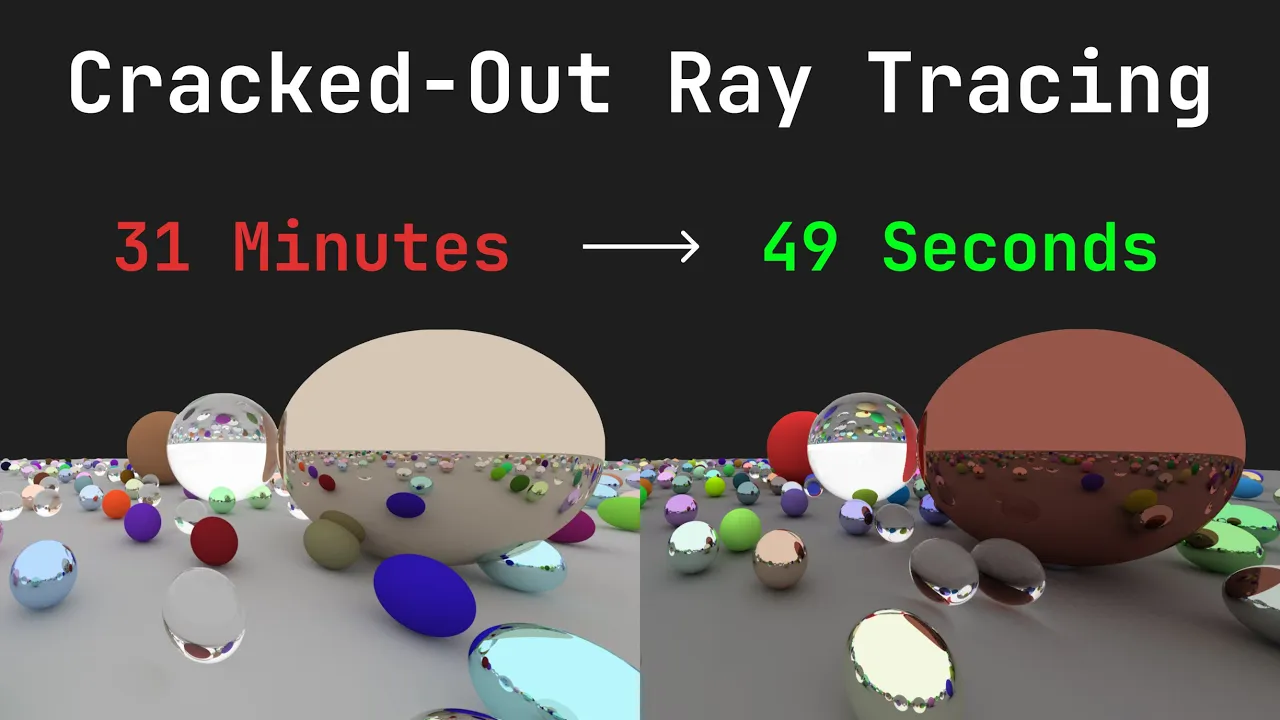









Ray tracing can be significantly accelerated through multi-threading by leveraging CPU cores to process independent pixel calculations in parallel; this is achieved using C++17's std::for_each with parallel execution policy, which distributes pixel shading across multiple cores, reducing rendering time from approximately 65ms to around 27ms per frame on an 8-core CPU.
Multithreading Ray Tracing in C++: Performance Optimization
Added:Fundamental concepts of 3D computer graphics, specifically the basic ray tracing pipeline (generating primary rays, calculating ray-sphere/triangle intersections, and shading pixels).
Intermediate C++ programming proficiency, including familiarity with modern features (C++17/C++20) and standard library containers.
Basic understanding of concurrency and parallel computing, such as the concepts of threads, race conditions, and shared-state mutability.
Implementing Bounding Volume Hierarchies (BVH) or other spatial partitioning data structures to dramatically reduce intersection test overhead in complex scenes.
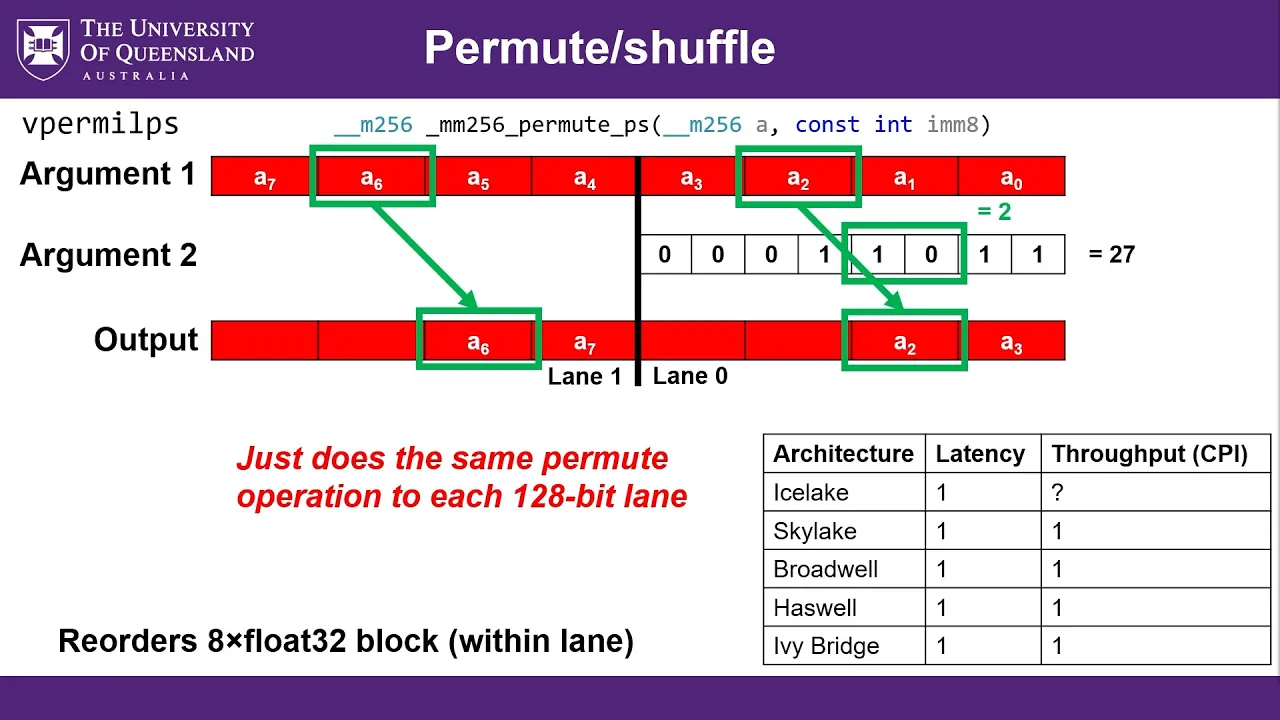
Utilizing SIMD (Single Instruction, Multiple Data) vectorization (AVX/SSE) to parallelize mathematical operations on individual rays at the hardware level.
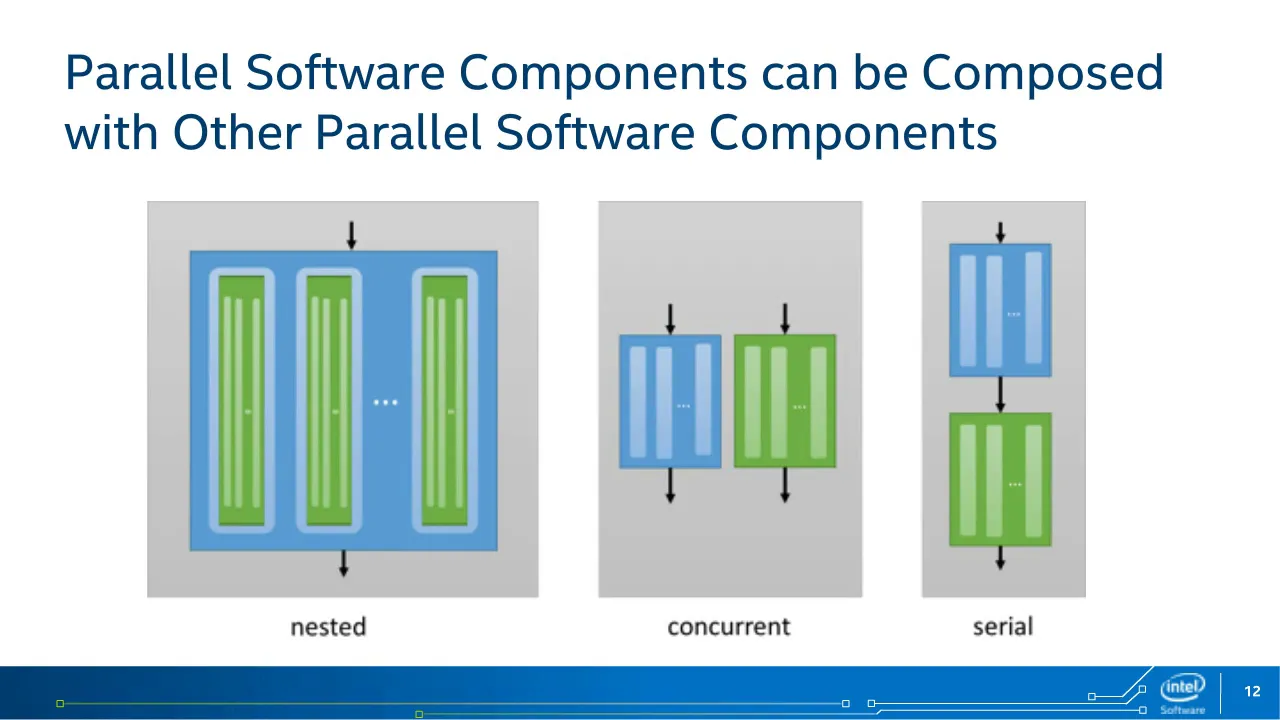
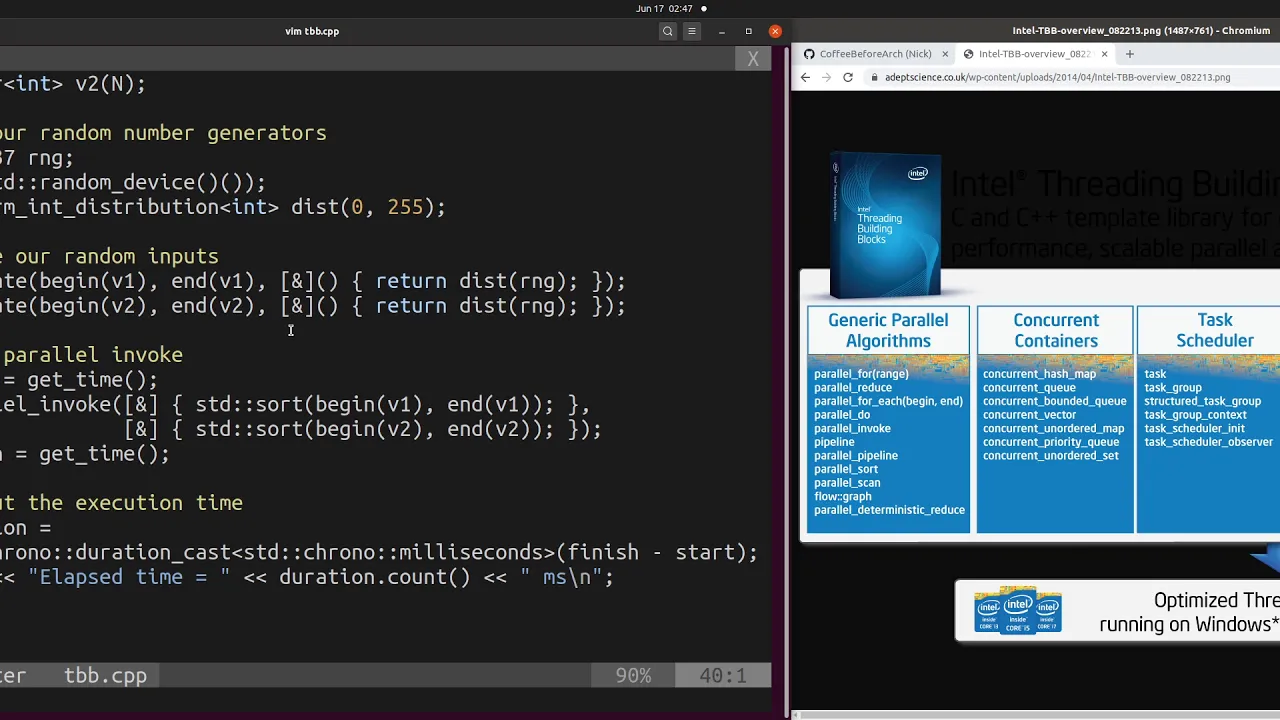
Integrating advanced task-scheduling and thread-pool libraries (such as Intel OneAPI Threading Building Blocks/TBB) for highly efficient, dynamic load balancing.
Transitioning from CPU-based multithreading to GPU acceleration using APIs like CUDA, OptiX, or Vulkan Ray Tracing to achieve real-time rendering speeds.
46.8K views1.6Klikes22:23Original Release: 2022-12-10
guys my name is welcome back to my Ray tracing series now last episode was an absolute Banger if you haven't seen it check it out up there we talked about path tracing for the first time and we started rendering some images that accumulate into something a little bit more realistic looking now at this stage there are so many things we could talk about but I thought it would be helpful to take a little bit more of a look at the code that we've actually got at the moment and see how we could optimize it and make it run faster there are honestly so many ways we could optimize our current code base because I haven't really been writing it with performance in mind we've just been trying to get all the actual physical code down on paper so to speak whilst also trying to keep it as simple as possible so that it's just easier to understand for the majority of people and just before recording this episode I actually ran a profile in this code just to see where we're at and there's a lot of room here for optimization which is great because the worst thing in software development always is when you have no room for improvement like that is a very bad place to be so as a little task for all of you guys my Christmas present to you a little holiday task if you will take a look at this current code base and see what you can optimize run some profiles over it see what is running slowly and figure out if there is an alternative way to achieve effectively the same result I'll be creating an issue on GitHub where you guys can discuss this but today we're going to be keeping it more or less simple and we're going to take a look at something called multi-threading what is multi-threading well put simply multi-threading allows us to take advantage of our currently running Hardware to perform tasks in parallel what that means is that instead of us kind of running through each line of code that we have here sequentially meaning we execute one line after the other and then we go back to like all of our pixels that we're trying to render and we progress to the next pixel and we go over it instead of doing that kind of one at a time we can actually do multiple pixels at once at the exact same point like in physical time and the reason that that's possible and why it works is because our CPUs have more than one core typically CPUs these days have like at least four cores maybe eight cores that's what my laptop here has 16 cores 32 cores 64 cores the more cores you have the more things you can do at once at the same time and really the key here is that if we actually take a look at our code and what it's doing we have to Loop through quite a lot of pixels in a full HD image so 1920x1080 if you multiply those two numbers together you get a number that's around 2 million what that means is we have 2 million individual pixels that need shading and by shading I mean we need to determine what color should be at that pixel so what that means is that as we go through here and we go through like 1 million or 2 million pixels total the key is that none of these pixels are related to each other what I mean by that is if we draw like a grid of pixels so these are all kind of individual neighboring pixels of our image image in order for us to calculate the color for this pixel we don't need to know the color of this pixel or this pixel right if we are actively trying to work out any one of these given pixels we don't need to for example wait to find out the final resulting color of this guy here we can just do this completely independently and since it is an independent operation there is no reason for us to kind of do one after the other we can do it effectively in any random order we want and definitely at the same time and as I mentioned if our CPU has like 8 cores and 16 logical processes because each core is kind of divided into two like Hardware threads but that's a topic for another video let's just focus on the cause here if we have eight cores what that means is that we could basically do like eight pixels at once more or less now that sounds pretty good doesn't it like we look eight times right we can just eight times more work we can do immediately if we had a way to just split this up into different chords isn't that exciting well yes I mean eight cause eight cause is not bad right but like what about 8 000 cars wouldn't that be better the answer is yes yes that would be better and that's why gpus have thousands of cores and RTX 3080 for example has eight and a half thousand cores so it kind of makes our eight core CPU look like a bit of a joke and that's also why graphics cards are so much better at Graphics because aside from having their actual kind of physical traits specifically optimized for the kind of math that we need to do for like graphics and rendering they also just have an insane amount of cause and the reason for that is because of what I've just described pixels are more or less independent from each other completely so we just need to physically Brute Force get through two million pixels and since they're all kind of calculated independently we can theoretically just do them all at once because we never have to wait for the result of a previous operation to determine our current pixel's color and of course what I'm referring to here is like throughout one pass specifically of course if our renderer has many passes then there might be some kind of dependency on a previous past to do a future pass but I'm talking about all the pixels like within one pass okay anyway we're getting a little bit complicated here the plan for today is let's just dive in and make this multi-threaded like there's no reason for this to run on a single core Because the actual math and like all of these operations that happen here which calls into per pixel and that will like call Trace Ray and do all of the actual Ray tracing there's no reason for this to be done on a single chord so let's change that but first I want to talk about the sponsor of this series brilliant brilliant is a really really good fit for this series because what it is is an amazing website filled with lots and lots of really high quality courses on various stamp topics how does it tie into Ray tracing well they have like all of the math that you need to know for Ray tracing on their platform all the way from a gentle introduction to math via their Everyday Math course to something a bit more serious such as linear algebra which is really really important for all the stuff we're doing here not sure what normalizing is not sure what the dot product is they have courses on those exact topics and the thing that sets them apart is just how well made the courses are how interactive they are how engaging they are they have these widgets you can play with they present all this stuff to you visually and Visually in my opinion is by far the best way to learn when you connect that with the fact that they'll quiz you after all of their lessons to make sure that you actually understand what you're learning and answer the questions correctly it just makes for a really good effective learning experience and the best thing about brilliant is that you can get started for free just go to brilliant.org the Cherno the link will be in the description below check out their courses go through some of them see what they have to offer and if you do fall in love with it then brilliant have been nice enough to offer the first 200 of my subscribers 20 off an annual membership the holiday season is a great time to brush up on your mouth and Brilliant is the best place to do that huge thank you brilliant as always for sponsoring this video okay so how do we do this how do we multi-thread this code as quick quickly as possible in as simple of a way as possible now you know me I love my disclaimers because computer science is just such a complicated thing that I feel like if I don't explain what could have been people will not be happy there are many ways to multi-thread this card you could design any level of abstraction over it you could split it up into as many threads as you want really you could for example group like pixels into clusters into like tiles do it that way you could do it like by scan line like horizontally for example what I'm gonna do here is I'm actually going to show you something really simple that exists in C plus plus 17 and above and what that is is a function called scd4h so what this basically is is a 4-H Loop so instead of us riding a for Loop and the four being like an actual keyword in the language this is kind of a function that kind of takes in our starting iterator our kind of ending iterator and then a function like a Lambda for us to actually run each iteration now the special thing about std4h though is that we can specify something called an execution policy which means how do we want this to execute and you probably guessed it there's an execution policy called parallel and what that will do is it will just create like a parallel for Loop but to set this up it's a little bit finicky because what we actually need here if we take a look at the arguments we need like begin iterator and an end iterator and we don't really have that we just have integers so what we need to do is actually create some kind of data structure around this that will contain an iterator going from zero to width and from zero to height so what I want to do is over here I'm just going to create a vector that's probably the simplest way to do that we're going to make it a vector of U and 32ts because that is the type here and we're just going to call this horizontal maybe I'll call it image horizontal iterator or something and we'll also create um an image vertical iterator and so these two guys I'm not going to initialize them until we actually go into our resize function because that's where we create our actual image so over here down the bottom I'm just going to add a little resize to this to be this is the horizontal one so it's going to be the size of width so that's how many pixels it will contain the vertical one will be the same but for height and then I just need to fill them with the values zero through with -1 and 0 through height minus 1 respectively and the way that I'm going to do that is just really simple I'm just going to write a for Loop to do this you could probably use like some kind of fancy C plus 17 or or maybe below that I don't know some kind of function to just do that in one line this is like two lines and if you've seen my like making it faster video you know that I don't really like to use the fancy functions I just like to do things the simple way because that way you can see exactly what's going on and you won't wind up in a situation where it just takes longer for no reason so let's go through uh basically from zero to like width minus one is what I will be and then we can just set that into our horizontal iterator so that will just be horizontal iterator I equals I we can just address it like that because we've resized it obviously so that will exist then we'll just duplicate these lines here and do the same thing for Heights we'll go through the vertical iterator here and just go from zero to height minus one so now what we have is like because this is wrapped inside a vector we actually have like an iterator that comes with that vector and so we don't really have to do anything too special aside from the fact that like if we look at this for Loop and how we can rewrite it to fit this 4H then you can see it goes from zero which of course will be like the first kind of index of this vertical iterator all the way to height minus one so we can just take our vertical iterator because you can see that's our outer for Loop so image a vertical iterator dot begin image vertical iterator Dot and and then we need to specify a function so this will be some kind of Lambda and we can specify uint32ty as of course our like iterator value I guess at that position so over here we have a nested for Loop so what that means is that the contents of this for each function will be another scd4h and I just want to point out just in case this is confusing to anyone what we've done is we've effectively just Rewritten this so the code that goes inside this body here is the body of the for Loop so whatever we had inside the for Loop that kind of goes in here right that's all it is it's just kind of providing a Lambda of a function to be executed for each iteration so here you could argue that like realistically how is this going to run because you have to realize that at the end of the day like I don't know what our image resolution is uh because like this whole whole monitor that I'm using here is actually 1920x1080 so there's no way it's that big but just for an example let's consider it is 1920 by 1080. that would be as I mentioned about 2 million pixels now if we were to also put another std4h inside here does that make sense well if we did that then again we would potentially be dispatching 2 million iterations of this now we do not have 2 million cores for our CPU to kind of assign all that work to like nowhere near that we have eight right so in other words what I'm saying is that even though this will work fine if you do that and we can actually play around with it I'm actually kind of interested to see if there'll be any performance difference but you have to realize at the end of the day that if you if you try and create more threads then you have cores on your computer or hyper threads you have on your in your actual CPU then you're not really going to obviously your performance is not going to improve in fact it could actually decrease so just be aware of your actual Hardware now of course Hardware differs and that's why there is actually a way for you to easily just query C plus plus and figure out like how many cores or how many threads do I actually have available there's a simple function you can use called STD thread and then Hardware concurrency which will actually tell you how many concurrent threads you can actually create so that's really really useful because of course at runtime based on the the platform it's running on and the actual like Hardware configuration will tell you what you can do but anyway if we did assume an image size of 1920x1080 then this for Loop is going to essentially dispatch 1080 iterations and what that means is that like again we have that's a lot more than eight right so that will saturate the available threads that we can create and so because of that I'm not too worried about having to create another one of these to make sure we actually spread the workload across all of our available threads but let's do that anyway because we did create those two kind of iterators the horizontal and the vertical one but then we will actually compare because like this is a bit unscripted I actually don't know I didn't try that before this video so I'm interested to see what will happen now when we actually put this inside here because we're inside a Lambda we need access to this there's a couple of ways to ensure that we can just add an ampersand into this kind of capture block here or we can add this it's going to effectively be the same here because this is obviously part of the class so I might just add that I don't really like just arbitrarily adding this or this because you kind of it doesn't show you what gets captured and sometimes if something is being like incorrectly referenced or maybe copied it can just be harder to deal with it can it can introduce bugs or effect performance so I kind of like to actually know and the other thing we'll need is y so and the reason for that is because you can see this inner loop here obviously uses y so we need to pass Y in as well as this like that so I'll just I'll just write this code and we copy Y and we copy this but this is a pointer so we're not actually copying this class obviously we're just referencing it kind of okay so that's the horizontal iterator we have everything so this this kind of section here is where this exists and all we need to do is copy the code and paste it in that's it no errors no nothing everything works beautifully so what I'm going to do is I'm going to do a little Define Mt for multi-threaded we'll Define it to one and then I'm just going to write fmt we'll do it we'll do kind of this new code of ours else we'll do this old code so that way we can easily just compare like the performance and see how it's running and uh yeah I mean I think that's it so let's go ahead and just shut multi-threading off just so we can get like a little Baseline we're running in release mode of course and you can see our rendered times like around 60 milliseconds 65 sometimes milliseconds per frame just on the base camera view because that's important obviously if we move the camera and we have more pixels to Shadow a bit slower so let's go ahead and turn that on and hopefully my screen recording software will record fine okay and you can see that our performance is exactly the same so what happens so what I've done here is I've just Rewritten this code to be exactly the same I just switched it around to using 4H the critical part here is that you have to obviously specified the execution policy to be parallel otherwise you won't be multi-threading this so what we need to do is specify an execution policy if we actually look at this 4-H function we have two signatures one that is like the iterators and the function and then the first one here which also takes in this Expo which is an execution policy now that's inside the execution header so we need to make sure we include execution and then if we come down here as the first argument we can specify SCD execution and then paw path for parallel and if we plop it into this guy over here as well and hit F5 then now instead of about 65 milliseconds you can see we are magically on 27 milliseconds and it's basically like the same kind of scenario but you can just see that obviously like the way it trades this is much faster and of course it's going to depend like the performance is going to depend what we're looking at because more bounces will happen here and some more math will happen here versus like the Miss kind of function if if that gets inverted since we didn't hit anything but overall you can see that's kind of the the performance now I don't know if my capturing software is capturing this well because if we actually take a look at task manager and we go to the performance you can see that my CPU usage is a hundred percent and like if you just take a look at this what I can do we just go to details so raytracing.exe set Affinity if I just like maybe ban it from like three cores okay so maybe my screen recording software is recording better because I've just banned this program from running on the first three cores so we have a little bit for OBS but you can see that it's saturated everything except for those three cores because I have not allowed this program to run on those cores so that is kind of the effect I guess of multi-throwning that of course if we turn that off so now it's not multi-threaded and we take a look at task manager you can see the huge difference so you'll kind of more or less see that one of these is fully saturated it's probably not because it's actually skipping around the different cores that's just how CPU scheduling works so if we actually go back into details and we go to Ray tracing and this time I actually set the Affinity to be specifically like CPU before for example then if we go back to the performance then I think this is cpu4 over here you can see cpu4 has now suddenly like jumped up to 100 because now I've kind of locked the program to be specifically on this core so this was kind of like the before before we added multi-threading it was just one core fully saturated after multi-threading especially across all of your cores you saw that it was like just a hundred percent on every core versus this where you can see most of the cores are kind of idle they're not really doing anything and then this is clearly the core that we're running all of this kind of math on so yeah that's that now one thing I want to do so we had about 25 milliseconds or so per frame one thing I want to do here is I kind of want to say okay you know what let's not do this at all like let's not do the inner for loop as parallel so I'll just shut that off with an F0 instead let's do it normally and the reason why is because we have 1080 if it was 90 20 by 1080 we have like a we have like way more of these kind of outer Loops than we have cores so maybe we can just kind of basically like what this will do is instead of like you know if we had like our screen instead of each one of these pixels kind of being assigned a thread what's going to happen is we'll go through and actually assign entire rows to separate threads right so if I draw it kind of the same that's kind of the difference each one of these will have one thread to kind of run on versus this kind of distribution that's going to be the the effective difference here so I can just write that so I'm just interested to see if there's any performance difference yeah I mean I wouldn't really expect it about to be honest it almost seems a bit slower like we're hitting it almost about we're hitting the 30s sometimes whereas before if we go back to this maybe I'll add like a little else 26 28 30. okay no so we are hitting 30 here sometimes it's about the same performance so there's really no difference and again I wouldn't really expect that to be just because like we are fully saturating the available Hardware cores anyway so what I might do is I might just keep this initial first method but otherwise there's kind of the old non-multi-threader method and I'll push this to GitHub if you guys want to do some kind of experimentation and just see what works potentially better for you so there you go over two times faster and again like there's so many other things to optimize here it honestly like the distribution of work wasn't even like the highest priority optimization but you can see how easy it is to just Chuck in like a parallel for Loop and just make stuff run faster especially if you actually have the hardware to do so and personally in my experience this kind of like parallel for Loop situation has actually performed really really well like on Windows using any hardware I've used so in many cases like throughout my life when I've tried to write my own kind of threading situation versus this kind of parallel for Loop this has actually come out faster so that's why I do like this and I do think it's a good way to do this but if you guys want to try and write like some kind of you know clustered threaded grouping per pixel kind of you know situation the kind of groups it into tiles or whatever absolutely do that let me know how it goes let me know if you can beat this method and I'd be happy to make a video about it and we can kind of upgrade to that situation but otherwise hope you guys enjoyed this video if you did please don't forget to hit the like button as I mentioned I will make like a GitHub issue with like all of this discussion regarding optimization so that you guys can suggest things and report your results and findings have a happy holiday season make sure you check out brilliant.org the channel and I will see you guys next time goodbye [Music] thank you
Up Next
111:03
Natural Language Processing in Python: A Comprehensive Tutorial
@PyOhio
1.3M views•2018-07-29

87:26
Introduction to Secure Multiparty Computation with Yehuda Lindell
@fhe_org
7.7K views•2021-02-04

16:58
Understanding Pointers in C++: A Beginner's Guide to Memory Management
@TheCherno
1.2M views•2017-06-11

19:25
Enigma Machine Mechanics: WWII Encryption Explained
@JaredOwen
13.2M views•2021-12-11
Related Study Plans & Knowledge Roadmaps
Structured learning paths in Computer Science
computer-science
Container Runtimes: Namespaces, Cgroups & Go
01Linux Systems & Go Programming Foundations
02The Core of Isolation: Chroot and Filesystems
03Linux Namespaces: Process Isolation
+ 3 more learning modules
32h6 modules
Explore Roadmap
computer-science
Building a CHIP-8 Emulator: Rust & CPU Basics
01Computer Architecture Foundations (Bits & Bytes)
02Rust Programming for Systems Development
03CHIP-8 Virtual Hardware Specifications
+ 2 more learning modules
32h5 modules
Explore Roadmap
computer-science
Building BitTorrent: Go, P2P & Concurrency
01Go Fundamentals & Concurrency
02Networking Foundations & P2P Architecture
03Bencode Parsing & Torrent Metadata
+ 3 more learning modules
26h6 modules
Explore Roadmap
computer-science
Actor Models (C++ Concurrency & Lock-Free)
01C++ Multi-Threading Foundations
02Thread Pools and Task Scheduling
03Atomics and Lock-Free Queue Design
+ 3 more learning modules
45h6 modules
Explore Roadmap