






























![How to Manage Inventory in Shopify POS [2026 Full Guide]](https://i.ytimg.com/vi/wQbwgLdGsNU/maxresdefault.jpg)





Shopify Point of Sale (POS) requires a tablet or smartphone paired with a Shopify card reader for in-person payments, with additional accessories like tablet stands, barcode scanners, receipt printers, and cash drawers available to customize your retail setup based on your business needs; setup involves connecting devices through the POS app, testing functionality, and ensuring all hardware is properly configured before processing sales.
Shopify POS Hardware Setup Guide for Retail Beginners
Added:Fundamental understanding of Point of Sale (POS) concepts and how physical transactions differ from e-commerce.
Basic familiarity with the Shopify platform, including setting up a store profile and adding initial product catalogs.
Core concepts of local wireless networking, including Bluetooth pairing, Wi-Fi configuration, and device connectivity.
The basics of payment processing, merchant service providers, and how transactions are authorized and settled.
Advanced inventory synchronization and multi-location management strategies within Shopify.
Configuring user roles, staff permissions, and tracking individual sales associate performance on the POS system.
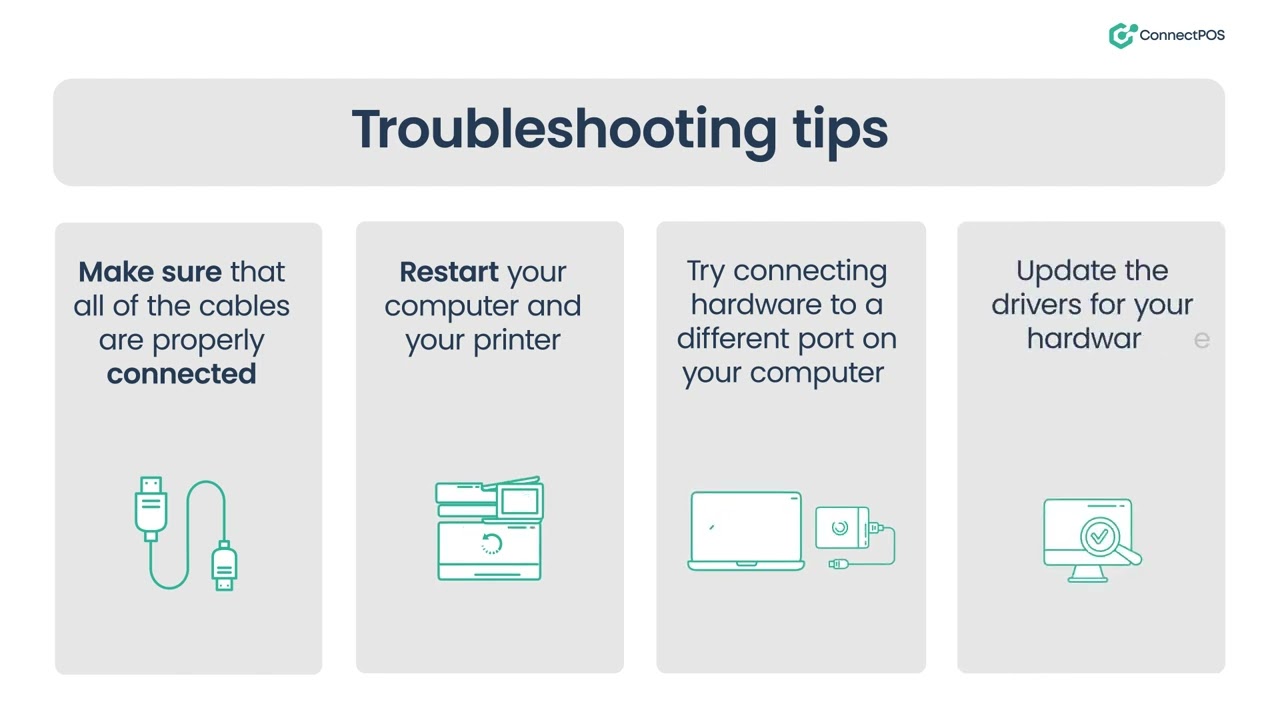
Troubleshooting network connectivity issues, handling offline transactions, and performing firmware updates on POS hardware.
Leveraging Shopify POS retail analytics to track sales trends, customer behavior, and inventory turnover.
Implementing omnichannel retail strategies, such as Buy Online, Pick Up In-Store (BOPIS) and processing online returns in-person.
31.3K views166likes4:30Original Release: 2024-02-27
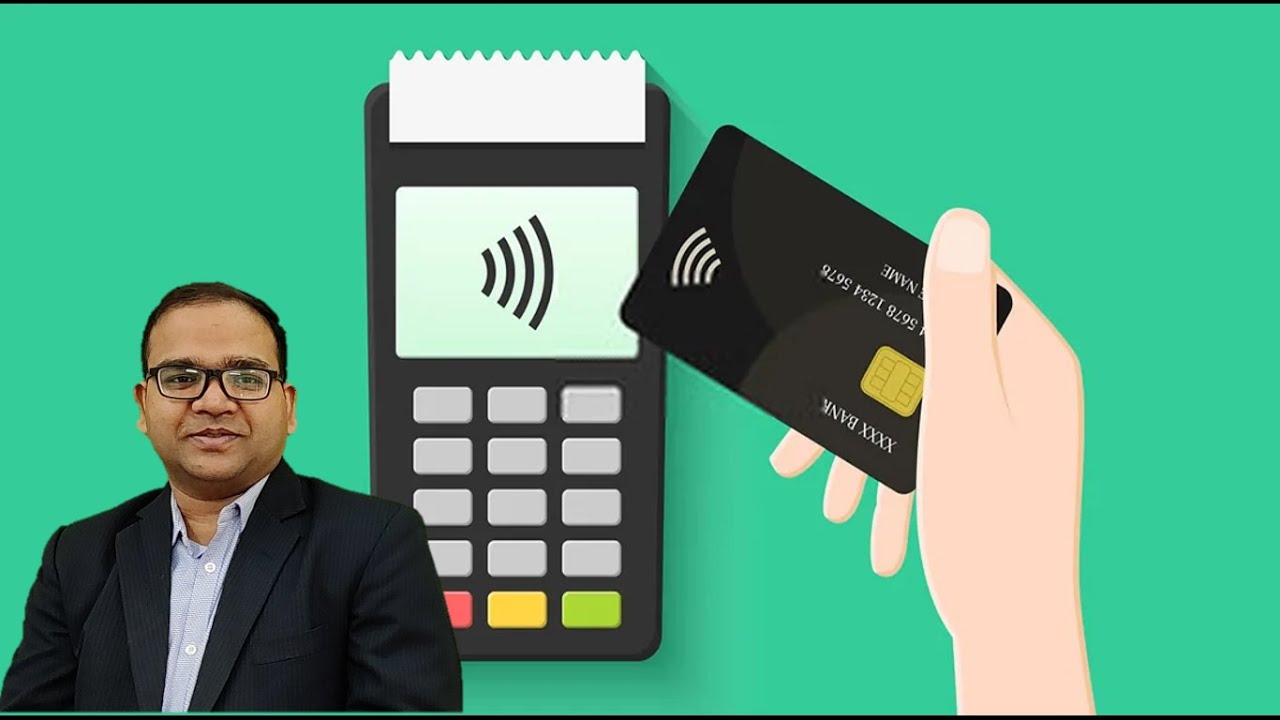
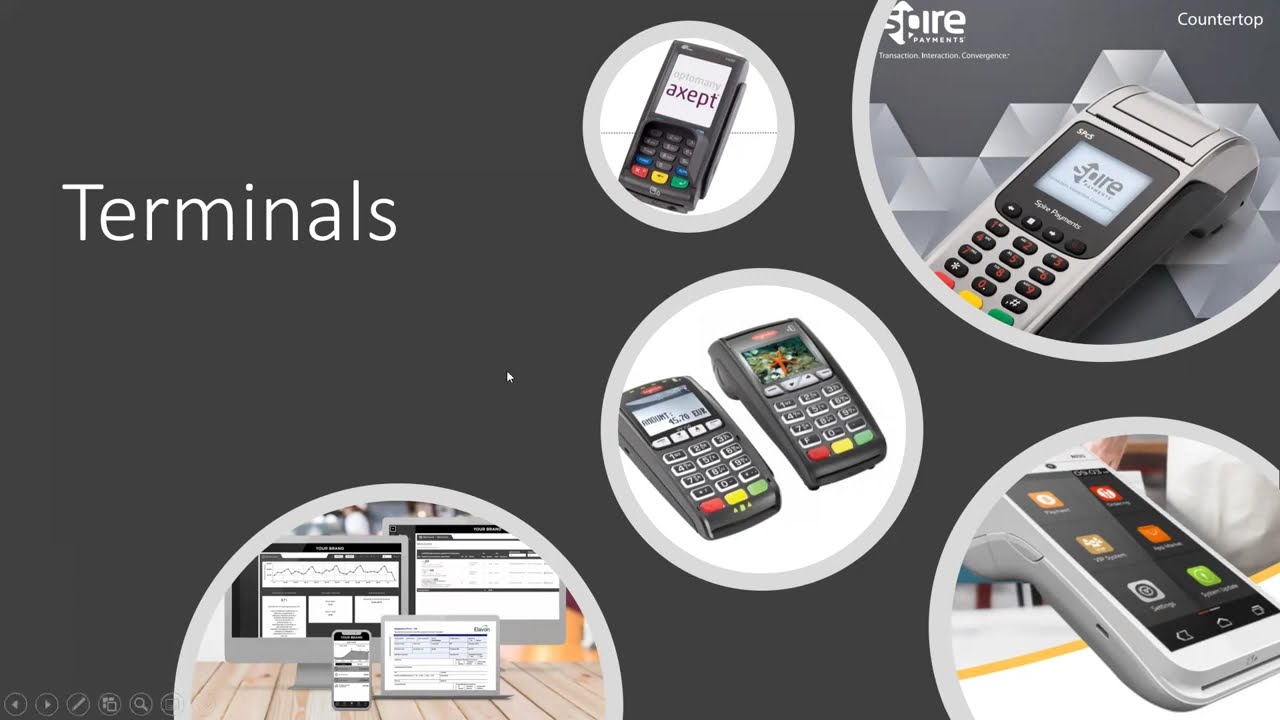
if you're selling at a retail store with Shopify point of sale also known as POS Shopify supports a variety of Hardware options to help you customize your setup having the right Hardware ensures that you can efficiently manage your store and offer seamless checkouts for customers the hardware you can purchase depends on the country you live in check out the documentation linked for more details about your options with Shopify POS you can use a range of devices to enhance the retail experience for your customers depending on your business type and where you're selling your Hardware needs may look different let's start with Shopify card readers at a minimum your POS setup must include a tablet or smartphone and a Shopify card reader All Shopify card readers pair to the Shopify POS app on your iOS or Android device and are processed by Shopify payments shopify's built-in payment provider here are some of the card readers that Shopify offers in different regions these allow you to accept quick and seamless payments from your customers in person we have POS terminal POS go the tap and Chip card reader the wise pad 3 card reader and finally our Hardware list option tap to pay on iPhone to learn more about choosing the right card reader for your business check out the video linked if you're selling at a permanent retail location you may need to build your POS setup further with POS accessories like tablet stands barcode scanners receipt printers and cash doers you can shop for supported device on the Shopify hardware store when reviewing available options there are some considerations you should keep in mind like whether or not you'd like a wired or Wireless setup and compatibility with iOS or Android devices if you'd like to create a fixed countertop setup with your tablet then you'll need a tablet stand shopify's tablet stands have been designed specifically for selling at the counter keeping your tablet secure to the base and with built-in USB ports to power additional devices while keeping wires tidy keep in mind shop Shopify does not sell tablets a barcode label printer and Barcode Scanner are ideal for businesses with a lot of inventory and a few different variants of a product a receip printer is a valuable addition to any business that needs to provide physical proof of transactions to their customers like a boutique or clothing store a cash store is a great addition for keeping money secure if you have a checkout with lots of cash sales if you're migrating to Shopify from another POS system you can continue using your existing Hardware if it's compatible with Shopify p the best way to see if your existing devices are compatible is through our help documentation there you'll find a list of third party products and model numbers that work with Shopify this does not apply to payment Hardware since only Shopify card readers are able to accept fully integrated payments on Shopify POS when deciding on the right Shopify hardware for your business consider your specific needs and the nature of your operations think about the volume and type of transactions you handle whether you need Mobility for events or popups and how you want to manage your inventory then once you have all the hardware you need setting it up is a breeze with a Shopify POS app here are a few quick tips for getting started start by connecting your tablet or mobile device to a stable internet connection in the app open the settings menu then tap setup [Music] Hardware select the hardware type and follow the onscreen instructions to finish setup once everything is paired make sure that all the devices are functioning properly by testing them within the app now you can test a transaction print a receipt scan a barcode or open the cash drawer to keep an eye on connected devices and troubleshoot issues you can quickly access connectivity status from the POS app at any time when all devices are paired and functioning properly the status will read connected on mobile tap more than connectivity to review your devices and connectivity status now that everything is connected and has been tested organize and arrange your hardware setup in a way that's convenient for your store remember if you've turned on test mode turn it off before processing your first sale and there you have it are you ready to take your retail business to the next level visit the Shopify hardware store to explore our range of Hardware options and start enhancing your point of sale experience today
Up Next
10:46
Shopify POS Setup: A Comprehensive Guide for Retail Businesses
@FitSmallBusiness
33.9K views•2022-01-11

12:54
Triumph of Orthodoxy Icon: Byzantine Art & History Explained
@BenCallan
2.1K views•2024-08-06

9:49
FastAPI vs Flask vs Django: Choosing the Right Python Web Framework
@TechWithTim
302.5K views•2024-05-26

1:42
Game of Thrones Opening Credits: A Cinematic Analysis
@gameofthrones
46.3M views•2011-04-18
Related Study Plans & Knowledge Roadmaps
Structured learning paths in General & Interdisciplinary Studies
general-studies
Elevator Engineering: History, Physics & Cities
01From Hoists to Safety Brakes: The Dawn of Vertical Lift
02Hydraulic vs. Traction: The Engineering Physics of Elevators
03Modern Speed, Safety, and Algorithms
+ 2 more learning modules
12h5 modules
Explore Roadmap
general-studies
Rubber: Material Science, History & Geopolitics
01Origins of Natural Rubber & Mesoamerican History
02The Chemistry of Natural Rubber & Vulcanization
03The Geopolitics of the Rubber Boom & Colonization
+ 2 more learning modules
12h5 modules
Explore Roadmap
general-studies
Containerization: Evolution, Logistics & Trade
01Ancient Trade & Bulk Cargo: Amphorae to Barrels
02The Industrial Revolution & Cardboard Packaging
03The Containerization Revolution: Malcom McLean
+ 2 more learning modules
12h5 modules
Explore Roadmap
general-studies
Textile Tech: Evolution, Labor & Global Impact
01Pre-Industrial Textiles: Handloom & Cottage Industry
02Mechanization: The Spinning Jenny to the Power Loom
03The Factory System & Global Labor Transformation
+ 2 more learning modules
10h5 modules
Explore Roadmap