













![FTD Webinar Series [Shop Operations]: Quick Revenue Wins with Mercury Online](https://i.ytimg.com/vi/_7O6SPz5qbw/sddefault.jpg)
















Shopify POS is an integrated point of sale system that requires an e-commerce subscription ($9-$299/month) and offers two plan options: a free Light version and a Pro version ($89/month per location) with additional analytics and checkout features. The system seamlessly syncs inventory, analytics, and customer data across multiple sales channels including online store, social media shops, and brick-and-mortar locations. Key features include staff management with role-based access controls, comprehensive analytics and reporting, and the ability to create custom receipts. The setup process is guided through video tutorials, and the dashboard provides centralized access to orders, inventory, customer library, finances, and marketing tools.
Shopify POS Setup: A Comprehensive Guide for Retail Businesses
Added:Basic understanding of retail operations and the role of Point of Sale (POS) systems in transaction processing.
Familiarity with the core Shopify e-commerce platform, specifically product listing, pricing, and catalog creation.
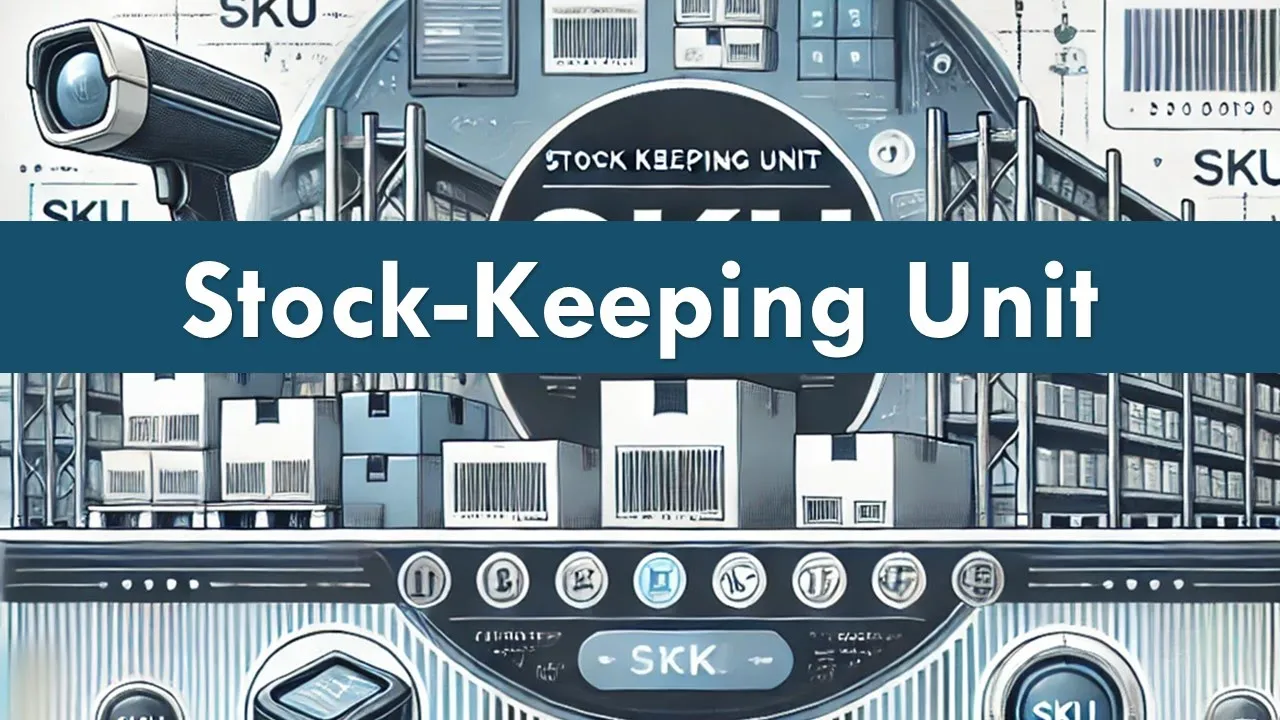
Fundamental concepts of inventory management, such as Stock Keeping Units (SKUs), variants, and stock tracking.
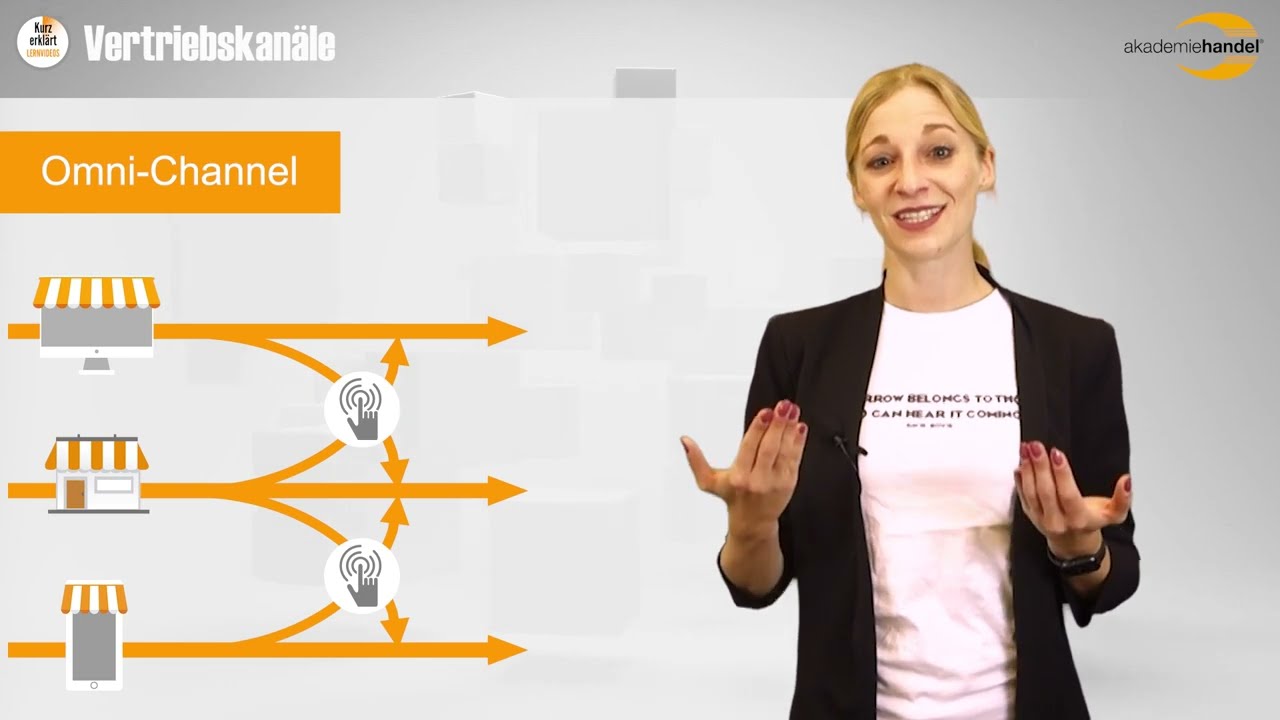
The concept of omnichannel commerce and the importance of syncing online and offline sales channels.
Advanced inventory management, including multi-location tracking, purchase orders, and demand forecasting.
Utilizing retail analytics and Shopify reports to optimize sales performance, staff scheduling, and inventory turnover.
Designing and implementing omnichannel customer loyalty programs and unified marketing strategies.
Hardware integration and troubleshooting, including receipt printers, barcode scanners, cash drawers, and card readers.
Understanding payment processing security, merchant accounts, and PCI-DSS compliance for physical retail spaces.
33.9K views161likes10:46Original Release: 2022-01-11
hi there my name is bridget hodge i am one of fit small businesses retail experts and today we're going to be taking a look at shopify's point of sale software so we're going to be taking a look at the setup process the point of sale features as well as some of the other features that come along with your shopify subscription so let's get started so i've gone ahead and i've signed up for shopify one thing you should note about shopify as a compared to other point of sale software's like square or lightspeed is that in order to access shopify's point of sale software you have to sign up for one of their e-commerce plans those plans range from nine dollars to 299 dollars per month depending on the size of your business and what you need from the plan but only through those e-commerce plans will you get spot shopify point of sale from there you also have two plan options within your point of sale you can get the light option which is free with any uh shopify plan or you can get the pro option which is eighty nine dollars per month per location on top of your ecommerce plan uh the main difference between those two plans is the pro plan will have a couple more um analytics features and um it also allows for a couple more checkout features all of which is enumerated in our shopify point of sale review but moving on from that um here once you have a signed up for your shopify account you will be brought to your home page where you will be prompted through a bunch of setup guides so you will have a how to start your shipping video as well there's a whole library of videos that you may access and that come up on the screen as you move through your setup process so the first thing that you will be prompted to do is add a product this will go into your inventory library and these products um when you go to add a product the product page has a ton of useful information um where you can include the title a description you can have um media you can tell what sales channels it's going to be a part of sales channels is something we'll get into later you include include its price it's barcode its unit price from the manufacturer supplier um this will help you keep track of your margin and your profits as you sell through things and then all sorts of shipping information including weight where it's from where it could be going uh things along those lines so then with uh and it you'll be prompted through all of these setup guides not a ton of these are pertinent to the point of sale system they are more pertinent to setting up your shopify online store which we also have a ton of information on on the fit small business website so we're going to take a little look at some of the features that are accessible to you once you are a shopify customer so over here you have all of your most important categories things that you need to access at a glance so you'll have your orders where this will keep track of all of your online orders um so you can manage them right here from your dashboard you'll have your inventory library which is going to be tracking inventory across your sales channels across different uh sales platforms and then this is a very helpful thing you have your customer library this again is going to be synced across your online in-person and other sales channels all of your customer data will be stored right here um and additionally with if you do use a shopify website every time a customer enters their information on a shopify website they will be added to your customer library in addition to your customer library you will also have your finances where you can look at your sales your gross profit margin your earnings your spendings all of this will be tracked here live with your sales between all of your sales channels so you can get a live overview of your finances at any point um there's you can take a look at your balances your billing your payouts all of that will be tracked right here which makes accounting so much easier and then another important thing that's um a huge deal with point of sale systems is your analytics and reporting capabilities which shopify has a very comprehensive analytics and reporting so not only do you have your finances that are going to be tracked so you can keep your own personal um accounts in line this is a ton of analytics about your store performance so you'll have your total sales your online store sessions as well as a bunch of other reports that you can add to your main analytics dashboard in addition with the shopify shopify plan you will be sent daily reports about your doors your daily performance in your store so all of this is built in automatically to all of these shopify accounts then if you have any marketing initiatives there's also a place to track that here um whether you are wanting to tracking them on apps or if you have a marketing software that you're running you can track had their performance here which is great if you're trying to assess their effectiveness and how they're working with your customer base um and then another great thing about shopify is they make it extremely easy to give promotions and manage those promotions and discounts both in your online store and in in-person checkout which we will look at in just a moment um here you will also have all of your apps right accessible on your dashboard so that could be if you have a loyalty app if you have a um a marketing app of any kind if you have downloaded something to your point of sale system and it is performing in your store you can track it here and access it here um from there we'll just return to the home screen real quick another great thing about shopify that we have highlighted throughout our article about shopify and that really makes it stand out as a point of sale competitor is how seamlessly it can sync your omnichannel sales channels um and what i mean by that is from your inventory to your analytics to your point of sale systems home page to track and maintain your online store your instagram shop your in-person store is absolutely seamless with shopify so let's take a look at those sales channels so obviously you'll have your online store which you will design and set up and begin selling this comes with all shopify accounts um unless you choose the shopify lite plan in which case you can add the shopify buy button to a third party website and that buy button will sync with your um point of sale and shopify account in general all the analytics and all the sales from that buy button um speaking of the buy button here's where you can track that sales channel where you can this and this again is a button that says buy that you can incorporate into third-party websites so this is shopify's way of saying you can use our product and use all of the tools we have on a different platform you don't have to have a shopify website and the light plan where you just get the buy button is 9.99 a month and also comes with point of sale light so then if you have a google store if you have a facebook shop all of those can be tracked right in your sales channels but the one that we're going to really take a deep dive in right now is the point of sale sales channel so this is for all of your brick and mortar sales there is a corresponding app this is a recommended that you use this on a tablet device so there's a corresponding app that has the actual um place where you can scan your barcodes and perform transactions but then here on your dashboard is where you can manage your point of sale system and by that i mean so you have your overview here this will help you get things set up um and get you selling within this app but the features that we'll be taking a look at is you can add your staff members give them a status and that status has specific controls things that they can access so let's say i am signing up a new person and adding a new staff member they will have an individual pin that they can log into to perf to use our point of sale system but i don't really want them messing with my finances analytic marketing or discounts i don't want them to have access to those things i could go through and say this is a their role employee and i could restrict their access but now let's say i'm adding another person and i want to make their role manager and i do want them to have access to the analytics and marketing but not finance i could restrict the access within that manager role as well and then as i'm experiencing turnover and getting new roles uh introducing new people i can just assign them roles that have set access points um so that's really great and here you can manage your staff see how much they're working see um how well their sales are performing and all kinds of things like that here again you can have you can view all of your locations and then settings this is where you can make your custom receipts add logos to your point of sale system there aren't a ton of customizations but this is where you would be taking care of those so as you can see shopify has a an extremely comprehensive point of sale system with tons of tools at your disposal and omnichannel capabilities that are second to none the setup process is seamless and so well guided just prompts you through every step you need to go through and the point of sale capabilities are extremely helpful and integrate perfectly with the rest of your shopify devices so um i hope you guys are enjoyed this overview and learned something about shopify um enjoy
Up Next

0:21
Sol de Janeiro Pop-Up Event Guide: Orlando Disney Springs 2025
@hannanoellevlogs
47.6K views•2026-04-09

12:54
Triumph of Orthodoxy Icon: Byzantine Art & History Explained
@BenCallan
2.1K views•2024-08-06

9:49
FastAPI vs Flask vs Django: Choosing the Right Python Web Framework
@TechWithTim
302.5K views•2024-05-26

1:42
Game of Thrones Opening Credits: A Cinematic Analysis
@gameofthrones
46.3M views•2011-04-18
Related Study Plans & Knowledge Roadmaps
Structured learning paths in General & Interdisciplinary Studies
general-studies
Elevator Engineering: History, Physics & Cities
01From Hoists to Safety Brakes: The Dawn of Vertical Lift
02Hydraulic vs. Traction: The Engineering Physics of Elevators
03Modern Speed, Safety, and Algorithms
+ 2 more learning modules
12h5 modules
Explore Roadmap
general-studies
Rubber: Material Science, History & Geopolitics
01Origins of Natural Rubber & Mesoamerican History
02The Chemistry of Natural Rubber & Vulcanization
03The Geopolitics of the Rubber Boom & Colonization
+ 2 more learning modules
12h5 modules
Explore Roadmap
general-studies
Containerization: Evolution, Logistics & Trade
01Ancient Trade & Bulk Cargo: Amphorae to Barrels
02The Industrial Revolution & Cardboard Packaging
03The Containerization Revolution: Malcom McLean
+ 2 more learning modules
12h5 modules
Explore Roadmap
general-studies
Textile Tech: Evolution, Labor & Global Impact
01Pre-Industrial Textiles: Handloom & Cottage Industry
02Mechanization: The Spinning Jenny to the Power Loom
03The Factory System & Global Labor Transformation
+ 2 more learning modules
10h5 modules
Explore Roadmap