
![⭐ Capítulo 6: Procesamiento en serie o en paralelo. [ Mezcla de audio con Ableton Live ]](https://i.ytimg.com/vi_webp/lSPNl5jrYO4/maxresdefault.webp)














Renoise 3.5 introduces a comprehensive set of new features including a powerful Phrase Scripting Engine using Lua for algorithmic composition, a Splitter effect device that divides audio into parallel, mid/side, or frequency bands with nested processing capabilities, native microtuning support using Scala files, VST3 plugin format with MIDI output, Ableton Link integration, improved multi-timbral plugin support, enhanced EQ mid/side channels, and expanded scripting APIs with HTML5 canvas GUI capabilities.
Renoise 3.5 Feature Showcase: Music Production Updates Overview
Added:Familiarity with the tracker-based DAW paradigm, including pattern editors, columns, and hexadecimal command codes.
Basic concepts of digital audio signal routing, including serial vs. parallel processing and audio effect chains.
Understanding of standard 12-Tone Equal Temperament (12-TET) and the basic concept of musical tuning systems.
Fundamental knowledge of APIs and scripting concepts (specifically Lua) used for software automation and tool creation.
Advanced Lua scripting for the Renoise API to create custom tools, procedural pattern generators, and UI extensions.
Exploration of microtonal and xenharmonic music theory, applying custom scala files (.scl) to electronic music compositions.
Designing complex parallel processing chains, such as frequency-splitting and mid-side processing, using the new Splitter device.
Cross-platform hybrid production workflows, integrating the Redux VST3 sampler instrument into linear DAWs like Reaper or Ableton Live.
27.2K views1.5Klikes12:22Original Release: 2025-07-08
So we've finally arrived at Renoise 3.5, by far the most substantial update since 3.0. Not just when it comes to the power of the new features, but also the sheer number of upgrades and improvements. So hopefully there will be something for everyone. We’ll go over the most notable ones here, but as usual the full changelog is available to read on the forums, link in the video description or below wherever this has been posted.
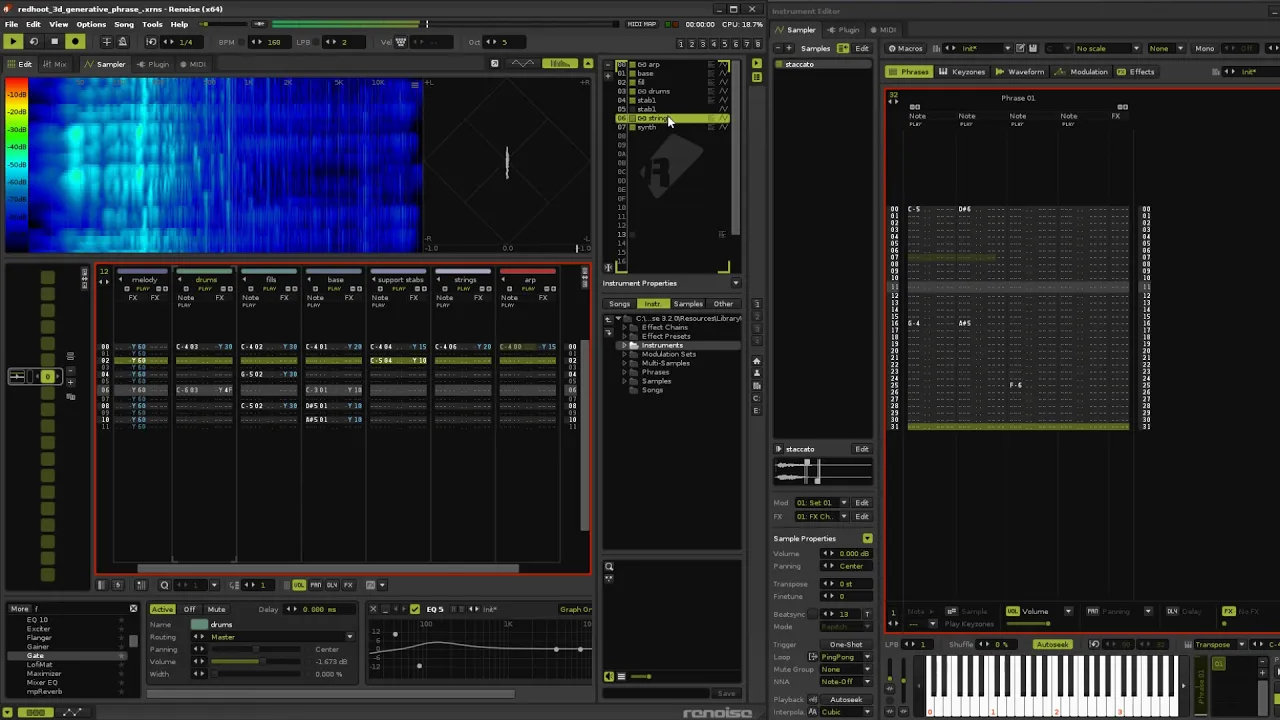
As an alternative to the Tracker Interface, the Phrase Scripting engine lets you script what you want the phrase to be in the left panel and it’ll be automatically generated at the right.
Inspired by Tidal Cycles’ mini-notation, the Lua scripting can be kept concise and elegant even when constructing something complex.
Creating rhythms, melodic patterns, chords etc. is incredibly easy, while randomisation can be inserted so the phrase plays differently each time. If you like what you’ve made and want access to the regular tracker style of phrase editing, just render the script. You can keep generating new versions of a Script phrase and rendering each one to its own individual Pattern phrase.
For those unsure if this feature is for you, we’ve included a wide range of presets with a focus on tutorials which encourage you to make small changes and hear the results.
Also note that scripts can have user inputs to regenerate the phrase in real-time. MIDI Mapping an input allows control via live performance, while mapping it to a Macro allows phrase changes to be automated during song playback.
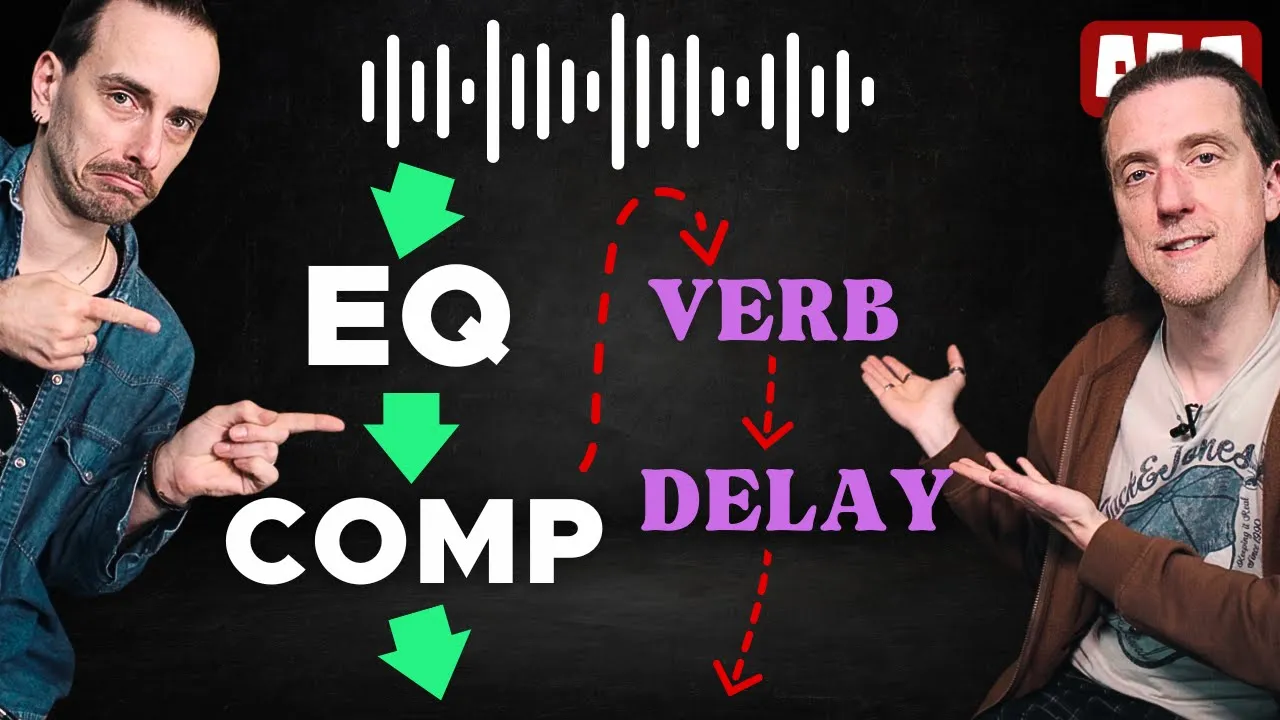
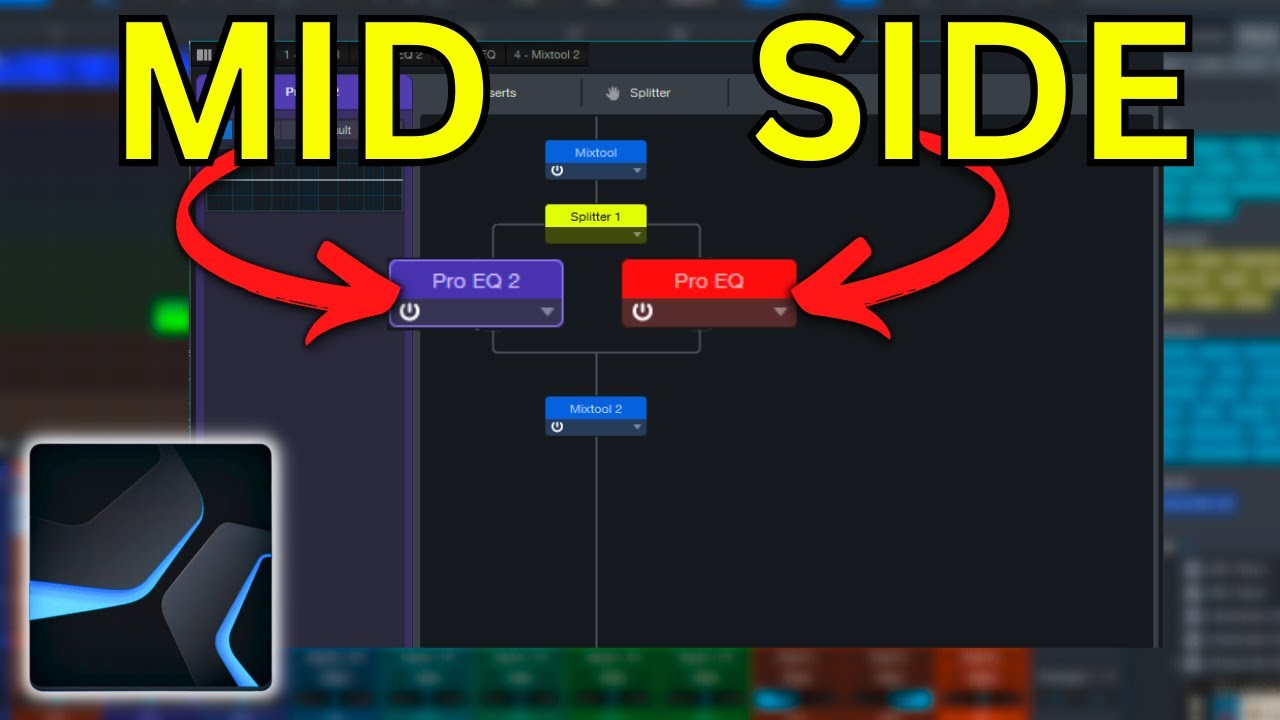
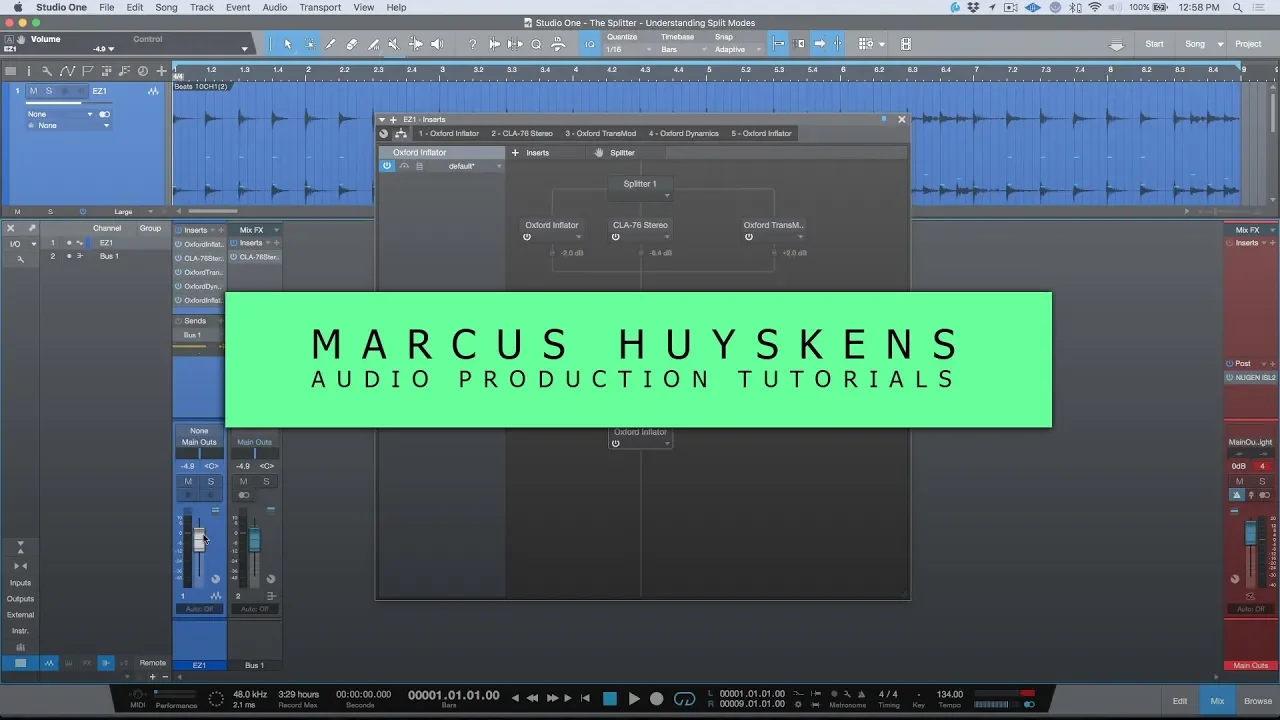
Next is something with a bit more mass-appeal, and it’s been a while since we had a new effect device. A Splitter works just like a Doofer when it comes to adding effects and setting up macros, but has the additional ability of splitting the audio into two sub-signals, each with their own effect chain.
The sub-signals can be one of three types. Parallel for two identical copies, Mid/Side separates the mid and side channels of the sound, while Frequency separates it into low and high frequency bands.
Now this great already, but there’s a few other really cool factors here. First, the Frequency parameter can be automated, making it a powerful creative tool.
Next, Meta devices can work across sub-chains, allowing the user to modulate or control parameters in the opposing effect chain.
And third, just as Doofers can contain other Doofers, Splitters can do the same.
This allows the audio signal to be split off into multiple nested layers, each affecting the audio in a different way and passing that on to the next split layer.
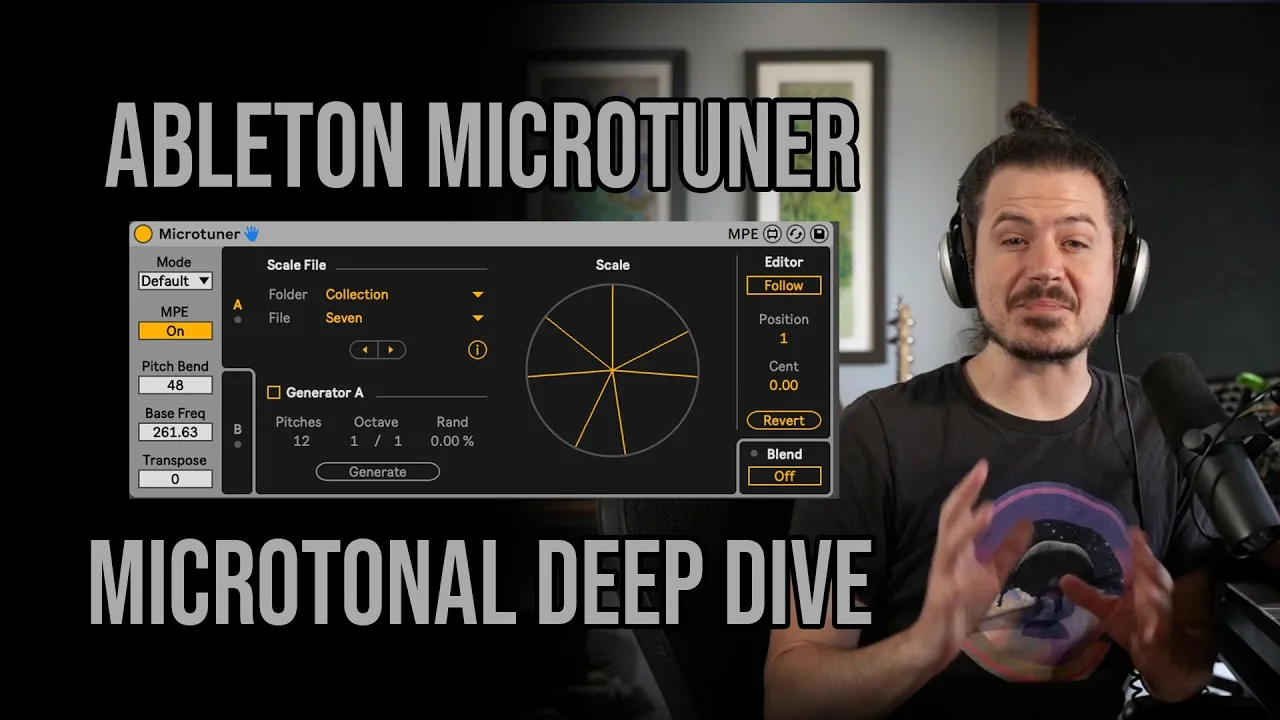
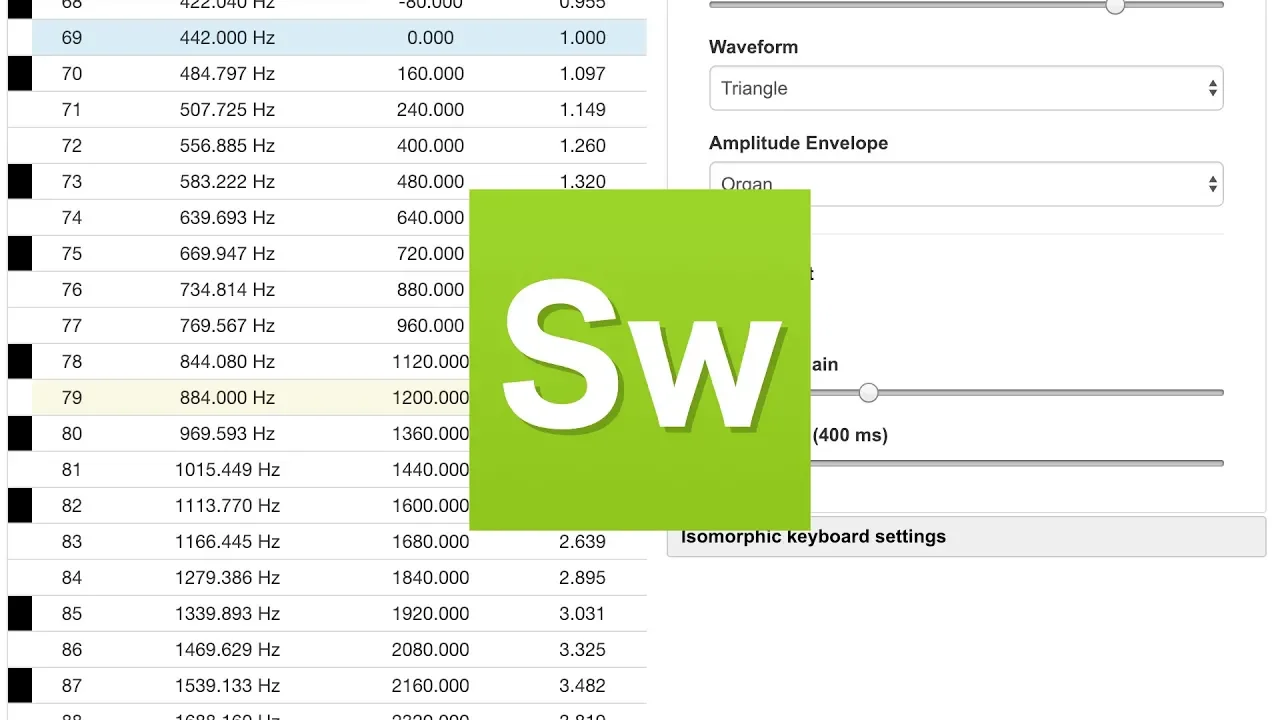
Previously you had to get creative with effect commands, modulation or other features to create microtuning. Now you can use two existing standards as part of a Renoise instrument’s native scaling. For the widest choice of tuning formats, use the free MTS-ESP Mini plugin on Windows and Mac, or Surge XT on Linux.
If you’re only using Scala tuning files though, then they can be loaded directly into an instrument without needing any additional software… and the other big advantage here is that Scala scales are saved with the instrument, so anyone you share the instrument or song with can just play it.
The VST 2 standard is being dropped from other Digital Audio Workstations, so our plugin, Redux, has been updated to VST3… and with that comes a long requested feature: MIDI Out. So now notes and other instrument data can be sent to the host DAW through MIDI, with the most obvious use being Redux directly controlling other instruments.
In the previous update we introduced support for Ableton Link and now you have the option to enable the Start/Stop feature, which is as simple as ticking the box in the Preferences menu.
If an instrument is using Plugin or MIDI, the Phrase Editor’s sample column can now direct notes to a specific MIDI channel. This is huge for multi-timbral plugins, since this is an alternative to aliasing across multiple instruments.
While you’re in phrases, the keyboard can be focussed so instead of playing single notes or editing, keypresses will play the phrase.
Our EQ effects received a nice update with the channel selection now always available and there’s two new options for applying the EQ to only the Mid or Side channels.
Here’s a more boring, though still useful, device: the Notepad. Use them to remind yourself, or inform others, of what’s going on in an effect chain. Especially handy for complex Doofers and Splitters.
Oh hey look, the Instrument Automation device can just select parameters by clicking on the plugin’s interface.
Wow, that was a lot of updates for scripting tools. Does that also affect the new Scripting Engine... ooh, it does. What about the Formula device? Ah, yes there we go.
And there's probably also Tool API enhancements... yes! With a special focus on the Canvas, An HTML5 inspired GUI View for superior user interfaces. Now that looks really nice......no, don't do that. But definitely do this, that look awesome. Ehhh, ok... bye then.
Now you've just got RMS all over everything.
Dude, come on, this is just showing off now.
*laughs* – OK...
Up Next

14:10
Playing the Ney with Western Instruments: Scales & Tunings
@Arabinstruments
3.4K views•2023-01-09

12:54
Triumph of Orthodoxy Icon: Byzantine Art & History Explained
@BenCallan
2.1K views•2024-08-06

9:49
FastAPI vs Flask vs Django: Choosing the Right Python Web Framework
@TechWithTim
302.5K views•2024-05-26

1:42
Game of Thrones Opening Credits: A Cinematic Analysis
@gameofthrones
46.3M views•2011-04-18
Related Study Plans & Knowledge Roadmaps
Structured learning paths in General & Interdisciplinary Studies
general-studies
Elevator Engineering: History, Physics & Cities
01From Hoists to Safety Brakes: The Dawn of Vertical Lift
02Hydraulic vs. Traction: The Engineering Physics of Elevators
03Modern Speed, Safety, and Algorithms
+ 2 more learning modules
12h5 modules
Explore Roadmap
general-studies
Rubber: Material Science, History & Geopolitics
01Origins of Natural Rubber & Mesoamerican History
02The Chemistry of Natural Rubber & Vulcanization
03The Geopolitics of the Rubber Boom & Colonization
+ 2 more learning modules
12h5 modules
Explore Roadmap
general-studies
Containerization: Evolution, Logistics & Trade
01Ancient Trade & Bulk Cargo: Amphorae to Barrels
02The Industrial Revolution & Cardboard Packaging
03The Containerization Revolution: Malcom McLean
+ 2 more learning modules
12h5 modules
Explore Roadmap
general-studies
Textile Tech: Evolution, Labor & Global Impact
01Pre-Industrial Textiles: Handloom & Cottage Industry
02Mechanization: The Spinning Jenny to the Power Loom
03The Factory System & Global Labor Transformation
+ 2 more learning modules
10h5 modules
Explore Roadmap