














Digital audio quality is determined by two key parameters: sample rate (the number of amplitude measurements per second, with the Nyquist theorem requiring at least twice the highest frequency to avoid aliasing) and bit depth (the resolution of each amplitude measurement, where higher bit depths like 24-bit provide greater dynamic range than 16-bit); the industry-standard 44.1 kHz sample rate was originally chosen for compatibility with video cassette standards and remains widely used despite modern systems supporting higher rates up to 192 kHz for improved audio quality and processing flexibility.
Digital Audio Basics: Sample Rate and Bit Depth Explained
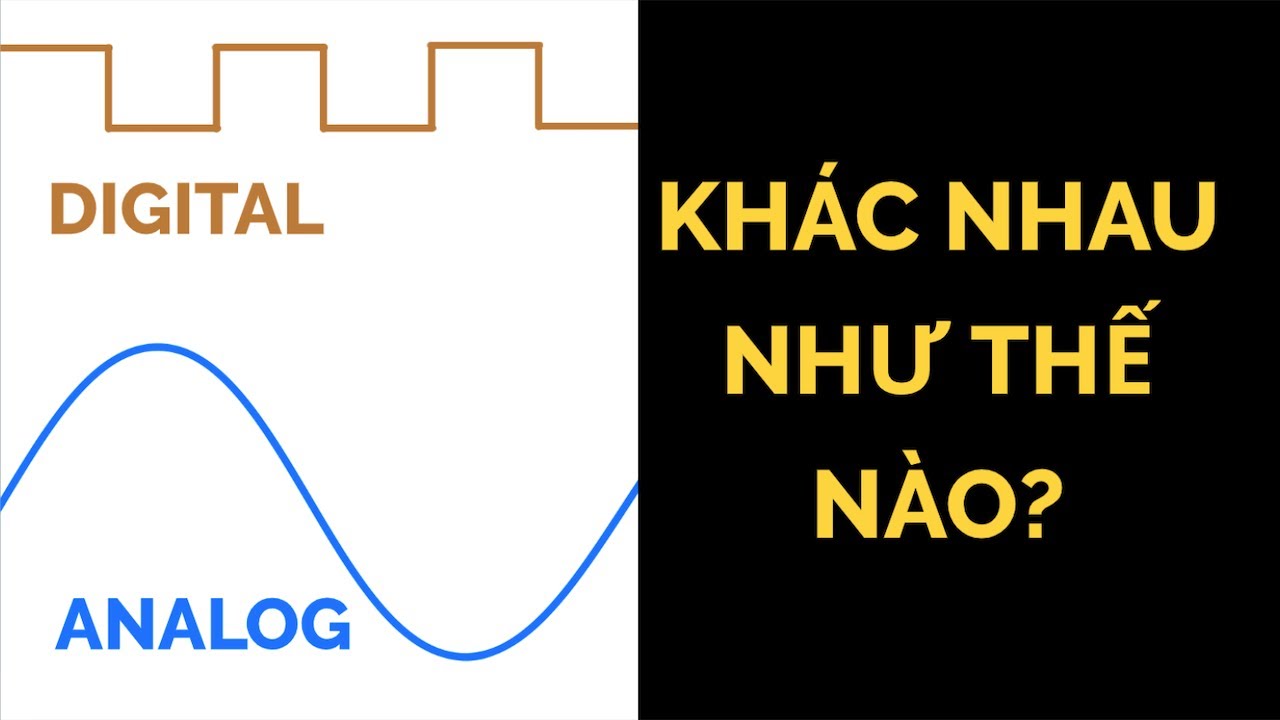
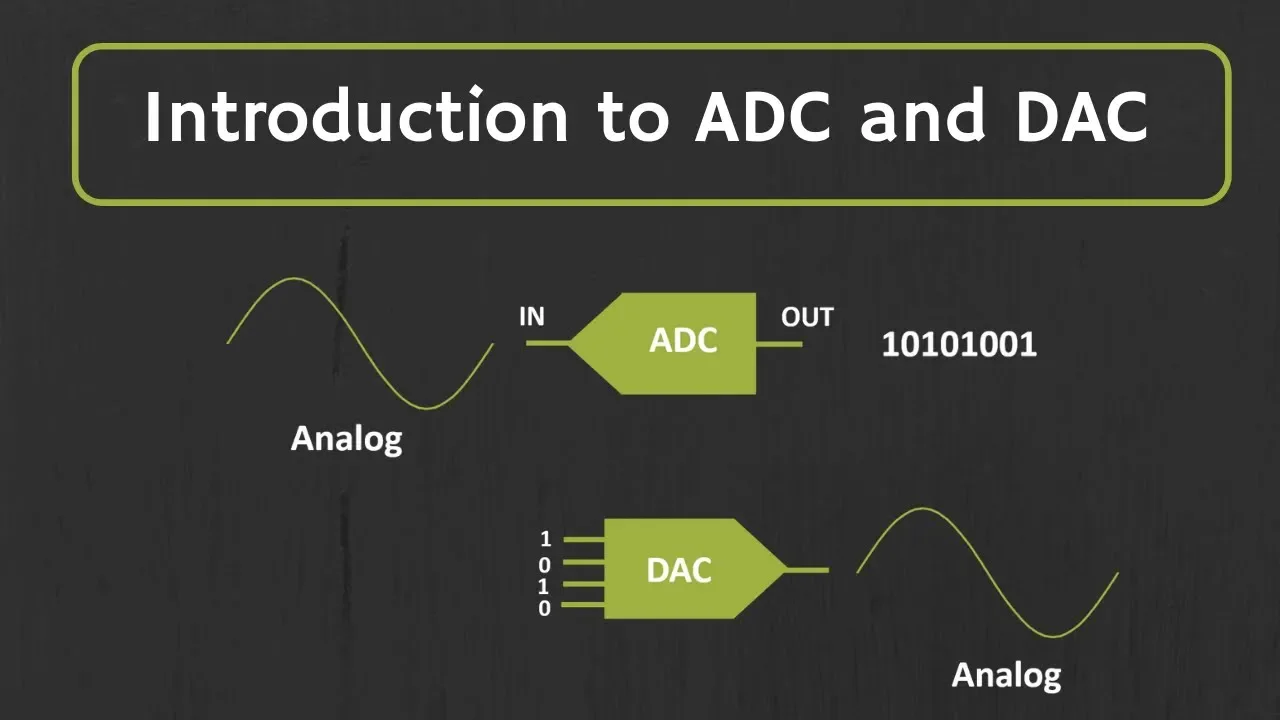
Added:The fundamental difference between analog (continuous) and digital (discrete) signals.
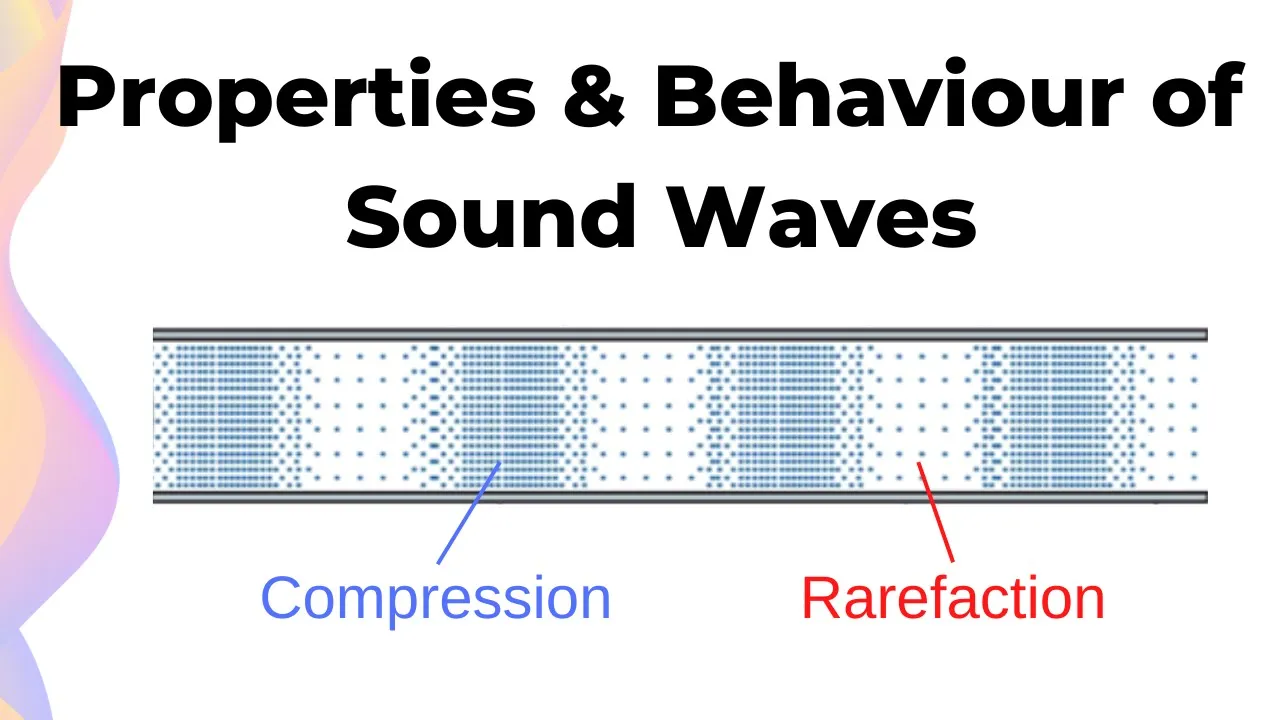
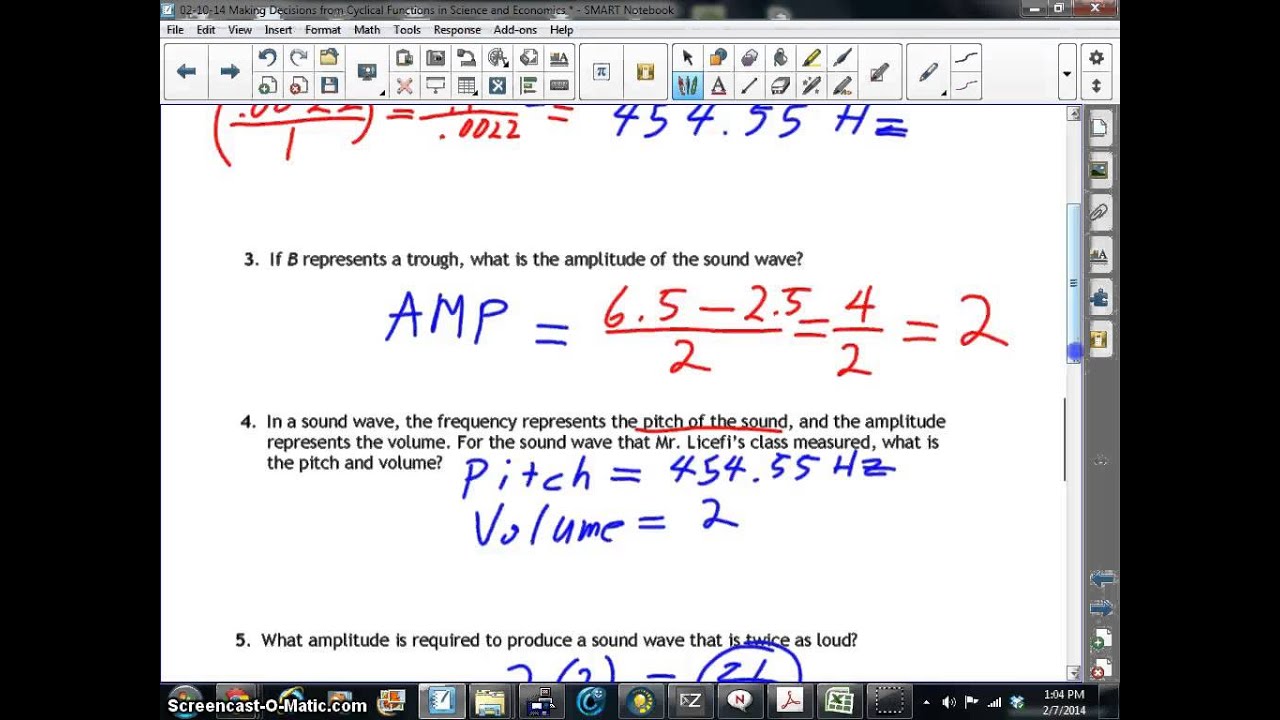
The basic physics of sound, specifically how frequency relates to pitch and amplitude relates to volume.
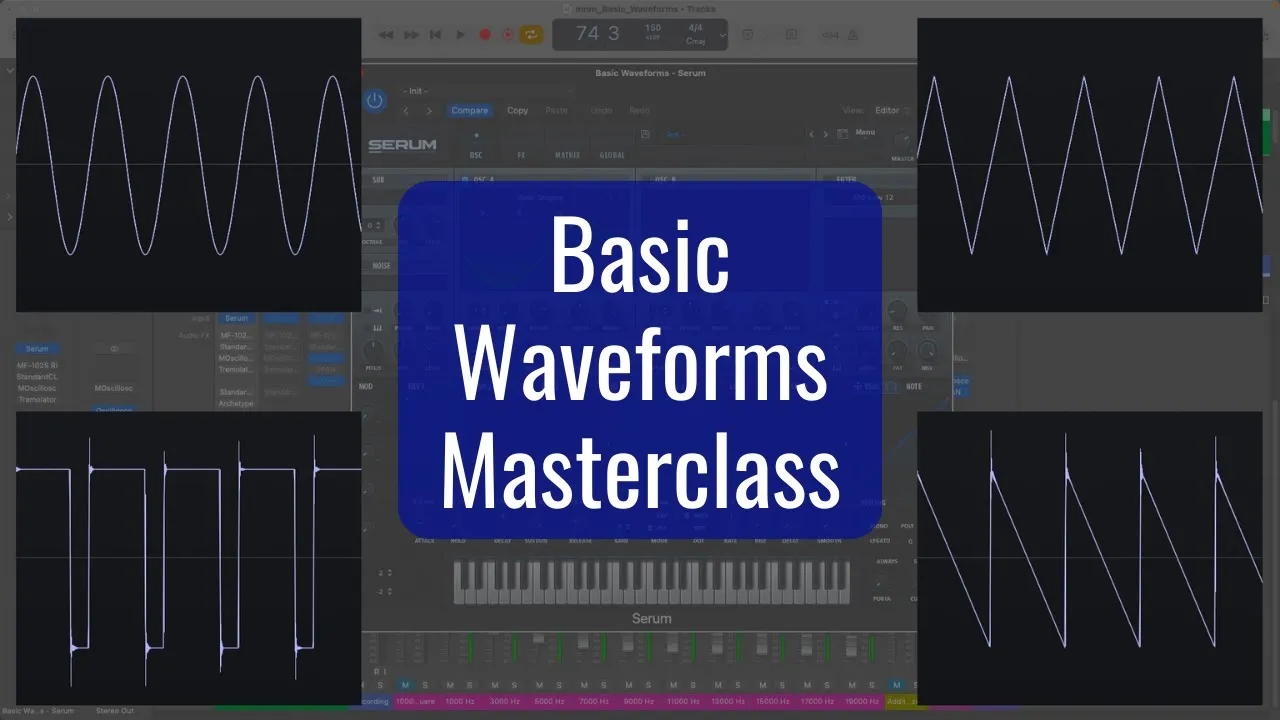
The concept of an audio waveform and how visual representations of sound waves work.
A general understanding of how microphones capture sound and convert acoustic energy into electrical voltage.
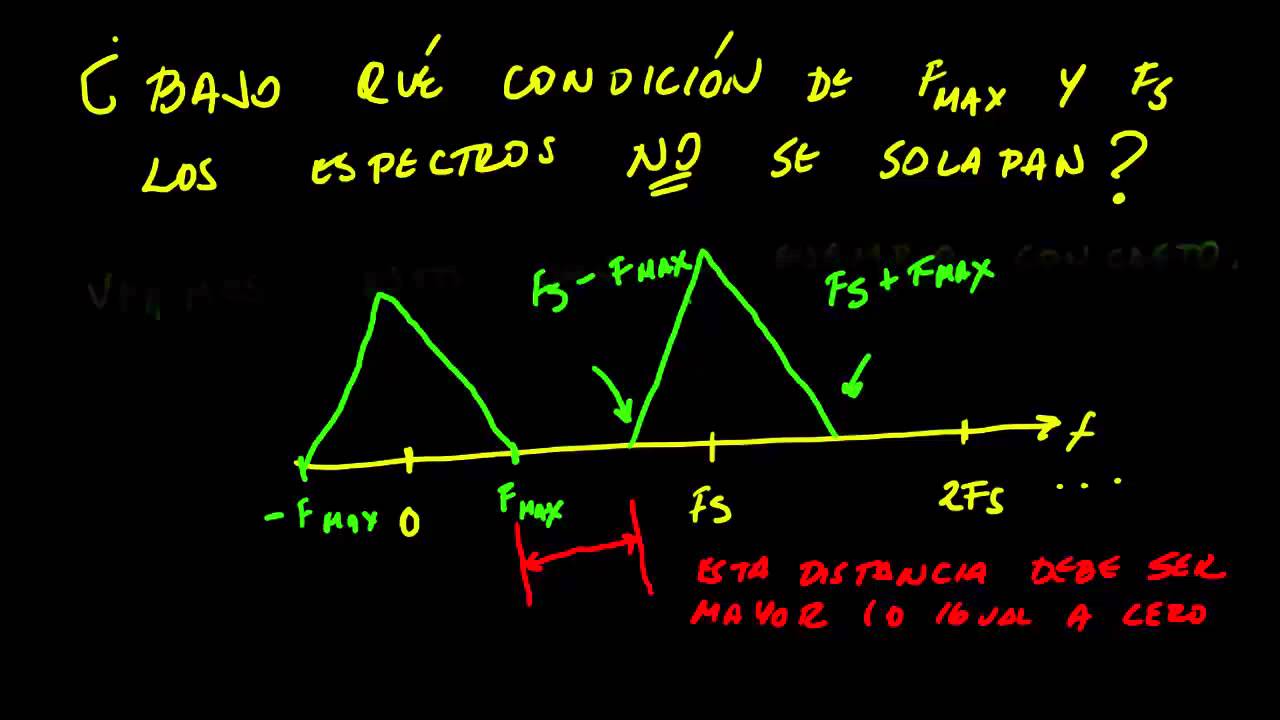
The Nyquist-Shannon Sampling Theorem and the phenomenon of aliasing (and how anti-aliasing filters work).
Quantization noise, dynamic range calculations (the 6dB per bit rule), and the use of dither during bit-depth reduction.
How sample rate and bit depth combine to determine digital audio bitrate and file storage requirements.
The practical selection of session settings in a Digital Audio Workstation (DAW) for different industries (e.g., music production vs. film/broadcast).
253.5K views5.1Klikes8:19Original Release: 2013-11-04
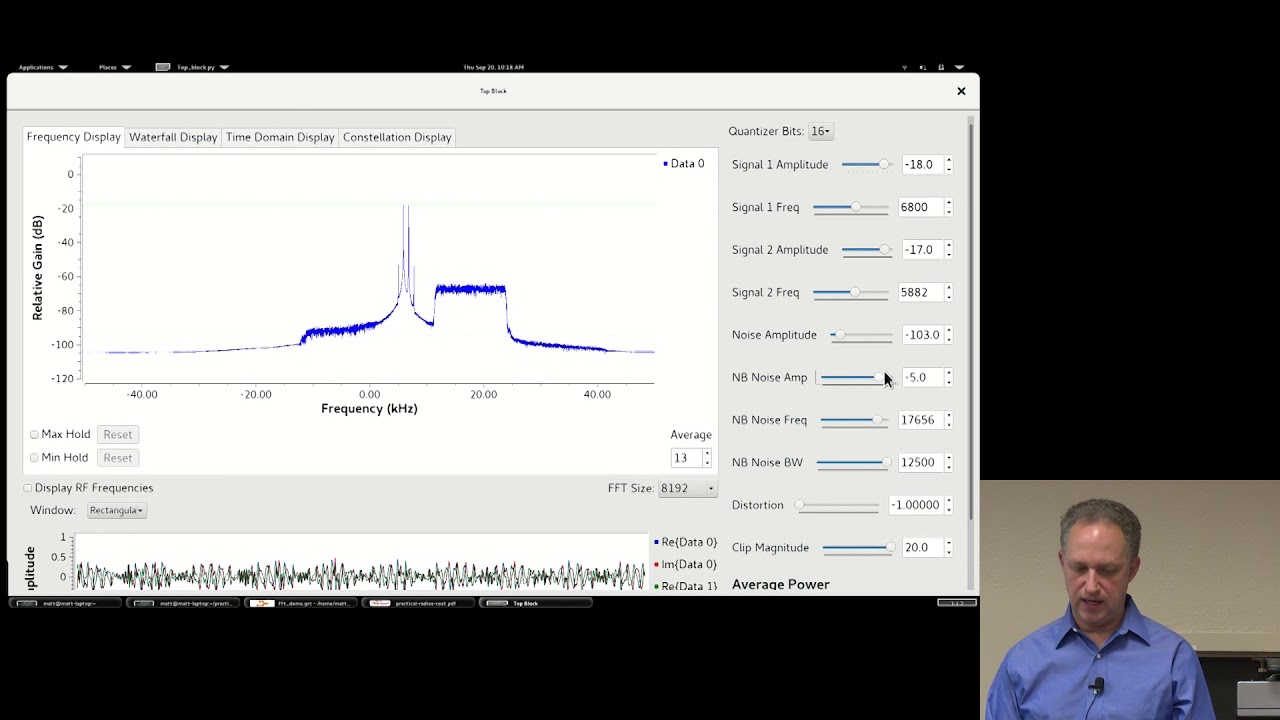
[Music] hey what's up it's wick for wik media and today I'm going to talk about the digital audio so I'm going to talk about the sample rate and bit depth the act of capturing an amplitude value is called sampling a sample is actually a static representation of a waveform in time the amount of samples that are taken per second is What's called the sample rate if we sample a 20 khz frequency with a sample rate of 20 khz we only have one sample per completed cycle to capture the positive and negative side of the cycle we'll need to have a sampling rate that is double the frequency that we're sampling in other words to capture a 20 khz frequency we'll need to have a sample rate of at least 40 khz this is the basics of the Nyquist Theory by a Harry Nyquist the highest frequencies that we're sampling can cause some aliasing errors and other problems and thus these can't be properly captured we'll need to filter off the highest frequencies that sampling with a low pass filter and uh this is the reason we'll need to get a higher sampling rate than 40 khz to properly capture a 20 KZ frequency keeping in mind that then the cut off frequency of the filter is around 20 khz so we don't lose too much of the original signal so we can say that sampling is capturing an amplitude value in time this value is captured in a process called quantization as well as with the time AIS digital systems have a certain resolution on the amplitude axis the higher this resolution is the more accurate the digital representation of the waveforms amplitudes this is determined by the bit depth of the recording the higher the bit depth the more dynamic range can be captured so a 24-bit system has a higher resolution than a 16-bit system a 16bits recording has a theoretical dynamic range of 96 DB whereas 24-bits audio has a theoretical dynamic range of 144 DB you can imagine that mixing with audio that has a 24bit resolution is much easier and more pleasant to mix with compared to a 16bits since we literally have more values on the amplitude axis so why a 44.1 khz sample rate the sample rate standard dates back to the days of video cassettes it was chosen because it was higher than 40 khz and that was needed to replicate the 20 khz audio and it was mathematically compatible with both the European pel as the United States ntsc standards for film the 44.1 khz sample rate with a 16bit bit depth was also adopted as the audio quality for the standard audio City so this sample rate has been relevant for years and it actually still is common sample rates that are used nowadays can be a bit higher not only does this mean that we can theoretically record higher frequencies but it also means that we've got a lot more samples that are taken to represent our audio many operating systems and audio interfaces nowadays can support s sampling rates up to 96 khz or even up to 192 khz and this is giving a much higher audio quality and processing options the filters and the ad converters that are being used by an audio interface are really crucial in determining what the quality of the interface is that's actually doing this conversion the sampling rate that we're using in a project can be seen as its playback speed audio files in a project that are on the currently running sampling rate will play back at a normal speed but if we Force to playback a 48 khz audio file in a project that's running at 44.1 khz it will sound slower and Pitch down when we play back files in a lower sample rate than the sample rate of the recording we will hear a speed up version played back faster and a higher pitch most Daws however will give a dialogue box upon importing the audio files when the sample rates are not corresponding to the current sample rate of the project so it's kind of like a safety net you got a take note that recording on higher sample rates and bit depths will create higher resolution audio and thus much larger audio files to work with we can actually quite simply calculate the approximate dis space that's needed to record our audio on we take the sample rate times the bit depth and that gives the amount of bits per second if we multiply that bits per second by the length of the song we get the amounts of bits for the length of the song so let's calculate this for a song with a duration of 4 minutes and that's 240 seconds so then we we take 44,100 * 16 bits gives 75,6 bits per second if we multiply that by 240 we get a huge number of bits per 240 seconds we can easily convert the amount of bits per second to megabytes per second by dividing this by eight to get the amount of bytes per second dividing that by 1024 to get the amount of kilobytes per second and dividing that by 1024 to get the am ount of megabytes per second this results in 20.1 megabytes for 4 minutes of digital audio at 16 bit and 44.1 Sample rate multiply that by two and you get the amount of megabytes needed for a stereo track let's compare 1 minute of audio for different sample rates and bit depths you can see that the higher the sample rate and bit depth are the larger the file size gets there's a number of reasons why we would want to choose to work with higher sample rates and bit depths the first would be the better quality that the higher sample rate gives and the more dynamic range that the higher bit depth gives especially the higher bit depth is really pleasing the work with during mixing processing is also a lot more accurate on higher resolution material equalizers reverbs filters Etc they all sound much better on higher sample rate material this is the reason why many plugins use so-called upsampling techniques to internally work at higher sample rates when processing audio another reason to work on higher sample rates is when you need to apply time stretching or maybe even pitch correction because we've got so much more samples on higher sample rates we've got a lot more accurate information about the frequencies that means we can do a lot more accurate stretching and correction and another reason to work at higher sample rates is for example when you're producing sound for DVDs DVDs can handle sample rates up to 192 khz on stereo material and 96 khz for surround material here's a list of the most common sample rates found in the industry working on higher bit dep doesn't stress your computer out too much working on higher sample rates however will stress your computer a lot more so you'll definitely need some more processing power if you don't have that keep in mind you won't be able to add as much tracks and as much plugins as you were used to when you worked at lower sample rates to answer a much asked question if we're going to be U creating a mix which is going to end up on the CD aren we going to be mixing it down to 44.1 at 60 bits eventually and that answer is yes you are but um that's only in the very last stage after the mastering so during mixing and during recording we can work at these higher sample rates and bit depths and only in the very last exporting stage of the master we're going to sample it down to 44.1 and 16 bit if you're going to be burning this to a CD if you want to know even more about sample rate and bit depth you should head over to wikip media.net where I'm going to post an EXT ended article in the audio tutorial section in the third season so you can find that right there so I hope you've learned something today if you want to know more about the upcoming tutorials you should follow me on go+ or Facebook or Twitter as always this was wick for wikim media tutorials I thank you guys for watching if you enjoyed it please share comment and like this video and I hope to see you guys soon peace [Music] la [Music]
Up Next
11:47
Korg Monologue Analog Synth Oscillator Guide: Waveforms & Shapes
@automaticgainsay
167.7K views•2017-01-18
20:08
Hollywood Fantasy Orchestrator RPG Expansion Pack Tutorial Walkthrough
@HighResolutionJapan
1.1K views•2024-03-08

9:49
FastAPI vs Flask vs Django: Choosing the Right Python Web Framework
@TechWithTim
302.5K views•2024-05-26

1:42
Game of Thrones Opening Credits: A Cinematic Analysis
@gameofthrones
46.3M views•2011-04-18
Related Study Plans & Knowledge Roadmaps
Structured learning paths in General & Interdisciplinary Studies
general-studies
Containerization: Evolution, Logistics & Trade
01Ancient Trade & Bulk Cargo: Amphorae to Barrels
02The Industrial Revolution & Cardboard Packaging
03The Containerization Revolution: Malcom McLean
+ 2 more learning modules
12h5 modules
Explore Roadmap
general-studies
Textile Tech: Evolution, Labor & Global Impact
01Pre-Industrial Textiles: Handloom & Cottage Industry
02Mechanization: The Spinning Jenny to the Power Loom
03The Factory System & Global Labor Transformation
+ 2 more learning modules
10h5 modules
Explore Roadmap
general-studies
Pharmacology: Botany, Patents & Biopiracy
01Foundations of Ethnobotany & Traditional Medicine
02The Birth of Synthetic Chemistry: Aspirin & Penicillin
03The Battle Against Malaria: Quinine to Artemisinin
+ 3 more learning modules
12h6 modules
Explore Roadmap
general-studies
Writing Surfaces: Papyrus, Parchment & Paper
01Ancient Foundations: Clay, Stone, and Egyptian Papyrus
02Parchment, Vellum, and the Rise of the Codex
03The Chinese Rag Paper Revolution and the Silk Road
+ 3 more learning modules
9h6 modules
Explore Roadmap