
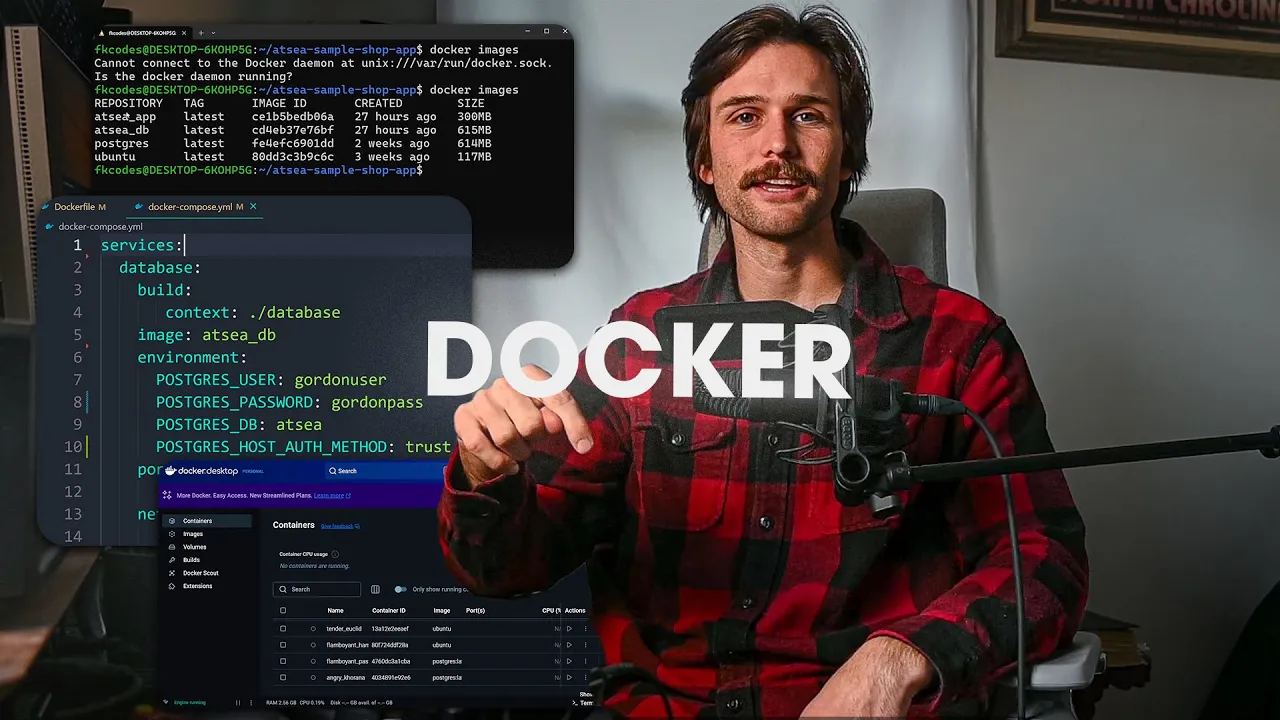










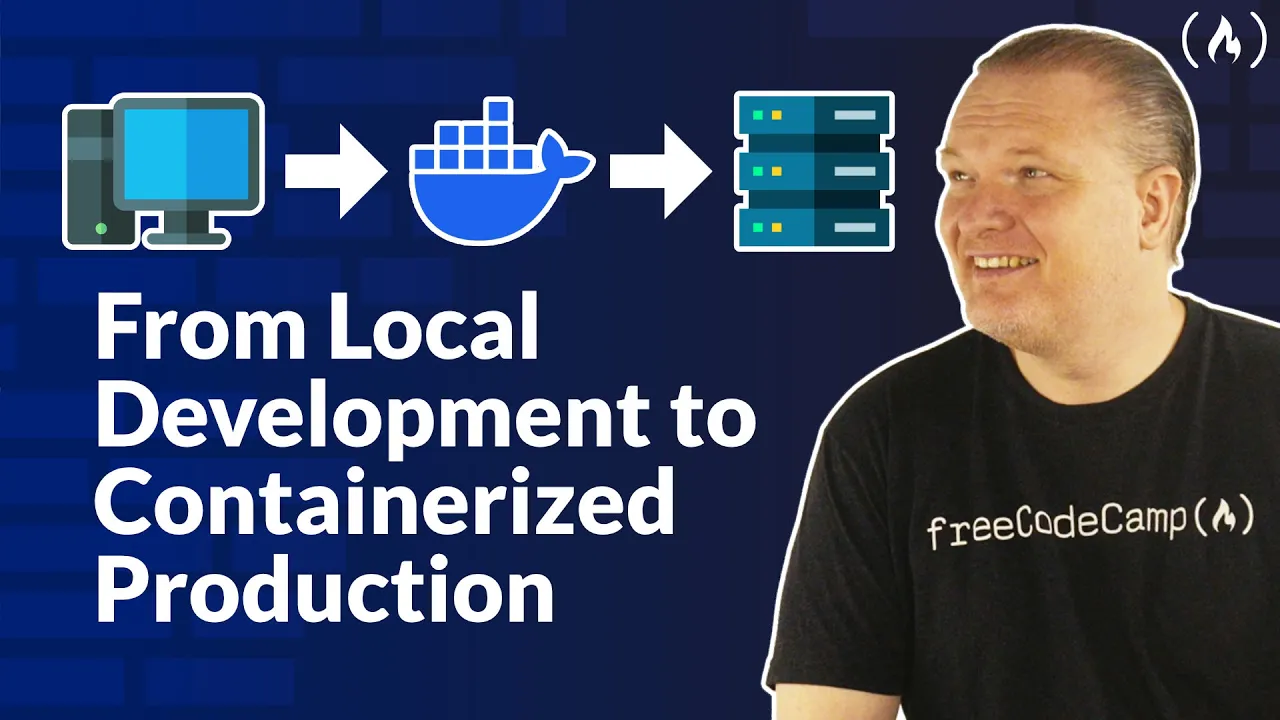



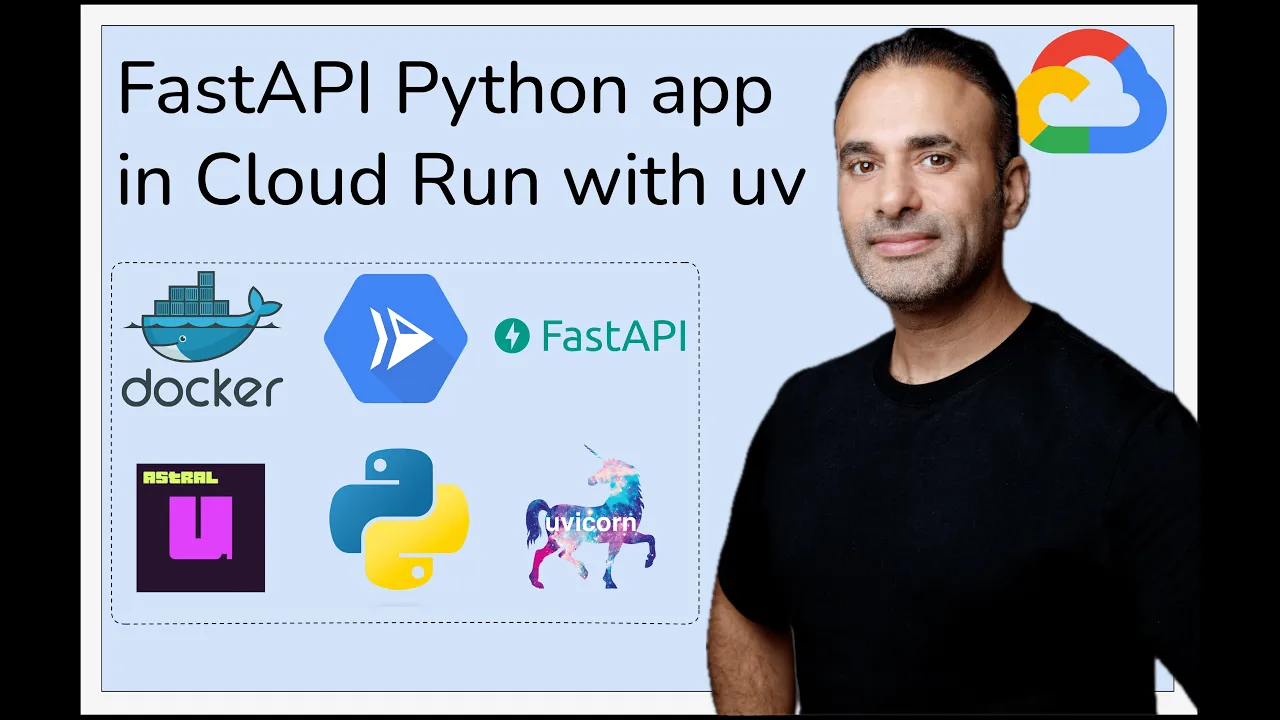


This tutorial demonstrates how to containerize a FastAPI application using Docker by creating a virtual environment, installing dependencies, writing a Dockerfile with a Python base image, configuring docker-compose.yml with port mapping and volume mounting for hot reloading, and using environment variables for configuration management.
Dockerizing FastAPI: A Step-by-Step Guide for Developers
Added:Basic proficiency in Python programming and a foundational understanding of the FastAPI web framework, including routes, dependencies, and asynchronous programming.
Fundamental concepts of containerization, specifically what Docker is and how it differs from traditional virtual machines.
Familiarity with Python package management tools like pip and managing project dependencies using a 'requirements.txt' or 'pyproject.toml' file.
Basic comfort with command-line interface (CLI) navigation and execution of terminal commands.
Mastering multi-stage Docker builds to significantly reduce image sizes and enhance security for production deployments.
Utilizing Docker Compose to orchestrate multi-container environments, integrating the FastAPI application with external databases (like PostgreSQL) and cache systems (like Redis).
Setting up automated Continuous Integration and Continuous Deployment (CI/CD) pipelines (e.g., GitHub Actions) to build, test, and push Docker images to registries like Docker Hub or AWS ECR.
Deploying containerized FastAPI applications to production orchestration platforms such as Kubernetes, AWS ECS, or Google Cloud Run.
57.8K views1.2Klikes7:21Original Release: 2023-04-13
in this video we'll see how to dockerize a fast API project let's start by creating Python's virtual environment activate the virtual environment now install fast API in unicorn let's create main.py file for intellisense locate the virtual environment in vs code import fast API from Fast API initialize the app like this now create the get request Handler in the root endpoint this endpoint will return Json with Hello World message let's run the ubicorn server now and in the browser if we go to 127.0.0.1.8000 we should see the hello world Json message let's go to the Swagger UI and test the API from there as well try it out and execute stop the server now say the dependencies on requirements.txt file we can now start dockerizing our hello world application built in fast API create the docker file we are going to use Python's 3.8.10 slim image as the base image let's set slash app as our work directory copy everything from the present directory to the work directory and write a command to install the dependencies in the docker image to not to copy unnecessary files and folders We can create the docker ignore file and write the following lines now we can create the docker compose yml we are using version 3.
let's name our service web we can use present working directory where we have our Docker file as the build context now write the command which will be executed when the container starts this will be the Unicorn command which will start the fast API server next we can map the host system's 8000 port to the container's 8000 port let's build the container and see if it works in the browser we can go to 127.0.0.1 Port 8000. and ola it works and it also works from the Swagger UI let's see if the hot reloading works oops it don't seems to be working we have to sync our host machine with the docker container so the uvicorn server can listen to the changes in our files for that we have to mount the volume in Docker compose file we have to restart our Docker container the server is up again let's do some changes in the API response and yes it seems to be working now because we saw the server reloading in the logs now our next task is to read some data from the environment using environment variables let's create a DOT ENT file and add a key value pair inside it in our main.py file we can fetch the secret value from the environment and return it with the API response in our Docker compose file we have to provide the path to our environment file everything looks fine let's rerun the server again and ola it's fetching the value from the mounted environment file thank you so much guys for watching this quick tutorial in the next video we'll see how to make this project production ready
Up Next

8:31
The Spanish Tragedy by Thomas Kyd | Plot Summary & Analysis
@asm-literatureandpoetry4604
5.4K views•2024-02-22

12:54
Triumph of Orthodoxy Icon: Byzantine Art & History Explained
@BenCallan
2.1K views•2024-08-06

9:49
FastAPI vs Flask vs Django: Choosing the Right Python Web Framework
@TechWithTim
302.5K views•2024-05-26

1:42
Game of Thrones Opening Credits: A Cinematic Analysis
@gameofthrones
46.3M views•2011-04-18
Related Study Plans & Knowledge Roadmaps
Structured learning paths in General & Interdisciplinary Studies
general-studies
Elevator Engineering: History, Physics & Cities
01From Hoists to Safety Brakes: The Dawn of Vertical Lift
02Hydraulic vs. Traction: The Engineering Physics of Elevators
03Modern Speed, Safety, and Algorithms
+ 2 more learning modules
12h5 modules
Explore Roadmap
general-studies
Rubber: Material Science, History & Geopolitics
01Origins of Natural Rubber & Mesoamerican History
02The Chemistry of Natural Rubber & Vulcanization
03The Geopolitics of the Rubber Boom & Colonization
+ 2 more learning modules
12h5 modules
Explore Roadmap
general-studies
Containerization: Evolution, Logistics & Trade
01Ancient Trade & Bulk Cargo: Amphorae to Barrels
02The Industrial Revolution & Cardboard Packaging
03The Containerization Revolution: Malcom McLean
+ 2 more learning modules
12h5 modules
Explore Roadmap
general-studies
Textile Tech: Evolution, Labor & Global Impact
01Pre-Industrial Textiles: Handloom & Cottage Industry
02Mechanization: The Spinning Jenny to the Power Loom
03The Factory System & Global Labor Transformation
+ 2 more learning modules
10h5 modules
Explore Roadmap