










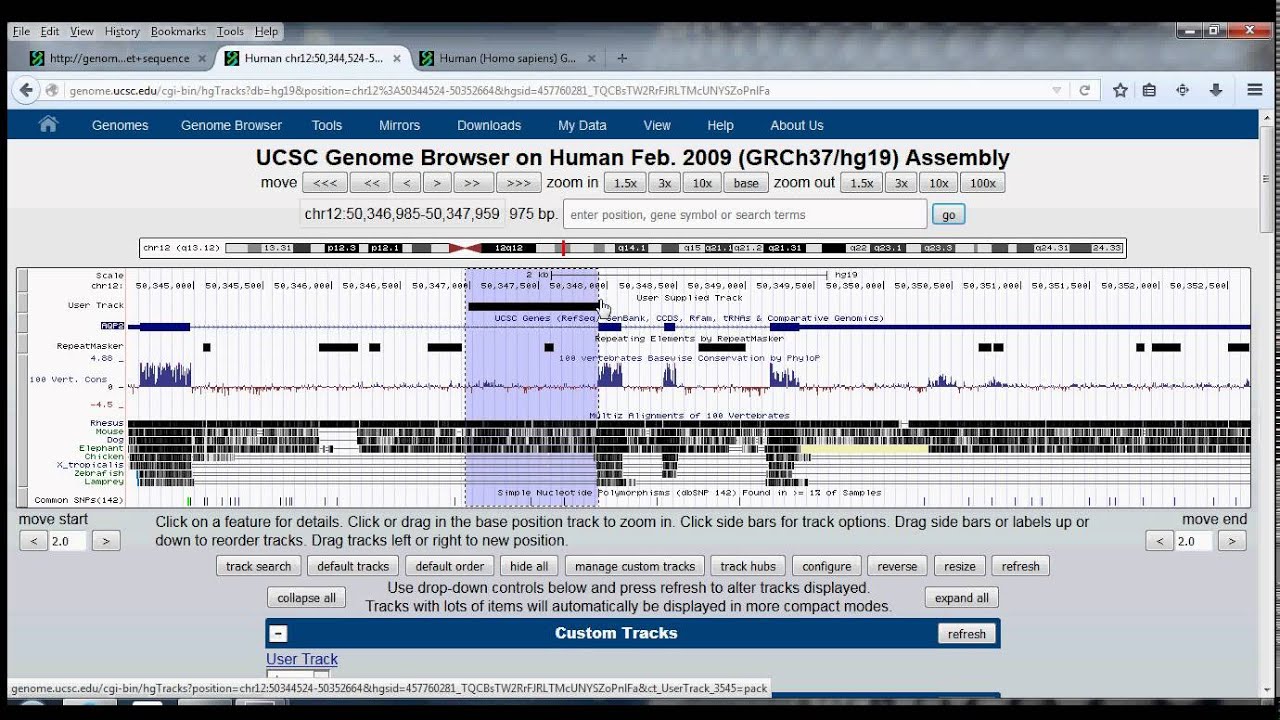






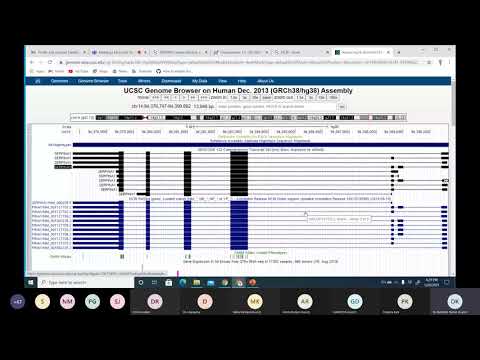



The UCSC Genome Browser is a powerful research tool that displays gene structure through exons (thick boxes representing coding regions), introns (dashed lines representing non-coding regions removed during splicing), and untranslated regions (UTRs, indicated by green and red boxes at the start and end respectively); users can navigate and zoom into specific genomic regions to examine nucleotide sequences and codons, with the browser supporting multiple genome assemblies including the widely-used HG19 assembly for human genome analysis.
UCSC Genome Browser Basics: Tutorial 1 for Genetics Research
Added:Understand basic gene anatomy, including exons, introns, promoters, and untranslated regions (UTRs).
Familiarity with the central dogma of molecular biology, specifically how DNA is transcribed into RNA and translated into protein.
Basic knowledge of genomic coordinates, chromosome structure, and the concept of a reference genome assembly.
Awareness of the biological function of hemoglobin and the role of the HBA1 gene in oxygen transport.
Utilize advanced UCSC Genome Browser tools such as the Table Browser for bulk data retrieval and the BLAT tool for rapid sequence alignment.
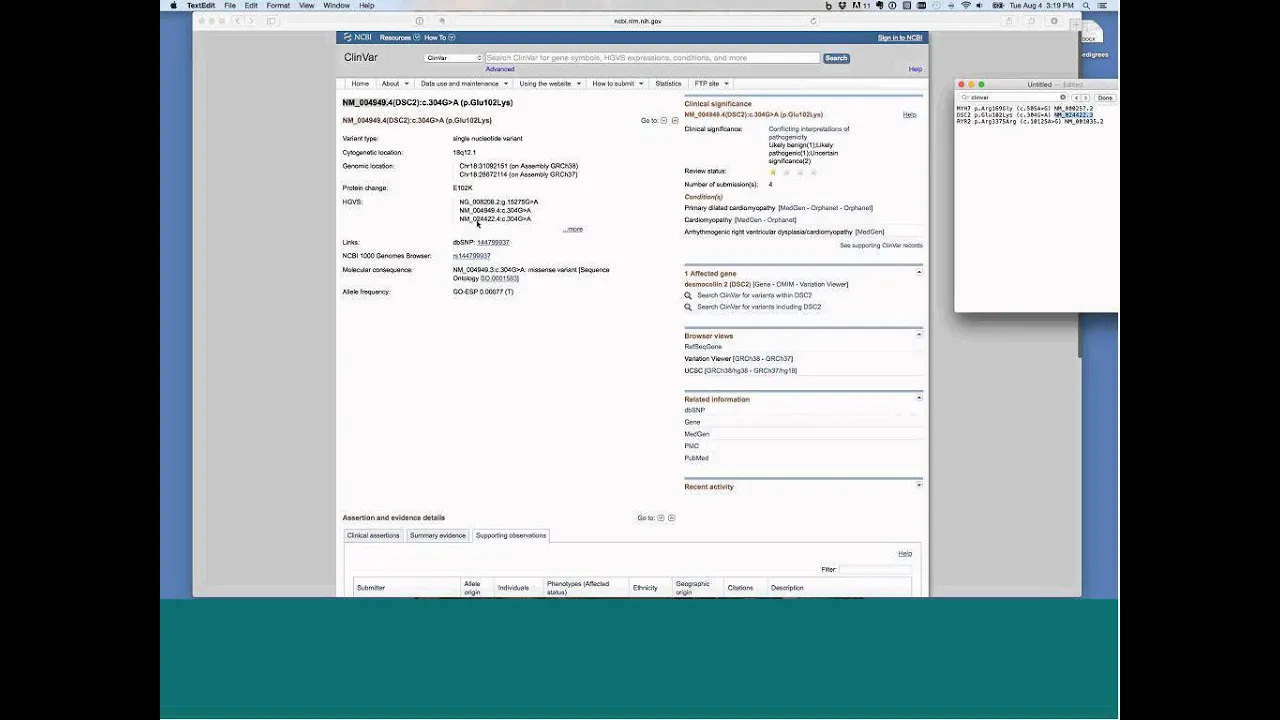
Incorporate clinical genetic variation data by analyzing SNPs, ClinVar annotations, and population allele frequencies.
Explore comparative genomics by using multi-species alignment tracks to analyze evolutionary conservation.
Integrate functional genomics data, including ENCODE tracks for histone modifications, transcription factor binding, and chromatin accessibility.
99K views769likes8:41Original Release: 2014-09-05
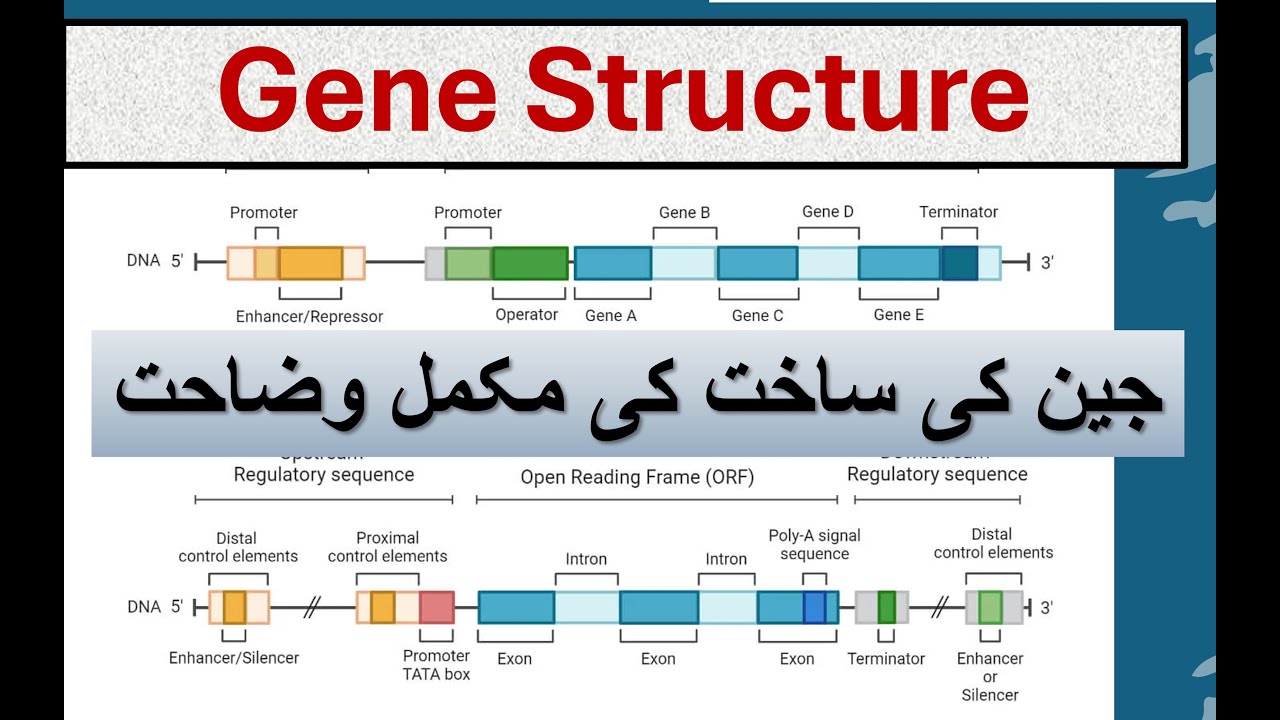
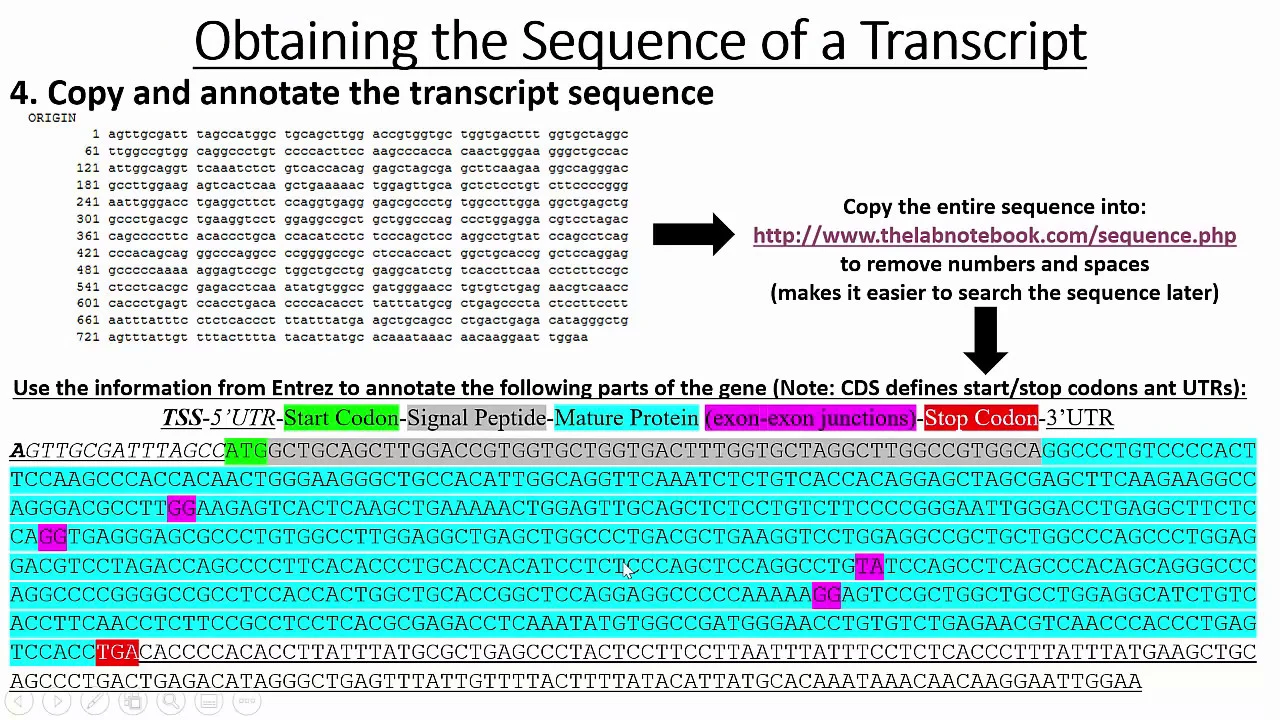
this video is the first in a tutorial of how to use the UCSC genome browser uh so first let's figure out how to get to the genome browser my favorite way is with our favorite search engine Google uh so if you just type in UCSC genome browser on Google you can get straight to the homepage now I should start by saying that this tutorial is in ended for students who have a solid background in biology let's say uh AP Bio or freshman biology and want to know more about how real biologists conduct their research especially in genetics uh so first let's go to the genomes tab of the UCSC genome browser and here is what we find now for me the The genome browser looks pretty complicated but when we break it down piece by piece we we will see that it is organized quite logically uh so first up here let's direct our attention to this box uh we're we're selecting The genome that we want to investigate so obviously we want the human genome which are mammals not insects and furthermore we need to pick the the appropriate assembly now over the years our knowledge of the human genome has gotten more and more refined and as a result uh our assemblies have gotten more accurate these days a lot of researchers are still relying on the 2009 assembly HG Human Genome 19 so let's stick with that and now we can go anywhere in the human genome that we want uh so how about a gene that we are probably all familiar with hba1 is one of the polypeptides contained in the hemoglobin protein so I just clicked submit and the genome browser brought us to the hemoglobin A1 Gene what do we see here wow this is clearly a ton of information but let's break it down one step at a time uh so first we can see right here that the hemoglobin Gene well this particular one is 842 base pairs long that is quite short for a gene but it might sound long to you I wouldn't want to write out that many nucleotide letters and uh right below we can see where the hemoglobin Gene lies in chromosome 16 hemoglobin Gene is very very early in chromosome 16 now you might say uh Sam it doesn't look very early it's already at the 200,000 position in chromosome 16 but the fact of the matter is that chromosome 16 is about 100 million base pairs long so this 200,000 figure which is the coordinate of the hemoglobin Gene is actually quite early in the chromosome uh now that we get a sense of where the hemoglobin Gene is in chromosome 16 let's take a closer look at the structure of that Gene which we can see right down here uh so let's see genes are made of several parts they're all obviously DNA which gets transcribed into RNA but that RNA can be categorized into different components namely the axons which are represented in these thick boxes there's one Exxon second Exxon and the third Exxon the introns which are these dashed lines the introns one and two you can see that they're the the direction of the arrows on that intron perhaps the resolution might not be good enough but the direction of the arrows indicates that the gene is oriented in the plus Direction the plus Direction means that uh the start of the gene is at a lower number than the end of the Gene and um that doesn't have to be the case for every Gene it could be the other way around because you'll recall DNA is double stranded and the the way that the gene is encoded in the DNA could be in the plus direction or the minus Direction uh the cell doesn't really care it shouldn't matter um now you'll notice that before the first Exon which the start code on fur that axon is indicated with this green box we have the five Prime utr uh untranslated region is utr and after the stop code on in red in the last Exon we have the three prime utr another untranslated region so as you will recall from biology your biology class those untranslated regions they are transcribed by the by RNA polymerase but the ribosome does not read the codons from those regions and and furthermore you'll recall that the introns of the gene are removed in the process called splicing so really it is only the axons that get uh translated into a into a protein in this case the protein would be one of the peptides in hemoglobin now scrolling down we see that the genome browser offers a truly enormous amount of information and it's it's really much it's too much to cover right now and honestly it can look overwhelming but uh in the in the coming tutorials we're going to get comfortable with all of this information and uh all amazing things you can do with this research tool so first why don't we just get comfortable manipulating The genome browser so there are a few ways to explore the finer structure of this hemoglobin Gene uh we can use the navigation arrows up here for instance if I want to move 10% to the left now the start of my Gene is a bit later in in the window or if I want to zoom in let's say zoom in three times now uh this is one of the this is the second Exon I believe and you can see that it's obviously larger um but in addition to these uh more uh these buttons you can slide the genome browser that has the same effect as moving it or you can highlight the area that you want to zoom into and it will zoom in so you can see that we've we've zoomed in sufficiently Far where we can see the actual nucleotide letters that make up this Gene and furthermore the codons that are that these letters specify for instance Lucine serin pH phenol Aline uh so we just got really really close into the the structure or really the sequence of the hemoglobin A1 Gene uh so that concludes what I want to say for this video I encourage you to make a list of your let's say 10 favorite genes and try to find each one of them in the genome and try to explore the the structure and their their sequence uh so that concludes this video and I look forward to the next one see you guys
Up Next
9:30
Designing CRISPR Knockout Guides in Benchling | Tutorial
@essentialomics
14K views•2020-09-17

12:54
Triumph of Orthodoxy Icon: Byzantine Art & History Explained
@BenCallan
2.1K views•2024-08-06

9:49
FastAPI vs Flask vs Django: Choosing the Right Python Web Framework
@TechWithTim
302.5K views•2024-05-26

1:42
Game of Thrones Opening Credits: A Cinematic Analysis
@gameofthrones
46.3M views•2011-04-18
Related Study Plans & Knowledge Roadmaps
Structured learning paths in General & Interdisciplinary Studies
general-studies
Elevator Engineering: History, Physics & Cities
01From Hoists to Safety Brakes: The Dawn of Vertical Lift
02Hydraulic vs. Traction: The Engineering Physics of Elevators
03Modern Speed, Safety, and Algorithms
+ 2 more learning modules
12h5 modules
Explore Roadmap
general-studies
Rubber: Material Science, History & Geopolitics
01Origins of Natural Rubber & Mesoamerican History
02The Chemistry of Natural Rubber & Vulcanization
03The Geopolitics of the Rubber Boom & Colonization
+ 2 more learning modules
12h5 modules
Explore Roadmap
general-studies
Containerization: Evolution, Logistics & Trade
01Ancient Trade & Bulk Cargo: Amphorae to Barrels
02The Industrial Revolution & Cardboard Packaging
03The Containerization Revolution: Malcom McLean
+ 2 more learning modules
12h5 modules
Explore Roadmap
general-studies
Textile Tech: Evolution, Labor & Global Impact
01Pre-Industrial Textiles: Handloom & Cottage Industry
02Mechanization: The Spinning Jenny to the Power Loom
03The Factory System & Global Labor Transformation
+ 2 more learning modules
10h5 modules
Explore Roadmap