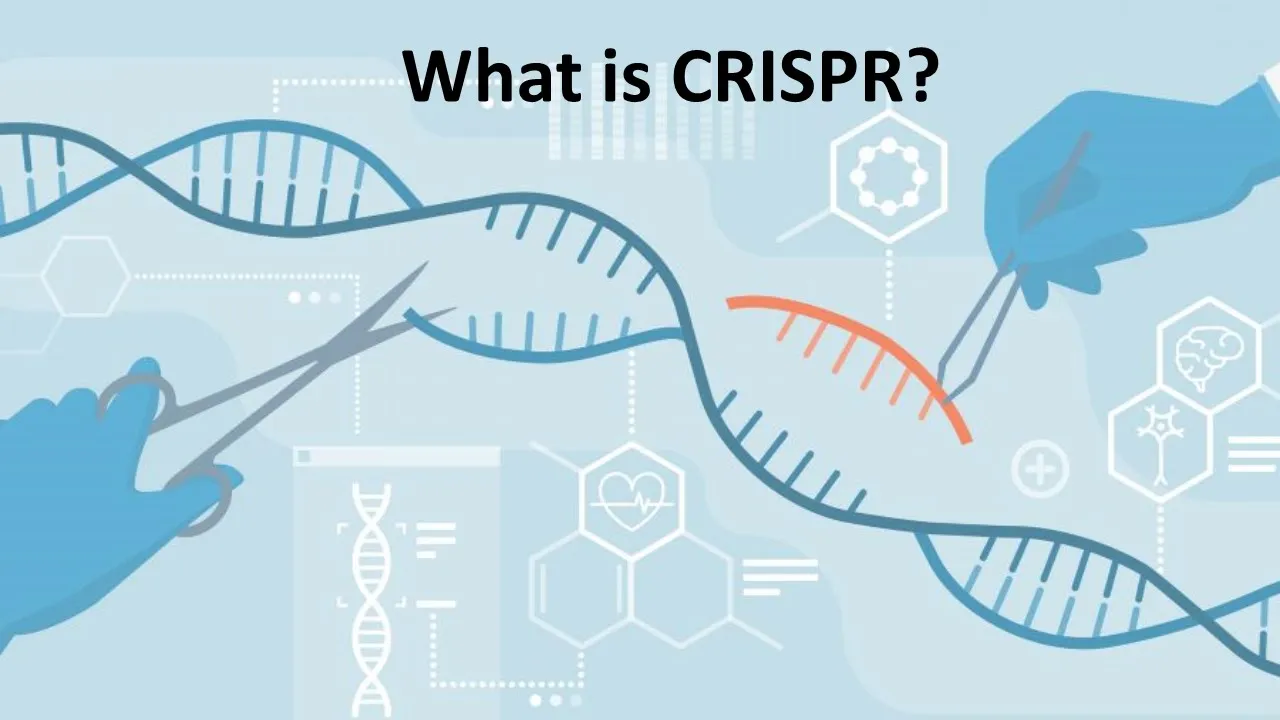

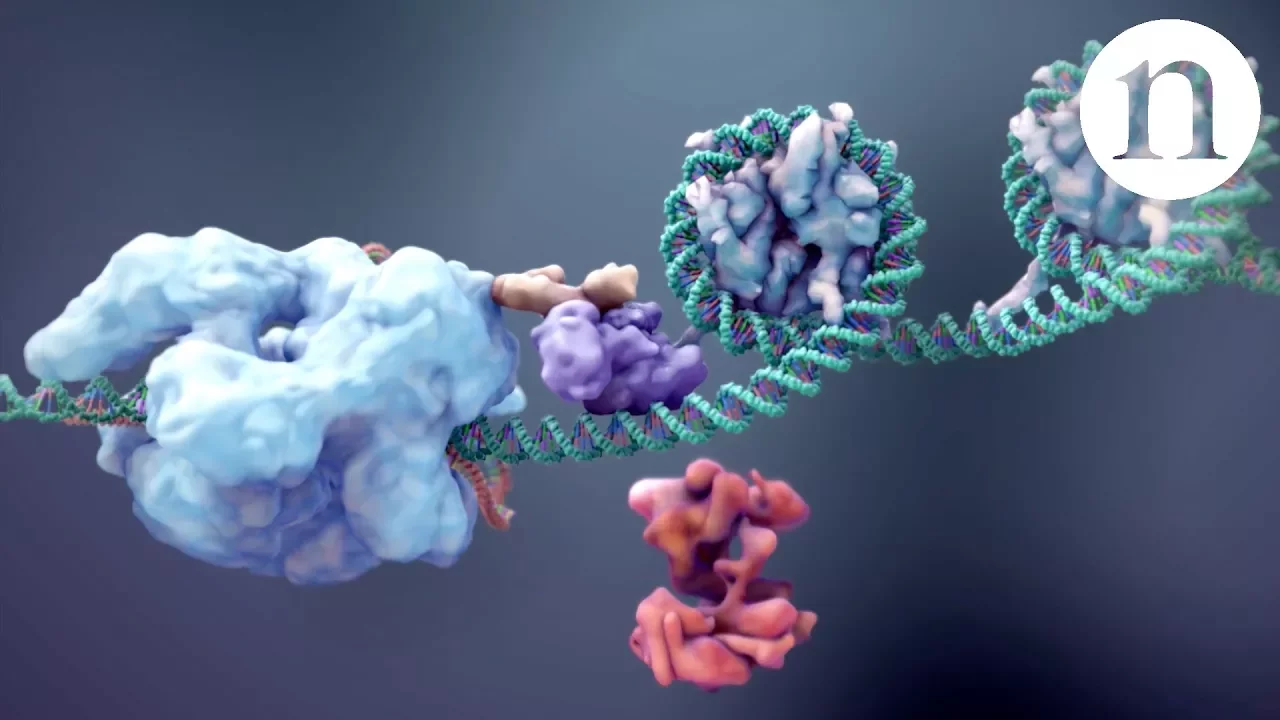










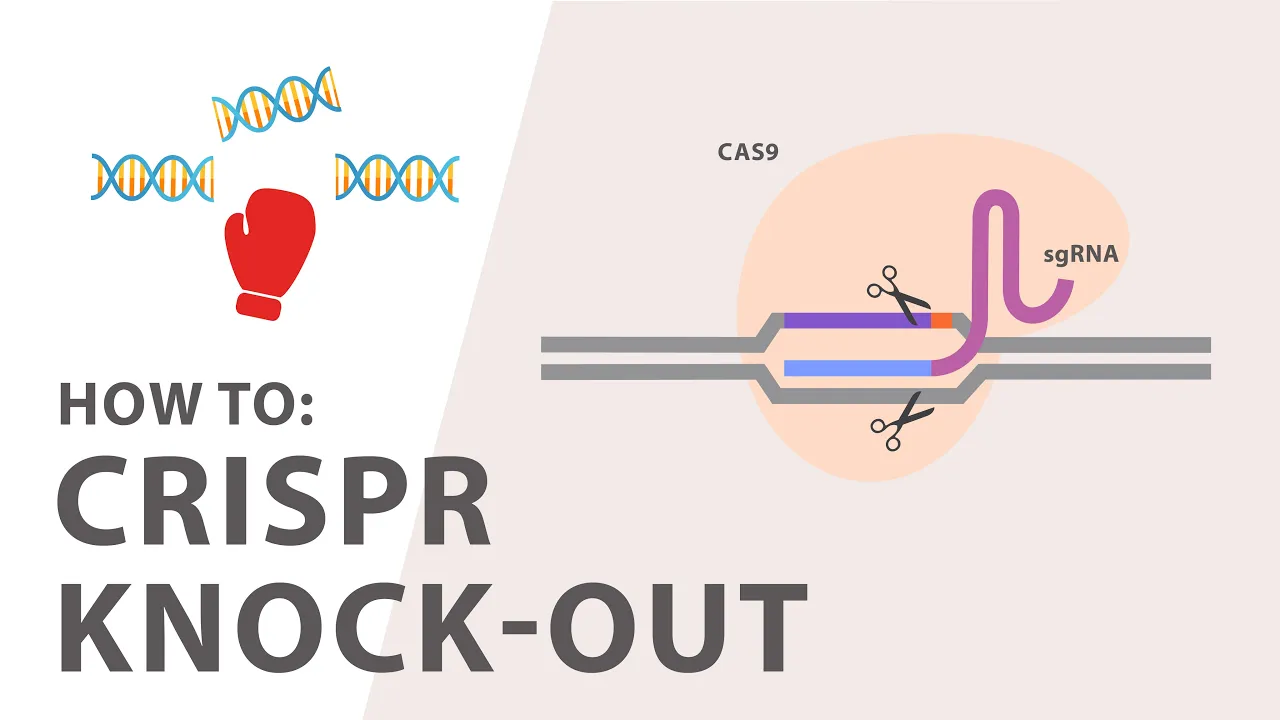







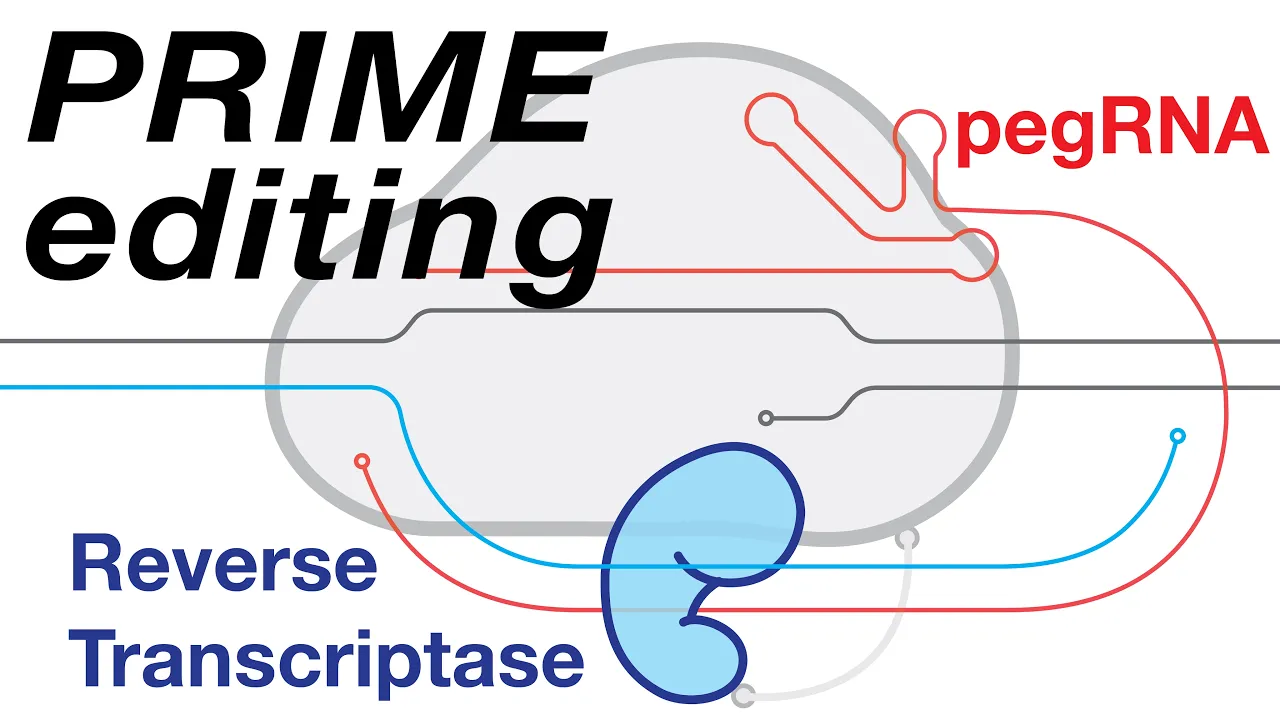

This tutorial demonstrates how to design CRISPR knockout guides using Benchling's platform: create a project, import the gene sequence from external databases, select the appropriate genome and transcripts, choose an exon early in the gene sequence (avoiding UTR regions), design guides using the CRISPR design tool, evaluate candidates by on-target and off-target scores (both ranging from 0-100, with higher being better), select 2-3 top guides that target all transcripts, and copy the guide sequences for experimental use.
Designing CRISPR Knockout Guides in Benchling | Tutorial
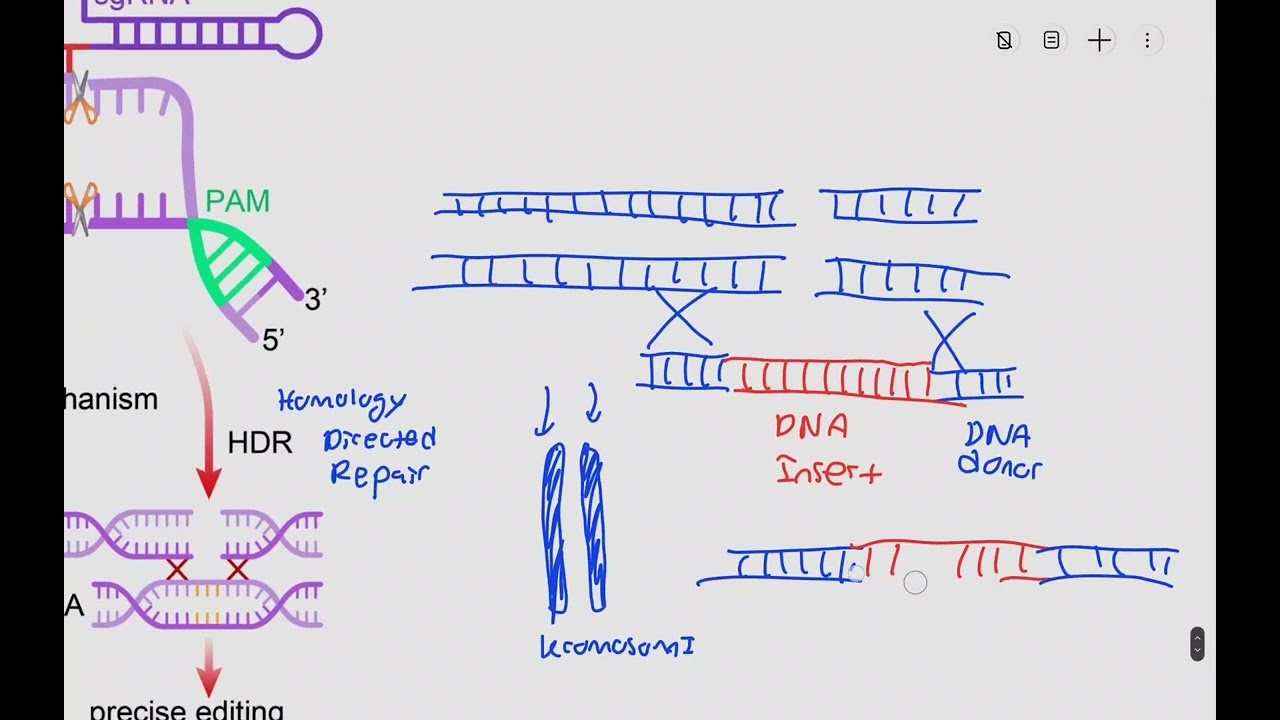
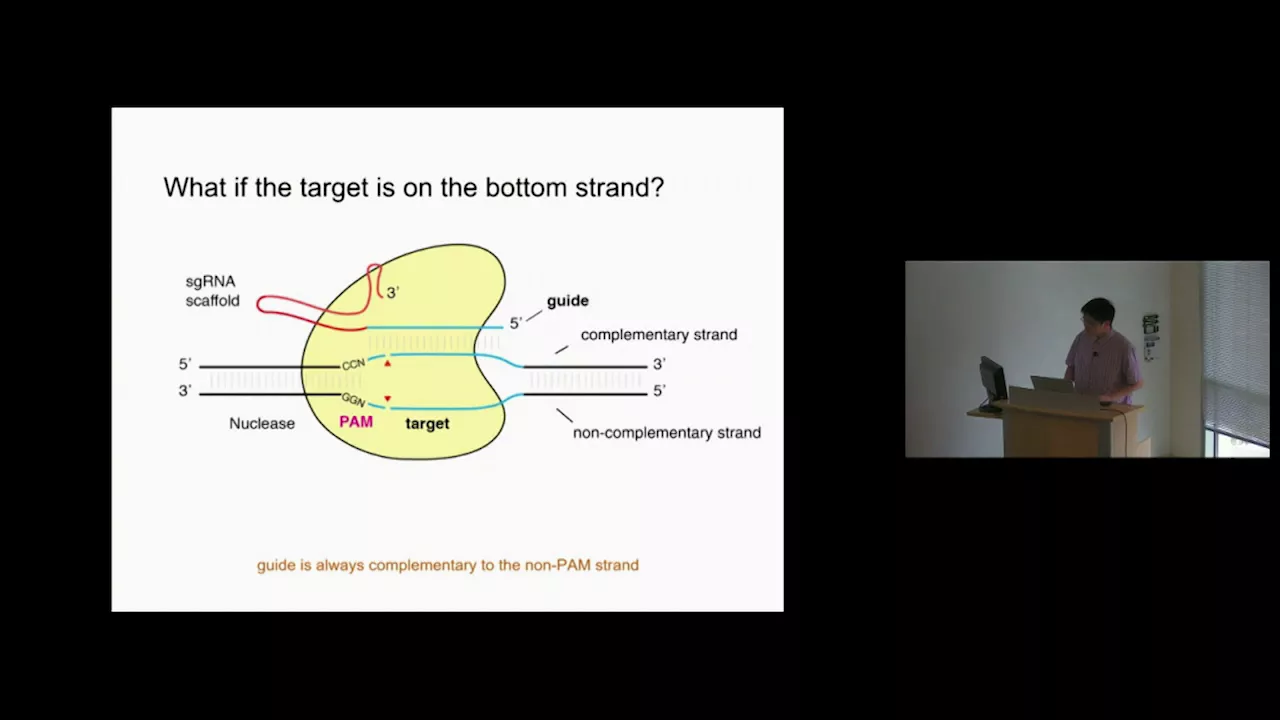
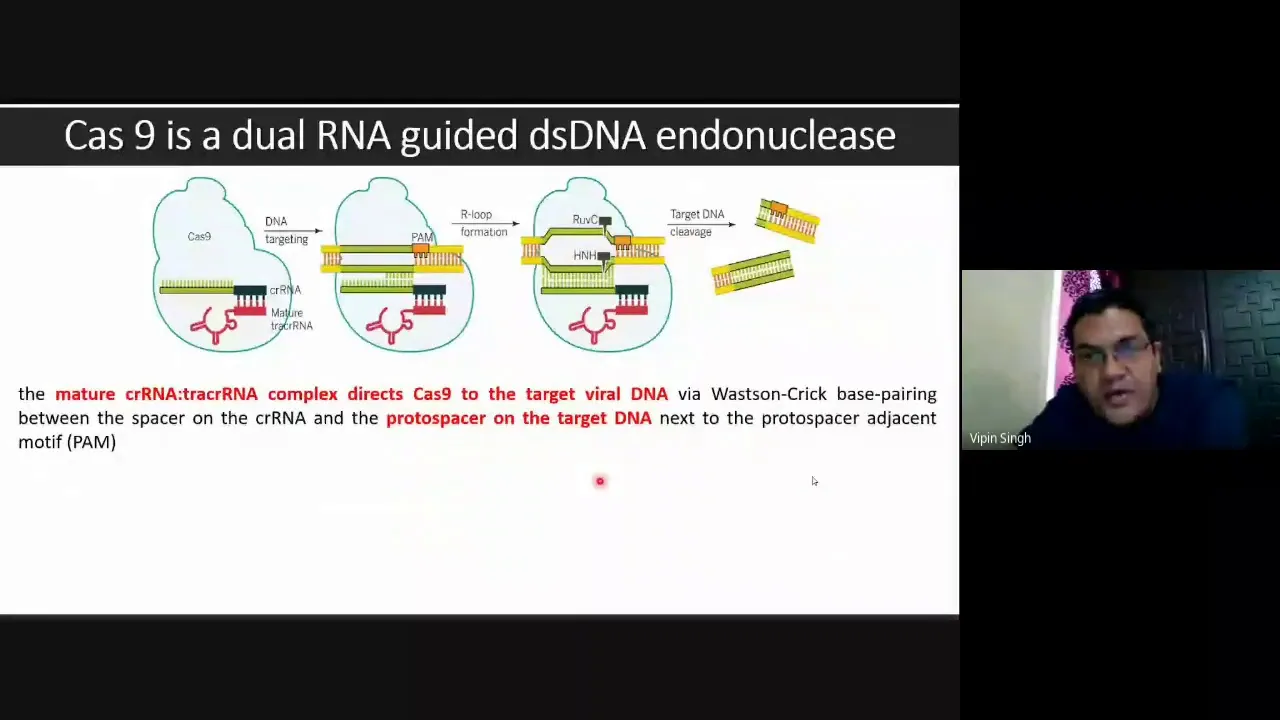
Added:Basic mechanism of the CRISPR-Cas9 system, including the roles of the Cas9 nuclease, guide RNA (gRNA), and the Protospacer Adjacent Motif (PAM).
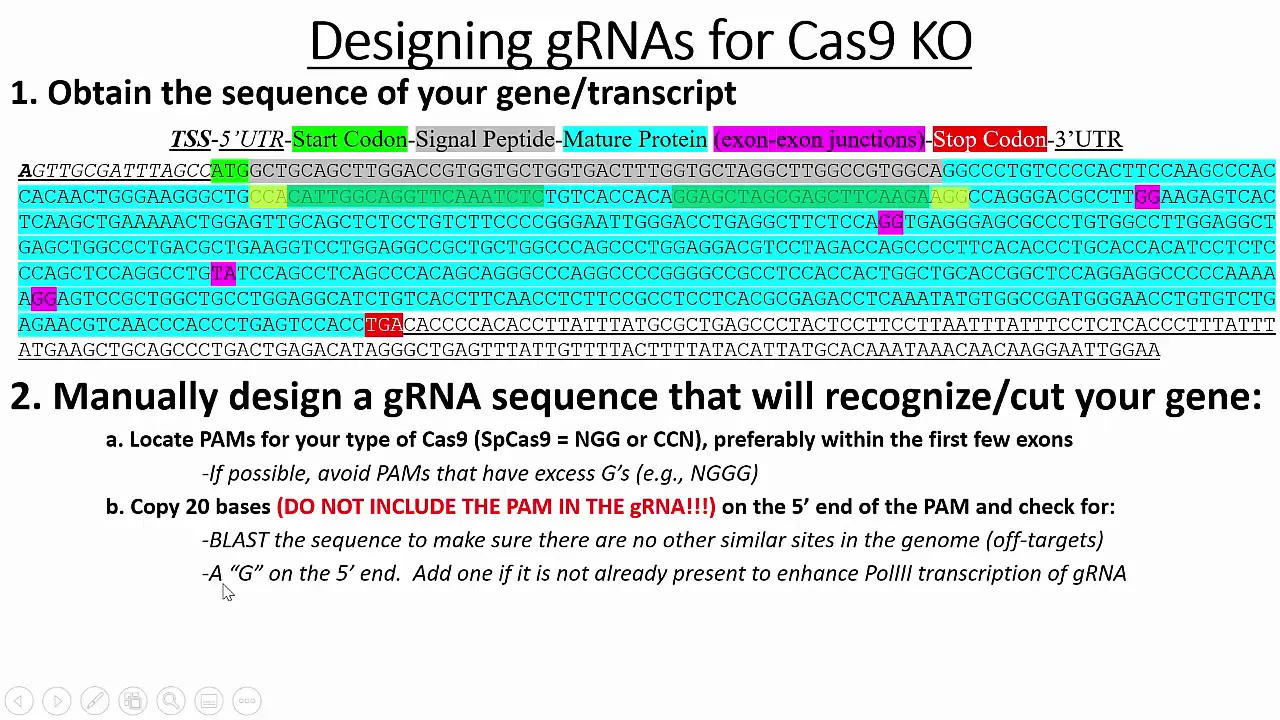
Eukaryotic gene structure, specifically the distinction between exons and introns, and how translation initiation codons function.
The concept of DNA repair pathways, particularly Non-Homologous End Joining (NHEJ) and how it leads to insertion/deletion (indel) mutations causing gene knockouts.
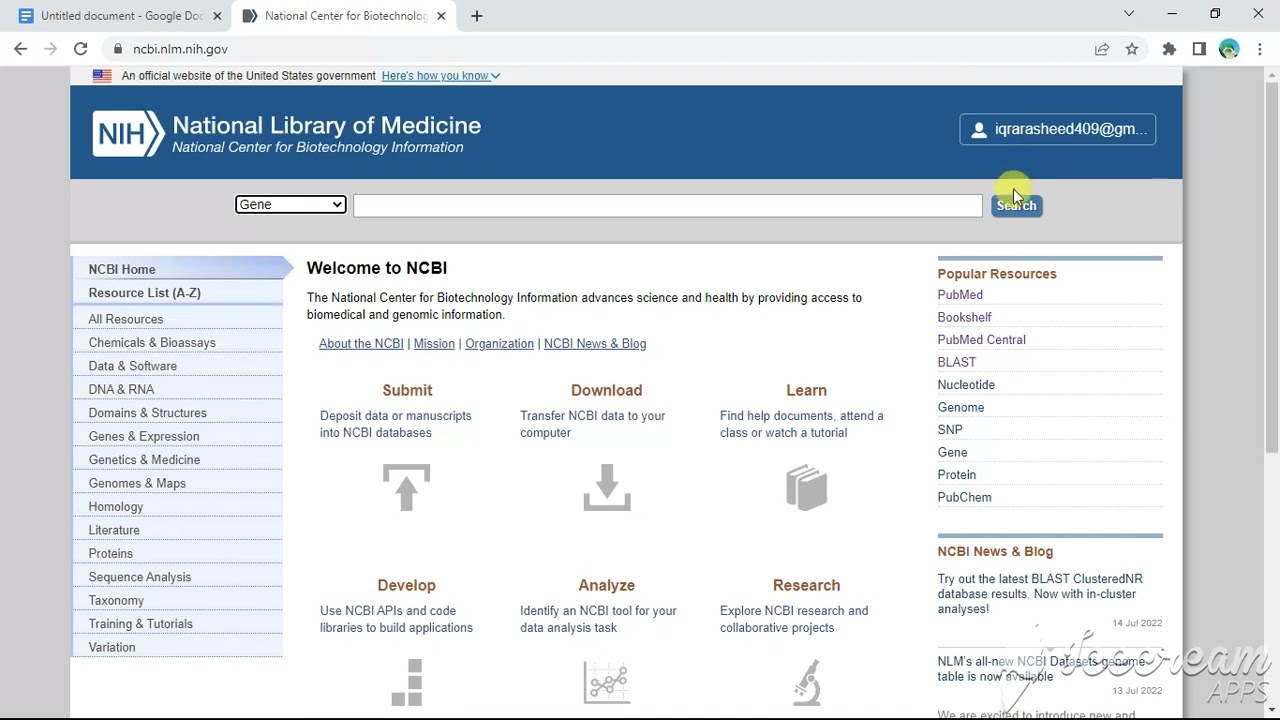
Familiarity with molecular biology software interfaces and genomic databases (such as NCBI or Ensembl) for retrieving gene sequences.
Experimental validation techniques for CRISPR knockouts, such as Sanger sequencing combined with ICE/TIDE analysis or Next-Generation Sequencing (NGS).
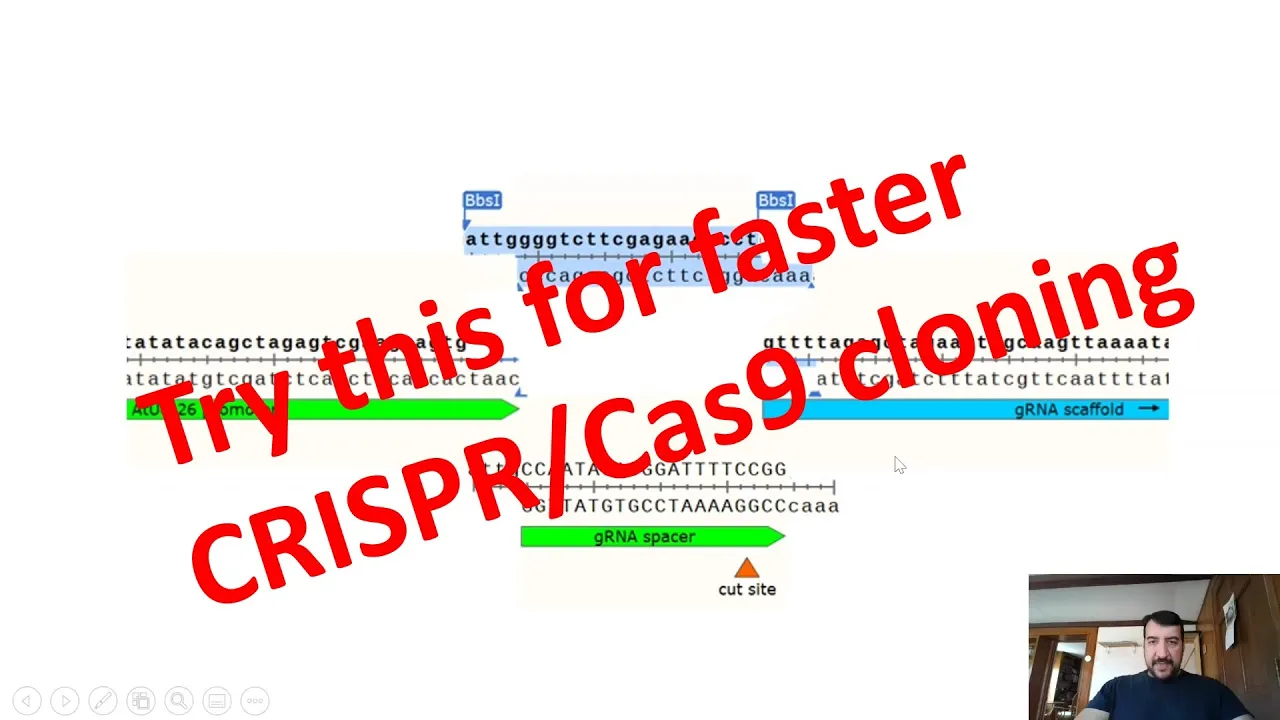
Cloning strategies to insert the designed guide RNA oligos into expression vectors (e.g., restriction enzyme cloning or Golden Gate assembly).
Advanced CRISPR applications such as multiplexed guide design for targeting multiple genes or generating large genomic deletions.
Exploring alternative CRISPR systems, including CRISPR interference (CRISPRi), CRISPR activation (CRISPRa), and base or prime editing.
14K views187likes9:30Original Release: 2020-09-17
so the first thing to do on uh is go on pinch link on pinchling.com and then um the first thing that you would want to do is basically create a project so you would open this suitcase and you would go to projects right here and then you would create a new one we're going to call this one new gene slash crispr and then we would create a project okay here we have a notebook or we can add our notes or you can go here to inventory in inventory we can import our the dna sequence for the gene that we're interested in so would be import dna sequencing then we go we can search external databases and what we're going to do is we're going to search for the gene sco1 all right and here we're going to select our genome by going to human genome 38 and here we have all the transcripts we're going to click accept the default one and we're gonna import it once the importing is completed it's gonna show up here under inventory and now we have the linear map for this gene right here and we have the whole sequence right here on the left side okay you can always get rid of the split work uh place workspace like this or you can click it um so what we're interested in is actually creating some crispr guides so we're going to go to the left side here on the plus and we're going to click create and we're going to go down to crispr and we're interested in crispr guys because we're going to be trying to knock out this gene so and then we're going to do the same thing again we're going to add our gene and then select the genome sg38 now we have here one two three four five transcripts okay and in order to design the guys we have to really make sure that the guys that we're gonna select is actually exists in all these transcripts so we're gonna go to show advanced settings and now we have all of them here all these transcripts and we're gonna select all and then we're gonna do next and click finish what this does if we go back to the linear map is basically it shows all the different transcripts that exists for this particular gene so we have one two three four five and then this is six actually this is just the reference so we have one two three four five all right so in order to basically we're gonna select an exon that has to be in early on in the sequence of that gene in order to um to design guys to knock out this gene so if we select exon one we'll we have one transcript that actually we're not going to be able to um to do any editing in so just in case that was transcribed in our cell line so what we're going to do is we're going to pick this one this sim seems exon 2 seems to be the most ideal one and one thing we do is basically we avoid the five utr 5etr regions and we also avoid the three uh prime utr regions so we're gonna select exon two seems to be like the best candidate and we're gonna click here and basically what this does is it selects this exon right here what we do right now is basically we go to the right side we have here this design crispr design icon and we go we click on design analyze guides and we do finish now we identified this region as this is our target right here and we go to create all right and this creates all these different guides for us right here this full list so we have the on target score and then after a little while few seconds the off target appears the off target scores and this is these both both of these scores they go between 0 and 100 and the idea is to find the highest so if you just hover over this it will tell you that the score is between 0 100 and higher is better and the same thing for off target it's based on this paper and the score is goes between 0 100 and higher again is bit better so we're gonna rank him by on target and then we're gonna try to find the best guide out of this list that actually we can use in order to knock out this gene to introduce a stop codon so we take the top one and we see where it actually hits and this one is actually intronic it's not um it doesn't hit all the transcripts so we're not going to be interested in that one try this one the same thing so one thing that it does for you is basically it shows where crispr is actually going to go into cut this is the cut side and on top here this is the on target score and on the right side this is the off target score for this particular guy so if you click on here it identifies exactly where the guide which is about 20 base pairs and it highlights it here on the right side in the list of all the guides so based on the on target score and off target score that you get here we actually try to determine which one would be best and usually we try to pick like maybe two or three guys um just to make sure that at least one would work and knock out the gene because based on the score not all of them will have the same efficiency in knocking out this particular g you can click on more than one or actually click on all of them it will highlight where they actually go so you can actually use that just you can hover over it and you can click on it and again it will highlight it here on the right side and based on that you can actually so here it seems like that maybe we would want a guide within this particular region right here that way it hits all the transcripts that looks to be a good one again that's another one so maybe these two would be best for this particular gene one thing you can do is basically you highlight it if you're interested in that gene you can or you're gonna try to use it for your design so you right click it will show copy you copy it and it will give you the sequence it will also give you the reverse complement so you just right click here and you copy and here it shows that it has the sequence has been copied to your clipboard and it disappears this message that's it so you have your guide and now you can order it and you can start with the ligation process as soon as you have the sequence and you can integrate it into your crispr cast 9 plasmid and carry on with your experiment that's it this was a brief summary of how to design the guide on crispr guides on benchlink.com you
Up Next
15:56
UCSC Genome Browser Basics: Navigation & Identifiers
@ucscgenomebrowser
58.8K views•2020-04-09

12:54
Triumph of Orthodoxy Icon: Byzantine Art & History Explained
@BenCallan
2.1K views•2024-08-06

9:49
FastAPI vs Flask vs Django: Choosing the Right Python Web Framework
@TechWithTim
302.5K views•2024-05-26

1:42
Game of Thrones Opening Credits: A Cinematic Analysis
@gameofthrones
46.3M views•2011-04-18
Related Study Plans & Knowledge Roadmaps
Structured learning paths in General & Interdisciplinary Studies
general-studies
Elevator Engineering: History, Physics & Cities
01From Hoists to Safety Brakes: The Dawn of Vertical Lift
02Hydraulic vs. Traction: The Engineering Physics of Elevators
03Modern Speed, Safety, and Algorithms
+ 2 more learning modules
12h5 modules
Explore Roadmap
general-studies
Rubber: Material Science, History & Geopolitics
01Origins of Natural Rubber & Mesoamerican History
02The Chemistry of Natural Rubber & Vulcanization
03The Geopolitics of the Rubber Boom & Colonization
+ 2 more learning modules
12h5 modules
Explore Roadmap
general-studies
Containerization: Evolution, Logistics & Trade
01Ancient Trade & Bulk Cargo: Amphorae to Barrels
02The Industrial Revolution & Cardboard Packaging
03The Containerization Revolution: Malcom McLean
+ 2 more learning modules
12h5 modules
Explore Roadmap
general-studies
Textile Tech: Evolution, Labor & Global Impact
01Pre-Industrial Textiles: Handloom & Cottage Industry
02Mechanization: The Spinning Jenny to the Power Loom
03The Factory System & Global Labor Transformation
+ 2 more learning modules
10h5 modules
Explore Roadmap