


![[CS61C FA20] Lecture 04.3 - C Intro: Pointers, Arrays, Strings: Arrays](https://i.ytimg.com/vi/hJNoW4hlZDg/hqdefault.jpg)


![Lecture- 04 (2020) Introduction to Computer Systems (ICs) [Minhajul Bashir] UIU](https://i.ytimg.com/vi/Jk8DedU0QuM/maxresdefault.jpg)
![Week [0] CS50 - Scratch || لغة سكراتش - الأسبوع صفر](https://i.ytimg.com/vi/yhnRH_Vik0Y/maxresdefault.jpg)




![dr. P. Píša: Computer Architectures (B35APO) – MZ_APO Educational Kit [08, LS 24/25]](https://i.ytimg.com/vi/O0ZmypF8jQg/maxresdefault.jpg)

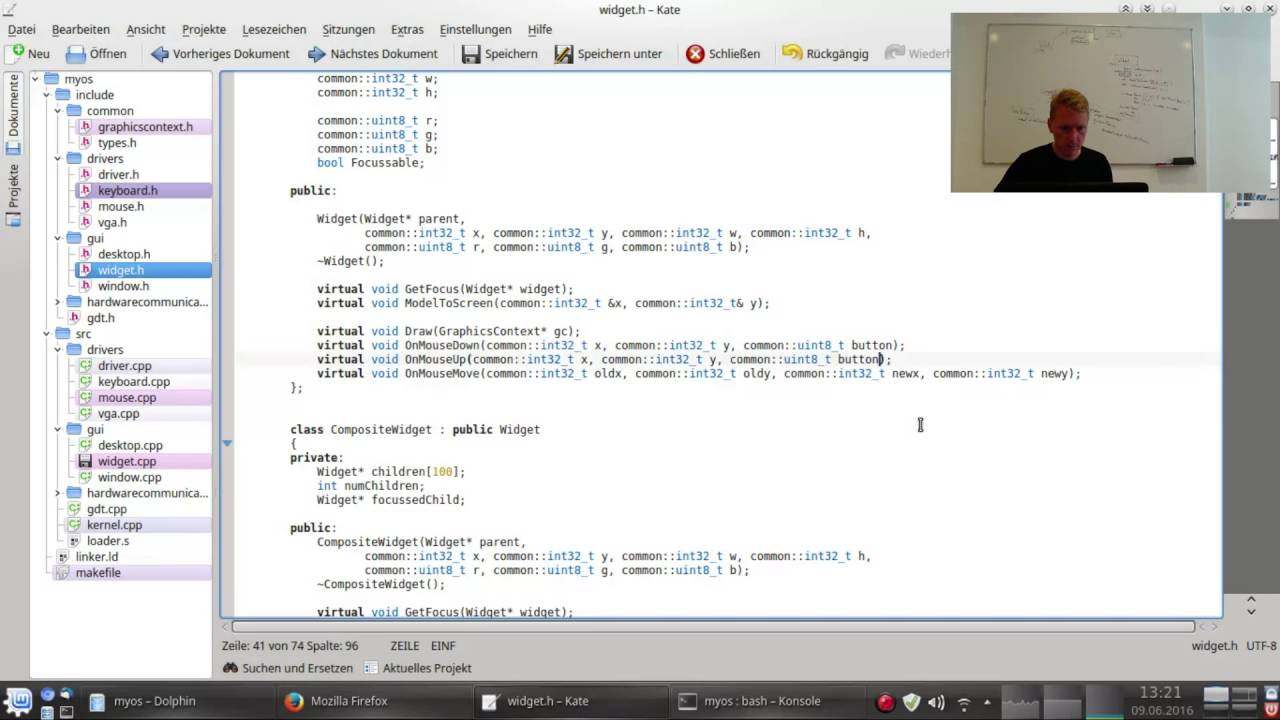
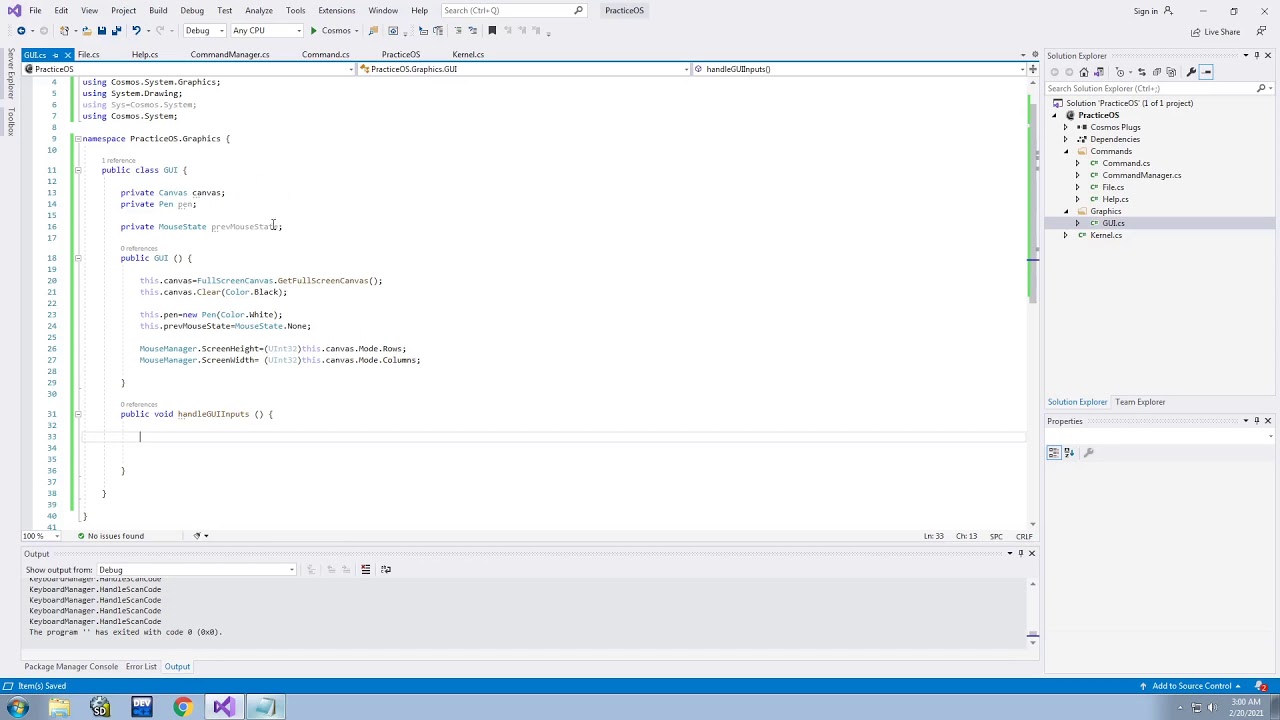

VGA (Video Graphics Array) is an analog display technology that requires direct hardware programming through I/O ports to set graphics modes and memory-mapped I/O to plot pixels, where pixel coordinates are calculated using the formula offset = x + (y × pixels_per_row) and written to a linear memory buffer; however, switching back from graphics mode to text mode is significantly more complex due to requirements for font data loading and memory management that go beyond basic pixel plotting.
Writing a Simple VGA Graphics Driver in OS Development
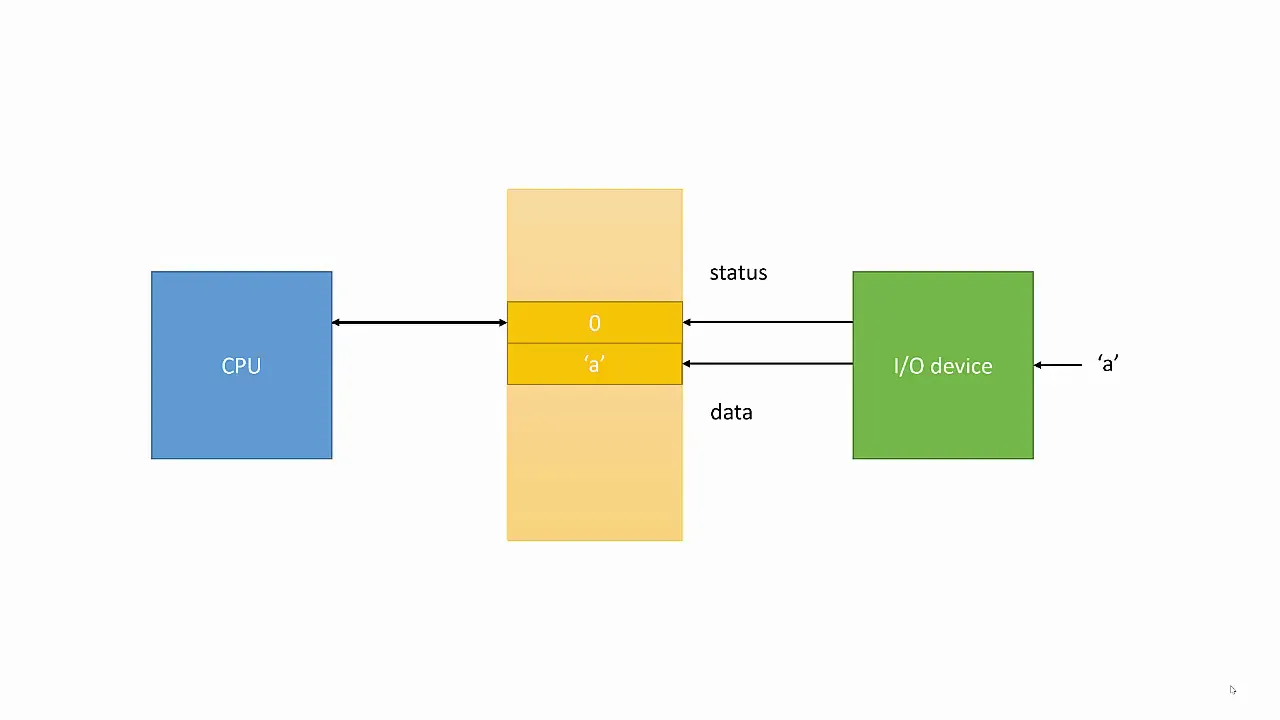
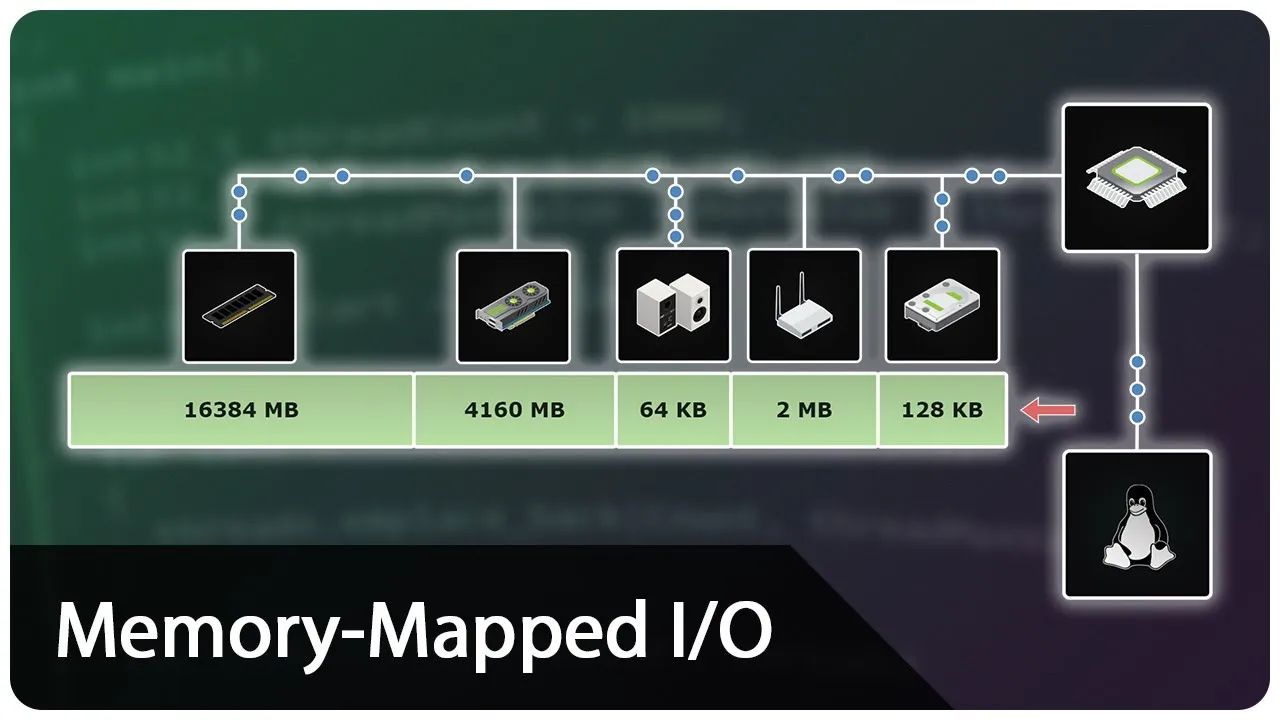
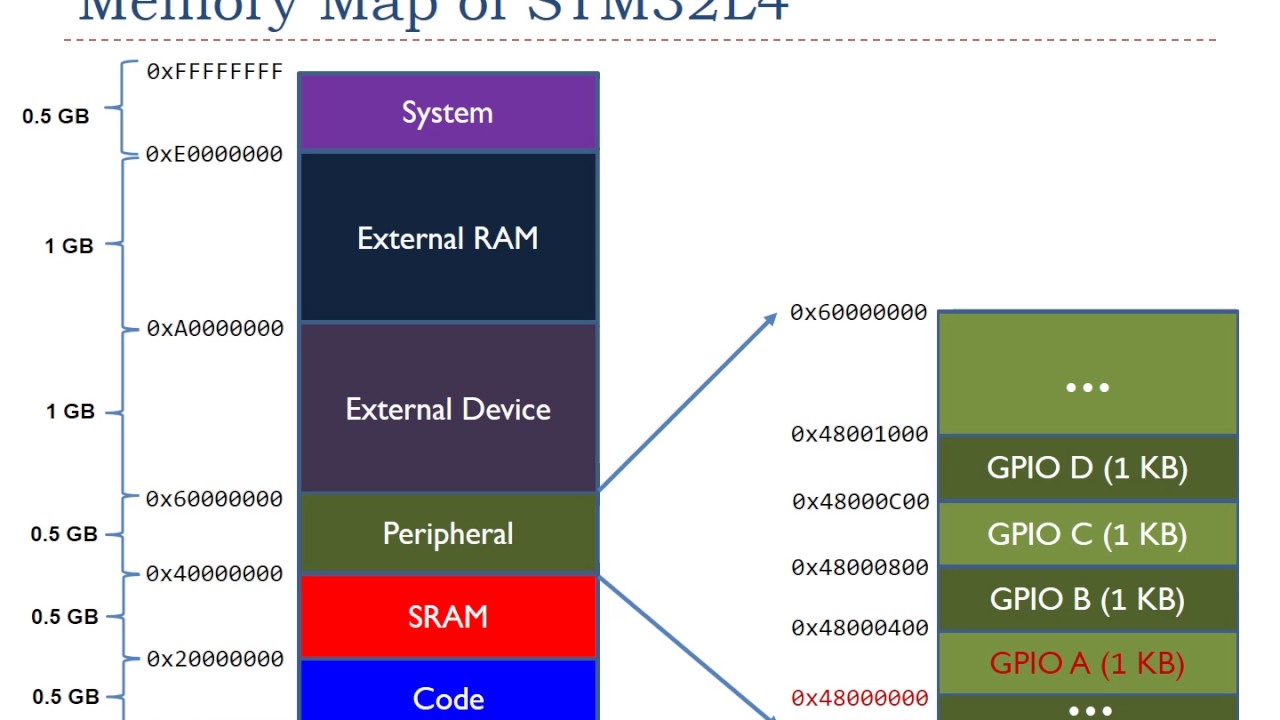
Added:Understanding of Memory-Mapped I/O (MMIO) and how hardware registers are mapped into the CPU's physical address space.
Familiarity with x86 processor modes, specifically the differences between Real Mode (utilizing BIOS interrupts like INT 10h) and Protected Mode.
Proficiency in C and Assembly programming, particularly regarding pointer arithmetic and direct memory manipulation.
Basic comprehension of color representation in computer systems, including RGB color spaces and indexed 8-bit color palettes.
Implementing Double Buffering (Page Flipping) to prevent screen flickering and tearing during real-time rendering.
Transitioning from standard legacy VGA (e.g., Mode 13h) to VESA BIOS Extensions (VBE) or UEFI Graphics Output Protocol (GOP) for high-resolution, true-color displays.
Developing a Font Engine to render text, UI components, and bitmap fonts over the graphical frame buffer.
Designing a basic Graphical User Interface (GUI) system, including desktop window management and mouse cursor rendering.
9K views310likes12:32Original Release: 2022-05-10
hey it's Steve with P key Tech welcome back for the 15th episode of our pkos Series where we're building an operating system in this video we're talking about VGA okay let's check it out the full write up is at pch.com so we'll just be summarizing that write up in this video so we'll start with a demo of what we're actually going to be doing what the code does emulated and real Hardware then we'll summarize the right up that's at pch.com go through each section and talk about what we learned if you want to know the references I did site my sources just posted the links where I read about these various topics just uh check out the link so here's the first demo using qemu if you want to follow along clone the repository check out the commit for this and then you might have to do exos local rout on Ubuntu or Mac probably not on Windows and then we can do Docker compose up and we get our little peos just like we had before you can do LS you can do help and finally we have VGA and we'll pop into VGA mode and we see some faces some colors here's the second demo using some real hardware and actual laptop so here we have the lovely HP Pavilion dm4 with an i5 processor truly aged to Perfection and on this USB drive we have pkos we use the iso build and put her on there and we should be good to go note that this is a bios machine I tried it on my current laptop and it didn't even recognize this as a bootable device I think because it's UEFI whereas this image expects you know bios I don't know I could be wrong but either way it doesn't work on new stuff for some reason so if we get the Escape key go for the generic flash disc grub does its thing we can hit enter and here we go legit bare metal kind of solution and we'll go VGA and there it is just like the emulated one a little background on VGA VGA stands for video graphics array and it's a pretty old format for CRT monitors so VGA chipsets were operating with analog signals not digital and DVI digital video interface largely replaced VGA and I'm sure you've heard of HDMI High defition multimedia interface turns out that that's largely the same as DVI it just has more color depth and includes audio all bundled into that one little cable so since the last video I got a little curious and looked up the man page for the qemu i386 emulator that we're using for this operating system for most of our testing at least and it tells you actually exactly what types of Hardware are attached the exact models for most of this stuff and um I thought that was pretty cool and it could maybe guide some development if we want to do floppy disc stuff we can do that or whatever ever but of course the big one on here is the Cirrus cgd PCI VGA card or dummy VGA card with botch F extensions whatever I tried to look this card up and it is old enough that there's a museum type page of it but nowhere to really buy it on Amazon or something like that if you wanted to actually purchase that chipet um in a physical device so I think it's either emulated or included right on the motherboard who knows so VGA Hardware a not so encouraging quote that I ran across was while the VGA chip is quite a simple piece of Hardware it's possibly one of the most complicated devices to program for so if that doesn't scare you off it's perfect so VGA Hardware it's a good way to get started with video drivers on the bright side and I found a snippet of code to use as a sample it was a really large C file on the OS Dev Wiki and basically there's two things that we have to do to get the VGA working or at least the route I went was you use IO ports to communicate with the VGA chips or chipset or whatever it is and set the display mode and then you use memory mapped IO to plot the pixels the memory mapped IO should be familiar if you followed the rest of the videos because we used that to put text on the screen so it's the same deal here just the complicated part is the io ports that are communicating with the hardware and I took this little diagram from the OSD Wiki as well and it shows a diagram of VGA Hardware and I thought an interesting tidbit was that there's a sequencer that is outside of our realm of control and it's attached to the video memory and that is the thing that reads the colors and generates those colors and sends them to the rest of the system so there's something plugged into the memory that we're modifying that's reading it and you know doing whatever it has to do with it we don't have to really worry about it something that I wanted to do was to set the graphics mode without the bios so you can always drop back into real mode and use the BIOS if you wanted to but I'm saying we're in protected mode we're going to leave that in the dust and do it ourselves somehow on bare metal without the aid of the BIOS or anything else and uh another encouraging quote was uh how do you do this you don't Graphics programming is fun but uh not essential for an OS so don't get sidetracked I'm sure that came from a true veteran who's been there um so knowing that I didn't take this too far but I did learn a few things so so you can make VGA work without the Buy iOS for some low resolution graphics and beyond that another quote unless you have more than one life to waste don't go further than that each graphics card is going to need its own implementation of a driver and a lot of cards don't have enough documentation available to the public to write that driver on the bright side I would think that drivers would be available and maybe you can Port them to your OS to your own little tool chain if you have it but even that would be a big effort so I guess we're just dipping our toes and calling it a day either way we can walk through the code the difference from the last OS to this one and see what changed so code differences since the last video only a few changed files the make file and Docker you know the top stuff here is just clean up and the main meat of it is in VGA Doh and VGA doc but as you can see in kernel we tie it in uh for one of our commands when you type VGA like we already have help and LS and all that stuff before it said not input implemented now it says VGA test where is that pointing VGA Doh if we go in here we have a lot of stuff the most important one being VGA test here which is what it's calling and we also have clear screen plot pixel and as you can see I say start and end copied code all these variables come from that snippet which here's the link to that snippet and one issue I ran into was the VGA address was wrong I had too many zeros here so it's a followed by four zeros and that actually lets us draw on the screen in the actual C file we Define the colors which are as far as I know a short so only one little bite and this should be in the copied code section as well because this came straight from that snippet and in VGA test all we're doing is attempting to switch modes writing the registers so we're taking this variable which is just a list of characters and writing the registers there's also a method that I copied that does that using in andout bytes so this is the io Port part rather than memory mapped IO then we clear screen which I wrote and we draw rectangle draw a happy face plot some random pixels we iterate through the colors and that's it the core of this is the plot pixel where we take an X and A Y in a color we calculate the offset which is just whatever X Value Plus the number of pixels in a row times Y and then we create a pointer to VGA address and we can use the array notation to set that many bytes into that character array to our color so really we're just calculating the exact bite in memory we need to change and modifying the color value and down here we have a lot of copied code that I don't entirely understand okay I really don't understand it at all but it works and it's pretty cool so thanks to the person who wrote this clearing the screen we're really just plotting color black on all the pixels so once we have this plot pixel function we can do just about anything so we can clear the screen one pixel at a time we can draw a happy face which is just a bunch of pixels we can draw a rectangle given XY width and height it's just a loop of changing pixels and our test is just you know using these methods so it gives me kind of an appreciation for things like openg and all that stuff this could not be further from those things but still I it makes it make sense where you have a pipeline of some abstraction in memory and then you're mapping it further and further down that pipeline until eventually you're finally writing actual pixel data so you're performing all of those calculations maybe on a GPU or whatever all these Matrix math projections and things that I know happen somewhere in openg and eventually you end up with an array of pixels but it might start somewhere smaller or larger or whatever so it's kind of cool to see then of course there's just a make file it's quite like all the others we went through the kernel. C and you know just a couple little Docker helper scripts and tweaks to the make file but that's pretty much the bulk of the code that we changed so one issue with this the glaring issue is that once you're in VGA mode you're kind of stuck there the only way to get out of it is to reboot the system and that's not really cool it would be nice to hit a key and get out of it but um I tried and I couldn't figure out how to do that our helpful code sample that got us into VGA mode and I mostly copied code for this one from that code sample to get back into text mode it uses some things that aren't available in that snippet dos. or mcpy some things that are depending on which compiler you have I tried a quick disgusting implementation of mcpi and uh it was probably quite subpar uh either way I couldn't get past a plain black screen so when I hit the Escape key on my code it would just clear the screen and no text would come out so I don't know what I did wrong I think I had to copy the font or something but I wasn't able to do it needed virtual memory I don't know it got very complicated what I tried was adding a key code check for number one which in our key map is the Escape key at which point we say VJ enter text mode we copied in some things from that file right font some more of these uh things that I had hoped would help the font and the text mode registers dump and note that the font is 4096 bytes which is why it's not showing us this diff but if we load that I tried all kinds of stuff here and I just I couldn't make it happen so can't win them all I suppose yeah there there it's poking uh btes into memory which is all good but it gets into this VM right so I'm assuming virtual memory right and it needs a mem copy of this and that and the other thing also that was enclosed in these compiler tags so there were different ways of implementing this VM right function and it got well beyond my understanding like I I just don't even know what to do with any of this stuff so maybe next time if you know let me know other quick lessons learned more General added script Doerun debug so trying to have a script for everything you can do or so that you don't have to type raw Docker or Docker compose commands it just wraps the make run debug so that you can use it directly like with qyu and all that stuff ex turn for Global variables I didn't know about that one if you have a global variable in your header file you don't want to put the value in the header file because it ends up getting defined in multiple places the compiler will yell you for that that so you declare it as X turn in the header file and then you give it the actual value in your C file and then header guards I was forgetting some of those too which gave all kinds of Errors so those two are probably just C newbie mistakes but I don't have a lot of C experience so I'm getting it now and uh it's really it for this one thanks for watching and uh let me know if you have ideas for other ones or any of that stuff appreciate you watching [Music] m
Up Next
56:31
Write Your Own Operating System 6: Keyboard Interrupts | Kernel Dev Tutorial Part 6
@writeyourownoperatingsystem
21.1K views•2016-03-18

87:26
Introduction to Secure Multiparty Computation with Yehuda Lindell
@fhe_org
7.7K views•2021-02-04

31:16
Building a Keyboard Driver with x86 Interrupts and IDT | OS Development Tutorial
@PageKey
9.2K views•2020-08-12

19:25
Enigma Machine Mechanics: WWII Encryption Explained
@JaredOwen
13.2M views•2021-12-11
Related Study Plans & Knowledge Roadmaps
Structured learning paths in Computer Science
computer-science
Container Runtimes: Namespaces, Cgroups & Go
01Linux Systems & Go Programming Foundations
02The Core of Isolation: Chroot and Filesystems
03Linux Namespaces: Process Isolation
+ 3 more learning modules
32h6 modules
Explore Roadmap
computer-science
Building a CHIP-8 Emulator: Rust & CPU Basics
01Computer Architecture Foundations (Bits & Bytes)
02Rust Programming for Systems Development
03CHIP-8 Virtual Hardware Specifications
+ 2 more learning modules
32h5 modules
Explore Roadmap
computer-science
Building BitTorrent: Go, P2P & Concurrency
01Go Fundamentals & Concurrency
02Networking Foundations & P2P Architecture
03Bencode Parsing & Torrent Metadata
+ 3 more learning modules
26h6 modules
Explore Roadmap
computer-science
Actor Models (C++ Concurrency & Lock-Free)
01C++ Multi-Threading Foundations
02Thread Pools and Task Scheduling
03Atomics and Lock-Free Queue Design
+ 3 more learning modules
45h6 modules
Explore Roadmap