




![[Zoom The Beats #2] 랩 힙합 비트 메이킹 무료로 보는 레슨 강좌 How To make Cloud Rap Beat](https://i.ytimg.com/vi/ksQPuAn0U18/maxresdefault.jpg)
![PERFECT CashCache x StoopidXool type beat [Dream plugg type beat tutorial] | Hugee Boy](https://i.ytimg.com/vi/GodyjBdiebQ/maxresdefault.jpg)





![BandLab Bootcamp For Beginners [In-Depth BandLab Tutorial]](https://i.ytimg.com/vi/TAHn_0Vy-Zg/maxresdefault.jpg)




![Failure (Instrumental) Deconstruction [lazyvid]](https://i.ytimg.com/vi/Nso4DcH1Ls8/maxresdefault.jpg)


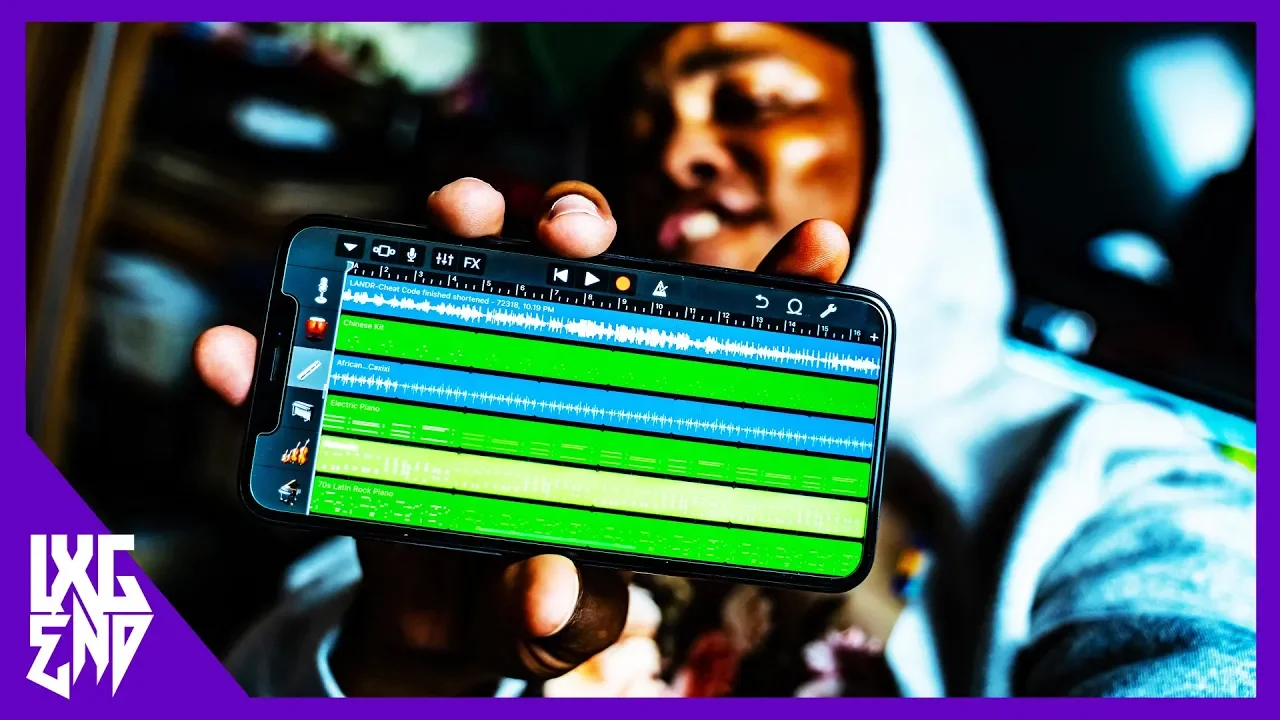
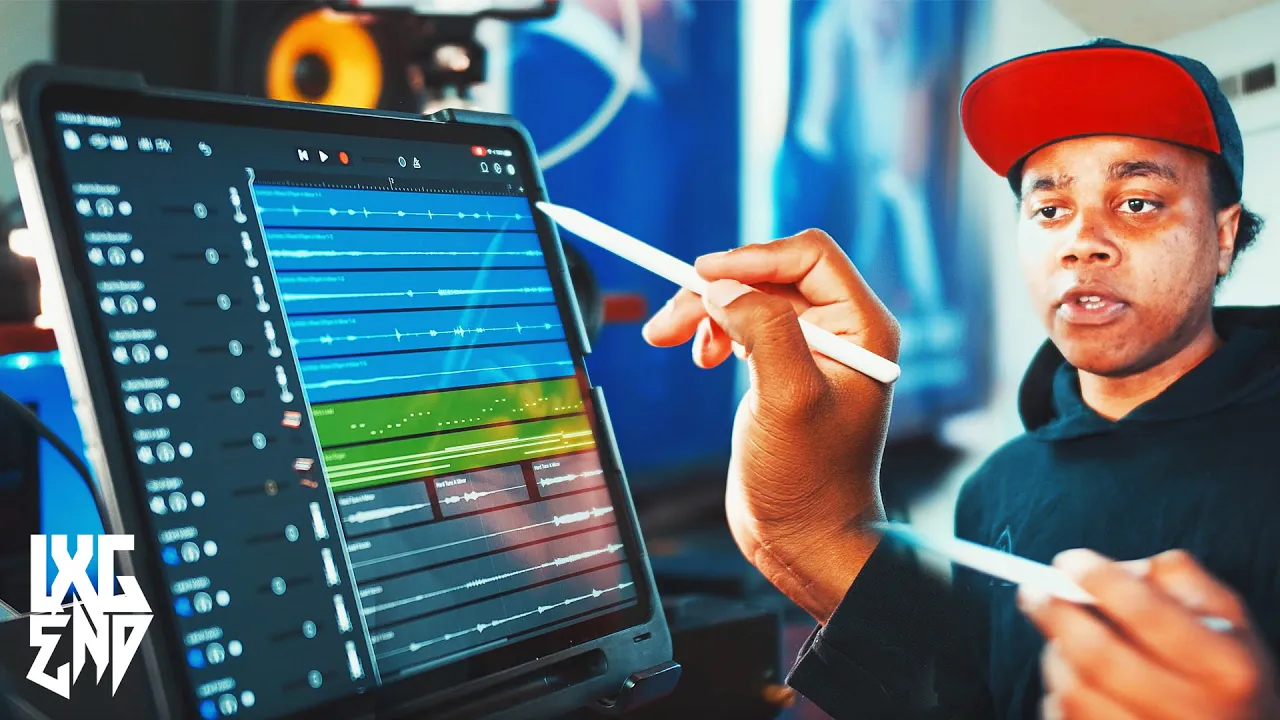
This tutorial demonstrates how to create a complete song arrangement in GarageBand by setting tempo to 90 BPM, adding multiple instrument tracks (piano, strings, drums, keyboards, bass), layering them with different effects like reverb and treble adjustments, and arranging them across the timeline using copy-paste and loop functions to build a full musical composition.
GarageBand Tutorial: Twenty One Pilots Heathens on iOS
Added:Familiarity with the iOS interface and basic navigation of the GarageBand mobile application.
Fundamental music theory concepts, including tempo (BPM), 4/4 time signature, and basic chord structures.
An understanding of multi-track recording concepts and how virtual (MIDI) instruments function within a DAW.
Basic knowledge of drum kit components (kick, snare, hi-hat) and simple beat patterns.
Advanced mixing techniques in GarageBand iOS, such as utilizing parametric EQ, compression, and spatial effects like reverb and delay.
Vocal production, including recording external audio and applying pitch correction or vocal effects.
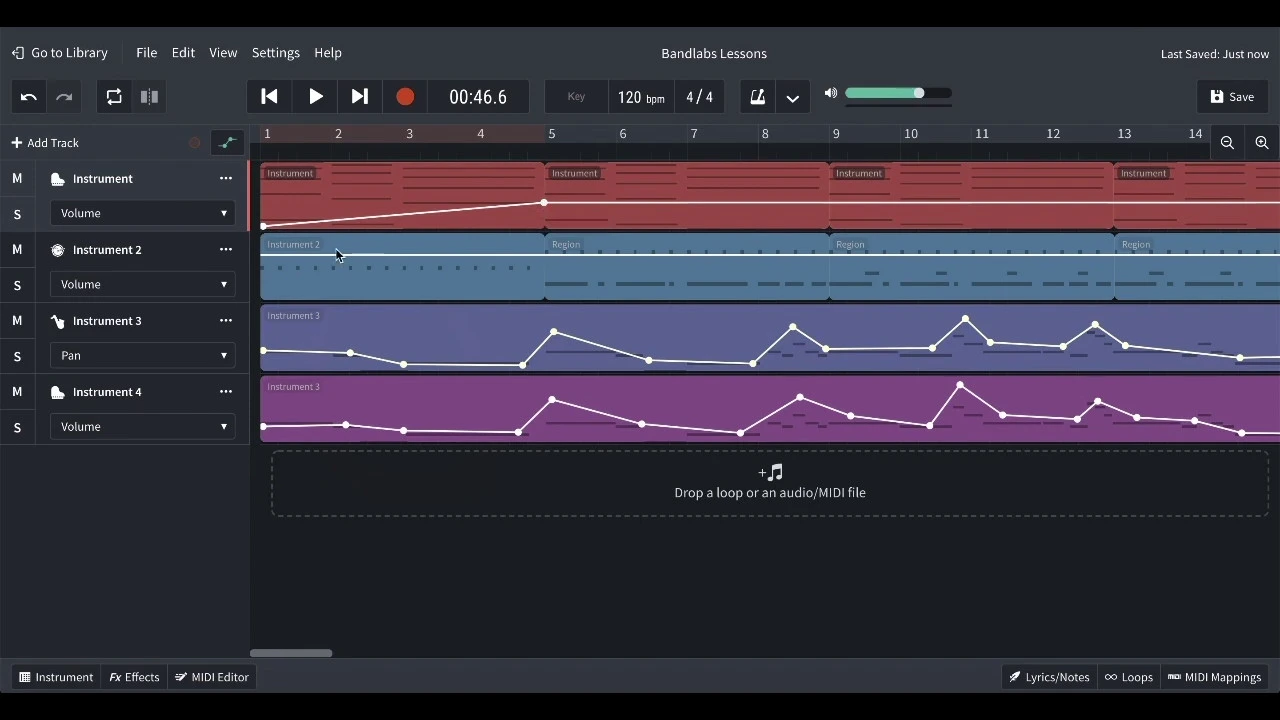
Using track automation to control volume, panning, and effect parameters dynamically over the course of a song.
Exporting mobile projects and transitioning from GarageBand iOS to desktop DAWs like Logic Pro for professional-grade editing and mastering.
Deconstructing other popular songs to analyze their arrangement and applying these production techniques to original compositions.
341.8K views4.9Klikes14:32Original Release: 2016-09-08
[Music] today I'm showing you 21 Pilots heathens so let's go go into your keyboard and set your Tempo to 90 beats per minute and then click on the plus and add about 35 sections and then you want to choose classic ground and you want to go into the edit mode you want to put up something go out zoom in and drag it out to five and go in again and you want to lay these chords over C3 [Music] [Applause] [Music] and remove it like this then you want to switch this back click on the screen mark them all click on the green ones copy and paste it at three but you want to remove these four and add these three [Music] notes so now it should sound like [Music] this and you want to Loop this but only to nine and you want to click here and add a little bit more Reverb and you want to add this volume in the middle and then you want to add some strings and you want to go into the edit mode and you want to put out something at one go out and you want to drag it out to three you want to have a very low volume on this one and you want to click here add a little bit more Reverb and remove the treble and then you want to go into the edit mode and put out these notes at [Music] C2 like [Music] this and loop this but only to nine and at five you want to add a drum and you want to choose pie driver you want to click here and remove the treble and you want to have full drive and crush and drag the low cat and high cut like this and then you want to go into the edit mode you want to put out something go out drag it out to seven and go in again and add the highest one like this and you want to have just a little bit lower volume on this one and you want to go into the track View and you want to remove the piano and the strings so that they stop at between 8 and n and at nine you want to add a drum and you want to choose retro rock you want to go into the edit mode and add two kicks like this [Music] you want to Lo this and have this on the highest volume and add a new drum and choose classic Studio kit click here and add a little bit of treble and go into add mode and at nine put out High heads like [Music] this IO this and also add a third drum choose hipop drum machine click here and add a little bit of treble go into edit mode and put out two snares like [Music] this and look this add another drum and shoose house drum machine go into edit mode and put out this one right here [Music] and loop this and you want to have this volume in the middle and add a keyboard and you want to have classic ground again you want to click here and drag the rever to the middle go into the edit mode and put out these two notes below C5 [Music] you want to Loop this and have this on a lower volume and add new keyboard you want to choose other and strings stado click here drag the Reverb to the middle and remove the treble you want to have even lower volume on this one and go into edit mode and put out this note over C3 [Music] and look this and add another keyboard shoose base next page and seesaw base I add these like this and then click here and add a tiny bit of base and you want to have just a little bit lower volume on this one and go into edit mode put out something go out drag it out to 11 and go in again and now L this base pattern at c0 like [Music] this and you want to Loop this but only to 13 where you want to split it and then split it again at 17 remove the L part and go into this part from 13 to 17 because you want to change it a little bit you want to remove these ones and add these new ones like this [Music] and you want to go into your track View and you want to make sure you Loop this weird sound and at nine you want to add a loop and you want to choose long crash symbol three and drag it out and remove it so you just get one and you want to have this volume in the middle and click here and add a little bit of treble and also at 13 you want to add add this keyboard and remove it to 17 and you want to remove all of these to 17 but you want to drag out the Retro Rock to between 25 and 26 and you also want to drag out the hipop drum machine and the house drum machine to 25 and at 17 you want to go into your keyboard put out something go out and you want to drag it out all the way to 26 and then go in again and put out these chords somewhere around C2 and [Music] C3 and then switch this back back going to mark this chord in the middle copy this and put it at 20 and then at 21 you want to Mark the first chord copy and paste but you want to drag it to half size and then Mark the highest chord at 19 copy and paste here drag it to half size and then Mark this chord at [Music] 20 copy and paste it at 22 but let it be and you want to copy these two chords at 21 put it at 23 and then you want to add a last chord at 24 [Music] okay so now from 17 it should sound like this [Music] and at 17 you also want to add a new drum and you want to choose retro Rock click here and add a little bit of treble go into edit mode put up something go out drag it out to 19 and go in again and put out a high hat like this [Music] any you want to Loop this but only to 25 and now you want to go to track View at 24 you want to add this weird sound and at 26 you want to add all of these so copy them and put them here and you also want to add a piano from the beginning put it at 26 but you want to go into it and change it a little bit you want to add these notes and add them again at 29 like [Music] this and at 26 you you also want to add a last keyboard you want to choose Classics next page and transistor core you want to add these like this and then click here add full reverve and remove the treble and you want to have a little bit lower volume and go into edit mode and put out this note over C3 and drag it out [Music] but remember to drag it out to 28 before you Loop it and then you want to go to your track view drag out your piano to 34 and remove everything to 34 and this is how it sounds like with Melody [Music] sh [Music] sh [Music] and that's about it so thanks for watching make sure to like And subscribe and good luck with your song today I'm showing you the Shan smokers closer feet Hall safe so let's go
Up Next
49:19
Progressive House Sound Design in Ableton | Alex O'Rion Style
@DowdenProductionAcademy
31K views•2021-04-18

12:54
Triumph of Orthodoxy Icon: Byzantine Art & History Explained
@BenCallan
2.1K views•2024-08-06

9:49
FastAPI vs Flask vs Django: Choosing the Right Python Web Framework
@TechWithTim
302.5K views•2024-05-26

1:42
Game of Thrones Opening Credits: A Cinematic Analysis
@gameofthrones
46.3M views•2011-04-18
Related Study Plans & Knowledge Roadmaps
Structured learning paths in General & Interdisciplinary Studies
general-studies
Elevator Engineering: History, Physics & Cities
01From Hoists to Safety Brakes: The Dawn of Vertical Lift
02Hydraulic vs. Traction: The Engineering Physics of Elevators
03Modern Speed, Safety, and Algorithms
+ 2 more learning modules
12h5 modules
Explore Roadmap
general-studies
Rubber: Material Science, History & Geopolitics
01Origins of Natural Rubber & Mesoamerican History
02The Chemistry of Natural Rubber & Vulcanization
03The Geopolitics of the Rubber Boom & Colonization
+ 2 more learning modules
12h5 modules
Explore Roadmap
general-studies
Containerization: Evolution, Logistics & Trade
01Ancient Trade & Bulk Cargo: Amphorae to Barrels
02The Industrial Revolution & Cardboard Packaging
03The Containerization Revolution: Malcom McLean
+ 2 more learning modules
12h5 modules
Explore Roadmap
general-studies
Textile Tech: Evolution, Labor & Global Impact
01Pre-Industrial Textiles: Handloom & Cottage Industry
02Mechanization: The Spinning Jenny to the Power Loom
03The Factory System & Global Labor Transformation
+ 2 more learning modules
10h5 modules
Explore Roadmap