









![How to Become a Blockchain Developer? [Complete web3 Developer Roadmap]](https://i.ytimg.com/vi_webp/q54j35z3fPQ/maxresdefault.webp)









This tutorial demonstrates how to deploy smart contracts using Remix IDE, covering the process of compiling contracts with auto-compile enabled, deploying first to the Remix VM Prague development environment (which provides test accounts with 100 tokens each for safe testing), and then deploying to the Sepolia testnet using MetaMask wallet, including how to verify the deployment on Etherscan and obtain Sepolia ETH from faucets.
Deploy Smart Contracts with Remix & Sepolia Testnet | Web3 Tutorial
Added:Fundamental understanding of blockchain technology, specifically Ethereum, and how smart contracts function.
Basic knowledge of the Solidity programming language structure, including state variables, functions, and data types.
Familiarity with crypto wallets (like MetaMask) and how they manage private keys, sign transactions, and connect to dApps.
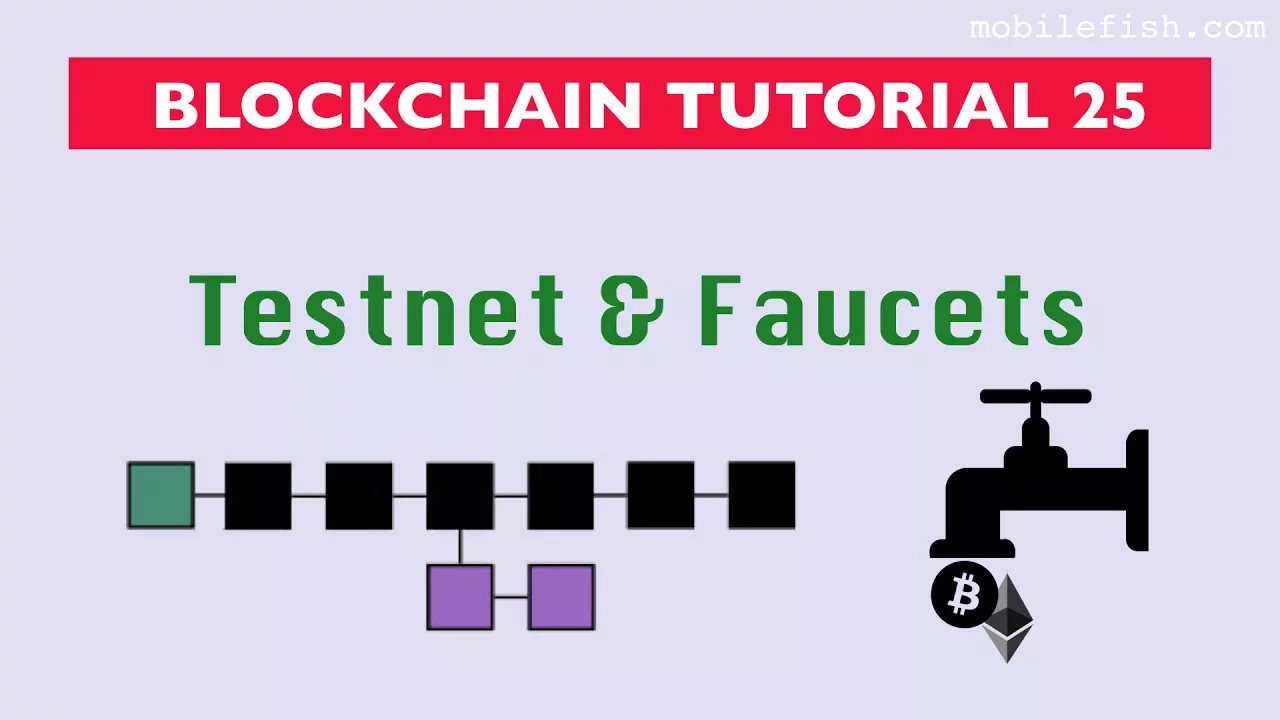
Understanding the concept of testnets versus mainnet, including the purpose of test Ether (ETH) and faucets.
Transitioning from Remix to professional local development frameworks such as Hardhat or Foundry for automated testing and deployment pipelines.
Integrating deployed smart contracts with a frontend user interface using libraries like Ethers.js or Web3.js to build a full decentralized application (dApp).
Learning smart contract security best practices, auditing techniques, and common vulnerability patterns like reentrancy.
Deploying contracts to Ethereum Mainnet or Layer 2 scaling networks (such as Arbitrum or Optimism) and verifying the source code on Etherscan.
1.1K views16likes7:36Original Release: 2025-06-17
All right, quick one for you guys. Um, we are basically going to run you through how to deploy your smart contract on um the test net and also on the environments that are available on remix in subsequent classes. it would be basically explaining um it's basically the same concept if you're still you know deploying to um you know the mainet and whatn not right so the first step is to check that you have your license identifier we using MIT here which is this part and then you have your compiler version um you know set and we are going to be deploying on sepoleia test net at the end of the day but I Just want to run you through um a couple of things before we you know deploy this. Right. So you have to make sure that your imports are done correctly and that your contract is also properly formatted. Right? You have to make sure your contract is properly formatted. And this contract is a simple contract that basically allows us to, you know, get information from chain link and get um information about the city, the last temperature, um the requested city and things like that, right? So, how do we deploy this smart contract to uh the blockchain, right? So, we go to the solidity compiler, right? I want you to always toggle this on so that in the process of writing your smart contract, right? I want to zoom in. You I you want to have this auto compile turned on. You know, it's going to be like this. But I want you to turn this on, right? So, it automatically compiles your smart contract on the go, right? It compiles your smart contract on the go, right?
And you see we get this you know green tick which means we are good to go right and then we go to the deploy. So it's best practice that you basically deploy to the environment here on remix before you even deploy it to a test net because you know the test net tokens are actually very very limited. So you do not want to use them up. You do not want to you know spend a lot of them. The development environment here basically gives you access to um a couple of accounts with 100 that you can basically always just use to test what you want to test, right? So note do not always deploy to test net, right? Use this first. It's faster. It does the same thing. And you know once you're sure you can then deploy to the test net or deploy to the main net, right? It's still the same thing, right? So we are going to be deploying on um remix VM Prague. So we just come down here. We see that the contract is selected. It's the functions consumer contract. You can verify that here at the top right you can see it at the top. It's the functions consumer contract right.
So you click on deploy right you click on deploy. You check your terminal and then you basically get access to all of the information. We have the status which says the transaction is mined and execution is succeeds. We have the transaction hash.
We have the block hash. We have the block number. We have the contract address. We have from and to we have the gas fees. Basically everything that you know you get when you deploy a smart contract to the blockchain. Right? So these are basically the functions that are deployed in this smart contract.
Right? It's very very evident here. So you have all of this here, right?
So what do you want to do next? So let's take this off and you know deploy now to the test net. If you do not have um sepoleia tokens uh I basically will just add a link that you can basically you know get you know seleia test net from.
So to deploy on sepoleia you actually need you know test net tokens right. So I have some it here from sepoleia that I would actually be using to deploy this smart contract. Right. So I go to the environment and I click on injected provider metam mask. Right. So you see my wallet address here and you can basically see the network. Right. It's very important that you check the network. Right. I have the Sepia network here. Right. And my wallet address here.
To confirm that we can come here to my wallet.
And you would see we have 0x994 A5. and it ends with 53 C and 19. You can confirm that it's the same thing.
It's also showing my balance 0.153928.
You can see it's the same thing here, right? And I'm on the Sapoleon network, right? You have to make sure you are on the Solia network, right? So, it's simply the same step, right? You come here and then you click deploy. You can see it's creating the functions consumer pending in the terminal and then you get the pop-up notification from MetaMask and then you sign the transaction.
So I'm confirming that it's loading up.
We should get um a successful transaction soon.
So you can see it's saying confirmed transaction right and then I get this right.
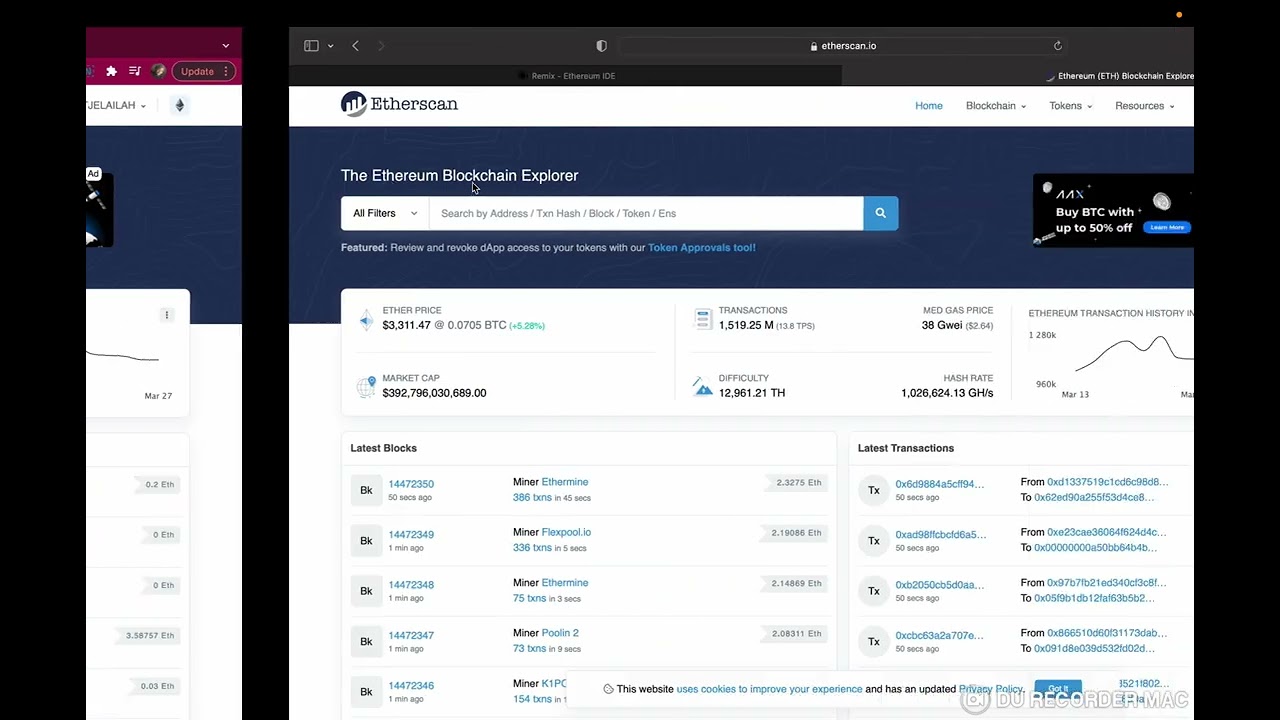
So we basically can view this on ether scan also right so this is the transaction block like the same thing that happened when we you know deployed to um the remix uh development environment. We have the status, we have the transaction hash, we have the block hash, we have the block number, and we also have the um we basically get everything, right? And let's go and see this transaction on it scan, right? So this is the transaction that we just deployed on its scan. It's saying this is a sepoleia test net transaction only and we can toggle into the smart contract that we just deployed. So this is the smart contract. As you can see, it shows that it's a contract up here.
This is the address of the smart contract. And then we can see that this smart contract was created 1 minute ago, right? We really don't have like any other thing inside the smart contract.
So that's about it for today on how to deploy um to um either the remix environment or deploying directly to um it's basically This
Up Next

39:58
Blockchain Game Development in Unity with the Thirdweb SDK
@thirdweb_
8.6K views•2023-07-16

12:54
Triumph of Orthodoxy Icon: Byzantine Art & History Explained
@BenCallan
2.1K views•2024-08-06

9:49
FastAPI vs Flask vs Django: Choosing the Right Python Web Framework
@TechWithTim
302.5K views•2024-05-26

1:42
Game of Thrones Opening Credits: A Cinematic Analysis
@gameofthrones
46.3M views•2011-04-18
Related Study Plans & Knowledge Roadmaps
Structured learning paths in General & Interdisciplinary Studies
general-studies
Elevator Engineering: History, Physics & Cities
01From Hoists to Safety Brakes: The Dawn of Vertical Lift
02Hydraulic vs. Traction: The Engineering Physics of Elevators
03Modern Speed, Safety, and Algorithms
+ 2 more learning modules
12h5 modules
Explore Roadmap
general-studies
Rubber: Material Science, History & Geopolitics
01Origins of Natural Rubber & Mesoamerican History
02The Chemistry of Natural Rubber & Vulcanization
03The Geopolitics of the Rubber Boom & Colonization
+ 2 more learning modules
12h5 modules
Explore Roadmap
general-studies
Containerization: Evolution, Logistics & Trade
01Ancient Trade & Bulk Cargo: Amphorae to Barrels
02The Industrial Revolution & Cardboard Packaging
03The Containerization Revolution: Malcom McLean
+ 2 more learning modules
12h5 modules
Explore Roadmap
general-studies
Textile Tech: Evolution, Labor & Global Impact
01Pre-Industrial Textiles: Handloom & Cottage Industry
02Mechanization: The Spinning Jenny to the Power Loom
03The Factory System & Global Labor Transformation
+ 2 more learning modules
10h5 modules
Explore Roadmap