






![How to Outline A Workflow - Digital Directive [Tutorial] by CarbonWeb](https://i.ytimg.com/vi/NeZWoM3yyCY/maxresdefault.jpg)






![[ Learn PHP 5 In Arabic ] #11 - If, Elseif, Else](https://i.ytimg.com/vi_webp/qaBDdNbPzmM/maxresdefault.webp)











![Aprende a utilizar MAKE para AUTOMATIZAR PROCESOS con IA [Curso express]](https://i.ytimg.com/vi/Mnfzklo2CVw/maxresdefault.jpg)



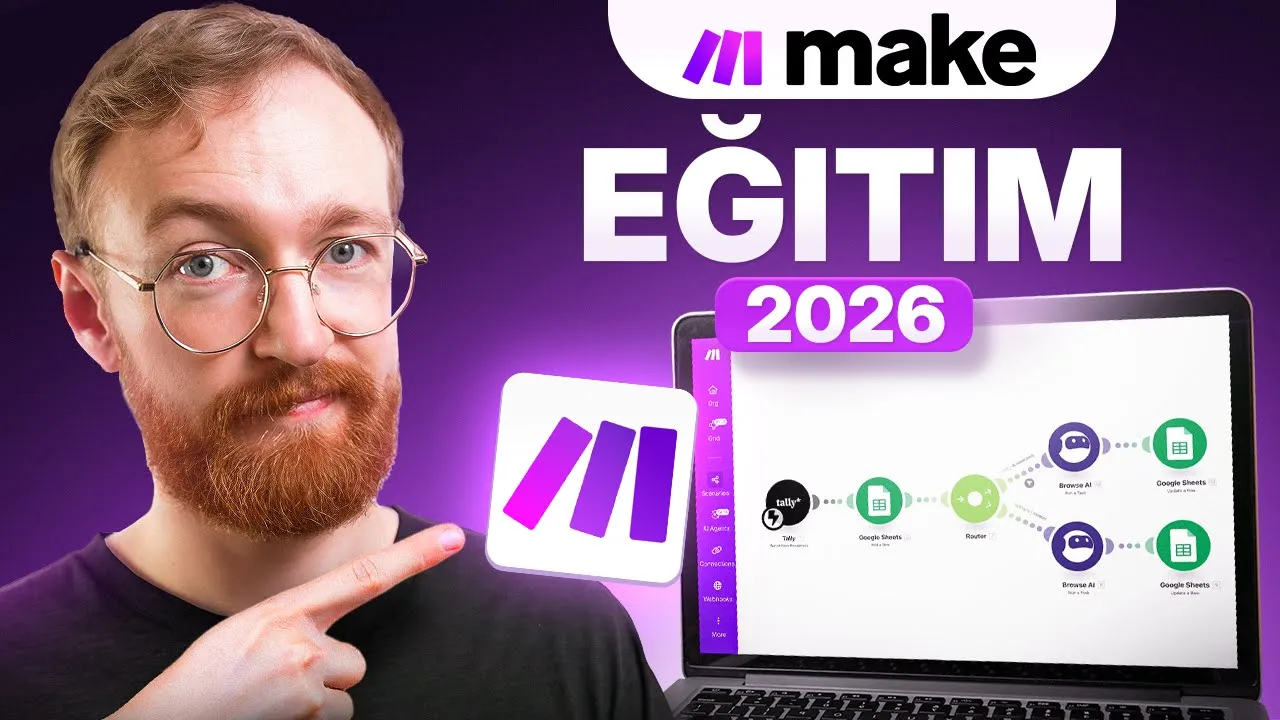
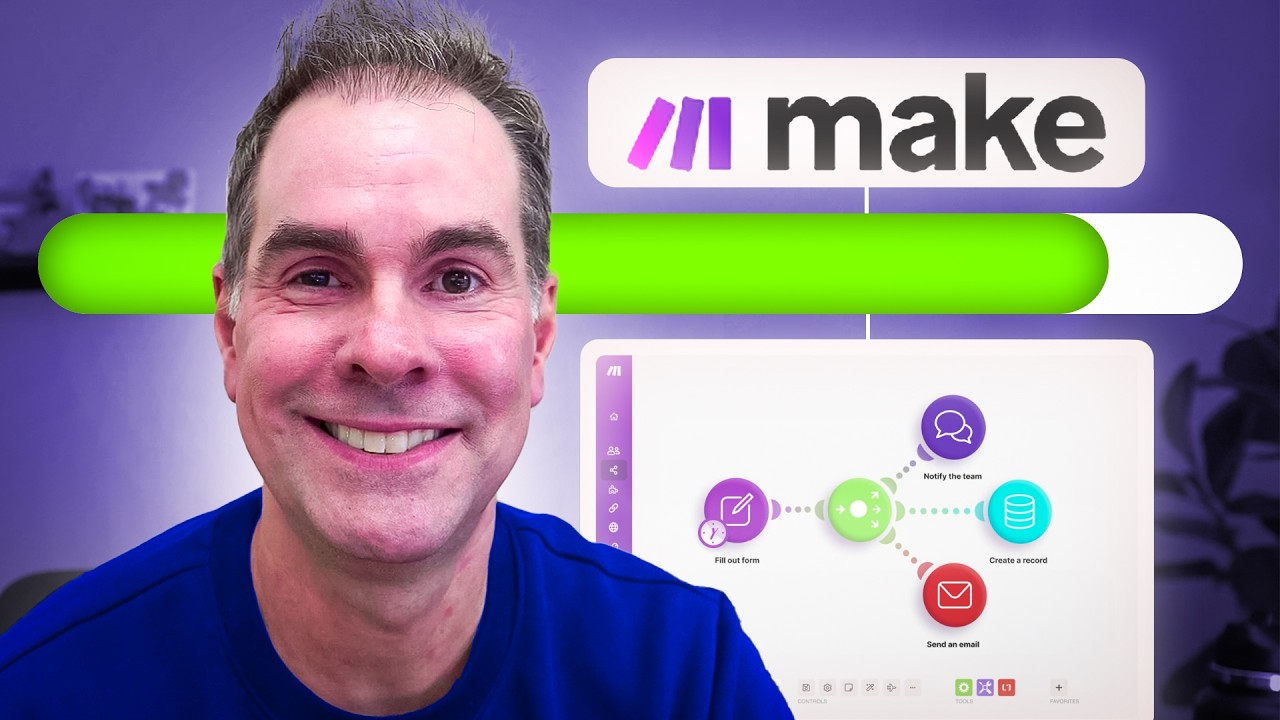
Make.com (formerly Integromat) is an automation platform that enables users to connect thousands of apps and services without coding, allowing them to create workflows that automatically transfer data between applications; the platform offers a visual interface where users can set up triggers (like new form submissions), process data through filters and modules, and route information to multiple destinations simultaneously, thereby eliminating repetitive manual tasks and saving significant time in daily workflows.
Make.com Automation for Beginners: Step-by-Step Workflow Tutorial
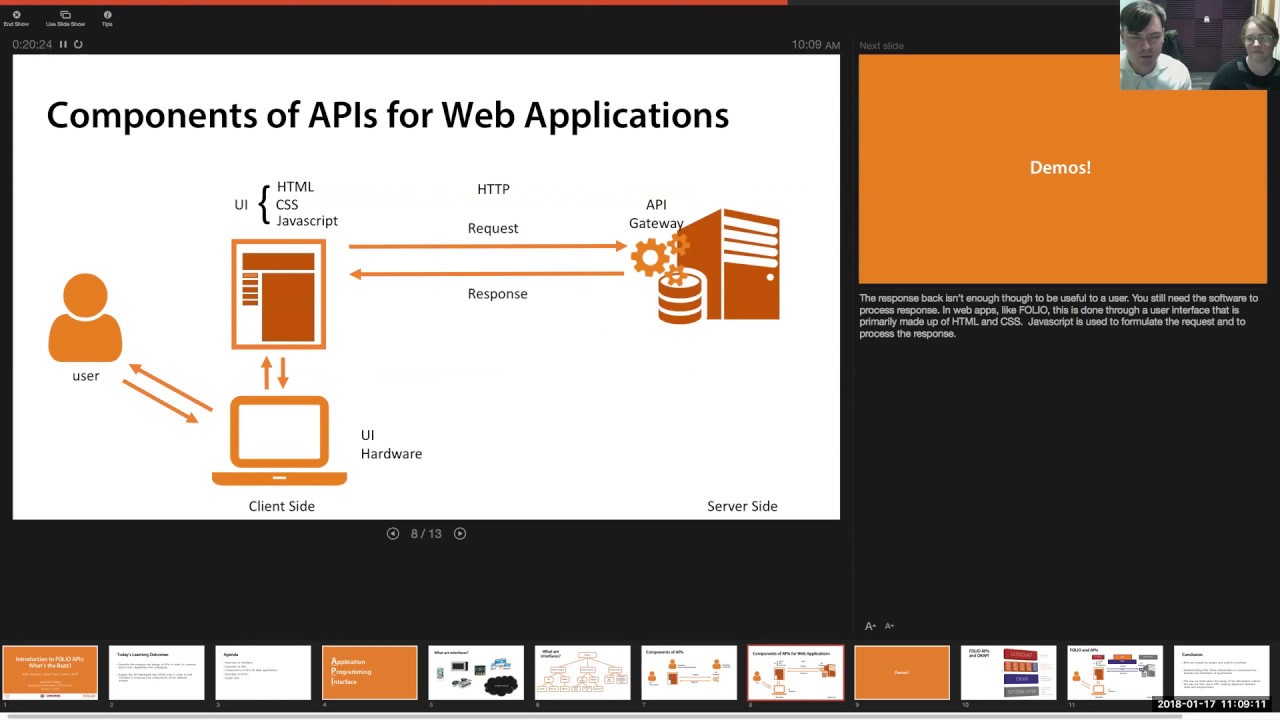
Added:Fundamental understanding of APIs (Application Programming Interfaces) and how different web applications exchange data.
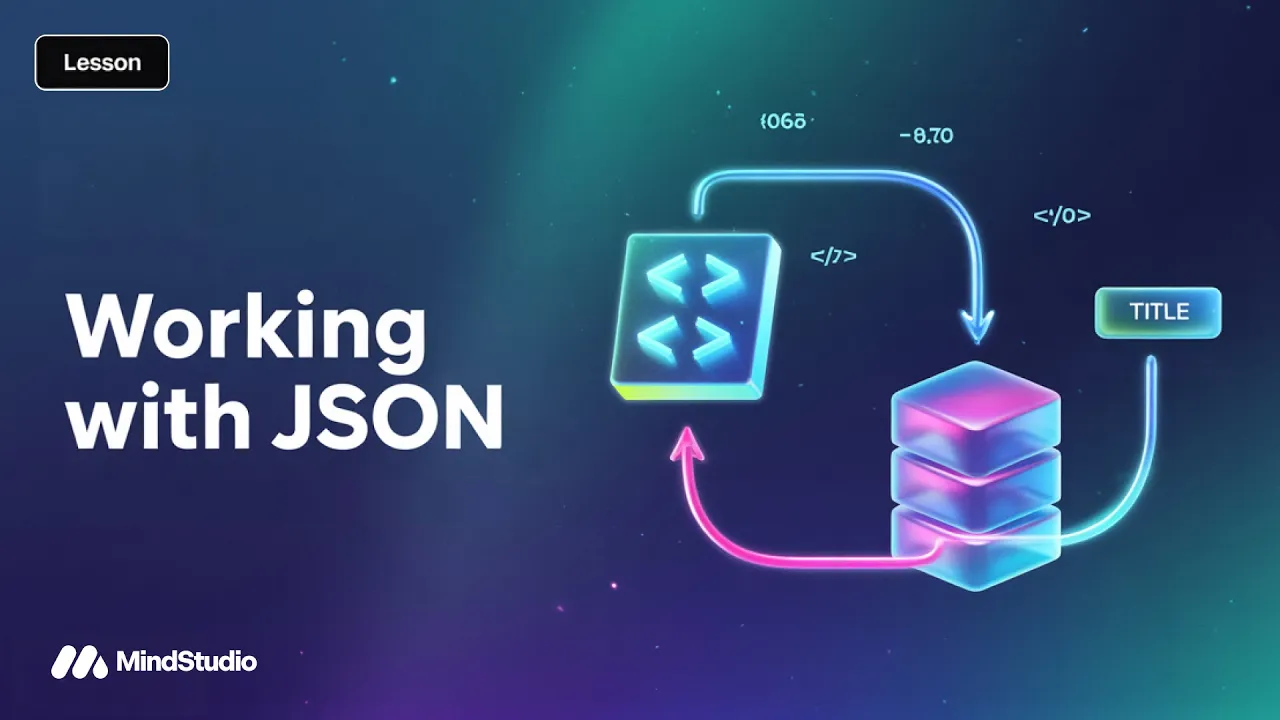
Basic comprehension of structured data formats, particularly JSON (JavaScript Object Notation), which is crucial for data mapping.
The core concept of event-driven workflows, specifically the distinction between triggers (events that start a process) and actions (resulting steps).
Familiarity with basic conditional logic (e.g., If/Then/Else statements) to prepare for setting up filters.
Advanced routing techniques using Make.com Routers to create complex, multi-path branching workflows.
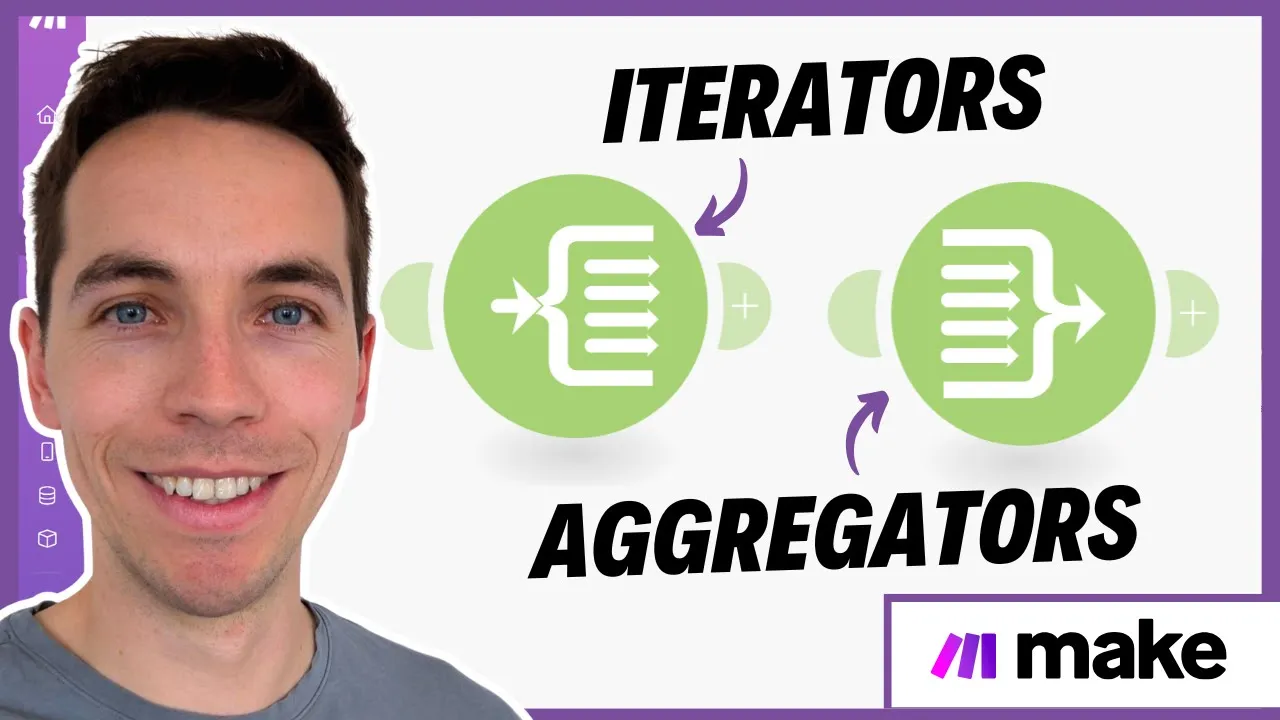
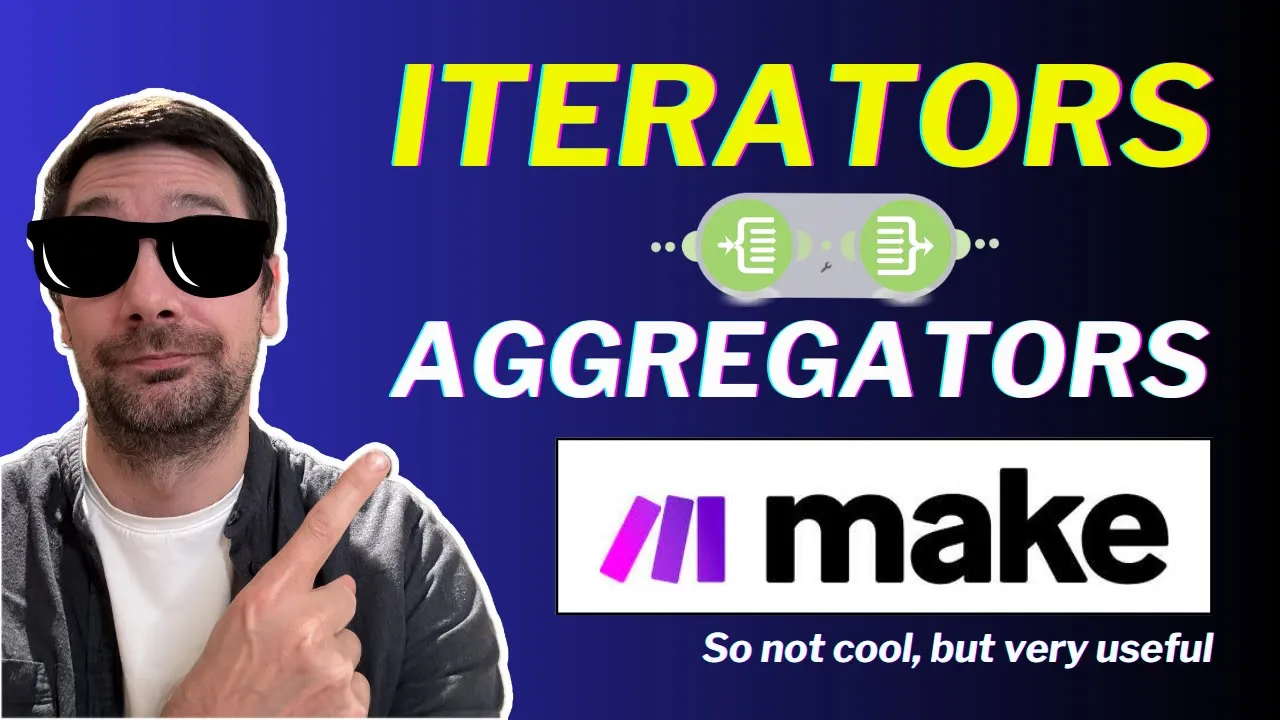
Mastering data manipulation using Iterators and Aggregators to process arrays and bulk datasets.
Implementing robust error handling strategies, including error-capture directives (e.g., Resume, Commit, Rollback) to manage failed operations.
Utilizing the HTTP module and Webhooks to connect to custom API endpoints for services without native Make.com integrations.
Using Make.com Data Stores to maintain persistent state and store data directly within the automation platform.
801.3K views15.8Klikes24:46Original Release: 2024-05-28
Hi everyone, Kevin here. Today we're going to learn how to use Make to automate just about anything. If you're tired of boring and repetitive tasks at work, this video is for you. So, what is Make? Well, let's start with an example. At the Kevin Cookie Company, our customers submit orders for cookies using a Google Forms order form. We then have someone manually add the order into our tracking spreadsheet. And when I say someone, that person is usually me. Okay, who am I kidding? It's always me. I then email the customer to let them know that their order is coming soon. And then I message the Fulfillment Team channel in Microsoft Teams to inform them of the new order so they can start shipping it. Now, as you can imagine, this takes up a big chunk of my day. And sometimes I include the wrong details in the email. Ideally, I like to automate all of this. Now, this is just a simple example, but you can automate just about anything with Make. You could connect thousands of different apps and services. And best of all, it's completely free to start using. In fact, if you want to follow along, feel free. I partnered with the Make team to show you how all of this works, so let's get started. First, head to the following website. You could click on the card right up above, and I've also included a link down below in the description. Once you land on this page, you can set up a free account. And with a free account, you get 1,000 operations per month and you can start automating your work. If you decide to go pro, you get a free month, 10,000 operations, and you also get additional features. Fill out all of this information and then you can set up your free account. Once you finish signing up for a free account, you'll land here on the main Make dashboard. Over on the left-hand side, let's start by clicking on templates. This now drops us on a page with thousands of different templates that show you how you can connect together various types of applications. Right up here as an example, we see the most popular at the top. You can collect data via a webhook and then feed that into Google Sheets. Or over here, maybe you'd like to take all of your new Telegram messages and you'd like to forward them on to Discord. You can do that. Now, you may very well find the exact automation scenario that you're looking for, in which case, congratulations. Or you could click into any one of these examples to learn more about how they work. That way it Makes it easier to build your own. And in fact, you can take any one of these scenarios and build upon it. Maybe you'd like to add another step after this Telegram bot. You could do that. To understand how Make works and how you can use it, we're going to build our own scenario. And this will give you a really good feel for the fundamentals of what's possible. Over on the left-hand side, let's now click on scenarios. And here you'll notice that we don't yet have any scenarios. And that's because we haven't built anything yet. In the top right-hand corner, let's change that by clicking on create a new scenario. This now drops us into the scenario editor or the designer. And this is where we can start building our automations. And at first glance, it might look like there are a lot of different options here, but don't worry, we'll Make sense of them. Now, right here in the center of the screen, you'll see this large plus icon. This is the first step of our scenario. We need some type of trigger, and this will kick off the scenario or the automation. And over here, we can see all the different apps that we can use to kick off our scenario. And like I said, there are so many different apps that you can connect to. This list goes on and on and on. There are thousands of different options. At the Kevin Cookie Company, our customers submit their orders via Google Forms. So right down below, you can also search for different apps. So here, I'll search for Google Forms. And what do you know? There it is. That's one of the apps that I can connect to. Now, within Google Forms, you see all sorts of different actions that you could take. You could get a form, you could search forms, you could create a new form. And here, I could click on show more. And here we see all the different options. Now, in my case, a customer is going to submit a new order. And that's going to be the trigger for this automation. And then I want to take other steps after that. So right here, there's an option for watch responses, triggers when a new response is received. That's exactly what I want, so I'll click on this. This now opens up a dialogue where you'll need to establish a connection with Google Forms. Now, anytime you want to connect to an app or a service, you'll have to establish a connection. This allows Make to access the data that's stored on all of these different services. Now, I've already added my Google account, so I see it here. But if this is your first time, you'll have to click on add, and then Make sure that you authenticate and connect to your account. If you have any difficulties with that, right down here, you can click on this link that says online help. And it's a very rich resource that'll walk you through step by step, how you can connect to a wide variety of different services. Right down here, there is another configuration field. We need to provide the form ID that we would like to work with. Now, chances are you have many different Google Forms. You need to tell Make which one you want to work with. Let's jump over to Google Forms to see how we can get that. Here I am now in Google Forms. And here you can see our cookie order form. Right down here, we collect information like the customer's email address, their name, the shipping address where they would like us to send these cookies, the cookie type, the quantity, and also any special instructions. But I'm here to get the form ID. So right at the very top in the address bar of your browser, you'll see the URL for this form. And right here in the middle in between the D and edit, you'll see this ID. This is the form ID. And this identifies this specific form in Google Forms. I'll Make sure I highlight all of this and then press control C to copy, and then let's go back to Make. Back within Make, I can now paste in the form ID. Here, I'll type in that exact value that I just copied. Now, alternatively, you can also try searching for your form. But I like picking out the exact ID, that way I know that I'm getting the exact form that I'd like to work with. Down below, we also have something called the limit, and this is how much data you would like to pull out of the form. So, let's say that you have 10 form responses and you'd like to pull in all those different responses. Well, then you'd have to set a higher limit like 10 in that example, but I'm just testing this out, so I'll leave it set to the default of two. And then down below, I'll click on okay. Now that we have successfully connected to Google Forms and we configured it exactly the way we'd like it to be, let's Make sure that we save this scenario. Down at the very bottom, we have various controls. Over here, let's click on the option that says save. And in the bottom right-hand corner, I can now see that this scenario was saved. Perfect. Over on the left-hand side, let's now click into scenarios. Here I can now see all the different scenarios that I've saved. Now currently, I just have one scenario. This is my integration with Google Forms. Now there's not much there yet, but soon we'll have a nice automation set up. Especially if you start adding lots of different automations and lots of different scenarios, over on the left-hand side, you can add additional folders and you can organize all of your different automations. But for now, I just have one, so I don't need to do that. Let's now jump back into our scenario. Over here, let's click into integration Google Forms. And on this page, let's click on this option in the center of the page. And this brings us right back to the scenario designer where we started. I now want to test to Make sure that this is all working as expected. But before we do that, we need to submit a sample cookie order. So, let's jump over to Google Forms and do that. Here in Google Forms, I've filled out the cookie order form. Down at the very bottom, let's click on submit. And look at that, the response has been recorded. Back now within Make, to run this scenario, down in the bottom left-hand corner, you'll see this button that says run once. Let's click on this. And it looks like it just successfully ran. Now right over here with the Google’s Form trigger or module in the top right hand corner, you see this one icon. And this indicates that it just consumed one operation. With a free account, you get 1,000 operations, which is plenty to test and experiment with how it work, and you can set up a number of scenarios with that. When I click on this, we can see the bundle that came back, or the output data from Google Forms. Right up above, we see that there was one bundle or basically one form submission. Here we see the email address. And then if I expand answers, here I can see all the different answers to the different form questions. For example, select cookie type. And when I click into this, we can expand it all the way down. And here I can see that the value was oatmeal raisin. And I can do that for all the other categories. Now, one of the great things about Make is I can use all of this bundled data, and I could use that now in any other application. So, I could feed that elsewhere. And that's where the power of Make comes from. You can manipulate and work with this data elsewhere, and you can bring it to and connect with other applications. In the top right-hand corner, let's close out of this view. Let's now bring the data from Google Forms into another application. To do that, within the scenario designer, you could simply right click on the canvas, and here you have the option to add a module, or what's even easier, in my opinion, you could click right over here to add another module. And this opens up that same screen that we saw before. Here we see Google Forms, we've already used that. And here we can now take the data from the Google Forms, and we can feed that into any other application. So hopefully you're starting to see some of the power of being able to take data from one location to a different location. Now at the very top, here I saw the option for Google Sheets. And I would like to add that to our tracking spreadsheet within Google Sheets. I'll click on this option. And here, just like we saw with Forms, you have all sorts of different actions that you can take with that bundle of data. And right here, I see the option to add a row. I would like to add a new row to this spreadsheet with the data from that form. I'll click on this option. This now opens up a dialog, and similar to what we saw with Forms, first, you'll need to establish a connection with the service that you would like to feed the data to. In this case, I'm using Google and I've already set up a connection. Down below, we need to identify the file that we would like to add the Forms data to. Here I have it set to select by path, the file's in My Drive, and down below, I can now find the spreadsheet ID. I’ll click on this and this will pull together all the different contents within My Drive. And here, I see a spreadsheet called the Kevin Cookie Company order tracking sheet. I'll select this option right here. And next, I can select the sheet name. Now there's only one sheet within the spreadsheet, so I'll select sheet one. And next, it also asks me if my sheet contains headers and it does. So, I'll set it to yes. Let's have a quick look at the spreadsheet just to see how it's formatted. Here I am now in Google Sheets. And it's a very simple spreadsheet. Here I have a header row. And each one of these different columns corresponds to one of the questions in the form. So, I have a column for the customer name, the email address, the shipping address, the cookie type, quantity, special instructions. And then we also have a column that's not on the form called shipped. And this is what our order fulfillment department uses. So, once they ship an order, they'll put down yes. And if it hasn't been shipped, it'll simply be blank. So, let's now jump back into Make to see how we can get that data from the form into the spreadsheet. Back within Make within the configuration panel, here we see a section for values. And here I see the customer name, the email, the shipping address. For the customer name, this is the first column within the spreadsheet or column A. So, there I can see that. And you'll notice that all the different columns show up here. We now need to map the data from the Google Form to the Google Sheet. So over here, let's click into the text field. And when I click into that over here, I can see all the data that I'm getting back from the Google Form. So, I can decide what data I would like to use from the form and where I want it to show up in the spreadsheet. So, for the customer name, I want to take the customer name from the form, and here we see that bundle with all the data. So right down here, let's click into answers. And here I see all the data that's coming back. And here I see a field for your name. Let's click on that to expand it. And then let's expand this, expand this. And over here, I can see the value for the customer name. There's Cookie Monster. He ordered cookies and I think he's very hungry. So over here, I'll click on this, and this will now take the form value or the customer name and it'll place it into this row within this column. So right down here, we can now click into the email and I'll do the same thing. Here I see a field for the respondent email. I'll click on that. And now I could go through all these different text fields and I could fill in the details. So, the shipping address, again, let's expand all these different categories. And here I see a value. So, I'll click on that. And for the cookie type, we're going to do the exact same thing. Here, I'll expand all these different sections of the bundle and let's insert that. And here for the quantity, we'll do the same. I now finished going through telling Make what data I would like to take from Google Forms and where I want it to show up within Google Sheets. Now that I've successfully mapped all the data, down at the very bottom, let's click on the button that says, okay. Back now within Google Forms, here I'll now submit another cookie order form. I filled in all the details and down below, let's click on submit. Back within Make, let's now run this scenario and you should see it show up immediately within Google Sheets. So right down below, I'll click on run once. Here, the scenario is now running and over on the left-hand side, we should now see it show up. And look at that. Right up on top, we now see the Google Form show up directly within Google Sheets. That's perfect. We're doing great so far. We've now connected two different applications and we're feeding data from one application to another application. And soon we'll connect even more. But before we do that, I need to Make one tweak to this scenario. We also sometimes get orders outside of the United States. And unfortunately, we don't yet have the capability to ship outside of the US. I know it's a big missed opportunity, but I want to make sure we don't confuse our fulfillment department. I can set up filters. Right within or between these two different modules, let's click on this icon. And right here, we have the option to set up a filter. Let's click on this. This now opens up a dialogue where I can set up a filter. Right up on top, I can give it a label. I'll type in US orders only. And over here, I can set a condition. Now, I want the shipping address to contain United States. If it does, then it's a valid order. So over here, I'll expand this category. Let's go down to text answers, answers, and right down here, I see the value for the shipping address. I'll click on that. So here, it'll check this value to make sure that it contains the United States. Within text operators, let's click on this dropdown and I have all sorts of different options. I can filter on so many different things, but I just want to know, does it contain the United States? Here's the option for contains, and I want it to be case insensitive. That way, if maybe they have a lowercase u, it'll still catch that. I'll click on this and down below, I'll type in United States. Again, in the future, we'll have to look at supporting more markets, but for now, this is the reality of our business. In the bottom right-hand corner, I'll click on okay. And I now have that filter. Now again, if I get an order from outside the US, it'll simply cut it off at this stage and it'll never add it to our order tracking sheet. If it does contain United States, then it'll be added to this sheet. It's perfect. Now that we have the order details in our tracking sheet, we need to thank the customer for their order. Let's set this up. To thank a customer for their order, we're going to send out an email. And to do that, we need to add yet another module. And to do that, we'll do it just like we did before. Over here, I'll click on this icon to add another module. And here I could search through all the different apps. Again, you could connect so many different apps. I want to send an email. So here I'll type in mail and I have all sorts of different options, but here I see email. I'll click on this. Here I see all the different actions that I can take with mail. I want to send an email to our customer. And here I see an action for send an email. Let me click on this. This now opens up the configuration dialogue. Up at the very top, first, you'll need to connect to the service. And I've already done that. And then you have various options that you can set. For example, do you want to save the message after sending? I'll set it to no. Right down here, you can also identify the recipient. And when I click on this, here I see email address one. Let's click into there. And now I can use any of the data from any of the preceding steps in this scenario. So here I see all the different values I get back from Google Sheets and all the different values that I get back from Google Forms. Now the email address is right here, the respondent email in Google Forms. I'll click on that and that will take that data from Forms, and in fact, when I hover over the respondent email, you'll see how Google Forms is expanding over here. That's letting me know the data is coming from this step in the process. Now that I've indicated the email address, down below, I need to enter in the subject. Here, I'll type in your cookie order is confirmed. Right down below, I can also indicate the content type, HTML or plain text. I'll go with plain text. Nothing fancy, just going with straight communication. Right down below, I can also enter in the content. Here, I'll enter in my message. And I say dear customer name, but I want to insert the actual customer name here. So, I'll remove this placeholder. And right over here in the Google Form, again, we have the customer name. Let's expand this and go all the way down. We're going to drill down until we get to the customer name. And I'll insert that customer name into this email. So, this is a dynamic value. It'll take whatever the customer's name is from Google Forms and it'll insert it into my email. That's perfect. Also, we call out cookies ordered. So over here, let's remove that. And if I look down here, it says cookie type. Let's expand this. And here, I'm going to insert the value for the cookie type. I'll insert that. That's a dynamic value. And again, I need to insert the quantity. So just like we did with the name and also the cookie type, let's expand this or drill down and then insert that value. This will now be a customized email based on all of this information. Right down below, I'll click on okay. And look at that, a very simple way to create a mail merge. Along with sending a thank you email to our customer, I also want to make sure I let our fulfillment team know that there's now a new order that they need to ship out. Over here, I'll right click and let's add another module. I'll click on that and let's click on this plus icon. And down below, I'm going to use Microsoft Teams. And right here, I see Microsoft Teams and let's click on show more. Here, we have all sorts of different options. I'll look through these actions and I want to send a message to a channel. Right here, I see the option for send a message, sends a message to a team's channel or to a chat. That's exactly what I'm looking for. I'll click on this. Now, currently, this is just sitting here on its own, but I want to connect it to Google Sheets. So, I needed to route to both email and to Teams. So, this is a visual interface that I could use. So, I could click over here and drag it and now pull it over to Google Sheets. And when I do that, it sets up a router. What that means is the data from Google Sheets will be sent to both the email and onto Microsoft Teams. So, it'll go to both places at once. Here, I could pull these around so I could adjust the visual layout so I could see what's happening with all of my data. Now, I need to configure Microsoft Teams. Over here, I'll right click and let's click on settings. This opens up a dialogue and up on top, you'll need to establish a connection with Microsoft Teams. And I've already done that. Right down here, I can indicate what type of message I would like to send. You can send a channel message or a chat message. I would like to send it to the channel, so I'll select that option. And next, it asks for the Team ID and the Channel ID where it should post this message. Let's jump over to Microsoft Teams to see how you can get this information. Here within Microsoft Teams, over on the left-hand side, I see all of my different teams and the associated channels. I would like to post a message to the order fulfillment team and the general channel. To get the Team ID and also the channel ID, here I'll simply right click on the channel. And then here's the option to get a link to the channel. When I click on that, I get this very long URL. And right within here, here I see the channel ID. And if we go towards the end, here I have the Team ID. You could simply pull this information out of this link and then bring it into Make. Back within Make, here I'll paste in the Team ID and also the channel ID. And right down below, I can now type in my message to post to this channel. And here I have some placeholders. We have a new order from, and here it says customer name. But I want to insert the customer name. I'll remove this. And over here, I see the bundle of data I get back from both Google Sheets and also Google Forms. Now I want to insert the customer name. So here, let's look for customer name. Here I see your name, we'll expand this and let's go down and get the value for the customer name. And that'll now insert it into my message. And next, I'll do the same for both the quantity and the cookie type. Now that I've customized my message to send to this channel, down below, let's click on OK. Now that I finished setting up my scenario, I'm ready to test it. And there are a few different approaches that you could use to test it to Make sure that everything is working well. Perhaps you only want to run one individual module. Over here, I could right click on a module and here's the option to just run this. Or alternatively, maybe you just want to test out one of the branches of your scenario. Over here, you could right click on the connection and you have the option to unlink. That way you could just test out one of the branches on its own. So, there are many different ways that you could test it out to make sure that it's working as you expect it to. Let's now jump into Google Forms and I'll submit an order and we'll see it go through this entire scenario. Here, I now filled out my order form with all of my different details. Of course, I'm ordering 985 cookies. They are so good. And right down here, please deliver by pigeon. I find that's the quickest method to get them. Let's now submit it and see this go through the scenario. Back within Make, I'll now click on run once. And look at that. It looks like it successfully ran through my scenario. Over here, we used one operation to collect the data from the Google Form. Then we used another operation to add it to the Google Sheet. Here we have our router and it sends out the email with one operation. And then it uses one more operation to send the message to Microsoft Teams. Let's have a quick look to Make sure it went through all these steps properly. Here I am in the order tracking spreadsheet, and here I see the new order that I just delivered, and looks like it came through perfectly. And I also just received an email and it's customized to the specific order, and that also came through just as expected. And lastly, here we have Microsoft Teams with a message for the order fulfillment team. We have a new order from Kevin Stratvert for 985 chocolate chip. Please ship ASAP. It looks like everything worked just as expected. Now that we confirmed that this scenario is working properly, the next step is probably to schedule it. I mean, I don't want to have to come in here and have to manually run this every time I think an order arrived. Down in the bottom left-hand corner, we can press this toggle and this turns scheduling on. And over here, we can configure the schedule. Currently it's set to every 15 minutes. But when we click on this, we have a few different options. Currently it's set to at regular intervals, but here I could set it to every day, on certain days of the week, or certain days of the month. And here we have some additional options where we can configure how often this runs. Now keep in mind, the more often it runs, the more operations your scenario will consume. So, think of a reasonable interval to run this at. And just like that, we've automated our way to extra free time. Keep in mind, your automations can connect to thousands of different services and can be far more complex than what we looked at today. You could have multiple steps and stages to your automations. You can add filters, aggregate data, parse text, branch your workflows into separate paths, and so much more. Feel free to browse through all the different templates to see what all is possible. In the comments below, let me know how you plan to start automating your tasks and how much time you think you'll get back in your day. To watch more videos like this one, please consider subscribing and I'll see you in the next video.
Up Next

15:29
APIs and Webhooks Explained: n8n Beginner Tutorial (2/9)
@n8n-io
315.3K views•2024-06-19

12:54
Triumph of Orthodoxy Icon: Byzantine Art & History Explained
@BenCallan
2.1K views•2024-08-06

35:16
FL Studio 21 Beginner Tutorial: Step-by-Step Music Production Guide
@KevinStratvert
304K views•2024-02-02

1:42
Game of Thrones Opening Credits: A Cinematic Analysis
@gameofthrones
46.3M views•2011-04-18
Related Study Plans & Knowledge Roadmaps
Structured learning paths in General & Interdisciplinary Studies
general-studies
Elevator Engineering: History, Physics & Cities
01From Hoists to Safety Brakes: The Dawn of Vertical Lift
02Hydraulic vs. Traction: The Engineering Physics of Elevators
03Modern Speed, Safety, and Algorithms
+ 2 more learning modules
12h5 modules
Explore Roadmap
general-studies
Rubber: Material Science, History & Geopolitics
01Origins of Natural Rubber & Mesoamerican History
02The Chemistry of Natural Rubber & Vulcanization
03The Geopolitics of the Rubber Boom & Colonization
+ 2 more learning modules
12h5 modules
Explore Roadmap
general-studies
Containerization: Evolution, Logistics & Trade
01Ancient Trade & Bulk Cargo: Amphorae to Barrels
02The Industrial Revolution & Cardboard Packaging
03The Containerization Revolution: Malcom McLean
+ 2 more learning modules
12h5 modules
Explore Roadmap
general-studies
Textile Tech: Evolution, Labor & Global Impact
01Pre-Industrial Textiles: Handloom & Cottage Industry
02Mechanization: The Spinning Jenny to the Power Loom
03The Factory System & Global Labor Transformation
+ 2 more learning modules
10h5 modules
Explore Roadmap