




















Game development in Rust requires understanding the core game loop (load, update, render, events), using a game engine like Piston for graphics and input handling, and implementing game mechanics such as collision detection, object movement, and spawning systems. The Piston engine provides a modular approach with separate crates for different game components, making it accessible for beginners while still supporting more advanced game development.
Making a Game in Rust with Piston: A Beginner's Guide
Added:Basic Rust programming syntax, including ownership, borrowing, lifetimes, and structs.
Familiarity with Cargo, Rust's package manager, for managing dependencies and building projects.
Fundamental programming concepts such as variables, control flow, functions, and loops.
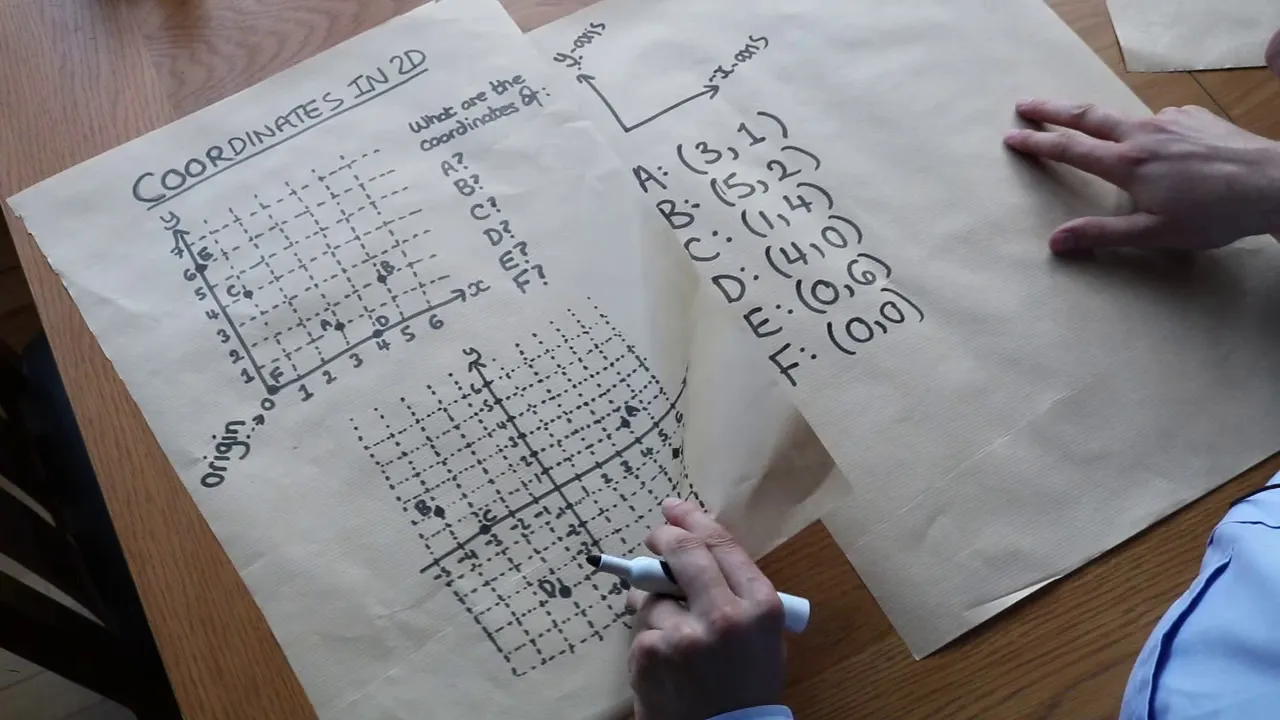
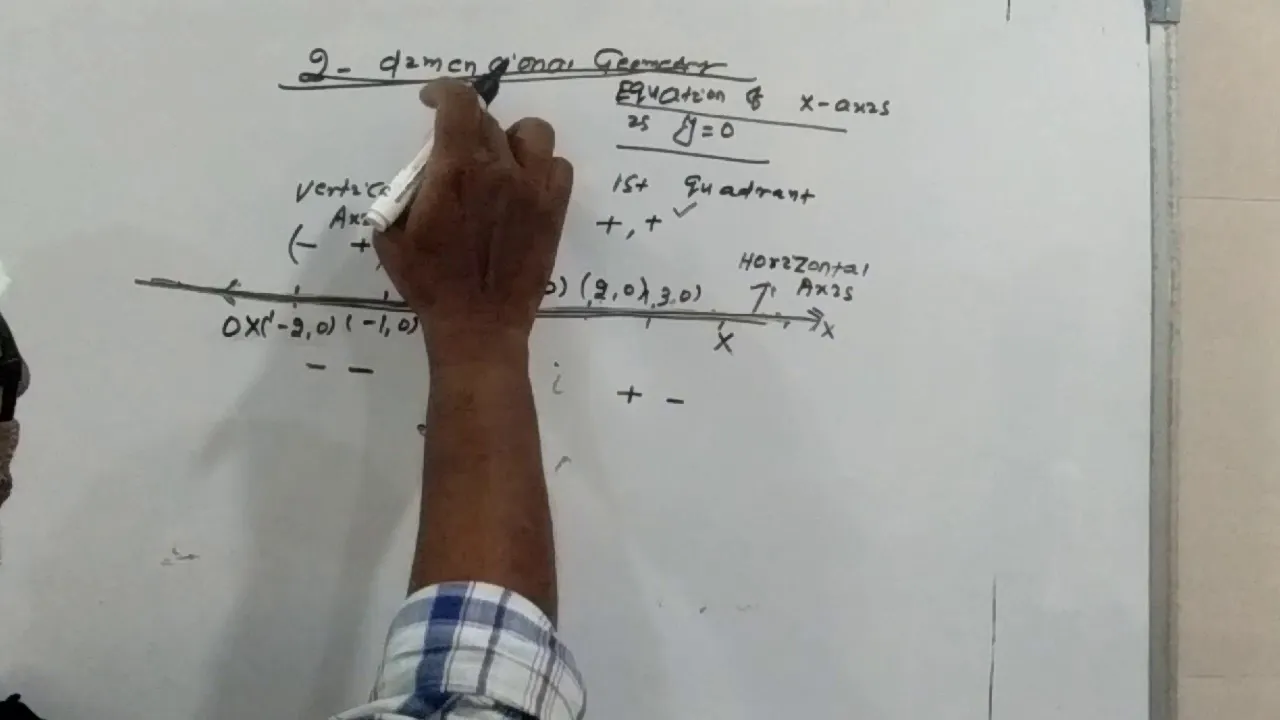
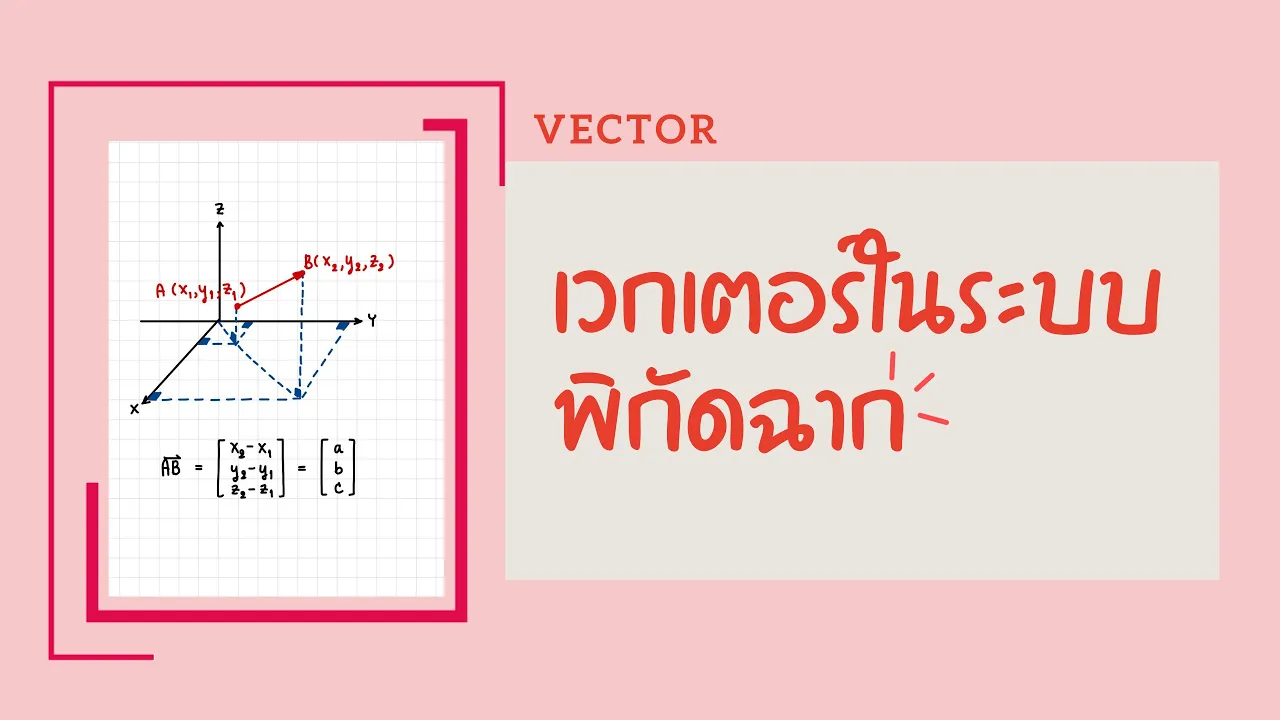
Basic 2D coordinate geometry (X, Y axes) and 2D vector concepts for positioning and movement.
Exploring advanced Rust game engines like Bevy or ggez to understand different architectural patterns.
Understanding the Entity-Component-System (ECS) architectural pattern commonly used in modern game development.
Implementing complex state management to handle menus, game-over screens, and multiple levels.
Integrating advanced 2D physics engines (such as Rapier) for realistic collisions, gravity, and forces.
Asset management techniques for efficiently loading, caching, and rendering sprites, textures, and audio.
58.1K views1.1Klikes23:05Original Release: 2017-05-13
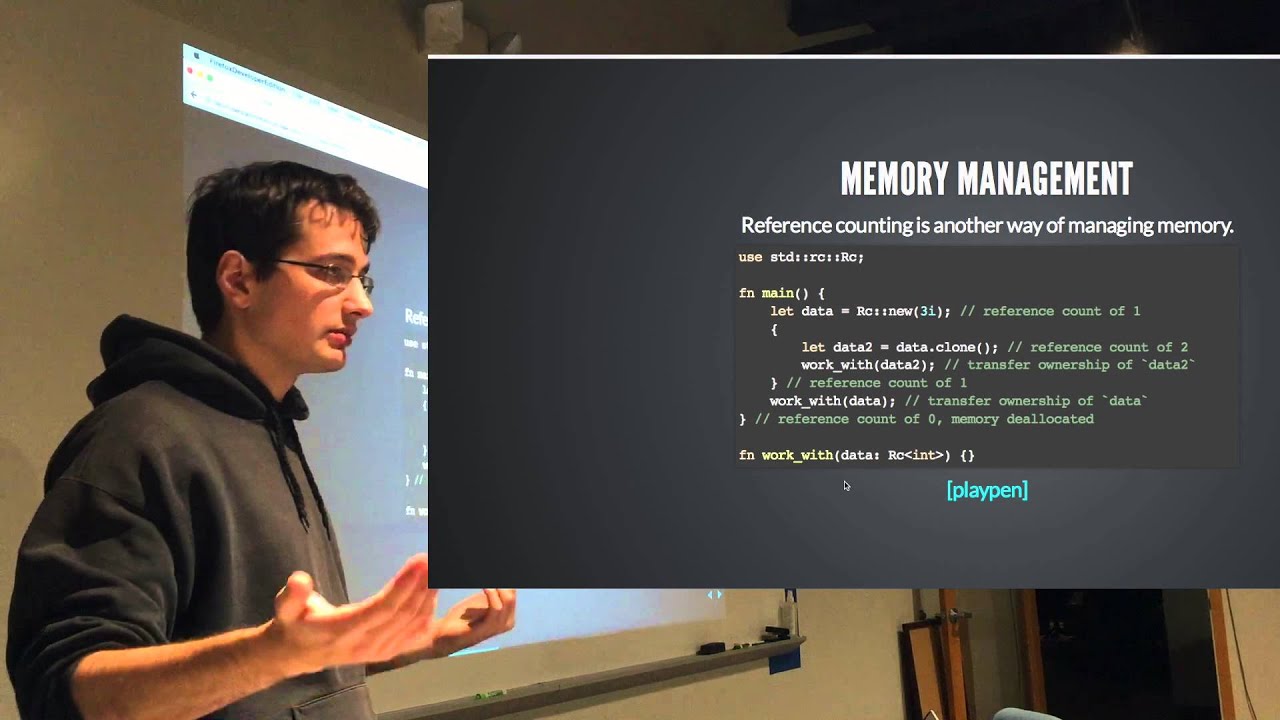
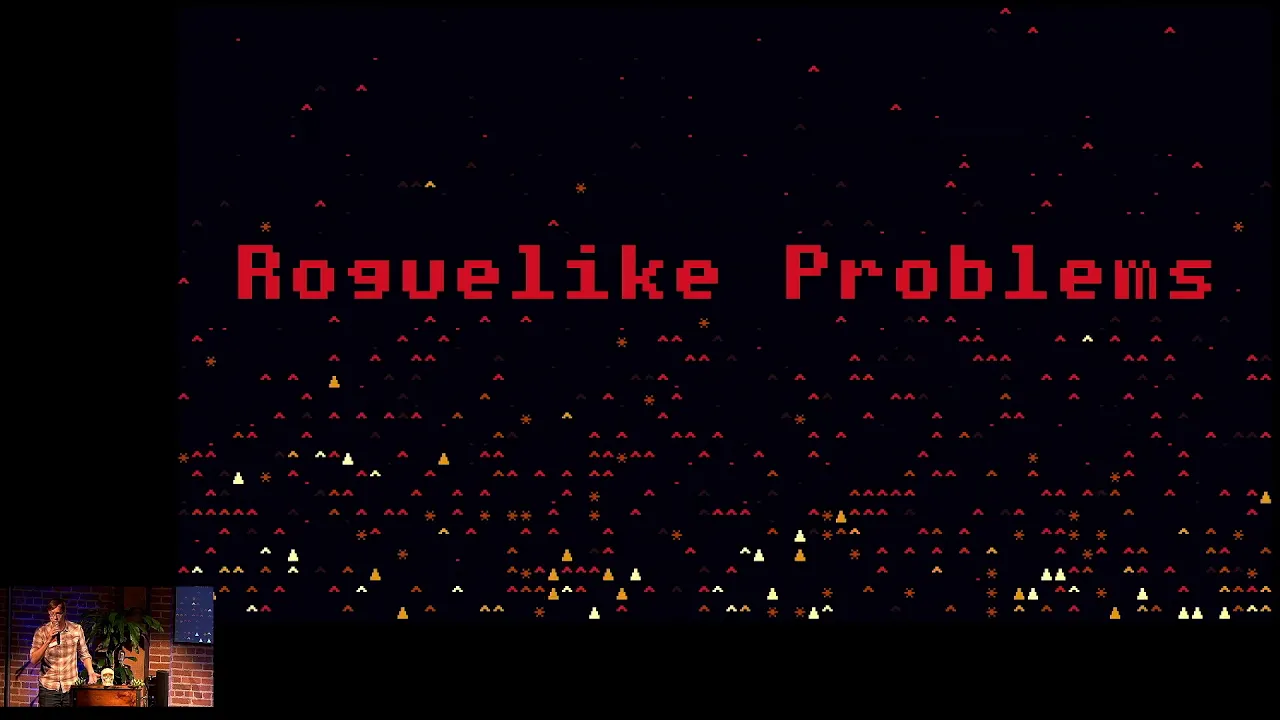
work okay yes microphone checks um welcome everyone I hope lunch was great my lunch was great um even though sitting at the vegetarian table was a bit awkward um nonetheless uh we're here to talk about um making a game in Rust um uh I don't have a lot of time um so I'm going to make everything like quite short and but TR not to race through it um so I'm LI or Lisa or lless um and I think I'm the only speaker whose handle is on the schedule and not like real name um but that's fine uh I work at travisci and we do continuous integration I dropped a bunch of stickers and I think there's still some left um yeah but my day job mostly consists of front end work so JavaScript in the browser and pushing pixels I actually like CSS believe me I do um nonetheless um I have Hobby and that is everything about video games playing and for this talk more importantly um making video games so you might wonder why making video games like web programming is awesome like do this as a hobby um well there's a couple of reasons one of them is like making games can be seen as like an like art of like artistic expression like some people make songs on like as a hobby or they paint um and you can also make like weird little video games about experiences or like feelings and there's this whole Niche on the internet um where people do these kinds of things um also I think there that games are programmatically quite challenging because they're so different from web programming so there's like a couple things that you need to consider that just like don't appear in my day job which is I find like this is something that's really interesting um and also on the challenging part of side it's like it's not just like the logic of the game that you need to take care of there's also like graphics and there might be sound and hopefully there's sound um and like interaction but not just like interaction player with like your game software but this could also mean um interaction with Hardware like do you use a keyboard or I have made a game that uses a um a Mei keyboard so like an actual like piano like keyboard as an input device and like all these kinds of things um that you can like be creative about and can like toy around with um so everything is basically about fun and learning stuff so now we know why we should make a game um why would you want to use rest for it um so generally if like people want to say to me like oh like I want to make games like what language should I um should I write them in um I usually say like for the scope of like an indie game any language would do um I've made games in Lua and Ruby and JavaScript and closure and it's all fine like because until like speed and like all these things actually matter like you don't have the time to build a game that is that complex um that you actually care about these things um that being said like the big titles that you play on playstation or on your Xbox or PC or whatever um they're usually coded in C and C++ where the engineers try to like get every computation out of every clock cycle and it's like very very um low level and like hard on the on the actual Hardware of the system um well also rust is a system level language so it's like oh we could actually like think about making big titles um in Rust um also rust is new in chiny and I always try to like learn things um and this was like the perfect opportunity to like get into r with like okay I can make a game in it um it's a brief intermission uh because like I started researching like how to make games like a few years ago and every book I ever read on it at code examples in C++ and while it was fine like reading the book and then like reading the narrative to like the code it's like yeah I can sort of follow it I was like I cannot I cannot code this on my own um so I like years ago I tried learning C++ like the hard way um there's a series about it but it was actually hard um um this was mostly because like uh every time I was stuck and like didn't understand something I asked like programmers that I know from like various communities like I have this problem in C++ you studied computer science like you sure know how to solve this and like uh don't you want to like try Ruby maybe like I can explain you Ruby I like no but like I need help in C++ I like uh no so I I stopped um and never learned C++ so this is the sad story um the positive story is back to the why use rust people are excited about it and like if I tell people oh like I'm trying to make a game in Rust they're like awesome tell me all about it it's like I actually don't know what I'm doing but I can tell you about it um and this is part of like the welcoming commun uh community that you are um and we've like heard it a couple of times during the day this is not like a given for other communities and um I think it's really exciting this is like probably what will make me stick around in the r Community um so all this aside uh let's actually make a game um to make a game uh you usually need three things um you want to use an engine because if you don't use an engine and you start making a gra game from scratch you will end up making a game engine um people are laughing it's like it's like yeah um so if you want to make a game you pick an engine probably um you might want to have an idea what the game is about um could be anything um and then you need time to make it because making games is um quite the time consumer um I like to do games at Game Jam so it's just like focused like one or two days and then like done never touch it again but you learn a lot still um okay picking an engine um there's this very cool site that I found uh which is called are wegame yet.com which lists um yeah game related resources in in the rust ecosystem so crates that you might want to use list of games that are already out there was like perfect this is just what I need uh so I went to the list of game engines and I picked the first one piston um which like for some reasons it seemed kind of cool it's for the short lifetime of rust itself piston has been around for quite a long time and it's still very actively like maintained and developed and I'm just like oh this is a good indicator um I like like the modularity approach so it says like we have a couple of um like small Focus crates that you can use and then like pluck your engine together so there's like modules that you can use for 3D stuff but I will focus on the 2D thing was like oh but this is cool so in case I end up learning 3D modeling at some point I could still use the same engine um there's already like a few games uh listed on the um on the wiki that use piston um most of them are snake or Tetris but that's those are still valid games and there's a couple of like new ones so there's like some code uh some code in the wild that I could take a look at um the documentation could be better there sort of like generated docs but as a beginner I was like I don't really like the list of traits that this thing implements doesn't really tell me anything because I was too lazy to read to the point in the book where it's about traits so I don't know um but that's okay because I I could fumble my way through it um with the example games and saying like oh so how do they use it ah this way so um you'll be fine um honorable mention for an engine called ggz good games easy I think is what it stands for um because they describe like their their mission or their design inspiration was love Tod which is a very popular 2D game engine in Lua so every game engine that tries to be like love Tod is probably on a very good way and I will probably try it next um for the next game okay we have our engine uh now we need to get an idea uh and this like as I already said it could be about anything you want uh an experience just I make games about a joke that I heard and like it could be anything so the game that I made for this um Talk is called Manana ech Manana is Spanish for Apple um and it's based on a true story which I'm going to tell you otherwise you won't really get the game um I was in Spain a few months ago with my partner and were visiting like a colleague of mine who's based in Madrid in Spain and we were out like having a beer sitting outside a bar just like chatting when all of a sudden an an apple came falling down and crashed into my coworker backpack and made this like sound and like pieces of Apple like flying everywhere and we're like wa what is happening it was just like one apple and then it was silent and we were like where did that come from looking up no tree like like the next tree was like 10 m away and wasn't Olive Tree I was like what and we like looked up at the building I like did someone just threw an apple out of the window was like not caring at all for like what happens it was like it wasn't just like you know a piece of an apple it was like an entire Apple we like looked at the scraps I was like what and it was very surreal and um the next day I was like oh I should probably make a game out of this because it was so weird um so I went back to um the house or the bar where this happened and took a picture which is like um in the game which I'm going to demo right now which hopefully works so I'm going to no I'm probably need to this and this hope you can see this oh this is actually huge in this resolution and okay so despite the fact that the um uh the contrast isn't very good so it says Manana Tech it's like a little window um 500 by 700 pixels it says W ASD to move and M to throw M for monsana obviously and also M to start so what you see is um the house where this actually happened um it happens that the windows of the house make this nice 3x4 Grid in which uh me the player uh represented by the black square is moving around um you see down at the floor there's red rectangles um walking from right to left left to right um at various speeds so um I can move around and when I press m i throw an apple ah damn it and so like your your game is to like time these and like actually hit the people you see at the top that um you have a meter of 10 apples and um if you throw an apple like those decreases and then you get a score if you actually hit um right now you always get 20 points which is very random because I couldn't decide on like a proper Logic for scoring um so I'm going to play this real quick and just like hope that I get a lot of uh no okay when I'm out of apples um or like the last Apple hits the bottom or um a person at the bottom um I get the ending screen so I'm out of apples I had a score of I can't really read it 80 I think um and then press escape to leave which I'm going to do and this is the game um yay thank you um let's quickly run through how would you build such a thing um so here's an ingredients list also known as cargo Tel um and I have only three dependencies which are piston window F folder for like finding assets and random for all things Randomness and um you might wonder wait only piston window didn't you talk about like modularity and crates and stuff um piston window is a convenience wrapper that like when you're starting you don't have like you have no choice like what crate or like what back end for Windows do you want to use like I don't know so piston window is there to like give you like a nice choice of things that you probably want to use um which I use but just like nice it's this um nice trade of like okay they made some choices for me because as a complete beginner I don't know um so in later games you can like start using like the core piston engine and then put stuff together as you go um okay let's quickly talk about some other um game fundamentals um a game usually consists of like four four main parts um that you need to consider uh one of them is load uh which is like initializing your window loading all the assets and all that stuff um then you have update and render which are in most engines like call backs or events that happen um 60 times a second so in render you just like draw stuff and because it happens so fast that are the human eye cannot see that you're like redrawing this very fast you see this movement because like values slowly change and um the change of values is usually computed in the update cycle which also happens 60 times a second hopefully um what makes this thing interesting so all of this would make super awesome generative art um the things that makes it the game is like events or inputs where we interact with the game so like um in my game like I move around the player and press M to throw um the Apple so let's look at some code um this is a boiled down version of my um main RS which just say like exter crate piston and use piston window everything um there's also like in in the code on GitHub you can see that um there's also like the random crate and then fine folder but this doesn't matter right now and um in the main function uh what we need to do is specify a version of opengl then create a piston like a window uh which of which is of type piston window and like given some settings like the title of the window the width and height that we want we give it the version of opengl you say um if you want to exit on Escape we can say true which is what I used and then built in then un wrap and then you have like our piston window for the game and the the actual nice thing um happens next um which is a while loop um that iterates over all the events that the window throws at us so the Piston window will give us all the events that happen and then we have like a match statement um where we like sort these events okay is this an update event then do this um or like is it a render event or is it an release event um in my game I only use release events because that's worked for me but you can also use like key um press events or Mouse button click events or scrolling or just Mouse movement and um all the things are supported um but I just need these and the rest of them like happens basically inside of these event hooks I would call them maybe um so far so good uh let's take a look at the structure um I made a couple of structs most of them are just there to keep track of the positioning within the game so just like absolute pixel values uh so I have a main game struct that um I should probably say that um folk or the folks in the game are the red squares or the people that walk around street so the game main game stru keeps track of uh or like contains a vector of folks all folks Vector of folk of type folk um and the player and the player then has shots and apples shots is was the indicator that was at the top that tells you oh you have like 10 apples and now you have and if you throw an apple you have nine left and then you have eight left and CU strike of this and like apple structs are just like the literal apples that fall down the the house and then maybe hit people um yeah so this like the that's like the types of structure so I created um this a quick walkthrough because I'm thinking I'm already like hard on the time limit um as I said uh in the loading we like initialize the video um uh initialize the window the game and load all the assets assets quickly like all the image files the fonts and all that kind of stuff um render is just literally uh iterate over every vector and like draw all the information that we have in form of either images or like squares um or like points in the score uh where we type text um events is uh kind of interesting uh like I use release um so we check if like we get um piston receives like events for every button that is pressed and it just like match it it's like if this is actually um um the key M like then only then call the throw and um on the player struct I have a throw method that there's some code that um calculates the new position of the Apple that is going to be thrown and then we call it just like self shots. fire which like on the shot struct or like on the shots thing um decreases the counter and in the Apple Vector it just like push a new Apple that will then be updated by the update Loop but we go do that in one in a second so this is like actually really simple code um uh in the update this is where most of the magic happens um because we update all the things um on the Apple struct so every Apple runs its own update and I'm checking for if the Apple itself is active and then I'm going to just decrease the value of like the y axis which is the one at um the horiz the vertical one and we start zero at the top and it grows when you go towards the bottom um so like on every update I'm just going to like increase this by one which is kind of random but it works and then I'm going to check if the the value exceeds a certain amount which is like towards the bottom then I'm going to kind of deactivate the Apple um and set it to false um so then like the Apple is inactive so um similar thing happens when I update the folks that run around the street uh I'm also going to like check if the folk is still active um and then I have a property on them which is called LTR so left to right which is either true or false so um when they come from the right side or from the left side um it differs whether I need to increase or decrease the value on the X xaxis um and also depending on the that um I have a condition for when to like deactivate some like when they walk out of the the screen basically um yeah I also have a time like a Time mechanic for spawning new folks um which is right now directly in the game structs update uh method which would probably go to like a FK controller abstraction thing um but it was so small that I just put it in there um which is like just the counter that takes the Delta time and Delta time is the time between two of like the update function so this is like somewhere in the milliseconds like sphere um and it just like called up all the milliseconds and um if the counter is like greater than some interval that I chose for example I think it's 2 seconds so in the game every two seconds a new person is spawned somewhere um like if we actually like if the two seconds are exceeded um I'm going to reset the counter so it can like um start from zero in the next in the next round but I'm also going to call Self um spawn folk so like a new folk is pushed into the into the game's folk Vector um and and like the spawn method itself like just does all the the random stuffs like choose a random Direction like Eva go from left to right and like um what speed um you should walk at because the speed is also varying a bit I'm uh what's also happening on every update Loop is checking for Collision which is this very verbose code of two did for Loops um I'm iterating over all folks um check if like they're still active and then I'm going to iterate over all the apples and check if the apple is St active is still active and then there's like um Collision detection of like two rectangles which is very nice if you just use rectangles because the geometry for overlapping rectangles with um where the X's are lined in the same way is fairly trivial they just takes like uh is this width like greater than the other width and then uh it's just like four lines in this if statement um and if those match so if the rectangles actually overlap um I'm kind of deactivate um both the folk and the Apple which is also like setting the active flag to fults and then this is also where the scoring should happen ideally but yeah scoring is a different thing um there's some couple of things that I do not like about this game at the moment they are missing um had sound effects I already picked the sound effects there in the git repo um but I couldn't make the crate ears to work so ears is just a crate with like a little like load some sound as it and then play it um but it didn't work I'm blaming I I tried to install super collider on my computer which is like this gigantic music library and it didn't work at all and I'm blaming this for that so I'm not sure if this ever Works um I really want a sophisticated scoring logic based on um the height of the Apple where you um from where you drop it um and the speed of the folk that you actually hit so if you have a Apple that you throw from higher up the building and accidentally hit like a very fast moving folk at the bottom you should get more points um also like encourage moving around a lot um and I want some logic to prevent window squatting I had some people play the game and they would just like sit in a window where they like felt comfortable like gauging the the the falling of the Apple like okay if I like now release the Apple then it's like probably that will hit this person but I don't want this you should move around a lot um so I thought about maybe having something that's like opening and closing windows and you can only use the windows that are open at the current point in time and not when they're closed but this is all future um and that's how I made a game in Rust um it was quite hard I I ran into all the things that like beginners probably run into is like itate over something while it needs to be mutable so like I found it mute um strings are like every like everywhere would I would use strings in a different language I used numbers instead here or like integers because it's like ah it's so hard I can't I can't figure it out um but it worked in the end and I'm with all the talks that I've listened to today I'm like I should really like learn about traits and stuff because it seems like exactly the thing that I need um but yeah it's been a lot of fun and um I can encourage you to do this um yeah thank you
Up Next

42:03
Learning in Games: Ultimatum, Public Goods, & Institutions
@SacklerColloquia
530 views•2014-03-10

12:54
Triumph of Orthodoxy Icon: Byzantine Art & History Explained
@BenCallan
2.1K views•2024-08-06

9:49
FastAPI vs Flask vs Django: Choosing the Right Python Web Framework
@TechWithTim
302.5K views•2024-05-26

1:42
Game of Thrones Opening Credits: A Cinematic Analysis
@gameofthrones
46.3M views•2011-04-18
Related Study Plans & Knowledge Roadmaps
Structured learning paths in General & Interdisciplinary Studies
general-studies
Elevator Engineering: History, Physics & Cities
01From Hoists to Safety Brakes: The Dawn of Vertical Lift
02Hydraulic vs. Traction: The Engineering Physics of Elevators
03Modern Speed, Safety, and Algorithms
+ 2 more learning modules
12h5 modules
Explore Roadmap
general-studies
Rubber: Material Science, History & Geopolitics
01Origins of Natural Rubber & Mesoamerican History
02The Chemistry of Natural Rubber & Vulcanization
03The Geopolitics of the Rubber Boom & Colonization
+ 2 more learning modules
12h5 modules
Explore Roadmap
general-studies
Containerization: Evolution, Logistics & Trade
01Ancient Trade & Bulk Cargo: Amphorae to Barrels
02The Industrial Revolution & Cardboard Packaging
03The Containerization Revolution: Malcom McLean
+ 2 more learning modules
12h5 modules
Explore Roadmap
general-studies
Textile Tech: Evolution, Labor & Global Impact
01Pre-Industrial Textiles: Handloom & Cottage Industry
02Mechanization: The Spinning Jenny to the Power Loom
03The Factory System & Global Labor Transformation
+ 2 more learning modules
10h5 modules
Explore Roadmap