




















PostgreSQL is an advanced, open-source object-relational database management system that supports both relational and non-relational queries, featuring a 30-year history of development; this tutorial demonstrates how to install PostgreSQL on Windows using the official installer, configure essential settings including the default port 5432, and create your first database using either the graphical interface PgAdmin4 or the command-line SQL shell (psql) with the CREATE DATABASE command.
PostgreSQL Installation and Creating Your First Database | SQL Shell & PgAdmin4
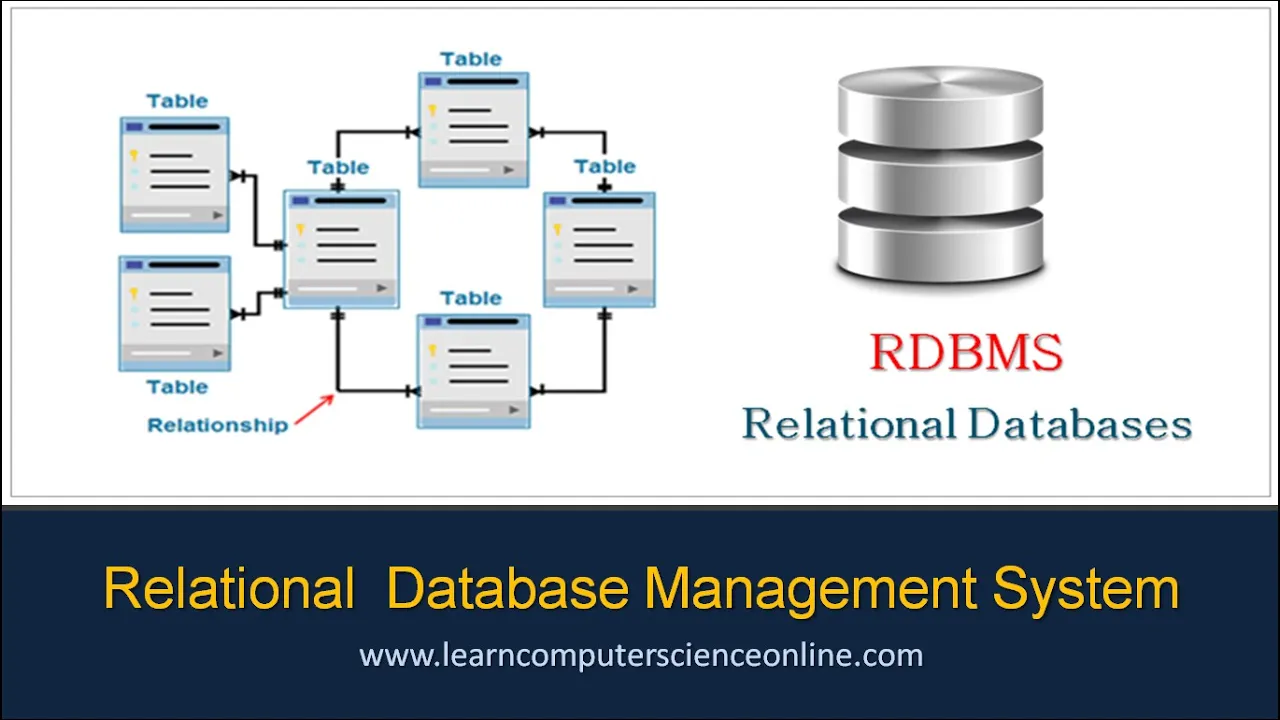
Added:Basic understanding of Relational Database Management Systems (RDBMS) and how data is structured logically in tables.
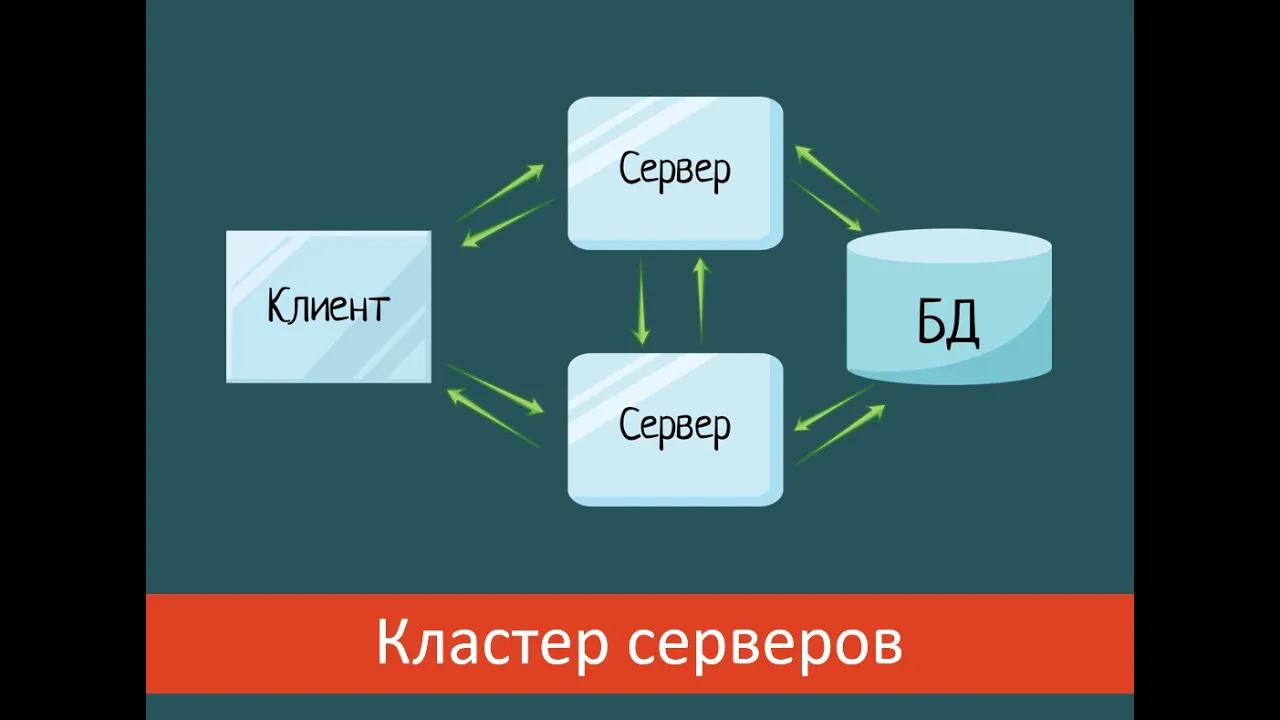
Familiarity with the concept of client-server architecture, particularly how a database server processes client requests.
Fundamental command-line interface (CLI) navigation skills to run commands in a terminal or command prompt.
Concept of network ports and local hosting (e.g., understanding 'localhost' and default port assignments like 5432).
Mastering SQL Data Definition Language (DDL) to create, alter, and delete database tables and schemas.
Learning SQL Data Manipulation Language (DML) to write queries for inserting, updating, deleting, and selecting data.
Understanding table relationships (One-to-Many, Many-to-Many) and implementing database normalization.
Exploring user access management, including creating PostgreSQL roles, granting privileges, and database backup/restore procedures.
175.8K views1.8Klikes9:42Original Release: 2020-10-24
hello and welcome to a new video of database management systems in this video we are going to learn about a new database management system called postgresql i'm going also to show you how to install it on your local machine and how to create your first database postgresql is an advanced enterprise class and open source object relational database management system which supports both relational and non-relational queries postgresql has a variety of libraries of api which are available for a variety of popular programming languages such as python and as you can see on the screen this is the official website for postgres just type postgresql.org and you will be directed to this page in this video i'm not going to say each time postgresql i will just refer to as postgres postgresql is a powerful open source object relational database system with over 30 years of active development that has earned it a strong reputation for reliability feature robustness and performance there is a wealth of information to be found describing how to install and use postgresql through the official documentation and so on you can read more you're free to explore this website has everything about postgres so in your free time you can go ahead and do that but now i will show you how to download and install postgres then you will choose your operating system i'm using windows so click on windows and the latest version of postgresql is version 13. it's only available on windows and on mac so if you'll click on download the installer as you can see here the version the latest version version 13 is only available on mac os x and windows 64. so click on download and the download should start now it takes from two to four minutes to download all right so the download is done and we have our file here just double click on that all right so there it is so what we're going to install now is a package for postgres so it has a shell which is a command line interface it has pg admin 4 which is a gui interface for managing your databases all right so go ahead and click next this is the destination where you're going to install postgres next so there it is i just i need the command line tools and of course the postgresql server we will leave it pg admin 4 will need it also and i don't need the stack builder all right click next please select the directory under which to store your data okay fine next so the password so just enter your password next so if you don't provide a port to postgres postgres will assume that the default port is 5432 and it will work on it so 5432 is the port number uh on which the server will listen on all right next um the locale okay you can see like i will leave it to default locale but you as as you like you can choose whatever you like this is um the settings usually i like to take a screenshot for that and just i keep it just in case so you're free to do so or just click next setup is now ready to begin installing postgresql on your computer click next and the installation takes from four to six minutes so i'll see you when it's done so what i want to show you now is two ways for creating a database one way using the pg admin and the other way is using the sql shell or the psql all right so this is the first way where we can create our database using pj admin a side note why the mask for postgresql is an elephant they say because elephants have a great memory and they never forget anything exactly like your database which shouldn't forget anything all right so this is your password which we have entered when we were doing the installation so type your password all right in your servers so please enter the password for user postgres so again because we have a password for the server and again for your postgresql and as you can see the port as i told you 5432 on the local host and maintenance database postgres and username is postgres if you would like to modify any of that just click on edit and you can create whatever you want all right but we won't do anything don't touch anything okay so here as you can see is your server your main server postgresql13 and inside databases i don't have anything just this postgres database i didn't create it it's just a default database brought with the postgres setup so if you want to create a database simply on databases and right click but before we create a database in the pg admin let me just show you the sql shell all right so server localhost you can see here in the background just we didn't create a database yet just hit enter enter port 5432 enter username postgres which is the super user password for user postgres enter your password and hit enter and you are ready to rock and roll if you will hit backslash l and enter you can see all the databases in our main server list of databases we have postgres which is the one that i showed you which is here in the background this one and also template 0 and template 1.
we won't touch any of these so now let me show you how we can create a database in our pj admin so as we said right click here create database and we'll call it maybe master and save [Music] all right now our master database is created right so if you will click on that and you can find here that we don't have in schemas for example we don't have any tables we don't have any trigger functions we don't have anything foreign tables nothing all right so let me show you again in our psql if we will display the list of databases again what we will have now we can see that master is created also here because they are basically the same it's the same server one is a gui interface and the other is a cli okay so if we want to delete that database so we can come here and the statement for that is drop or delete we can delete that yes and now it's deleted so if we will display again the list of databases that we have we can see clearly that it disappeared from list of databases now let me show you if you want to create a database using the cli or the psql you will say create database and the name of your database which is master space and semicolon like that and enter [Music] all right so create database okay it's created sorry it was capital so if we will display the list of databases again we can see that master now is included in the list of databases and in the gui if we will refresh the whole server we can now see that master is recreated all right so um i suggest that you take a look to the sql code always in all of the databases um just it helps improving your sql understanding all right so this was how to install postgresql on your local machine and how to create a database using the pj admin 4 and the psql i hope you liked the video thank you for watching and i will see you in the next video
Up Next

40:02
FastAPI Authentication: OAuth2, JWT, & Tortoise ORM Implementation
@prettyprinted
110.4K views•2021-01-05

12:54
Triumph of Orthodoxy Icon: Byzantine Art & History Explained
@BenCallan
2.1K views•2024-08-06

9:49
FastAPI vs Flask vs Django: Choosing the Right Python Web Framework
@TechWithTim
302.5K views•2024-05-26

1:42
Game of Thrones Opening Credits: A Cinematic Analysis
@gameofthrones
46.3M views•2011-04-18
Related Study Plans & Knowledge Roadmaps
Structured learning paths in General & Interdisciplinary Studies
general-studies
Elevator Engineering: History, Physics & Cities
01From Hoists to Safety Brakes: The Dawn of Vertical Lift
02Hydraulic vs. Traction: The Engineering Physics of Elevators
03Modern Speed, Safety, and Algorithms
+ 2 more learning modules
12h5 modules
Explore Roadmap
general-studies
Rubber: Material Science, History & Geopolitics
01Origins of Natural Rubber & Mesoamerican History
02The Chemistry of Natural Rubber & Vulcanization
03The Geopolitics of the Rubber Boom & Colonization
+ 2 more learning modules
12h5 modules
Explore Roadmap
general-studies
Containerization: Evolution, Logistics & Trade
01Ancient Trade & Bulk Cargo: Amphorae to Barrels
02The Industrial Revolution & Cardboard Packaging
03The Containerization Revolution: Malcom McLean
+ 2 more learning modules
12h5 modules
Explore Roadmap
general-studies
Textile Tech: Evolution, Labor & Global Impact
01Pre-Industrial Textiles: Handloom & Cottage Industry
02Mechanization: The Spinning Jenny to the Power Loom
03The Factory System & Global Labor Transformation
+ 2 more learning modules
10h5 modules
Explore Roadmap