
![31. Nhận dạng giọng nói: Tổng quan & Kỹ thuật - [Sequence Models]](https://i.ytimg.com/vi/_ZBl3Z9Yljw/maxresdefault.jpg)



















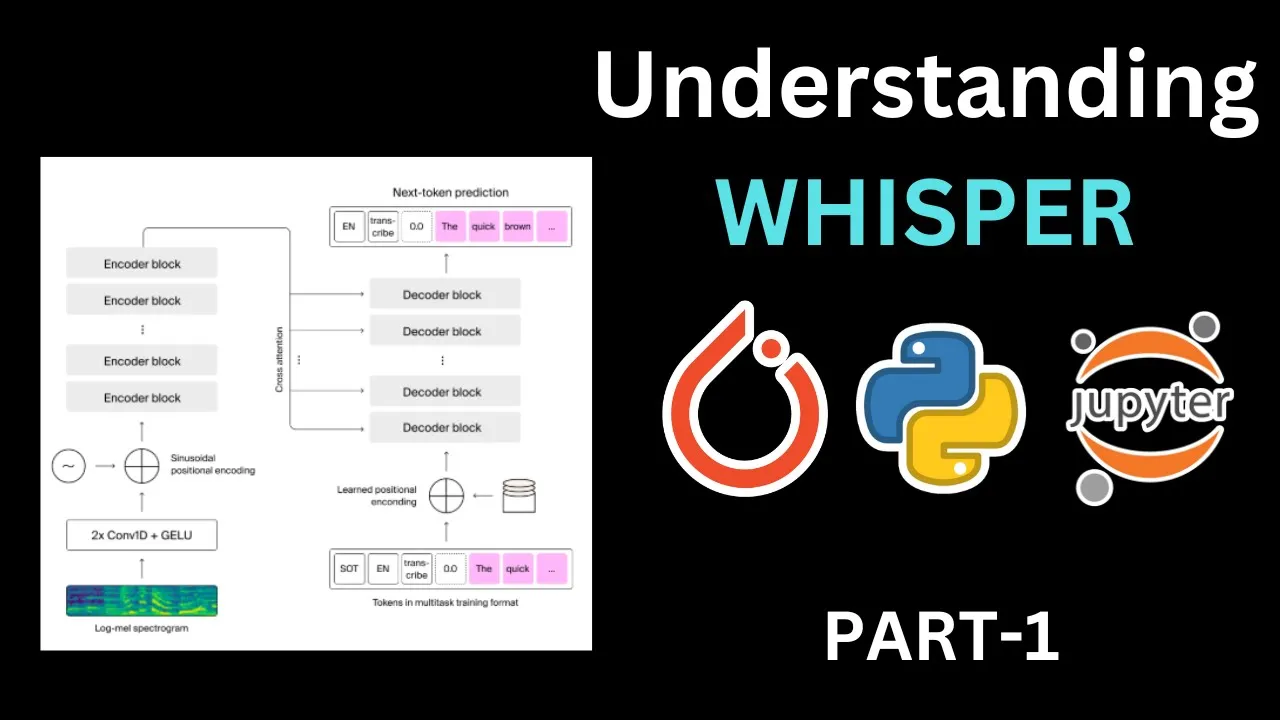


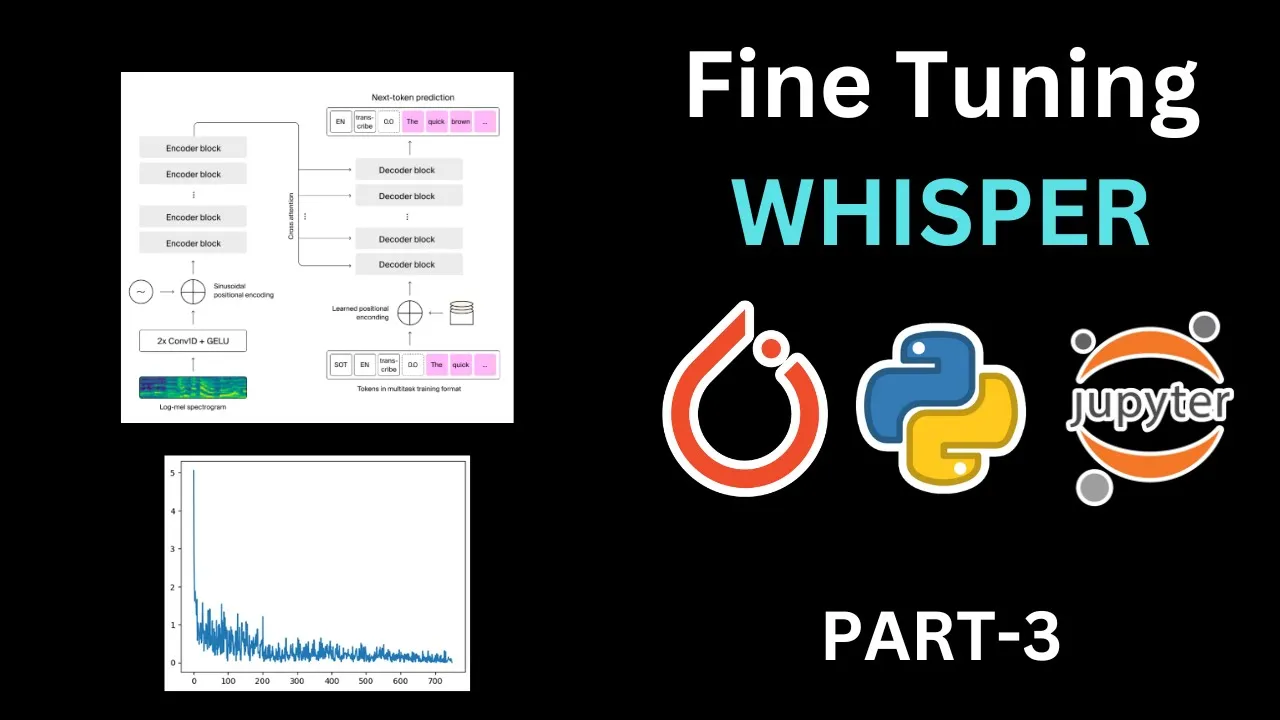


This video benchmarks OpenAI's Whisper speech-to-text model across different sizes (tiny, base, small, medium, large) on a T4 GPU, revealing that larger models offer better accuracy but slower inference times (from 290ms for tiny to 3.55s for large), while the OpenAI API provides comparable accuracy to the small model with similar latency but introduces network overhead; the optimal choice depends on whether your application prioritizes speed, accuracy, or convenience.
Whisper Benchmark: GPU vs API Transcription Speed Analysis
Added:Fundamentals of Automatic Speech Recognition (ASR) and audio processing concepts, including how deep learning models interpret waveform data.
The conceptual differences between local machine learning model deployment (on-premise) and cloud-based API consumption (Software as a Service).
Basic understanding of GPU hardware acceleration, video memory (VRAM), and CUDA libraries used to speed up neural network inference.
Familiarity with key performance evaluation metrics, specifically latency, throughput, and Word Error Rate (WER) for translation/transcription accuracy.
Advanced local deployment optimization techniques, such as model quantization, CTranslate2 (Faster-Whisper), and ONNX Runtime.
Designing and implementing auto-scaling transcription pipelines using Docker, Kubernetes, and serverless GPU providers like RunPod or Modal.
Fine-tuning OpenAI Whisper on domain-specific datasets to improve local accuracy for specialized accents, terminology, or noisy environments.
Architecting hybrid routing systems that dynamically dispatch transcription tasks to either local GPUs or cloud APIs based on file size, budget, and queue length.
1.7K views32likes13:41Original Release: 2023-10-09
when you want to transcribe audio through open ai's whisper model there are two options that you can look at given the model is open source the first option that you can try out is you can download the model locally in your system and make inferences through that model the second option is that you can use Whispers API to get inferences by uploading the audio file so these are the two major options that you have in today's video what I aim to show you is a small benchmarking analysis whether you should kind of download the model locally or should you use the API that's readily available so without wasting any further time let's kick start the activity let us kick start the activity by having our installs in place so I'll require the openai module as well as the whisper module so let me go forward and make the installations happen while the installation is happening I am currently using Google collab on a T4 GPU so I've already enabled a GPU if you wish to make inferences from a whisper module using a CPU the inference time will be really high which is where I would advise you to use a GPU so this is something that I wanted to specify at the start of the video itself now that our installation is up and running let's go forward and import the necessary modules so I'll require whisper open Ai and Os module so I'll quickly run the cell to import these in memory so the Imports are in place now I'll kind of start transcribing audio using a function so I'll quickly unhide the cell and here is the function that kind of uses The Whispers model locally and transcribes the audio so I won't go into the details of every line I've already covered this in my previous videos so here basically what I do is I Define the language as English I Define a variable called as audio which loads the audio then if there is some amount of padding or trimming that I require in the Audio I kind of achieve that using the pad underscore or underscore trim function then I convert the audio into log mail spectrogram so think of it as frequency distributions now once I have the audio converted into spectrograms or frequency distributions that is passed through the whisper model The Whisper model is basically a combination of encoder and decoder the frequency distributions pass through the encoder section and you get the output text which is the transcript text as the output in the decoder section so when I call the whisper.d code function I'll get the result of the text that's generated based on the audio the audio again was passed as a log mail spectrogram okay now the result will be part of result.txt which I return as a variable called as result underscore text so this is like a small summary of the entire function so what I'll do is I'll quickly run this particular piece of code so that I import this particular function in memory I am currently using a T4 GPU on a Google collab session so I have decent amount of memory with me and what I intend to do is I want to show you how the overall inferences happen for different versions of the whisper model so you have different sizes of the model so you have a tiny Model A base model a small model and a medium model as well as a large model OKAY in the parameters column you will basically see the total amount of parameters that are present in those particular models so the tiny model has currently 39 million parameters the base model has 74 million and so on and so forth as you keep going down from Tiny to large the overall inference time will increase because the size of the models are increasing how much does it increase is what I'll show you first okay so let's kick start the activity with our tiny model which has close to 39 million parameters so I'll quickly unhide the cell I already have a recorded file called as file3.vav which I've saved into a variable called as file underscore name just for reference here is the file I already uploaded the file when I created this particular Google collab session so I'll quickly unite this particular section now so I'll quickly run this to load this particular file location into this particular variable which is file underscore name so I'll quickly run this what I do next is I create a variable called as Tiny underscore model and I load the model tiny into this particular variable so I'll quickly run the cell while the model is downloading tiny underscore model devices will return if I'm using a GPU or a CPU so let's wait for the download to happen so as you can clearly see it's a 72 megabyte file so this is the size of the model that's being downloaded so the model is up and running and the model is basically using the GPU which is what is inferred from this particular output okay now in order to infer the time taken by the tiny model to make the inference I'm using the function that I've just created previously I'll pass in the tiny model as the input model which basically references to the audio file that we've just created so let's see the overall time taken so this is the transcription hello everyone my name is bhavage Bhatt so it's kind of goofed up my spelling a bit but here is the overall time so if I just look at the wall time it is around 290 milliseconds which is something that's kind of acceptable but I'm using a tiny model as I keep increasing the model size so will the overall time taken for the entire inference will increase based on what I remember the wall time is basically once you submit the code to the CPU the overall time taken in the execution of the entire process and once the process is completed the entire time once it's measured it's it's basically the wall time let's now move to the base model let me now unhide this particular cell I'll follow the same steps that have followed for the tiny model so I'll quickly run this the model size of the base is twice as big as the tiny model now if I call the transcribe function the overall time is 381 milliseconds which is greater as compared to the 290 milliseconds that are there so there is a slight increase like a 1.5 times increase in terms of the overall time taken if I and if you look at the prediction as well it's kind of got some part correct now so previously the T was missing and the spelling was wrong the first name was kind of a bit off here it's got my last name correct and there is some issue with my first name so this is how the overall response is now I'll do the same activity for the small model and let's see the overall time taken as well so if I quickly run this the size of the small model is three times the size of the previous model that we looked at which is our which is our base model so the model has been downloaded let's do the benchmarking analysis here the overall time taken is 875 milliseconds as opposed to 381 milliseconds so the small model takes twice the time as the base model which is what we are seeing here but in terms of the accuracy the base model has nailed the accuracy it's given me the exact name and the surname as well as the entire audio that had kind of uploaded every word is correctly spelled out which is the beauty of using the small model as opposed to the base or the tiny model so this is where the Sweet Spot lies if you're kind of building an application you have to pick a model which is not very small but not very large as well so here is where you can have that sweet spot in terms of deciding the model as well now I'll choose a bigger model so I'll go to the media model I'll perform the same benchmarking activity the size of the media model is almost four times the size of the small model so which is where it's taking good amount of time to download the model itself now I'll carry out the benchmarking activity so I'll quickly run the cell so the overall time taken is 1.9 seconds approximately 2 seconds is the overall time taken by the media model and if you compare it to my previous model it took less than a second but here it's taking almost two seconds the output is perfectly accurate but the overall time has kind of increased because there are more amount of multiplications that are happening which is where you see the time difference is well now I'll carry out the activity with the largest model that we have which is the large model so I'll quickly run this the size of the large model is exactly twice the size of my media model so it's basically a step up in the accuracy which is where the large model will be the most accurate model but it all depends on what you are trying to transcribe as well so let's wait for the model to download entirely so we have the model with us let me now go forward and carry out the benchmarking analysis for our largest model so let me quickly run the cell so the output after the small model has remained mostly a constant and here is the final output which is hello everyone my name is bhavesh Bhatt and the overall time taken is around 3.55 seconds which is still decent enough given that it's a large model it's still very quick in terms of the inference but if you're doing like a online real-time prediction then I don't think large model along with T4 will make a lot of sense again you will have to take a call in terms of what you feel is right for your use case while transcribing audio so this is something that I wanted to show you now the next piece that I'll show you in this particular video is what if you start using Whispers API to make an inference okay so this is something that I want to show you right now I've kind of borrowed this image from Whispers website so there is only one model that is available currently which is whisper hyphen one so we have the open source models right we have tiny medium large so the largest module that is available which is the open source version is the same that is available as whisper 1 through the API so now I'll kind of run the entire activity of transcribing this particular audio file using the API now let me now go forward and do some benchmarking activity okay let's move forward so this is the simple function called as generate underscore text so I have a variable called as model underscore ID which is where I am referencing The Whisper one model then I open the media file I pass it through the audio.transcribe function that is a part of the open AIS library and I get a response inside the response there will be a key value pair and one of the keys will be text which is where my actual transcription lies so I'll quickly run this particular cell to import this in memory so I'll quickly do this now that I have the function in memory I'll quickly go forward and I'll run the cell the overall time is 955 milliseconds given that I am considering only the wall time I I have the output here which is hello everyone my name is bhavesh Pat this is inline to all the accurate responses that I've received also the wall time is in line with the small model so if I go up here if I run this on a T4 and with the small model it takes around 875 milliseconds this is in line with what is generated using the API now here you have to keep in mind that there are latencies that come in with respect to network calls but if you just look at the CPU times the system time and the overall time taken for the entire execution to happen this is much quicker as compared to any of the versions that you see here so here the overall CPU times are 1.92 seconds 1.42 seconds 673 milliseconds 261 milliseconds and finally here you have 179 milliseconds so so in this video I wanted to highlight the overall time taken for the different sets of executions that are happening using open ai's whisper model either you can run it locally or you can use their API if latency is something that is of Paramount importance then you can have your own GPU instance so you basically have to take a call in terms of the costing as well as the latency which is where I thought this video will kind of give you an idea in terms of how various models of whisper perform and how the API performs in terms of timing as well I hope you found this video informative if you do like the content that I post on my channel it would be super motivating if you can press the Subscribe button and also press the Bell icon to be notified for amazing videos on data science and machine learning thank you so much for watching the video foreign [Music]
Up Next

13:54
Gradio Python Tutorial: Build and Deploy Machine Learning Web Apps
@AssemblyAI
88.1K views•2022-10-27

12:54
Triumph of Orthodoxy Icon: Byzantine Art & History Explained
@BenCallan
2.1K views•2024-08-06

9:49
FastAPI vs Flask vs Django: Choosing the Right Python Web Framework
@TechWithTim
302.5K views•2024-05-26

1:42
Game of Thrones Opening Credits: A Cinematic Analysis
@gameofthrones
46.3M views•2011-04-18
Related Study Plans & Knowledge Roadmaps
Structured learning paths in General & Interdisciplinary Studies
general-studies
Elevator Engineering: History, Physics & Cities
01From Hoists to Safety Brakes: The Dawn of Vertical Lift
02Hydraulic vs. Traction: The Engineering Physics of Elevators
03Modern Speed, Safety, and Algorithms
+ 2 more learning modules
12h5 modules
Explore Roadmap
general-studies
Rubber: Material Science, History & Geopolitics
01Origins of Natural Rubber & Mesoamerican History
02The Chemistry of Natural Rubber & Vulcanization
03The Geopolitics of the Rubber Boom & Colonization
+ 2 more learning modules
12h5 modules
Explore Roadmap
general-studies
Containerization: Evolution, Logistics & Trade
01Ancient Trade & Bulk Cargo: Amphorae to Barrels
02The Industrial Revolution & Cardboard Packaging
03The Containerization Revolution: Malcom McLean
+ 2 more learning modules
12h5 modules
Explore Roadmap
general-studies
Textile Tech: Evolution, Labor & Global Impact
01Pre-Industrial Textiles: Handloom & Cottage Industry
02Mechanization: The Spinning Jenny to the Power Loom
03The Factory System & Global Labor Transformation
+ 2 more learning modules
10h5 modules
Explore Roadmap