















![[Launch] How to Build Machine Learning APIs Using Gradio](https://i.ytimg.com/vi/44vi31hehw4/maxresdefault.jpg)

![Free ML-powered Web Apps (React, Javascript) Tutorial with Gradio API [Hugging Face]](https://i.ytimg.com/vi_webp/3IPttgpUWHg/maxresdefault.webp)
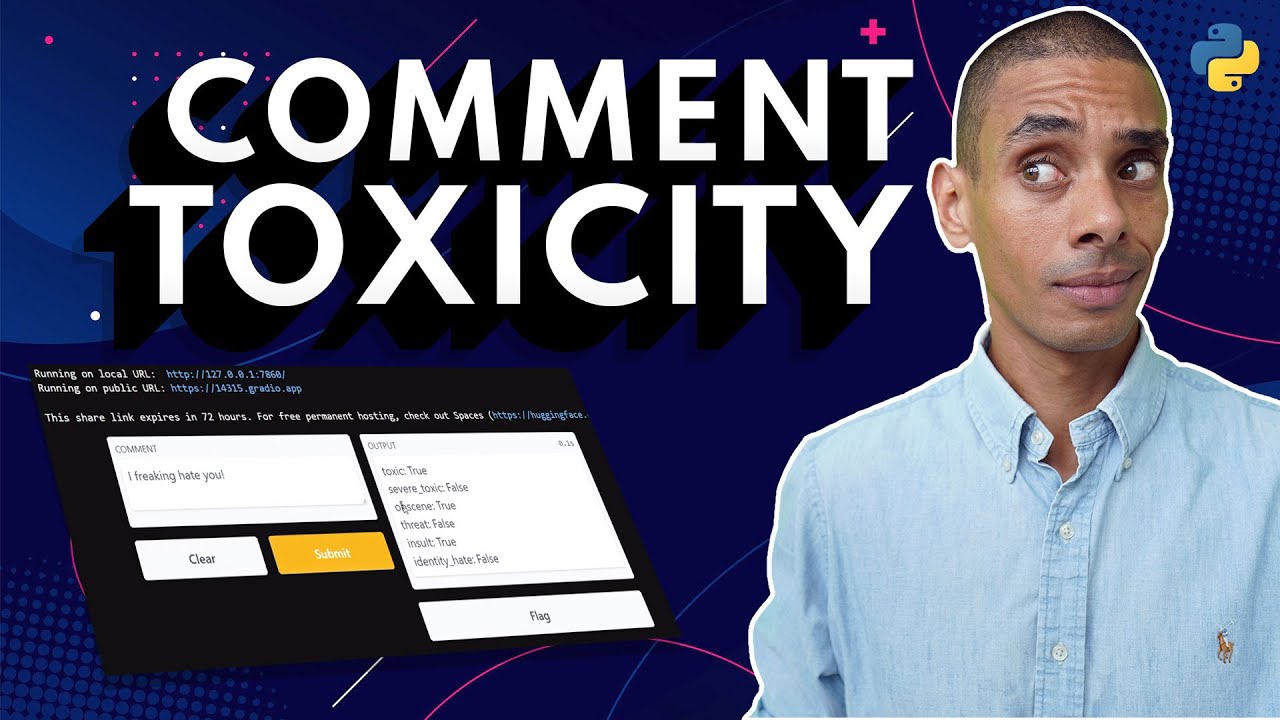


Gradio is a Python framework that simplifies building and sharing machine learning web applications by providing high-level abstractions for creating interfaces with various input types (text, images, audio) and output types, supporting both simple Interface components and more flexible Blocks for custom layouts, with options for state management and deployment via public URLs or Hugging Face Spaces.
Gradio Python Tutorial: Build and Deploy Machine Learning Web Apps
Added:Proficiency in Python programming, particularly in defining functions, using decorators, and managing virtual environments.
Basic understanding of Machine Learning workflows, including how models take inputs (e.g., text, images) and generate predictions.
Familiarity with data manipulation libraries such as NumPy, Pillow (for image processing), or basic deep learning frameworks like PyTorch or TensorFlow.
Fundamental knowledge of Git and version control, which is crucial for deploying applications to cloud repositories.
Advanced Gradio development using 'gr.Blocks' for creating custom, complex, and non-linear web layouts.
Securing and scaling machine learning applications, including handling authentication, caching, and concurrency in Gradio.
Exposing Gradio applications as APIs to allow external web or mobile platforms to consume your machine learning models.
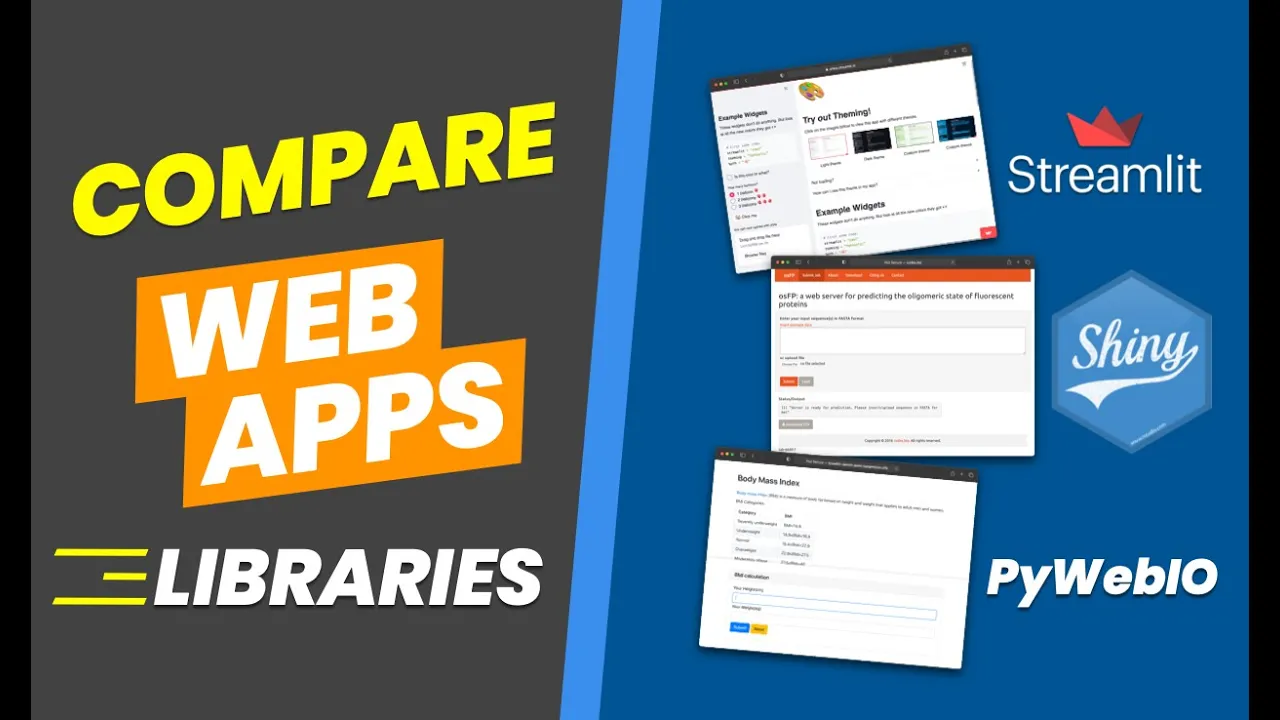
Comparing and transitioning to other web application frameworks for data science, such as Streamlit, or building custom frontends using FastAPI and React.
88.1K views1.9Klikes13:54Original Release: 2022-10-27
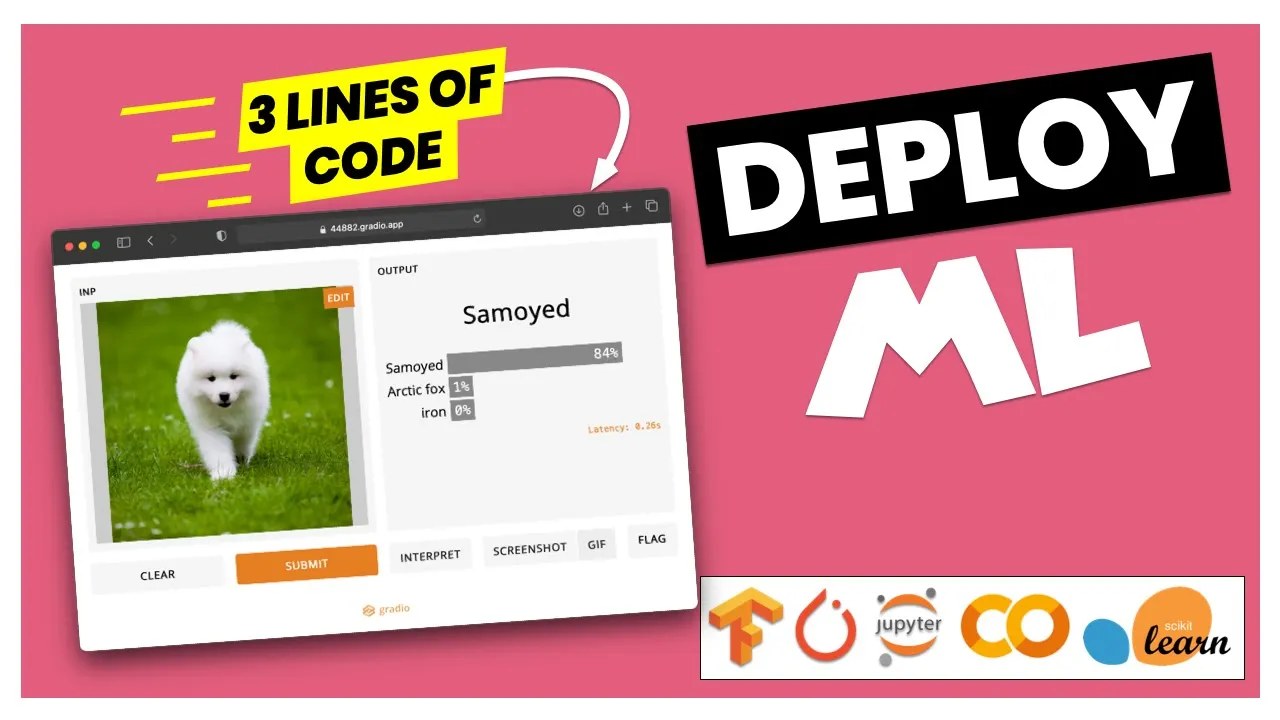
hi everyone I'm Patrick from assembly Ai and in this video we learn about radio gradio is a python framework that makes it super simple to build nice looking machine learning apps so with this you can build friendly web interfaces that have different types of inputs for example text images or audio and then you can pass this to your machine learning model and then you can show the output in a nice way so in this video I show you everything you need to get started and in the end I also show you how we can deploy and share these apps so let's get started so to get started let's follow the official quick start guide so we can install this with Pip install radio and now let's copy the first example code and switch to our editor so here I already have a file app.pi and I also already installed this so let's paste in the code so we import gradual sgr and then we create a gradual interface an interface provides a high level abstraction to create these demos so it gets input types and output types and then a function that is executed in between and then we say demo.launch and now if we run python app.pi then this will start a server so now our app is running and we can visit our localhost and here we see we have a text input field where we can put in a name and then click on submit and then the function is executed and then we see the output field which is also a text field so this is what we specified here with just a string the inputs is a text the outputs is a text and in between we execute this function so this function needs one parameter since we have one input parameter and then it also needs one output that we one return parameter that we return because we also have one output field so yeah this is the simplest way how to get started and how to build these interfaces and now let's dive into this a little bit deeper so first of all sa input or output field we can just use a string like here so we used a text we can also use an image or a audio field or for example a label for the output and then it will automatically create these switches for us or if we want a little bit more control we can create them ourselves so instead of just using the string we use gradio and then we can use the different widgets for example here we use a text box and then if we have a look at the parameters so for example we can say we want lines equals two and we want a placeholder so we say name here and now let's save this and then let's rerun our app and by the way to see all the available widgets we can have a look at the official documentation so here you see all the different components that you can use and we have a look at a few of them in a few moments but now let's actually reload our app and now here we see we have our text box now with two lines and everything else is still the same so this is one thing that we can do and now we can also use multiple inputs and outputs so let's see how to do this so to use multiple inputs and outputs instead of just using one component here we can use a list and then for example let's use a text component then we also want a check box and then we also want a radio dot slider from 0 to 100 so we can mix and match strings and the actual components and then for the outputs so let's reformat this a little bit for the outputs we also use a list where we want a text field and then let's also use a number field for example and then we also have to modify the functions so now let me copy and paste this here so since we have three inputs we also need three parameters here and then we need to return turn two outputs here since we have two outputs and now here for example we make the salutation dependent on the is morning Boolean so this is a check box so then this is a Boolean parameter and this is a number already because we use a slider so this is automatically done for us and then we return these two outputs so let's again restart our app and then let's have a look at this so if we reload this so now we see we have three Fields I can put my name I can use the jackbox and I can have the slider here and then I submit this and we get two different outputs so yeah this is how we can use multiple inputs and outputs then let me quickly show you how this image and audio components look like because they also make it super simple to upload images or audio files and then pass them to our models so let me copy and paste the code here for you so here we use a gradient your image component as input and here we specify a shape and then for the output we just use a string and then for the function we get an input image as input parameter and this is already a numpy array so here we can for example apply a sepia filter by saying by using the numpy dot product and then we also return a image and now if we restart our app and wait a few moments and then if we go to our app and reloads the page then here we see we have an image component as the input so here we can drop an image or we can click to upload and then here we can select an image for example and then click on submit and now we see we have the Sapia filter applied so this is how easily we can work here with image components in gradual and the same with audio files so let me copy and paste this here as well so for the audio we simply use this radio dot audio component and now if if we again restart our app then let's have a look how this looks like so here I noticed now it's it's using a separate Port so here I have to open this as well and here we can again drop our file or click to upload and then for example select this and now here we can even listen to this so let's listen deep learning that builds puppy eyes to do and then we can submit this and here for example we could apply speech to text and then display this as a text field so yeah this is how images and audio components look like now let's learn about radio blocks so until now we always use the gradual interface which is a very high level abstraction so it does a lot of things for you for example it already adds these two buttons and it already defines a two column layout so if you want more flexibility about the layouts and data flows you can use a gradual block so for this let me copy and paste this here as well so here we say with radio blocks as demo so we always use this as a context manager and then inside we Define our components again and then for example a button and then here we add an event so we say button click and then what will happen so here we again execute the function and it gets these inputs and outputs and now let's restart our app so then if we have a look at this now we see we know longer have two columns by default so here we have our input and output box and then we have the grid function so this works as well and now let's have a look at a more complex example so as a second blocks example let me copy and paste this as well so here I also show you how we can integrate this with hugging face Transformers so for this of course we have to also install pip install Transformers then we download a model from the hugging face Hub so here this is a model that does translation from English to German so in this function we return we run our model and then return the German text then again we say with gradual blocks and then here we Define our layout so we say with gradual row and then we add two columns so all of these are used as context managers and then here we add our Fields then we have a button and again say button click where we add this function that should be X executed and then the fields and then we also add some examples in the bottom so let's again restart the app and have a look at how this looks like so here we get two columns again and here we have an English text and then here we also have examples so let's select one and then we can click on translate and now this is running the model and here we have the German text so this is actually correct so yeah this is how we can use the gradual blocks and in a moment I also show you how we can deploy this app so and then share this so but first I want to show you one more thing so I want to show you how we can handle State and graduate apps and for this let me copy and paste the code in here and there are two ways how to do it first we can use a global State and for this we use a global variable for example data equals a list and now inside the function we can add items to this list the only problem with a global state is that this is shared between all use user so if multiple users use your app then they all add items to the same Global variable so there is a second way to do this and for this we can use a session state so here as the last parameter inside the function we add the history and now in this example we use a chat bot and then for the inputs and outputs as last input field we use the state for the inputs and the outputs and now inside the function we can now access the session State and then say this is a list and then we can add their responses to this list and then we also have to return this as last parameter here because we want to keep this as the output and now we have this as session state so let's run the app so now here we can chat with our bot so we can say hello and then here we see the output fields and now it's not very clever so it says I don't know and then we can ask for example how many and then we get a new answer so as you can see the old responses are still stored so this is how we can use session State and now let me show you how we can share and host the apps now let me show you how we can share and host a radio app so for this we have two options and the first one is when we say demo launch we can say share equals true and now when we run this then this will also create a public URL that we can use for sharing so let's wait a few moments and there we have it so we have a local URL but now we also get this public URL and if we visit this URL then here we have our app that is up and running so we have the example that we've seen before where we can put in a English text and then click on translate and now this will run the model and here we get the translation so this is the first option or as a second option so here we see for free permanent hosting we can check out hacking phase basis so if we go to this website then of course we need an account so we can create this for free then we can click on create a new space and now we can give this a name for example demo then we can also select the stars for streamlit or gradual or static for example a flask app in this case I want radio and now I say public and then create space and then there are different ways to get started for example we can say git clone and then add our file and then push this or we can add a this remote to an existing git repository that we already have or we can do this manually so in this case I say app file and then create new file and then we need a file that is called app.pi and now let me copy and paste the code from here and now here we can remove share equals true and then we can commit this and now in this example since we also use the Transformers we need to specify this as requirement so here we say create new file and now in this case we want a require requirements.txt and in this case I know that we need torch and then the Transformers then again we don't have to specify gradual here this is already included then we say commit new file and now we go back to this side and now here it says your app should be running on this page after a few moments so let's wait a little bit and now after refreshing we have our app hosted on hugging face spaces and now here again we can select an English text and click on translate and now this is running the model in the background and this is working as well so this is how we can host a grade your app for free on hugging face spaces and now one more note if we already have a existing GitHub git repository for example that is already on GitHub then we can use this command by saying git remote at space and then this address so if we go to the website and here this is the full URL and then we add this as a separate a second remote and then we say git push and this command and now we can also push this to to this space again via git so yeah this is all I wanted to show you I hope you enjoyed this video leave us a like and consider subscribing to our Channel and then I hope to see you next time bye
Up Next

29:00
Clone Your Voice with Coqui TTS on Windows: A Step-by-Step Guide
@ThorstenMueller
49K views•2023-03-09

12:54
Triumph of Orthodoxy Icon: Byzantine Art & History Explained
@BenCallan
2.1K views•2024-08-06
18:45
Deploying ML Models with FastAPI, Docker, and Heroku: A Step-by-Step Tutorial
@AssemblyAI
126.2K views•2022-07-30

1:42
Game of Thrones Opening Credits: A Cinematic Analysis
@gameofthrones
46.3M views•2011-04-18
Related Study Plans & Knowledge Roadmaps
Structured learning paths in General & Interdisciplinary Studies
general-studies
Elevator Engineering: History, Physics & Cities
01From Hoists to Safety Brakes: The Dawn of Vertical Lift
02Hydraulic vs. Traction: The Engineering Physics of Elevators
03Modern Speed, Safety, and Algorithms
+ 2 more learning modules
12h5 modules
Explore Roadmap
general-studies
Rubber: Material Science, History & Geopolitics
01Origins of Natural Rubber & Mesoamerican History
02The Chemistry of Natural Rubber & Vulcanization
03The Geopolitics of the Rubber Boom & Colonization
+ 2 more learning modules
12h5 modules
Explore Roadmap
general-studies
Containerization: Evolution, Logistics & Trade
01Ancient Trade & Bulk Cargo: Amphorae to Barrels
02The Industrial Revolution & Cardboard Packaging
03The Containerization Revolution: Malcom McLean
+ 2 more learning modules
12h5 modules
Explore Roadmap
general-studies
Textile Tech: Evolution, Labor & Global Impact
01Pre-Industrial Textiles: Handloom & Cottage Industry
02Mechanization: The Spinning Jenny to the Power Loom
03The Factory System & Global Labor Transformation
+ 2 more learning modules
10h5 modules
Explore Roadmap