


![ChatGPT : Le guide pour bien débuter [2023]](https://i.ytimg.com/vi/jNDccsmzCJM/maxresdefault.jpg)





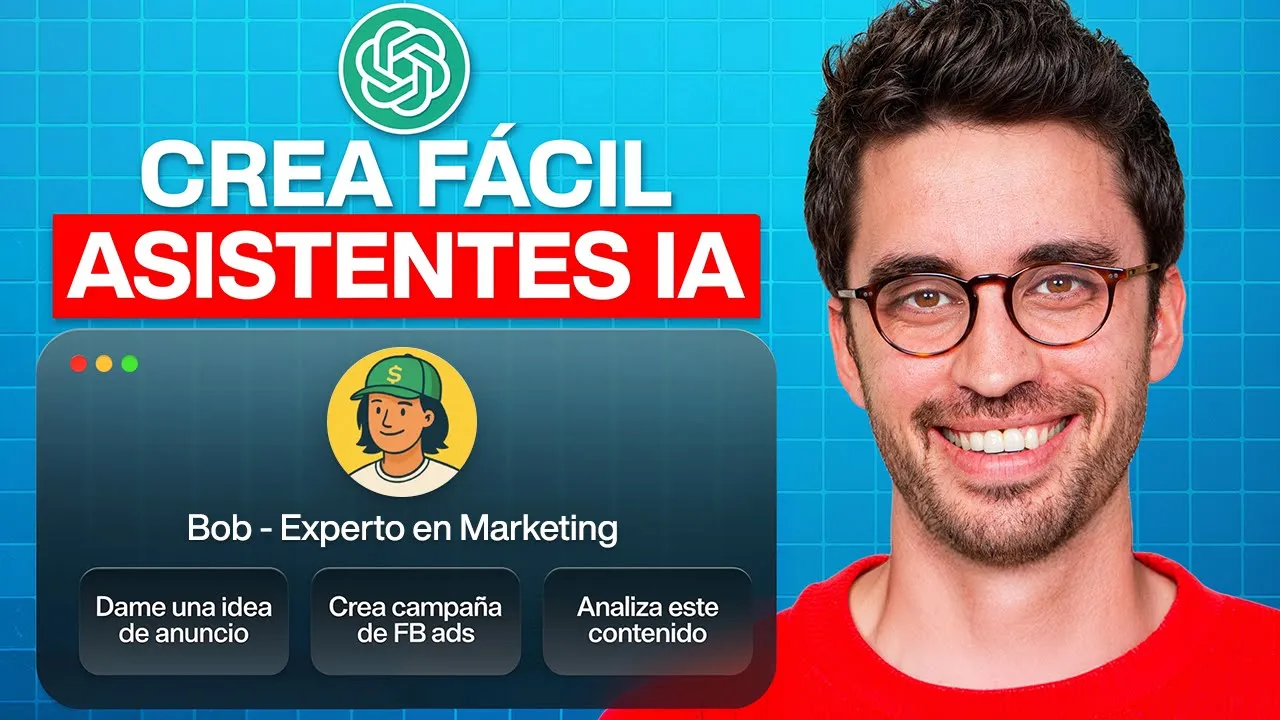









Custom GPTs can significantly streamline business operations by creating specialized AI assistants tailored to specific functions such as company expertise, customer personas, social media content creation, and sales proposals, where context-rich GPTs provide accurate business information and action-oriented GPTs execute specific tasks based on user input.
Custom GPTs for Business Growth: Tutorial and Implementation Strategies
Added:Fundamental understanding of Prompt Engineering, including role-prompting, few-shot prompting, and setting system instructions.
Familiarity with the OpenAI ecosystem, specifically ChatGPT features, capabilities, and the distinction between standard chats and custom configurations.
Basic knowledge of business workflows, such as customer persona creation, content marketing funnels, and sales proposal structures.
An understanding of data privacy, intellectual property, and security implications when feeding business data into AI models.
Advanced GPT Actions: Integrating custom GPTs with external APIs and third-party tools (e.g., Zapier, HubSpot, Slack) using OpenAPI schemas.
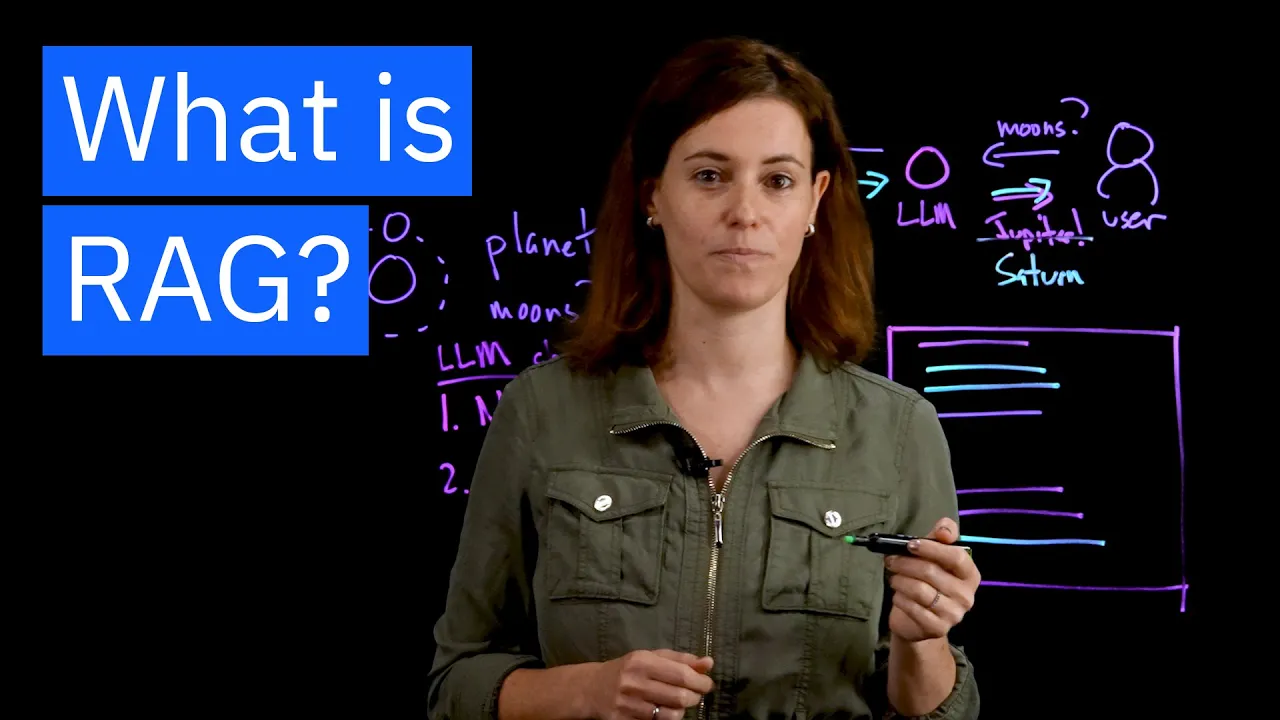
Retrieval-Augmented Generation (RAG): Structuring and optimizing knowledge databases and documents to improve the accuracy of custom GPT outputs.
Enterprise AI Governance: Implementing security protocols, managing access controls, and monitoring the usage of custom GPTs within an organization.
Fine-Tuning vs. Context Window Customization: Understanding when to transition from a configured custom GPT to a fully fine-tuned custom model for specific business tasks.
18.2K views520likes22:09Original Release: 2025-04-17
By now, you've heard plenty about custom GPTs within ChatGBT, but what's the best way to use them for your business? In this video, we're going to give you several custom use cases that you can implement today, and we're going to build them together so you'll walk away with everything you need to make these GPTs your own. If you're interested in a particular custom GPT in this video, feel free to skip ahead. However, these steps are going to build upon one another. So, it might make sense to watch from start to finish first and then head back into the specific section that you want to see. Okay, so let's jump in. First, we're going to create a GPT that's an expert on your company.
This type of custom GPT is probably my second most used GPT. That's because I'm always producing content that requires me to discuss my business. So, that might be emails or presentations or sales proposals. Having a company expert GPT simply means that I can tell it here's a message I'm writing to a customer add the appropriate details about my company. It saves me a surprising amount of time and the output is always great because sometimes I'm tired or in a rush or multitasking or whatever. Okay, to get started creating a company expert, we're actually going to use a prompt generation GPT first.
Well, what if I don't have a prompt generation GPT? Okay, I guess we can start with that part first and then we'll move on to the company expert. So, what we're going to do here, I'm going to go to the top right and go to my GPTs and I'm going to create a GPT here.
Okay. And I've already pre-populated everything here just so it's faster for everyone to see, but I'm going to call this the craft prompter.
The description is create a comprehensive craft prompt based on a topic. And then here are the instructions. Now, tons of instructions here. If you watch my other videos, you'll recognize this prompt. This is the prompt to create a prompt. It's the prompt that has taken me several months to create. Uh, and I've used it a bunch and it's really, really great. So, what I've done is I've copied this entire prompt and I've dropped it into my website so that you can go and grab it directly from there. Unfortunately, the whole thing won't fit into the description of the YouTube video. So, you have to go to my website to grab it there. Once you get to my website, you will have to add your email now because the bots got after my site and now I have to do a little bit of a gating on my content. So, just add your email and then you can grab the entire prompt as well as all of the other prompts from the remainder of this video. Okay. So, once you grab that, you're going to insert all of those instructions here into the instruction section. So, for conversation starters, I just say, "What is the topic or theme for the prompt?"
That's mostly just a reminder for me so that when I open this thing up in the GPT, I don't have to remember exactly what it is expecting from me at the start of the conversation. So once you're done, you're going to hit create. It's going to say, uh, how do you want to share it?
And I just say, uh, just for me. And then here we have it. Now, also, if you're interested in using this prompt for a prompt GPT that's mine, you can certainly do that. Just let me know in the comments of this video and I'll send you a link directly for this GPT which you can use uh that way. But I recommend you build your own because then you have it and you can edit it according to your own needs. So, either way. Okay. So, now that we have a custom GPT created to write prompts for us, let's put it to use.
You can see here we've got the craft prompter and then again I've got this nice reminder. What is the topic or theme for the prompt? Okay, so in this case we're going to say write me a prompt for fully describing my business for use in a custom GPT. I provide online education for business professionals looking to learn about the best ways to incorporate AI and automation into their businesses. My company is called Lot and Learns. All right, let's run this.
Okay. So, let's check out the entire prompt that it's created here. Context roll action. This looks pretty good.
Excellent. Okay. So, now I'm going to copy this prompt right here. It did include this last sentence at the bottom as well as a little overview of what it's doing, which I don't love, but we can just remove that in the next step.
So, let's go over to new chat here. And notice now we're not into GPT anymore.
We are in chat GPT40. And just for fun, I'm going to go into the 4.5. And now I'm going to paste that entire prompt straight in here by hitting control or commandV. I'm going to get rid of that very first sentence.
I'm going to go to the bottom and get rid of the very last sentence. And now I've got a really great prompt. So I'm going to hit play on that. And then let's let this generate. And we should be able to take this and drop it straight into our GPT. That's our business expert. Okay, great. So, this is done.
Let's take a quick look through it.
You'll notice something here quickly on the right. This has been opened in Canvas. So, you have these tools on the right side. And then if you look on the left, you have the initial dialogue. Here's the prompt we wrote.
And then the response is here. And then we can chat directly with CHBT4.5 here. Or we can go straight into the resulting output here. And let's say I want to change the reading level for this to bit more sophisticated. Let's say we want it at college level. And then I hit up arrow on that and it's going to go through here and just change this one single line.
And I think we should be good to go.
Great. Okay. So, with that, now I'm just going to copy this whole thing. Now, we're going to go back to our GPTs and we're going to create a new one. Here it is. Now, I've got that instruction set right here. So, I'm just going to drop that straight in because I copied it from the last response. And I'm actually going to get rid of this customizable section for now.
Um, and we can leave the rest of it as it is.
So once you get this done, you are probably going to want to go through here and make edits to the instructions for your company expert. Um, however, we're just going to use this one for now because I think it's going to be sufficient. Great.
Okay, so we've got our instructions.
Now, I'm going a little backwards here, but I'm going to say lots expert. And then I'm going to go into the description section here, and let's say an expert on all aspects of Latin learns. Wonderful. And then for conversation starters, I'm just going to say next I'm going to say, okay, great.
So, I've got a couple of conversation starters in there now. And with that, you can choose to upload a photo or you can use Dolly to create your uh logo up here for this GPT. I like to use the Lot and Learns logo just so I know that's what it's related to. And then we're going to go up to hit the create button. Again, you get these share GPT options. Uh this is really nice if you actually want to share with someone who's on your team or multiple team members. uh then you can control the GPT. So you own the content that it has within it and um then people other people who use it will just be able to use it with the correct content which is pretty nice. For now I'm just going to say only me and then hit save. As a quick aside, I always have new tricks that I'm testing across my businesses and I can easily drop those tips into an email to share with folks. So, you guessed it. I'm sending out email for people who are interested in my latest prompts, workflow automations or business tools that I've been using successfully. It'll also be covering broader marketing and business operational tips for things like cold outreach, SEO, social media, email management, meeting notes, paid ad campaigns, and a whole bunch more.
Candidly, there's a lot of hidden gems out there, and I'm happy to share the ones I've been collecting over the years. So, if you're interested, sign up via the link in the description, and I'll see you there. Okay, so now that I've got the custom GPT built here, let's try an example with it. I'm going to go ahead and drop in an action request here. Write an email to Bob, who I met at a conference yesterday. He runs a small insurance business selling commercial products. Personalize the email and then emphasize the benefits of lot and learns to his business in a Spartan and friendly tone.
Perfect. All right. Wonderful. So, you get the general gist of what we're trying to accomplish here. And when you build your own custom GPT that's an expert on your business, you'll really quickly start to see all the benefits of it. Cool. Let's head on to the next example. So, let's jump into creating a customer persona GPT. Okay. So, here we are again back at the craft prompter.
And I've already written out the prompt that I'm going to use to create a prompt, which is going to be write a prompt that'll create a customer persona for my online education business. We provide AI and workflow automation education to businesses of all sizes.
The business is called Lot and Learns.
Great. So, I push play on that and let's let this thing build out for us here. Okay. So, I just jumped ahead with the result that it gave us here because it asked us for the answers to several questions including mission and differentiator, core offerings, format and delivery, pricing model, current customer base, geography and language.
These are all actually really great questions if we want to nail down who our co who our buyer persona is going to be. So I then came through here and provided all the answers for all those questions. And then voila, it produced this really great persona. It actually produced three personas. So you can see one, two, and then the third one down here.
Wonderful. And these are all very different personas. Um, typically I like to use just one customer persona because that keeps things simpler, easier to deal with in the future. So, what I did here was the very bottom of this I responded with, I'm going to make a custom GPT with this information. Please put persona number one in a format that'll work best in the instruction section of a custom GPT. Include additional information to ensure the custom GPT works as well as possible.
Great. So then it provided me with this information here. I'm not sure why I got all these little emojis. I think we're doing emojis now for some reason. Um, but if you look quickly through the content I provided, it's pretty slick.
Great. So now I'm going to copy all this stuff here and I can drop it into a new custom GPT. So let's head over there now and get that going. Okay. So, I already prepopulated all of these elements within the lot and learns buyer persona.
Here's the description. If we go and open up the instruction section, you can see that I removed all the emojis and what have you because I don't feel like those are super relevant for this. And I made a couple of tweaks to some of the ingredients here, but for the most part, it was spot on. So, exactly what I needed to see. And now I've got myself a wonderful GPT. As a side note here, make sure that you check the code interpreter and data analysis. I like to leave web search on and I like to leave canvas on. And then again, if you want to upload files specific to this particular persona, um, their hobbies or their buying habits or where they live, all sorts of stuff like that, you can put those things in the knowledge section. And then if you want to change them, uh, you can do that later by just removing the uploaded files and then adding new ones. So it can be kind of dynamic in that sense.
All right. Excellent. So as a special note, the previous GPTs that we just created, the company expert GPT and the buyer persona GPT that we just created, those are what I like to call context without action. So, I put in a whole bunch of information, but I didn't tell the GPT to actually do anything with it.
So, the opposite of that, of course, is action without context. And I'm going to show you how that works next with this GPT that is about writing a social media post for LinkedIn. And you'll see the difference pretty quickly here. So, let's jump into that. So, I've already started this one. I'm just going to go ahead and edit the GPT. You can tell that it's very actionoriented with my salesperson there. And we called this action without context and it's for a social post. And I'll go through the instructions here so you understand what I mean. So please follow these steps exactly as described. I will provide the topic. If I don't provide the topic, please ask me for one. Use a comprehensive web search to research the most trending news stories specific to the topic I've provided. Based on the web search, generate a list of top five news stories with the potential to generate a viral LinkedIn social media post. Provide a quick two-line summary of each of the news stories and a potential angle that would make each particular news story acrew engagement from a social media audience. Ask me to select one of the five options. Do not proceed until I've made my selection. based on the option I select.
Write write a social media post using the following psychological sequence.
And then this is just a writing pattern that I like to use. I'm not going to go through it. And then of course, take a deep breath and follow each step. Please don't explain what you're doing. All right. So, as you can guess, I haven't actually provided with any context for what the story is or who the audience is or anything like that. So I've just given it a very explicit set of actions that I want it to take based on content that I'm going to provide it. So let's do that now. I'm going to hit update here. View GPT. Okay. So now we've got the GPT open and let's try it out and use it. So I'm going to drop in a topic that the GPT should cover. Again, this uh reminder here is a great way for me to remember.
Oh gosh, this is what I'm actually talking about for this one. Perfect. So, let's hit play on this. And now you can tell it's searching the web as required. And it's going to give me a bunch of different stories, five different stories, each with a quick summary and an engagement angle, which is excellent.
Now, it's following my instructions because it's asking me to select one of these before I proceed. So, let's just go with number five and I hit play on that. Okay. So, now it's going to actually do the work of creating the LinkedIn social media post. And I get a couple of options here. And I can just choose whichever one I want. I'm going to go with the one on the left. Say I prefer this response. And looking through that, it looks great. Okay. So, I'm just going to hit this copy button. And then I can head over to LinkedIn and I can post that directly into my feed. Not bad. So, I hope that helps understand the difference between a GPT that is context without action, which are the earlier ones we created, versus a GPT that is action without context, which is the one we just did. Hope that makes sense.
Okay, so the next custom GPT that I'm going to share is what I call a sales proposal GPT. And I absolutely love this because I have meetings with customers all the time and I transcribe those meetings. I take notes on them via fireflies.ai. There's a bunch of other tools you can use out there like Assembly or Otter. I happen to use Fireflies because I just love what it does. And then I just simply take the download of the transcription of that meeting. I drop it into the GPT and I push play and it creates a sales proposal for me just based on the transcript of the meeting that I just had. So I have to do zero work which is incredible. So let's show you how to do that. So you can see that I have the sales proposal GPT open here. Again, I've populated everything within it. So let's open up the instruction section here.
And I've got context regarding the services that we offer, pain points for our customers, key benefits of our service, the role that I want the GPT to play. You are an expert sales proposal writer with over 20 years of experience crafting compelling client f focused proposals. Wonderful.
You'll also notice that I say the system will have access to a sample statement of work so for reference in the knowledge section, which is great because I can have it just pull right off of that prior statement of work that I've written and use it as a starting point. Then we have the action items listed out here. Excellent. Again, I can add all this stuff or I will add all this stuff to my website. So, you can just download it directly from there. I'll try and take out the company specific stuff for lots or lot solutions uh so that you can just embed your own uh company relevant information. All right, so let's close that. And now I'm going to go over to conversation I had with Mark um last month and I'm just going to go ahead and download this in PDF form. Wonderful.
So, hit download there. And now I'm going to go back to the GPT. I'm going to update it. Now, we're going tohead and view the GPT. And then it says review the meeting transcript. So, guess what? Just going to go right here, hit the plus button, upload from computer, and then go to my downloads here. And there's the downloaded transcript. It's going to take a moment to read through it. And then I can just say something simple like, please provide the proposal based on the meeting.
So you notice there how it says searching my knowledge base. So it's doing a really nice job of referencing the prior proposal that I had loaded.
And now it's giving a really nice review of everything that we discussed during the meeting as well as implementation time frame, pricing, etc. So, we've got a really slick proposal that I created, and I had to do nothing there. So, I can just copy this information directly, drop it into an email, let's say, or into one of my uh templated documents, like a PowerPoint that's templated with my brand, and I can send it off to the client just like that with very minimal work, just doing a few edits. Very cool. Hope that's helpful. So to recap, we created a prompt creating GPT that I highly recommend you create for yourself or you can shoot me a comment and I'll send you the link to my GPT. We created a company expert GPT that you build for your company and refine over time. I also like adding knowledge materials to this one as it makes those materials dynamic if I need to change things out for pricing changes or product changes etc. Then we built a customer persona GPT.
Something I forgot to mention about this GPT is that I really love to have the GPT act as a subject of my research so I can learn more about what changes I need to make with my product or my service in order to be more readily available for my customers needs. And the GPT gives unlimited perspective and advice. Very cool. Then we did a social media GPT that is driven by a topic and then it goes out and grabs current news and provides content for a social media post. Lastly, we created a sales GPT that creates a proposal based simply on a meeting transcription and also references prior statements of work.
Very cool. Before I go, if you like this video and you want to learn more about how you can use ChatBT in your business for things like marketing, sales, operations, human resources, legal, and a ton more, we're putting together an online learning program that I'll share in the description of this video.
Thanks for following along and I'll see you next
Up Next

8:28
Custom GPTs for Business: A Step-by-Step Tutorial
@systemHUB
3.1K views•2025-12-18

12:54
Triumph of Orthodoxy Icon: Byzantine Art & History Explained
@BenCallan
2.1K views•2024-08-06

9:49
FastAPI vs Flask vs Django: Choosing the Right Python Web Framework
@TechWithTim
302.5K views•2024-05-26

1:42
Game of Thrones Opening Credits: A Cinematic Analysis
@gameofthrones
46.3M views•2011-04-18
Related Study Plans & Knowledge Roadmaps
Structured learning paths in General & Interdisciplinary Studies
general-studies
Elevator Engineering: History, Physics & Cities
01From Hoists to Safety Brakes: The Dawn of Vertical Lift
02Hydraulic vs. Traction: The Engineering Physics of Elevators
03Modern Speed, Safety, and Algorithms
+ 2 more learning modules
12h5 modules
Explore Roadmap
general-studies
Rubber: Material Science, History & Geopolitics
01Origins of Natural Rubber & Mesoamerican History
02The Chemistry of Natural Rubber & Vulcanization
03The Geopolitics of the Rubber Boom & Colonization
+ 2 more learning modules
12h5 modules
Explore Roadmap
general-studies
Containerization: Evolution, Logistics & Trade
01Ancient Trade & Bulk Cargo: Amphorae to Barrels
02The Industrial Revolution & Cardboard Packaging
03The Containerization Revolution: Malcom McLean
+ 2 more learning modules
12h5 modules
Explore Roadmap
general-studies
Textile Tech: Evolution, Labor & Global Impact
01Pre-Industrial Textiles: Handloom & Cottage Industry
02Mechanization: The Spinning Jenny to the Power Loom
03The Factory System & Global Labor Transformation
+ 2 more learning modules
10h5 modules
Explore Roadmap