





![(1) [INTRODUÇÃO] - COMO MAPEAR PROCESSOS COM O BIZAGI MODELER | BPM | EP UFVJM](https://i.ytimg.com/vi_webp/gEwGvCKqFfM/maxresdefault.webp)













![Основы проектирования и юзабилити [GeekBrains]](https://i.ytimg.com/vi/QBsBa5eAhFk/hqdefault.jpg)



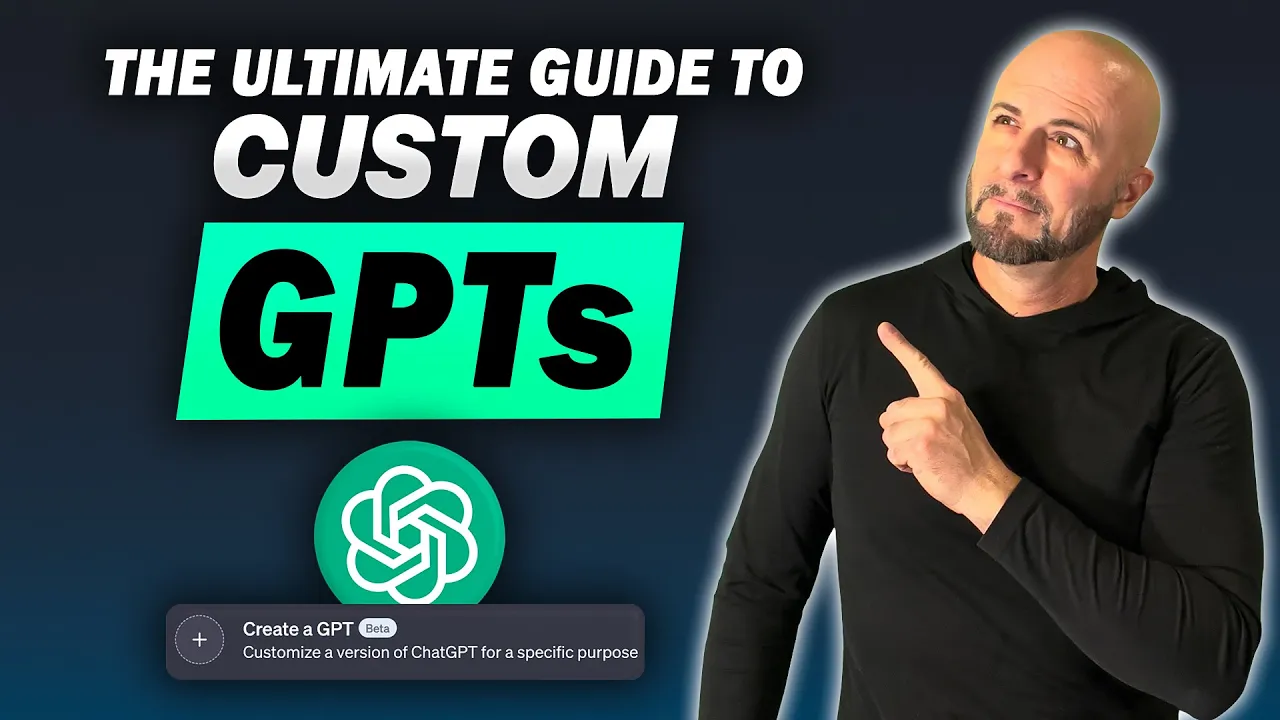
Custom GPTs can be built using AI assistant builders by defining the GPT's purpose, answering clarifying questions about style and requirements, and providing specific instructions for tasks like converting testimonials into LinkedIn posts; the process involves defining the purpose, answering AI clarifying questions, generating custom instructions, testing the GPT, and sharing it with the team for efficient business automation.
Custom GPTs for Business: A Step-by-Step Tutorial
Added:Fundamentals of Large Language Models (LLMs) and how generative AI systems process user inputs.
Basic concepts of Prompt Engineering, specifically how to write clear instructions, constraints, and system prompts to guide AI behavior.
An understanding of Business Process Management (BPM) and how Standard Operating Procedures (SOPs) are structured to streamline workflows.
Familiarity with the purpose of systemization tools like systemHUB for documenting and organizing company knowledge.
Advanced Custom GPT Actions: Integrating external APIs and webhooks to connect your GPT to live business software and databases.
Enterprise AI Governance and Security: Best practices for data privacy, intellectual property protection, and preventing prompt injection attacks.
Introduction to Multi-Agent Systems: Orchestrating multiple specialized AI agents using frameworks to handle complex, multi-step business workflows.
User Analytics and Iterative Optimization: Methods for monitoring user interactions with your custom GPT to refine instructions and improve task completion rates.
3.1K views74likes8:28Original Release: 2025-12-18
Let me show you the quickest and easiest way to design high quality custom GPTs that'll save you and your team hours.
So, I'm inside my system hub account.
I've navigated to the AI assistant builder and I'll just simply go through a few prompts and let the AI assistant follow best practice and design me custom instructions for a custom GPT that I can cut and paste that might as well have been written by a worldclass prompt engineer. So let's get started.
Firstly, I'm going to tell it that I'm using chat GPT. This particular assistant builder works with other Google gems and other platforms as well.
The process is the same. We then want to tell it what we want the custom GPT to do.
I would like this custom GPT to take the transcript of a testimonial and analyze it and then turn it into a high quality LinkedIn post that I can use to promote the video that I've posted on YouTube.
So, I'll hit go and then we'll let the assistant build this out. While that's happening, I'll jump over to chat GPT.
I'll navigate to the custom GPTs and I'm going to create a new custom GPT.
We'll come back here.
Now, it's going to ask us a few questions to make sure it gets it right.
This custom GPT is for my team and the purpose is to make posting on social media as easy as possible. I'll be sharing this custom GPT with my team and then they will use it anytime we get a client testimonial.
We can see the AI is now asking a few more clarifying questions.
I want this to be a friendly style of writing in conversational paragraphs.
If you have any additional information about your brand or anything that you would like related to the custom GPT, you can also add that.
We can see here it's asking a few more questions. I just want it to take that information, extract the key insights and craft it into the LinkedIn post and point back. That's it.
Please just follow best practice and I'm happy for you to use any access to information that you have about creating highquality LinkedIn posts.
For now, I don't have any extra information other than I run a plumbing business.
Again, if you take the time, the more information that you provide, the higher the quality of the custom GPT ready to go.
It'll now take all of that information and build this out for us. It's given an a name. So, I'm just going to go ahead and copy this directly into our custom GPT. We'll grab the description.
We'll grab the instructions. You'll notice it's identified what the role is. said what the tone is. It's written step-by-step instructions.
It's talked about collecting the hook, following best practice, brand alignment, given some examples and we're coming down to the first bit here.
We'll now copy this straight into our instructions. Now, if you had any additional information like your writing style or more samples, you might attach that underneath here, but this should be sufficient for now.
And we'll just say, please post the transcript.
And we'll then go ahead and create this.
We'll now view this GPT.
It'll ask us to post the transcript.
I've got one that I've already prepared earlier from a testimonial. I'm going to paste this in here. Once it's ready to go, we'll hit go.
And now this custom GPT will follow the instructions, take the transcript, prepare the post, and have it ready to go for my team.
Ever tried opening a business and only hit a wall of council approvals that you didn't know existed? That's exactly what happened to Emma, a hairdresser of 18 years. And it goes on then suggests the link through to the post, adds in hashtags, has quotes.
This is a fantastic, highly optimized custom GPT.
Now the great thing about this is once it's created this can then be shared with the team and then every time a new testimonial comes in the same process can be followed. No additional prompting required. As I said these can be used inside any LLM assistant builder. I've just shown you custom GPTs, but the process is the same for Google Gems, building out Claude skills, all inside your SystemHub account. That's it. That's the quickest and easiest way to design highquality custom GPTs that will save you time and money. So, let's do a little bit of a recap. Obviously, you're going to have to spot the opportunities in your business. So look into your existing systems and processes and ask the question where can chat GPT help you do steps in your existing process faster, cheaper, and better. The more you look, the more you'll start to see them.
There's hundreds of them. And then just follow these simple steps. Step number one is use the AI assistant builder in SystemHub. Step number two is define the custom GPT's purpose and answer any of the clarifying questions to let the AI assistant build it for you. Step number three, take the generated code that it gives you and go over to chat GPT and paste it into place. Step number four is test the custom GPT. Make sure it gives you the output you're looking for. And then lastly, step number five is you want to share it with your team. This can be as simple as adding a link in your existing processes that goes directly to the custom GPT. So as your team member is doing a task, they go, "Ah, okay. Now I need to use the custom GPT." All right, now it's your turn. So let's get you started. I want you to make some custom GPTs, and I want you to also access a range of other AI tools that make systemizing your business fast, easy, and fun. So to do that, head over to systemhub.com/go.
That's systemhub.com/go.
And I'll see you on the other side.
[music]
Up Next

4:40
Acoustic Treatment vs Soundproofing: Key Differences Explained
@PaulAnnis
117.8K views•2011-09-08

12:54
Triumph of Orthodoxy Icon: Byzantine Art & History Explained
@BenCallan
2.1K views•2024-08-06

9:49
FastAPI vs Flask vs Django: Choosing the Right Python Web Framework
@TechWithTim
302.5K views•2024-05-26

1:42
Game of Thrones Opening Credits: A Cinematic Analysis
@gameofthrones
46.3M views•2011-04-18
Related Study Plans & Knowledge Roadmaps
Structured learning paths in General & Interdisciplinary Studies
general-studies
Elevator Engineering: History, Physics & Cities
01From Hoists to Safety Brakes: The Dawn of Vertical Lift
02Hydraulic vs. Traction: The Engineering Physics of Elevators
03Modern Speed, Safety, and Algorithms
+ 2 more learning modules
12h5 modules
Explore Roadmap
general-studies
Rubber: Material Science, History & Geopolitics
01Origins of Natural Rubber & Mesoamerican History
02The Chemistry of Natural Rubber & Vulcanization
03The Geopolitics of the Rubber Boom & Colonization
+ 2 more learning modules
12h5 modules
Explore Roadmap
general-studies
Containerization: Evolution, Logistics & Trade
01Ancient Trade & Bulk Cargo: Amphorae to Barrels
02The Industrial Revolution & Cardboard Packaging
03The Containerization Revolution: Malcom McLean
+ 2 more learning modules
12h5 modules
Explore Roadmap
general-studies
Textile Tech: Evolution, Labor & Global Impact
01Pre-Industrial Textiles: Handloom & Cottage Industry
02Mechanization: The Spinning Jenny to the Power Loom
03The Factory System & Global Labor Transformation
+ 2 more learning modules
10h5 modules
Explore Roadmap