











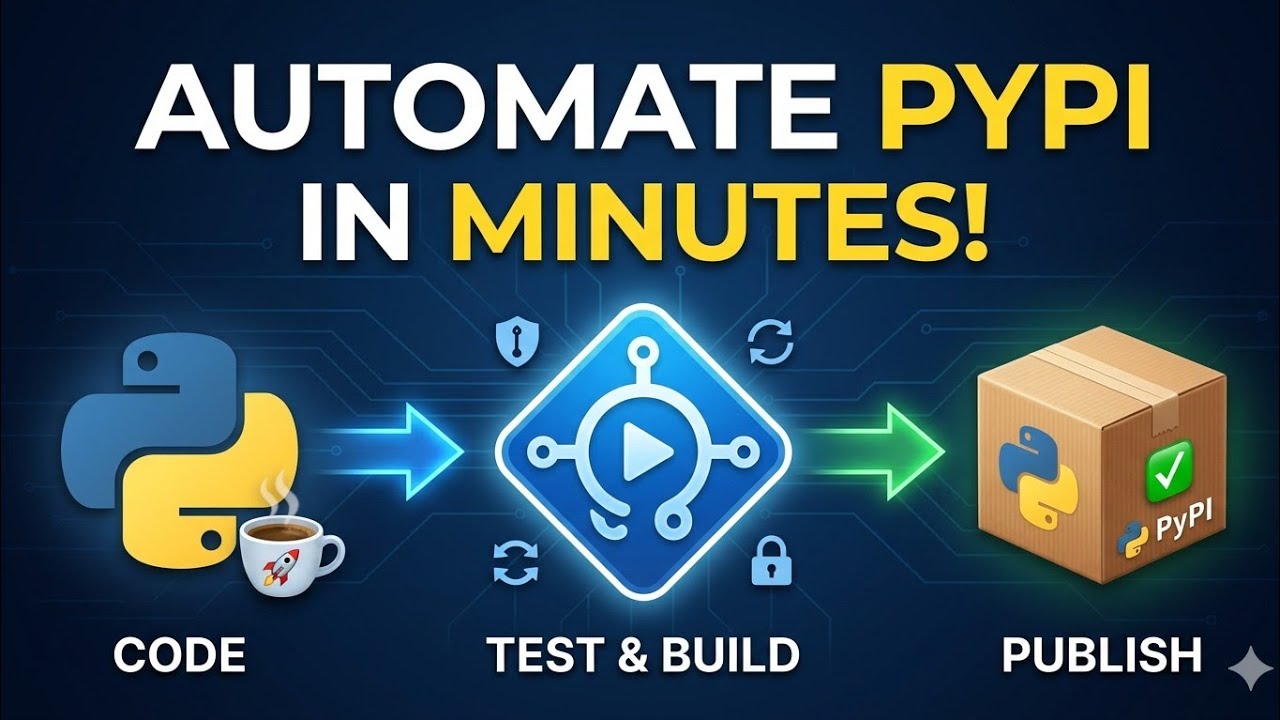









This tutorial demonstrates how to set up a Continuous Integration (CI) pipeline using GitHub Actions to automatically test Python code and build wheel packages. The process involves creating a Python package structure with test files, configuring pytest and flake8 for testing and linting, building wheel packages using the build module, and defining a GitHub Actions workflow that triggers on code pushes to automatically run tests, linting, and package building. The workflow can be configured to run on specific Python versions and store the resulting wheel packages as artifacts for download.
Automating Python Unit Tests, Linting, and Wheel Packaging with GitHub Actions
Added:Basic Python programming and familiarity with unit testing frameworks such as 'unittest' or 'pytest'.
Fundamental Git concepts including repositories, commits, branching, and pushing code to GitHub.
An understanding of Python code linting, formatting concepts, and PEP 8 style standards.
The basics of Python packaging, including the purpose of 'setup.py', 'pyproject.toml', and wheel distribution files.
A conceptual understanding of Continuous Integration (CI) and familiarity with YAML syntax used for configuration files.
Automating Continuous Delivery (CD) to securely publish built wheel packages to PyPI or private package registries.
Configuring matrix builds in GitHub Actions to run unit tests across multiple Python versions and operating systems simultaneously.
Integrating advanced security auditing, static application security testing (SAST), and dependency vulnerability scanning using tools like Bandit or Dependabot.
Implementing automated code coverage reporting and quality gates using tools like Coverage.py or Codecov.
Designing complex environment-specific deployment pipelines (e.g., Dev, Staging, Production) with manual approval steps in GitHub Actions.
694 views26likes27:12Original Release: 2024-11-11
in this tutorial I start with an empty GitHub repository I check it out on my local machine and start creating code I will locally test it and locally build a wheel package from it once that works I add a workflow with GitHub actions getup actions will then be configured to run the tests and produce the wheel package by the time we are done there is a GitHub repo that has a workflow that tests the code and creates a wheel package but there is a small disclaimer and I'm going to tell you a little secret as a python trainer I have the luxury to focus on code and software engineering I could always steer away from build systems and deployment and the configuration misery that comes along with it but recently I had to dive in and what do you know I actually enjoyed the process but I noticed I'm quite lagging behind with all this stuff there is so much to learn here like building a package from my code how to automate linting and unit testing and preferably I only want to set up this once and with each get push do all these tasks automatically collectively this is known as continuous integration and this belongs to the Daily work of devops although I did my research I'm going to Bluff my way through this tutorial and if you think there are better ways to do the stuff I will show here please let let me know in the comments because I also want to learn from it that said these are the tasks at hand if you want to read them pause the video otherwise let's start with the first task create a GitHub repository I'm going to check it out now the first thing I will do is create a folder structure that allows me to build my project as a package this folder calculator is going to be my package it is something that I'm going to build as a wheel so I can hip install it and use it from another project it contains a python file and I will just create two test functions to see if everything works and that's that that's all the code we are going to use I will also create a test folder which contains my tests now let's see how this works how can the tests access the operations module let's see if this works for I'm going to use pie test for testing and I need to pip install this so I will create a virtual environment to do this so I pip install by test okay now I should be able to run the tests and that does not work by test is not able to access the calculator from the test so I'm going to add a p test configuration ation [Music] file I'm going to save it and try the test again and that's better now the next thing I'm going to do is run flake 8 to check if I have written my code according to standards so I will pip install flake 8 and let's see what it does this is taking a long time and I already know why that is that is because flake is also going to test my virtual environment so I'm going to exclude the virtual environment and run it again and that's better so I see I do have some problems here expected two blank lines yeah that's something I always do as a trainer I never use these two blank lines between classes and functions so what I'm going to do is I'm going to ignore that error and there we go everything works so now I can test my code locally I can lint the code locally and the next thing I'm going to do is build the code locally and the goal for me is to create a wheel package now how am I going to do that for this I first need a Pi Project toml file and here I'm going to specify the name of the package and the version actually my code editor shows a warning here let's see what it is let me close the file and open it again and the error is gone okay so that is the configuration file I need to build this project now to actually build it I'm going to use the build module which I need to pip install and now I can actually build the project building goes by using the build module and I'm going to add a flag the W flag which says that I'm only going to create a wheel file and I go back and indeed now we have this distribution folder with a wheel package very nice locally everything is set up so I can now pip install the package directly from my distribution folder and that works as you can see it installed version 001 now let me create a test script I will just create it here in the root uh let me call it package test and now I want to import my package let's try this I'm going to import the calculator module as Cal and let me see if I can actually use it I should be able to access operations from it and the operations module has function add let me check this and I will execute this and that does not work now I have an idea what this could be I think I need to add a file here called in it the pie and let me see if this is already enough so what I will do is I will pip uninstall my package and I will build it again and I will install it again yes and let me see if I can now run the package test script and actually I still cannot do it now as I already told you I'm not an expert at packaging my code but what I think I need to do is I need to explicitly import calculator. operations in this empty init file to expose it to the outside let me try this again so let me also increase the version number so we can actually check what will happen so again I will pip uninstall the calculator I will build it again and install it again but this time I want version two and there we go as you see a new wheel was created here when I build it and what I can do now I hope is actually run this code and look at that the number nine that is indeed 4 + 5 the next thing to do is push this code to GitHub but I want to exclude some things I create G ignore let's see what to exclude I can exclude the build folder I can exclude the distribution folder when I save this this should actually reflect and there it is I can exclude my virtual environment folder I will exclude by cach folders and I can also exclude the egg files so let me check yeah looking good I should now be able to push all the required files to get so let me test if that works yeah looks about right now I push there we go let's see what we get here okay the code is now in the GitHub repository now we create an action I actually get a few options get up recognize that I'm dealing with python code here and let me see what we can use I want to be able to build a package this one also puts it on piie which we are not going to do so I won't choose this one this one deals with a regular application and this one might have what we want I will just use this one and then see what kind of a workflow it generated so this file is a GitHub workflow and the individual elements of it are steps and the smallest parts are actually actions and the whole thing is called actions which is a little bit confusing but that's how it is when I say workflow or actions in this tutorial I all mean the same thing now I'm not going to edit this code here so what I do is I just commit the changes and if I go to the root you can actually see that I got a new folder a GitHub folder and in it is a workflows folder and in it is this new Yo file so I pull the code and I go back to my code editor and here we have it GitHub workflows with the yaml file I'm going to remove this comment I'm going to make this file as clean and small as possible so the name here that's just the name of my workflow it can be anything I could say test uh lint and build a package or whatever but I'm just going to leave it as python package now when should it run well in my case it should just run when we push the code and then it has a job which is a build job and it specifies the machine it's going to run on and what I can do here is I can say I don't want to test this for all these python versions instead I'm just going to test it on the latest python which is 3.13 so then the next step first one is to check out the code then it is going to set up python I am also going to increase this to uh version 4 and then it's going to install some dependencies now it's going to upgrade pip it's going to install flake and py test and then it's going to install the requirements of my project but since I don't have any I'm going to delete this line so that brings me to the linting part and instead of taking the default here I'm going to just run flake8 and I'm going to specify this flag which means that if there are problems with my coding style the build would not fail and then I'm going to just let this run and see what happens so the last thing in this script is the actual testing and I'm going to use this command well these are a couple of steps like checking out the code installing python the dependencies running flake8 and testing it with P test so let's just see what happens when I push the code I'm going to use a shortcut here my this git zap command is a combination of git add and git commit okay let let's check what happens I'm going to actions look at this this first action here was triggered by um adding this yl file to the system and the action was successful and right now the second action is running and it's also successful so I'm going to click on it and let's see what happened here the job completed successfully but I do get a warning let me see how to fix that yeah I have an idea let's check something I think I can even up this to version five which should take care of that warning but we'll see that when I commit the next time so let me go back and now I just click this job here and we can actually see what happened so I can see all these build steps setup job run actions set up python install dependencies then the linter and actually I got linting errors which I expected because it has this expected two blank lines thing that I explained before and also I get a warning that I import calculator. operations and did not use it and actually this was in that Dunder init file so I'm not sure if I can actually prevent this warning well I could exclude it of course from flake but for now I'm just going to accept it because I know why it happened the only thing I will do now is I will ignore this e32 and then in the next run these arrows or Warnings should not appear anymore so then the test ran and look at this two tests have passed let's actually as a as an experiment um let a test fail for example I'm going to change my operations code and by accident I multiply here where I'm supposed to subtract and I save all the files and I'm going going to do a new get push so notice I'm not checking anything locally I'm not running tests don't do flake I'm not building anything the only thing I did was change the code and then here I can go to actions again and a new action is executing and it fails now let's have a look why does it fa fail the first thing that I noticed is that the warning about this Noe version is gone so upping it to version five of setup python did that trick now I'm interested what went wrong here so I can actually already see it it already expands this section here I indeed see that my subtract test failed let me fix it and let me do another G push and we repeat the steps we go to actions and we wait until the workflow is done now we see that the workflow finished successfully and I click on it and I click on the job and the build and look at that let me check the tests yep that worked and also the linter should now only have this single problem with this unused import pretty cool this is already a working CI system where my code is automatically checked when pushing to GitHub we have finished these tasks but now I want the wheel package to be created automatically when I push the code now the first thing I'm going to do is actually increase the version number again again so I have to add an extra step now I will use the build module to build my package so before I can do that I also have to bip install it and I'm going to add another step which is called build wheel I'm going to execute the build module again with this W flag so I will only create a wheel package and then what I will do is once the build has succeeded I will also store the artifacts that come out of it so this has a dependency on actions upload artifact and I think this is version four I need here and here I'm going to specify two outputs the first one is the name of the artifact which is calculator and the second thing is what to upload and in my case that's going to be everything from the distribution folder and I think this should do it so let me test it I'm going to check the actions and new workflow is running and let's see if that works it's ready and I'm going to click on it and this time you will see that the job has succeeded successfully and that we have a new section here with artifact now artifacts when I click on them it starts to download it so I go to my downloads folder and what I got was a wheel file so now it is actually time to test this wheel if I can use it in a brand new project so I'm going to create a new folder I call it test wheel and it's empty so what I do is I create a main script and I open it in my editor now what I expect to do is to import calculator again but in order for this to work I of course have to bip install the package package here so I will again create a virtual environment for this and this way I'm sure that I'm not using anything that was installed by my other work so and now I can pip install from my downloads folder and I will use this file that directly I pip install it let's see if this makes sense Yep this is an empty virtual environment and I have calculator installed and now I should be able to use something from the calculator so let me print cal. operations and I save the file and I execute the code and look at this number nine if you want to recreate the steps with example code you can go to my GitHub account and clone the project I will put a link to it in the description now I'm pretty sure I will add more def Ops stuff to the channel soon but in the meantime here is another video that might interest you [Music]
Up Next
32:30
GitHub Actions Tutorial: CI/CD Pipeline with Docker
@TechWorldwithNana
2.1M views•2020-10-08

12:54
Triumph of Orthodoxy Icon: Byzantine Art & History Explained
@BenCallan
2.1K views•2024-08-06

9:49
FastAPI vs Flask vs Django: Choosing the Right Python Web Framework
@TechWithTim
302.5K views•2024-05-26

1:42
Game of Thrones Opening Credits: A Cinematic Analysis
@gameofthrones
46.3M views•2011-04-18
Related Study Plans & Knowledge Roadmaps
Structured learning paths in General & Interdisciplinary Studies
general-studies
Elevator Engineering: History, Physics & Cities
01From Hoists to Safety Brakes: The Dawn of Vertical Lift
02Hydraulic vs. Traction: The Engineering Physics of Elevators
03Modern Speed, Safety, and Algorithms
+ 2 more learning modules
12h5 modules
Explore Roadmap
general-studies
Rubber: Material Science, History & Geopolitics
01Origins of Natural Rubber & Mesoamerican History
02The Chemistry of Natural Rubber & Vulcanization
03The Geopolitics of the Rubber Boom & Colonization
+ 2 more learning modules
12h5 modules
Explore Roadmap
general-studies
Containerization: Evolution, Logistics & Trade
01Ancient Trade & Bulk Cargo: Amphorae to Barrels
02The Industrial Revolution & Cardboard Packaging
03The Containerization Revolution: Malcom McLean
+ 2 more learning modules
12h5 modules
Explore Roadmap
general-studies
Textile Tech: Evolution, Labor & Global Impact
01Pre-Industrial Textiles: Handloom & Cottage Industry
02Mechanization: The Spinning Jenny to the Power Loom
03The Factory System & Global Labor Transformation
+ 2 more learning modules
10h5 modules
Explore Roadmap